ADQUIO BUILDING OS · PRODUCTS

Software and connectivity for every building task.

Access remote equipment, connect applications, adapt spaces and make use of your data. Find the right tool for the task.

CHOOSE BY THE TASK YOU NEED TO DO

01

Access and communicate

02

Integrate and control

03

Build interfaces and automate

04

Analyse and monitor

01

Remote access and communication

Access a site, connect two devices or work remotely with the Casambi app.
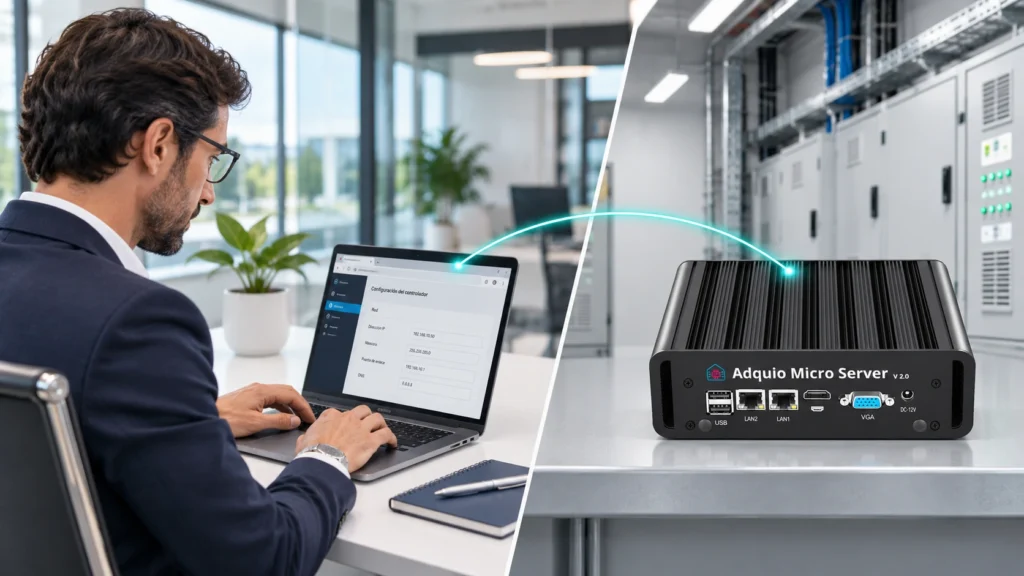
A person accesses a remote Adquio Micro Server from a laptop using Adquio Nexus.

Person → device

Adquio Nexus

Connect authorised users to a remote device interface for operation and technical support.

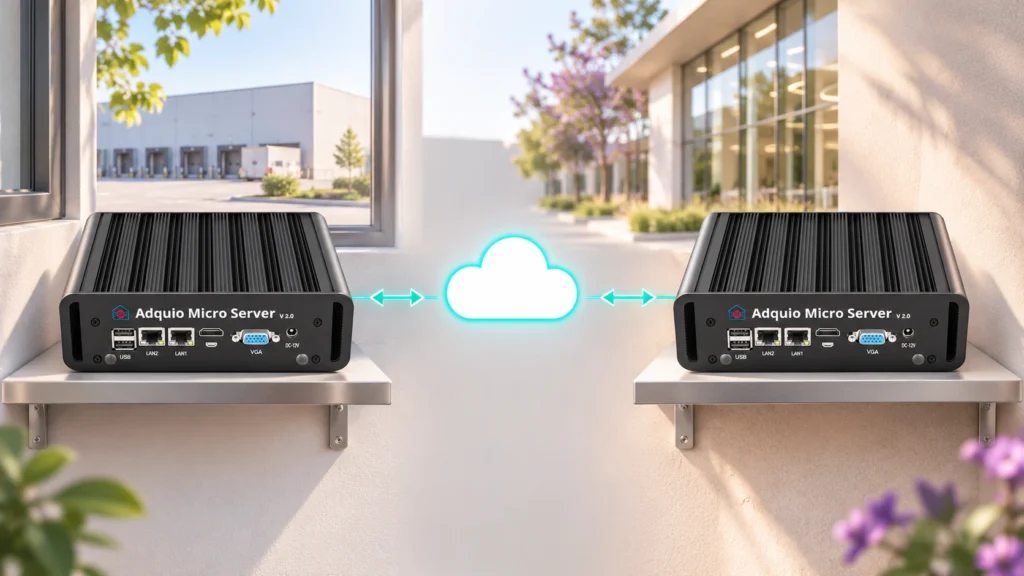
Two Adquio Micro Server controllers exchange information through a cloud connection using Adquio Bridge.

Device ↔ device

Adquio Bridge

Link two devices through a remote connection, such as a controller and a server in the project.

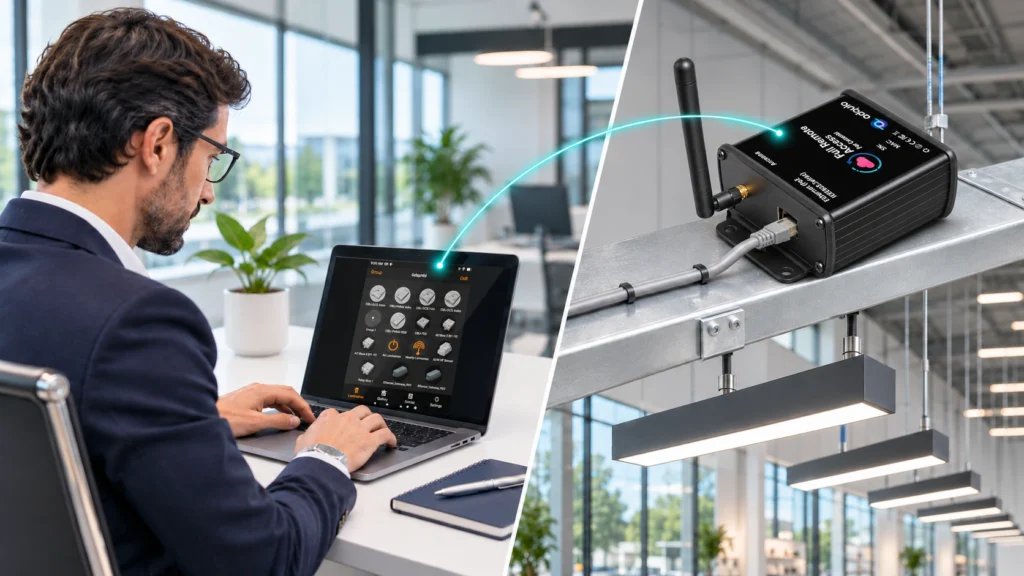
A person uses the Casambi app on a laptop to remotely access the Full Remote Access device mounted on the metal structure supporting the luminaires.

Casambi app

Adquio Full Remote Access for Casambi

Remote access to the Casambi app for configuring and maintaining compatible networks without travelling to the site.

02

Integration and control

Connect external software to the installation or centralise data and automation with a virtual controller.
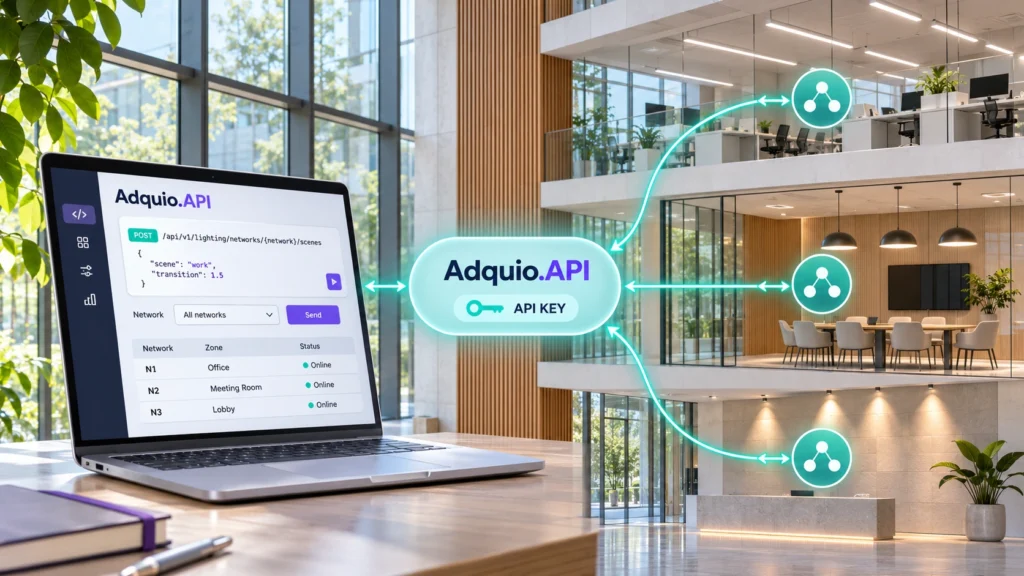
Adquio.API connects an external application to three Casambi lighting networks in one installation using a single API key.

Integration

Adquio.API

Integrate data and actions with external software. For Casambi, one API key provides access to all the networks in the same installation.

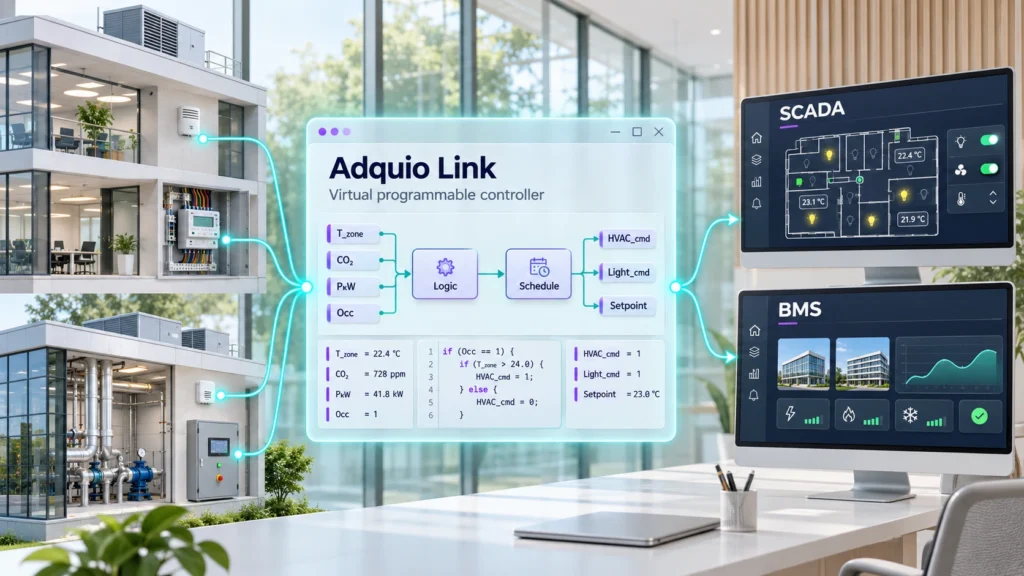
Adquio Link collects data from several installations, runs programmable logic as a virtual controller and shares information with SCADA and BMS.

Virtual control

Adquio Link

A virtual programmable controller for data sources accessible over a network, and for consolidating data from several controllers into Adquio platforms.

03

Interfaces and applications

Build control interfaces, adapt scenes to your spaces and use a compatible touchscreen’s camera as a video source.
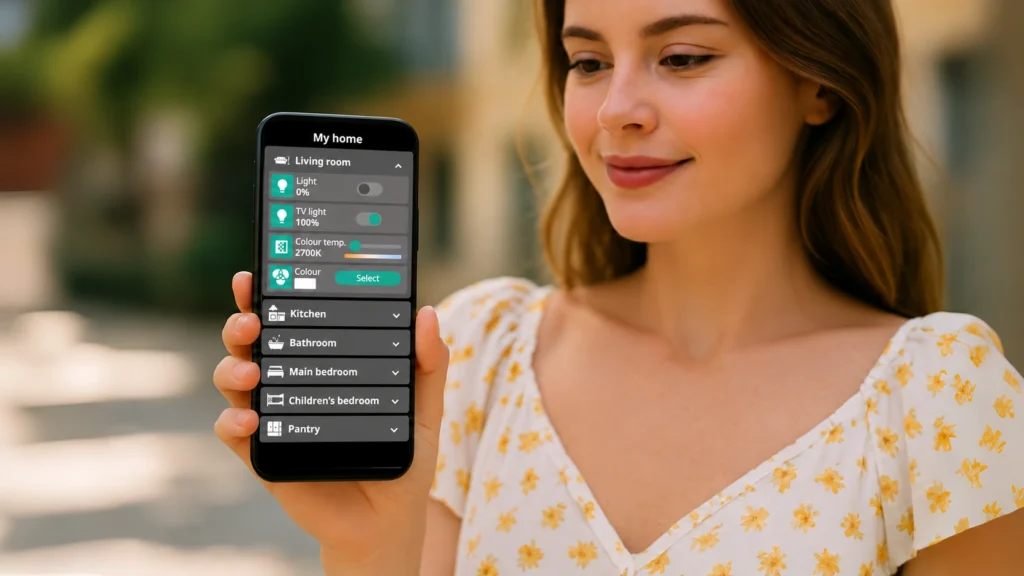
A woman shows a home-control interface on her phone, with lighting, colour temperature and room controls.

Interfaces

Build web and mobile interfaces without code, using controls, schedules and charts connected to Adquio.API.
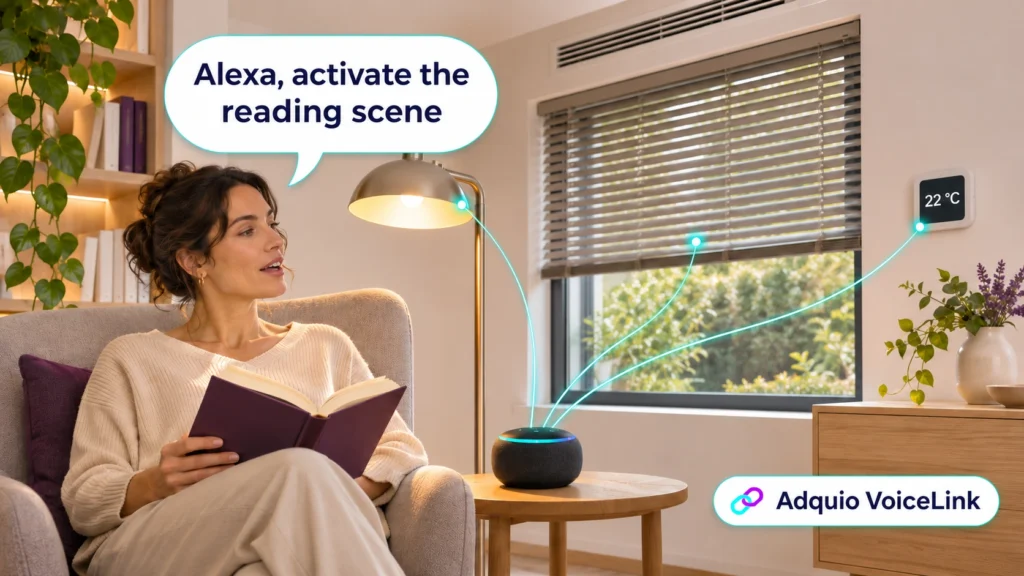
A woman activates a reading scene with Adquio VoiceLink and Alexa, coordinating lighting, blinds and climate control.

Voice

Adquio VoiceLink for Alexa

Use voice commands for the lighting, climate, blinds and scene functions managed by Adquio.

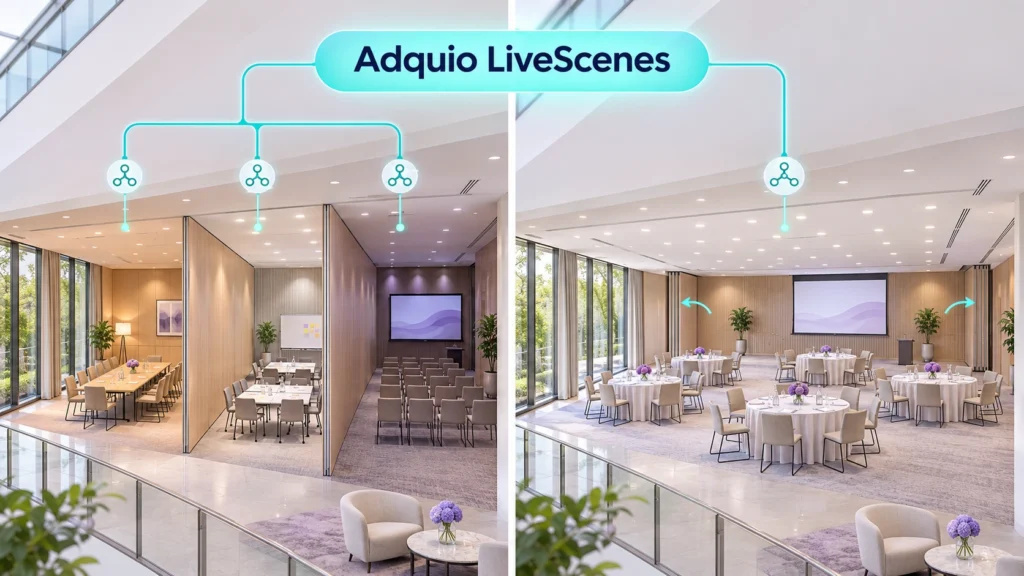
Adquio LiveScenes adapts Casambi scenes to a room divided by movable partitions or combined into one space.

Automation

Adquio LiveScenes

Adapt Casambi scenes to movable partition positions: separate spaces with independent scenes, or one combined room with coordinated lighting.

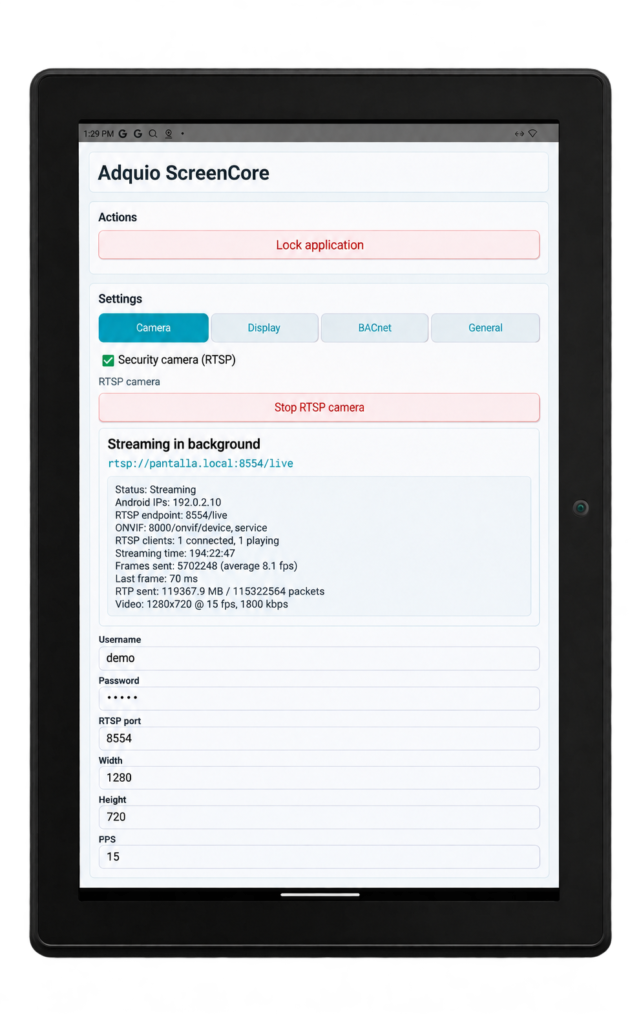
Portrait Adquio Wall Screen10 with RTSP camera settings in English

TOUCHSCREEN SOFTWARE

Adquio ScreenCore

Wake a compatible touchscreen when someone is present and stream RTSP video to Adquio VisionCore. The built-in camera can support both features at the same time.

04

Data and monitoring

Estimate lighting energy, interpret data and check the health of your infrastructure. These distinct functions complement each other.

Adquio PowerTrace turns configured power and dimming data from Casambi luminaires into estimated energy-consumption charts.

Energy

Adquio PowerTrace for Casambi

Estimate power and energy from lighting activity and the electrical characteristics of the luminaire drivers, without adding a meter to every light.

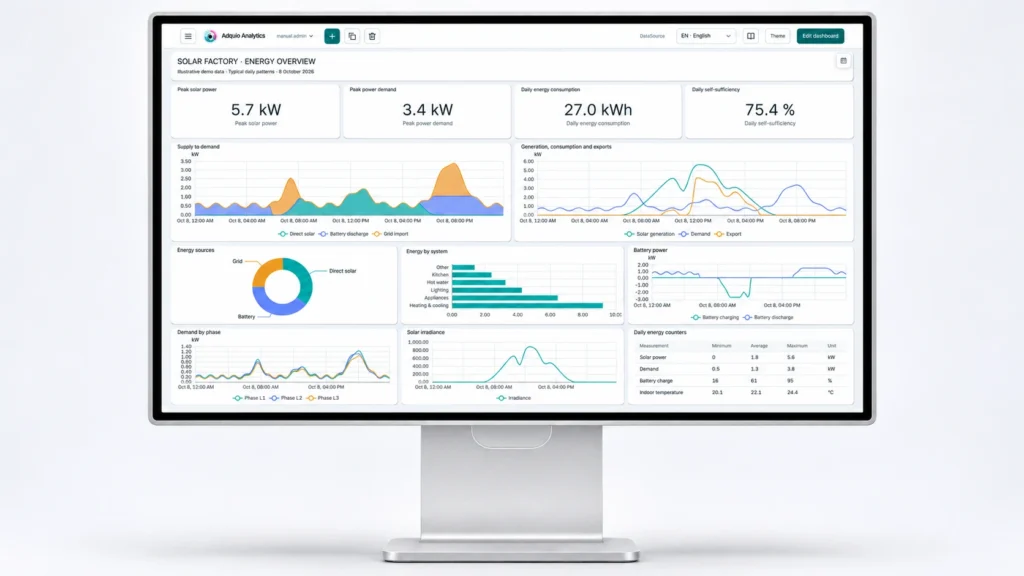
An Apple Pro Display showing the solar factory energy dashboard in Adquio Analytics.

Data

Adquio Analytics

Custom dashboards for interpreting energy, comfort and operational data. Developed entirely by Adquio.

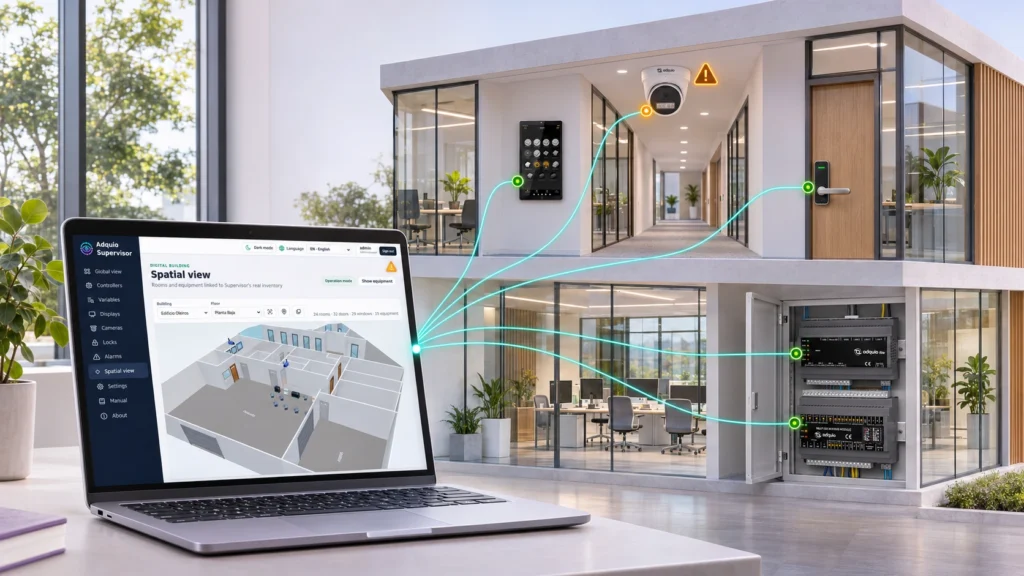
Adquio Supervisor displays the health of controllers, expansion modules, touchscreens, cameras and locks, with an alert located in the building.

Monitoring

Adquio Supervisor

Monitor controllers, expansion modules, touchscreens, cameras and locks. Locate alerts and access available device interfaces from one organised view.

Need to visualise and control an installation or manage several buildings? Explore the SCADA and BMS platforms.

05

Resources to prepare your project

Detailed documentation is available on each product page. Restricted courses and manuals retain their access requirements.
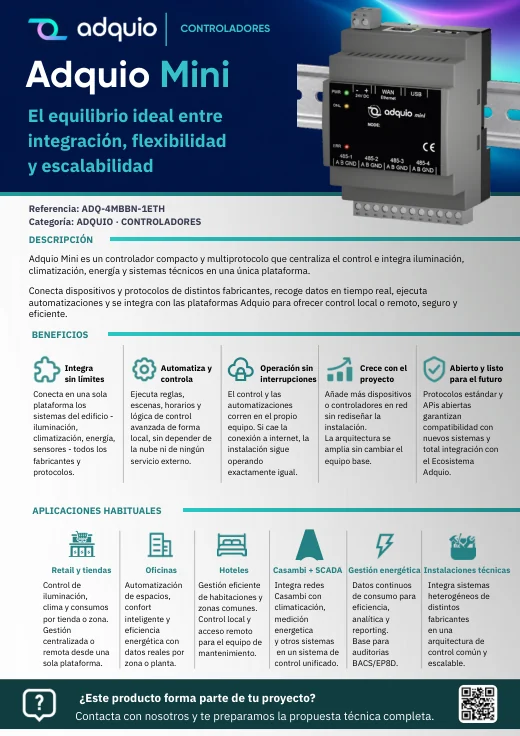
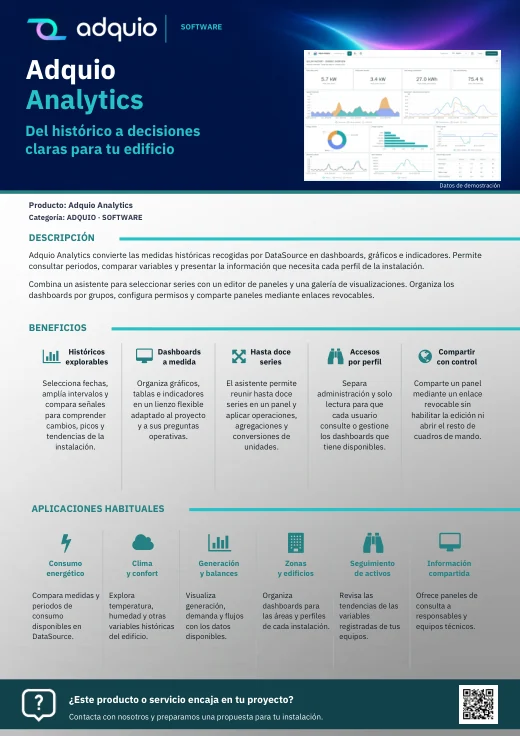
Adquio Mini commercial brochure cover
Adquio Analytics commercial brochure cover
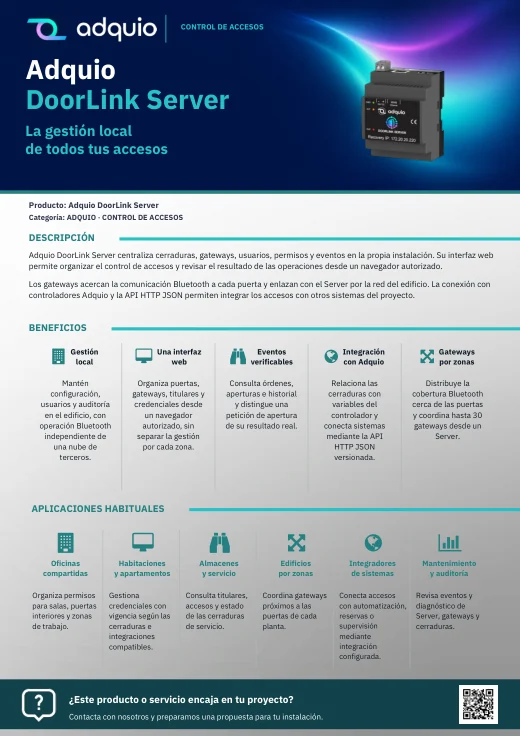
Adquio DoorLink Server commercial brochure cover

Commercial brochures

Benefits, applications and commercial documentation organised by product family.

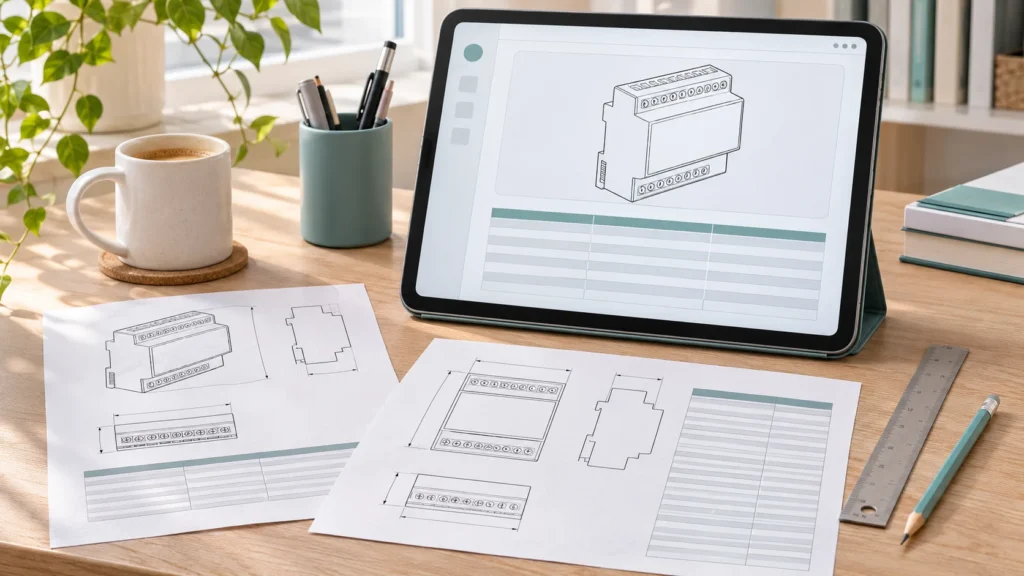
Product datasheets and technical documentation

Resources

Access datasheets, configuration files and support resources.

Professionals reviewing technical documentation during a training session

Training

Explore the available training and its access requirements.

FROM CONCEPT TO INSTALLATION

Let’s talk about what your project needs.

Identify what needs connecting, visualising or automating. We will help combine software and communication services with defined functions and responsibilities.

← Adquio Building OS products: hardware, software and connectivity