
ADQUIO BUILDING OS · PRODUCTS
SCADA, BMS and data analytics
Monitoring, analytics and control. The right tool for every role.
Bring together device status, operational controls and the data your team needs. Choose the combination of Supervisor, Analytics, Adquio SCADA and Adquio Cloud BMS that fits your project.


The Adquio platforms
Visit each product page to explore its features, connections and documentation.
Monitoring
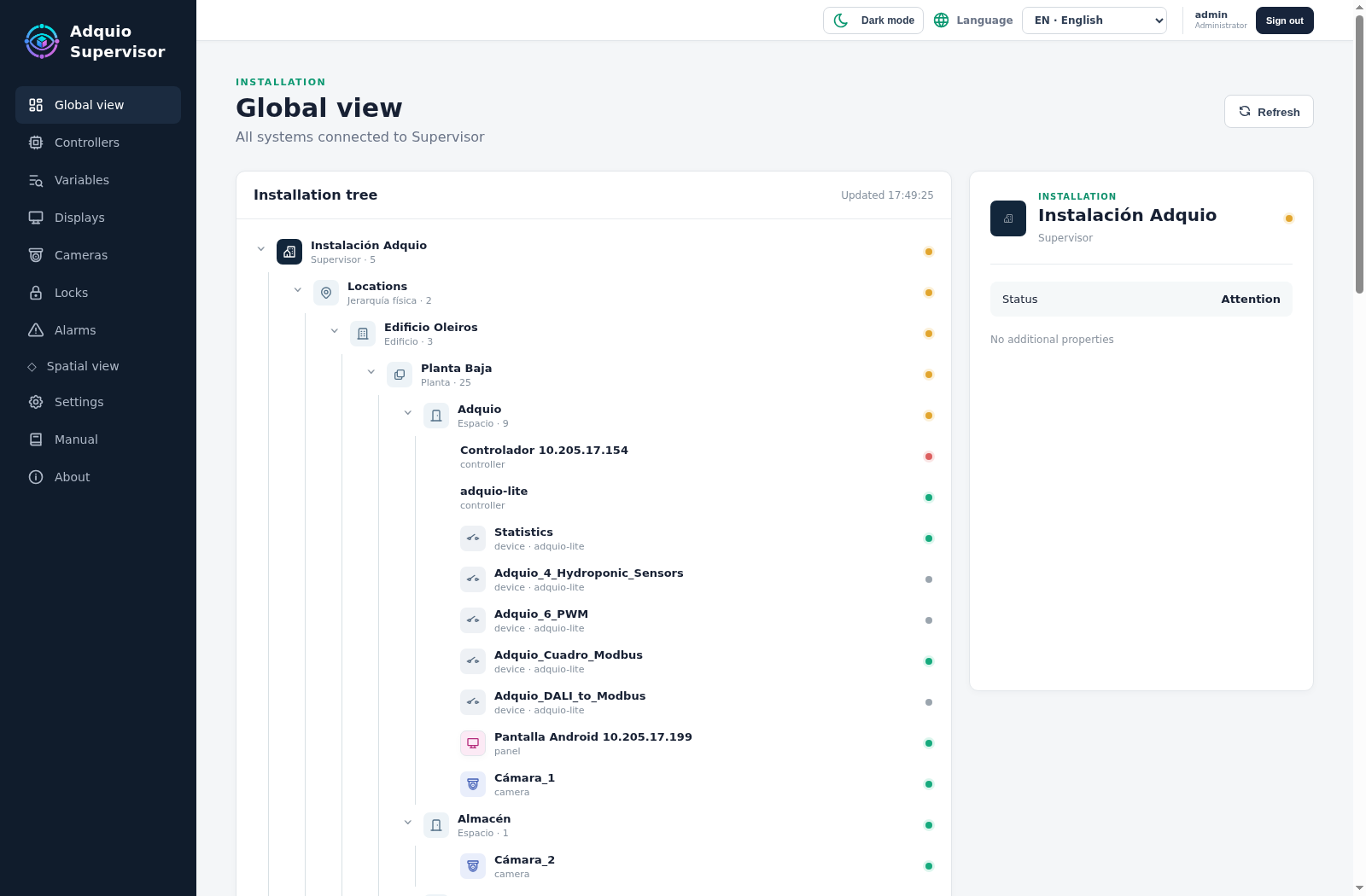
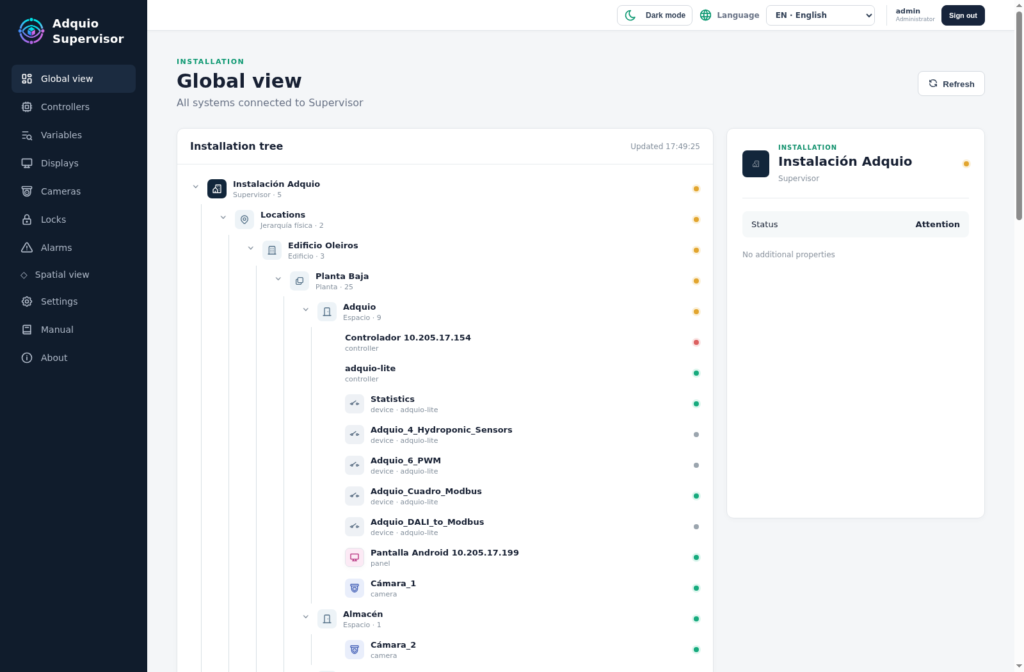
Adquio Supervisor
Monitor controllers, expansions, displays, cameras and locks; locate issues in the 3D digital twin.
View Adquio Supervisor

Data
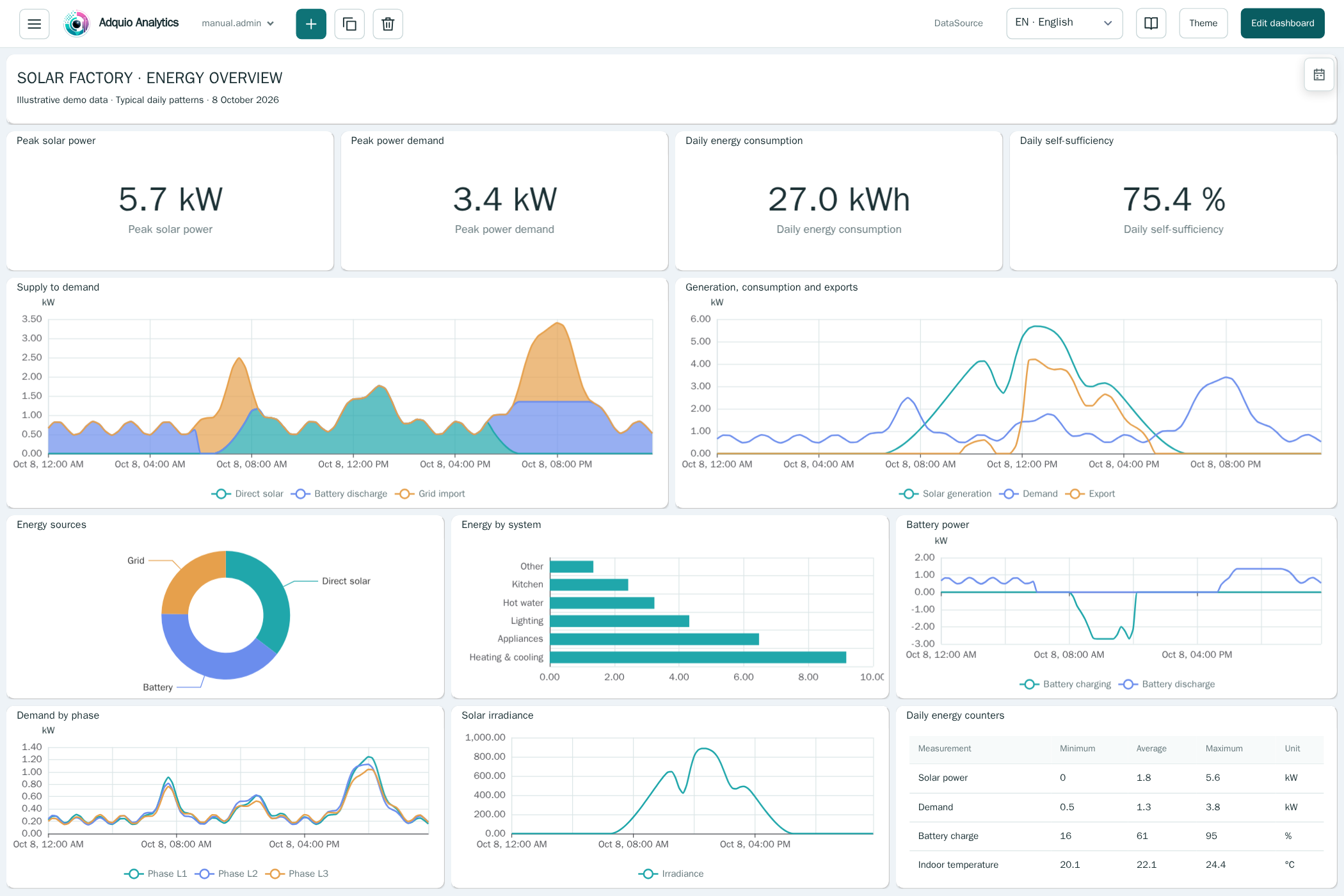
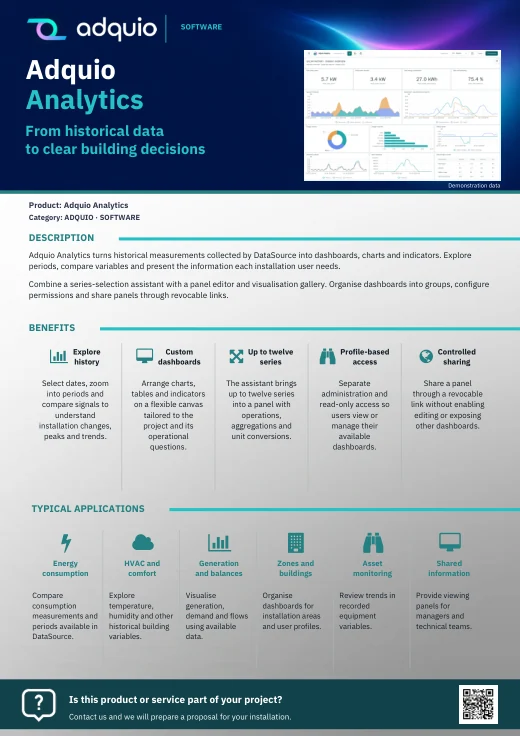
Adquio Analytics
Custom dashboards to understand energy, comfort and operations. Developed entirely by Adquio.
View Adquio Analytics
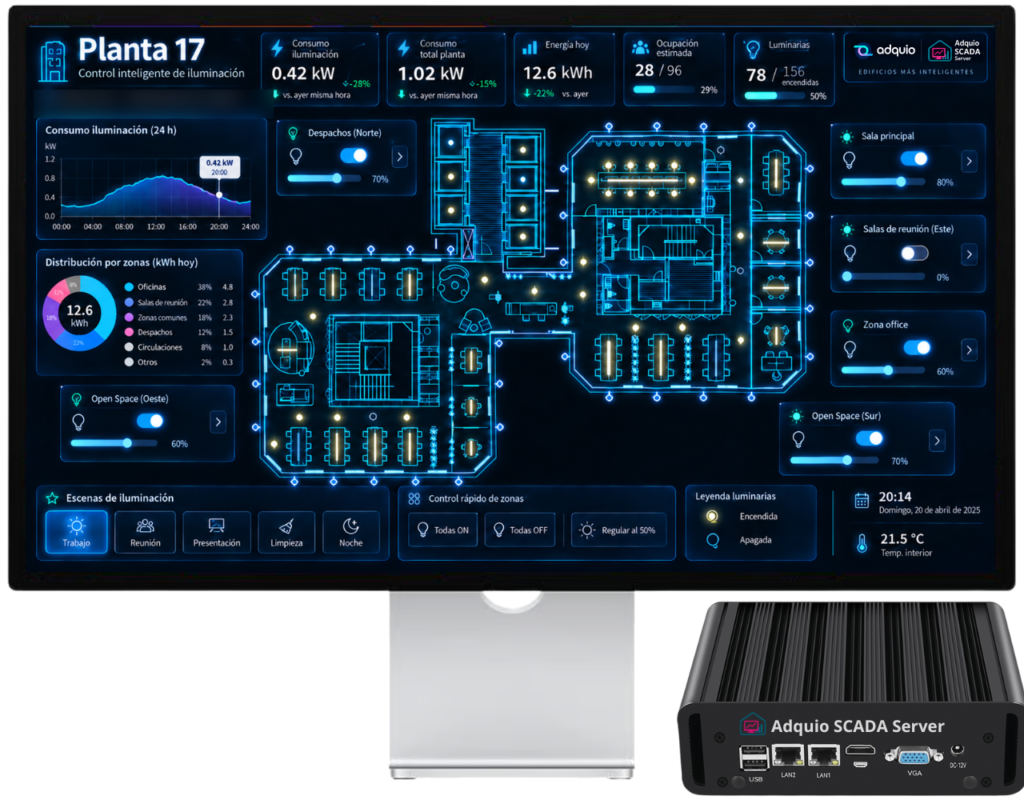
On-site control
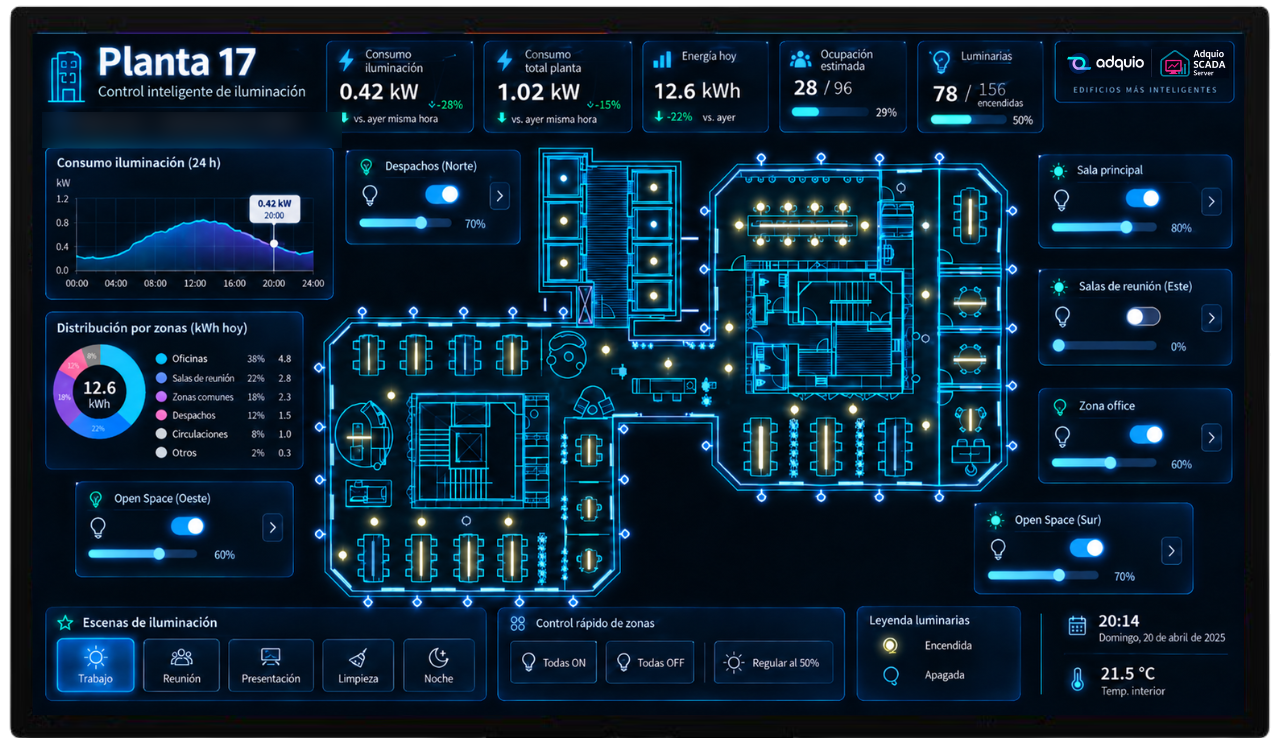
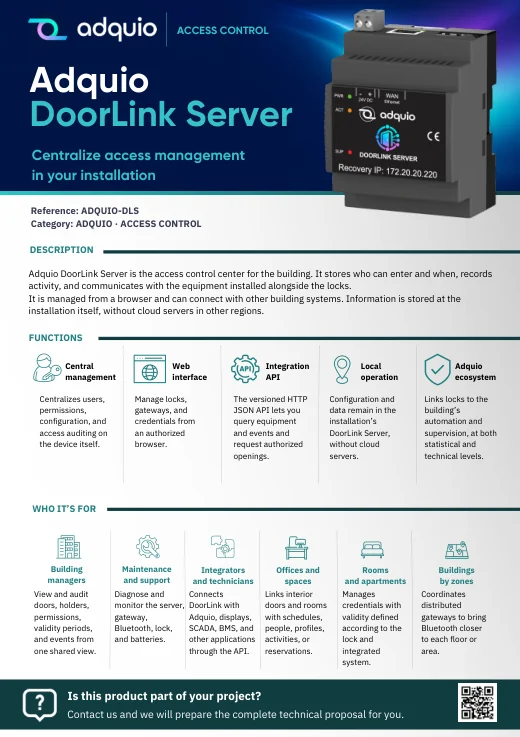
Adquio SCADA Server
On-site graphical control with floor plans, controls, live status and simultaneous operation of integrated networks.
View Adquio SCADA Server
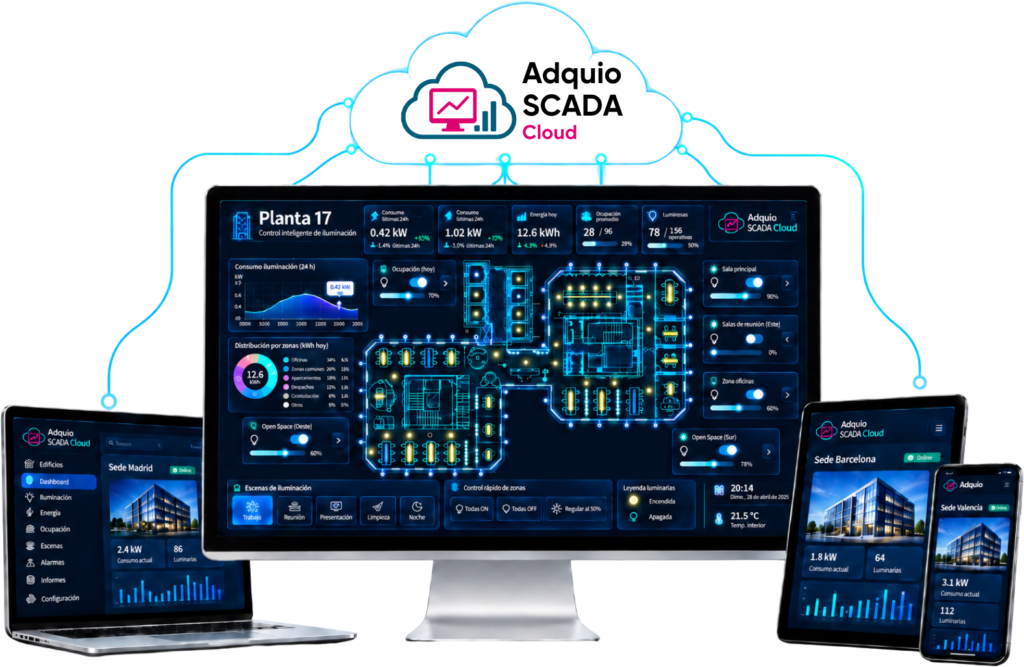
02
Five tools. Complementary roles.
Distinguish device health, graphical control, dashboards and the management of multiple installations.
| Tool | Its speciality | When to choose it |
|---|---|---|
| Adquio Supervisor | Technical device monitoring and a 3D digital twin | Locate devices and issues. |
| Adquio Analytics | Dashboards and visual analytics | Understand variables and indicators for each user. |
| Adquio SCADA Server | On-site graphical operation | Control from floor plans, with a server on site. |
| Adquio SCADA Cloud | Graphical operation as a service | Operate without maintaining your own SCADA server. |
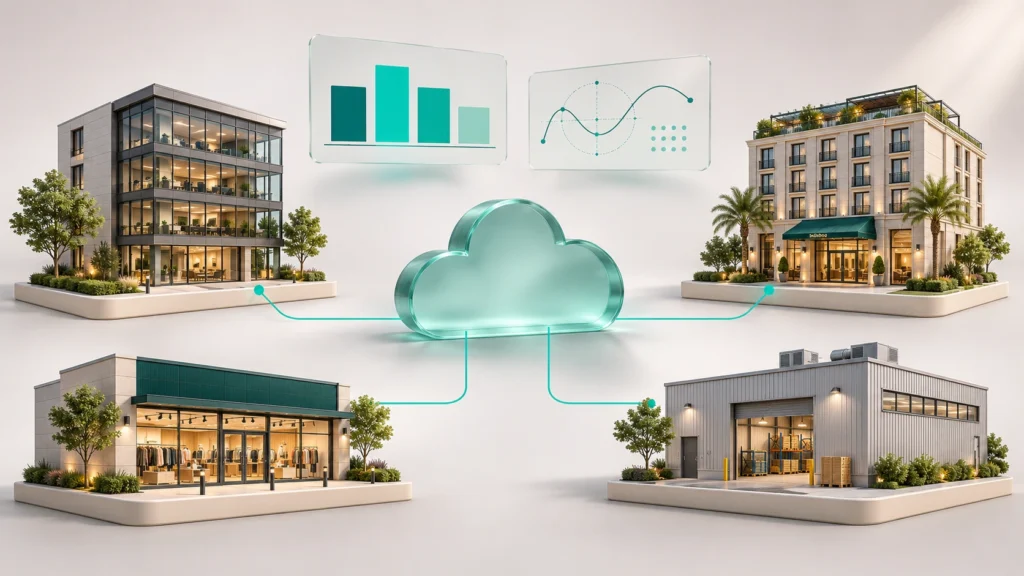
| Adquio Cloud BMS | Multi-site management and comparison | Centralise historical data, alarms and calculations across installations. |
Graphical control on site or in the cloud
Adquio SCADA Server and Adquio SCADA Cloud both provide graphical interfaces for operating an installation. Choose the deployment to suit your architecture and maintenance requirements.
04
Data to support decisions, beyond the display
Analytics specialises in custom dashboards. Cloud BMS brings installations together and supports advanced calculations, including scientific and thermodynamic formulas, and comparisons such as consumption per square metre.
Compare the tools in more detail
A dedicated guide explains what each product provides and how to combine them.
06
Explore the ecosystem
Connect the chosen platform with data, users and the number of installations.
Resources to prepare your project
Detailed documentation remains available on the product pages. Restricted courses and manuals retain their access requirements.
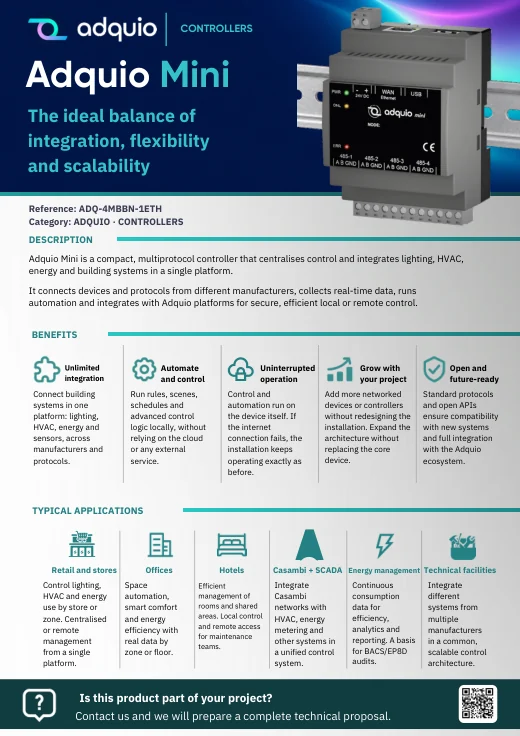

Product pages and further information
Monitoring and analytics · SCADA and BMS · Adquio Supervisor · Adquio Analytics · Adquio SCADA Server · Adquio SCADA Cloud · Adquio Cloud BMS
FROM CONCEPT TO INSTALLATION
Let’s discuss what your project needs.
Tell us what is already installed, what you want to connect and who will use it. We can help plan an Adquio architecture for your project.
← Adquio Building OS products: hardware, software and connectivity
