
ADQUIO BUILDING OS · SOLUTIONS
Remote installation control
Access the right equipment without travelling to it.
Distinguish access by a person, communication between devices and remote Casambi maintenance. A clear architecture makes support easier and reduces on-site interventions.
CONNECTIONS WITH A CLEAR PURPOSE
01
Authorised person or device
02
Nexus / Bridge / dedicated service
03
Remote equipment in the project
04
Consult · support · exchange
The right access for each remote task
Distinguish a person accessing a web interface from communication between devices and remote maintenance of a Casambi network.
Nexus: person to device
The technician accesses an authorised remote device to consult its interface or carry out maintenance.
Bridge: device to device
Connect remote equipment to exchange information, such as controllers and a SCADA server.
The Casambi app, remotely
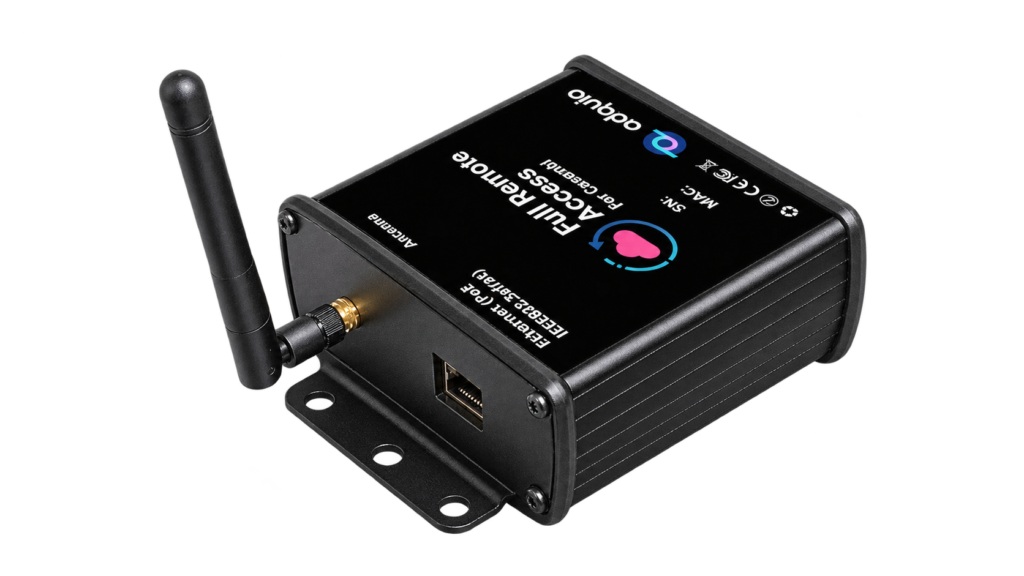
Full Remote Access for Casambi lets you work with the app on compatible networks.
One click from Supervisor
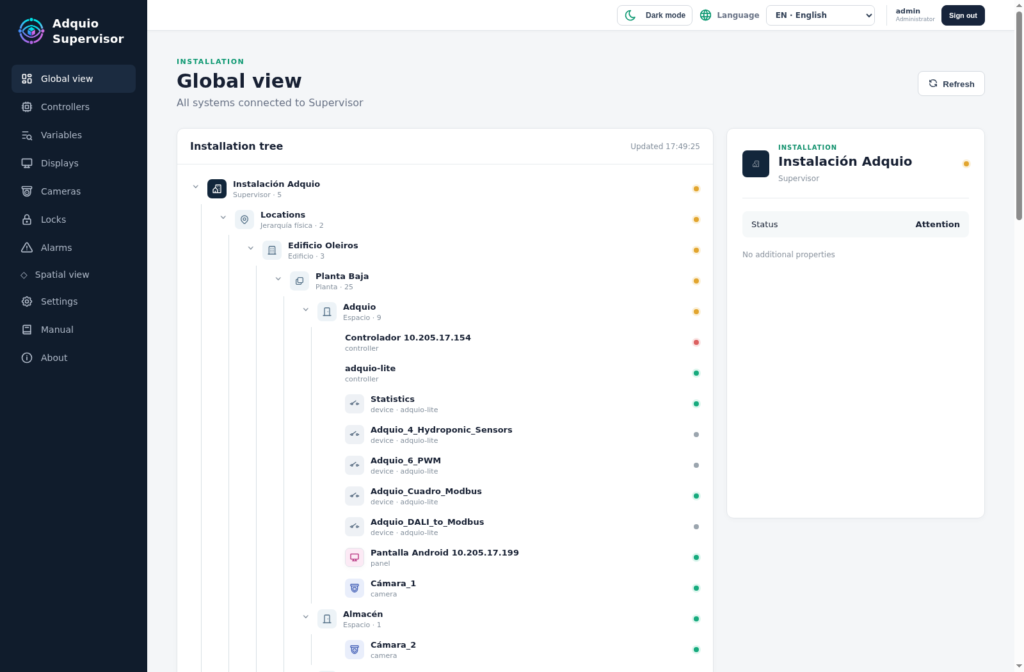
Locate the equipment and use the available access points to controllers, screens, cameras or locks.
Transfer and diagnostics
Available access and file functions depend on the equipment type and its configuration.
Local operation and IT
Define accounts, permissions, connectivity and network requirements so that support fits the organisation.
02
From authorised technician to remote system
Nexus lets authorised users access Adquio product web interfaces. Bridge connects devices; Full Remote Access for Casambi supports work with the installation’s Casambi application.
01
Authorised person or device
02
Nexus / Bridge / dedicated service
03
Remote equipment in the project
04
Consult · support · exchange
Prepare access around the work you need to perform.
Validate connectivity and permissions
Test access with an authorised account and the network rules agreed with IT. Check each user’s scope and what happens if connectivity is interrupted.
Organise support for each installation
Document destinations, responsibilities and support procedures. Train the team to verify changes and identify incidents that require an on-site visit.
04
Products involved
Open each product page to explore its functions, connections and documentation.
Person → device
Adquio Nexus
Connect a person with remote equipment to access its interface and provide authorised support.
View Adquio Nexus
Device ↔ device
Adquio Bridge
Connect two devices remotely, such as a controller and a project server.
View Adquio Bridge
Related projects and articles
Explore published references to learn more about the applications and how they work.

Published article / project
Your building, one click away: access your equipment from Adquio Supervisor
Controllers, screens, cameras and locks: access your equipment from Adquio Supervisor and exchange files with screens in one environment.
View Your building, one click away: access your equipment from Adquio Supervisor
06
Explore the ecosystem
Prepare the network and permissions before extending remote support to more installations.
Cybersecurity and remote access
Define users, destinations and authorised tasks alongside network and maintenance rules agreed with IT.
View Cybersecurity and remote access
Resources to prepare your project
Detailed documentation remains available on the product pages. Restricted courses and manuals retain their access conditions.

Product pages and further references
Adquio Nexus · Adquio Bridge · Adquio Full Remote Access for Casambi · Adquio Supervisor
FROM IDEA TO INSTALLATION
What do you need to support remotely?
Tell us which devices, interfaces and support tasks are involved. We will help choose the appropriate access; Adquio Nexus is free for Adquio system customers.
← Adquio Building OS solutions: efficiency, operation and integration
