
ADQUIO BUILDING OS · SOLUTIONS
Modernising existing installations
Modernise in phases, making the most of what works.
Start with the installation’s actual equipment, protocols and objectives. Add integration, data and control where they deliver value.
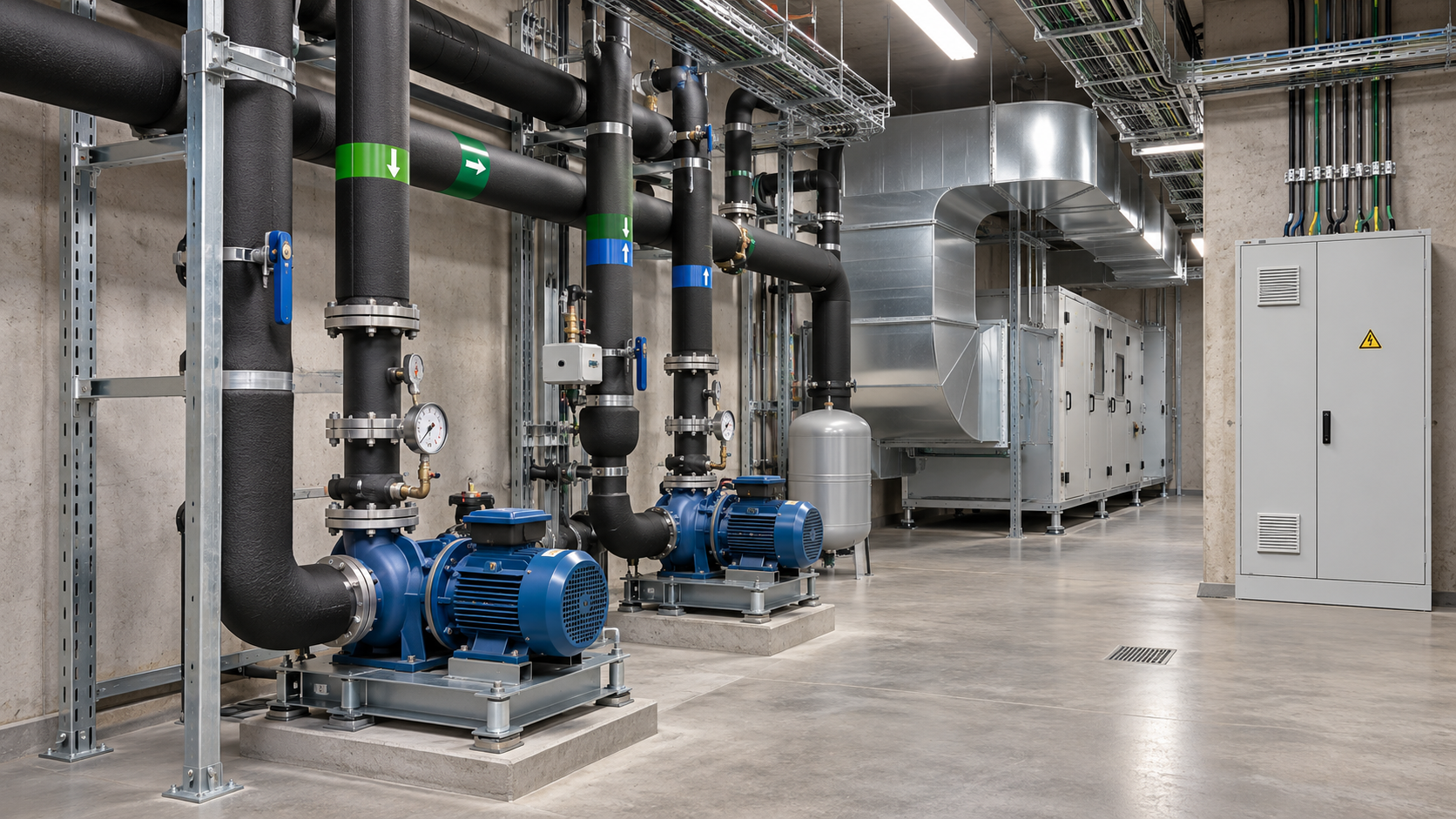
Connect what can be retained and extend what is needed
Identify which equipment can stay, which connections are missing and which improvements should be tested before extending the upgrade.
Inventory before replacement
Identify equipment, interfaces, signals and documentation. Decide what can be integrated and what needs adapting.
Recover data from existing equipment
Use Modbus, BACnet or other interfaces available on each device.
Add control points
Add inputs, outputs and sensors according to the functions missing from the control panel.
KNX and new Matter devices
Integrate KNX over IP and add compatible Matter functions through dedicated gateways.
Wireless where appropriate
Use Casambi or compatible LoRa sensors after checking power, coverage and site restrictions.
Measure the outcome
Keep historical data and indicators comparable to assess each phase.
02
From inventory to phased deployment
The inventory identifies usable interfaces. A pilot zone validates communications and functions before adding gateways, signals or sensors and extending the upgrade in phases.
01
Inventory of existing systems
02
Pilot and compatibility validation
03
Phased integration and deployment
04
Operation and review of results
Modernise in phases with a verifiable trial.
Decide what to retain and adapt
Inventory equipment, versions, signals and documentation. Check interfaces and decide what can be integrated, what needs a gateway and what cannot meet the required function.
Validate one zone while retaining operation
Test communications, permissions, alarms and failure response in a limited area. Define priorities and a rollback procedure before extending changes across the installation.
Expand with documentation and results
Record changes and compare results with the initial situation. Provide interfaces, documentation and training; plan subsequent phases around benefits and operational needs.
04
Products involved
Open each product page to explore its functions, connections and documentation.
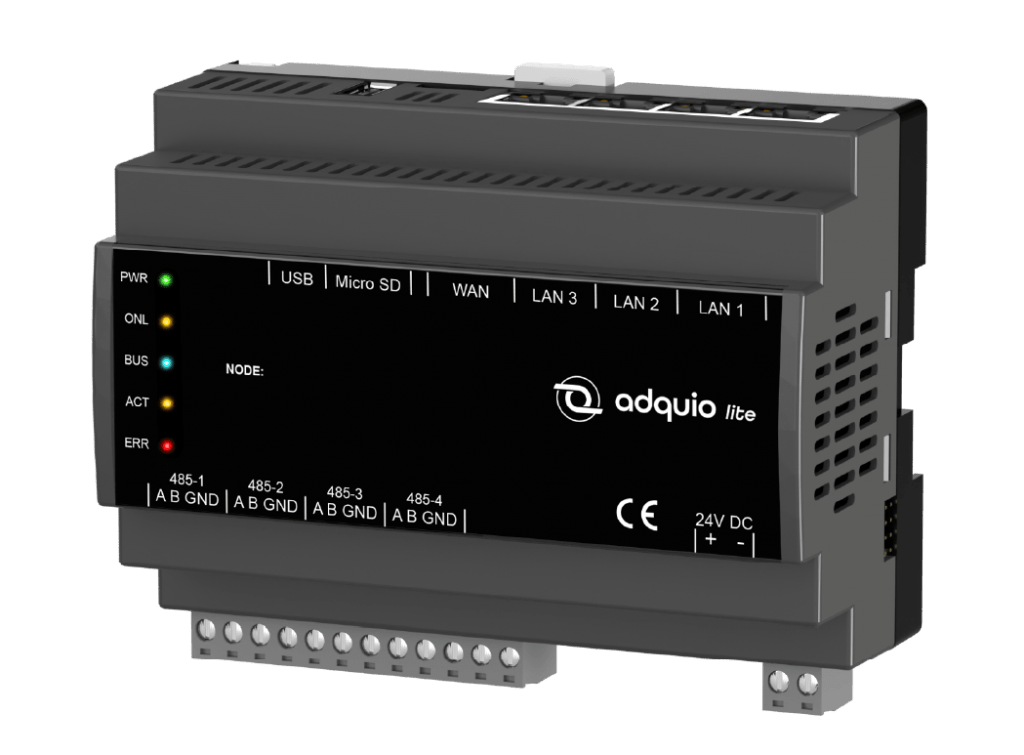
Control
Adquio Lite
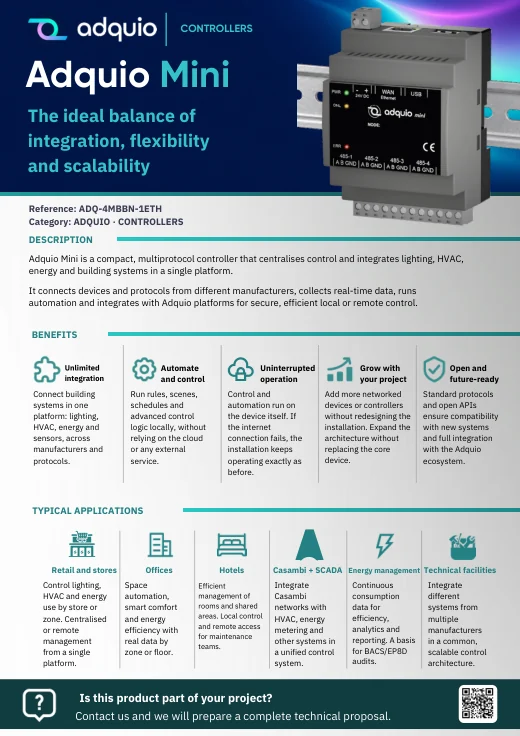
A compact controller for integrating systems and automating installations with Adquio protocols and logic.
View Adquio Lite

KNX/IP
Adquio KNX Gateway
Map KNX group addresses and data types to Adquio variables through a KNX/IP interface or router.
View Adquio KNX Gateway
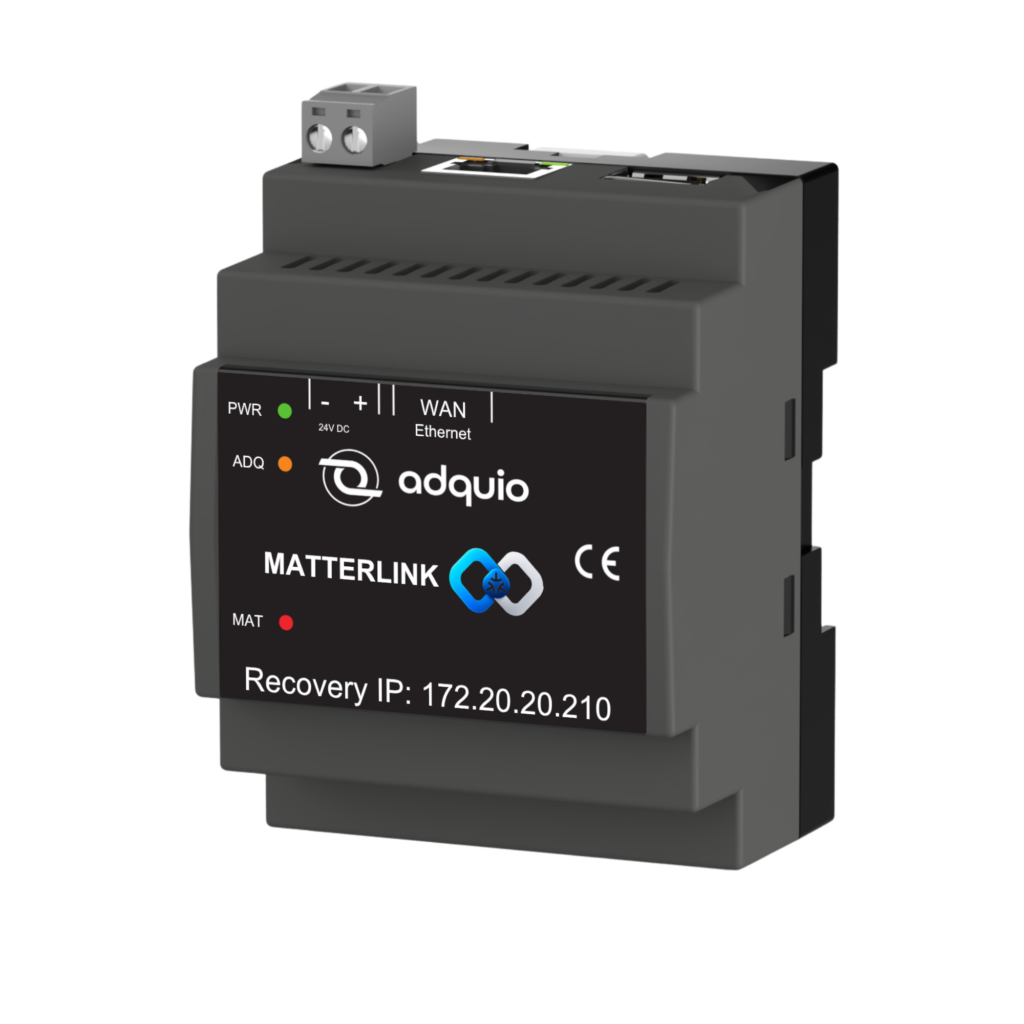
Matter
Adquio MatterLink
Add compatible Matter devices and publish selected Adquio functions through a Matter bridge.
View Adquio MatterLink

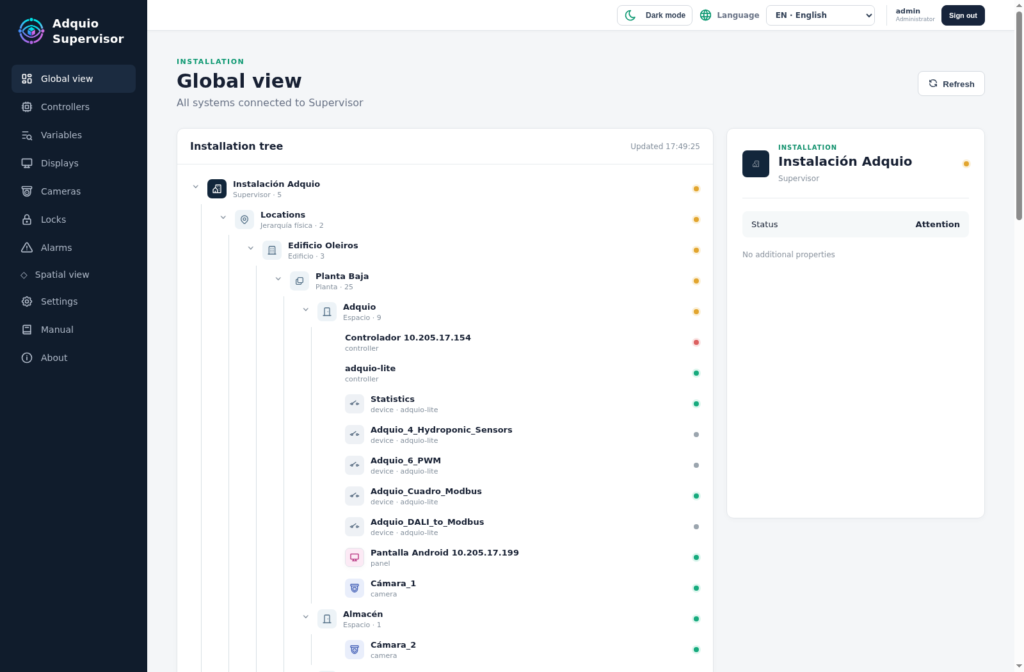
Related projects and articles
Explore published references to learn more about the applications and how they work.
Published article / project
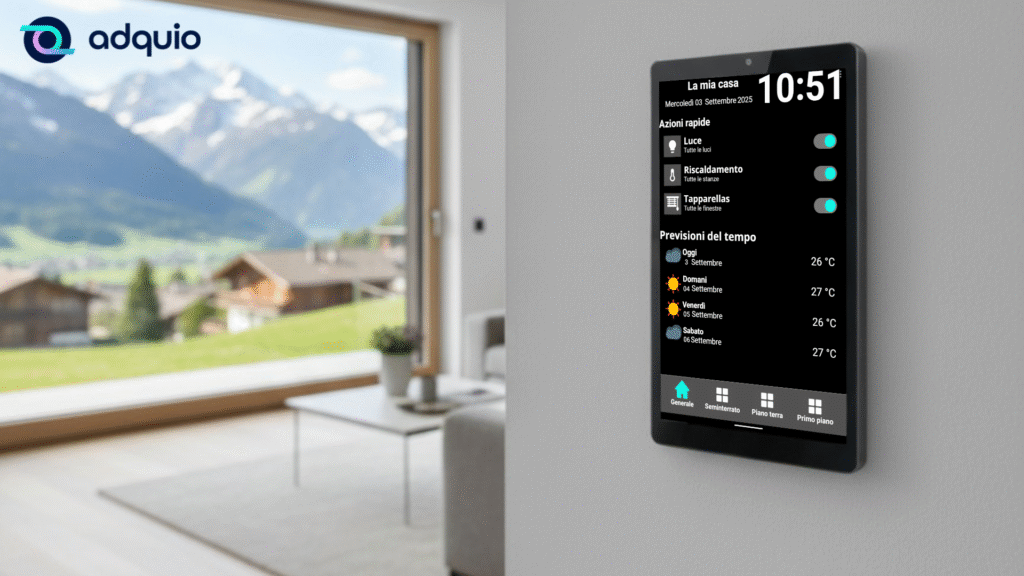
A smart home in Switzerland with Adquio and Casambi
In the heart of Switzerland, an elegant three-level detached home, with a basement, ground floor and first floor, presented a demanding challenge. The aim went beyond home automation: the requirements were so specific and exacting that they initially seemed incompatible. Our Swiss partner, RNHC Services, trusted […]
View A smart home in Switzerland with Adquio and Casambi
06
Explore the ecosystem
Assess subsequent phases through energy opportunities, interfaces and building requirements.
Energy efficiency
Connect consumption with use, test adjustments in one zone and compare results under equivalent conditions.
View Energy efficiency
Resources to prepare your project
Detailed documentation remains available on the product pages. Restricted courses and manuals retain their access conditions.

Product pages and further references
FROM IDEA TO INSTALLATION
Start with what is already installed.
Tell us which equipment you use and what problem you want to solve. We will help assess compatibility and define an initial improvement phase.
← Adquio Building OS solutions: efficiency, operation and integration
