LIGHTING ON DEMAND · CASAMBI + ADQUIO SCADA
A street can adapt its lighting to people passing through, while showing its luminaires, status and controls on one screen.
Modernising street lighting is about more than replacing luminaires with LEDs. It also means adjusting when they operate and at what intensity. With Casambi and Adquio, sensors, luminaires and the monitoring system can work together to adapt the lighting to how each area is used.
THE SOLUTION IN VIDEO
See how street lighting works together
Video of the solution presented in this article. Interfaces can be adapted to each project’s configuration. The original video contains Spanish interface labels.
01 · THE STREET RESPONDS TO USE
Light the route when it is needed
Lighting on demand uses presence sensors to adapt light levels. When a person approaches, the system can increase the lighting at the corresponding luminaire and at preceding and following points, according to the configured logic. This prepares a stretch of the route rather than acting on a single isolated point.
When no presence is detected
The area maintains its configured standby level. Dimming or switching off is only applied where safety conditions and regulations allow it.
When activity is detected
The luminaire and surrounding light points increase to the level intended to accompany people along the route.
After people have passed
Once the configured period has elapsed without new detections, the luminaires return to their standby level.
The logic handles simultaneous detections. If several people are using the street, activated areas can overlap; during busy periods, the light points may remain on continuously.
02 · FROM LUMINAIRES TO THE SYSTEM
Casambi connects the network. CityPanel connects each area.
Casambi provides wireless communication between compatible lighting and presence devices. No additional control cable is needed between luminaires: the equipment still requires electrical power.
The Adquio CityPanel cabinet connects that network to overall monitoring. The controller manages the configured network logic, sends its status and receives operating parameters such as levels, timing and the number of surrounding light points.
Install and power
Place CityPanel near one of the luminaires you want to control and connect the cabinet’s power supply.
Add it to Casambi
Add CityPanel to the relevant Casambi network and associate its luminaires and sensors with the project configuration.
Connect it to the Internet
Use Ethernet if a network point is available nearby, or the 4G modem built into CityPanel, with its SIM and data service.
03 · ALL STREETS, ONE VIEW
Choose the cloud or your own local server
CityPanel cabinets from different streets can send their information to the same control system. The operator works with areas and luminaires, even when the installation is spread across several networks.
Adquio SCADA Cloud
Each CityPanel’s Internet connection delivers data to the cloud-hosted platform. Check status and send commands through its web page using your credentials. You do not need a local SCADA server or Adquio Nexus to access it.
Adquio SCADA Server
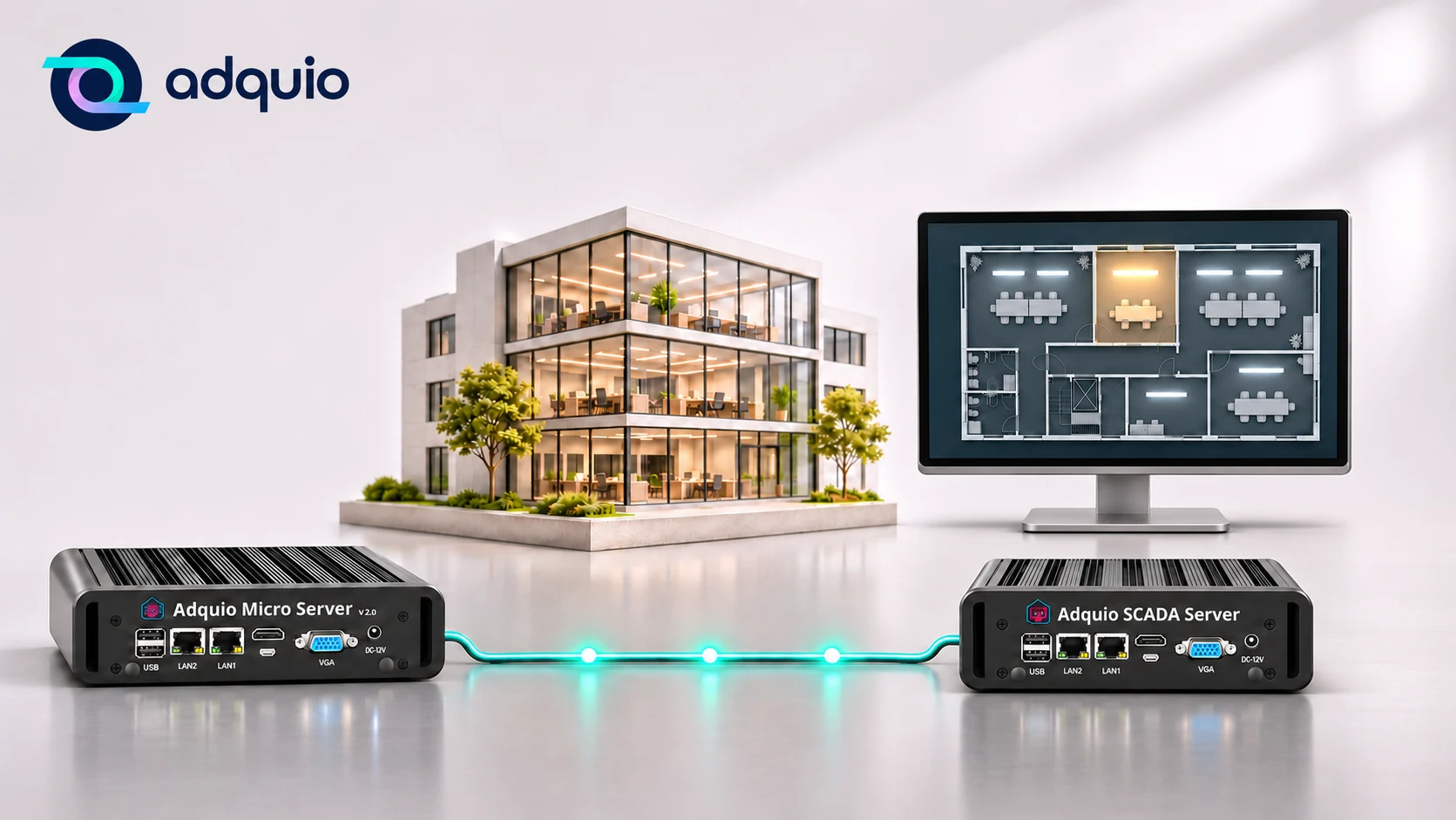
The control system runs on your local server. Adquio Bridge connects the distributed CityPanel cabinets to that server over the Internet. To access the local server remotely, you can use Adquio Nexus.
04 · FROM THE AREA LIST TO THE MAP
Locate luminaires and see what is happening
The interface can organise streets and spaces by name, area or another project criterion. An overview helps locate each area, check the number of light points and highlight available fault information.

Selecting an area opens its map. Luminaires are associated with their identifiers, and the controls let the operator change authorised lighting-on-demand parameters.

05 · WHAT EACH BUTTON DOES
The controls, clearly explained
These are the settings shown in the screenshot above. The original button names are retained so you can identify each control in the interface.
| Interface control | What it does |
|---|---|
| On Demand · Presence-based lighting | Enables presence-based operation. This mode is mutually exclusive with Always On. |
| Time Out · Hold time | Sets how many seconds a luminaire remains active after presence is no longer detected. |
| Nº Arround · Surrounding luminaires | Sets how many luminaires around the one detecting presence should activate. The label shown in the original screenshot is retained here. |
| Sensor Delay · Detection delay | Sets the delay between a detection and the resulting action. |
| Always On · Continuous lighting | Keeps the lighting on continuously according to the configuration. This mode is mutually exclusive with On Demand. |
| Calendar · Scheduling | Configures special-lighting dates and operation associated with twilight sensors. |
Adquio SCADA adapts the visualisation to the installation: lists, maps, status, controls and available equipment data. The number of networks and devices, update frequency and communications are sized for each project.
06 · WHAT IT BRINGS TO THE PROJECT
Better information for lighting and maintenance
Consumption matched to use
Combining LEDs, dimming and presence detection can reduce operating hours at high output and avoid unnecessary consumption.
Centralised management
The operator can view different streets, change parameters and check status through a shared interface.
Maintenance with context
Luminaire identification and location help locate faults reported by equipment and prepare maintenance work.
Lower nighttime impact
Appropriate dimming can help reduce unnecessary light and associated consumption while respecting each area’s lighting requirements.
Modernisation can also help reduce emissions associated with electricity use and improve the management of public spending. Actual payback and savings depend on the original installation, schedules, traffic, dimming levels and project costs.
If equipment provides tamper or vandalism signals, those signals can be incorporated into system alerts. Each alarm’s availability must be checked in the devices and their integration.
A responsive street. An installation you can manage.
Casambi provides communication with luminaires and sensors. CityPanel connects each area. Adquio SCADA brings the information and controls together so the operator can manage the whole installation through one interface.
Would you like to modernise an existing installation or plan a new street-lighting project?