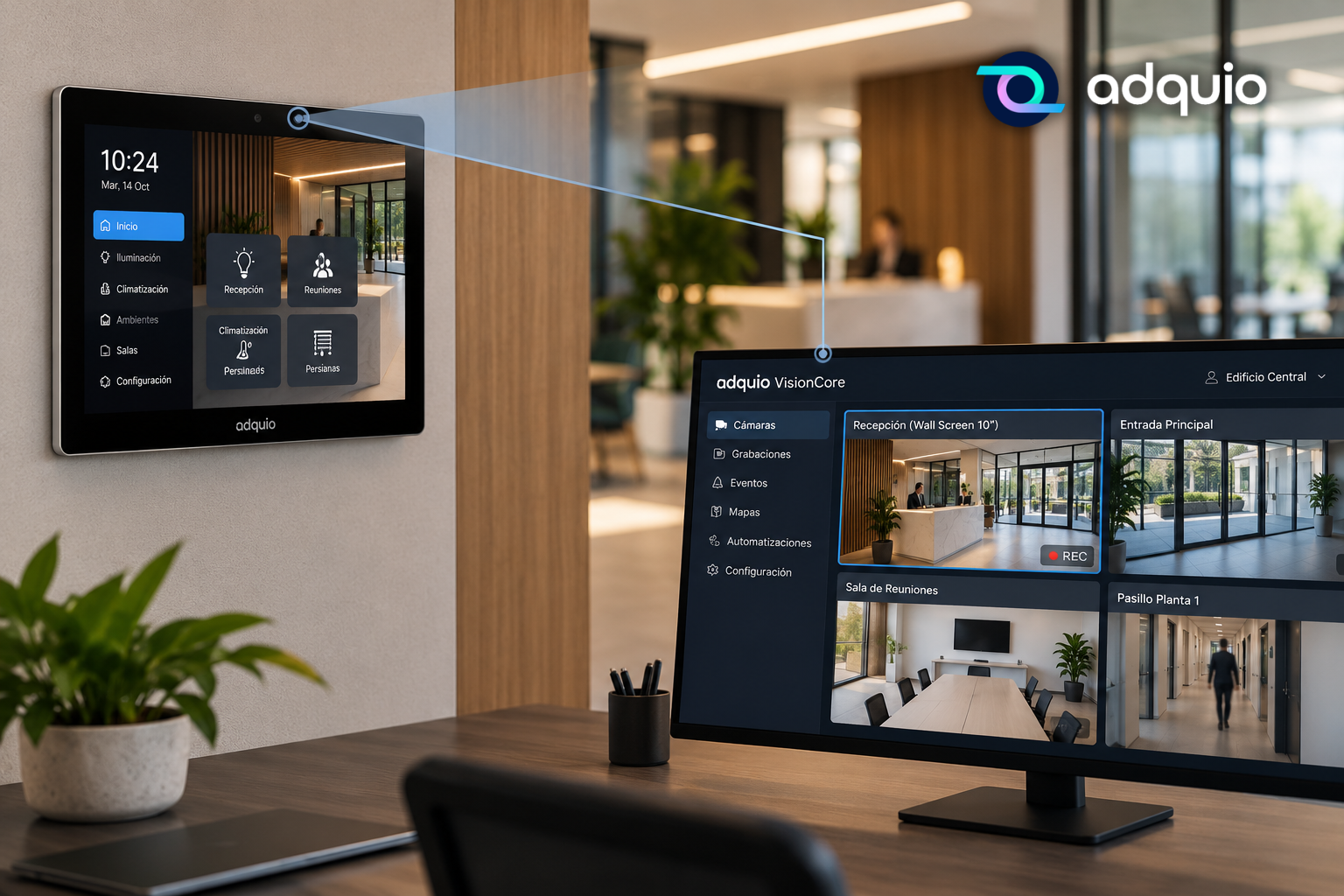
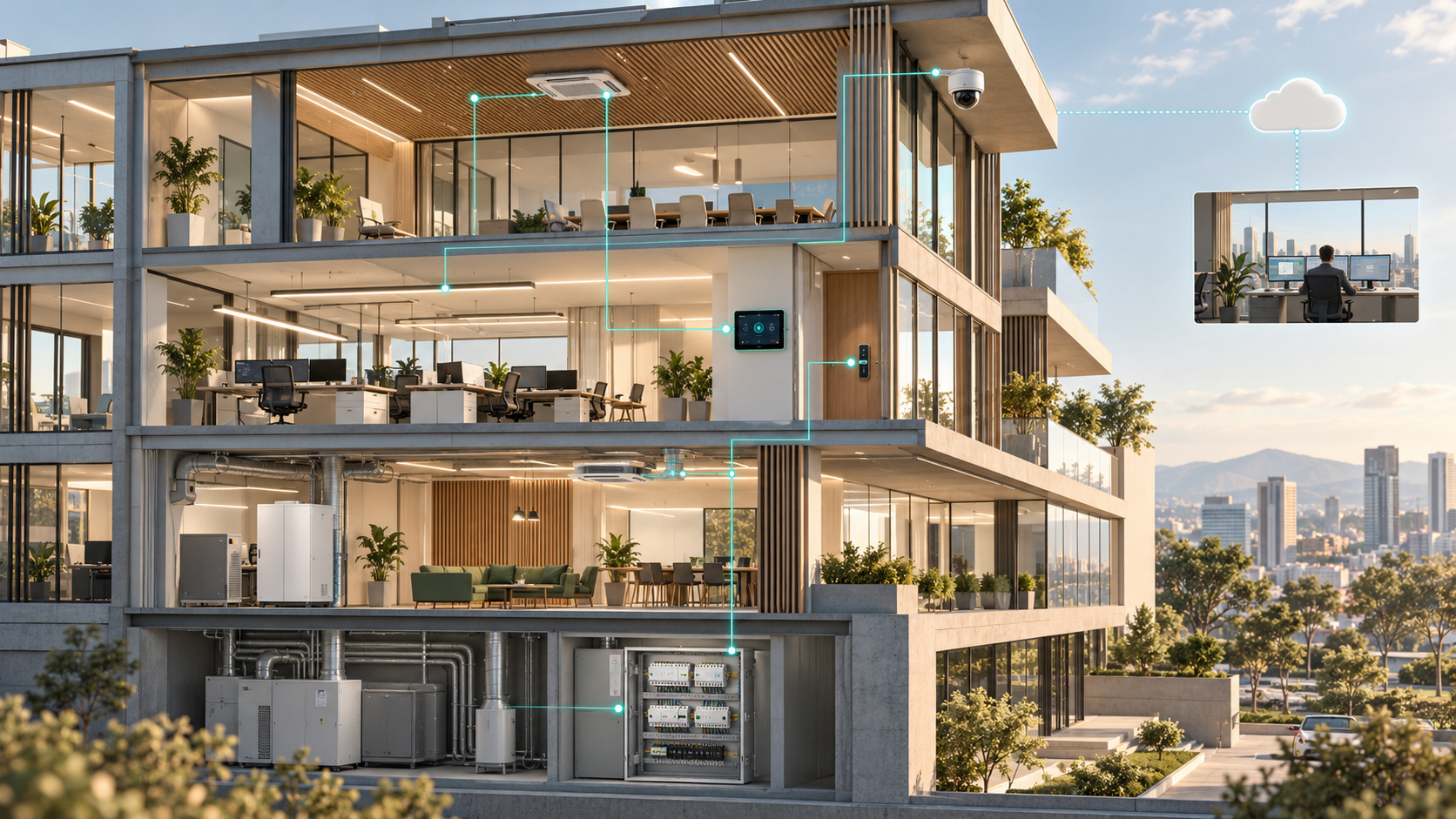
A controller that needs checking. A screen you need to transfer a file to. A camera you want to view. A lock whose status you need to check. With Adquio Supervisor, you always start in the same place.
Managing an installation means working with different devices, each with its own role and tools. When you need to take action, finding and accessing the right device should be the simplest part of the job.
Adquio Supervisor brings your installation’s devices together in one environment, giving you one-click access to their interfaces and available functions.
Less time searching for addresses. More time getting things done.
From device status to action
Knowing that a device is connected is useful. Being able to access it straight away is even more useful.
Adquio Supervisor lets you move from monitoring to action: locate a device, check its status and open its interface without having to find it again in another tool.
This makes both routine maintenance and incident response easier. The device you are looking at is also the device you can work on.
Controllers: go straight to where you need to work
Controllers are at the heart of building automation. They bring together the variables, communications and logic that coordinate the installation.
From Adquio Supervisor, you can access the interface of the controller you need to check with a single click.
This makes it easier to review its operation, check a configuration or continue a technical task from the same environment where you monitor the rest of your devices.
In an installation with several controllers, a common access point removes the need to maintain address lists or work through different entry points to find the right one.
Find the controller. Click. Get to work.
Screens: access and file transfers in one place
Adquio screens connect people with their building. Keeping their interfaces and content up to date is part of running the installation.
Adquio Supervisor gives you access to your screens and their file transfer functions.
This makes it easier to send the files you need for a task, update content or retrieve files from a device, while keeping track of exactly which screen you are managing.
When screens are spread across different floors, rooms or buildings, having them identified and accessible from one environment simplifies the work.
It is not just about knowing a screen is available: it is about being able to work with it.
Cameras: check the right device at the right moment
When an incident occurs, an image can provide the missing context.
From Adquio Supervisor, you can locate the installation’s cameras and open their interfaces with a click, making it easier to check the device you need.
For example, when investigating an incident in a particular area, having access to its camera within the same monitoring environment helps you continue your checks without starting another search.
When you need video surveillance functions, Adquio VisionCore provides the dedicated video management environment.
Supervisor helps you reach the device; VisionCore lets you work with the video surveillance system.
Locks: access control is part of the building too
Electronic locks are part of the daily operation of offices, shops and other spaces.
Adquio Supervisor provides access to locks and their available functions within the system, bringing access management closer to the rest of the technical infrastructure.
This lets you locate the element you need to check and continue the task in the corresponding Adquio DoorLink environment.
All while maintaining the access permissions assigned to each user.
Lighting, HVAC, screens, video and access control no longer have to be separate worlds when you are working.
Imagine handling a task from one starting point
You receive an alert about a room.
You open Adquio Supervisor and locate its devices. From there, you can open the controller to check its operation, access the screen and transfer a file if the task requires it, open the camera interface or continue checking a lock.
Each device keeps its own tools and functions. What changes is how easily you can reach them.
You do not have to rebuild your understanding of the installation every time a task comes up. You can start with a shared overview and go straight to the right device.
Fewer steps in every task. Smoother operation across your installation.
The value of a direct link may seem small when you are dealing with a single device.
But when an installation brings together dozens or hundreds of devices and tasks are repeated every day, reducing the steps needed to access them makes a difference to the technical team’s work.
Adquio Supervisor helps you:
- Find devices in one environment.
- Access their interfaces with a click.
- Work with screens, including file transfers.
- Connect monitoring with intervention, while keeping the installation’s context.
- Simplify daily maintenance across the building’s different systems.
Available access and functions depend on the device, its configuration, connectivity and the user’s permissions.
Your installation has many devices. Your work can start in one place.
Adquio Supervisor connects the building overview with the tools you need to keep it running.
Because monitoring should not stop at knowing what is happening. It should also help you take the next step.
A controller. A screen. A camera. A lock. The access you need, one click away.