Adquio

ADQUIO SUPPORT · CONFIGURATION LIBRARY
Find prepared variable profiles for Adquio equipment and devices from other manufacturers. Review the example, copy its JSON and adapt it to your installation settings.
Model-specific profiles · Variables and registers · JSON import
17 profiles available
Try a different model name or clear the filters. You can also send a configuration for review.
Contact the configuration team ↗Adquio
Adquio
Adquio
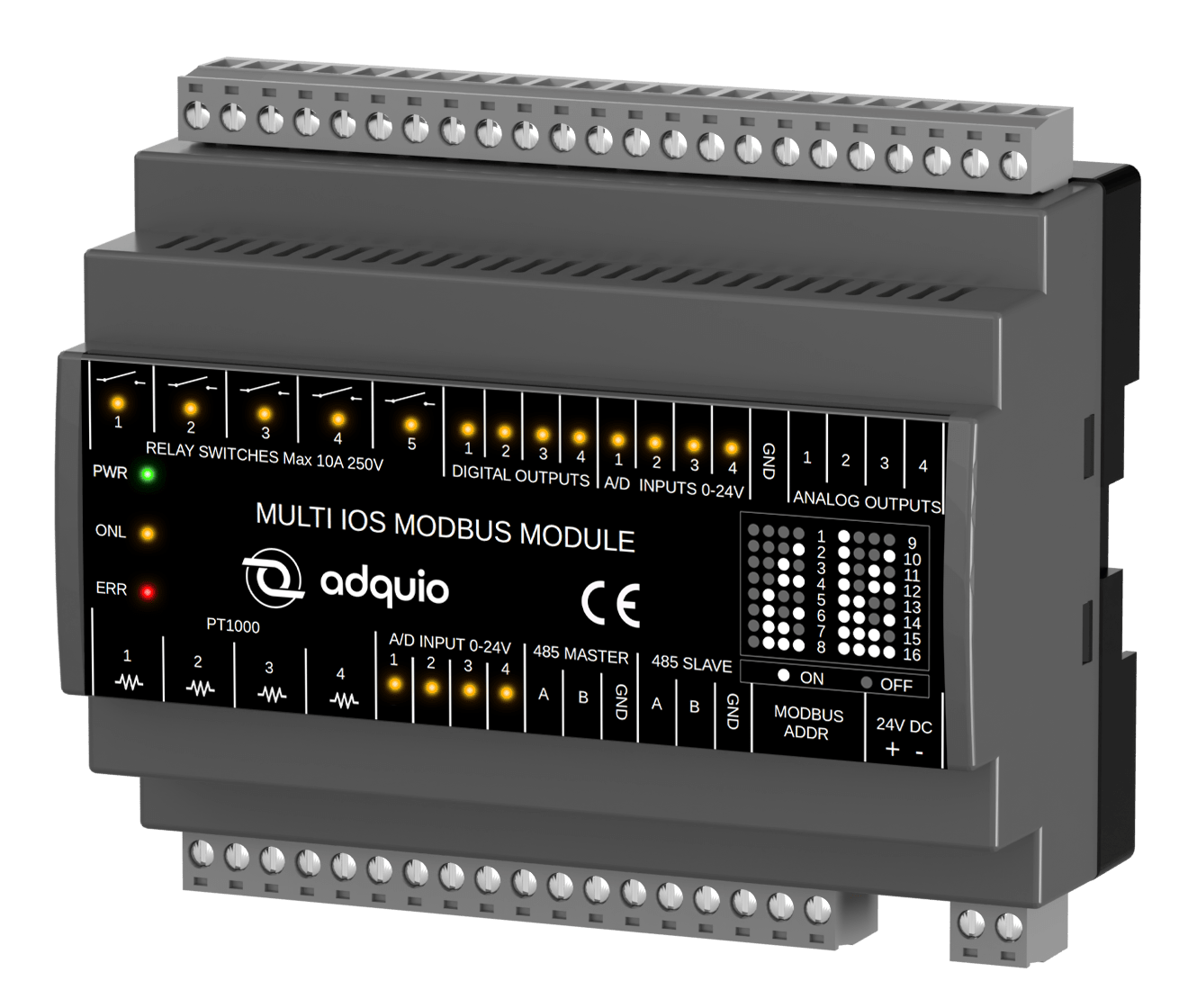
Adquio
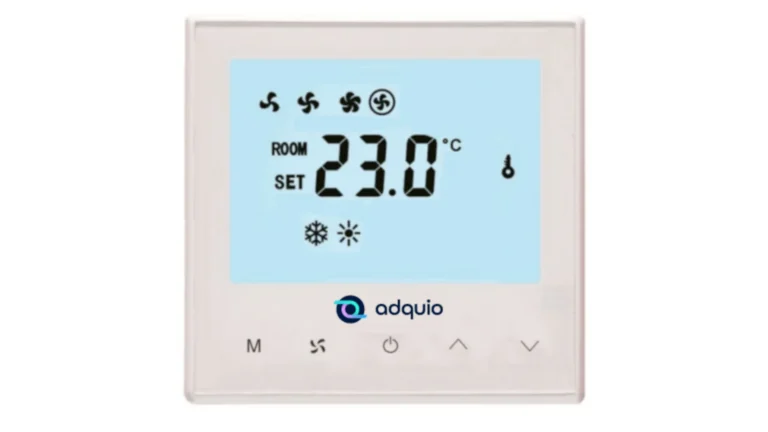
Adquio
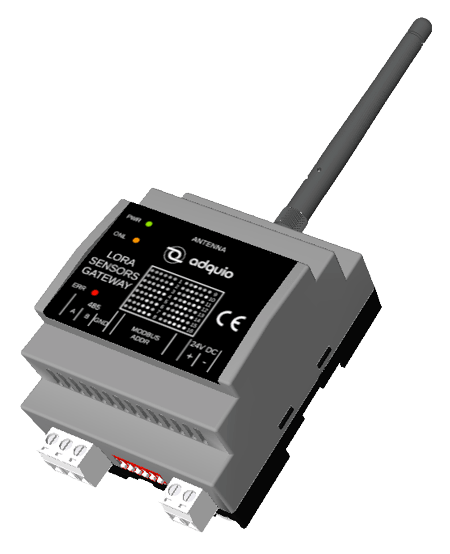
Adquio
Adquio
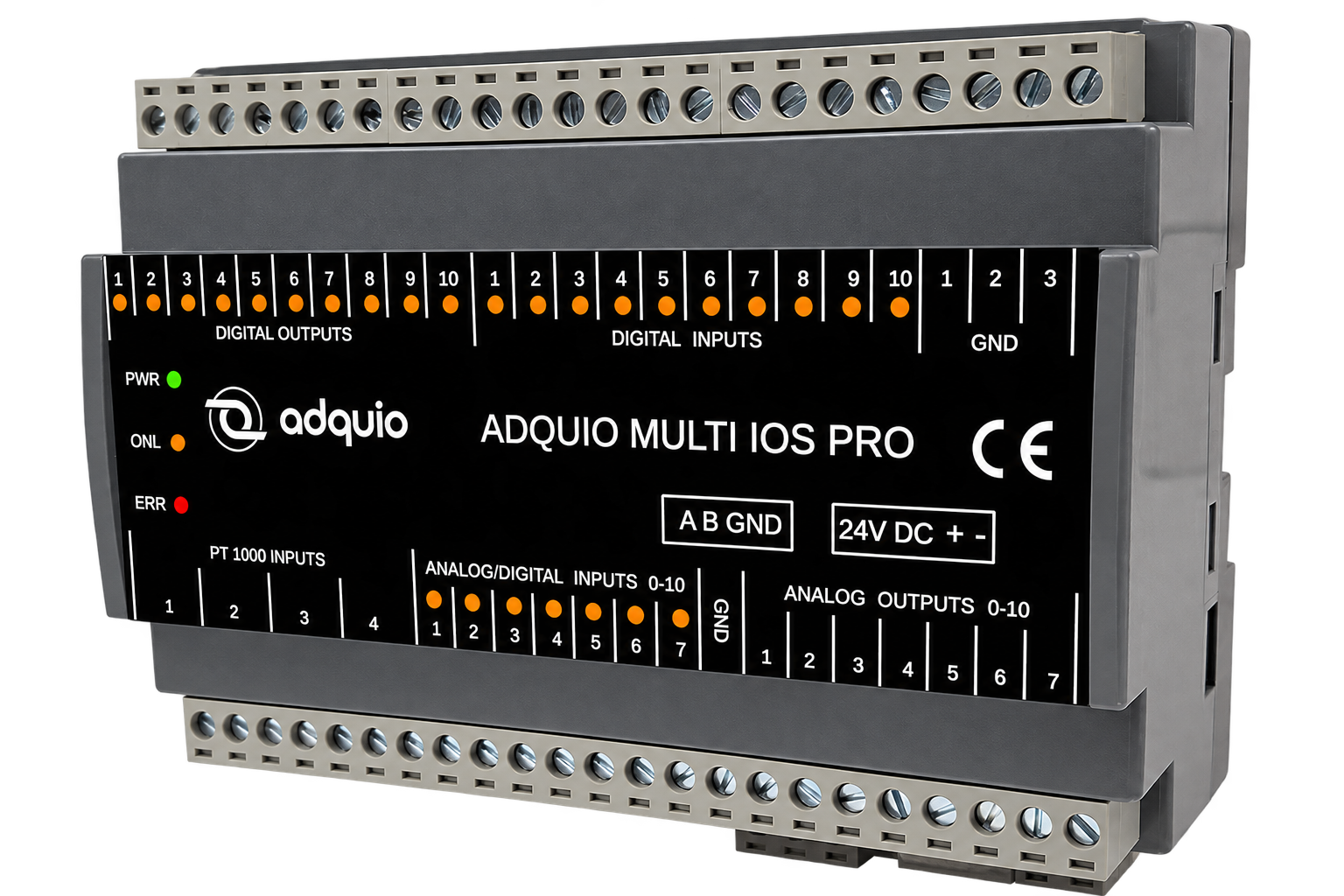
Adquio
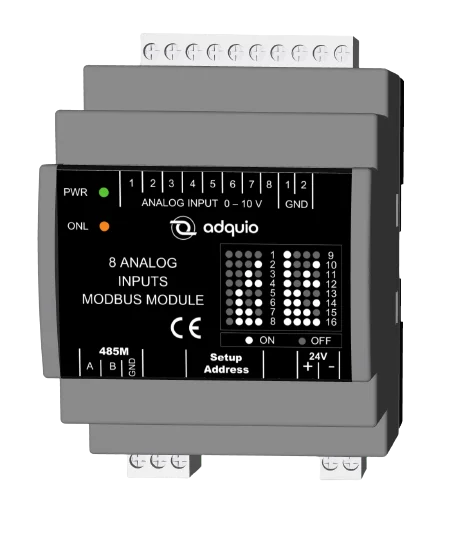
Adquio
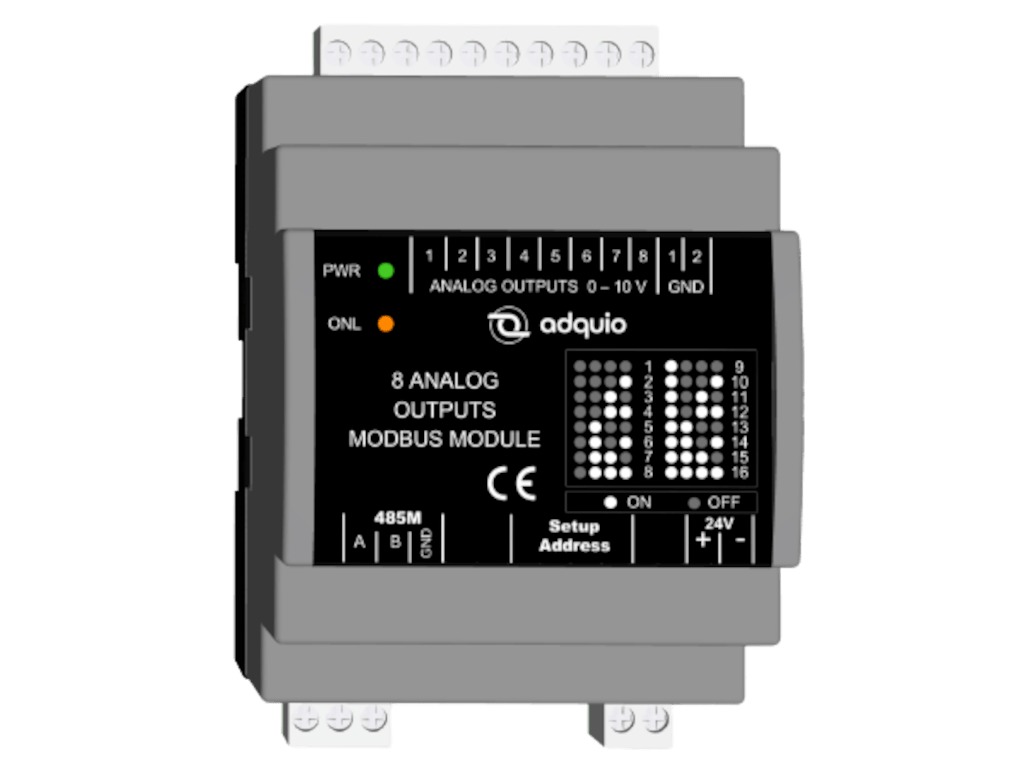
Adquio
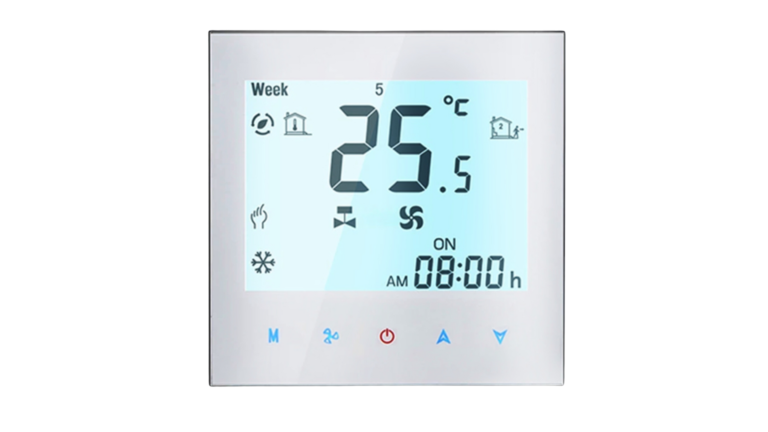
BECA
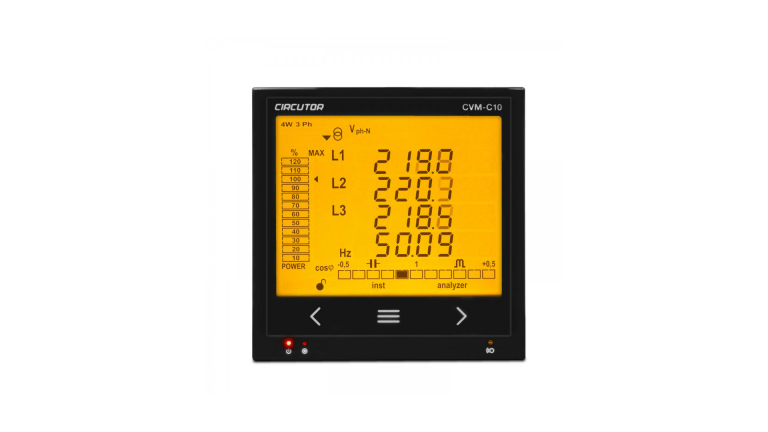
Circutor
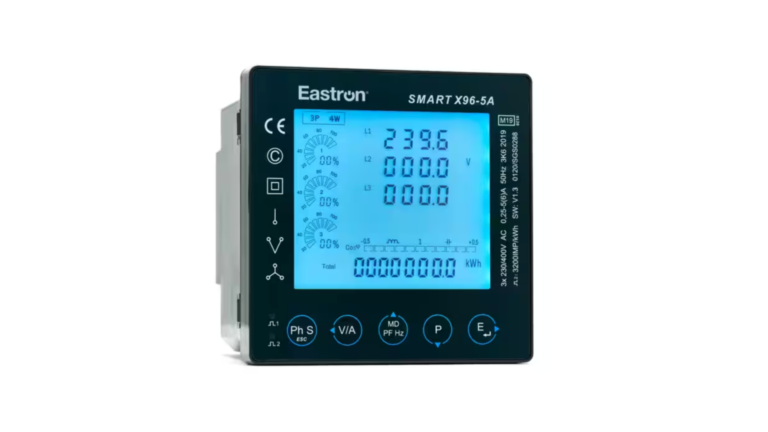
Eastron
Hailin
Meitav-tec
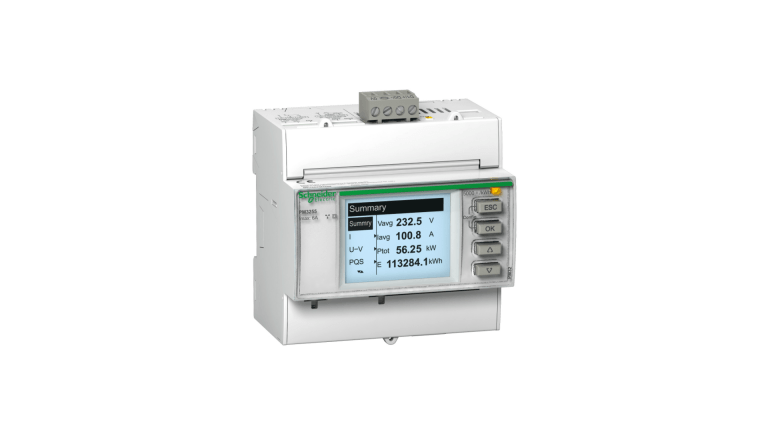
Schneider
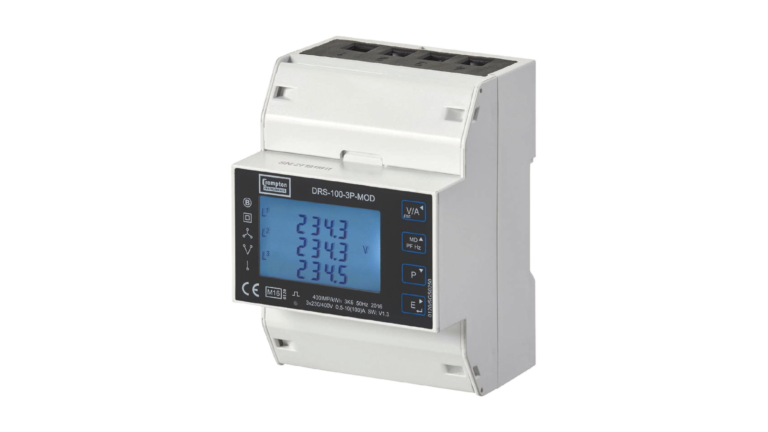
Crompton / TE Connectivity
FROM PROFILE TO INSTALLATION
Profiles make variable setup easier. Always check the manufacturer’s manual, device model and version before applying them.
Open the configuration for the equipment you want to integrate and check that it matches your device.
Copy the complete JSON from the article or download the file when one is available.
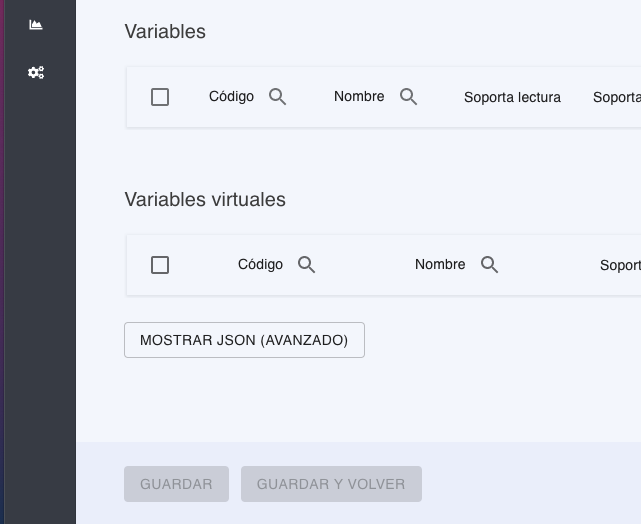
When creating the device in the web interface, choose “Show JSON (Advanced)” and paste the configuration.
Set the port, communication address and other required parameters. Verify readings and intended operations before using the device in automation.
A LIBRARY THAT KEEPS GROWING
If you have configured a device that is not listed here, send its profile to dispositivos@adquio.com. Include the manufacturer, model and compatibility details. We will review the configuration before adding it to the library.
Browse the frequently asked questions or send the technical team your equipment details and the checks you have made.
