
ADQUIO BUILDING OS · SOLUTIONS
Integrated video surveillance
Video moves from observation to participation.
Connect cameras with building states and actions: a detection event, a privacy command or a photograph requested by the controller.
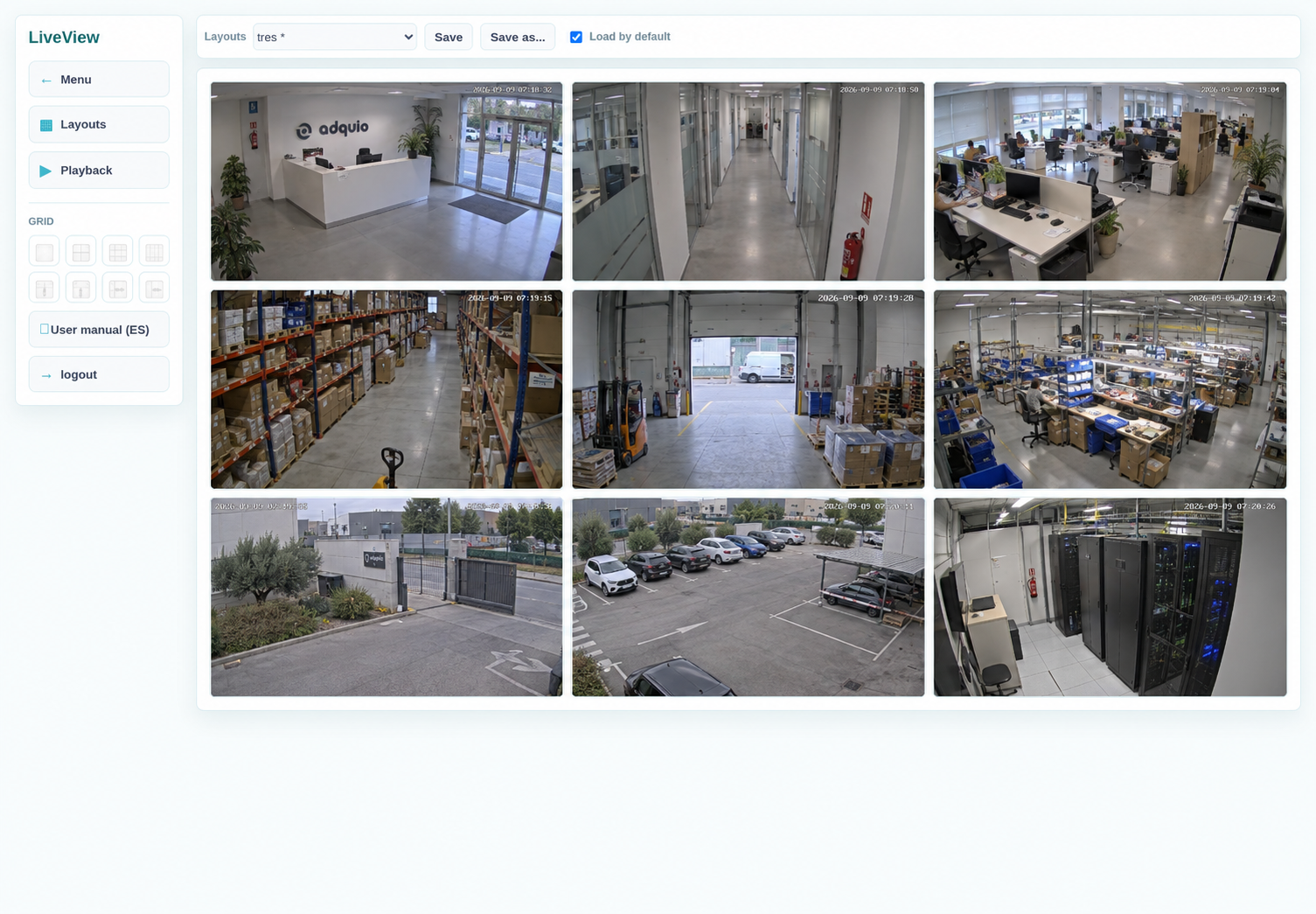
Video, privacy and events within building control
Combine video, events and automation with defined permissions, confirmed privacy states and checks on the outcome of each request.
Compatible IP video
Integrate ONVIF and RTSP sources and organise views by zone and permissions.
Recording within the installation
Configure schedules and consult video saved in VisionCore storage.
Events for Adquio
Use compatible events as inputs for lighting logic or technical notifications.
Privacy with confirmation
Request deactivation in VisionCore and distinguish enable, enabled and online.
Photographs from the controller
Write 1 to photo, check photo_status and use the result within the sequence.
Screens that provide video
Compatible models with cameras can stream through Adquio ScreenCore while retaining their usual control interface.
02
From camera to events and confirmed commands
VisionCore organises compatible cameras and local recordings. Events can reach Adquio variables; the controller requests privacy or photographs and receives available states to continue automation.
01
IP camera or compatible screen
02
VisionCore and local storage
03
Adquio variables and controller
04
Live video · privacy · photographs · automation
Test one camera and a complete automation.
Check video, events and permissions
Review ONVIF/RTSP compatibility, available events and storage. Define image purposes, authorised areas and who can view streams, consult recordings or request photographs.
Validate privacy and command outcomes
Test enable, enabled and online separately. Check photo and photo_status, the error from a capture while disabled, alarms and response to connection loss.
Prepare understandable scenes and interfaces
Document variables and train users. Show privacy and capture confirmations on screens, SCADA or BMS, and define timing and priorities for event-based automation.
04
What enabling privacy means
The camera stops capturing and recording in VisionCore; live views close and new photographs are blocked. This does not physically disconnect power or delete previous recordings. A photograph requested while the camera is disabled returns an error and resets the command.
Products involved
Open each product page to explore its functions, connections and documentation.
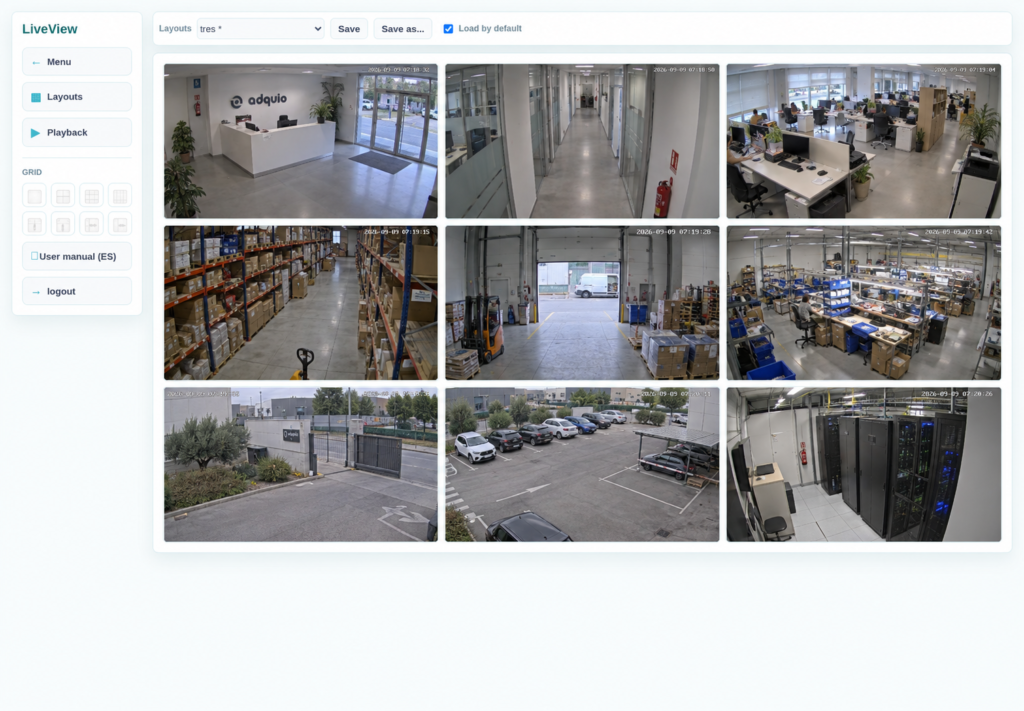
Video
Adquio VisionCore
Live video, mosaics, recordings, permissions and events linked to your controllers’ variables.
View Adquio VisionCore
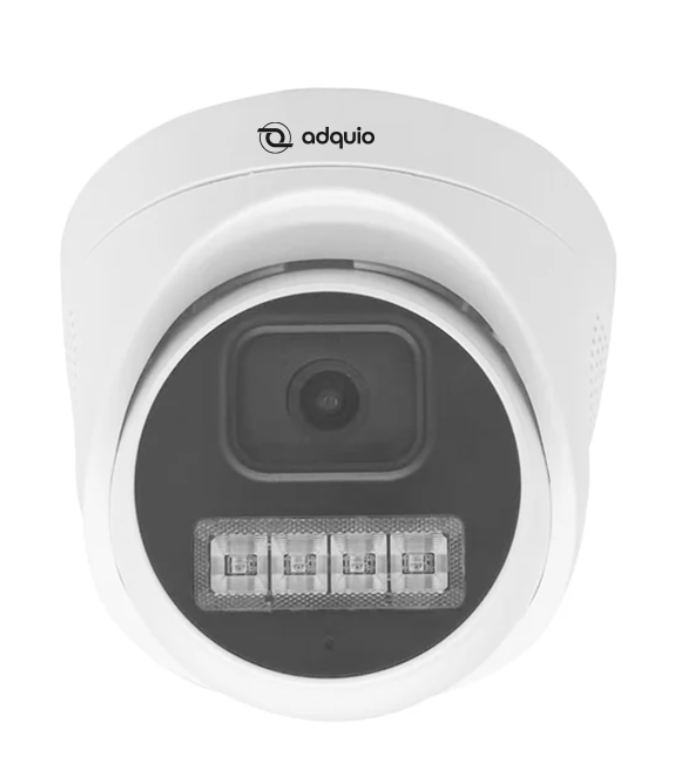
Indoor
Adquio InDoorCam
An indoor IP dome camera with a main stream up to 5 MP, 3.6 mm lens, dual light and PoE power.
View Adquio InDoorCam
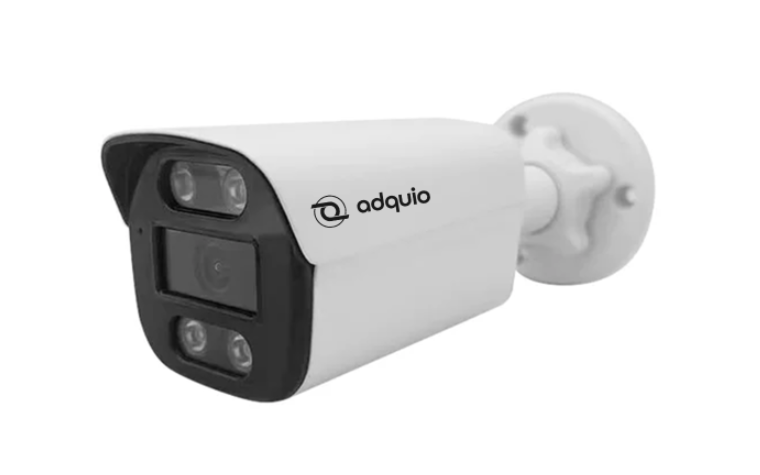
Outdoor
Adquio OutDoorCam
A compact outdoor IP camera up to 5 MP, with an IP66 enclosure, dual light and PoE power.
View Adquio OutDoorCam
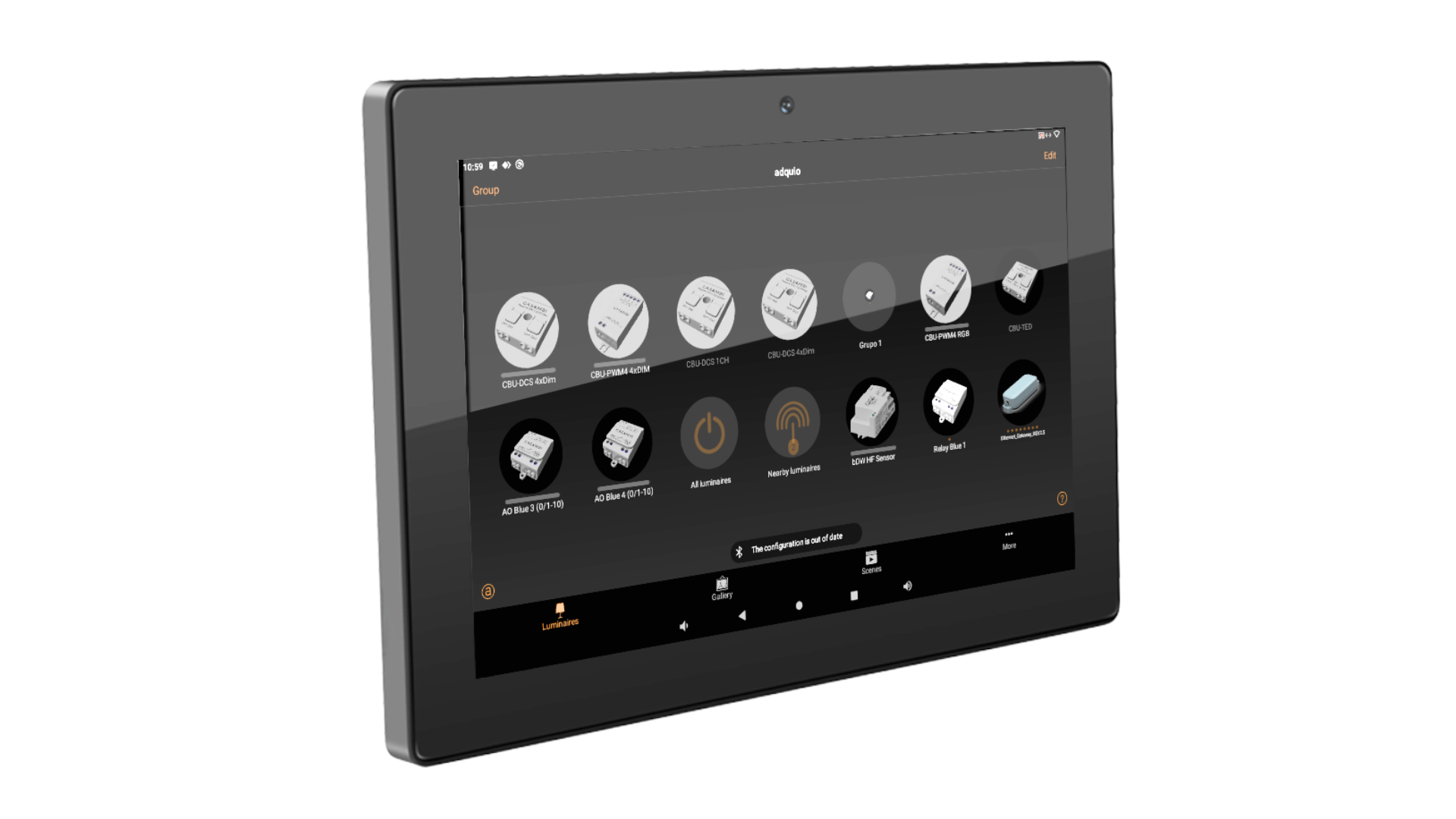
Control and video
Adquio ScreenCore
One screen can control the installation and provide video to VisionCore. With Adquio ScreenCore, compatible models can use their camera as an RTSP source and detect people to activate the screen on demand, reducing energy use and extending its service life.
Discover Adquio ScreenCore ↗
06
Related projects and articles
Explore published references to learn more about the applications and how they work.

Explore the ecosystem
Combine compatible video sources with access and automation functions appropriate to their purpose.
Review compatible cameras, recordings and events in VisionCore, with defined permissions and privacy functions.
Review compatible cameras, recordings and events in VisionCore, with defined permissions and privacy functions.
Organise doors, credentials and schedules with DoorLink and connect its states with building automation.
08
Resources to prepare your project
Detailed documentation remains available on the product pages. Restricted courses and manuals retain their access conditions.
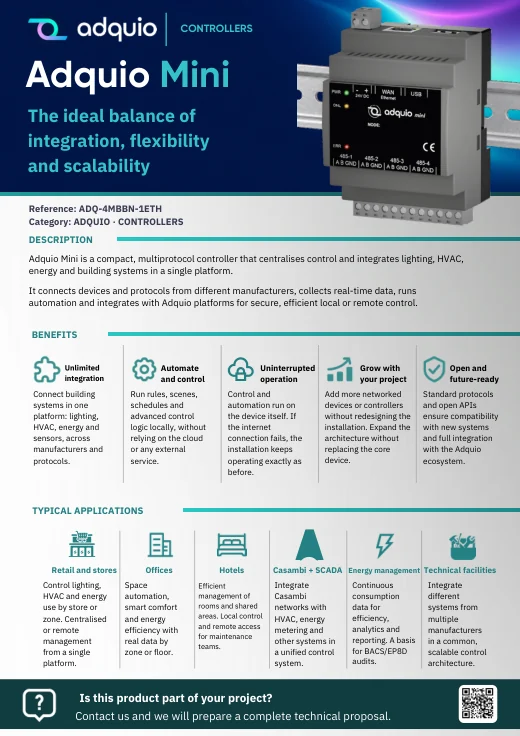
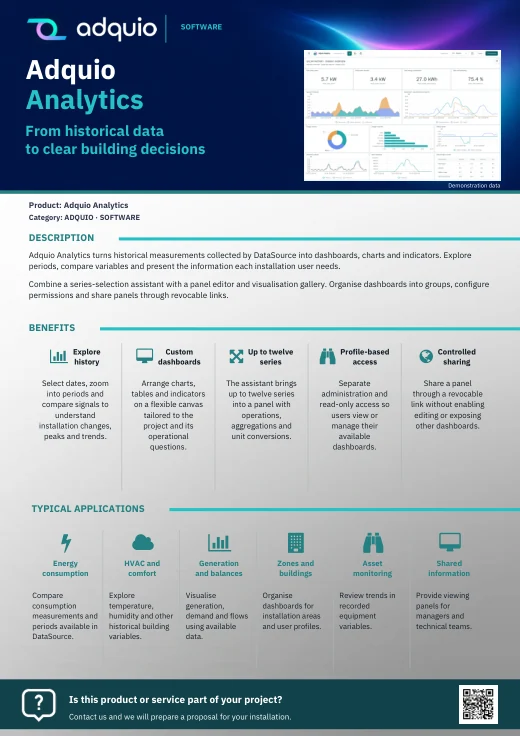
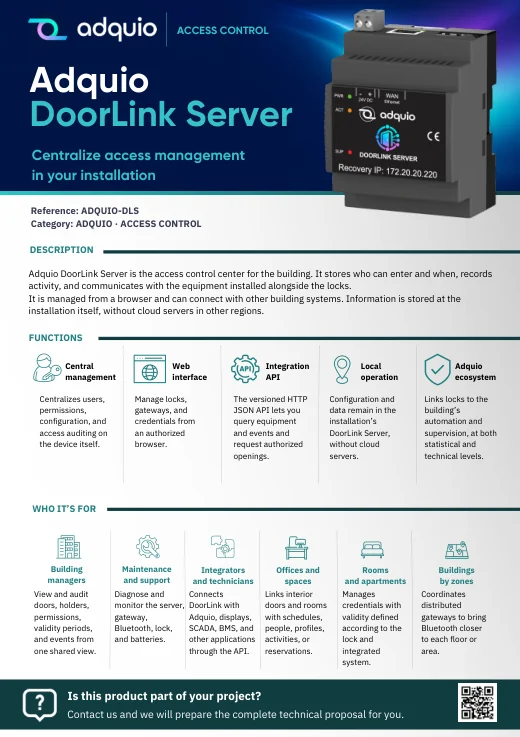

Product pages and further references
Adquio VisionCore · Video surveillance · Adquio InDoorCam · Adquio OutDoorCam
FROM IDEA TO INSTALLATION
Connect video with a useful building function.
Tell us which cameras are installed and which events, privacy controls or photographs you need. We will help check compatibility and define the Adquio integration.
← Adquio Building OS solutions: efficiency, operation and integration
