
Access control
Adquio DoorLink
Access control, integrated into your building.
Manage locks, credentials, permissions and schedules from a local platform. Integrate accesses compatible with the control and monitoring of the Adquio ecosystem. Management and data remain on the installation’s DoorLink Server.
See access management at work
Your access points under one control system
Local management
Configuration, users, and auditing remain in the building. Everyday Bluetooth operation is not dependent on a third-party cloud.
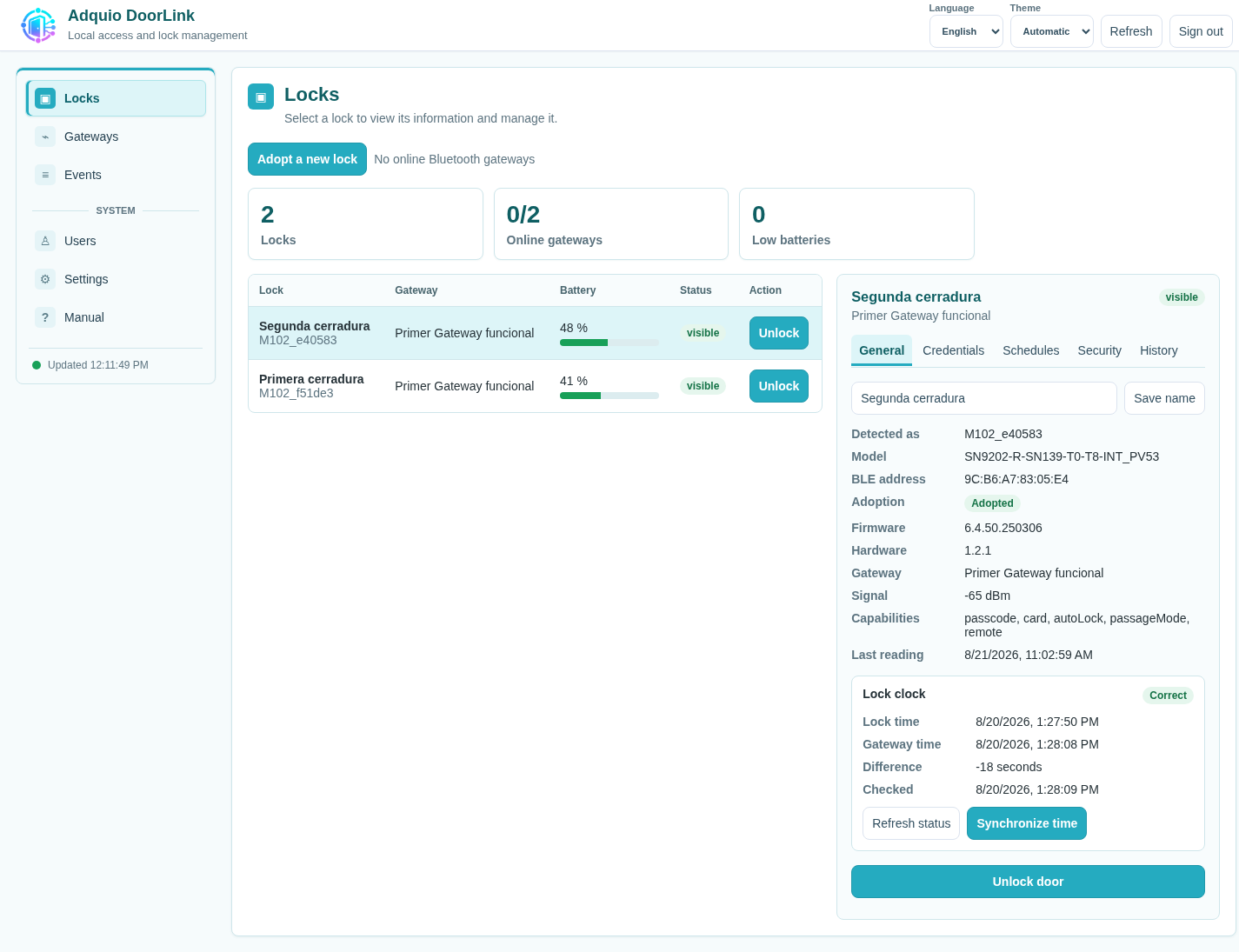
One interface for everything
View locks and their gateways, organise credentials, and review the results of each operation from an authorised browser.
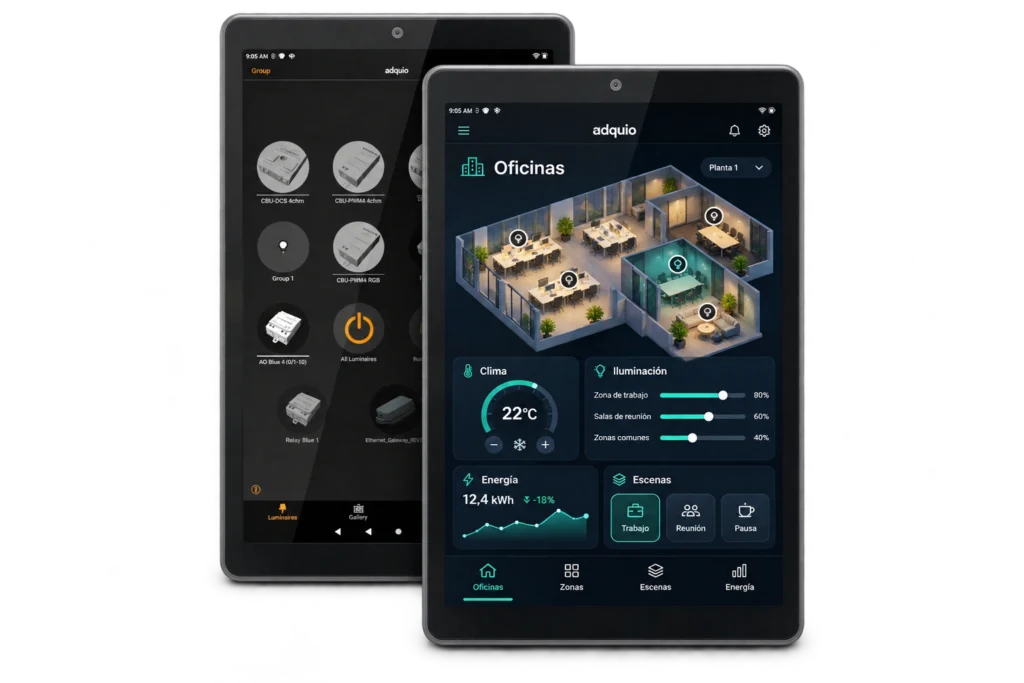
Take advantage of your screens
A compatible Android screen that already displays an Adquio dashboard can also act as a Bluetooth gateway for nearby locks.
How DoorLink works
A DoorLink Server and distributed gateways allow you to manage several doors and zones from a single installation.
01 · DoorLink Server
The DoorLink Server retains settings, users, permissions, and events. The web interface and integration API run here.
02 · Gateways Android
The gateways communicate with the DoorLink Server over the building network and provide Bluetooth coverage near each lock.
03 · Cerraduras compatibles
Locks execute commands and retain their local credentials. Gateways report status and results to DoorLink Server.
One DoorLink Server, multiple gateways
Connect DoorLink Server and gateways to the same installation network. Distribute gateways near doors to provide Bluetooth coverage to each zone.
DoorLink Server
Local management of the entire installation
↓
Local building network Ethernet / LAN
↓
Gateway 1
Zona 1
↓ Bluetooth LE
Compatible locks
Gateway 2
Zona 2
↓ Bluetooth LE
Compatible locks
Gateway 3
Zona 3
↓ Bluetooth LE
Compatible locks
Illustrative diagram with three gateways. The number of gateways and locks depends on the building layout, Bluetooth coverage and equipment compatibility.
Your installation equipment
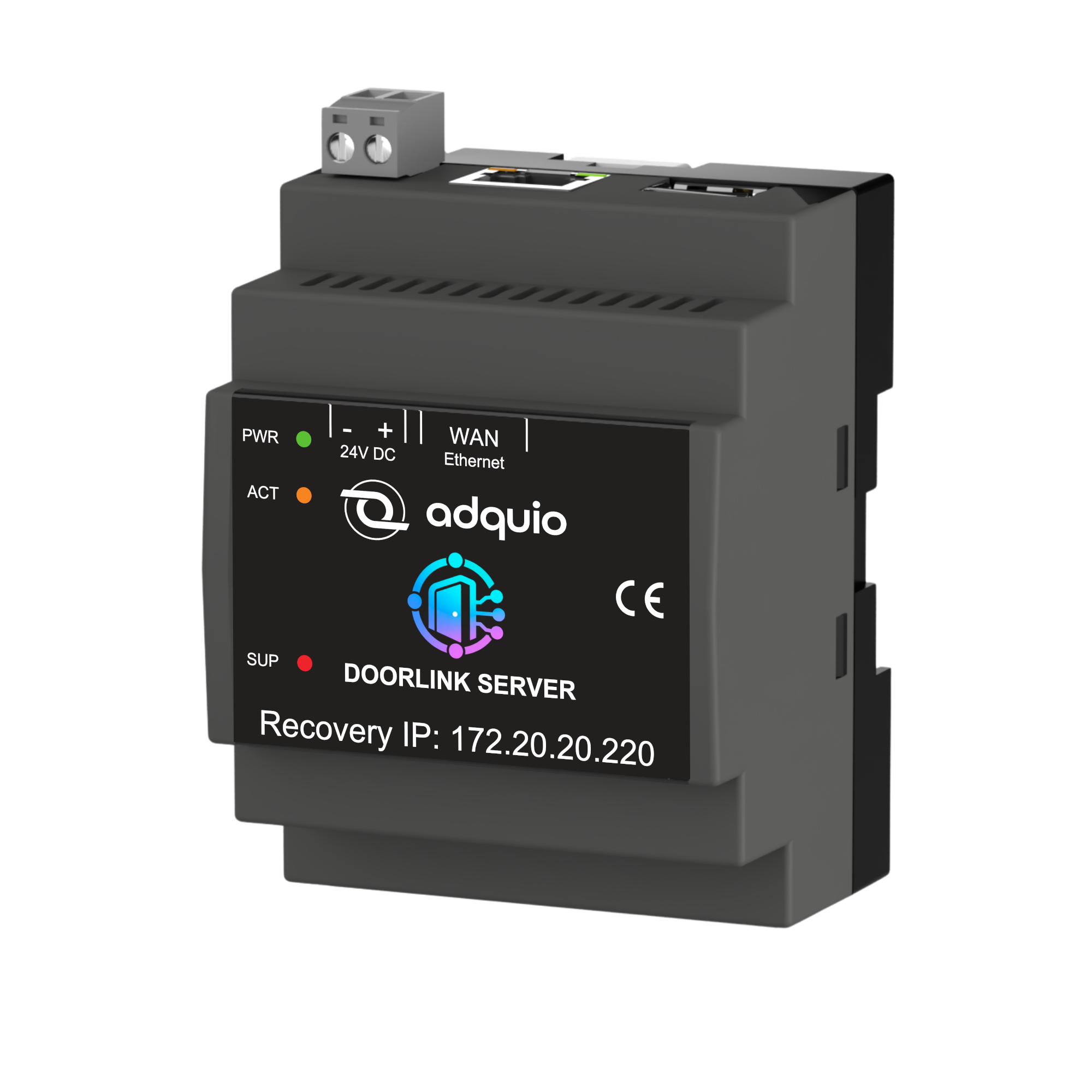
DoorLink Server
Centralise settings, users, permissions, and history. It connects to the facility’s network to coordinate the gateways.
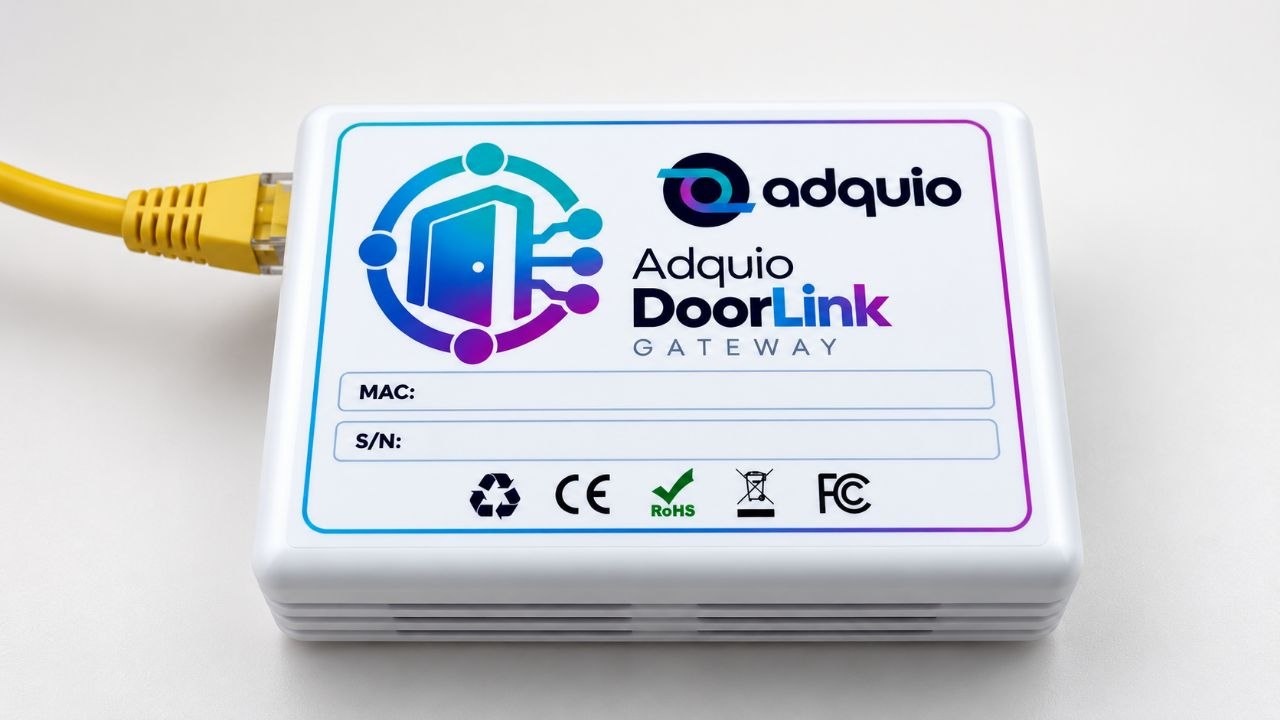
Adquio DoorLink Gateway
It is installed near the locks in each area. Links to DoorLink Server over the network and communicates with locks via Bluetooth.
Manage each door with clear information
Status and diagnostics
See connection, Bluetooth signal, battery, firmware, capabilities and last communication. Distinguish unknown data from real issues.
Remote unlocking
Request authorised openings from the interface or an integration. Review the source, requester and whether each operation completed successfully.
PINs and IC cards
Create, view, modify, and delete supported credentials. Assign a holder and define its validity period to keep access organised.
Schedules and automatic locking
Configure automatic locking and the weekly passage-mode periods supported by the lock. Check its clock before applying schedule changes.
Users and permissions
Separate query and operation tasks using accounts and roles. Configurable confirmations add control to sensitive actions.
Access history
Review physical events and openings requested through DoorLink. Filter the history and match commands with their results without duplicating records.
Discover the interface
Screenshots of the interface in English. You can zoom in to see every detail.
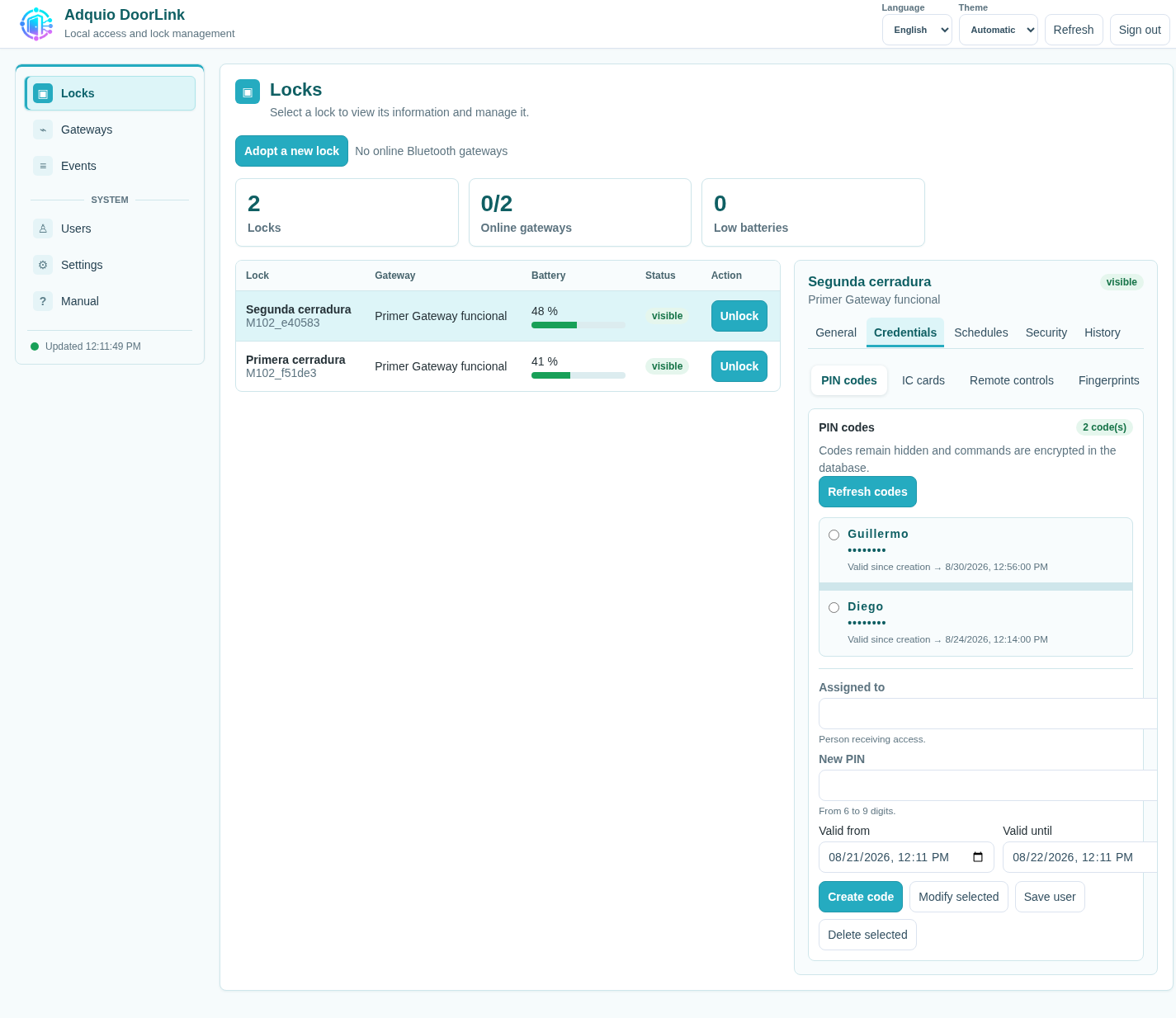
Credentials with holder and validity
PINs are masked. Manage credential holders and validity dates from each lock’s details.
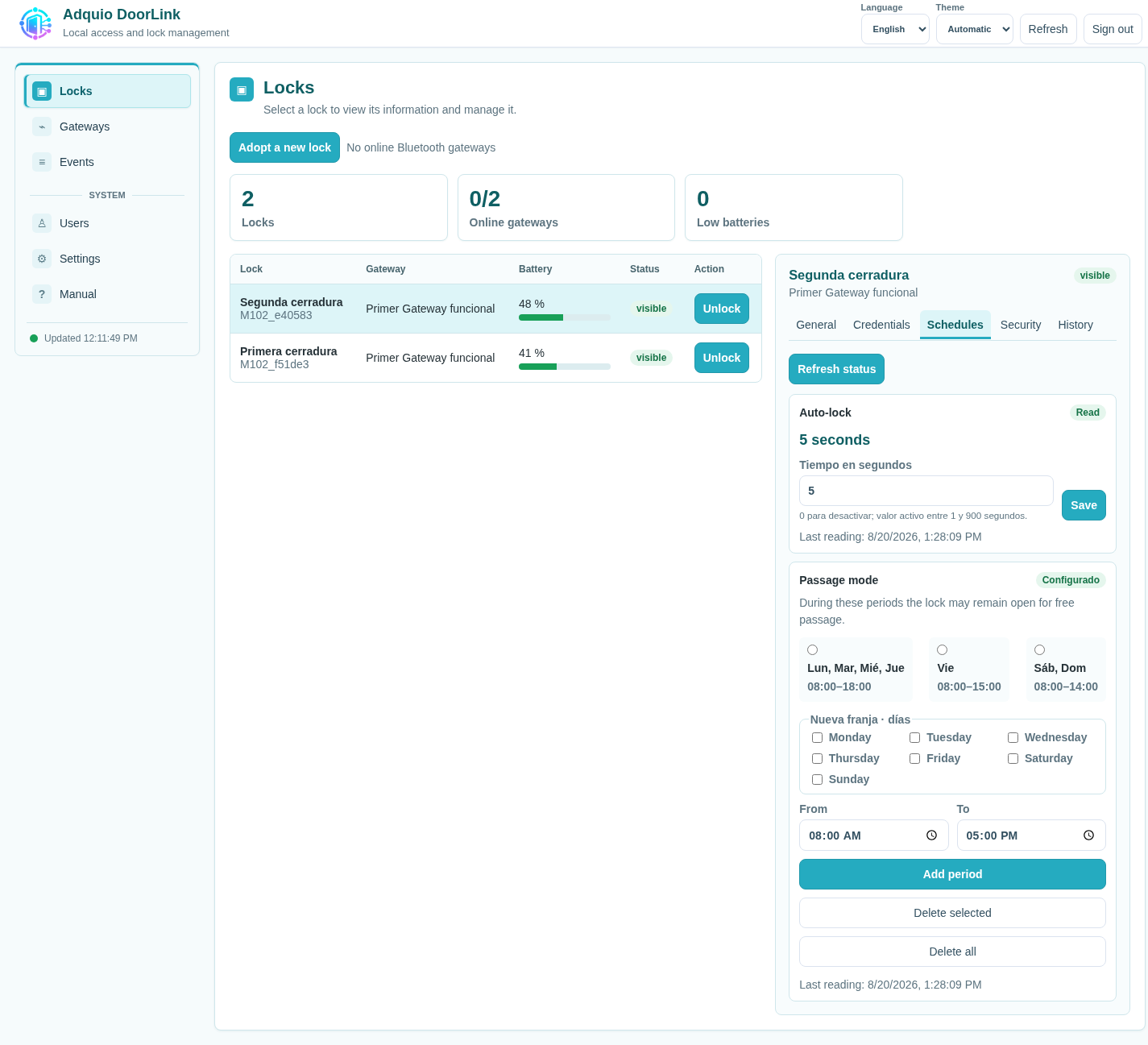
Schedules adapted to each door
Organise weekly passage-mode periods and adjust automatic locking to the model’s capabilities.
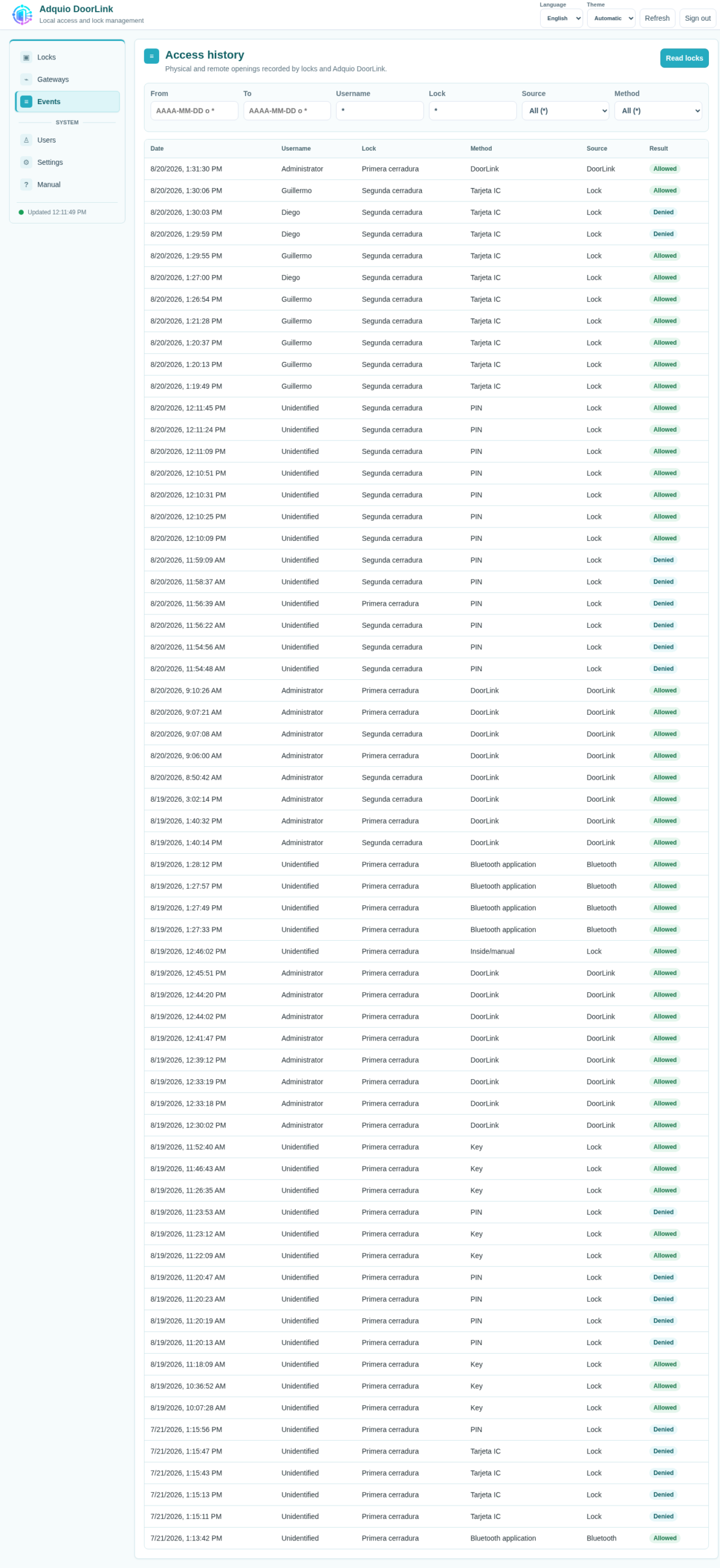
A history that allows you to verify
See who requested an opening, when it occurred, and what the outcome was, when there is evidence to attribute it.
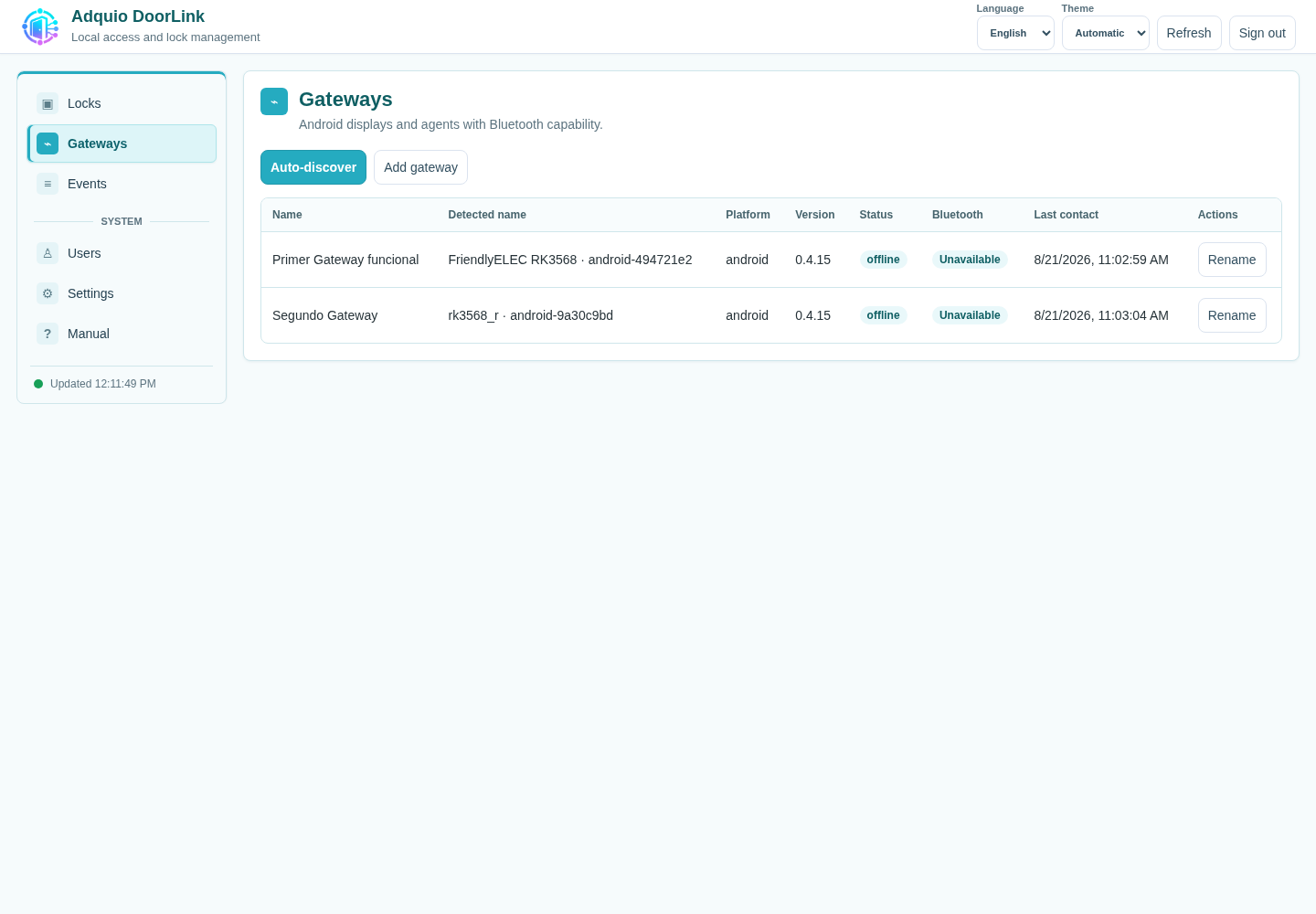
Visibility of the entire installation
Review each gateway and its Bluetooth connection to distinguish a network issue from a lock issue.
What you need to install DoorLink
DoorLink Server
DoorLink Server with persistent storage for local installation management.
Gateways
One or more Android devices compatible with Bluetooth LE and connectivity with the DoorLink Server. They can be Adquio compatible screens.
Locks
Validated initial integration with TTLock, including testing on E300P locks. Available functions depend on model and firmware.
Network
Connectivity between DoorLink Server and gateways, and Bluetooth coverage between each gateway and its locks.
Local operation
Bluetooth interface, configuration, auditing and execution within the installation. PINs and cards stored in the lock can continue to work during an internet outage.
Administration and maintenance
Multilingual web interface, integrated manual, autostart, backups and versioned deployments.
The architecture allows new adapters to be developed. Tuya, OSDP and other wired solutions are part of that evolution; they are not presented as already validated integrations in this version.
Access is part of automation
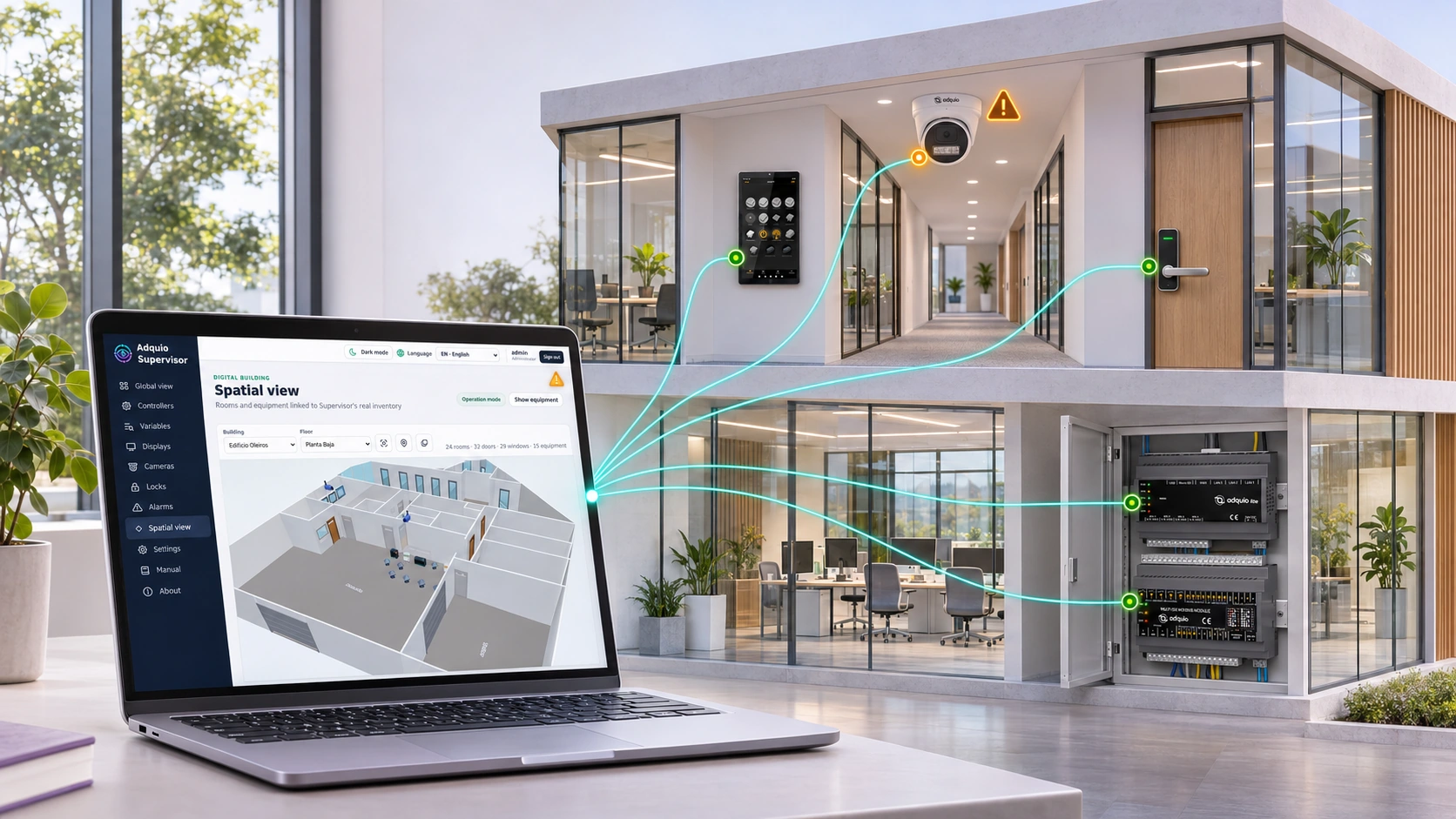
Connected to the Adquio ecosystem
Each adopted lock can be represented as a device in an Adquio controller. The real-time connection allows you to receive orders and publish values using the usual mechanisms of the ecosystem.
This way you can relate access control with automation and building supervision.
Integration with your systems
The versioned HTTP JSON API allows you to query locks, gateways and events, and request authorised openings. Makes it easy to integrate DoorLink with Adquio Supervisor and with reservation, alarm or occupancy systems.
Integrations are configured according to the systems and needs of each project.
Data protection and traceability
Encrypted sensitive data
DoorLink encrypts sensitive information stored on the DoorLink Server. Gateways use Android Keystore to secure Bluetooth credentials.
Access with clear responsibilities
Human accounts, temporary sessions, and separate technical credentials allow you to separate users, operations, and gateways.
Orders with verifiable results
Expiration and order identifiers prevent late or duplicate executions. Configuration changes are verified by a subsequent read.
Who is it designed for?
Building managers
A common view for doors, holders, validity periods and events, with the data under the control of the installation.
Maintenance managers
Diagnosis of DoorLink Server, gateway, Bluetooth and lock, with update and recovery procedures.
Integrators
Native connection with Adquio and an API to incorporate access to building applications and processes.
Typical applications

Offices and shared spaces
Interior doors, rooms and accesses that must be related to schedules or reservations.

Rooms and apartments
Centralised management of credentials with defined validity, based on the integrated locks and reservation system.
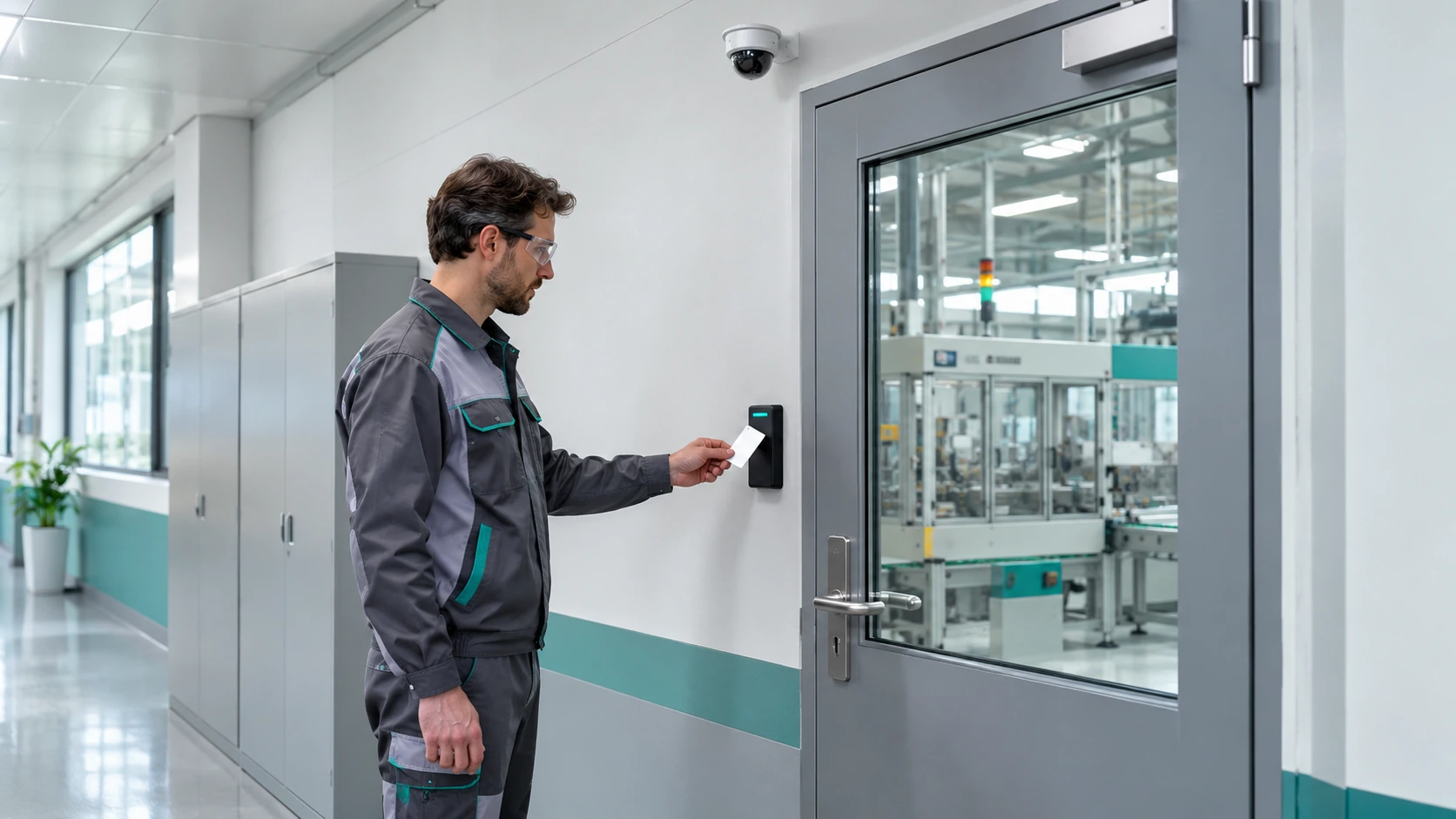
Warehouses and service areas
Organisation of holders and permits, consultation of events and monitoring of the status of the locks.
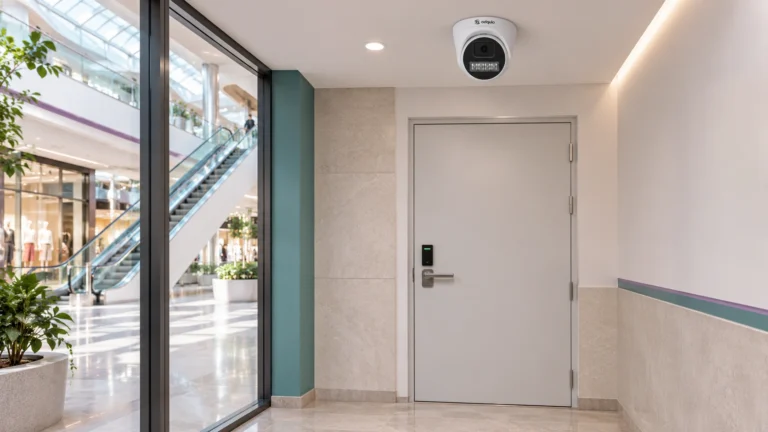
Buildings with several zones
Distribution of Android gateways to bring Bluetooth coverage closer to the doors of each floor or area.
Frequently asked questions
Does it depend on an external cloud?
Central management and TTLock operation via Bluetooth are local. The features of an external integration may depend on your own services and requirements.
Can I reuse an existing Android screen?
Yes, if the device is compatible and has Bluetooth LE and connection to the DoorLink Server. The DoorLink agent works as a service independent of the dashboard.
What happens if a gateway loses connection?
DoorLink reports connection status and limits retries and order lifetime. Remote execution requires a working gateway and Bluetooth coverage; credentials already stored in a compatible lock can continue to be used locally.
Does it support any TTLock lock?
Functions depend on model and firmware. Initial integration has been tested with TTLock/E300P locks; it is advisable to validate the specific models of each project.
Can you manage any door in the building?
The choice of lock and access system must be adapted to each door. Critical, evacuation or fire doors require a solution designed and validated specifically for that use.
Related articles
Integrated access control without depending on a third-party cloud: discover Adquio DoorLink
Adquio DoorLink brings local access control to your building: locks, users, credentials and schedules integrated without depending on a third-party cloud for supported…
Read article ↗
Your building, one click away: access your devices with Adquio Supervisor
Controllers, screens, cameras and locks: access your devices and transfer files with Adquio Supervisor, all from one environment.
Read article ↗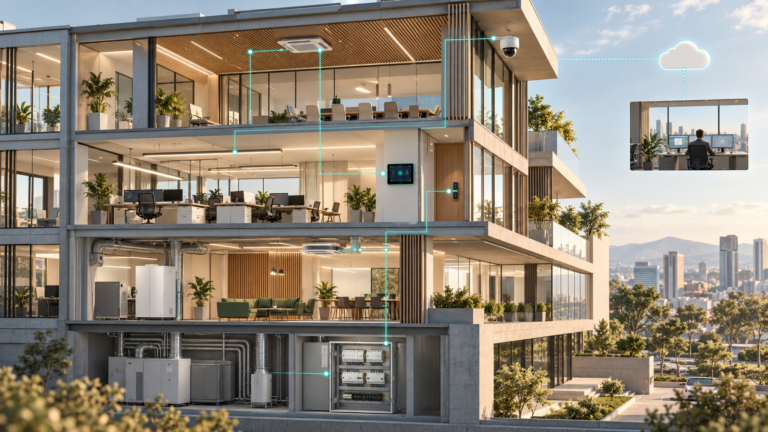
The protocols connecting Adquio Building OS
From field buses to building supervision and remote access: explore the protocols and connections that bring the Adquio ecosystem together.
Read article ↗Connect your entrances with the rest of the building
Tell us which doors you want to manage and how your installation works. We help you consider the integration with Adquio.
