Screens and interfaces

Adquio Control Screen 32″

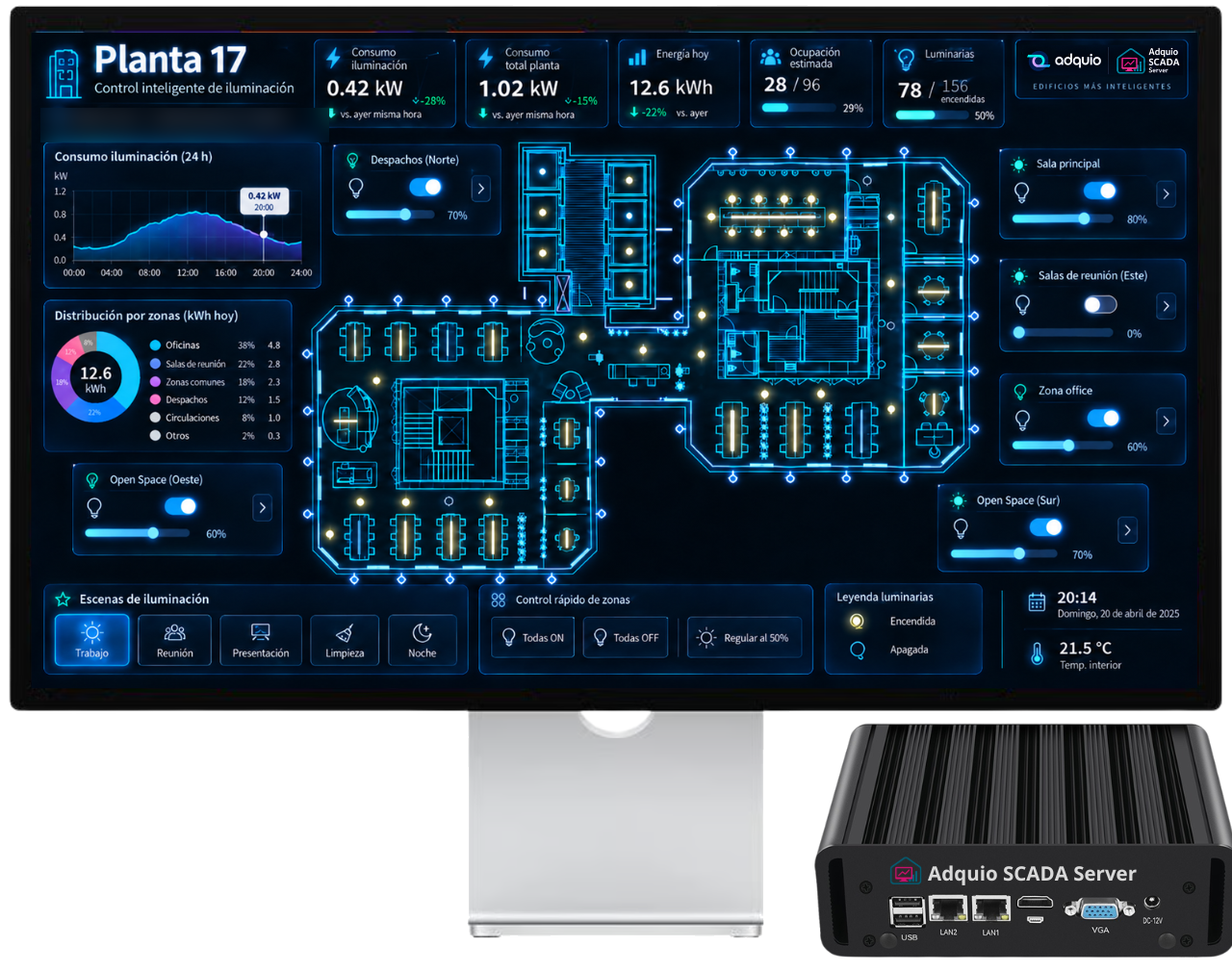
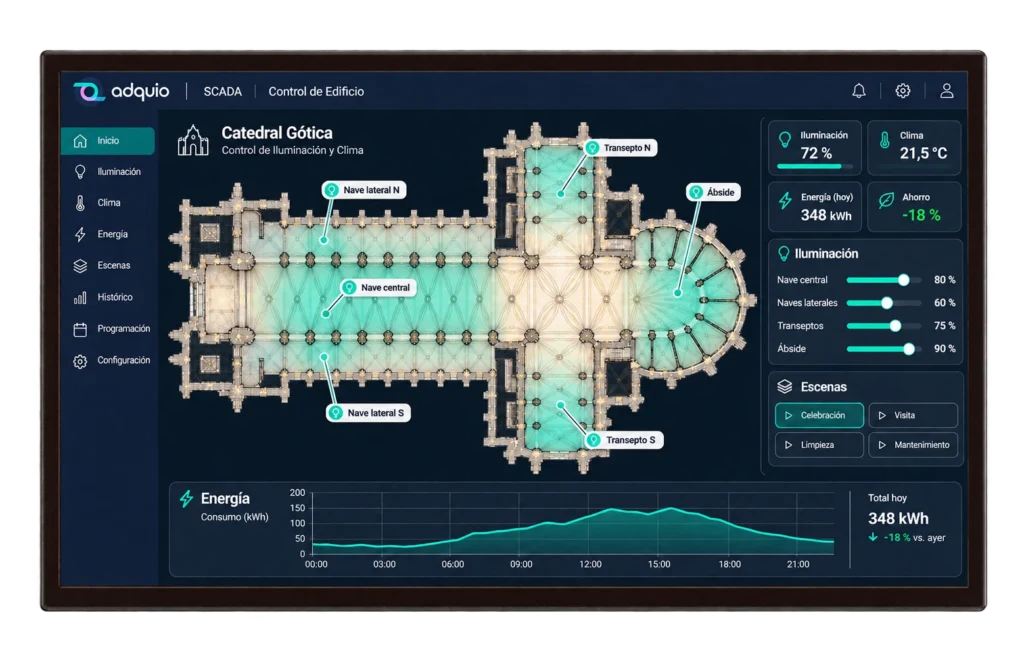
Present floor plans, states and controls on a 32″ screen. Organise a monitoring interface that allows you to understand the installation and act on the integrated equipment.

Adquio Control Screen 32″
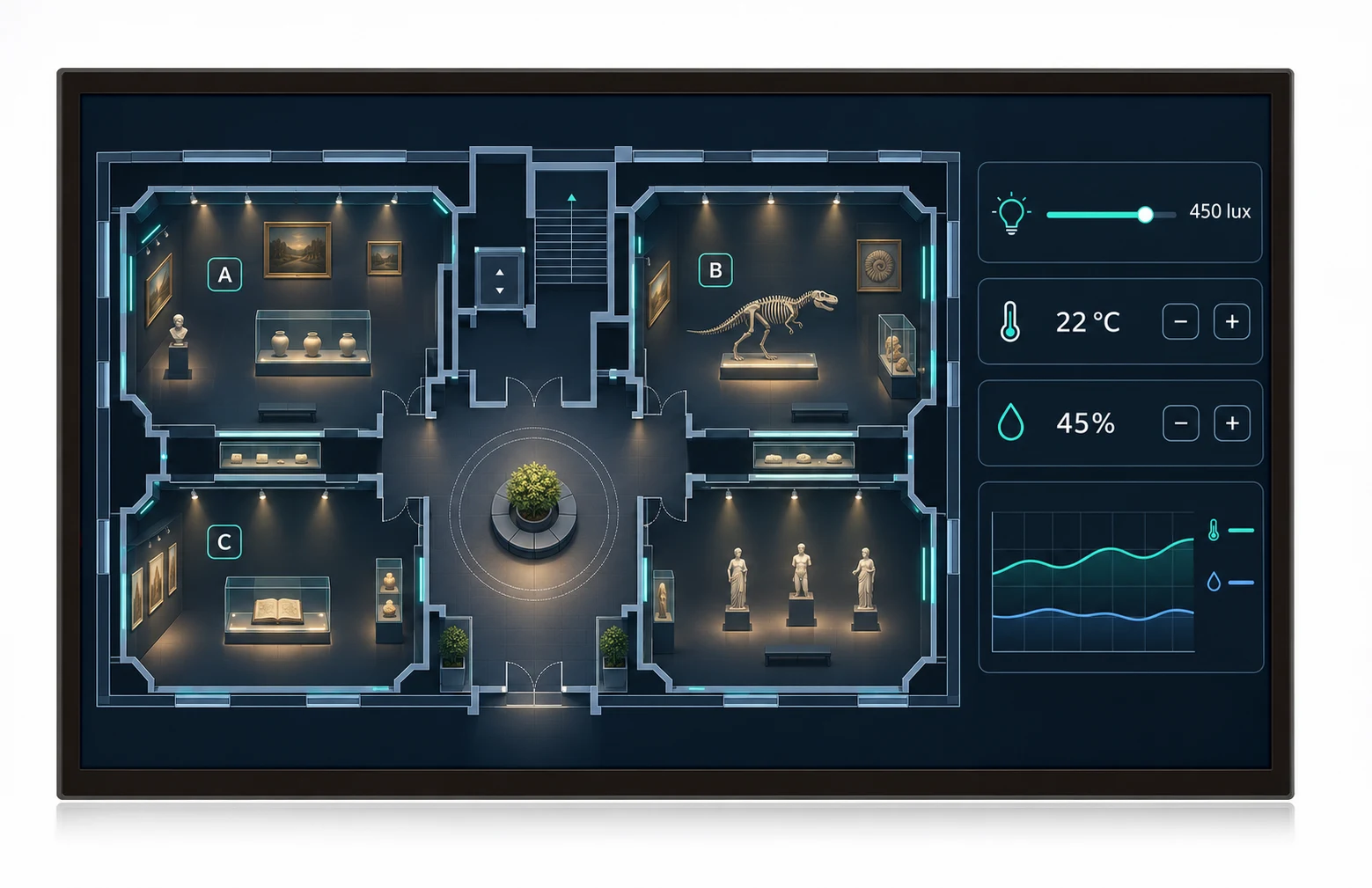
Adquio Control Screen 32″ with the layout and controls of a museum

Casambi Ready

Touch screen designed to work continuously without interruptions 24/7. Due to its characteristics, it is perfect to act as HMI, and, for occasional use, as a gateway for Casambi installations. The mount secures it to the wall in landscape or portrait orientation. Interact with the installation without a mobile phone. Once commissioned, users can activate scenes from the screen or use a custom HMI with the controls they need.

You can use the screen as a gateway to connect the Casambi installation to the internet sporadically. Therefore, it performs two important functions:

  • Serves as a screen: To configure and for subsequent control of the installation.
  • Acts as a reliable Casambi gateway (for occasional use only): connect the installation securely to the Internet.

Screen activation by presence. With a compatible version of Adquio ScreenCore, the integrated camera activates the screen when it detects a person in front. After a period of no presence, the screen turns off again. Reducing hours of use saves energy and helps extend the life of the panel.

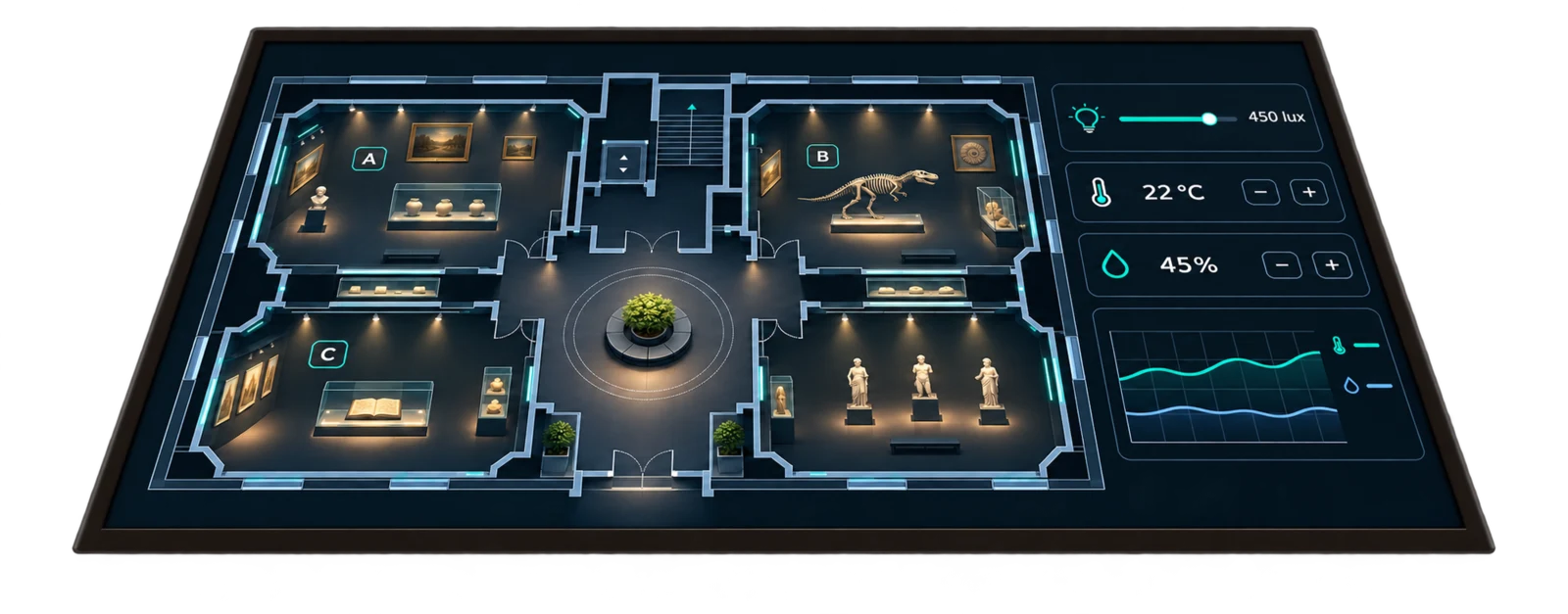
Adquio Control Screen 32″ in perspective with the museum dashboard

Front panel details

  • 32 inch screen.
  • 1920 X 1080 pixels.
  • Led backlighting.
  • IPS technology.
  • 10-point capacitive touch panel.

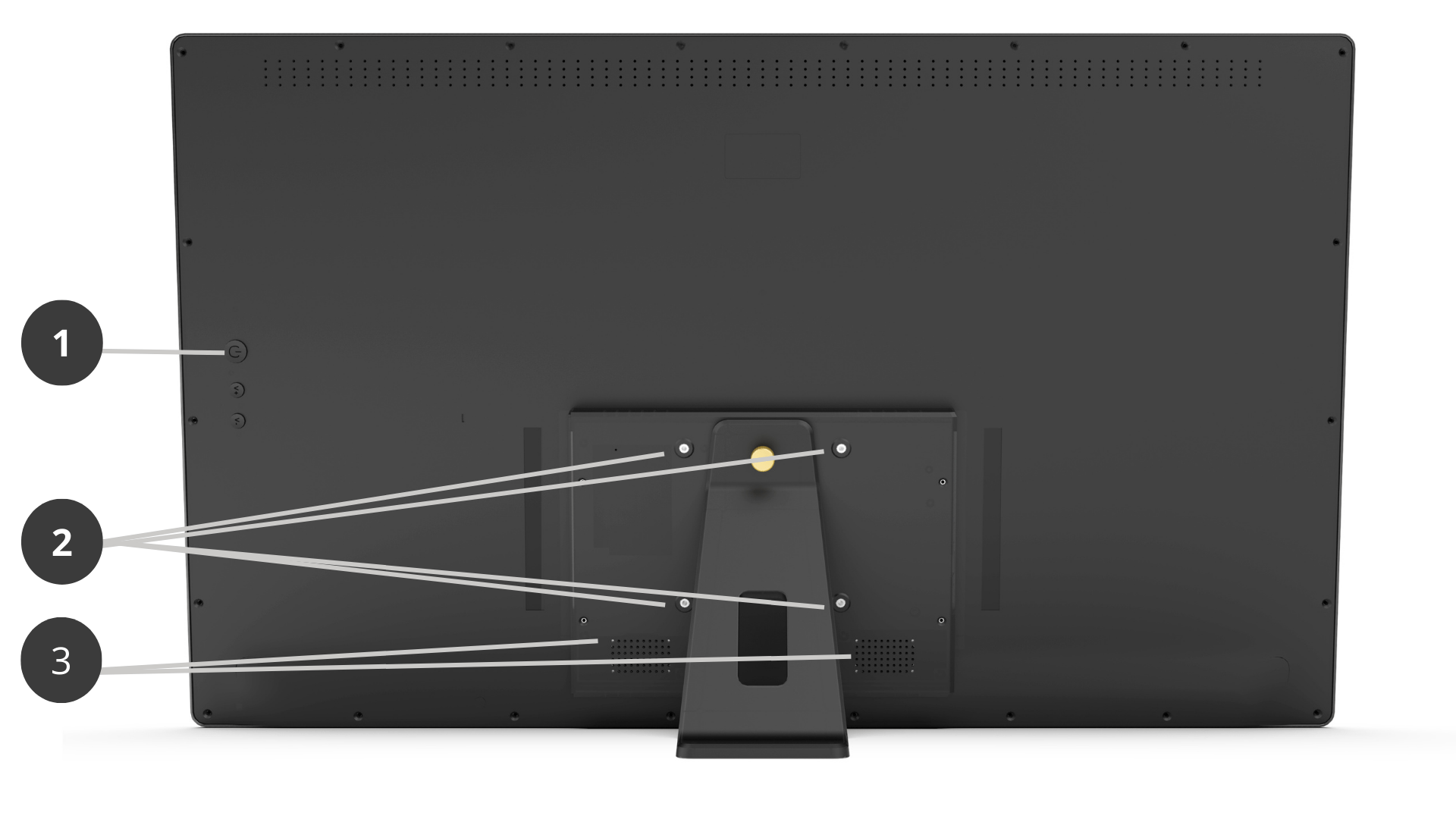
Buttons and mounting points

  1. Power button. (The screen starts up when power is applied.)
  2. VESA mounting screws 100mm apart.
  3. Speakers
Adquio control screen 32 back

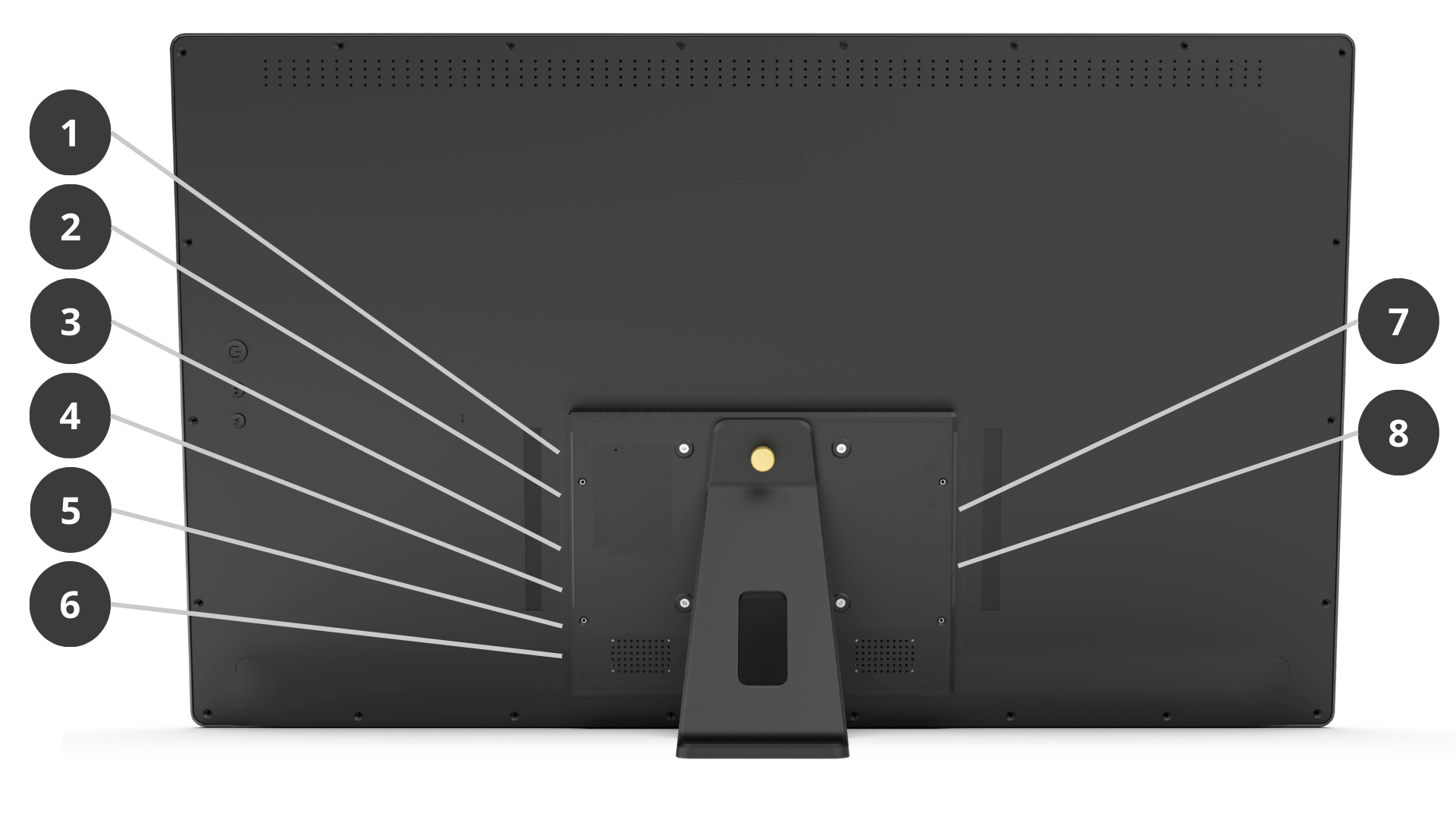
Rear connectors

  1. SD card slot.
  2. A3.5 mm audio with microphone
  3. Micro USB OTG
  4. Host USB 3.0
  5. HDMI video output.
  6. 12V 5A power connector.
  7. Host USB 2.0
  8. RJ45 Ethernet Gigabit.

Screen

Size32 inches
Resolution1920 X 1080 pixels
Viewing angles85º/85º horizontal and 85º/85º vertical
Contrast ratio3000
Brightness250 cd/m²
aspect ratio16:9
Touch Technology10 simultaneous capacitive touch points
Screen activation by presenceThe integrated camera activates the screen when it detects a person in front. The screen turns off after a period of no presence.

Energy

Power supply12V DC
Current5A

Connectivity

LAN Ethernet ports1 Gb/s POE
WiFiB/G/N Wi-Fi client
BluetoothVersion 5.0

Processor and memory

ProcessorCuad-core ARM® Cortex™-A55 RK3568
RAM2 Gb DDR3
PerformanceRun all applications smoothly and without lags
Internal Storage16 Gb

A screen connected to the entire ecosystem

Combine the interface for daily use with the applications and services the building needs: control, video, access, monitoring and data.

Casambi

Casambi

Configure and control the lighting from the Casambi application installed on the screen, via Bluetooth.

Dashboard tailored to a museum in the Adquio Control Screen 32″

Engineering

View floor plans, graphs, states and controls adapted to your installation, with an interface designed for each user.

Adquio Analytics

Adquio Analytics

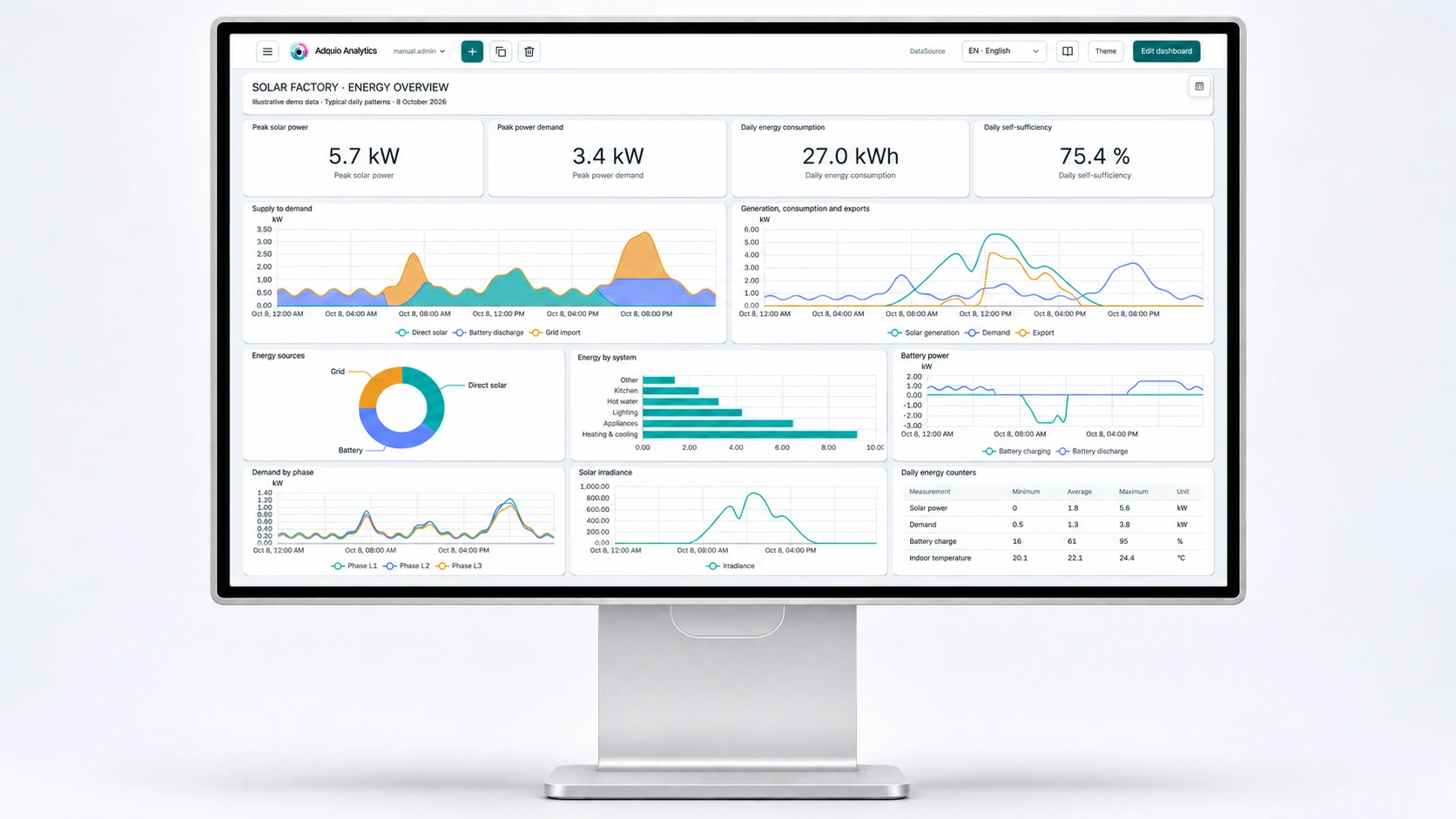
Display shared Adquio Analytics charts and dashboards alongside installation controls.

Adquio VisionCore

Adquio VisionCore

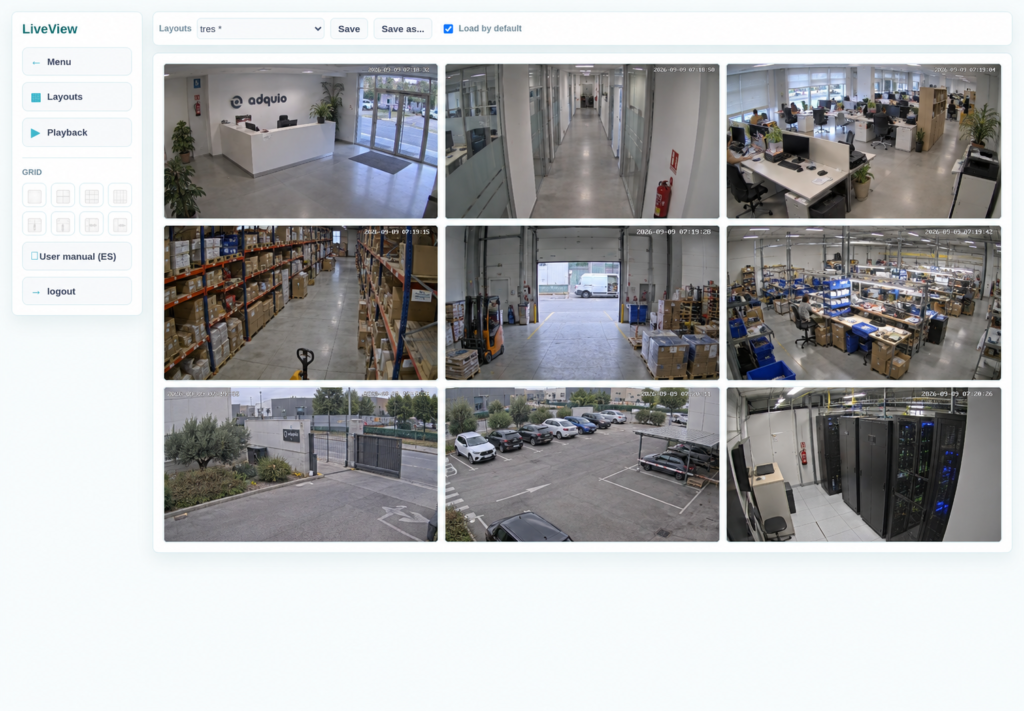
View live cameras from Adquio VisionCore on the screen with the appropriate permissions. Combine visual information with building monitoring.

Adquio DoorLink

Adquio DoorLink

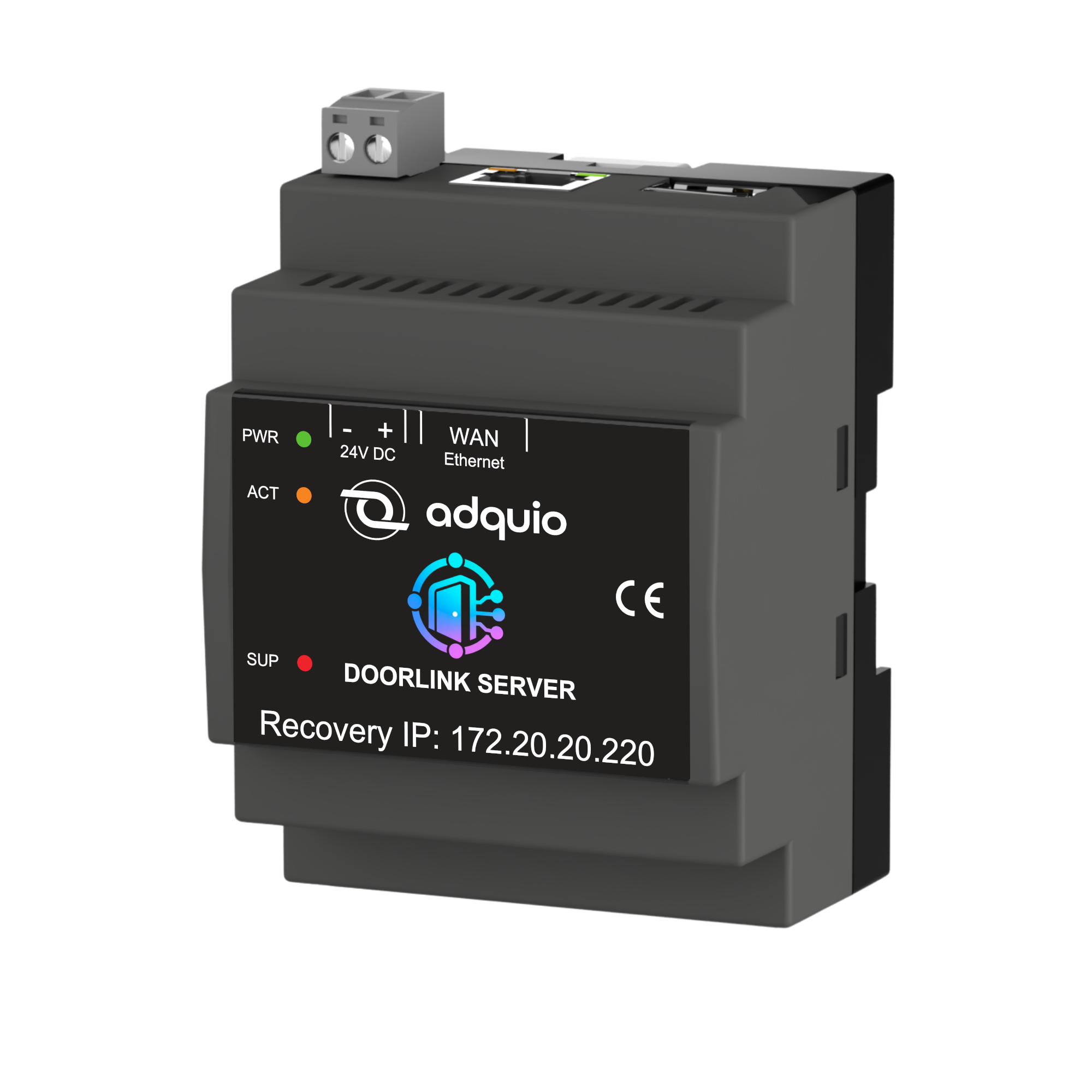
View access status and manage authorised actions using a compatible interface connected to DoorLink Server.

To access the Casambi application for a remote installation, see Adquio Full Remote Access for Casambi. To integrate networks with other platforms, discover Adquio API for Casambi.

Connect your project to the entire Adquio ecosystem.

Prepare an installation overview for the 32-inch screen. We will help organise plans, controls and the information each operator needs.