Screens and interfaces

Adquio Industrial Screen 17″

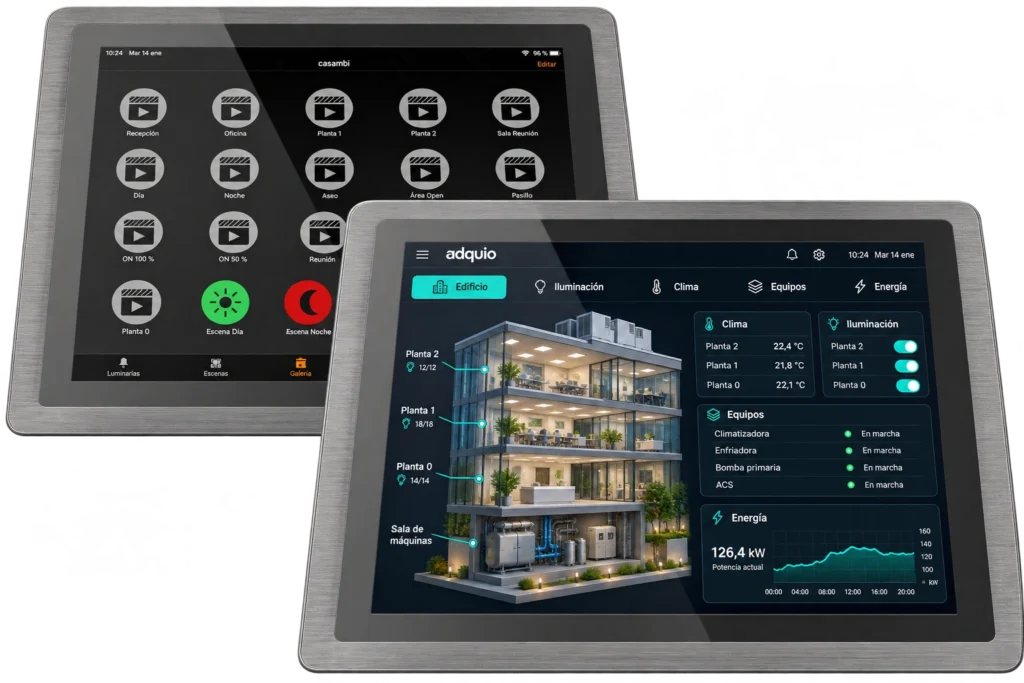
Bring together monitoring and control on a 17″ industrial display. Adapt the floor plans, controls and information to the operating needs of your installation.

Adquio Industrial Screen 17″

Adquio Industrial Screen Casambi Ready

Industrial touch screen designed to work continuously without interruptions 24/7. Due to its characteristics, it is perfect to act as HMI, and as an interface for Casambi installations.

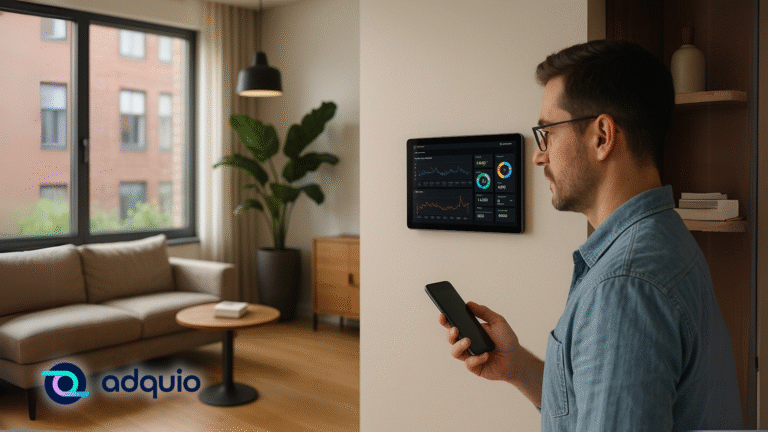
Facilitate installations by being able to interact directly with them without the need for a mobile phone. Once the installation is complete, the client can activate their scenes from our screen, or can choose to have a personalised HMI tailored to their needs, where they will only have access to the controls necessary for their installation.

By acting as support for the Casambi APP, another device is no longer necessary to control the Casambi installation. Therefore, it performs two important functions:

  • Serves as a screen: To configure at the time of commissioning.
  • And as a rear installation control panel.

Front panel details

  • 17 inch screen.
  • 1280 x 1024 pixels.
  • Led backlighting.
  • Capacitive touch panel.
  • IP 65.
  • Polished aluminium painted black.
Adquio_Industrial_Screen_17

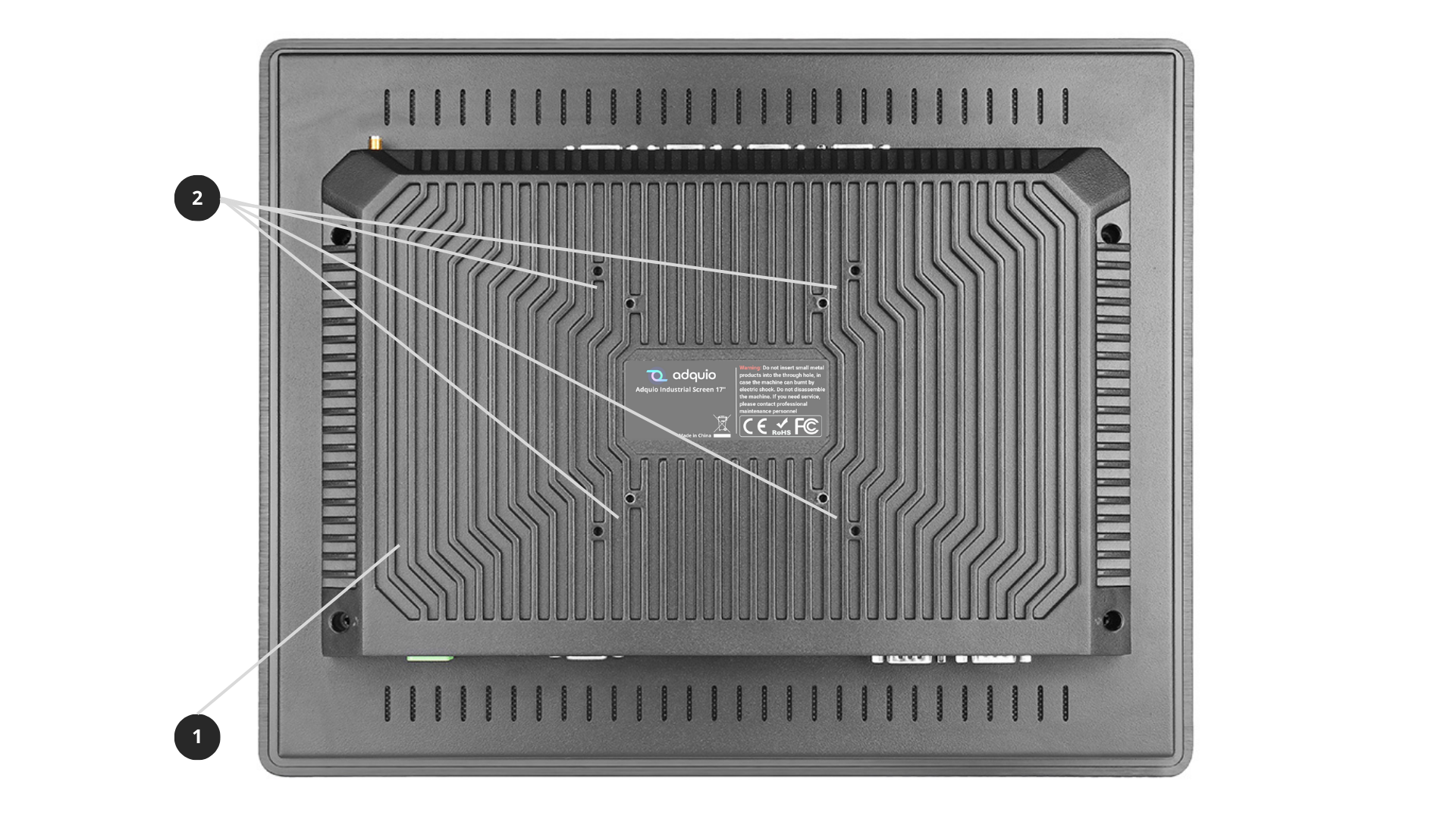
Rear

  1. Grilles for perfect passive dissipation (without fans)
  2. Two VESA mounting options: 100 and 70 mm
Adquio Industrial Screen 17 back

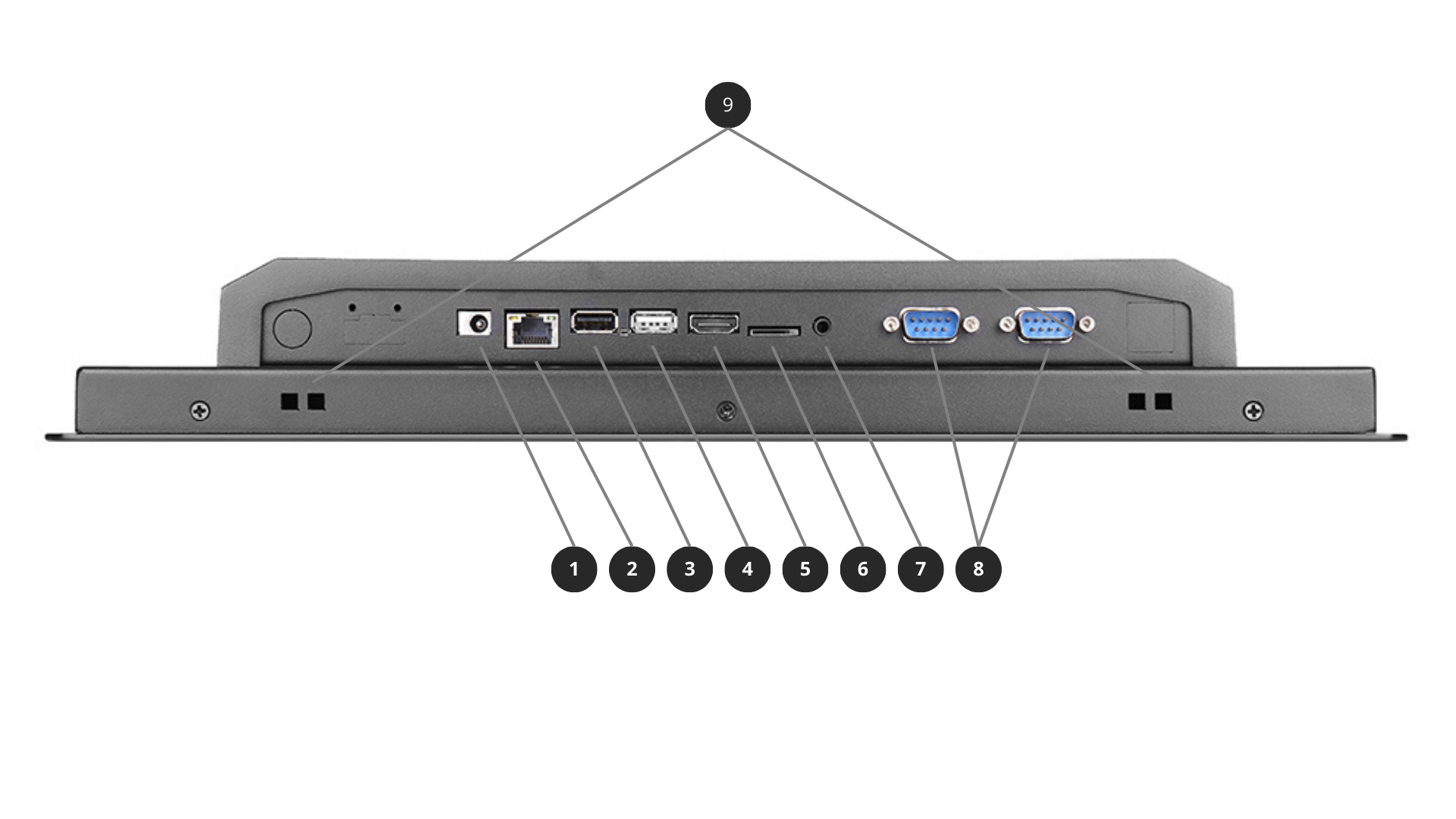
Bottom connectors

  1. Power connector 12V 5A, (supply included).
  2. Ethernet 1Gb.
  3. USB 3.0 ports.
  4. USB 3.0 ports.
  5. HDMI video output.
  6. MicroSD card slot.
  7. Audio output and microphone input.
  8. 2 serial ports.
  9. Mounting holes for the flush-mount bracket
Adquio Industrial Screen 17 bottom connectors
Adquio_Industrial_Screen_17__top_connectors

Top connectors

  1. Speakers
  2. Wi-Fi/Bluetooth antenna connector

Accessories included

Adquio Industrial Screen Casambi Gateway: included accessories

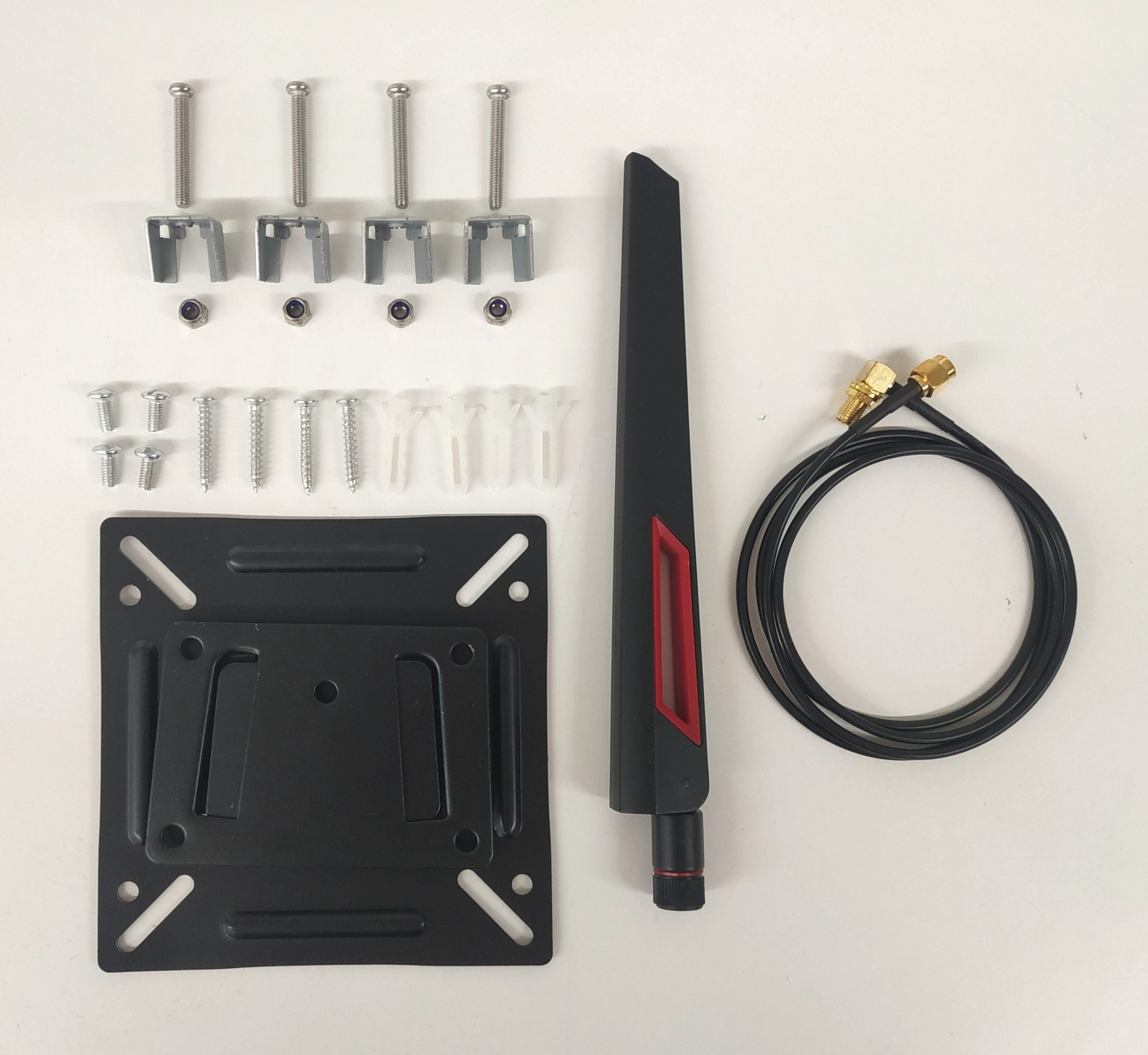
In addition to its corresponding power supply, in each Adquio Industrial Screen box you can find:

  1. The four brackets, screws and nuts shown at the top are used to mount the screen flush in a panel.
  2. Below you can see the screws and plugs needed to secure the display to a wall with the VESA mount you see below.
  3. On the right is the high-gain antenna (12 dBi), which provides coverage for Wi-Fi and Casambi Bluetooth networks.
  4. To your right, you can see the high-quality, low-loss extension cable for the antenna. This allows you, if you wish, to place it in a better position to obtain the best connectivity results.

Panel installation

Adquio Industrial Screen, recessed installation

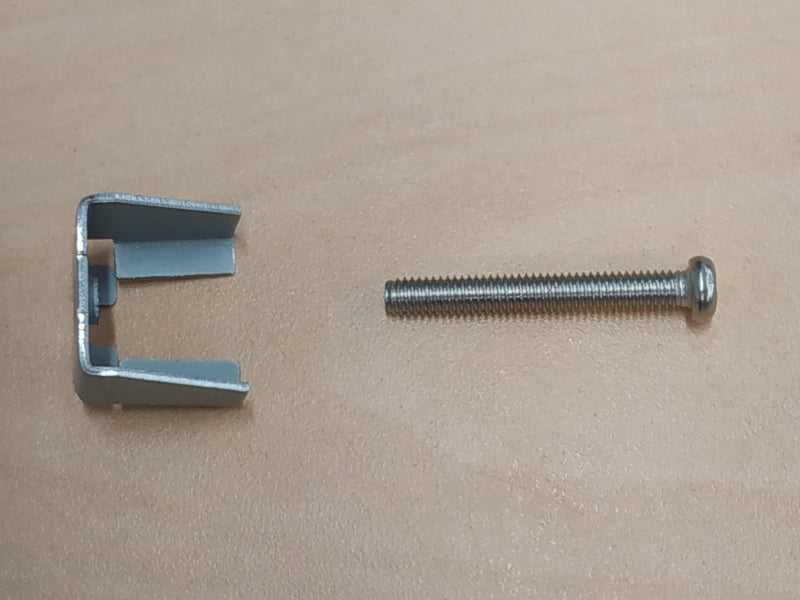
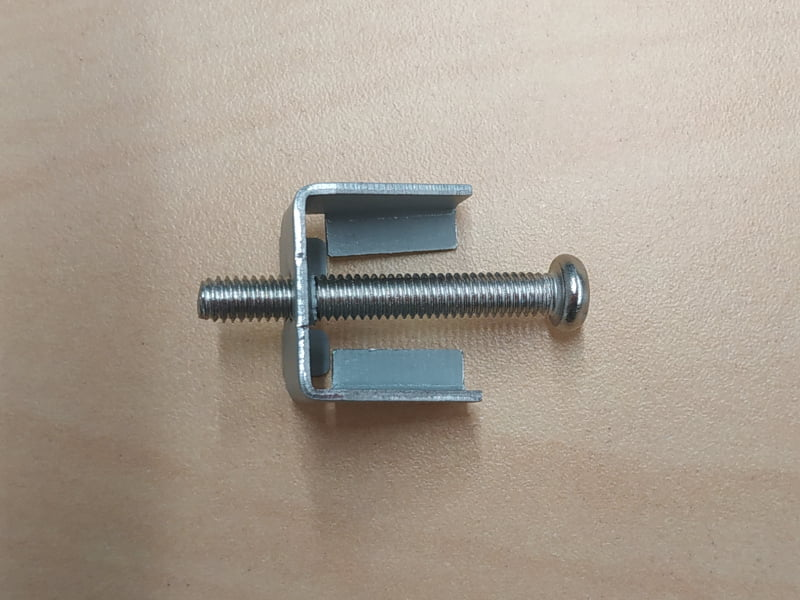
Each screen includes a panel-mounting system with 4 brackets of this type and their screws.

Adquio Industrial Screen, recessed installation

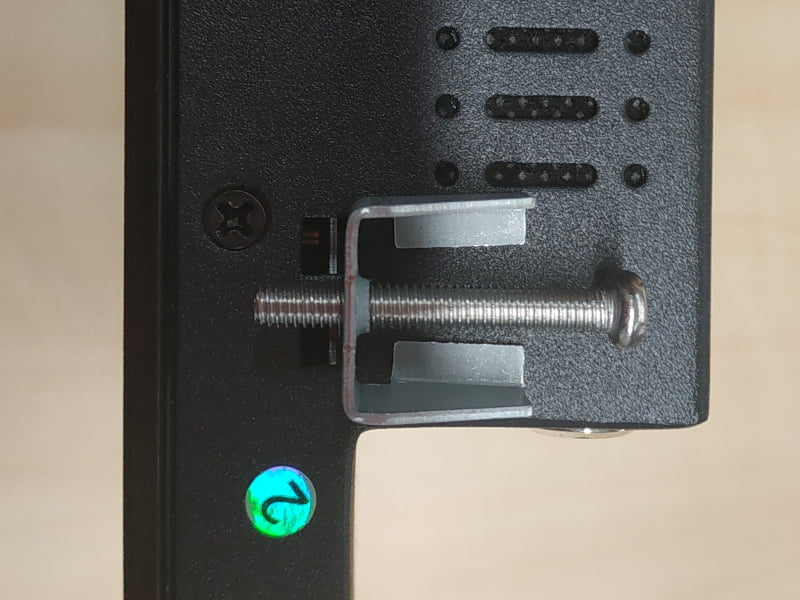
Start each screw in its bracket before attaching the bracket to the side of the screen; this is easier to do now.

Adquio Industrial Screen, recessed installation

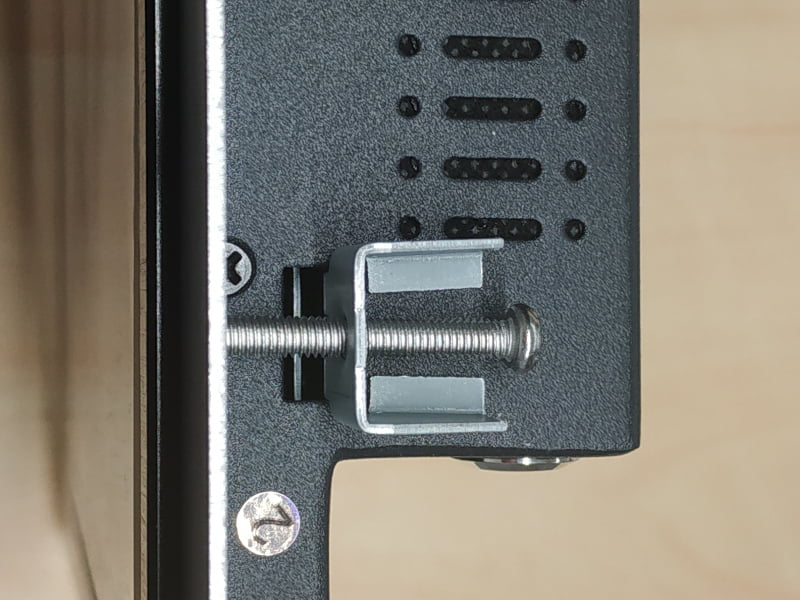
Cut the panel opening to size, insert the screen and position the brackets at the rear as shown.

Adquio Industrial Screen, recessed installation

Tighten the screws firmly. For harsh environments, apply a bead of silicone to the screen frame before installation, using the channel provided in the frame.

Technical specifications

Screen

Size17 inches
Resolution1280 × 1024 pixels
TechnologyLed
Brightness350 cd/m²
Screen response time15 ms
Contrast ratio1000:1
Viewing angles85/85/85/85
MaterialGlass
Touch TechnologyCapacitive
Touch response time< 8 ms
Front protectionIP65

Energy

Power supply12 V DC
Adapter included110–240 V CA
Current≤ 17 W

Connectivity

LAN Ethernet ports1 Gb/s
Wi-FiB/G/N · 2,4 GHz
BluetoothVersion 5.0
USB2 x USB 3.0
Serial Ports2 × 9-pin

Processor and memory

ProcessorARM RK3288 · 4 × Cortex-A17 · 1,8 GHz
RAM2 Gb DDR3
Internal Storage16Gb ECC
Operating systemAndroid 11
PerformanceRun all applications smoothly and without lags

Mounting and antenna

Two possible fixing systemsVESA support to place it on the wall permanently. · Anchors to embed it in a panel.
Two antenna location optionsOn the screen itself. · In another location using the extension cable (Included).

Certifications

CEEN 55032:2015 · EN IEC 61000-3-2:2019 · EN 61000-3-3:2013+A1:2019 · EN 55035:2017
RoHSIEC 62321-4:2013+A1:2017 · IEC 62321-5:2013 · IEC 62321-6:2015 · IEC 62321-7-1:2015 · IEC 62321-7-2:2017 · IEC 62321-8:2017
FCCFCC Part 15 Subpart B · ANSI C63.4:2014

A screen connected to the entire ecosystem

Configure the lighting, control the installation and consult dashboards from the industrial screen.

Adquio Industrial Screen 17″ with the Casambi app

Casambi

Configure and control the lighting from the Casambi application installed on the screen, via Bluetooth.

Adquio Industrial Screen 17″

Engineering

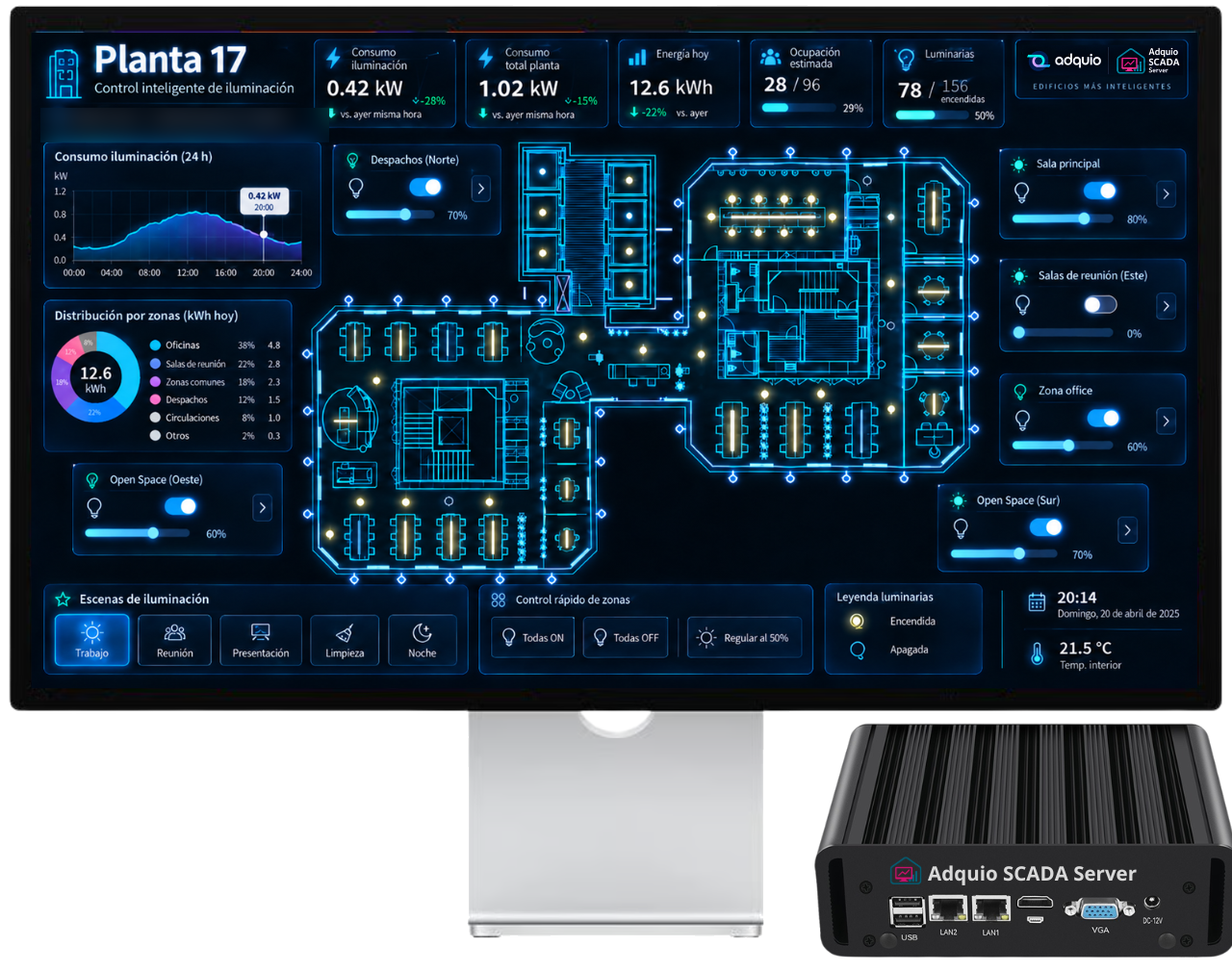
View floor plans, graphs, states and controls adapted to your installation, with an interface designed for each user.

Adquio Analytics

Adquio Analytics

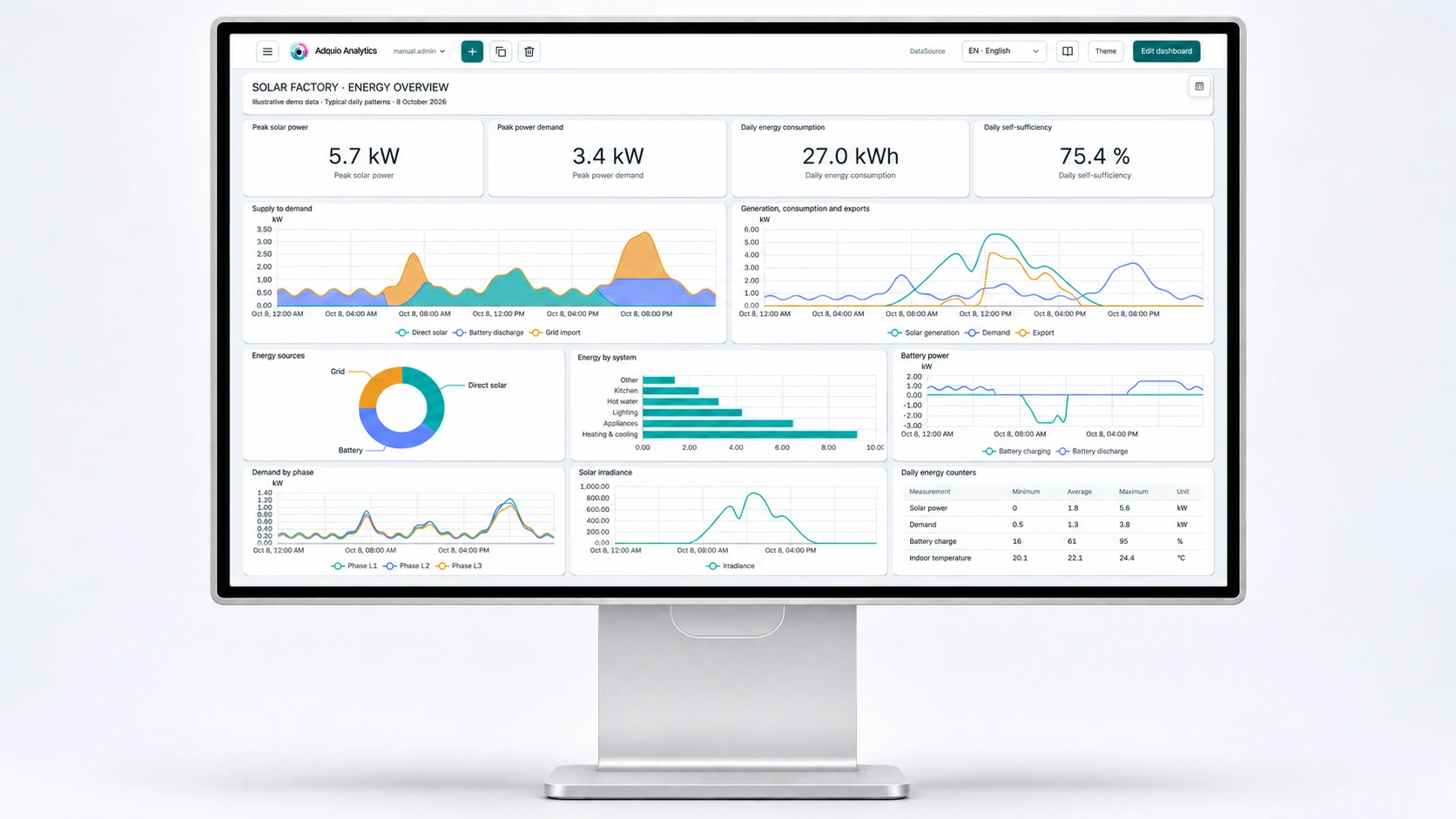
Display shared Adquio Analytics charts and dashboards alongside installation controls.

Adquio DoorLink

Adquio DoorLink

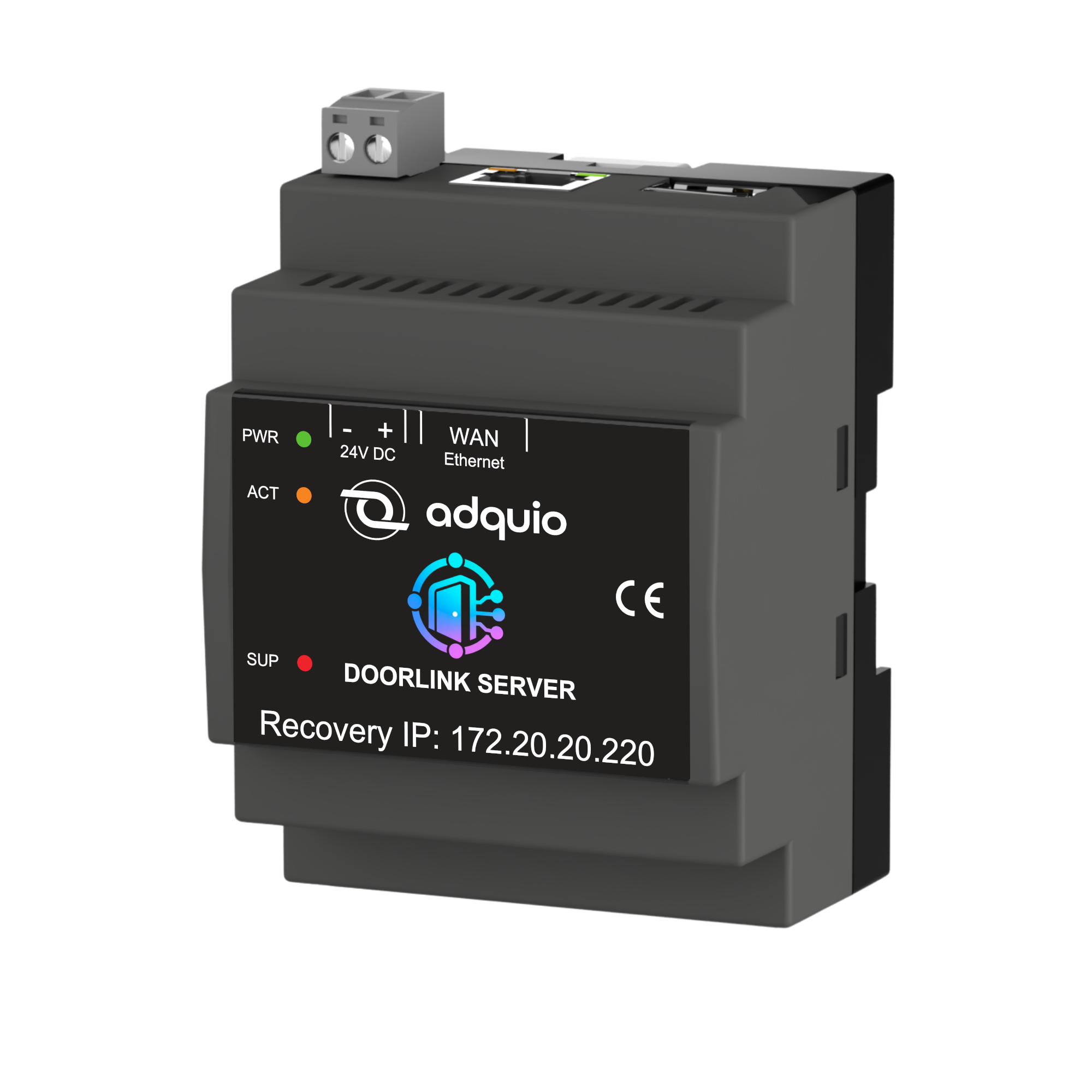
Use the display’s Bluetooth as a gateway to compatible locks in an installation with Adquio DoorLink Server.

To access the Casambi application for a remote installation, see Adquio Full Remote Access for Casambi. To integrate networks with other platforms, discover Adquio API for Casambi.

Connect your project to the entire Adquio ecosystem.

Define the control station’s operations and mounting conditions. We will help organise information and controls on the 17-inch industrial screen.