Imagine arriving at your office and being unable to open a door because an external provider’s server has stopped working. Or needing to give a new employee access while the platform managing your locks is temporarily unavailable.
It may seem unlikely, but it highlights an important issue.
We are adding more technology to our buildings. We install electronic locks, identification systems, mobile applications and platforms to manage who can enter each space.
All of this brings convenience and new possibilities.
But it also raises a question we rarely ask:
Who really controls access to our building?
Do we, or does an external platform on which we depend for the most important operations?
At Adquio, we believe access control should be part of the building’s own infrastructure.
That is why we developed Adquio DoorLink, a solution for managing locks, users, credentials and schedules through a local platform integrated with the rest of the automation ecosystem.
Most importantly, it does not depend on a third-party cloud service for the routine local operations of compatible locks.
First, what is an access control system?
An access control system determines who can enter a building, room or particular area.
Traditionally, this was handled with physical keys.
Each person received a key and could open the corresponding doors.
But this approach has limitations.
What happens when someone loses a key?
Or when an employee leaves the company?
Or when someone needs access to a room for only a few hours?
Electronic locks allow these situations to be managed much more flexibly.
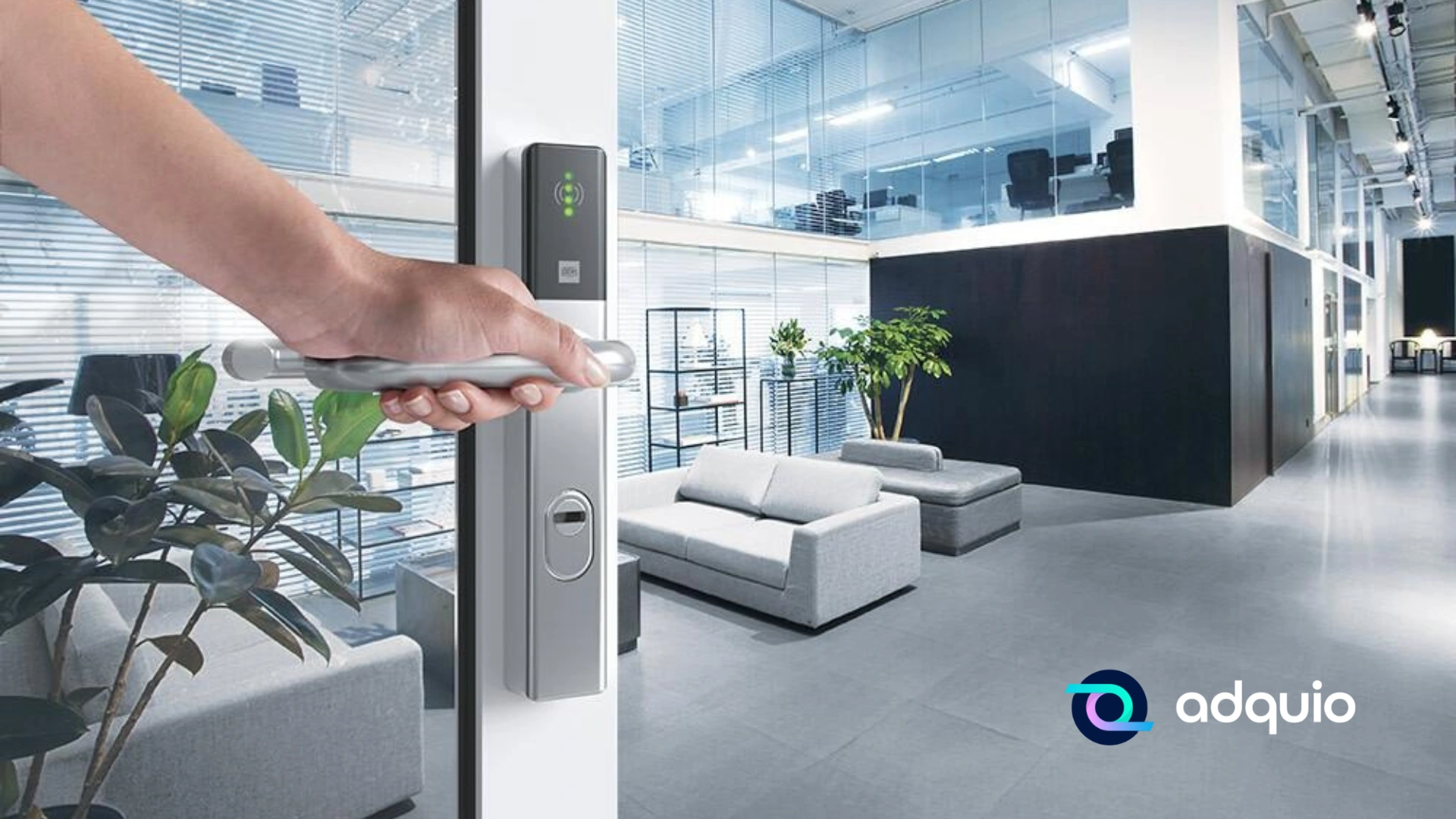
Instead of handing over a physical key, we can use a compatible credential, such as a PIN code or card.
We can also set validity periods and manage access permissions.
For example, an employee may have access to their office but not to storage areas.
A contractor may receive a temporary credential to carry out work.
And maintenance staff can have different permissions according to their responsibilities.
Access control allows a building’s doors to be managed around the real needs of the people who use it.
The problem with depending entirely on an external cloud
Many smart locks use cloud platforms to provide administration and remote control functions.
This can be convenient, but it also introduces dependencies worth understanding.
Imagine a building with 40 electronic locks.
The owner uses an application supplied by the manufacturer to manage users, create credentials and consult information.
Everything works correctly.
But what if the manufacturer changes its commercial policy?
What if certain functions begin requiring a subscription?
What if the service becomes unavailable?
Or the building’s Internet connection fails?
The consequences depend on the system’s design.
Some locks can continue operating with locally stored credentials, while certain administrative or remote operations become unavailable.
Other solutions depend more heavily on external services.
The problem is not using the cloud.
The problem is making something as important as access to our building unnecessarily dependent on a service we do not control.
That is why a local management architecture makes considerable sense in certain installations.
What does managing access locally mean?
It means the main administration functions run within the building’s own infrastructure.
For example, a local server can manage locks, users, permissions and operation logs.
The server communicates with installed devices through the internal network and the corresponding gateways.
Routine management therefore does not need to send every operation to an external cloud platform.
If the Internet connection is interrupted, local functions that do not depend on external services can remain available.
Of course, this does not remove every dependency.
The system needs electrical power, working local communications and compatible equipment.
It also requires maintenance, updates and backups.
But there is a fundamental difference:
The main control infrastructure remains under the building’s own administration.
Adquio DoorLink: doors are part of a smart building too
Adquio DoorLink is designed to manage electronic locks through a centralised platform and connect them to the Adquio ecosystem.
It allows an installation’s doors to be organised, compatible credentials to be managed, schedules to be configured and information about lock operation to be consulted.
But its defining characteristic is its architecture.
Management takes place locally, through Adquio DoorLink Server and gateways distributed around the building.
There is no need to depend on the lock manufacturer’s cloud to carry out supported local operations.
Access can therefore be administered more independently while also being connected to other building systems.
How does Adquio DoorLink work?
Let us explain it simply.
Imagine an office building with several floors.
Each floor has different electronic locks.
We want to manage them through one interface.
DoorLink uses three main elements.
1. Adquio DoorLink Server: the management centre
This is the server responsible for administering the installation.
It holds the configuration, user and permission information, available logs and administration tools.
Its web interface allows work from an authorised browser.
For example, the building manager can check which locks are connected, organise credentials and review completed operations.
They can also check gateway status and access diagnostic information.
All through a centralised platform.
2. Adquio DoorLink Gateway: communicating with the doors
Compatible locks can communicate through Bluetooth Low Energy.
To control them from the server, DoorLink uses gateways installed near the doors.
These gateways connect to the server through the building’s local network and establish Bluetooth communication with the locks.
Several gateways can therefore be distributed across different floors or areas.
For example, one gateway can serve selected locks on a floor, while another provides coverage for doors in a different area.
The number of devices needed depends on distances, obstacles and actual Bluetooth coverage conditions.
3. Compatible locks
The locks physically carry out opening operations and retain the local credentials supported by each model.
DoorLink‘s initial integration was developed for TTLock-compatible locks, with validation performed on models such as the E300P.
This does not mean every TTLock lock automatically supports every function.
The model and its firmware must be checked.
But DoorLink‘s architecture is designed to allow other adapters and technologies to be added progressively.
The aim is for access management to evolve without being limited to a single external administration platform.
A surprising advantage: your Adquio screens can also help control locks
This is one of the ecosystem’s most interesting features.
Imagine an Adquio control screen installed beside an office entrance.
You use it to manage lighting, HVAC and other building functions.
But that screen also has an Android system and compatible Bluetooth communication.
What if it could act as a gateway for a nearby lock?
With Adquio DoorLink, certain compatible Adquio screens can also operate as Bluetooth gateways.
This allows existing hardware to provide communication with the locks.
The screen continues displaying its usual control interface while the DoorLink service handles communication.
Naturally, compatibility, Bluetooth coverage and operating conditions need to be checked.
But the concept is particularly interesting.
Instead of multiplying installed devices, we can make better use of those already in place.
A screen that controls lighting and HVAC can also form part of the access control infrastructure.
What can I do with DoorLink?
The solution manages different functions according to the capabilities of compatible locks.
Manage credentials
Credentials supported by each lock can be created, viewed, changed and deleted.
For example, PIN codes or compatible cards.
They can also be associated with their holders and given validity periods.
This is particularly useful in buildings where people and permissions change frequently.
Organise schedules
Certain locks support settings such as automatic locking or weekly passage-mode periods.
DoorLink manages these functions where the model supports them.
For example, an internal door can have a passage-mode schedule during working hours and return to its normal operation outside that period.
Request authorised unlocking
A user with appropriate permissions can request unlocking through the DoorLink interface or an authorised integration.
The system allows the operation’s result to be checked and distinguishes between a request being sent and unlocking being confirmed by the available information.
Check lock status
Information such as connectivity, Bluetooth signal strength, battery level, firmware or last contact can be monitored where available.
This helps identify faults and prepare maintenance tasks.
Review history
DoorLink provides access to operation logs and events received from the locks.
For example, unlocking requests and their results can be reviewed.
The available detail depends on the information supplied by each device and the installation’s configuration.
A practical example: an office building with 30 doors
Imagine a company occupying a four-storey building.
It has meeting rooms, offices, storage areas, private offices and technical areas.
In total, it has 30 doors with compatible electronic locks.
The aim is to manage all access through a common platform.
With DoorLink Server and the necessary gateways, locks can be organised by floor and zone.
The administration manager can manage credentials and validity periods.
The maintenance team can check lock status.
And authorised users can carry out operations corresponding to their permissions.
If a lock stops communicating, the system can indicate the loss of connectivity.
If a credential needs changing, this can be done through the centralised interface, provided communication with the lock is available.
If the Internet stops working, local management can remain operational while the server and internal communications remain available.
Credentials previously stored in compatible locks can also continue working locally.
The building retains control over its access without needing a permanent connection to a third-party cloud.
DoorLink can do more: integrate with automation
So far, we have discussed locks.
But DoorLink is part of something broader: the Adquio ecosystem.
This makes it possible to connect access information with other technologies.
Imagine an authorised person entering a room.
The system can provide an access event that participates in an automation through correctly configured logic.
For example, activating a lighting scene.
Or informing the monitoring system that an authorised operation has taken place.
Certain access states could also be linked to a booking platform or management application.
These functions need to be designed specifically for each project, always respecting permissions and safety conditions.
But they open up interesting possibilities.
The door stops being an isolated element and starts providing useful information to the rest of the building.
DoorLink and Adquio SCADA: doors on the building’s floor plan
Imagine a maintenance manager opening a SCADA interface showing the building’s floor plan.
They can check lights, temperatures and installation status.
What if they could also view lock information?
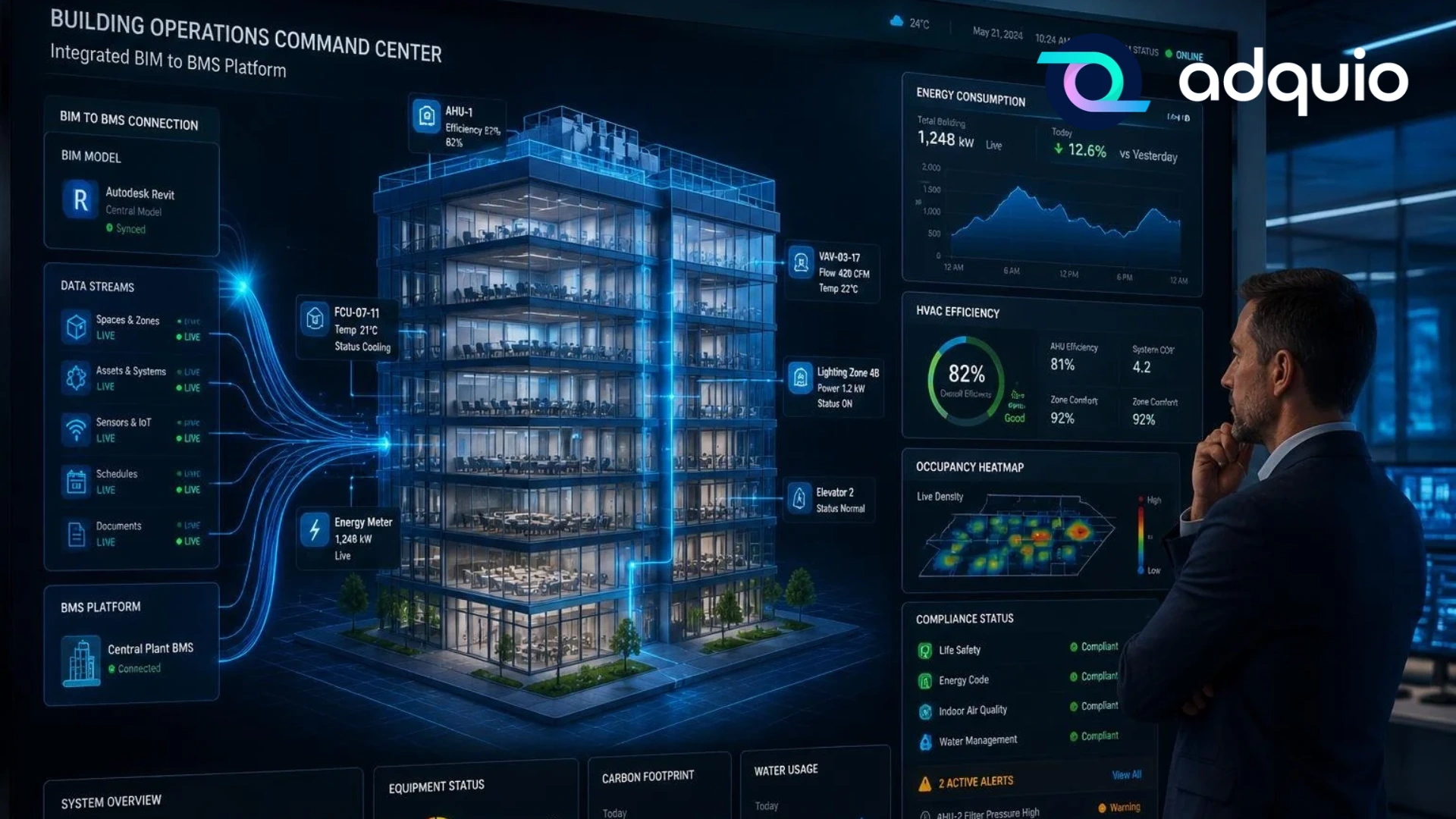
By integrating DoorLink with Adquio controllers, available variables and states can be incorporated into the monitoring system.
For example, communication information or particular events associated with a lock can be represented.
When a control function is available and authorised, it can be integrated into the corresponding interface.
This provides a more complete view of the building.
Lighting, HVAC and access can be monitored through tools belonging to the same ecosystem.
DoorLink and Adquio Supervisor: finding and managing locks
Adquio Supervisor provides an organised view of a building’s technical infrastructure.
It allows devices to be located, their states checked and their available interfaces accessed.
When DoorLink is integrated, locks can form part of the building’s inventory and structure.
Imagine needing to check a lock on the third floor.
From Supervisor, you can locate the device and access the corresponding DoorLink functions, provided you have the necessary permissions.
This is particularly useful in installations with many doors.
Instead of remembering which application or address belongs to each device, you work within a common structure.
Supervisor helps locate the device.
DoorLink provides the specialised tools to manage access.
DoorLink and Adquio VisionCore: access and video within the same ecosystem
There is another particularly interesting possibility.
In many buildings, cameras and locks belong to completely independent systems.
But what happens when an access-related incident needs investigating?
With DoorLink, the available lock events can be consulted.
With Adquio VisionCore, the installation’s cameras and recordings can be managed.
Integration between the two environments can support processes linking particular access events with video information.
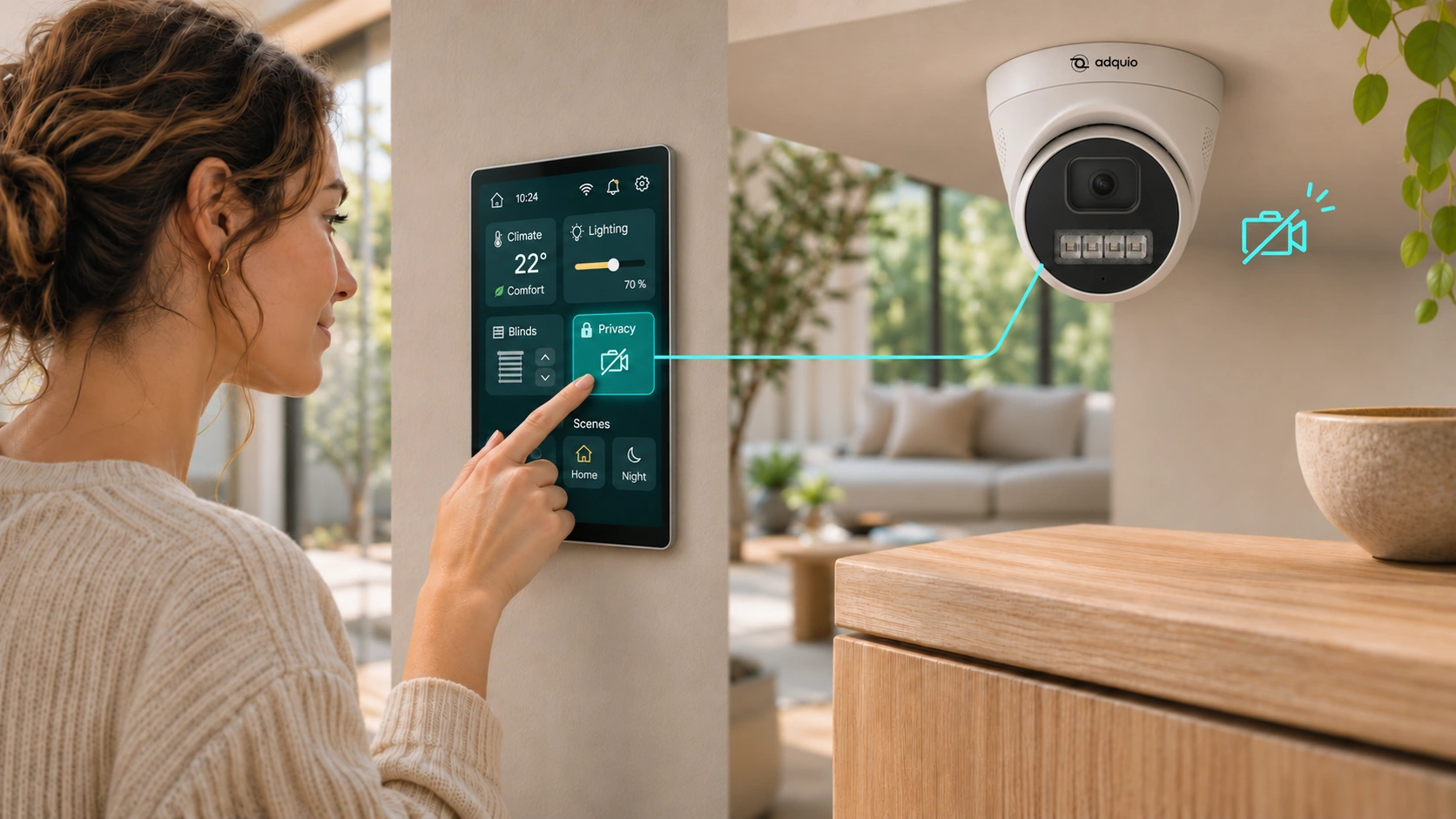
For example, an authorised operator could consult the cameras covering an area when an incident is recorded.
This does not mean every unlocking needs to be recorded or facial recognition used.
Functions should be designed around actual needs and respect privacy.
A building’s security improves when its systems can share useful information while retaining their access controls and specific responsibilities.
What happens when the Internet fails?
This is one of the main advantages of a local architecture.
DoorLink‘s main management functions run inside the building.
The server, gateways and compatible locks can communicate using local infrastructure.
An Internet interruption therefore does not necessarily prevent routine local operations.
But different situations need to be distinguished.
If the Internet fails, the server and gateways can continue working within the local network.
If communication between a gateway and the server fails, remote commands requiring that connection cannot be executed through it.
If a lock stops communicating over Bluetooth, certain commands cannot be sent to it from DoorLink either.
However, credentials already stored locally in a compatible lock can continue to be used according to its own capabilities.
Not depending on the Internet does not mean the system is immune to every fault. It means removing an unnecessary external dependency from local operation.
That distinction matters.
Privacy matters too: where is access data stored?
An access control system can handle personal information.
Users, credentials, schedules and certain operation logs.
We should therefore be concerned not only with who can open a door.
We should also ask who can consult that data and where it is stored.
With DoorLink, central management information remains on the DoorLink Server installed in the building.
The solution includes mechanisms for protecting stored confidential information and for separately managing users, permissions and technical credentials.
Android gateways use the operating system’s credential protection mechanisms.
This provides an architecture in which the installation manager can administer data locally.
Naturally, appropriate protection measures must also be established.
These include restricting access, maintaining updates, protecting backups and defining log retention policies.
In Europe, personal data processing must comply with the General Data Protection Regulation and applicable legislation.
Keeping data locally provides more control over its location, but does not remove the responsibility to protect it.
Can DoorLink be used in hotels or apartments?
Yes, provided the locks and systems involved are compatible with the project.
Imagine a small building of holiday apartments.
The manager needs to administer different doors and create credentials with limited validity.
With suitable integration, DoorLink can form part of a management system linking credentials to stay periods.
For example, a booking platform could request a temporary credential through an authorised integration.
Whether the process can be fully automated depends on the lock’s functions, the booking platform and the integration implemented.
But the potential benefit is clear.
Reducing manual tasks and centralising access management.
It can also be useful in shared offices, business centres, coworking spaces and buildings with different access zones.
What about emergency exit doors?
An essential clarification is needed here.
Not every electronic lock is suitable for every door.
Doors on evacuation routes, fire doors and other access points with special requirements need specifically certified solutions appropriate to their regulations.
Access control must never compromise people’s evacuation or safety systems.
Before choosing a lock or control architecture, the requirements of each door must therefore be checked.
DoorLink integrates compatible locks, but hardware suitability must be assessed for each application.
A smart building must, above all, be a safe building.
A new opportunity for installers and integrators
DoorLink also offers an opportunity for professionals already working with building automation.
Imagine an integrator installing Adquio systems to control lighting and HVAC.
Previously, access control might have sat outside their project, managed through a completely independent platform.
With DoorLink, they can bring certain access solutions into the same ecosystem.
This extends the services they can offer customers.
Alongside lighting and HVAC, they can provide lock integration, credential administration, monitoring and maintenance.
Where the building already has compatible Adquio screens, those screens can be used as part of the Bluetooth communication infrastructure.
This supports more complete projects without unnecessarily multiplying platforms and devices.
When is DoorLink worth considering?
There are several situations where this solution can be particularly useful.
When several locks need to be managed through one platform.
When access credentials and schedules need organising.
When user and log management should remain inside the building.
When dependency on external cloud services needs to be reduced.
When doors and locks need to be integrated with lighting, HVAC, monitoring or management applications.
Or when the Adquio ecosystem is already in use and access control needs to be added without creating another completely independent system.
The installation can be sized according to the number of doors, the building’s layout and the required functions.
The important thing is to assess lock compatibility and communication conditions beforehand.
Your building’s doors are part of its intelligence too
For years, access control has been treated as an independent system.
Lighting on one side.
HVAC on another.
Cameras on a separate platform.
And finally, a different application to manage the locks.
But a building does not really operate as a collection of isolated systems.
People enter and leave spaces.
Rooms become occupied and unoccupied.
Building services change state.
Each of these occurrences can provide useful information for managing the whole more effectively.
With Adquio DoorLink, access control stops being a technological island and becomes part of the connected building.
With a local management architecture.
Without depending on a third-party cloud for routine local Bluetooth operations.
With administration and monitoring capabilities.
And with the possibility of integrating with other technologies in the Adquio ecosystem.
Because a smart building should not force you to choose between convenience, integration and control.
It should allow you to have all three.
Your building. Your doors. Your data. Your control.
Want to add smart locks to an existing installation or modernise your building’s access control?
Discover Adquio DoorLink and how it can help manage doors, credentials and users through a local platform connected to the rest of your installation.
At Adquio, we believe in open, connected buildings designed to evolve.
Because controlling who enters your building also means deciding who controls the technology that makes it possible.
Your doors, integrated into the building
Tell us how many doors you need to manage and how you want to connect them with Adquio DoorLink.