From field buses to building supervision and remote access
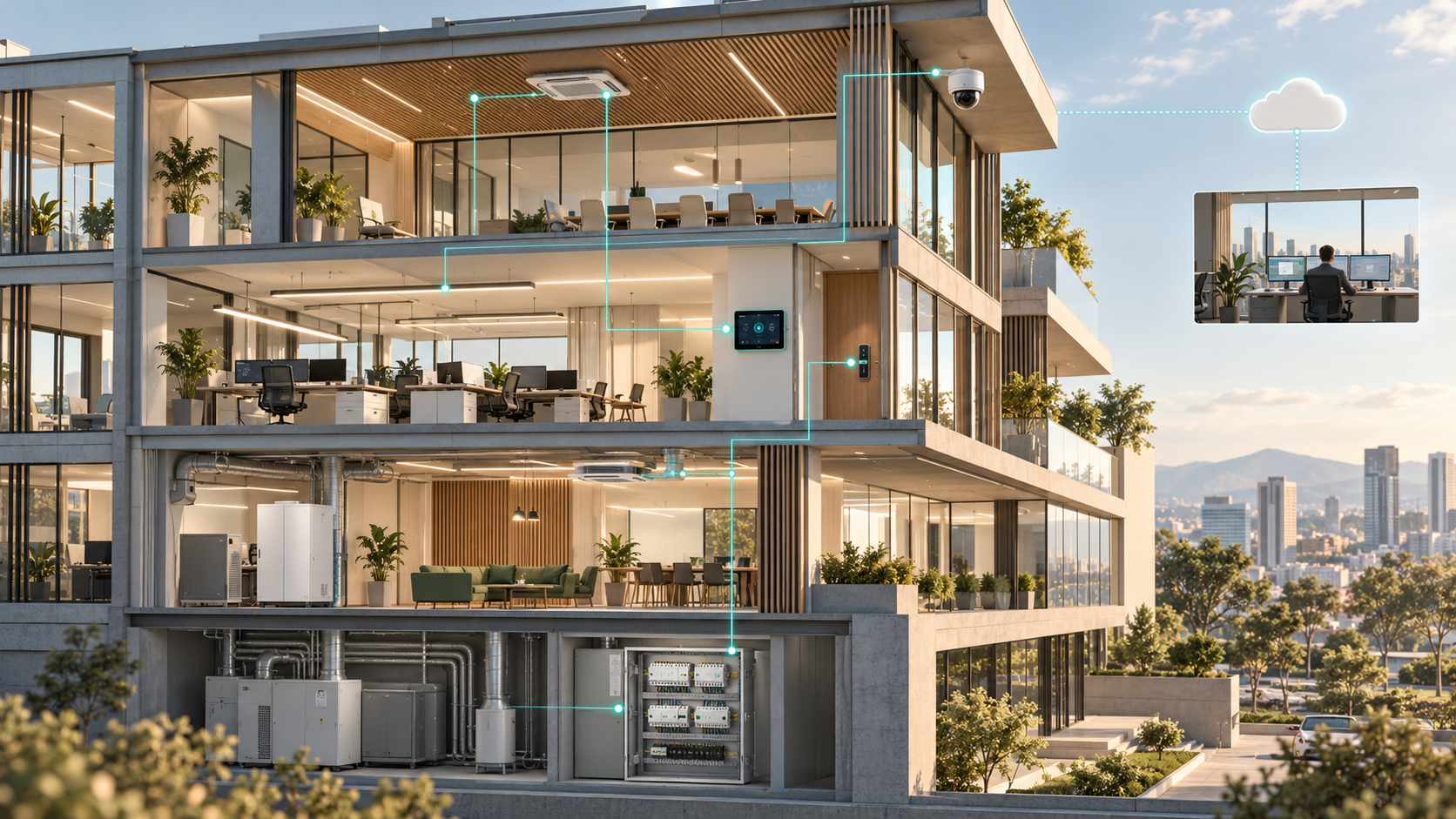
A building brings together equipment from different generations and manufacturers. A meter may communicate through Modbus, HVAC through BACnet, and lighting through Casambi or DALI. Cameras, locks, wireless sensors and applications also need access to information.
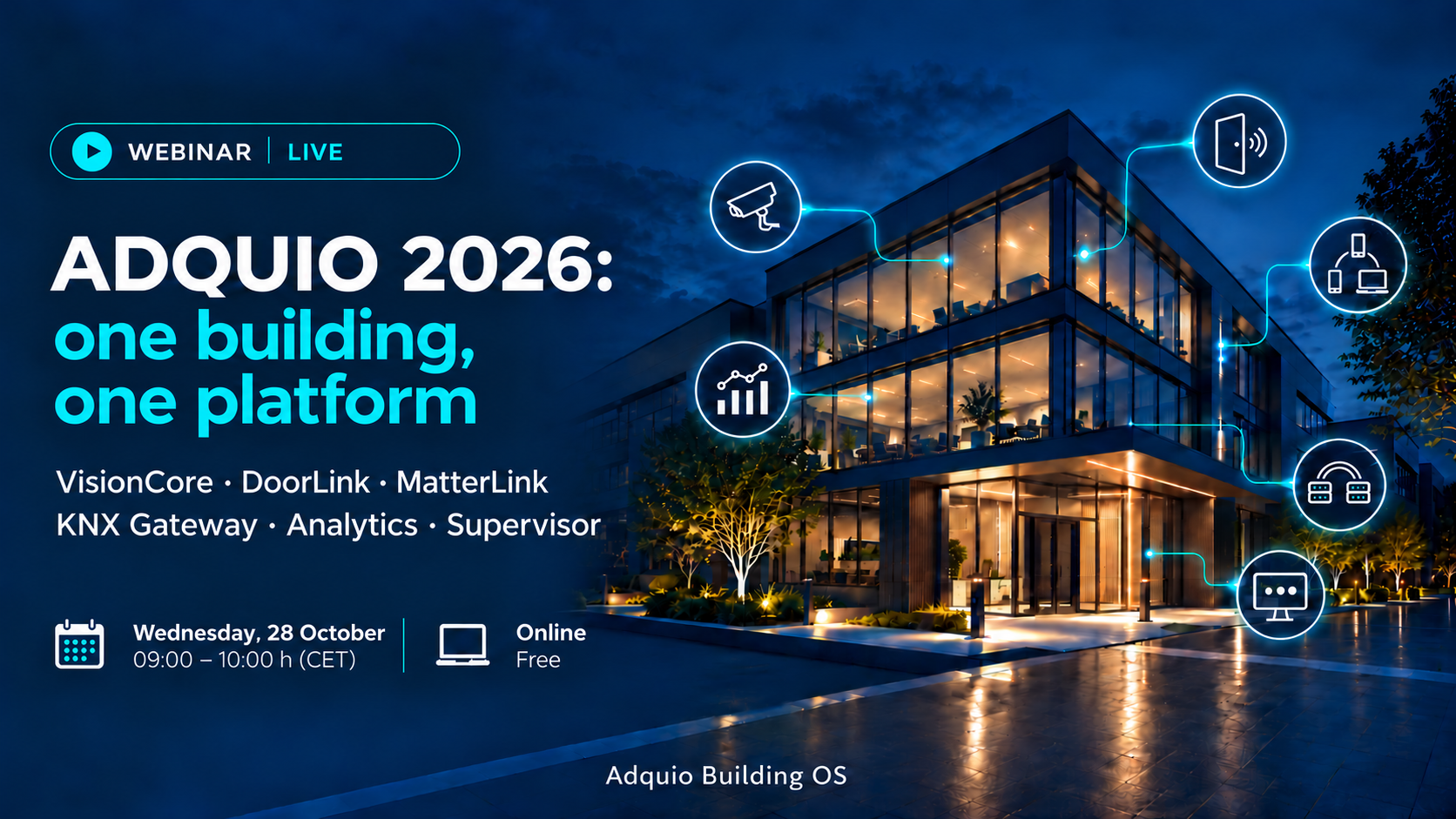
Adquio connects these systems within a shared architecture. Controllers collect signals and run local logic; control screens, SCADA, BMS, Analytics and Supervisor use that information for control, analysis and maintenance. The new gateways extend these connections to KNX, Matter, video and access control.
For customers, this means retaining existing equipment, adding functions in stages and gaining information they can use to manage the building. For integrators, it means choosing the right connection for each task and turning separate devices into a coordinated solution.
This article explains what each protocol does, where it is used and how it benefits a project. It is useful to distinguish the application protocol from the medium carrying it: RS-485, Ethernet or a wireless connection alone do not define the functions devices can share.
In this article
The entire ecosystem in one map
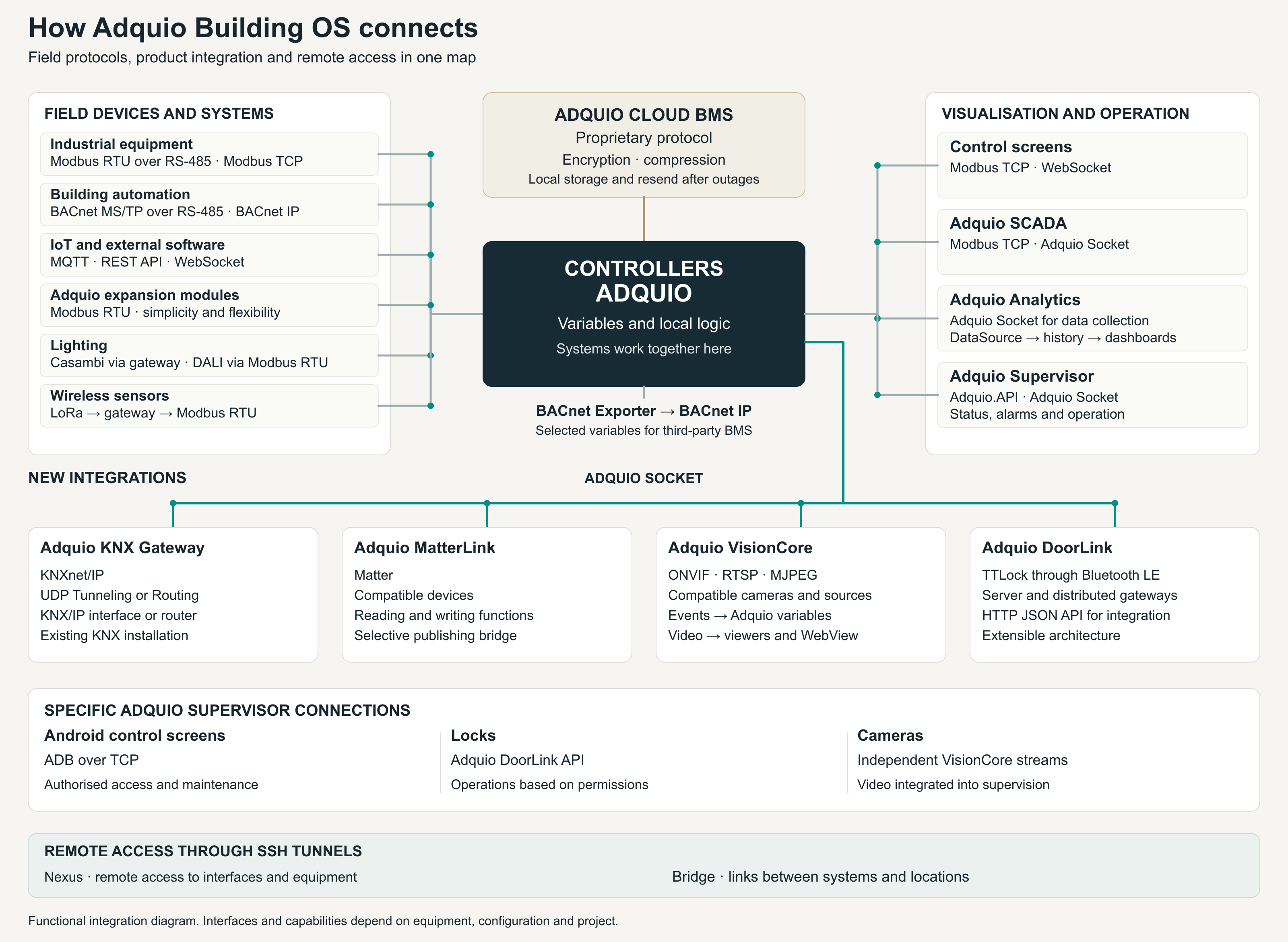
The protocols connecting the controllers
Modbus RTU and Modbus TCP
Modbus exchanges registers and status values between devices. The RTU variant typically runs over RS-485 and is useful for meters, sensors, variable speed drives and input/output modules. Modbus TCP brings that exchange onto an IP network. In Adquio, both options allow existing equipment to become part of the controller’s variables and logic.
BACnet IP and BACnet MS/TP
BACnet is designed for building automation and organises information into objects and properties. BACnet IP uses the IP network; MS/TP operates over an RS-485 bus. It is particularly relevant for integrating HVAC and other building services that already use this standard.
MQTT
MQTT connects devices and applications through a broker, using a model of publishing and subscribing to topics. It is useful when several systems need measurements or events without directly polling one another. Adquio can bring that information into its control logic and share it with other applications.
REST API and WebSocket
A REST API allows applications to query data and request operations through web resources and requests. WebSocket maintains a persistent connection for exchanging messages during a session. These tools connect automation with the customer’s software, from a custom application to a management service. The scope of each integration depends on the available functions and permissions.
Choosing the right option for the project
Protocol support and physical interface availability must be checked for the selected model. Combining these options allows control to be adapted to the equipment the building needs, while retaining shared logic in Adquio.
Lighting sensors and expansion modules
Modbus RTU for controller expansion
Adquio expansion modules communicate with the controllers through Modbus RTU. Its simplicity and flexibility make it possible to distribute inputs and outputs, add relays or collect signals without unnecessarily complicating the architecture. Integrators can size the installation to suit the project and add control points in stages.
Casambi for wireless lighting
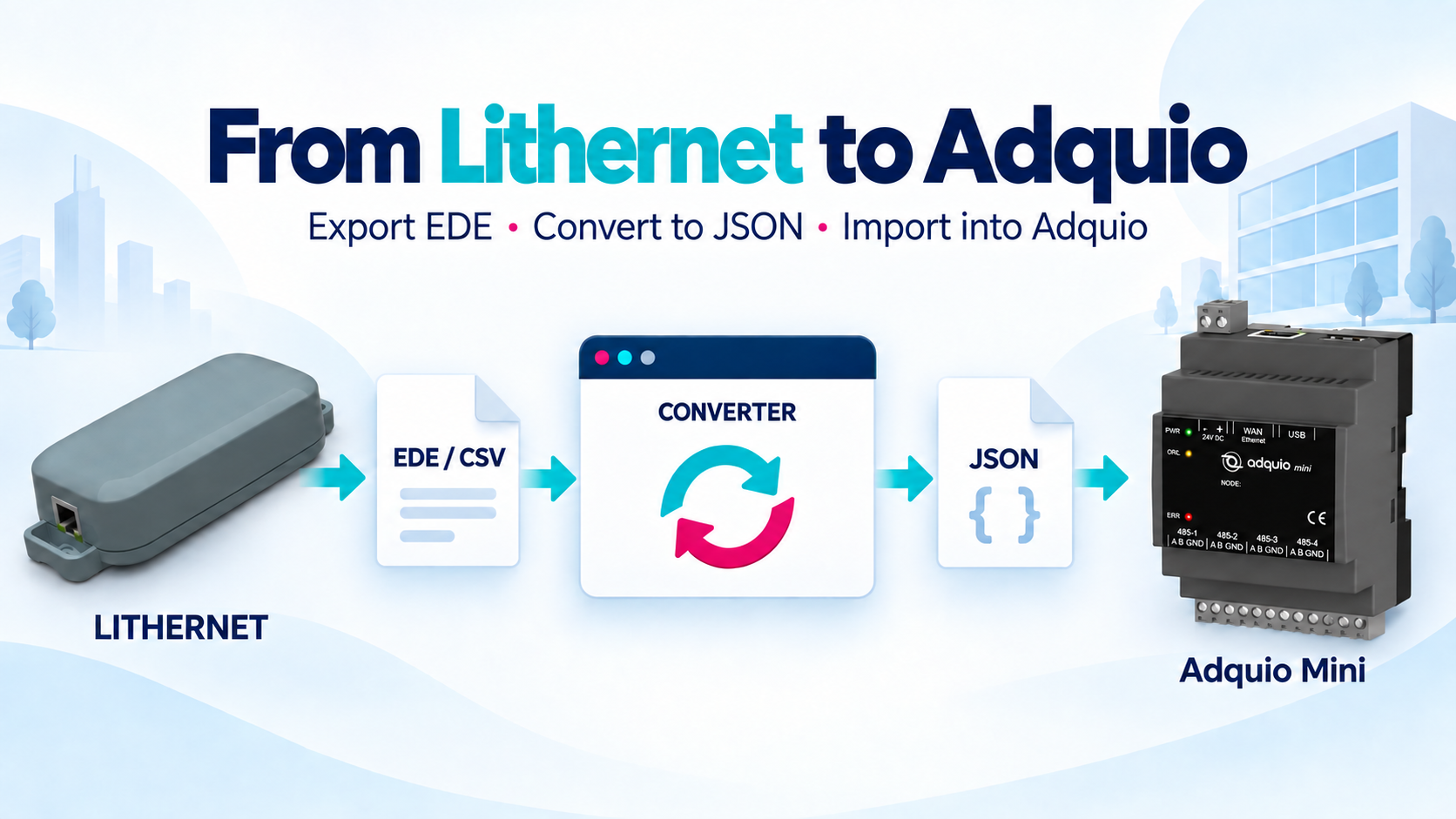
Casambi uses a mesh network based on Bluetooth Low Energy. Adquio integrates its lighting networks through compatible gateways, such as Lithernet, to connect luminaires, scenes and states with other building systems. A local connection allows lighting and automation to work together without necessarily requiring an Internet connection for that operation.
DALI for wired lighting
DALI is dedicated to digital lighting control. Within Adquio solutions, a DALI–Modbus RTU gateway brings DALI networks into the controller. The lighting retains its field technology while its supported functions become part of the project’s control and supervision.
LoRa for measurements without new cabling
Adquio wireless sensors communicate with their gateway through LoRa; the gateway passes the information to the controller through Modbus RTU. This is useful for adding environmental measurements to existing buildings. The radio connection and the controller connection fulfil different roles, and both become part of the same installation.
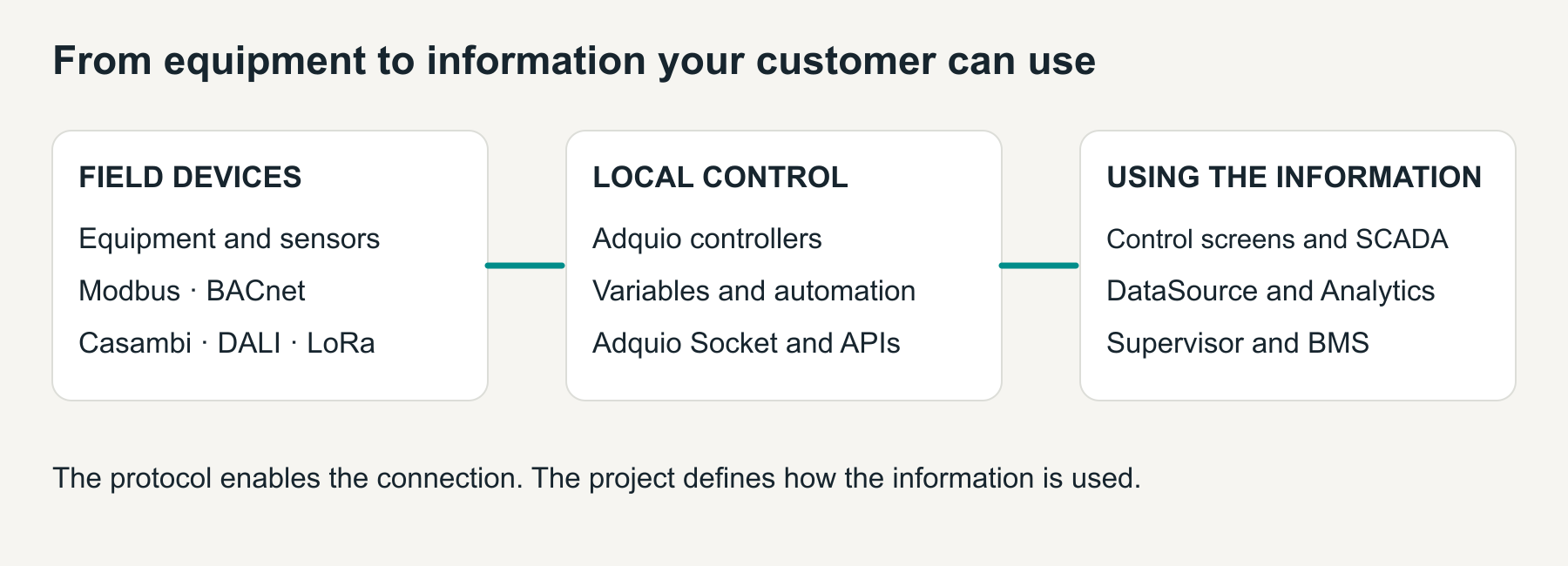
From variables to control and analysis
Control screens and SCADA
Control screens use Modbus TCP and WebSocket to connect their interface with the installation’s data and actions. Adquio SCADA connects through Modbus TCP and Adquio Socket. The aim is to let users see system states and take action through a representation suited to their work.
Adquio Socket connects the products
Adquio Socket is the communication mechanism used in the Adquio integrations described in this article. It brings controller data to different tools and connects the new solutions with building variables. WebSocket and Adquio Socket are identified by their respective names here to distinguish the connections used by each product.
BMS continuity during Internet outages
The Adquio Cloud BMS uses a proprietary protocol to transfer encrypted and compressed information. The controller prepares the data and stores pending packets locally when it cannot send them. Once the connection returns, it transmits them to complete the historical record. This design preserves data continuity through Internet outages within the equipment’s storage capacity and operating conditions.
Analytics and data collection
In the Adquio Analytics data chain, Adquio Socket connects data collection with the ecosystem. DataSource collects and organises historical measurements; Analytics turns them into dashboards and trends. Users can compare consumption, temperatures or other variables without creating a different integration for every field device.
Sharing data with other BMS platforms
Adquio BACnet Exporter publishes selected controller variables so another system can read them through BACnet IP. It is useful when a project needs to work alongside a third-party BMS and the customer wants to retain their management platform.
KNX Matter video and access in one architecture
KNX Gateway retains the existing installation
Adquio KNX Gateway uses KNXnet/IP through a KNX/IP interface or router, with UDP Tunneling or Routing. It uses Adquio Socket on the Adquio side. Group addresses are mapped to variables and the synchronisation direction is defined. This extends the capabilities of a KNX installation without replacing its bus infrastructure.
MatterLink brings in new devices
MatterLink connects compatible Matter devices with Adquio through Adquio Socket. It can also publish selected installation functions through its Matter bridge. Customers can integrate new devices and share functions already available in their installation, according to the types and capabilities supported by each device and ecosystem.
VisionCore separates video from events
On the camera side, Adquio VisionCore uses ONVIF for discovery and supported functions, together with RTSP or MJPEG sources for video. Adquio Socket links events to controller variables. Live video is presented through its viewers and streams, including in SCADA, Analytics or customer systems with a compatible WebView. A camera event can feed an automation rule without sending the video stream through the variables channel.
DoorLink integrates the locks
DoorLink connects with Adquio through Adquio Socket. Its initial integration with TTLock locks uses Bluetooth LE from gateways near the doors, coordinated by DoorLink Server over the local network. The server also provides an HTTP JSON API for integrating access control with Supervisor or other authorised software. The architecture supports additional adapters; future compatibility is validated separately.
An example of coordinated operation
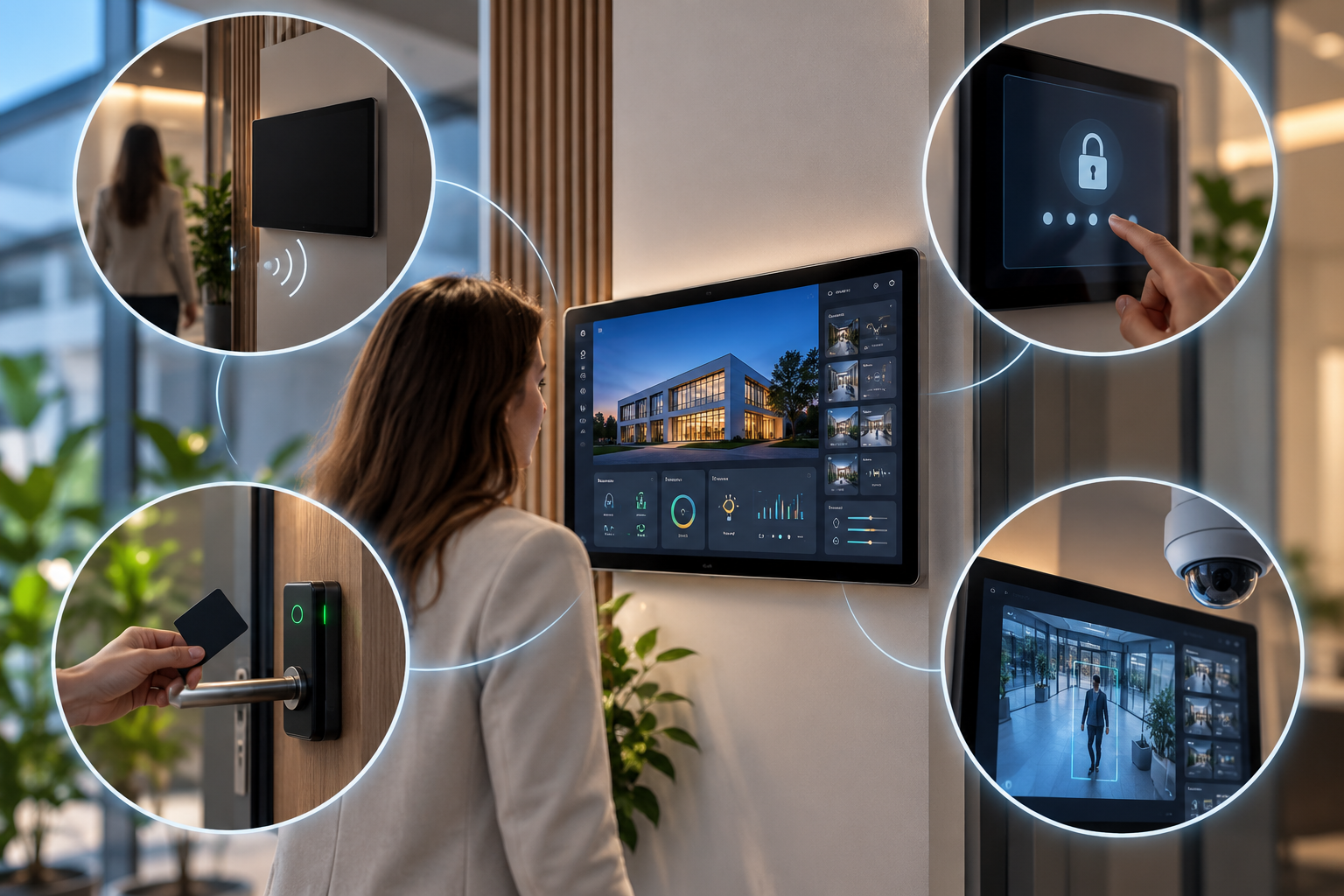
A camera detection can update a variable and trigger a lighting scene; an authorised opening can be linked to the state of an area. These are project possibilities: rules, permissions and actions are configured for the installation.
Supervision and remote access with clear roles
Supervisor brings building operations together
Adquio Supervisor uses Adquio.API and Adquio Socket to connect with information from the ecosystem. It provides operational context: locating devices, checking their status and linking alarms with buildings, floors and rooms. Analytics helps users study how measurements change over time; Supervisor helps identify what needs attention and where it is.
A specific connection for each system
For compatible Android control screens, Supervisor uses ADB over TCP for authorised access and maintenance functions. Locks are monitored and operated through the DoorLink API. For cameras, Supervisor incorporates independent streams generated by VisionCore. Each system retains its specialist tool while supervision brings together the functions users need.
Nexus and Bridge through SSH tunnels
Adquio Nexus provides remote access to installation interfaces and equipment, for example to check a controller or provide support. Adquio Bridge links distributed systems and controllers with their central system across different locations. Both use SSH tunnels to protect these connections. The services complement each other: Nexus provides access for people; Bridge connects the systems that need to communicate.
The Adquio API for customer software
Adquio.API provides a cloud REST interface for reading data and requesting authorised actions from external applications. Maintenance software, energy management tools and custom applications can use information from equipment already integrated into Adquio, even when those field devices do not have their own web API.
Choosing a connection that serves the project
Start with what the customer needs to achieve: retaining existing equipment, extending an area, comparing consumption or maintaining several sites. Then select the devices, protocols and operational tools. This combination is the basis of Adquio Building OS: retaining each system’s specialisation and making its data and actions useful across the building.
Connect the systems your project needs
Tell us which equipment you have and what you want to achieve. We will help you define the integration architecture.