Screens and interfaces

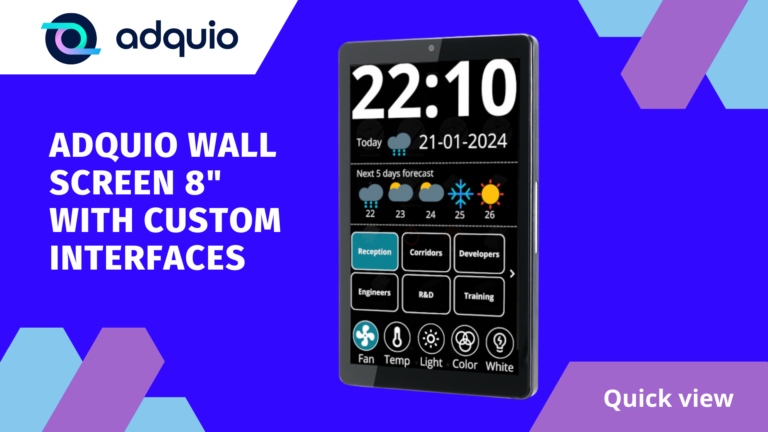
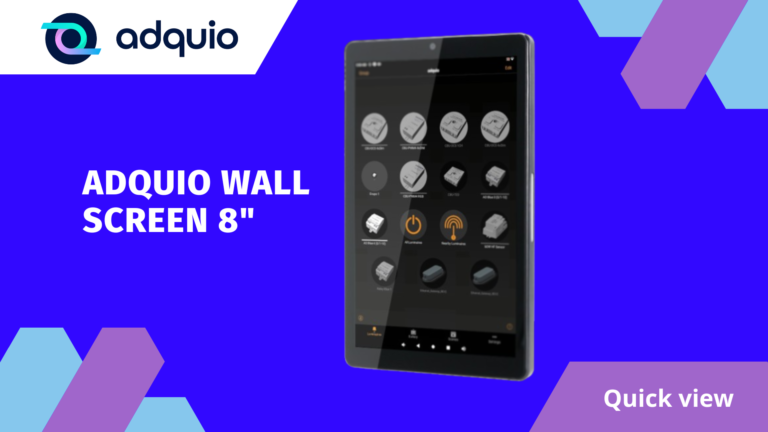
Adquio Wall Screen 8″

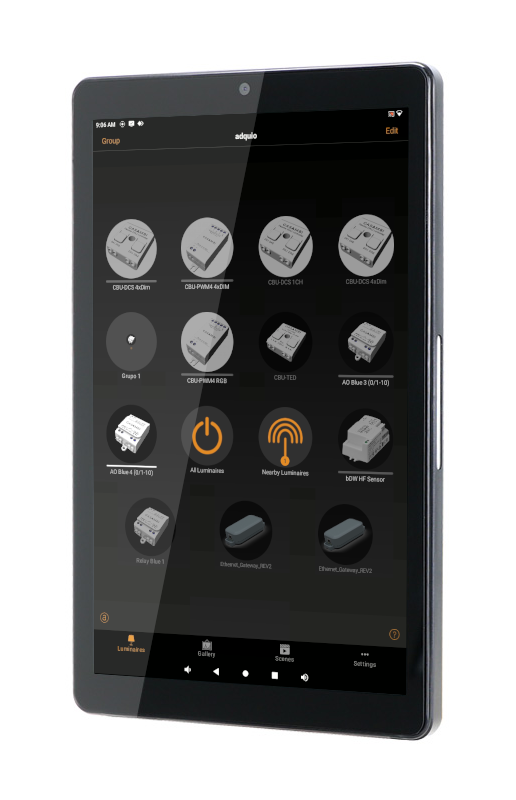
Control lighting with Casambi or use a custom interface on an 8″ screen. Bring lighting, HVAC and other integrated functions together into one accessible control point.

Adquio Wall Screen 8″

Our first screen compatible with the American and European mounting system simultaneously.

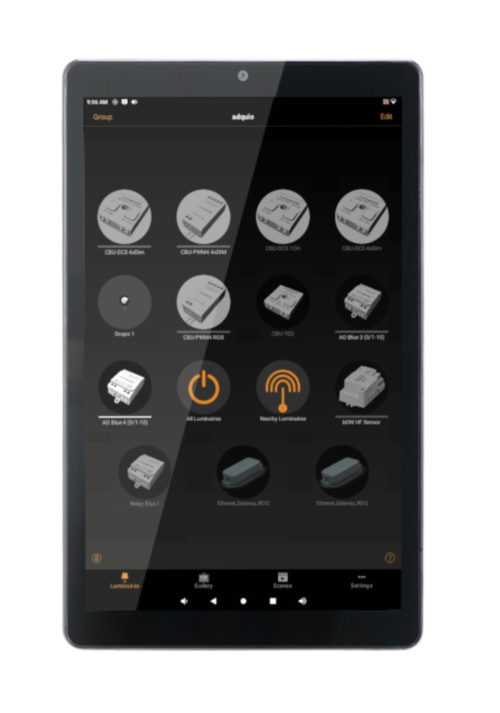
High quality touch screen designed to work continuously without interruptions 24/7. Due to its characteristics, it is perfect to act as HMI, and as support for the Casambi control app. Installs in the standard footprint of a European or American switch. Facilitate Casambi installations by being able to interact directly with it without the need for a mobile phone.

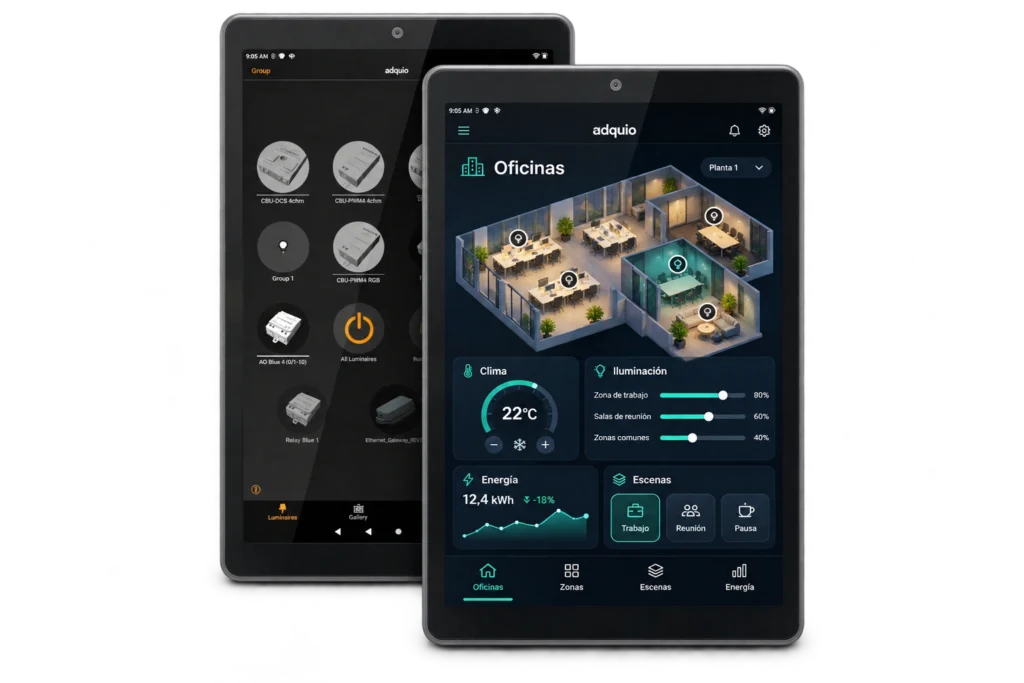
Once the installation is complete, the customer can activate their scenes from this screen, or they can choose a custom HMI tailored to their needs, where you will only have access to the necessary controls of your installation.

When working with a custom HMI it takes data from an Adquio controller and allows a completely free design of the user interface.

Additionally, since it is an Android device, you can use it with your APP. Alexa, Home Assistant, etc. without problems and enjoying a device that protrudes only 13 mm from its wall, including the fixing system, and because power connects at the rear, it can be installed in a completely clean way and without visible cables.

Screen activation by presence. With a compatible version of Adquio ScreenCore, the front camera activates the screen when detecting a person in front. After a period of no presence, the screen turns off again. Reducing hours of use saves energy and helps extend the life of the panel.

Adquio wall Screen 8 Casambi Ready
Adquio wall screen 8 front Casambi

General data

  • 8 inch screen.
  • 1280 X 800 Pixels.
  • Led backlighting.
  • IPS technology.
  • Capacitive touch panel.
  • High build quality.
  • Android 13 and Play Store.
  • App Casambi preinstalada.
  • Wifi N 2.4/5 GHz and Bluetooth Version 4.2.
  • 100 Mb/s Ethernet connection with POE IEEE 802.3 at/af.
  • Power supply at 12 V direct current or POE.
  • Vertical or horizontal installation.
  • Compatible with three mounting systems, generic wall fixing, with European mounting box or with American mounting box.
  • It protrudes from the wall only 13 mm, and this includes the anchoring system.
  • Designed for continuous operation.

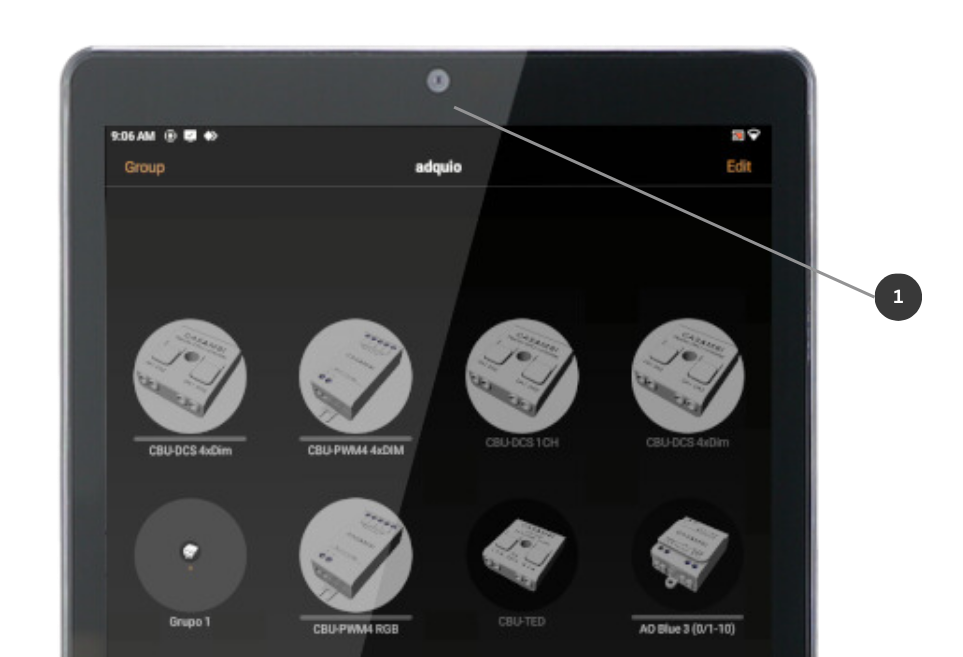
Front panel details

  1. Front camera.
Adquio wall screen 8 front
Adquio Wall Screen 8 Back

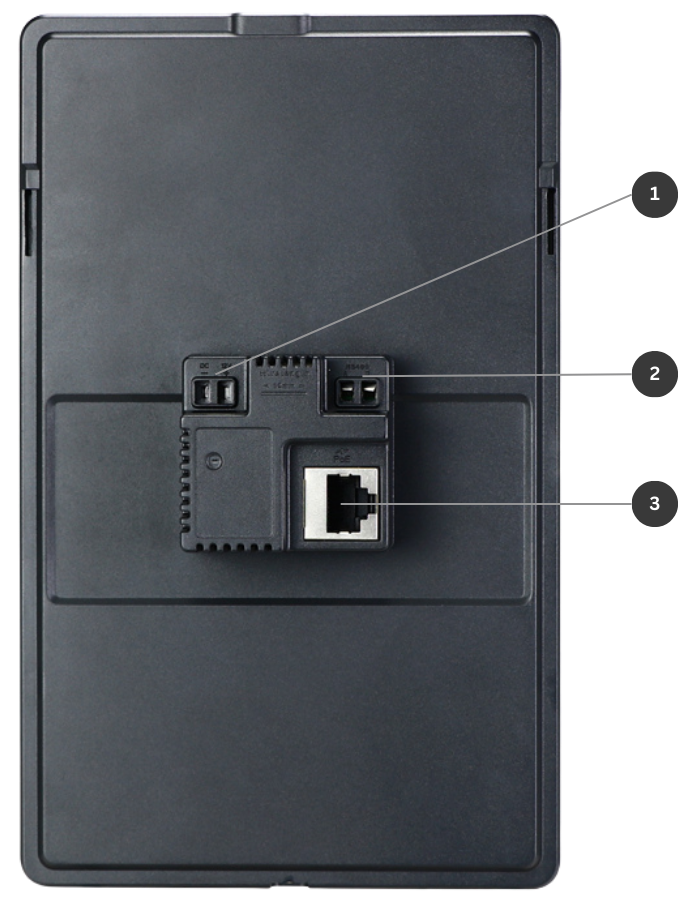
Connections

  1. 12 V direct current power supply (Supply available here)
  2. Port 485 (For future uses)
  3. Ethernet 100 Mb/s POE IEEE 802.3 at/af.

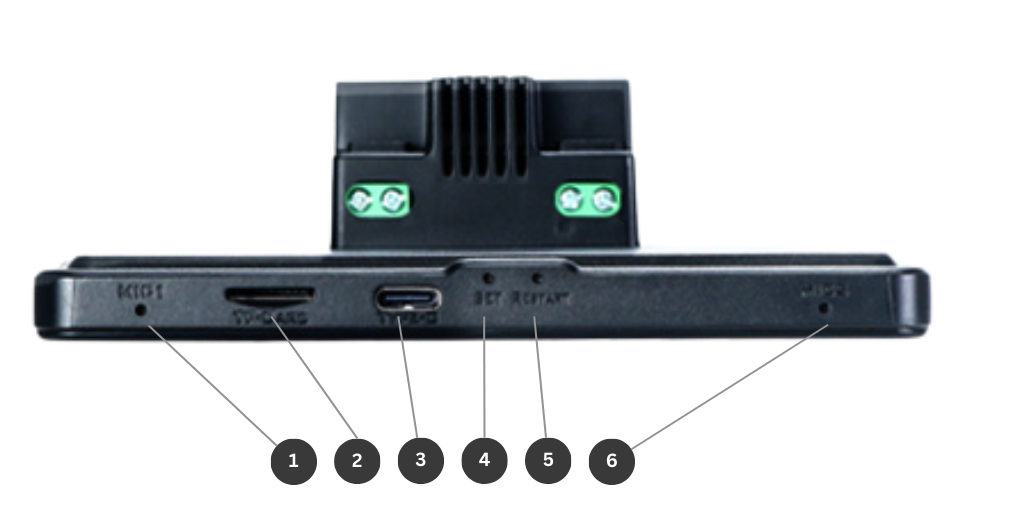
Top elements

  1. Microphone.
  2. Micro SD card slot.
  3. USB Type C OTG ports.
  4. Set Button (Only used in factory)
  5. Reset button (Press gently with a sharp object)
  6. Microphone.
Adquio Wall Screen 8 Top
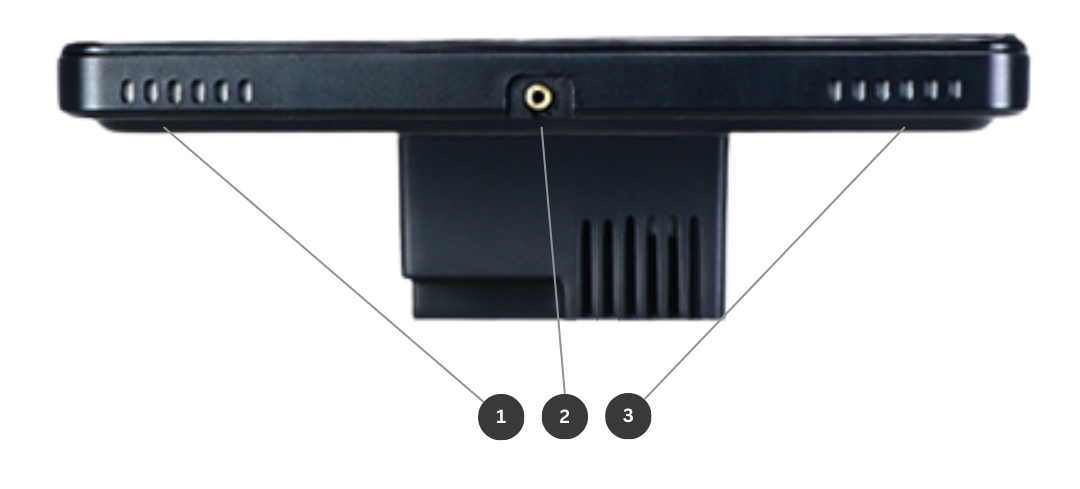
Adquio wall Screen 8" Button

Lower elements

  1. Speaker.
  2. Support fixing screw.
  3. Speaker.

Installation

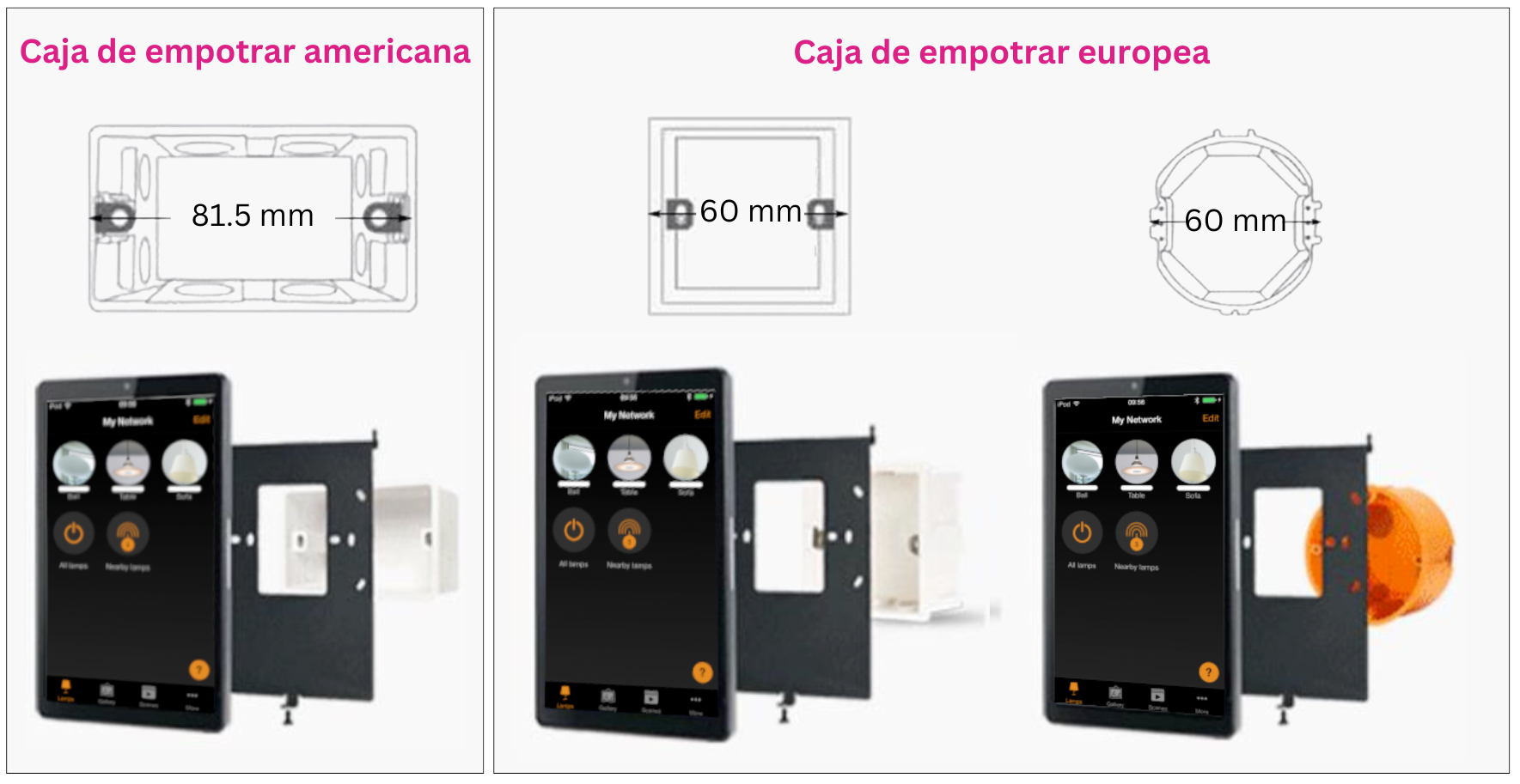
The installation is very simple, in the space of a standard switch, both European and US, With a mounting box whose horizontal screw centres are 60 or 81.5 mm apart, you can fit the screen bracket (the black component shown)


Then you have two options:


  • Simply, power it at 12 V and that’s it. We can provide you with the appropriate power supply. We recommend that you install it in the junction box closest to your display. The device can connect to your Wi-Fi, and it will connect via Bluetooth to your Casambi network.
  • Provide a wired network connection with PoE. It is the most reliable option, but also the most complex. This is a good option for new construction where the network cables are already pre-installed from construction.


Once the cables are connected, you only have to insert the screen and tighten the lower screw.

Adquio Wall Screen 8 installation

Screen

Size8″
Resolution1280 × 800 pixels
TechnologyIPS LED, glass and capacitive touch
Brightness250 cd/m²
Viewing angle85° left, right, up and down
Screen activation by presenceThe front camera activates the screen when it detects a person in front. The screen turns off after a period of no presence.

Processor and memory

CPURK3566 · 4 Cortex-A55 cores · 64 bits · 1416 MHz
RAM2 GB
Storage capacity24 GB
ExpansionmicroSD

Power supply

Input12 V DC · 1 A max.
PoE48 V · IEEE 802.3at/af

Communications

EthernetRJ45 · 100 Mb/s · PoE
Wi-FiB/G/N · 2.4 and 5 GHz
Bluetooth4.2
USBUSB-C OTG
RS-485Reserved for future use

Mounting

European mounting box60 mm between screws
US mounting box81.5 mm between screws
OrientationPortrait or landscape
wall protrusion13mm with bracket

System and peripherals

Operating systemAndroid 13 · Google Play Store
Lighting controlApp Casambi preinstalada
MultimediaFront camera, microphones and speakers

Certifications

Safety and healthEN 62368-1:2014+A11:2017 S22030203503001 · EN IEC 62311:2020 S22030203502001
EMCETSI EN 301 489-1 V2.2.3 (2019-11) · ETSI EN 301 489-17 V3.2.4 (2020-09)
UNEEN 55032:2015+A11:2020 · EN 55035:2017+A11:2020 · EN IEC 61000-3-2:2019 · EN 61000-3-3:2013+A1:2019
RadioETSI EN 300 328 V2.2.2 (2019-07)
RoHSIEC 62321-3-1:2013 · IEC 62321-4:2013+A1:2017 · IEC 62321-5:2013 · IEC 62321-6:2015 · IEC 62321-7-1:2015 · IEC 62321-7-2:2017 · IEC 62321-8:2017

A screen connected to the entire ecosystem

Control lighting, view dashboards and take advantage of the integrated camera and Bluetooth according to the needs of the installation.

Adquio Wall Screen 8″ with the Casambi app

Casambi

Configure and control the lighting from the Casambi application installed on the screen, via Bluetooth.

Adquio Wall Screen 8″ with a control panel

Engineering

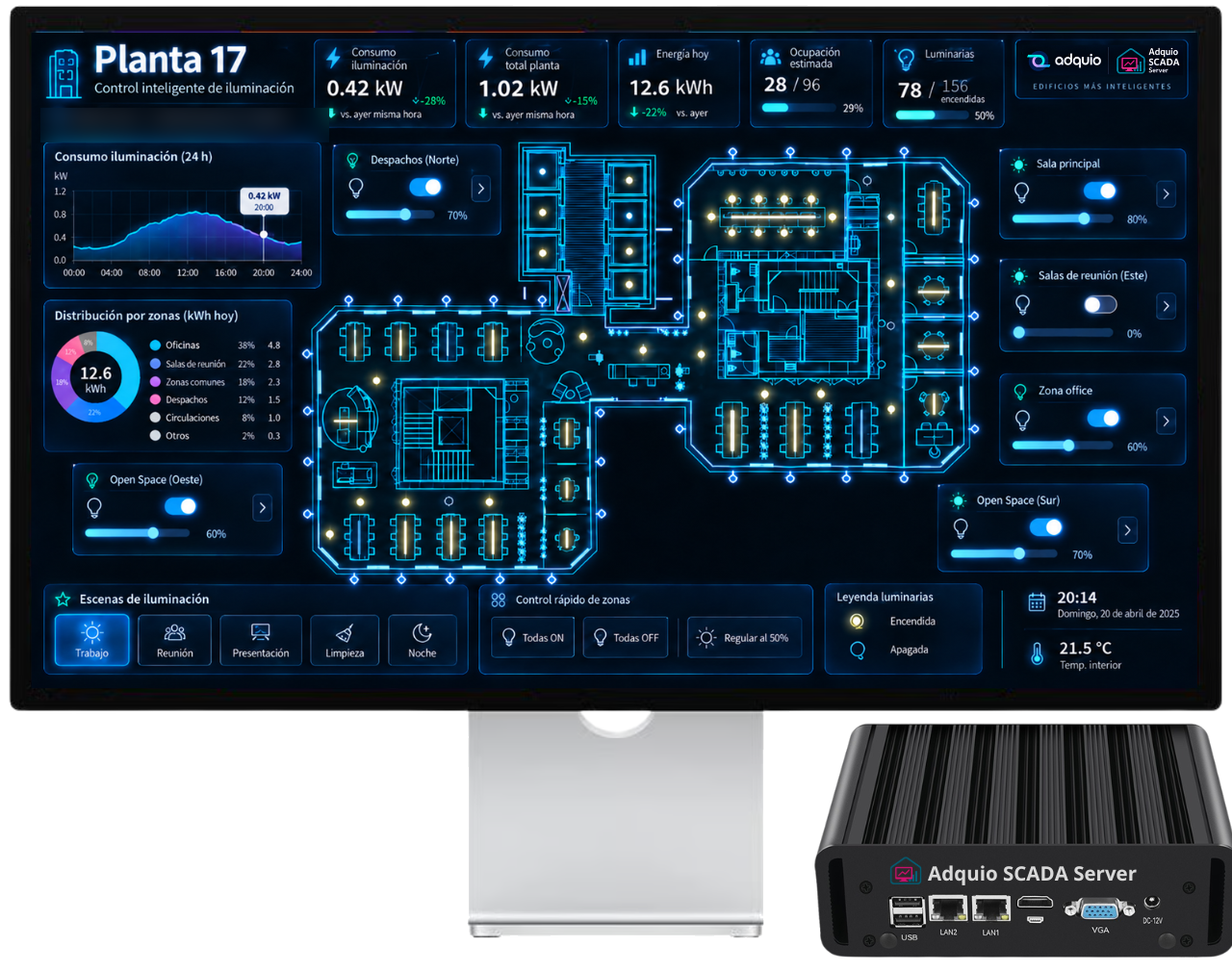
View floor plans, graphs, states and controls adapted to your installation, with an interface designed for each user.

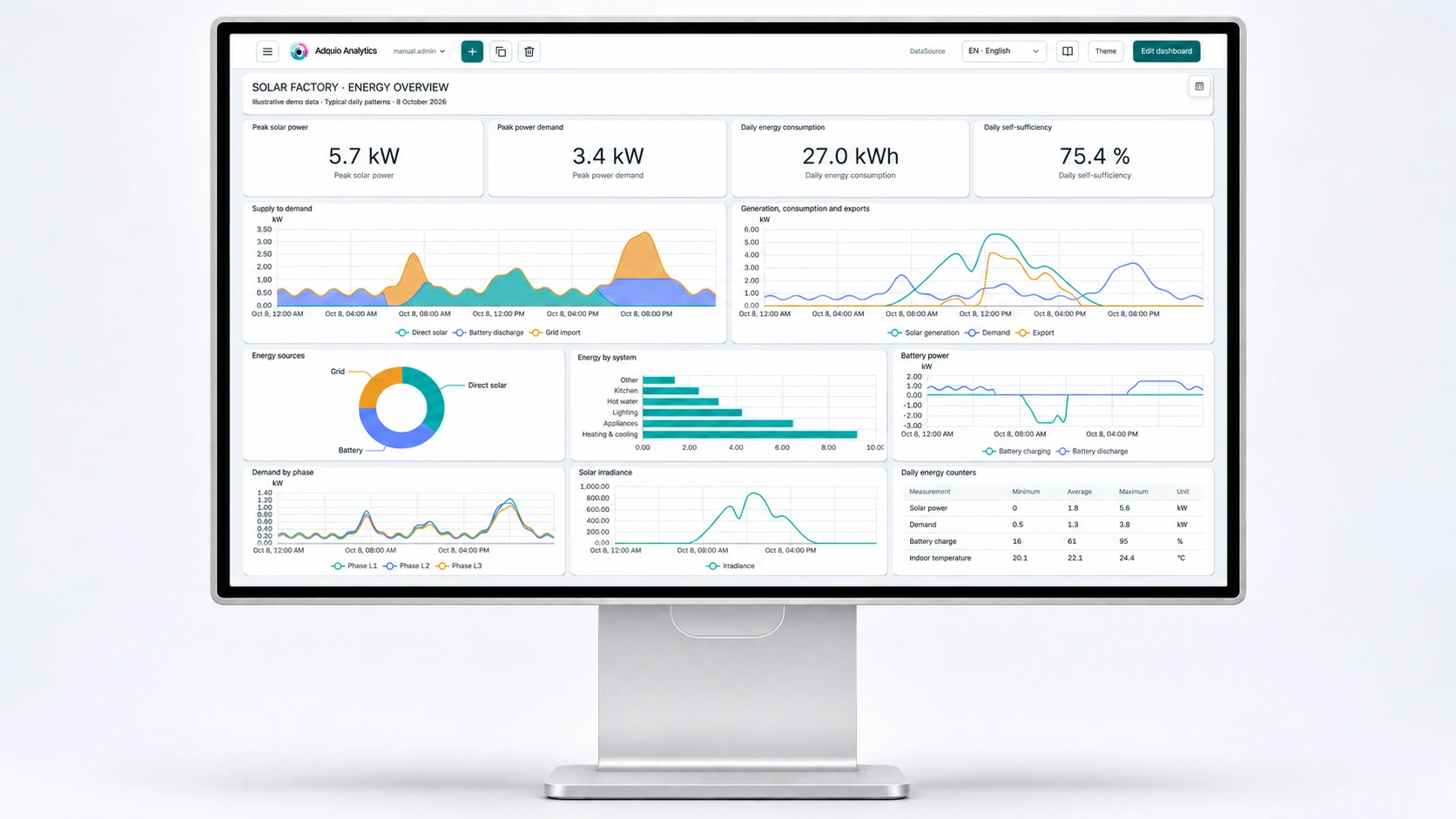
Adquio Analytics

Adquio Analytics

Display shared Adquio Analytics charts and dashboards alongside installation controls.

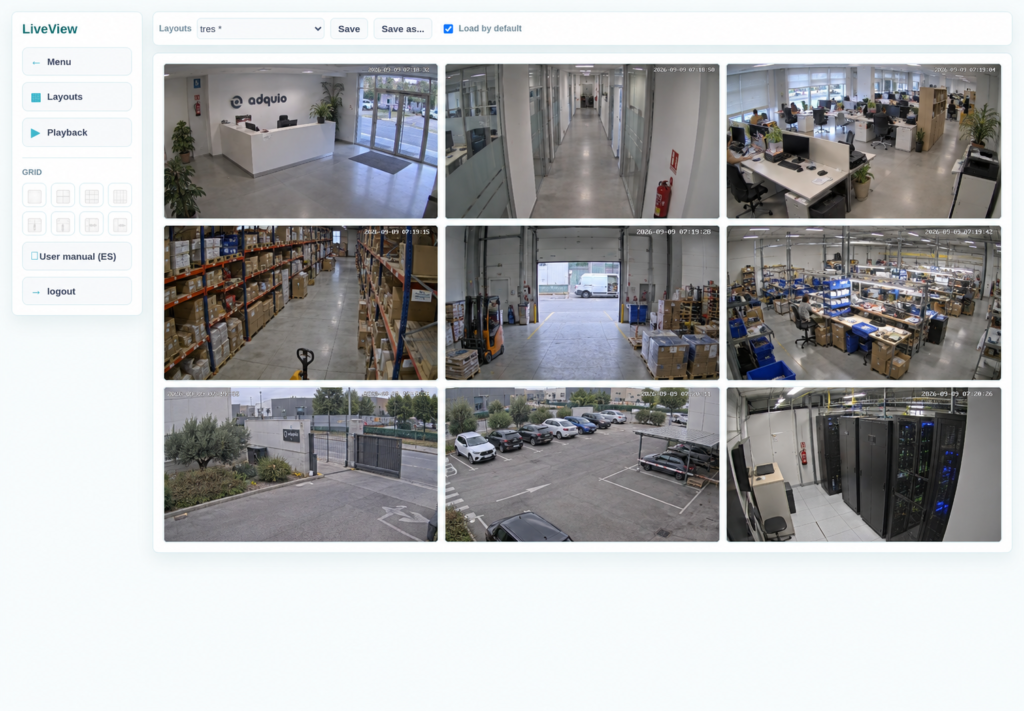
Adquio VisionCore

Adquio VisionCore

View live cameras from Adquio VisionCore on the screen with the appropriate permissions. Combine visual information with building monitoring.

Adquio Wall Screen 8″ front camera

Adquio ScreenCore

Use the screen’s integrated camera as an RTSP source for VisionCore. The service can stream in the background while the control interface remains available.

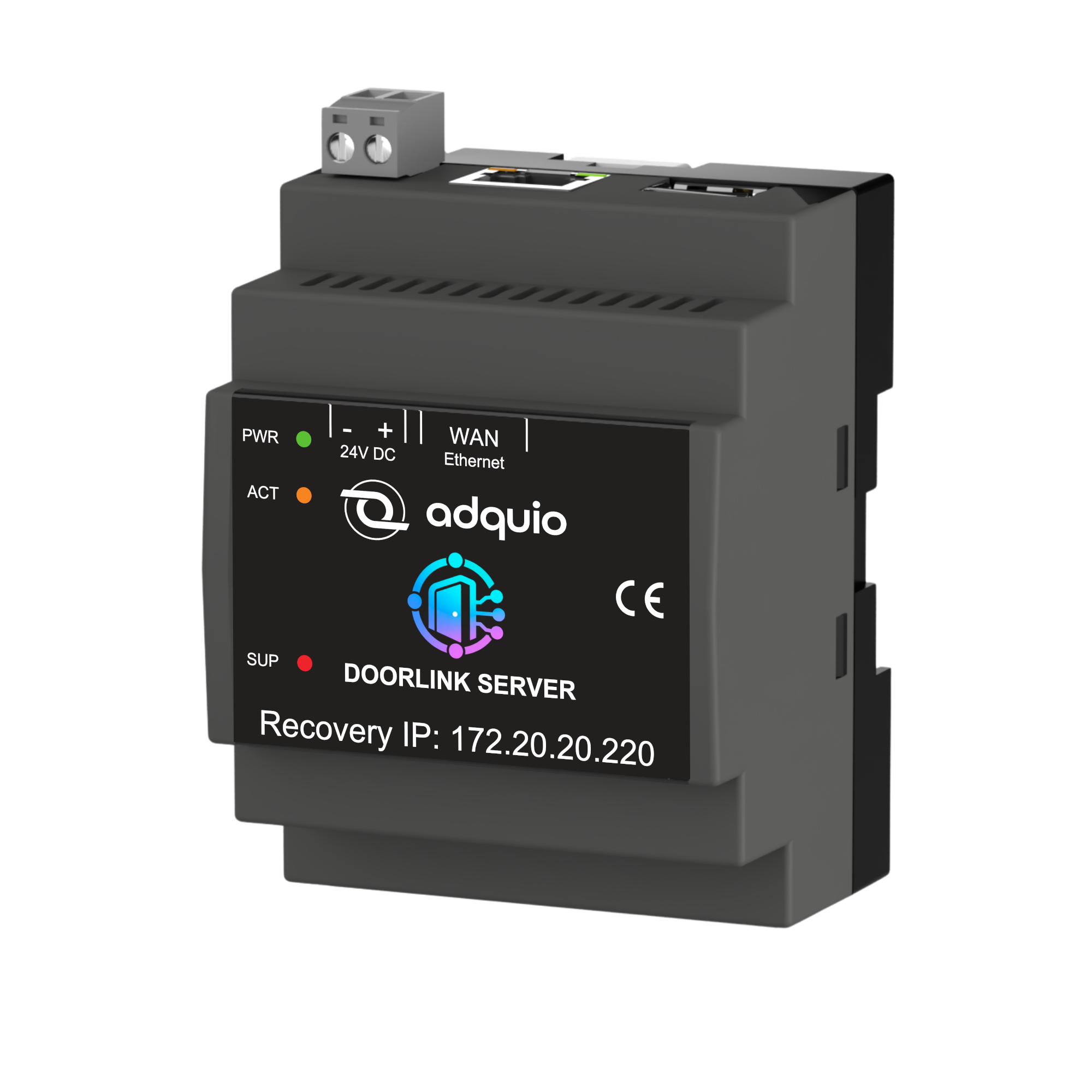
Adquio DoorLink

Adquio DoorLink

Take advantage of the display’s Bluetooth as a gateway for compatible locks, connected to DoorLink Server. The screen can continue to show its control interface.

To access the Casambi application for a remote installation, see Adquio Full Remote Access for Casambi. To integrate networks with other platforms, discover Adquio API for Casambi.

Connect your project to the entire Adquio ecosystem.

Tell us what you need to control from Adquio Wall Screen 8. We will help prepare Casambi, dashboards and integrations, including camera use where appropriate.