
Screen
| Size | 12.1 inches |
|---|---|
| Resolution | 1024 x 768 pixels |
| Pixel density | 250 Dpi |
| Technology | Led |
| Brightness | 350 cd/m² |
| Material | Glass |
| Touch Technology | Capacitive |
| Certification | IP 65 |
Screens and interfaces
View and control your installation from a 12.1″ industrial screen. Tailor the interface to the people and devices they need to supervise.
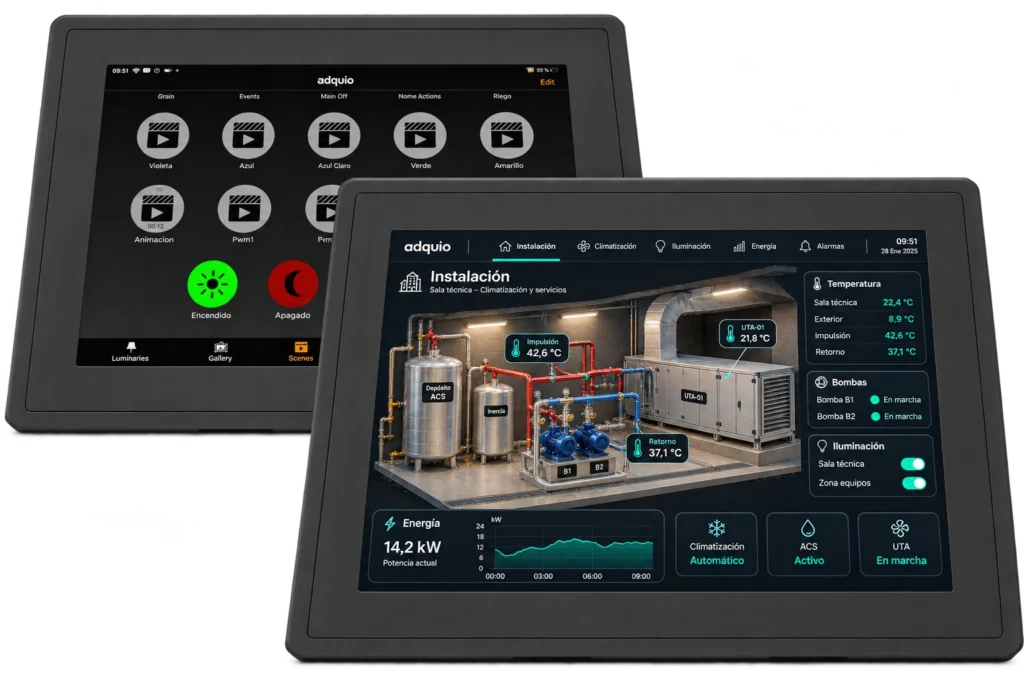
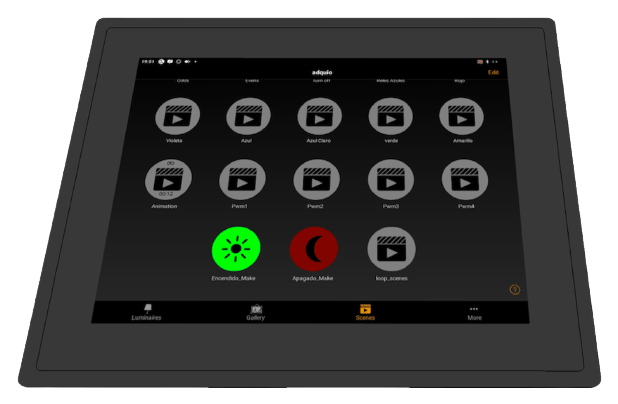
Adquio Industrial Screen Casambi Gateway
Industrial touch screen designed to work continuously without interruptions 24/7. Due to its characteristics, it is perfect to act as HMI, and as a Gateway for Casambi installations.
Two possible fixing systems:
Facilitate installations by being able to interact directly with them without the need for a mobile phone. Once the installation is complete, the client can activate their scenes from our screen, or can choose to have a personalised HMI tailored to their needs, where they will only have access to the controls necessary for their installation.
By acting as a Gateway, another device is no longer necessary to connect the Casambi installation to the internet. Therefore, it performs two important functions:
Two antenna location options:
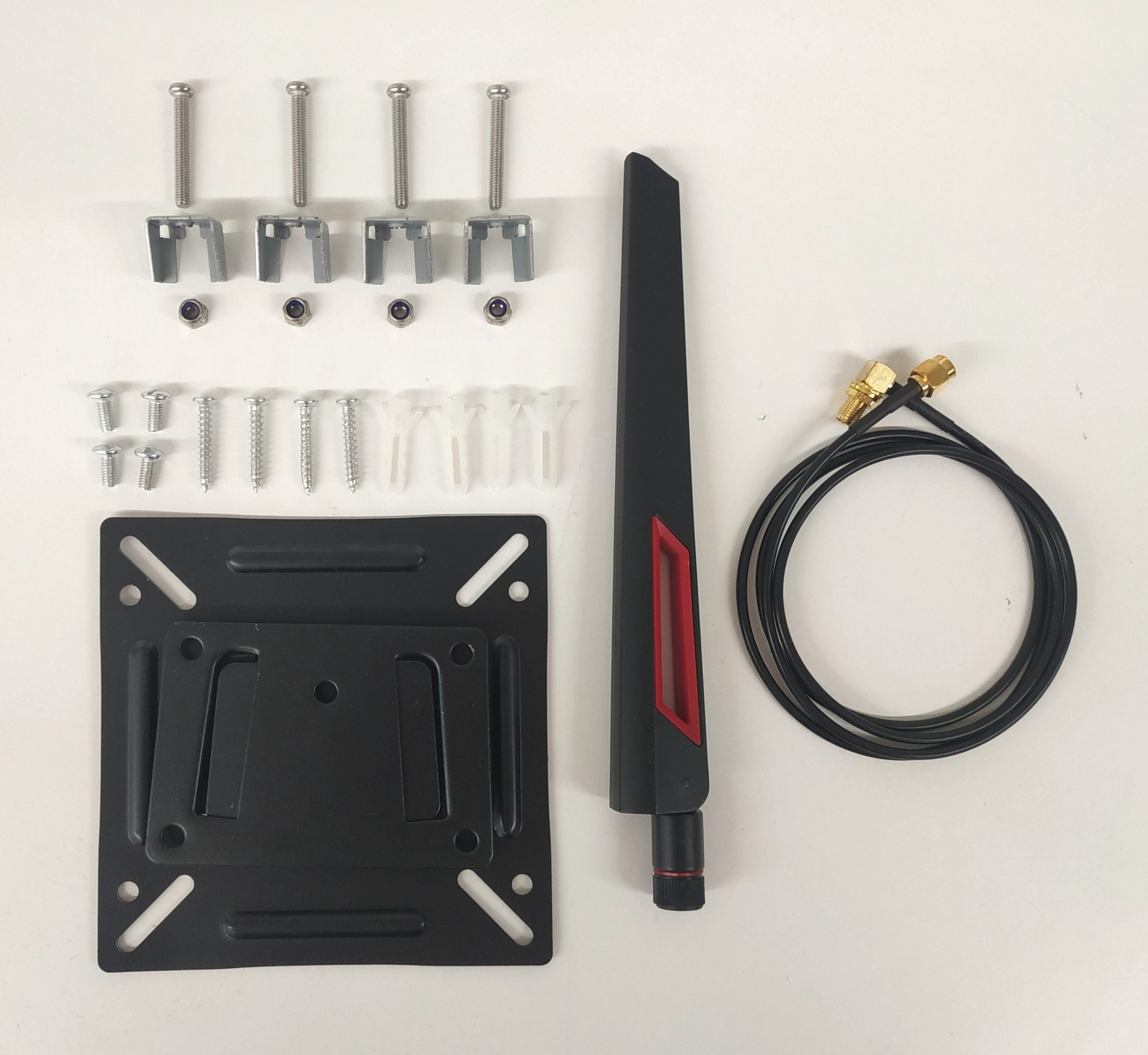
In addition to its corresponding power supply, in each Adquio Industrial Screen box you can find:
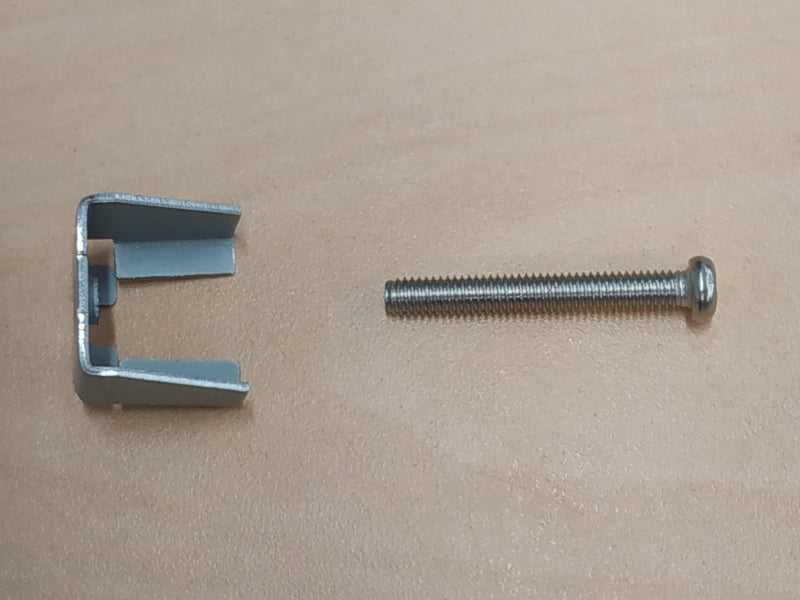
Each screen includes a panel-mounting system with 4 brackets of this type and their screws.
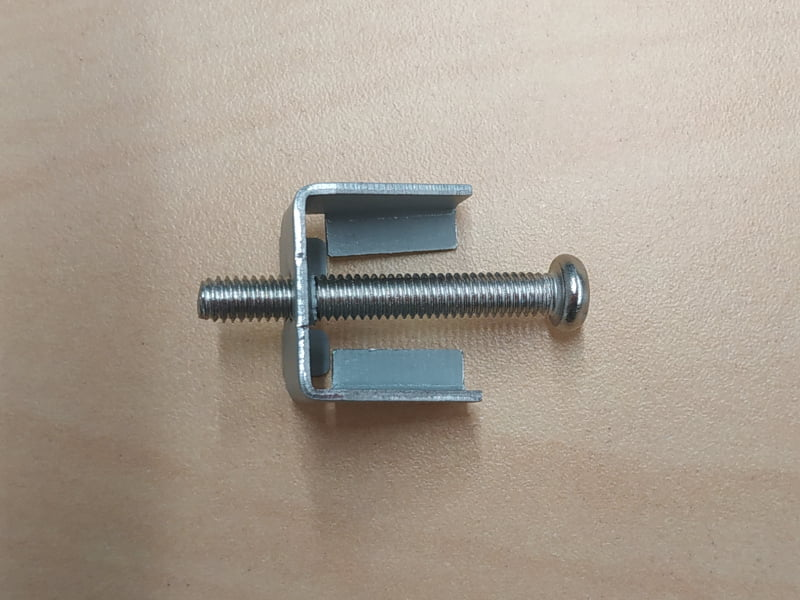
Start each screw in its bracket before attaching the bracket to the side of the screen; this is easier to do now.
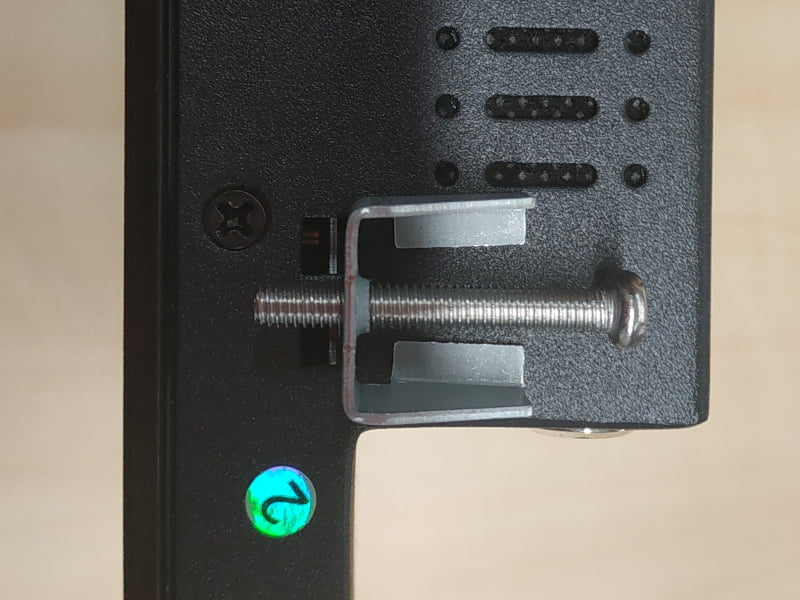
Cut the panel opening to size, insert the screen and position the brackets at the rear as shown.
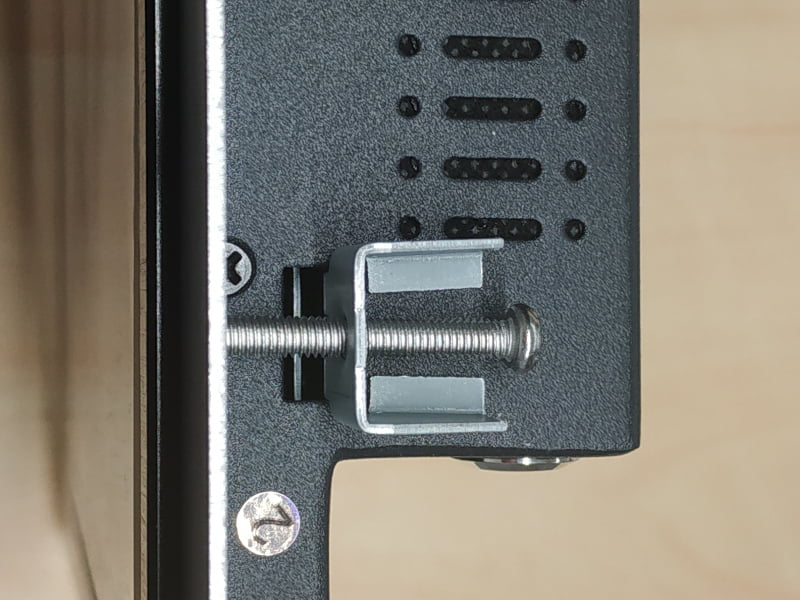
Tighten the screws firmly. For harsh environments, apply a bead of silicone to the screen frame before installation, using the channel provided in the frame.
Adquio Industrial Screen 12.1
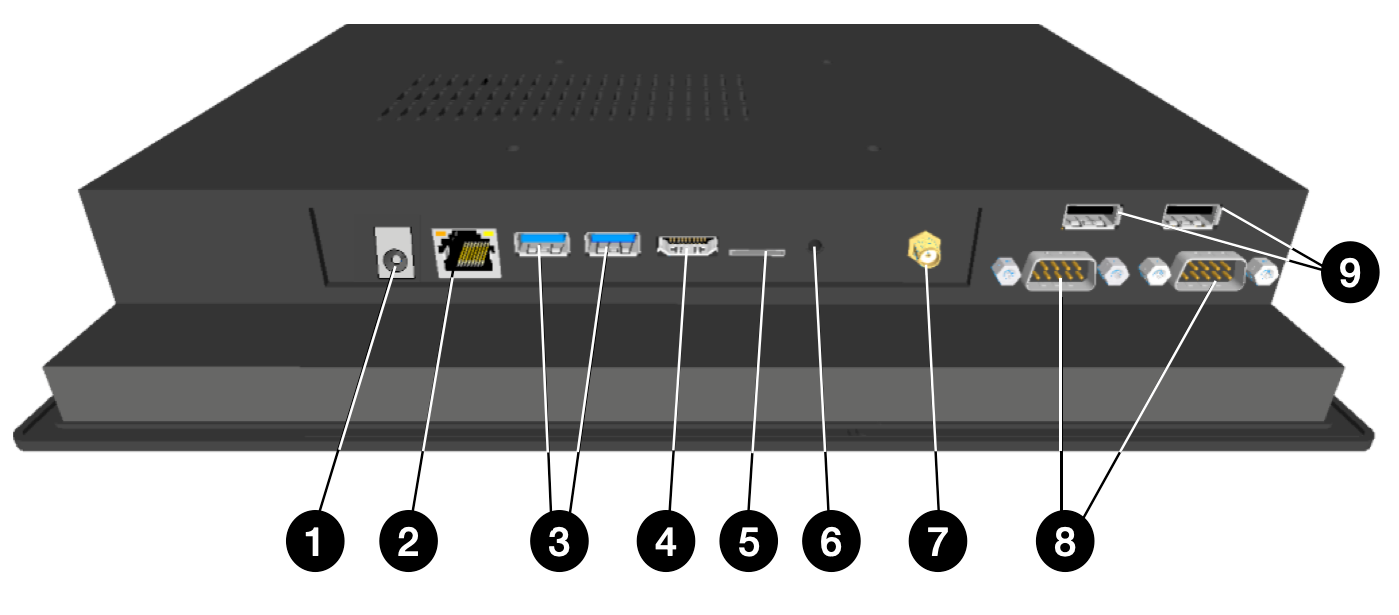
| Size | 12.1 inches |
|---|---|
| Resolution | 1024 x 768 pixels |
| Pixel density | 250 Dpi |
| Technology | Led |
| Brightness | 350 cd/m² |
| Material | Glass |
| Touch Technology | Capacitive |
| Certification | IP 65 |
| Power supply | 12V VDC |
|---|---|
| Current | 5A |
| LAN Ethernet ports | 1 Gb/s |
|---|---|
| WiFi | B/G/N Wi-Fi client |
| Bluetooth | Version 5.0 |
| USB | 2 x USB 2.0 · 2 x USB 3.0 |
| Serial Ports | 2 × 9-pin |
| Processor | Cuad-core ARM® RK3588 4-core Cortex-A55 |
|---|---|
| RAM | 2 Gb DDR3 |
| Internal Storage | 16Gb |
| Performance | Run all applications smoothly and without lags |
Configure lighting, display dashboards and view live cameras from the industrial display. Integrate access control according to the needs of your facility.
Configure and control the lighting from the Casambi application installed on the screen, via Bluetooth.
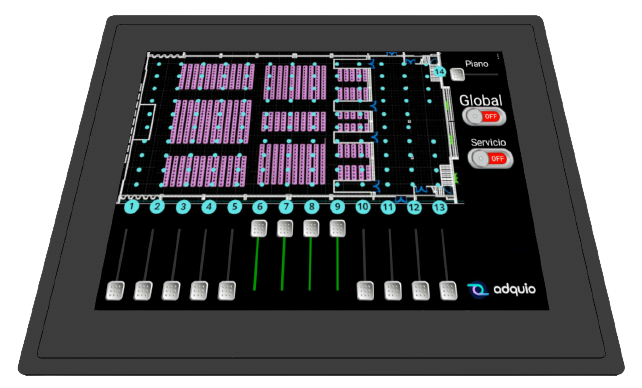
View floor plans, graphs, states and controls adapted to your installation, with an interface designed for each user.
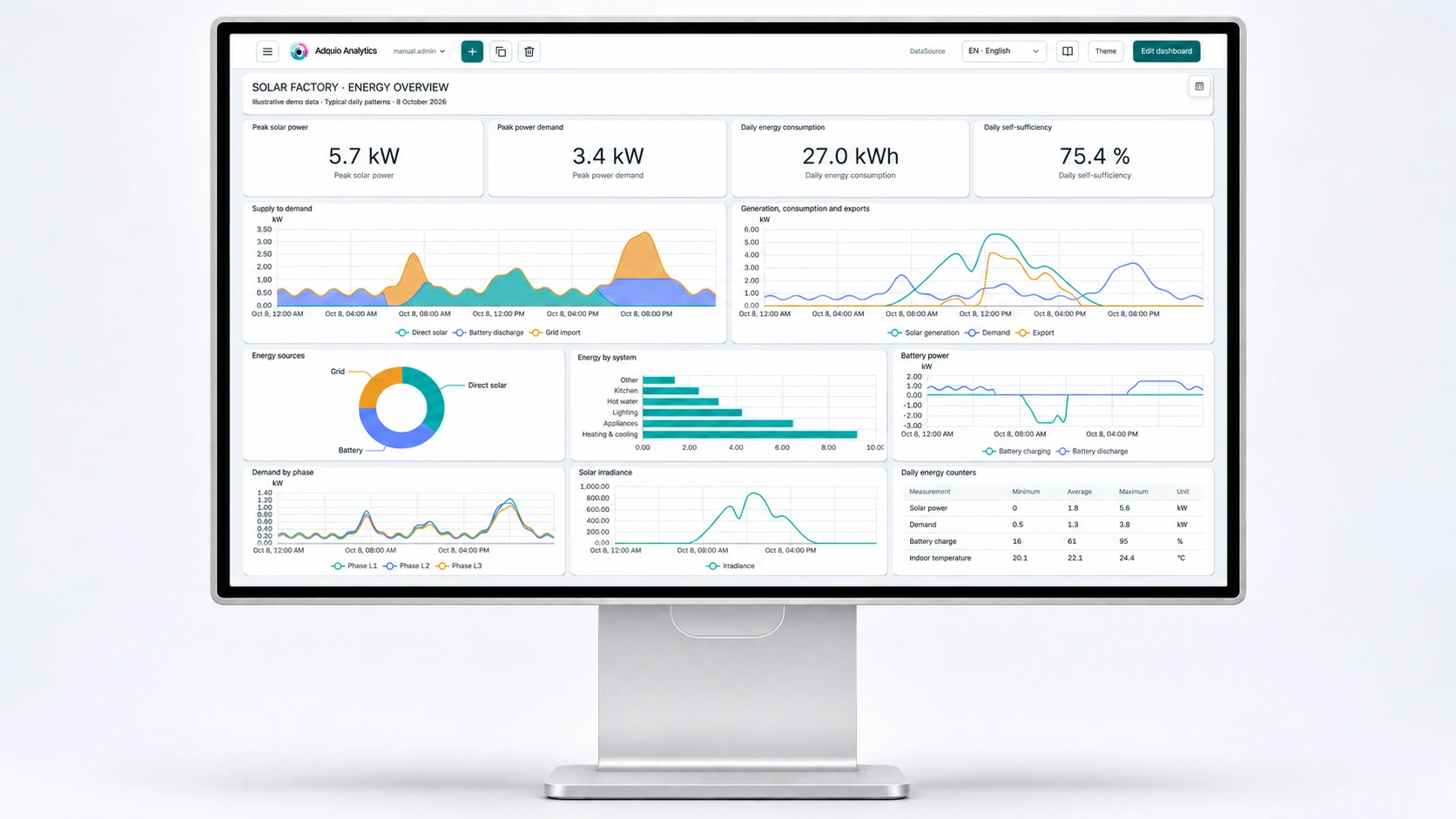
Display shared Adquio Analytics charts and dashboards alongside installation controls.
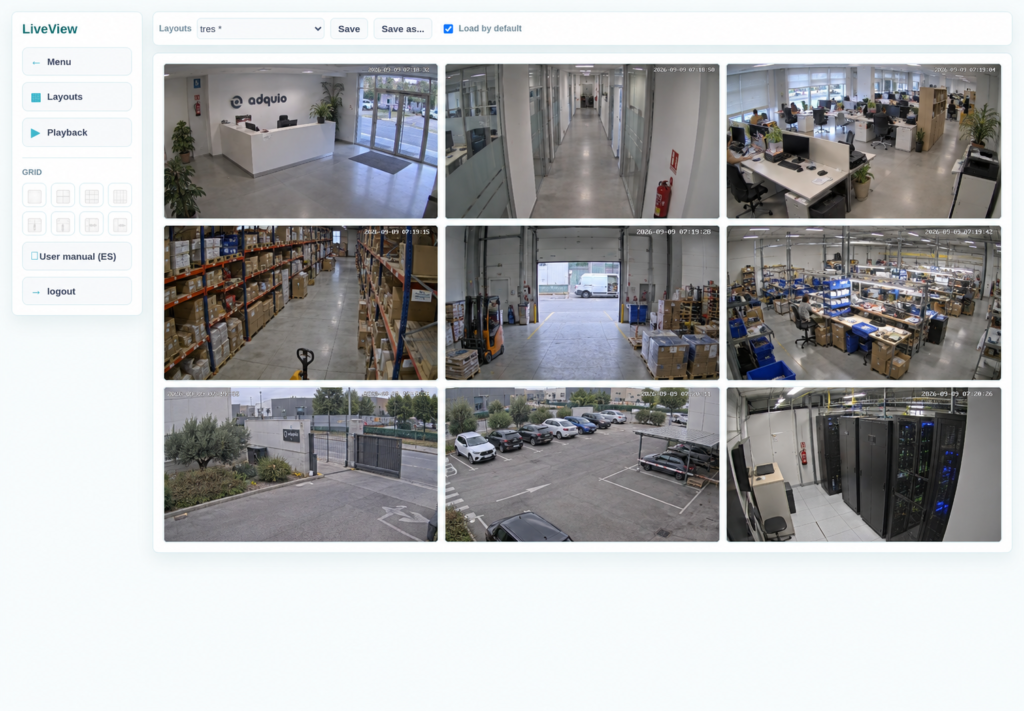
View live cameras from Adquio VisionCore on the screen with the appropriate permissions. Combine visual information with building monitoring.
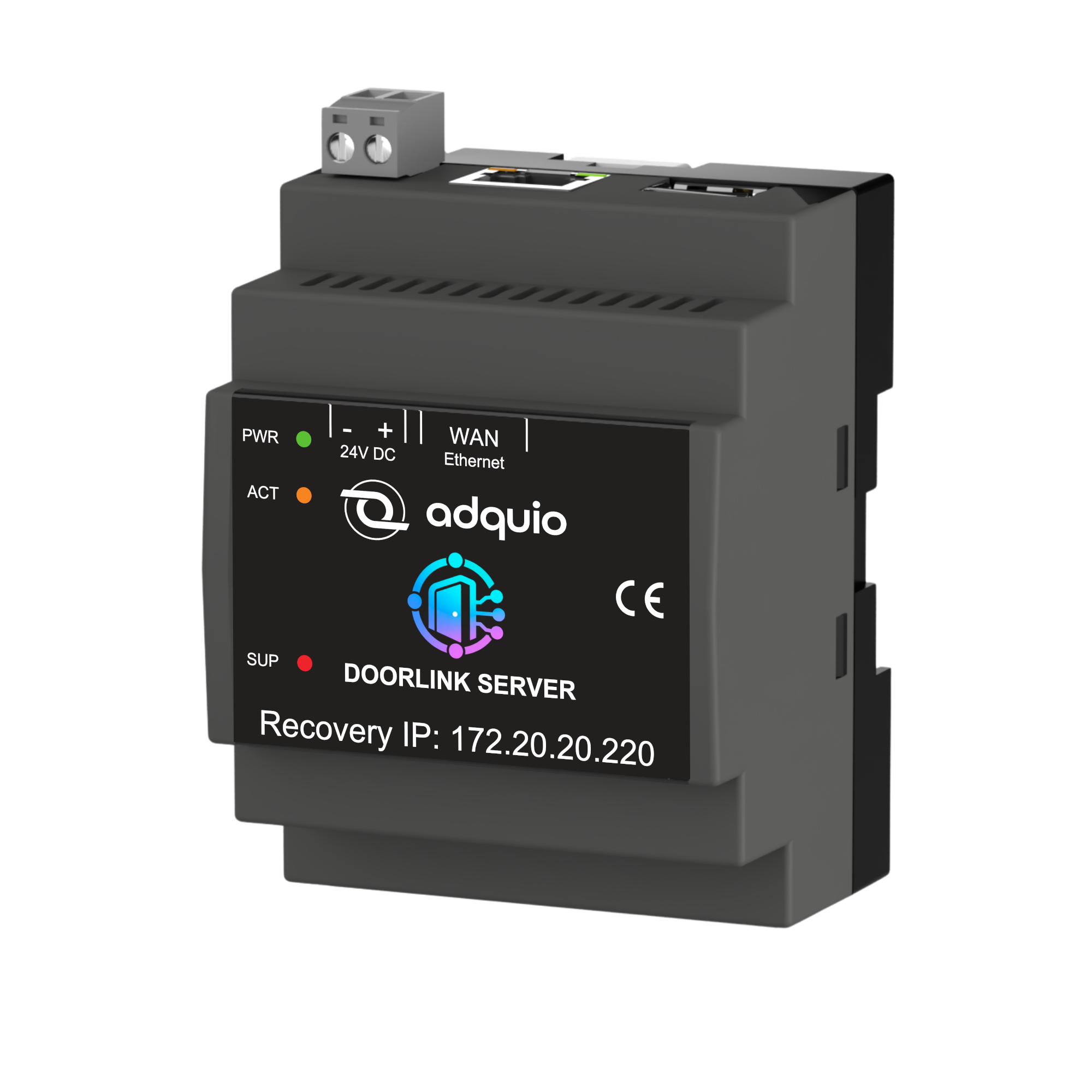
Manage authorised access from the screen interface. In supported installations, the display can also act as a Bluetooth gateway for locks connected to the Adquio DoorLink Server.
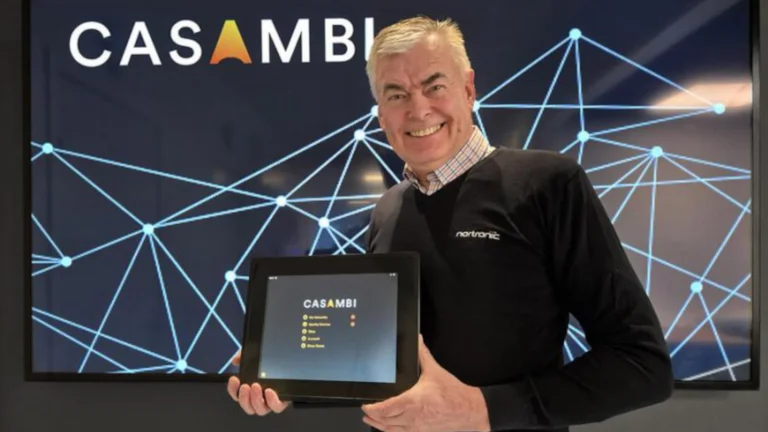
Thank you Rune and Nortronic for promoting our Casambi and Adquio products in the Norwegian market. In your hands, Adquio Industrial Screen…
Read article ↗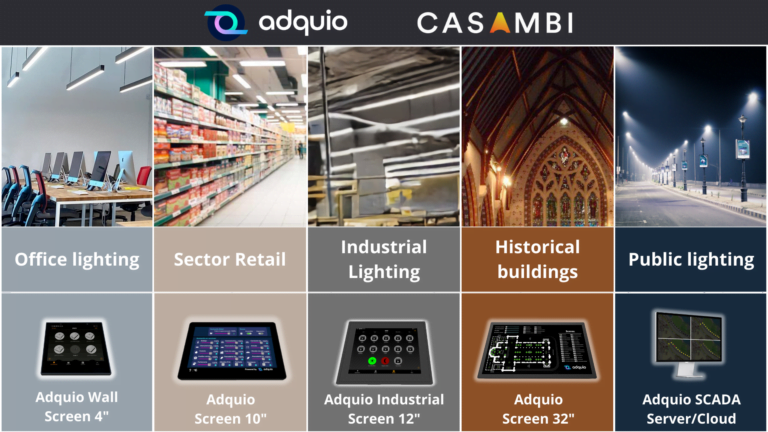
Casambi lighting control technology shines with its own light, offering undeniable improvements to those who adopt it. From its initial implementation in office…
Read article ↗
At Adquio, freedom is our banner, a value that permeates every corner of our ecosystem. From the beginning, we have been committed to…
Read article ↗Tell us where the 12.1-inch industrial screen will be installed and which operations it must support. We will help prepare the required views and connections.
