
Screen
| Size | 4 inches |
|---|---|
| Resolution | 480 × 480 pixels |
| Technology | IPS |
| Backlight | Led |
| Brightness | 250 cd/m² |
| Material | plastic |
| Touch Technology | 5 simultaneous capacitive touch points |
Screens and interfaces
Integrate control into each room with a compact 4″ touch screen. Use Casambi or a custom interface for the functions available in your project.
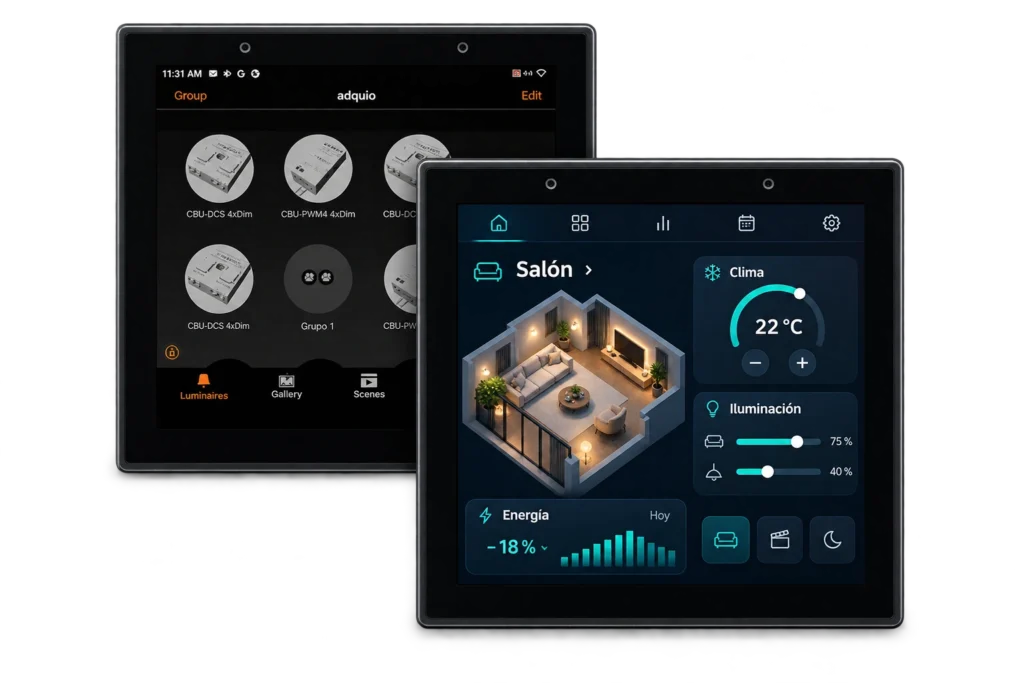
The smallest of the family
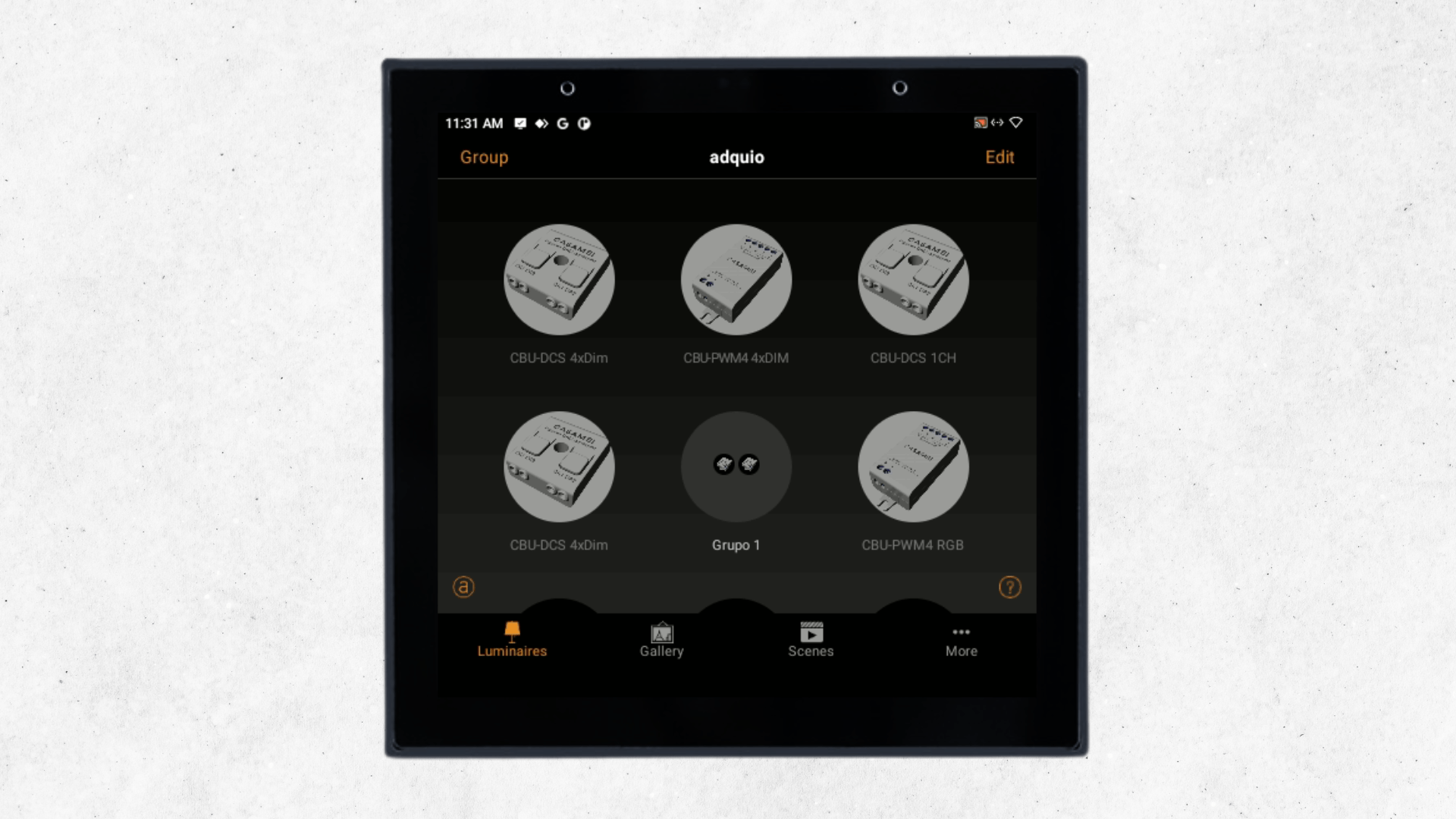
High quality touch screen designed to work continuously without interruptions 24/7. Due to its characteristics, it is perfect to act as HMI, and as support for the Casambi control app. Installs in the standard space of a European switch. Facilitate Casambi installations by being able to interact directly with it without the need for a mobile phone.
Once the installation is complete, the customer can activate their scenes from this screen, or they can choose a custom HMI tailored to their needs, where you will only have access to the necessary controls of your installation.
When working with a custom HMI it takes data from an Adquio controller and allows a completely free design of the user interface.


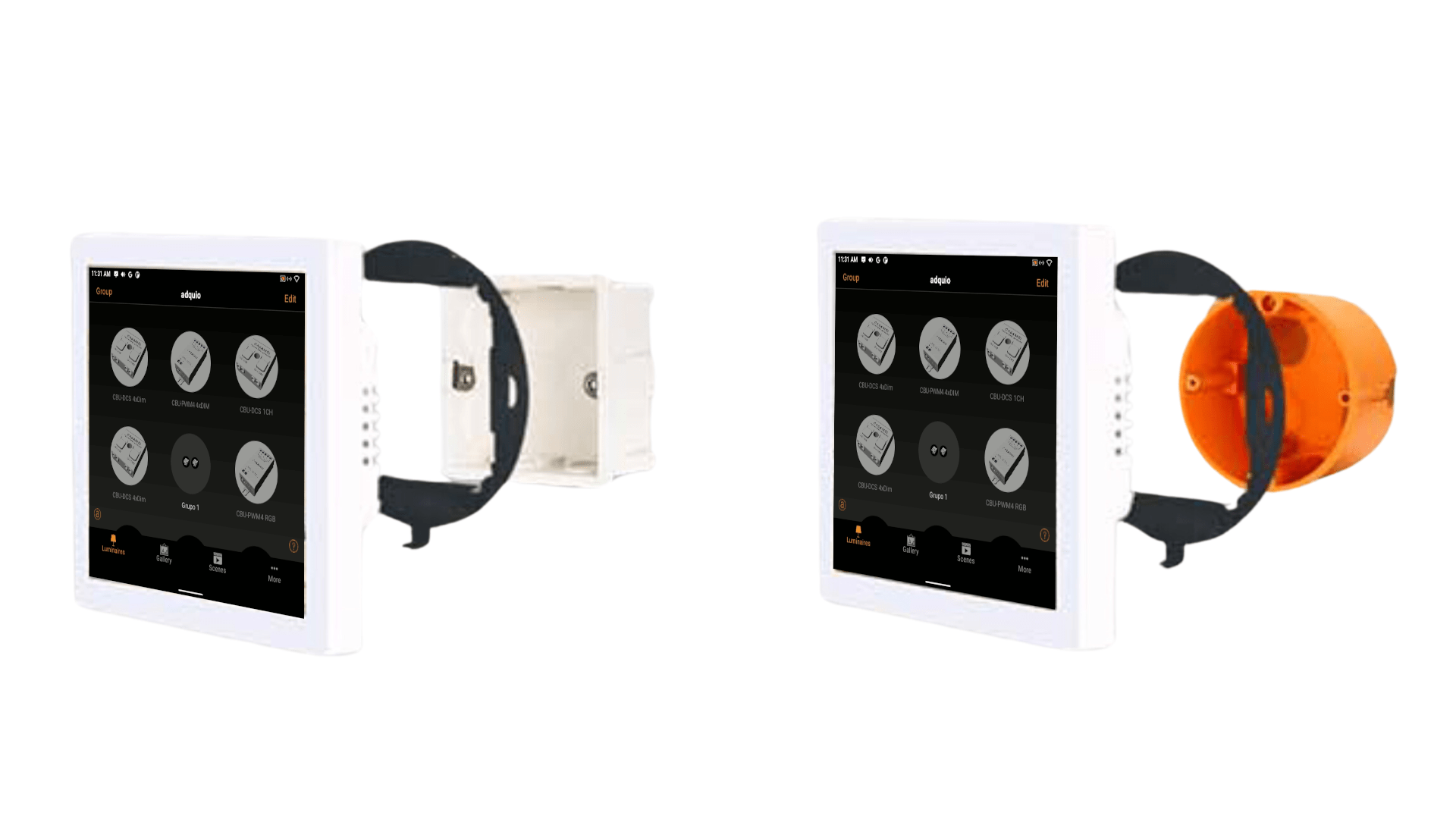
The installation is very simple, in the space of a standard switch, with a mounting box whose horizontal screw centres are 60 mm apart, you can fit the screen bracket (the black component shown).
Then you have two options:
Once the cables are connected, you just have to insert the screen and tighten the bottom screw.
| Size | 4 inches |
|---|---|
| Resolution | 480 × 480 pixels |
| Technology | IPS |
| Backlight | Led |
| Brightness | 250 cd/m² |
| Material | plastic |
| Touch Technology | 5 simultaneous capacitive touch points |
| Power supply | 110–240 V CA, 50 Hz · PoE IEEE 802.3 at/af, 48 V |
|---|---|
| Current | 0,2 A |
| LAN Ethernet ports | 100 Mb/s POE 802.3 at/af 48V |
|---|---|
| WiFi | 2.4 GHz B/G/N Wi-Fi client |
| Bluetooth | Version 4.2 |
| Processor | Cuad-core ARM® Cortex™-A35 PX30 |
|---|---|
| RAM | 2 Gb DDR3 |
| Performance | Runs the Casambi app and Adquio HMI smoothly and responsively |
| Internal Storage | 22 GB Free with Casambi installed |
| Safety and health | EN 62368-1:2014+A11:2017 · EN IEC 62311:2020 |
|---|---|
| EMC | ETSI NE 301 489-1 V2.2.3 (2019-11) · ETSI EN 301 489-17 V3.2.4 (2020-09) · EN 55032:2015+A11:2020 · EN 55035:2017+A11:2020 · EN IEC 61000-3-2:2019 · EN 61000-3-3:2013+A1:2019 |
| Radio | ETSI EN 300 328 V2.2.2 (2019-07) |
Bring together room controls and the information each user needs on a compact wall display.
Configure and control the lighting from the Casambi application installed on the screen, via Bluetooth.
Design an interface with the essential controls for lighting, HVAC and scenes for each room.
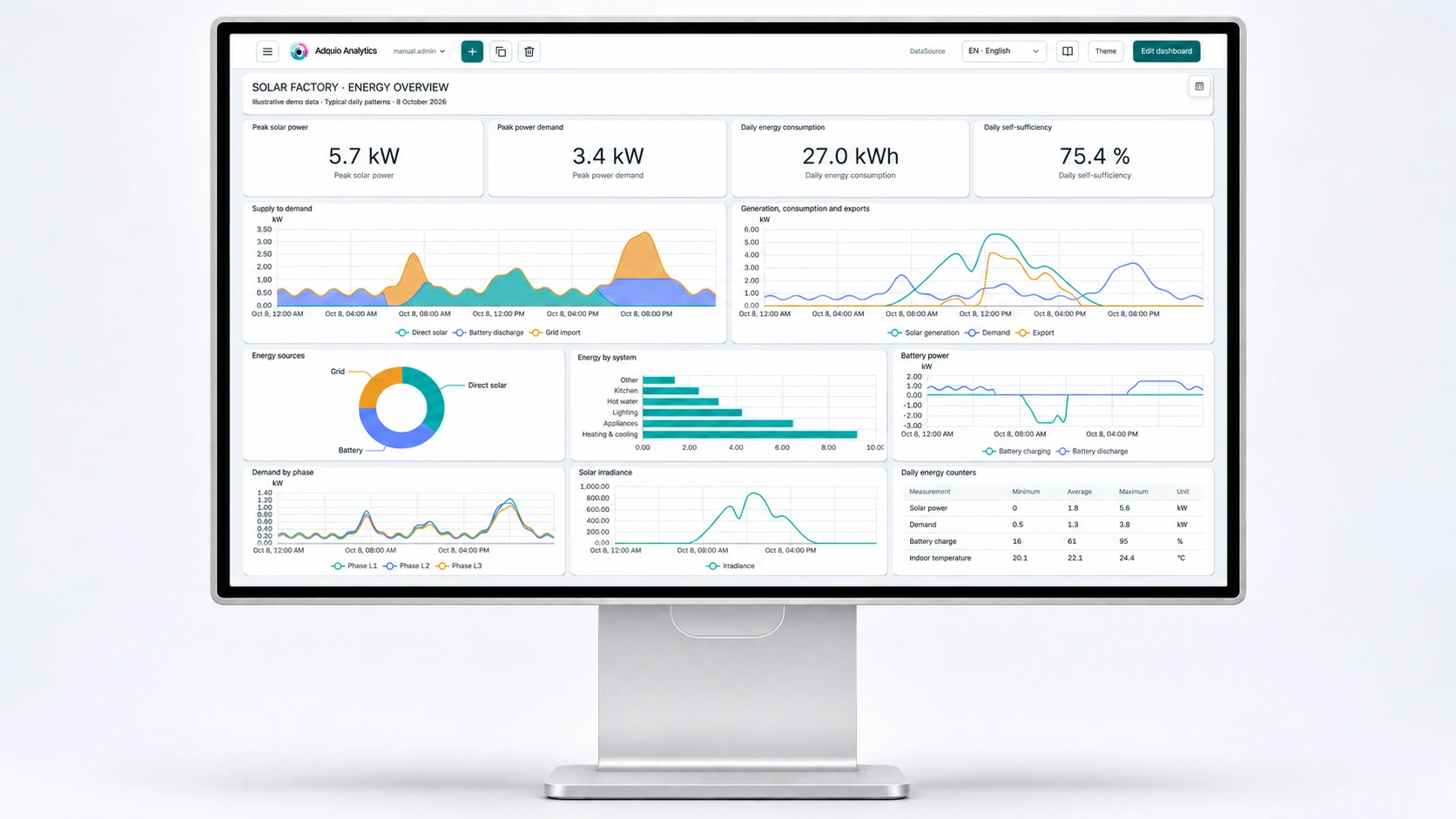
Show shared graphs and dashboards adapted to the 4″ format, such as a temperature or consumption trend.
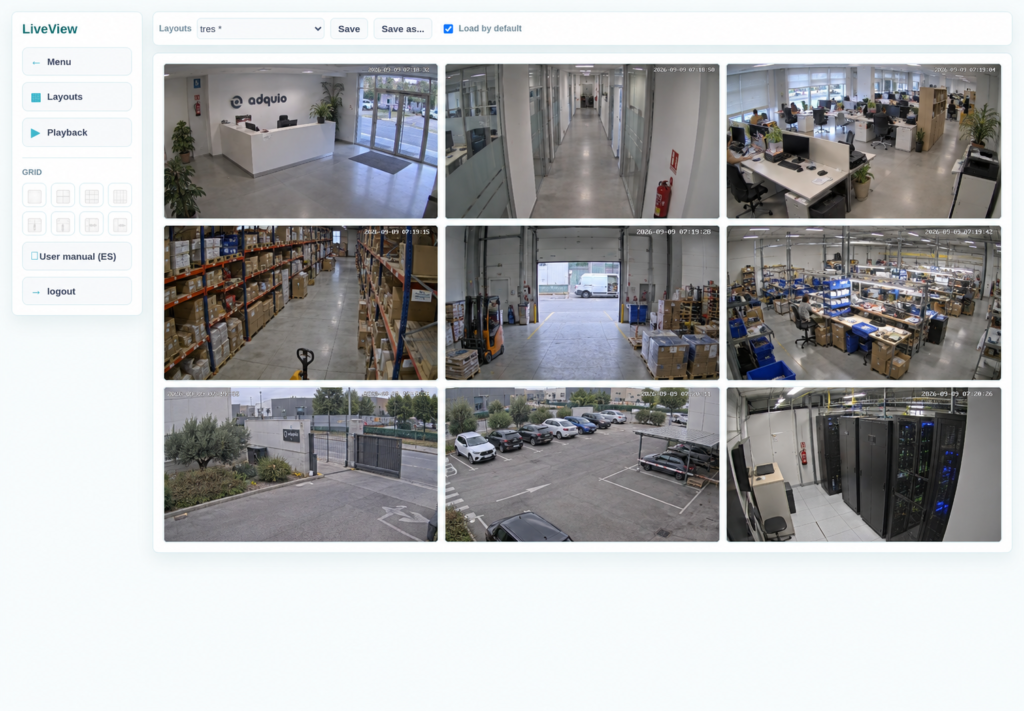
View live video from a VisionCore camera from a supported interface with appropriate permissions.
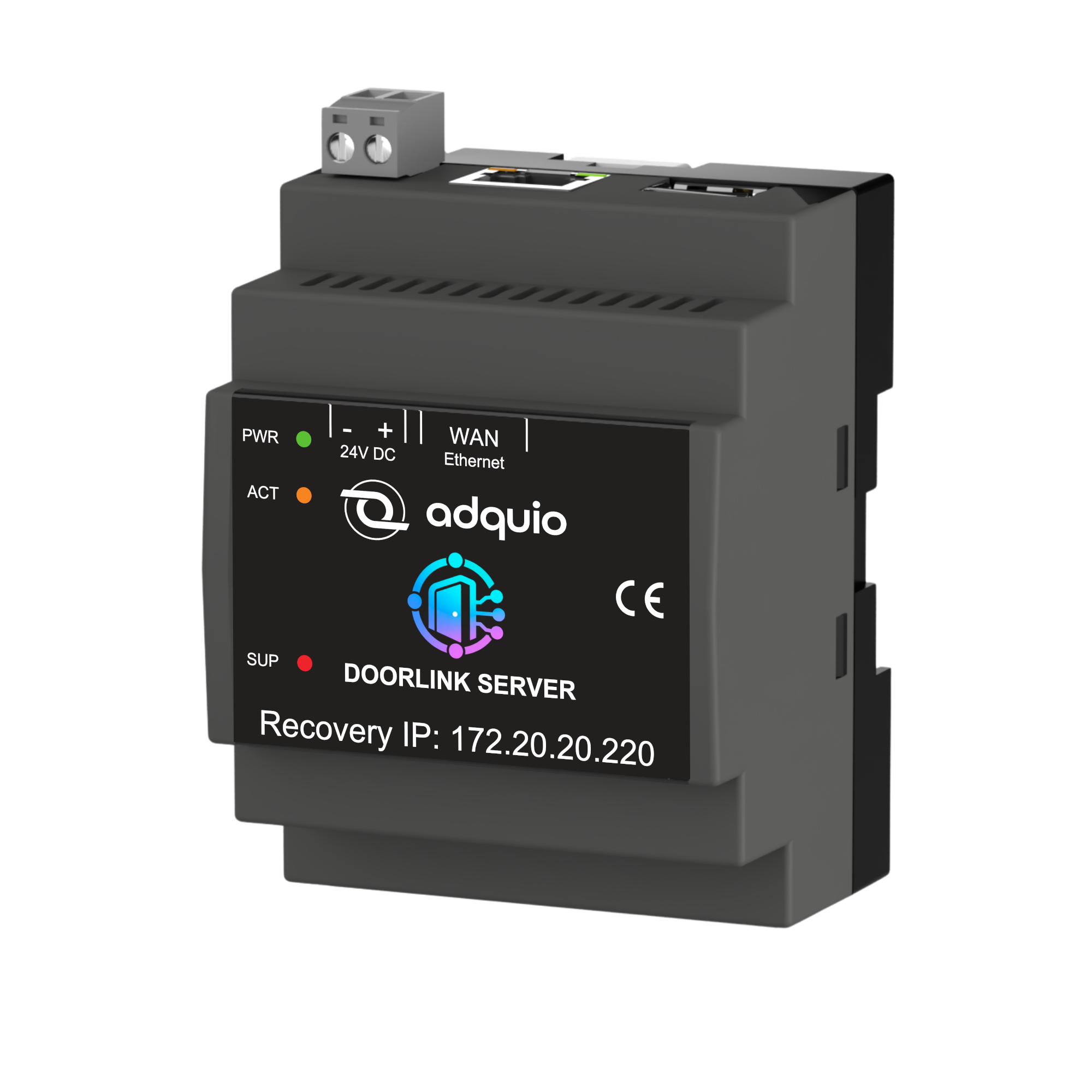
Use the display’s Bluetooth as a gateway to compatible locks in an installation with Adquio DoorLink Server.
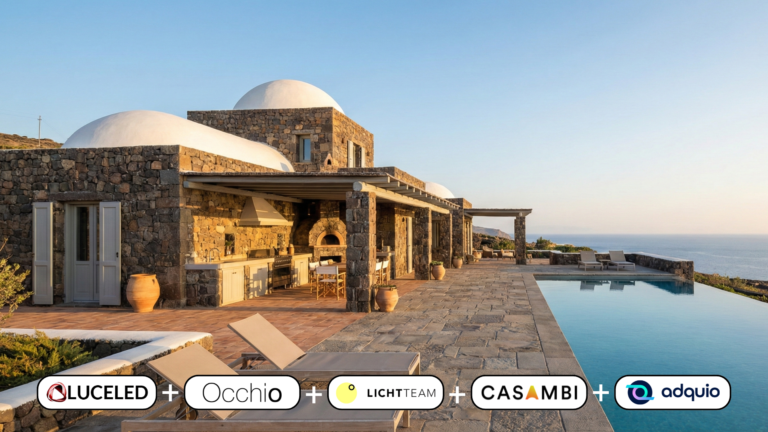
On the island of Pantelleria, southwest of Sicily, stands a very special holiday home. Built with thick stone walls and several white domes…
Read article ↗
The way we use spaces has changed. Today, offices, auditoriums and conference rooms demand flexibility: environments that can adapt quickly and efficiently to…
Read article ↗
We share with you a video of our partner Frank Vlcek using one of our 4" control screens, here you can see…
Read article ↗Choose the room functions to bring together on the 4-inch screen. We will help prepare a clear interface for control and information.
