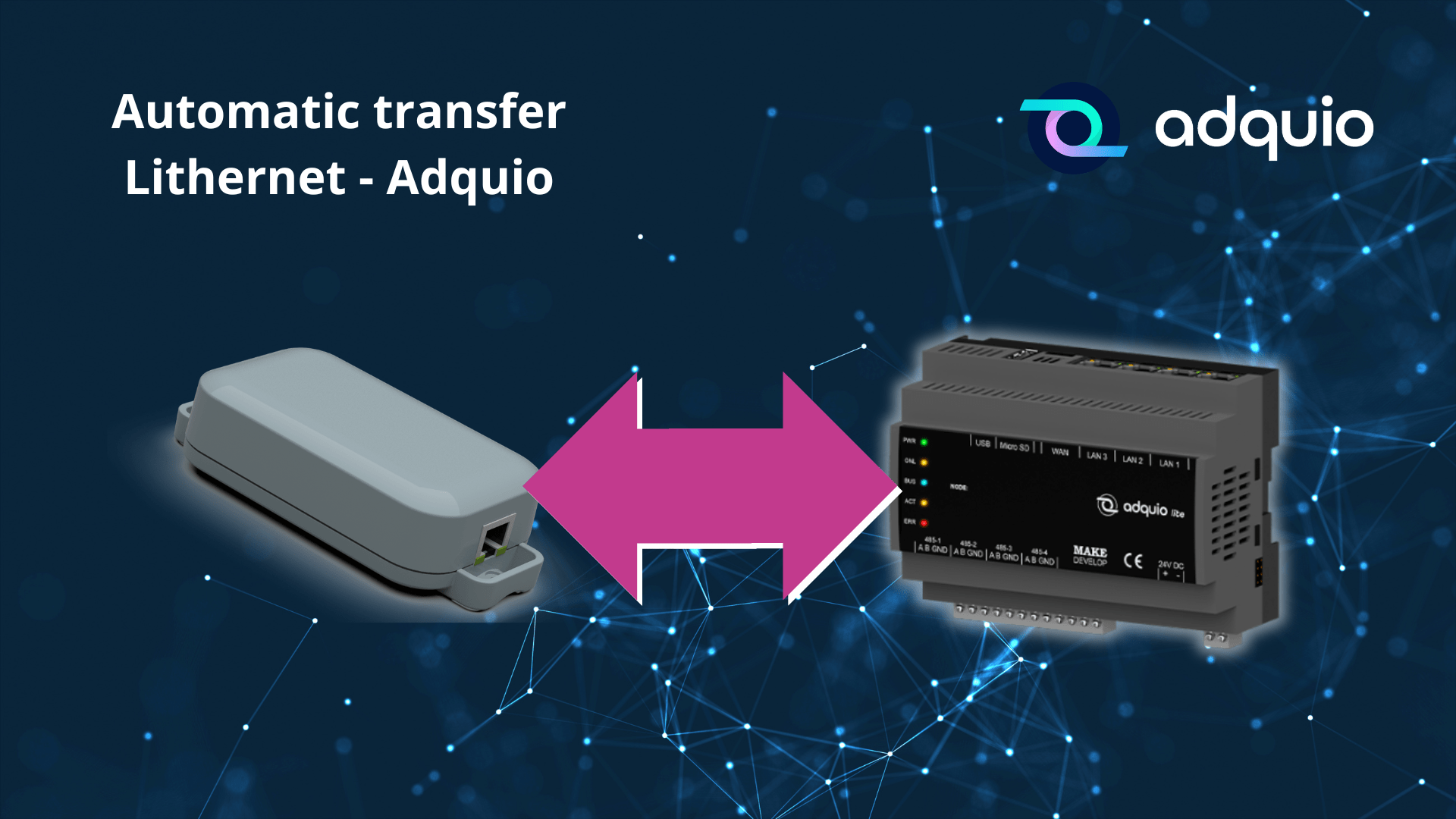
Integrating a Lithernet gateway’s catalogue into Adquio now takes fewer steps. Lithernet devices with an EDE download option in their web interface let you obtain the file directly from the gateway, without using YABE to export it.
To adapt this file to Adquio’s format, we introduce Adquio EDE Converter: a web utility that converts Lithernet CSV/EDE files into a JSON configuration for import into your controller.
What changes compared with the previous process
Previously, our workflow used YABE to export BACnet objects. Lithernet’s new EDE button lets you download the catalogue from the device’s own interface.
Although the downloaded EDE is a CSV file, its structure differs from the YABE export used in the previous procedure. It therefore needs a dedicated converter to interpret its columns and prepare the structure expected by Adquio.
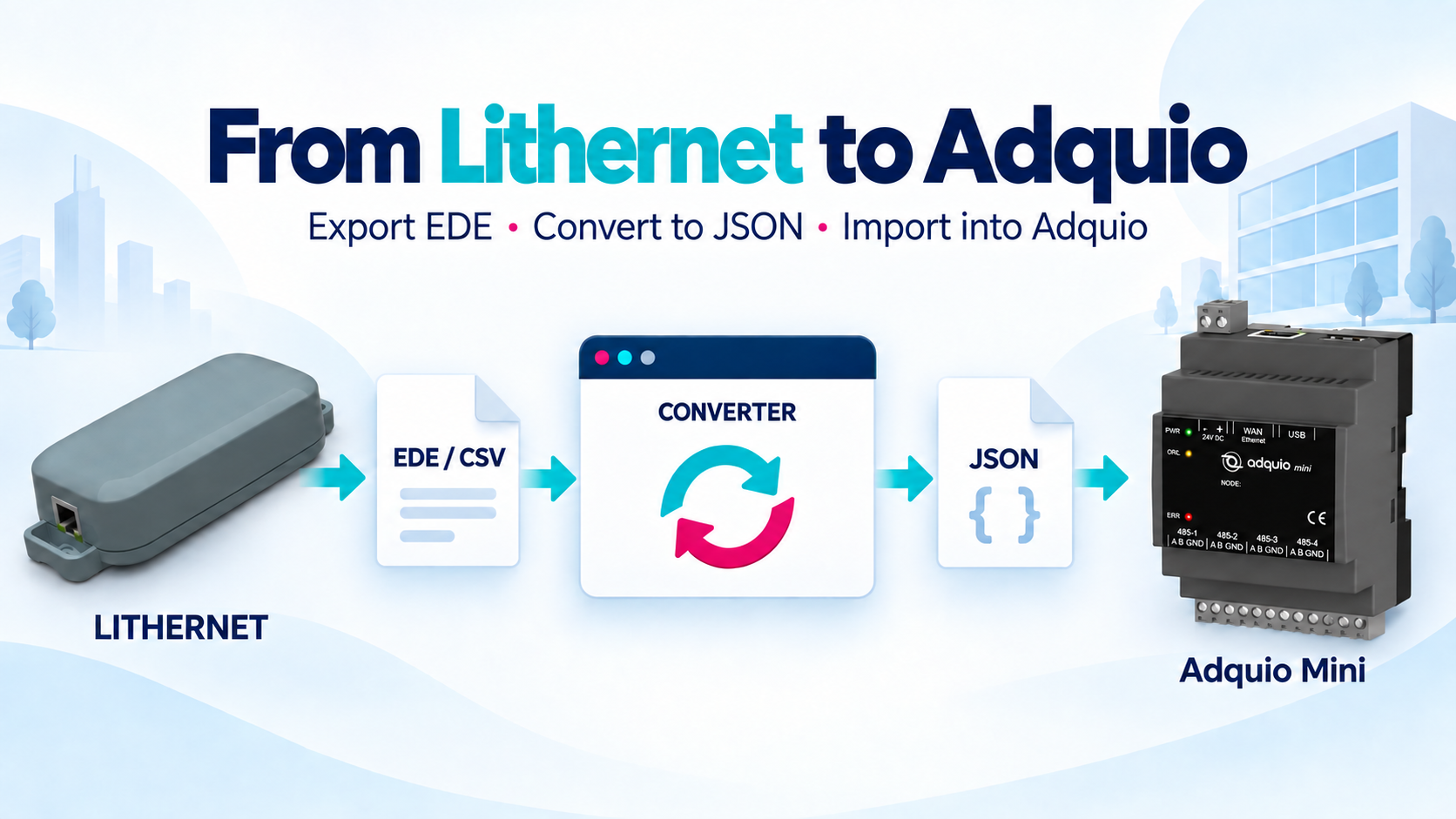
The new workflow is: Lithernet → EDE/CSV file → converter → JSON file → Adquio. The improvement concerns catalogue preparation and import; subsequent communication between devices still requires the appropriate BACnet and network configuration.
From EDE download to JSON, step by step
1. Download the EDE from Lithernet
Open your Lithernet gateway’s web interface and click the EDE download button. Save the CSV on your computer: this is the input file for the new converter.
2. Open the converter and select the CSV
Drag the file into the tool or use the file picker. The converter reads the catalogue and displays the objects found, selected points and items requiring review.
3. Adjust your installation settings
Enter Lithernet’s IPv4 address and check the BACnet/IP port. Select the local instance corresponding to the BACnet module configured in Adquio and set the device code. Review the points before continuing: not every object in the catalogue needs to be included in the output.
4. Validate and download the result
Click “Validate and generate JSON”. The tool displays the validation results and lets you download the JSON and a report. Review warnings, excluded points and read permissions before using the file.
5. Import the JSON into Adquio
Load the generated file into your Adquio controller and check the Lithernet connection and imported variables. Conversion prepares the file; it does not configure the network or replace this final check.
Your files are processed in your browser
The converter reads and converts the file locally in your browser. It does not need to send the CSV to the server to generate the JSON. You can review the result before downloading it and choose which points to include.
Review the catalogue before importing
The tool preserves the gateway’s BACnet instance specified in the EDE and distinguishes supported points from provisional or excluded ones. You can also review the variables to be generated and download a conversion report.
Use the recommended profile for the standard workflow. Schema v5 is labelled experimental and requires import and re-export testing on an actual Adquio device.
Fewer steps to prepare your integration
Lithernet’s built-in EDE download removes the need to use YABE for this step. With the new converter, you can turn the gateway’s exported file into Adquio JSON using a tool available on our website.