
ADQUIO BUILDING OS · PRODUCTS
Access control. Part of the same building.
Connect doors, locks and users with the day-to-day operation of your installation. Adquio DoorLink brings together on-site management and integration with the Adquio ecosystem.
01
The access control solution
Visit each product page to explore its features, connections and documentation.
Access control
Manage doors, users, credentials, permissions and schedules from the DoorLink Server on site.
02
An on-site architecture distributed by zone
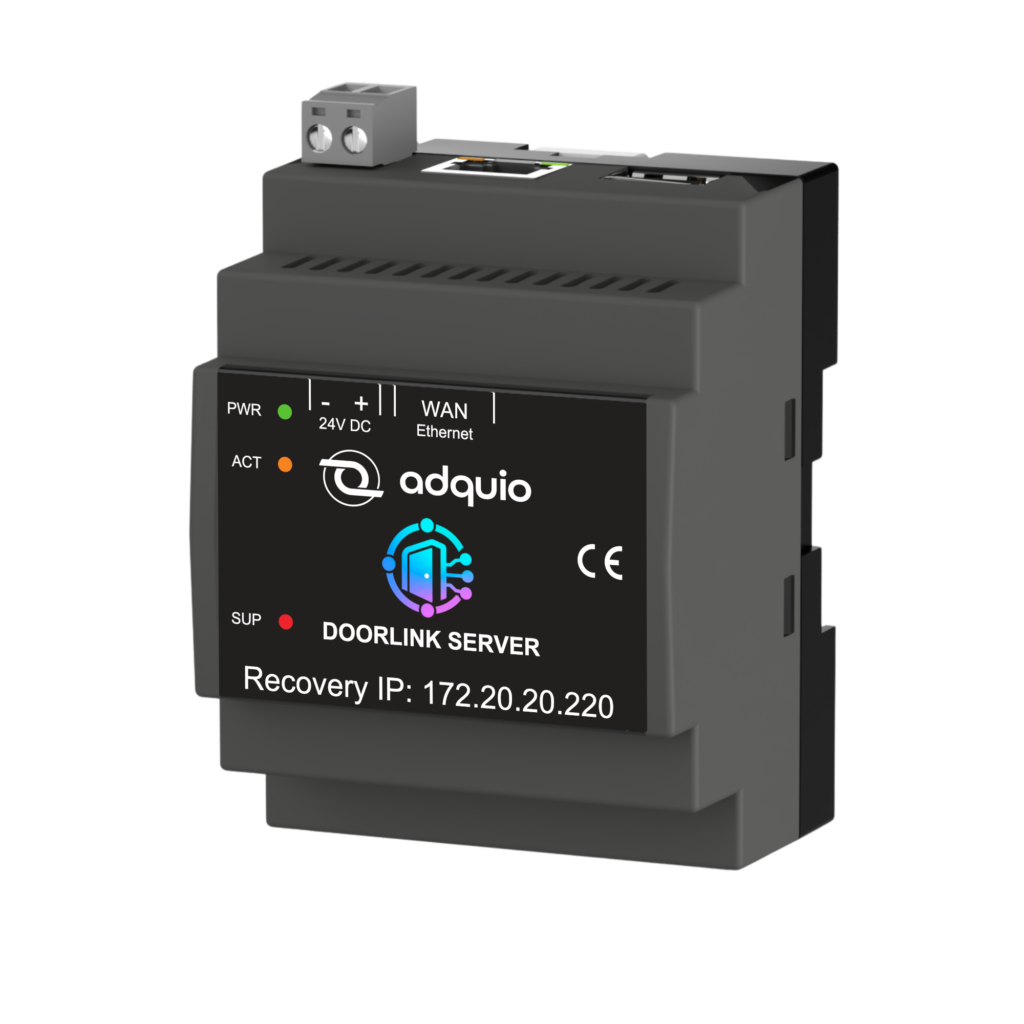
A DoorLink Server coordinates gateways located near the locks. Management information stays on site.
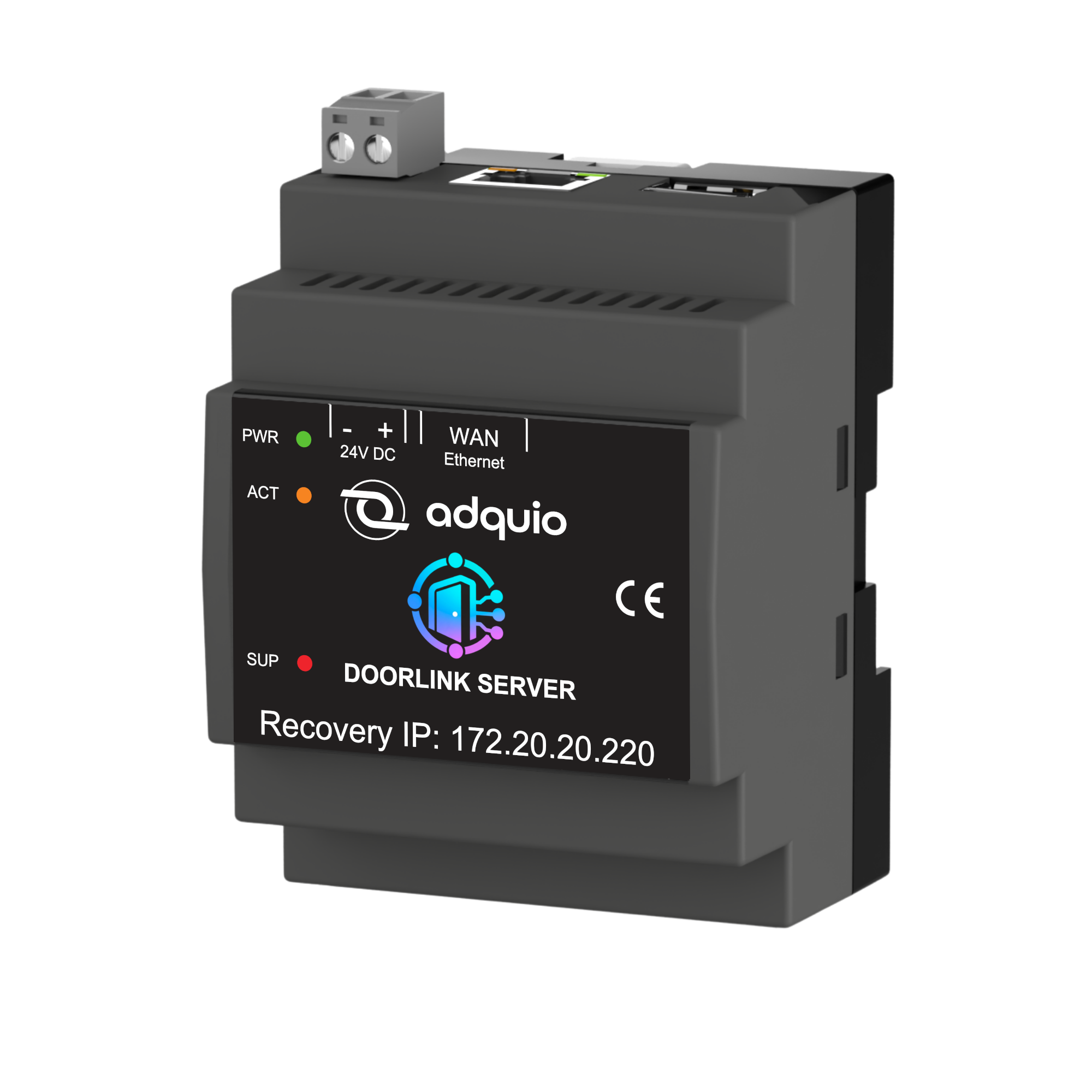
Stores users, permissions, configuration and events. Hosts the web interface and API. Model ADQ-DLS.
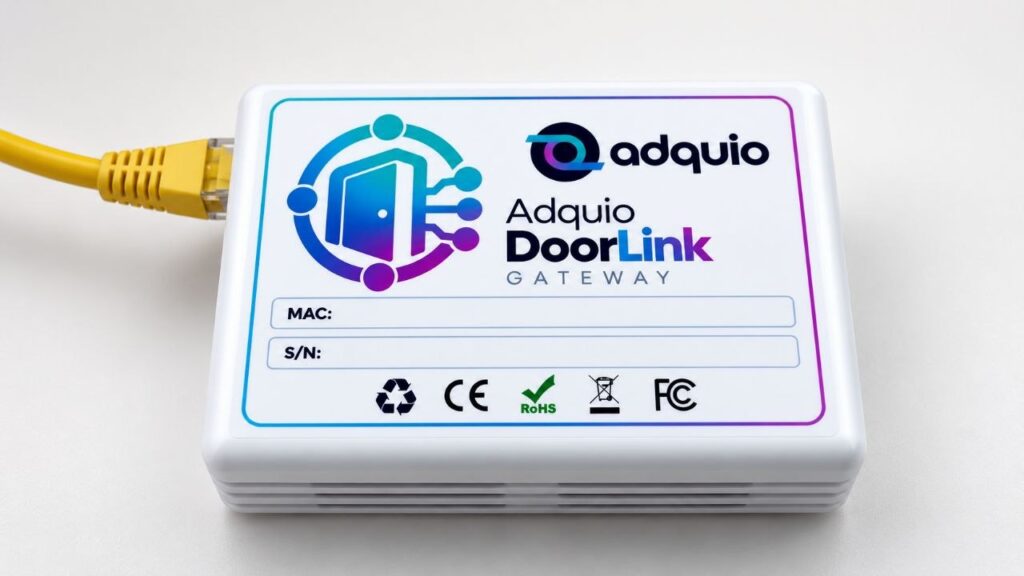
Connects the building network to nearby locks over Bluetooth. Sized by zones and coverage. Model ADQ-DLG.
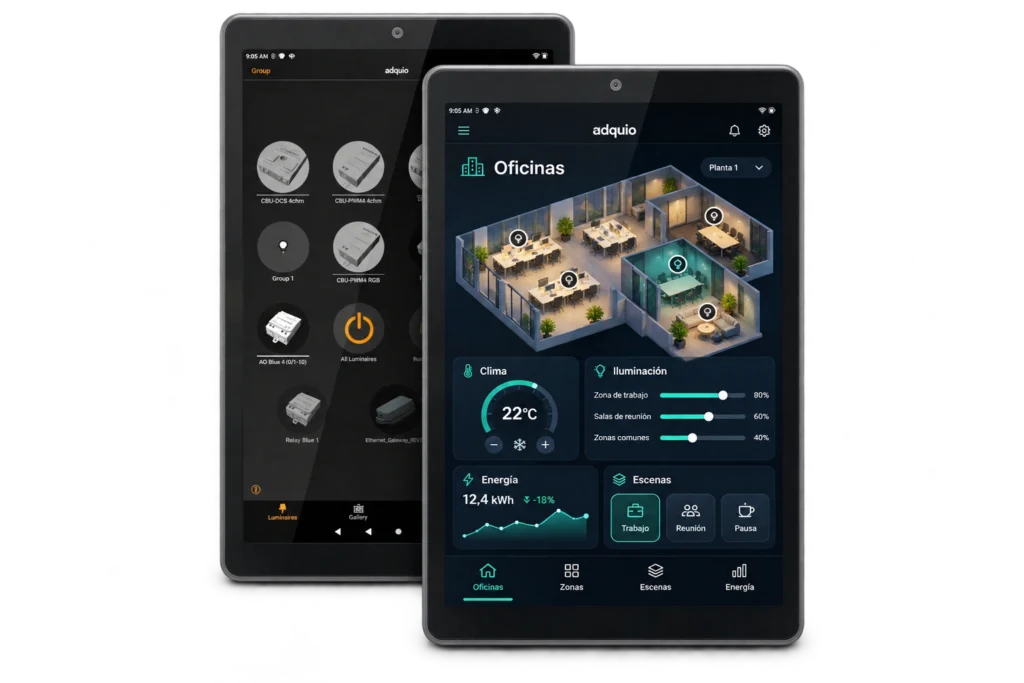
A compatible Android display can also act as a gateway while continuing to run its control interface.
03
Every door, with its own context
Manage users, PINs and compatible IC cards, with validity periods and permissions for each lock.
Set passage mode and automatic locking where supported. Check the lock’s clock.
Check battery level, Bluetooth signal, firmware, connectivity and last communication to help locate issues.
Link unlock requests and physical events to their outcomes, without attributing actions when there is no evidence.
04
Access control can also be part of automation
Represent paired locks as devices in the controller. Link commands and statuses with lighting, HVAC, scenes and supervision.
01
User, schedule or scene
02
Adquio controller / DoorLink Server
03
Zone Bluetooth gateway
04
Compatible lock and confirmation
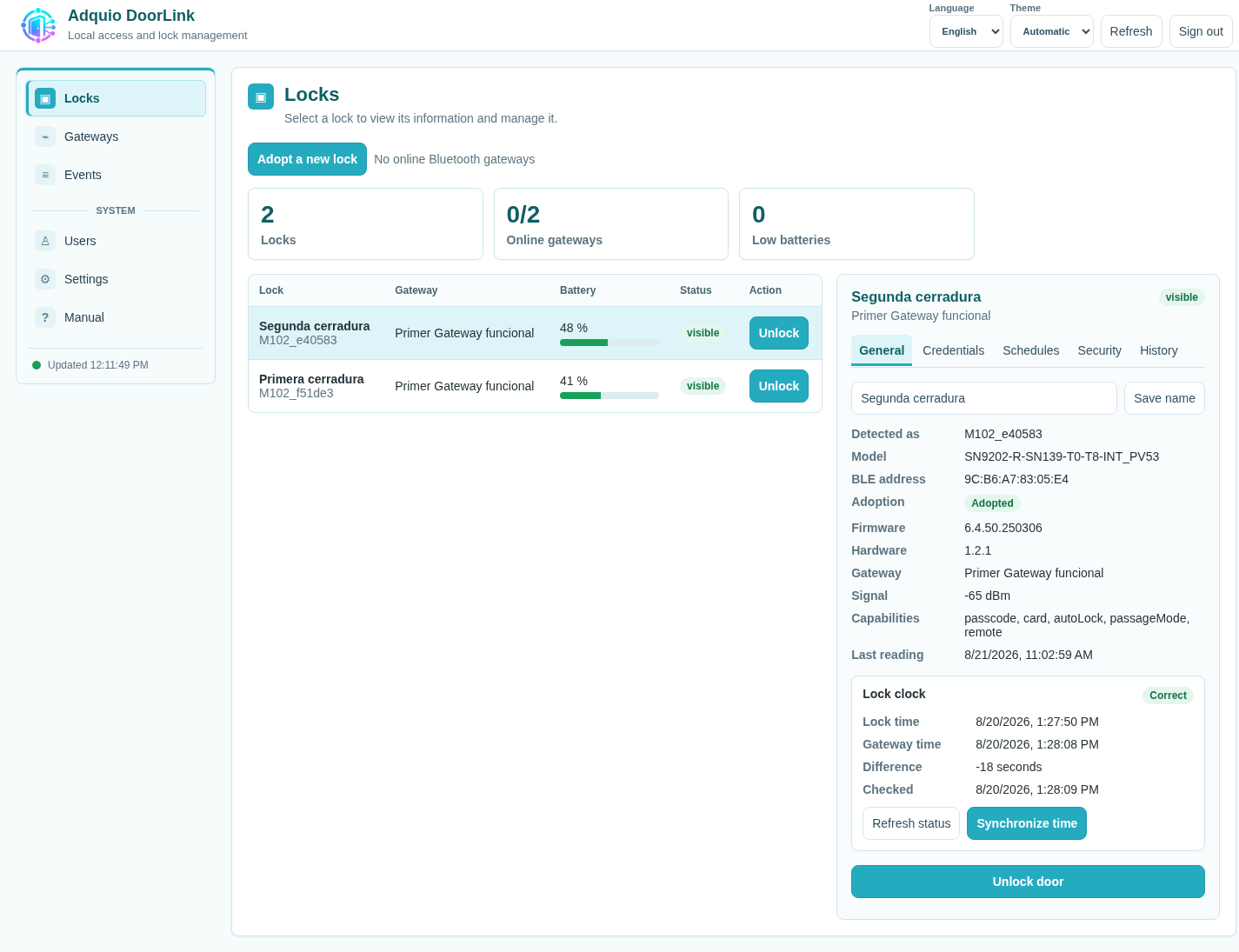
Adquio DoorLink interface. Click to enlarge.
05
Plan each zone before installation
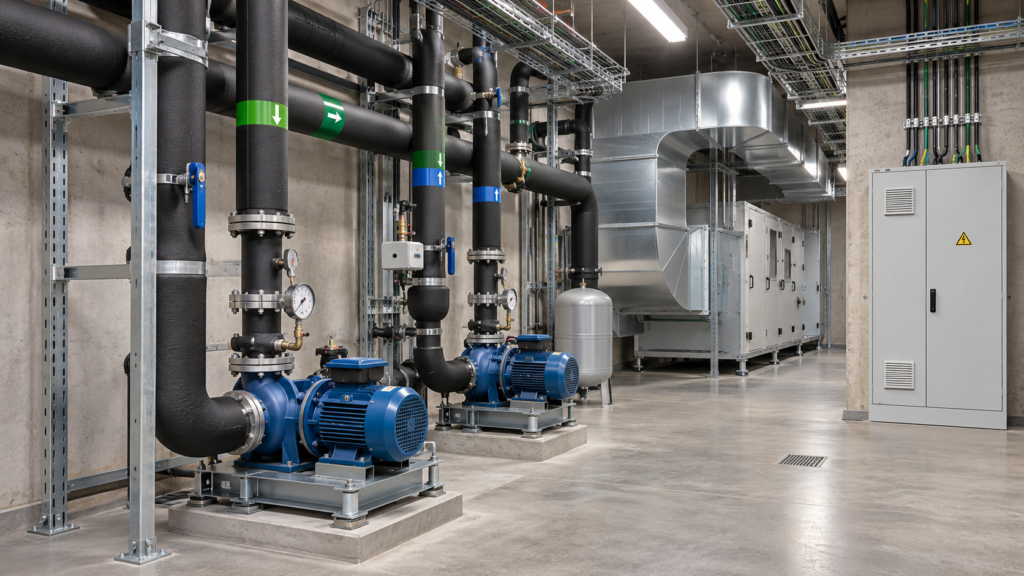
Review lock models and capabilities, Bluetooth coverage, the local network, user roles and behaviour during incidents. Day-to-day Bluetooth operation does not rely on a third-party cloud.


06
Explore the ecosystem
Connect this part of your project with the other layers of Adquio Building OS.
Explore related features and resources.
07
Resources to prepare your project
Detailed documentation remains available on the product pages. Restricted courses and manuals retain their access requirements.
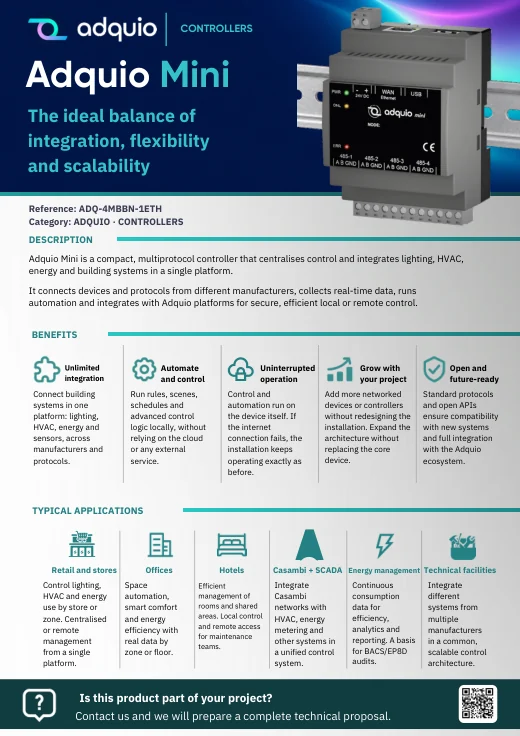
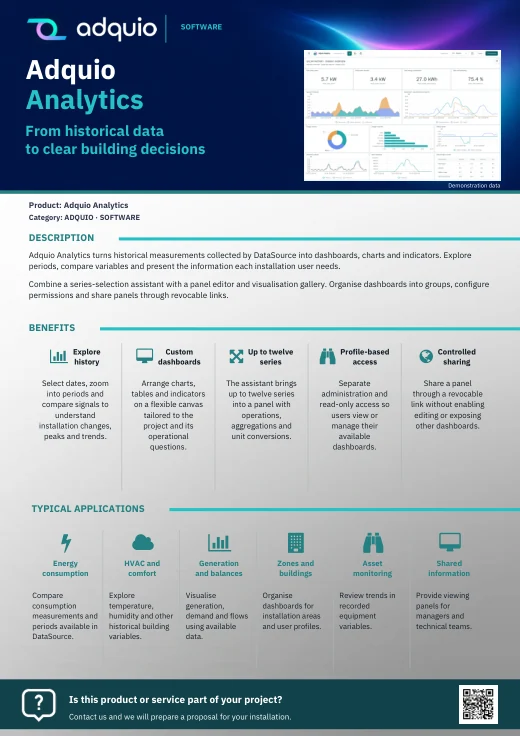
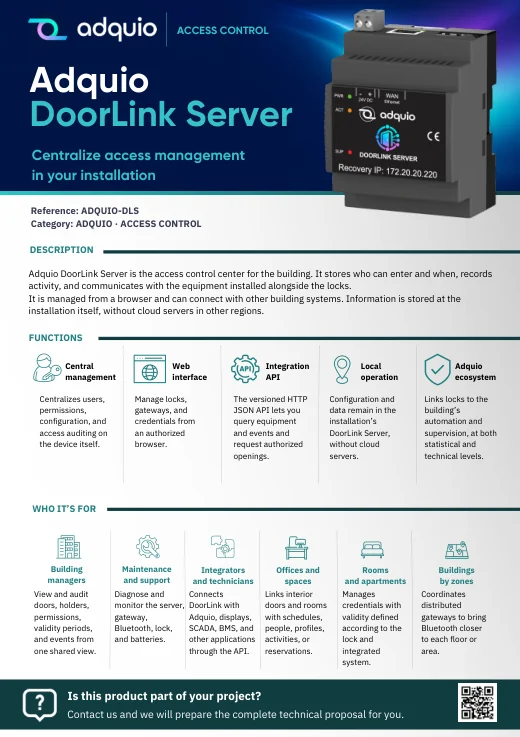
Product benefits, applications and sales information organised by product family.

Product pages and further information
FROM CONCEPT TO INSTALLATION
Let’s discuss what your project needs.
Tell us what is already installed, what you want to connect and who will use it. We can help plan an Adquio architecture for your project.
← Adquio Building OS products: hardware, software and connectivity
