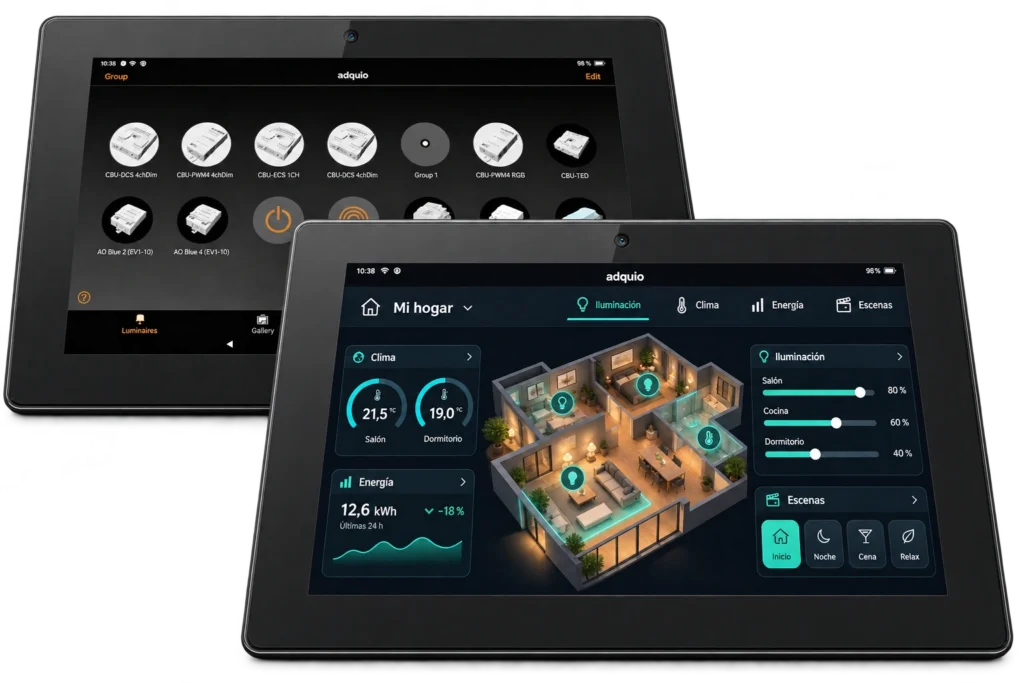
Adquio Screen 10.1″
Use the Casambi app or a customised interface on a 10.1″ screen. Bring installation controls together in a format suited to each space.
Explore specifications and connections ↗
Screens and interfaces
Choose wall-mounted, industrial or large-format Adquio screens. Bring Casambi control and tailored dashboards to the places where people use the building.
Use the Casambi app or a customised interface on a 10.1″ screen. Bring installation controls together in a format suited to each space.
Explore specifications and connections ↗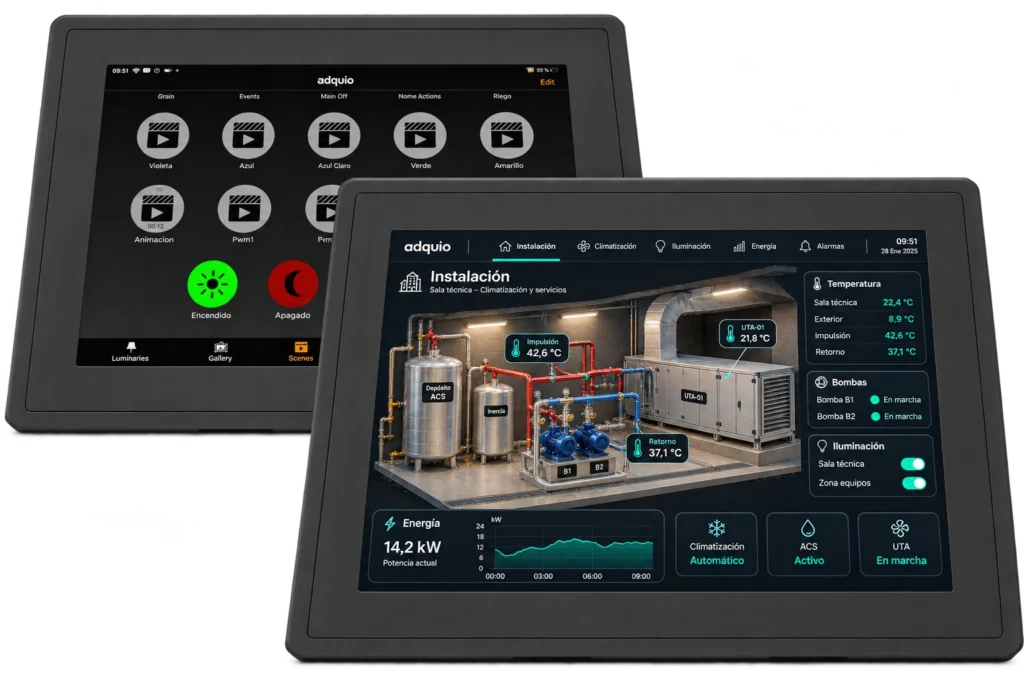
Visualise and control your installation from a 12.1″ industrial screen. Tailor the interface to the people and equipment it must support.
Explore specifications and connections ↗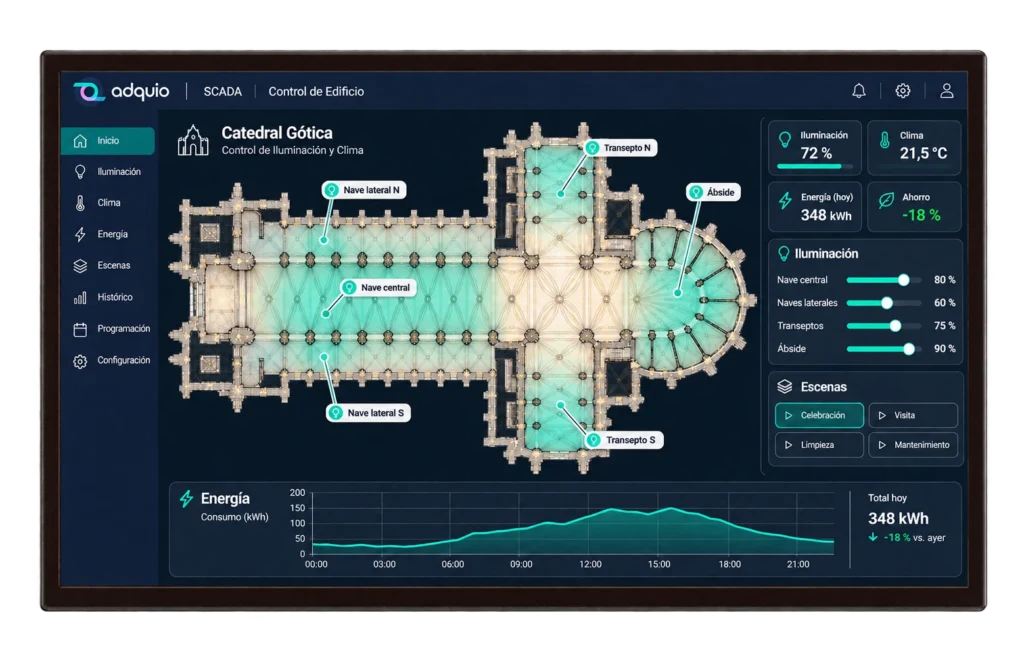
Present floor plans, states and controls on a 32″ screen. Organise a supervision interface that helps users understand the installation and operate integrated equipment.
Explore specifications and connections ↗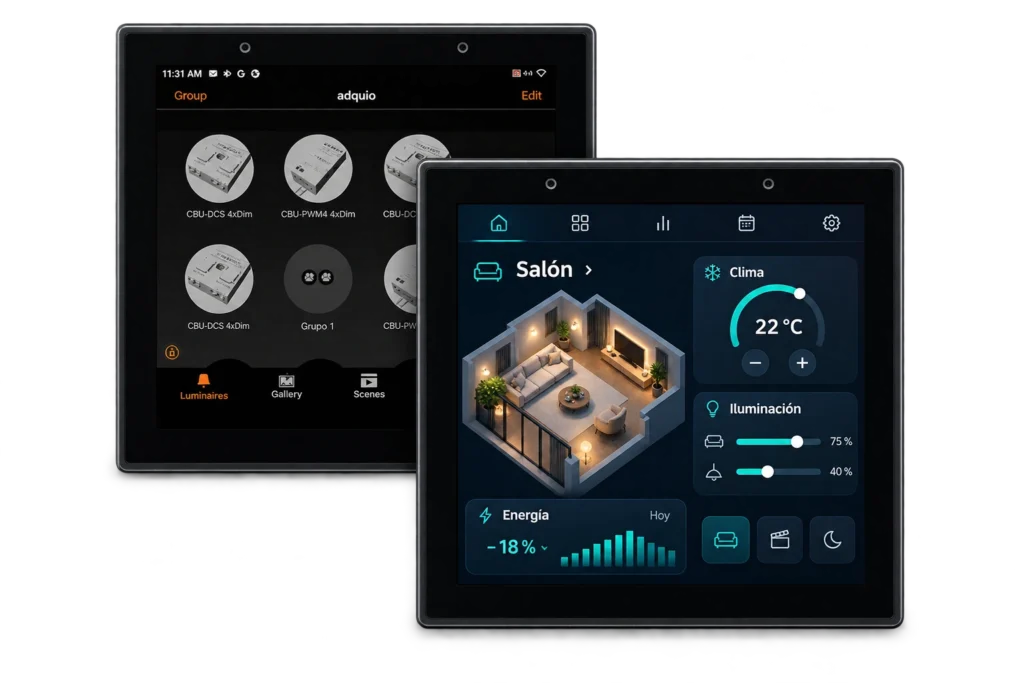
Bring control into each room with a compact 4″ touchscreen. Use Casambi or a customised interface for the functions available in your project.
Explore specifications and connections ↗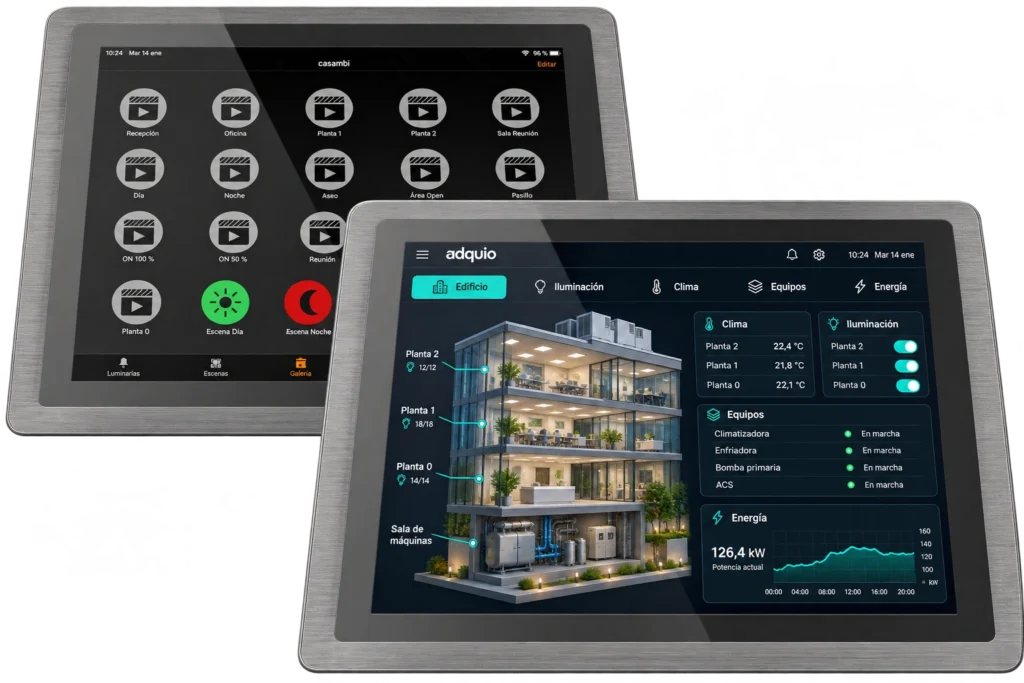
Bring supervision and control together on a 17″ industrial screen. Tailor floor plans, controls and information to your installation’s operational needs.
Explore specifications and connections ↗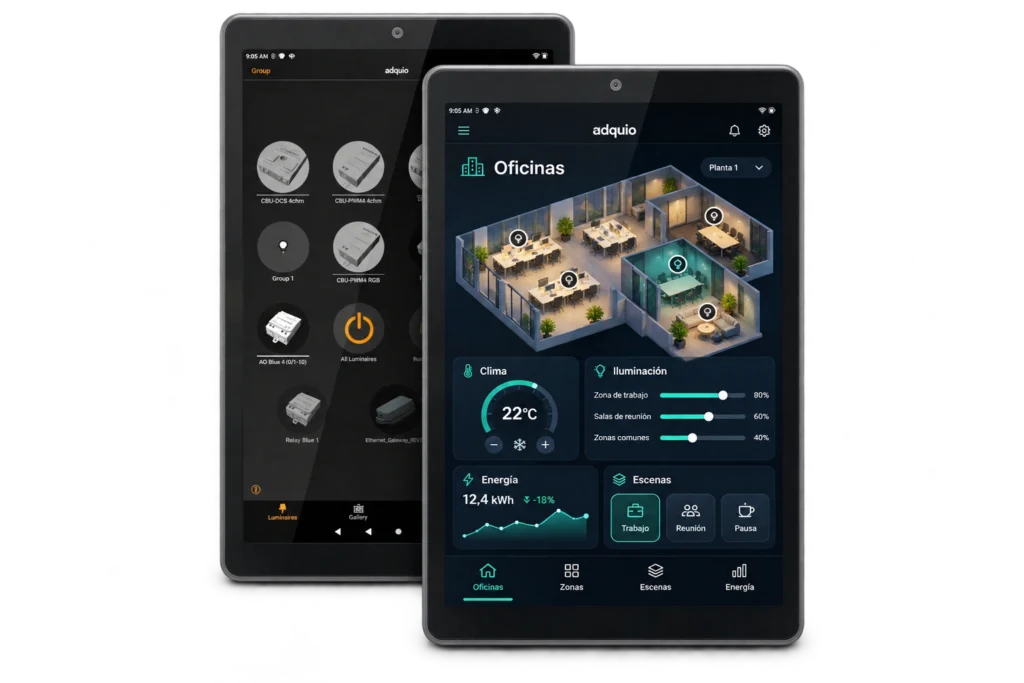
Control lighting with Casambi or use a customised interface on an 8″ screen. Bring lighting, HVAC and other integrated functions together at an accessible control point.
Explore specifications and connections ↗Wall screens suit everyday room control. Industrial screens provide interfaces for technical environments. The 32″ control screen brings an installation overview to reception areas and control rooms.
Compatible screens can run the Casambi application or a customised Adquio dashboard. The 32″ screen is intended for its dedicated dashboard application. Check each model’s operating system, mounting, connections and power requirements before specifying it.
