Casambi app
Configure the network, select groups and activate scenes from a dedicated screen. Bluetooth allows you to use the app at the installation.

Screens and interfaces
Use the Casambi app or a customised interface on a 10.1″ screen. Bring installation controls together in a format suited to each space.
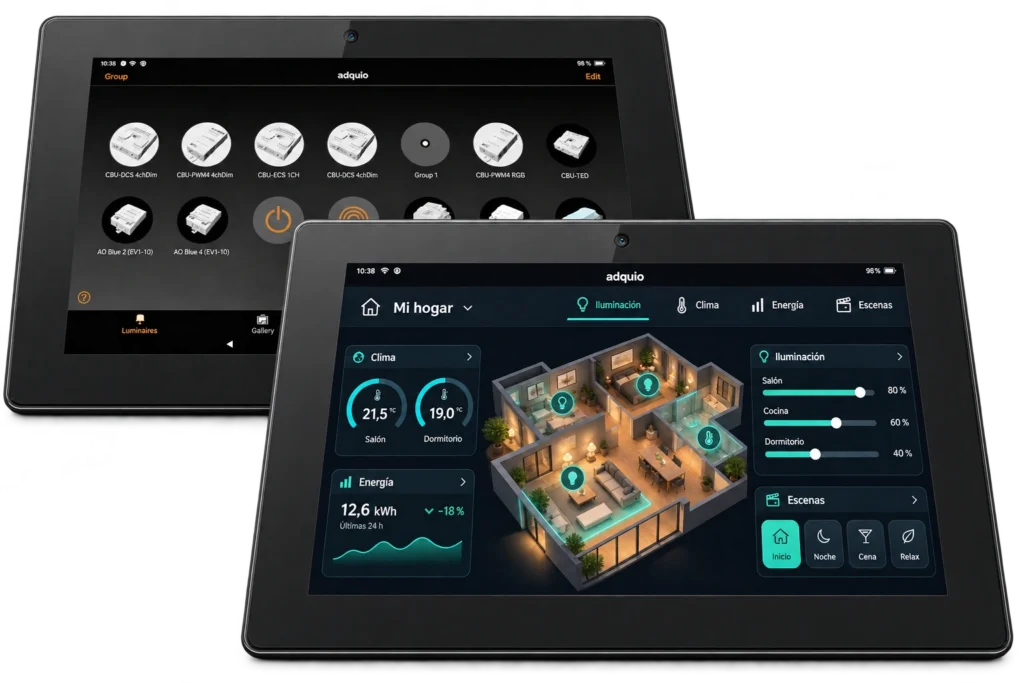
CASAMBI READY · HMI · 24/7
Adquio Screen 10.1″ is designed for continuous operation, mounted on the wall. Use the Casambi app to configure and control lighting, or a custom HMI interface with the controls each user needs.
Make scenes and controls accessible without relying on a mobile phone. The same screen supports commissioning and everyday operation. Available in black and white.
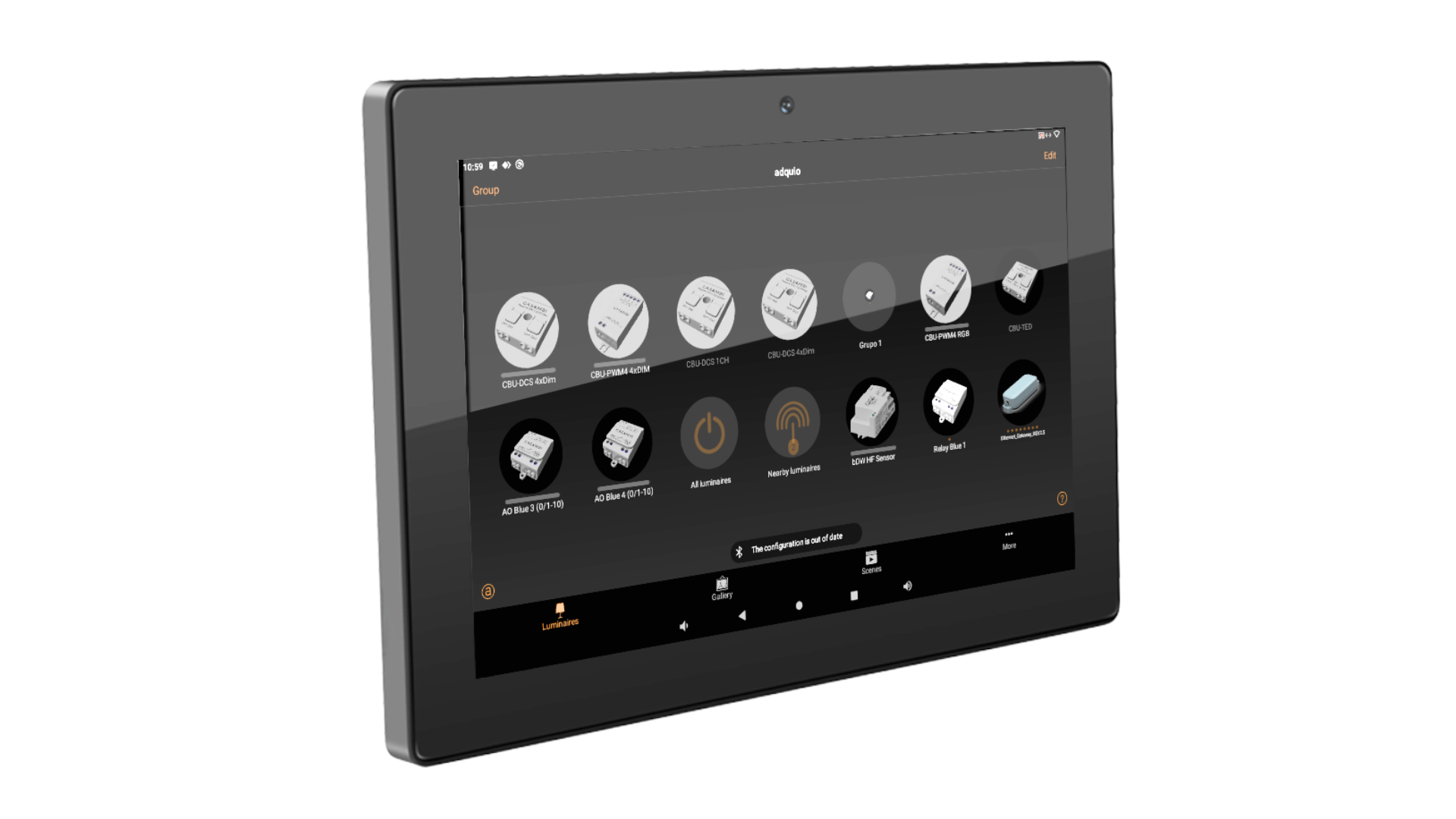
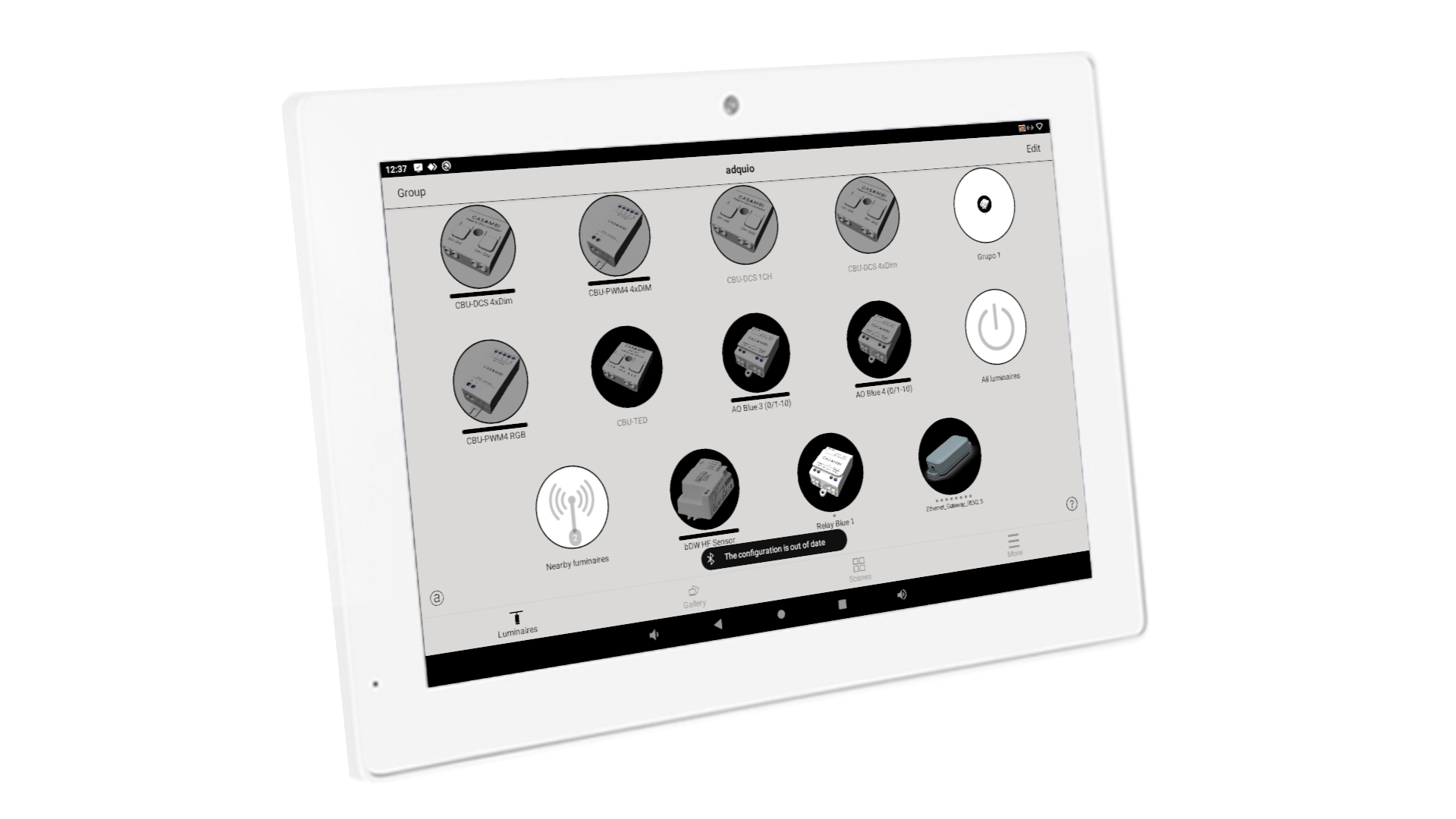
Configure the network, select groups and activate scenes from a dedicated screen. Bluetooth allows you to use the app at the installation.
Prepare controls for lighting, HVAC and other systems using Adquio App Builder, or open the web interfaces of Adquio SCADA Server and Adquio SCADA Cloud.
Complete your interface with Adquio Analytics charts and live Adquio VisionCore camera feeds.
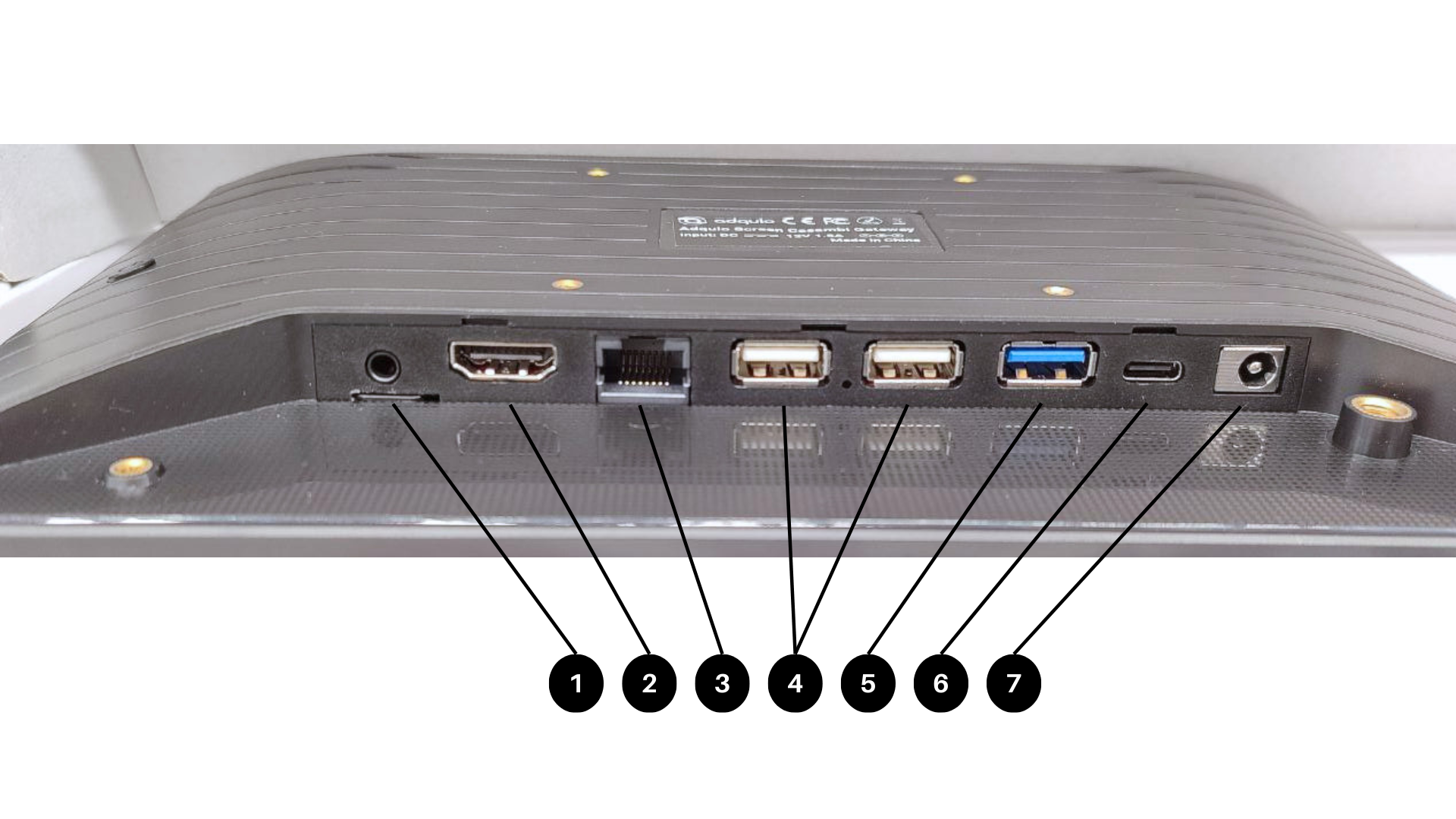
| Size | 10.1″ |
|---|---|
| Resolution | 1280 × 800 pixels |
| Density | 250 dpi |
| Technology | LED · IPS |
| Brightness | 250 cd/m² |
| Material | Glass |
| Panel | Capacitive |
|---|---|
| Simultaneous touch points | 10 |
| Presence activation | Configurable: wakes when a person is detected in front |
| External power supply | 12 V DC |
|---|---|
| Consumption | 1.5 A |
| PoE | Yes |
| Power adapter | Included |
| Ethernet | 1 Gb/s · PoE |
|---|---|
| Wi-Fi | B/G/N/AC · 2.4 / 5 GHz |
| Bluetooth | 5.0 |
| USB 2.0 | 2 |
|---|---|
| USB 3.0 | 1 |
| USB-C | OTG |
| HDMI | Video output |
| Audio | Audio output |
| Processor | ARM RK3588 |
|---|---|
| Architecture | Octa-core · Cortex A76 · 64 bits |
| Clock frequency | 2.4 GHz |
| RAM | 4 GB |
| Internal storage | 64 GB |
| Operating system | Android 12 |
|---|---|
| Play Store | Yes |
| Tested applications | Casambi App · Adquio HMI |
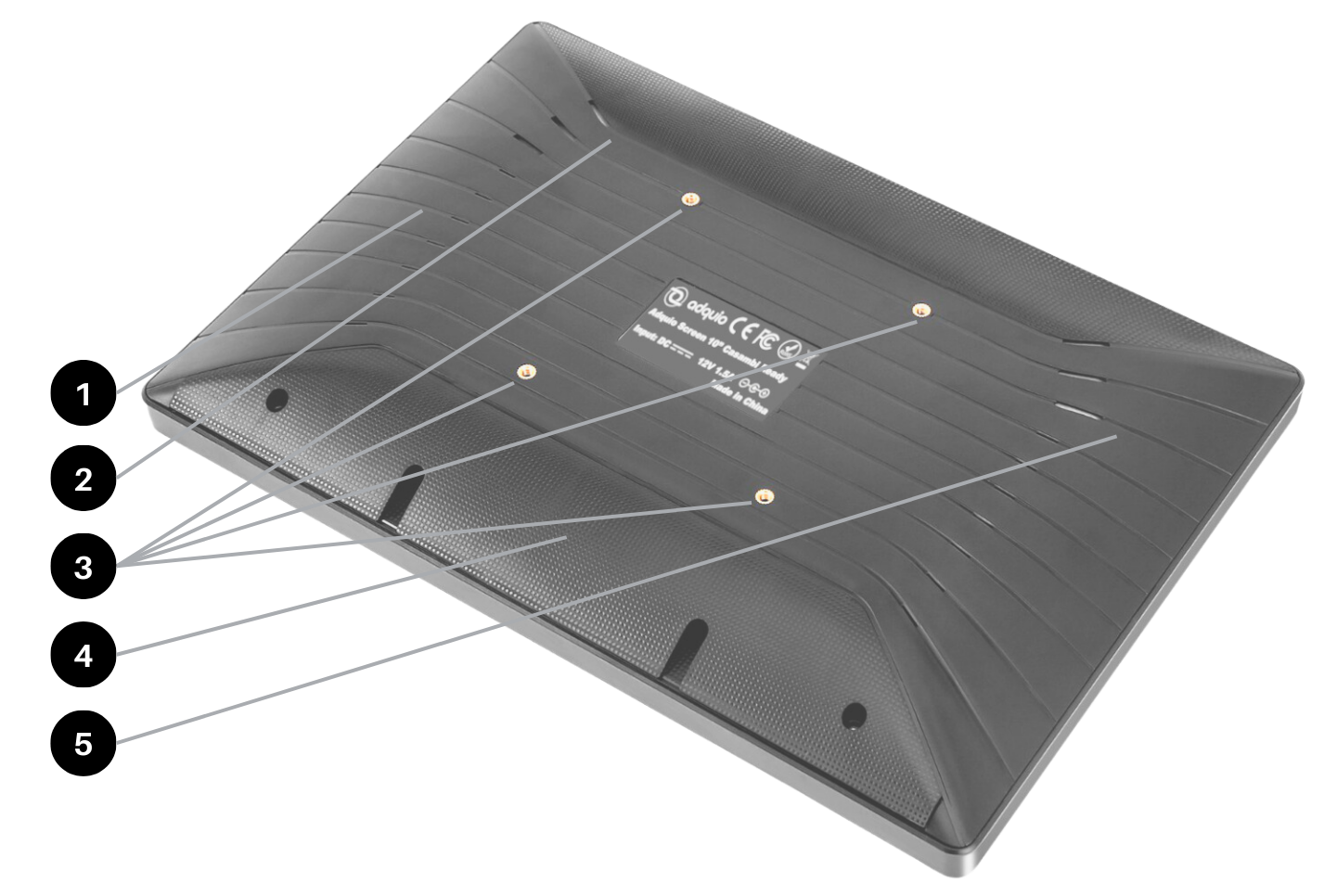
| Mounting | Fixed wall mounting |
|---|---|
| VESA | 75 × 75 mm |
| Colours | Black and white |
| Cabling | Rear cable cover |
| Operating temperature | 0–40 °C |
|---|---|
| Storage and transport | −40–70 °C |
| Maximum relative humidity | 95% · non-condensing |
| Protection | IP20 |
| Marking | CE |
|---|---|
| Documentation | Available on request |
Combine the everyday user interface with the applications and services the building needs: control, video, access, supervision and data.
Configure and control lighting through the Casambi app installed on the screen, using Bluetooth.
Display floor plans, charts, status and controls tailored to your installation, with an interface designed for each user.
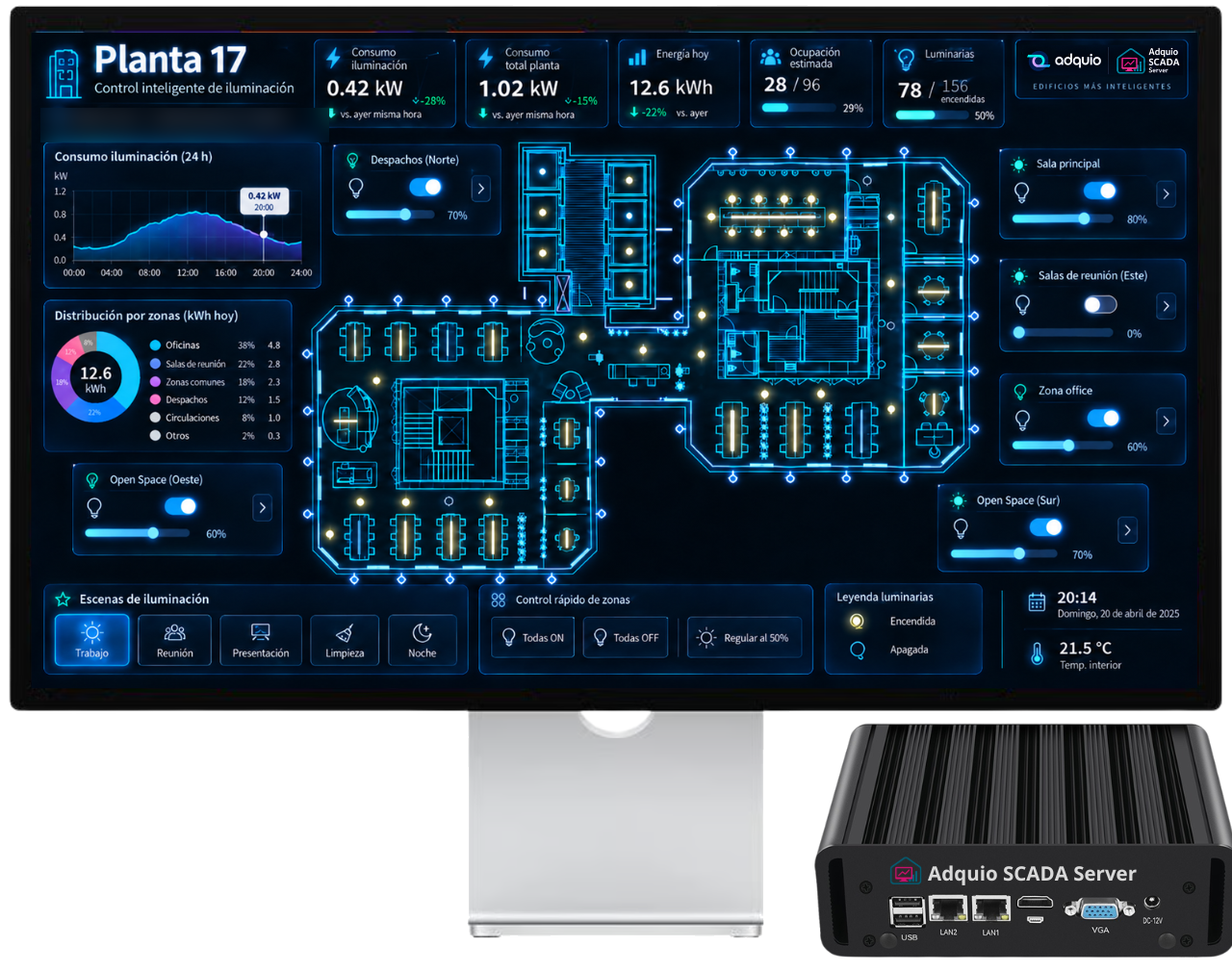
Open floor plans, status, alarms and controls through your installation’s local-server or cloud web interfaces.
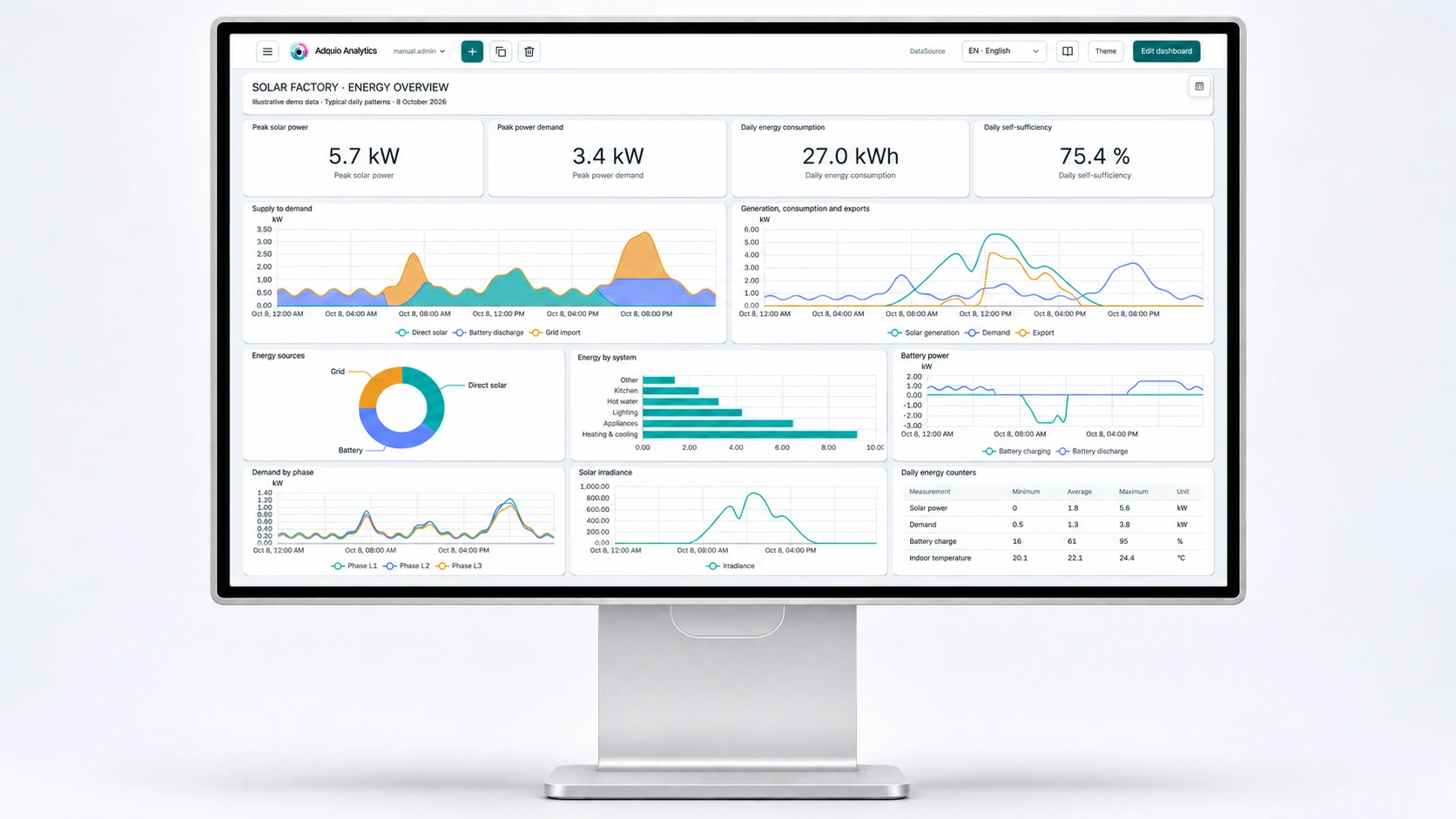
Display Adquio Analytics charts, dashboards and shared panels alongside your installation’s controls.
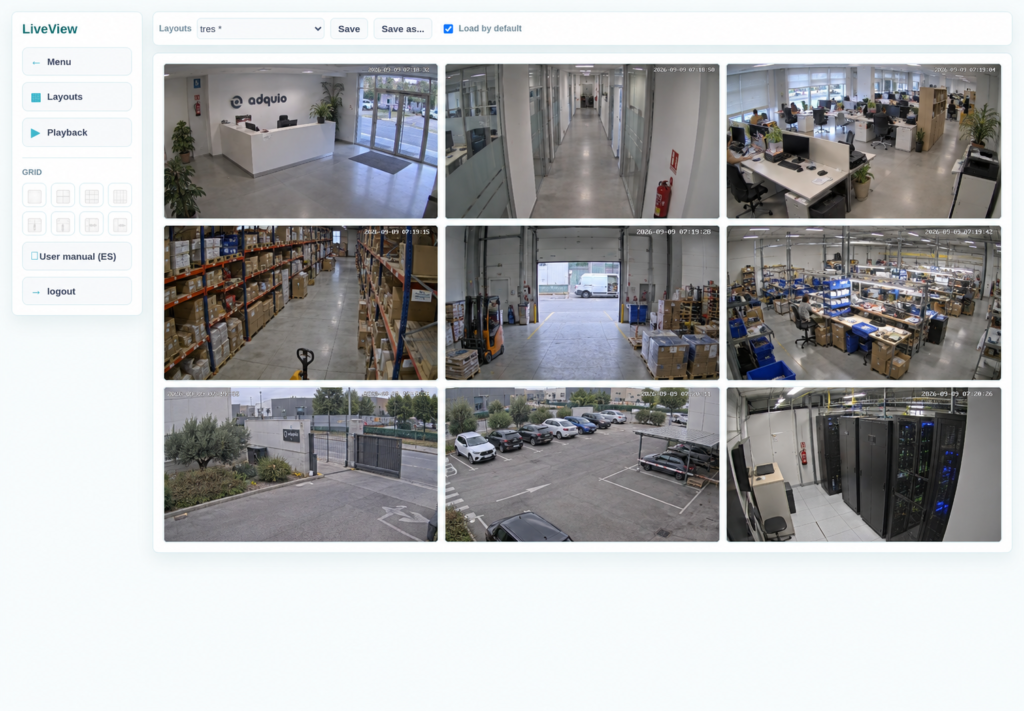
Display live Adquio VisionCore camera feeds on the screen and access video with the appropriate permissions. Combine visual information with the building’s supervision tools.
Use the screen’s integrated camera as an RTSP source for VisionCore. The service can stream in the background while the control interface remains available.
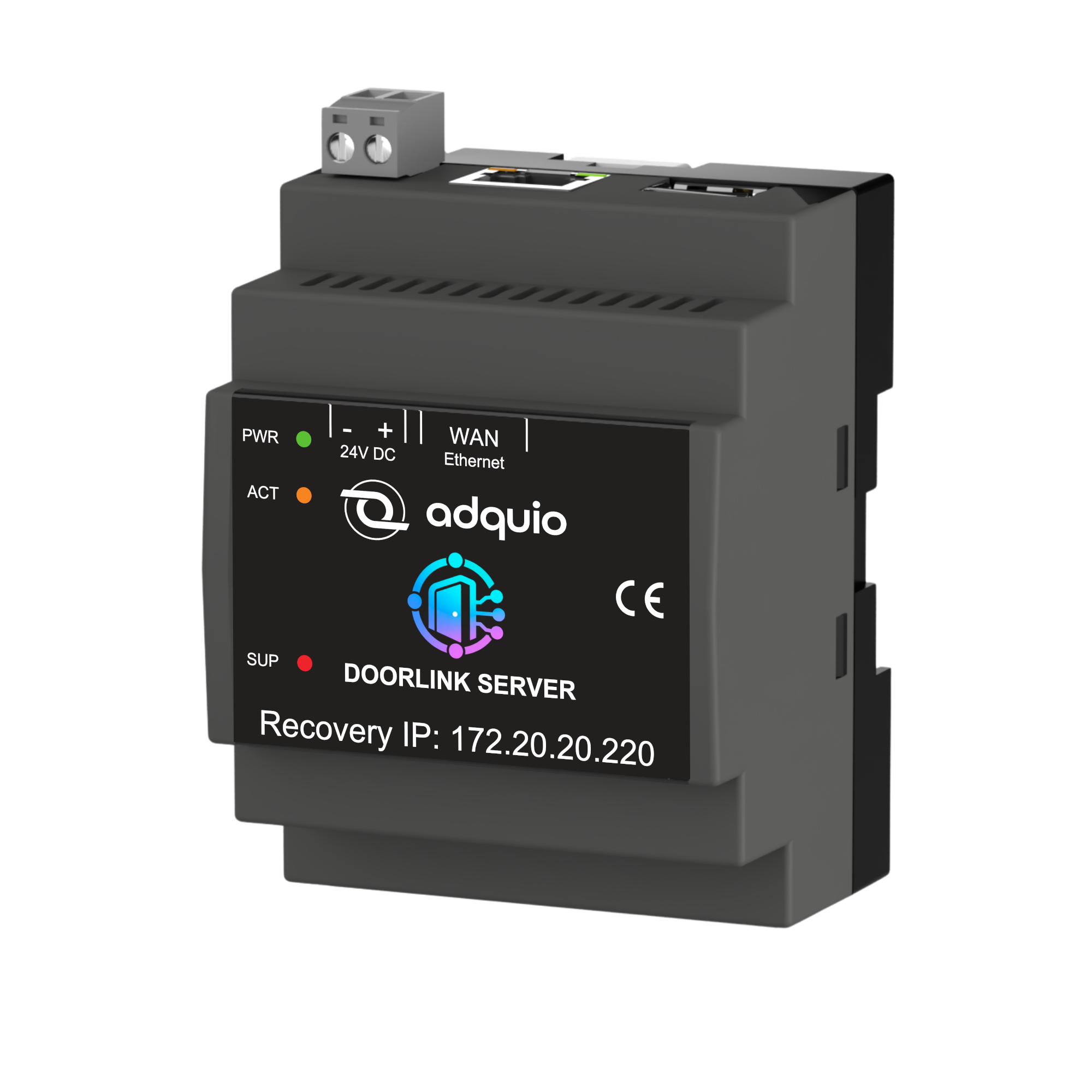
Use the screen’s Bluetooth as a gateway for compatible locks, connected to DoorLink Server. The screen can continue showing its control interface.
To access an installation’s Casambi app remotely, explore Adquio Full Remote Access for Casambi. To integrate networks with other platforms, discover Adquio API for Casambi.
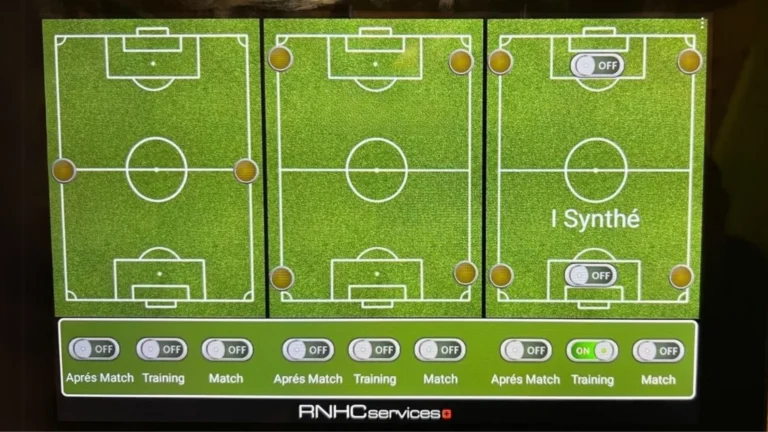
Managing the lighting of multiple sports fields in Switzerland was a challenge for our client. Each switching on or off of floodlights required…
Read article ↗
In the search for more comfortable, efficient and ergonomic workspaces, a system based on Adquio Mini and 10" touch screen has made it…
Read article ↗
Since their launch in June 2022, our Adquio 10-inch displays have proven to be a reliable and high-quality choice for our partners. With…
Read article ↗Plan your integration with our engineering team and find the right solution for your installation.
