
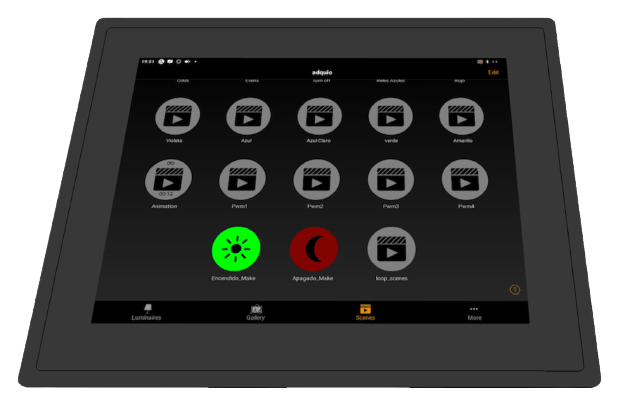
Adquio Industrial Screen Casambi Gateway
Adquio Industrial Screen 12.1
Industrial touch screen designed to work continuously without interruption 24/7. Due to its characteristics it is perfect to act as HMI, and as Gateway for Casambi installations.
Two possible fastening systems:
- VESA bracket for fixed wall mounting.
- Anchors for panel mounting.
It facilitates installations by being able to interact directly with them without the need for a mobile phone. Once the installation is complete, the customer can activate their scenes from our screen, or they can choose to have a customized HMI, where they will only have access to the controls necessary for their installation.
By acting as a Gateway, no other device is needed to connect the Casambi installation to the Internet. Therefore, it performs two important functions:
- It makes of screen: To configure and for subsequent control of the installation.
- Makes Casambi Gateway reliable and robust: To connect the installation to the Internet in a secure way.
Two possibilities for antenna location:
- On the screen itself.
- In another location using the extension cable (included).
SPECIFICATIONS
Adquio Industrial Screen 12.1
Front data
- 12.1 inch screen.
- 1024 x 768 pixels.
- LED backlighting.
- Capacitive touch panel.
- IP 65.
- Black painted aluminum.

Rear connectors
- Power connector 12V 5A, (power supply included).
- Ethernet 1Gb.
- Two USB 3.0 ports.
- HDMI video output.
- Micro SD card slot.
- Audio output.
- Outdoor Antenna Connector
- 2 serial ports.
- 2 USB 2.0 ports

Compatible with…


Included Accesories

In addition to its corresponding power supply, in each box of Adquio Industrial Screen you will find:
- In the upper part you can see the four supports with their screws and nuts, for the cases in which you need to place the screen embedded in a panel.
- Below, you can see the screws and plugs necessary to fix the screen on a wall with the VESA mount that you see below.
- On your right, you can see our special high-gain antenna (12dbi) to obtain the best coverage in Wi-Fi and Bluetooth Casambi networks.
- To your right, you can see the high-quality, low-loss extension cable for the antenna. This allows you, if you wish, to place it in a better position in order to obtain the best connectivity results.
Panel installation
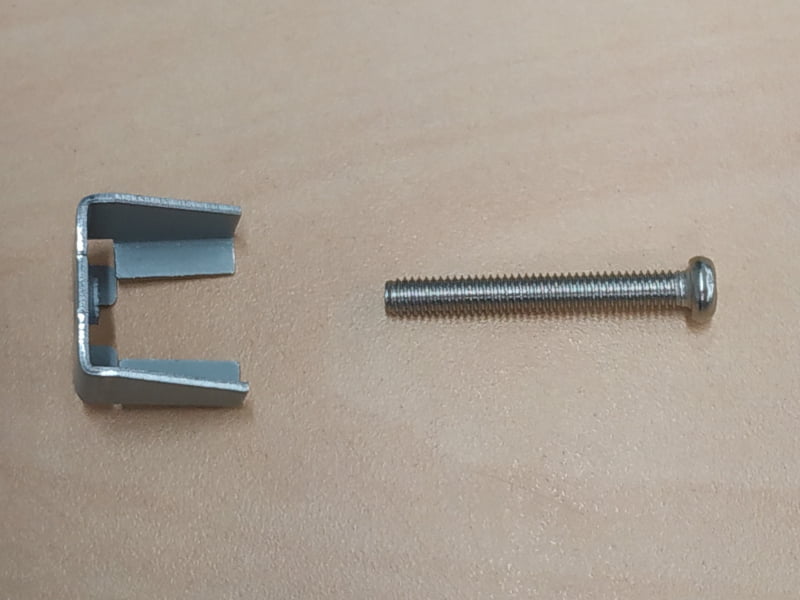
Each screen is accompanied by the panel mounting system, you will find 4 supports like this one with its screw.

Before placing the support on the side of the screen, screw each screw in its support a little, it will be more comfortable for you to do it now.

Cut the panel where you are going to put the screen to size, insert it and place the supports on the back as seen in the image.

Tighten the screws firmly and you’re done. If the screen is going to work in harsh environments it is recommended to put a silicone cord on the frame of the screen before installation. The screen already has a specific channel for this in its frame.
Technical specs
Display
Size
12.1 inches
Resolution
1024 x 768 pixels
Density
250dpi
Technology
Led
Brightness
250cd/m2
Material
Glass
Touch Technology
Capacitive
Certification
IP 65
Energy
Power supply
12Vdc
Consumption
5A
Connectivity
Ethernet LAN ports
1 Gb/s
WiFi
Wifi client B/G/N
Bluetooth
Version 5.0
USB
2 x USB 2.0
2 x USB 3.0
Serial Ports
2 of 9 pins
Power
Processor
Quad-core ARM® RK3588 4-core Cortex-A55
RAM
2Gb DDR3
Internal storage
16Gb
Performance
Run all apps smoothly and without lag
Related entries…
-
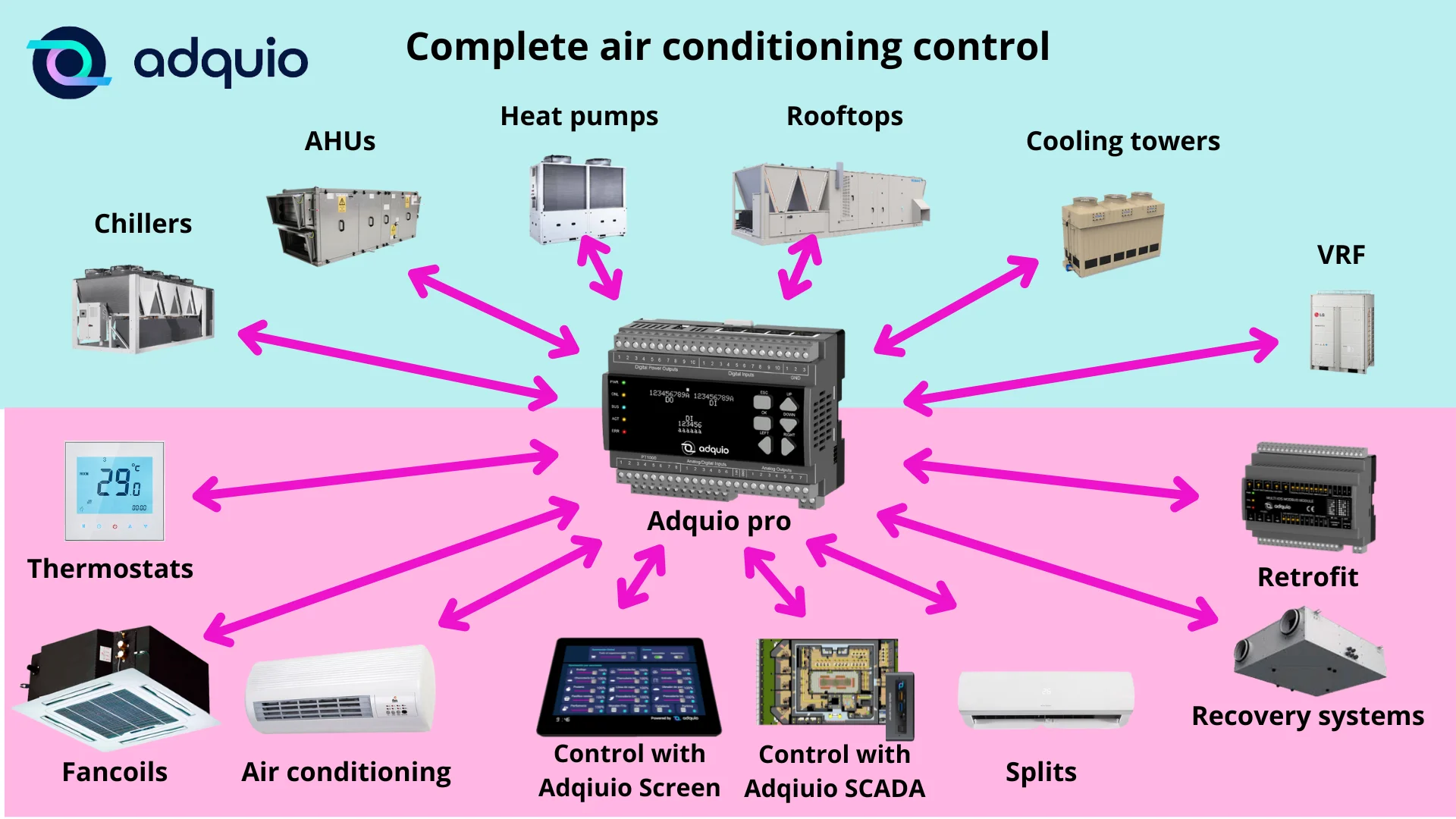
Optimization of building air conditioning with Adquio
Read more: Optimization of building air conditioning with AdquioOptimization of building air conditioning: improving quality of life and energy savings with Adquio Nowadays,…
-

Polar Green and Adquio, the importance of automation in the energy sector
Read more: Polar Green and Adquio, the importance of automation in the energy sectorThe energy sector is one of the main contributors to emissions in the EU and…
-
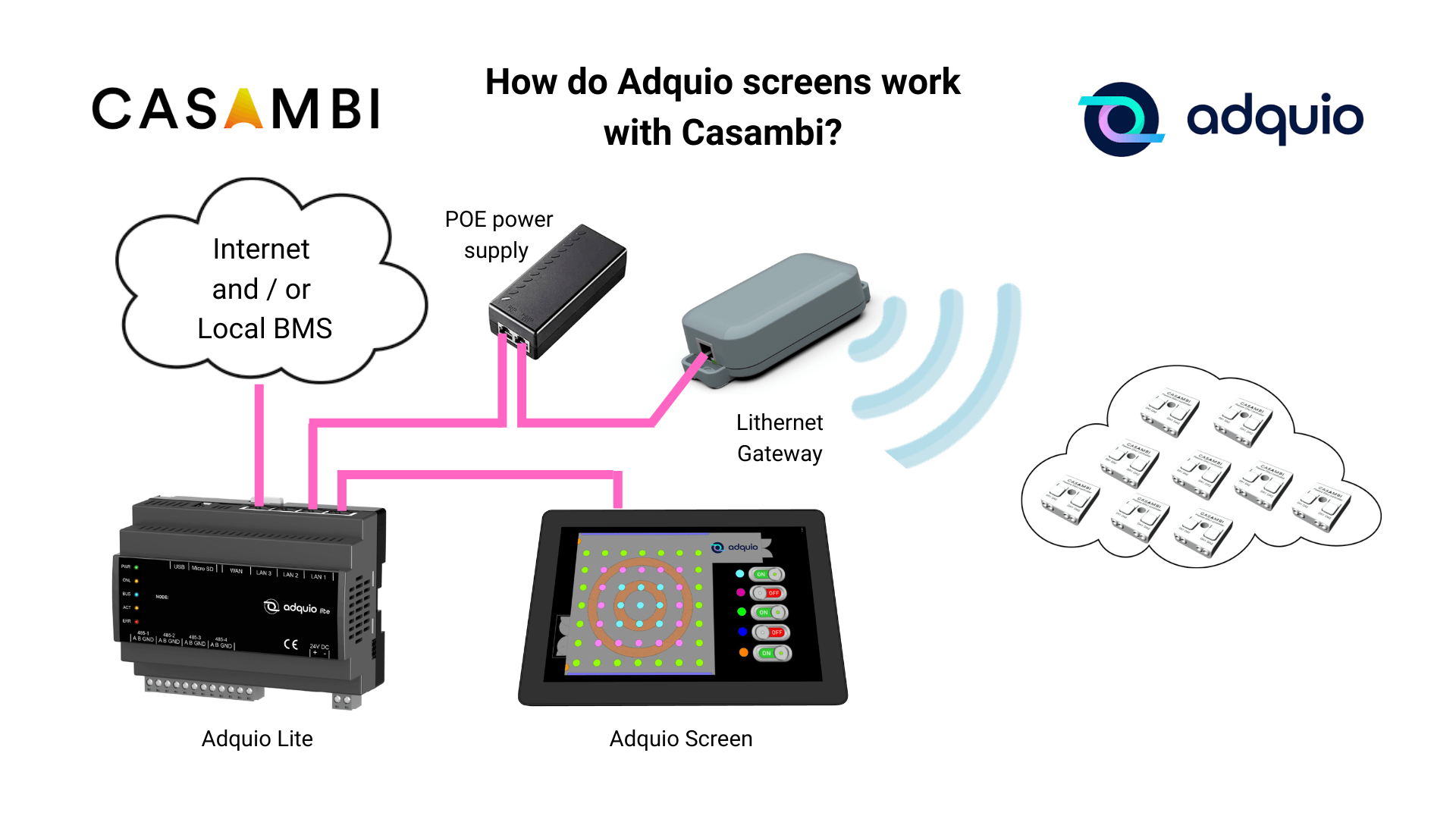
How do Adquio screens work with Casambi?
Read more: How do Adquio screens work with Casambi?How do Adquio screens work with Casambi? In previous posts, we have told you that…
