Imagine a camera detecting movement in a corridor and the lights switching on automatically. Or a camera in a car park helping activate a lighting scene when activity is detected in an area.
Now imagine those same cameras also helping you monitor the building, review recordings and give maintenance staff a better understanding of what is happening.
For years, cameras have mainly been installed for one purpose: to view and record images.
But a modern camera can provide much more.
It can detect particular occurrences and report that something has happened.
When that information reaches the automation system, the building can use it to respond.
The camera is no longer just a tool for observing. It can also become a source of information for taking action.
This is one of the most interesting possibilities of connecting video surveillance with building automation.
“A camera sees what happens. VisionCore turns its events into information the building can use.”
First, what does it mean to use a camera as a sensor?
We all know what a motion sensor does.
When it detects activity, it sends a signal.
That signal can switch on a light, activate an alarm or start an automation.
As well as providing images, a camera may have analytics functions capable of detecting particular changes or occurrences.
For example, it may detect movement in an area of the image.
Some cameras and advanced analytics systems can also distinguish certain types of objects or identify events such as crossing a virtual line.
When one of these occurrences takes place, the system generates what we call an event.
Instead of continuously transmitting images to every building system, we can communicate something much simpler:
“Movement has been detected in this area.”
The automation system receives that information and decides what to do.
For example, switch on a light, activate a warning signal or log an incident.
In this way, the camera can act as a sensor integrated into the building.
A simple example: a hotel’s car park
Imagine a hotel with an underground car park.
At night, many areas remain empty.
However, keeping all the lighting at full output can consume energy unnecessarily.
A common solution is to install presence sensors to control the luminaires.
But what if the car park already has surveillance cameras?
Depending on their capabilities, some events from those cameras could be used to help control the lighting.
For example:
A camera detects activity in a circulation area.
The video management system generates an event.
That event reaches the building controller.
The controller asks the lighting installation to activate a particular level.
When activity ends, and after the appropriate delays and safety conditions have been applied, the lighting can return to its normal state.
The same video infrastructure that helps monitor the car park can provide useful information for managing its lighting.
This does not mean a camera should always replace conventional sensors.
Video detection can be affected by lighting, shadows, reflections and other factors.
A car park must also always maintain the lighting levels required by regulations and safety conditions.
But where the application allows it, using camera events can open up new automation possibilities.
The key is understanding what a video event is
When we view an image on a screen, our brain interprets what is happening.
We can recognise movement, notice someone entering a room or see a vehicle approaching.
Video analytics systems aim to turn particular visual occurrences into information that other software can use.
Consider a camera beside an entrance.
The video continuously shows what happens in front of it.
But the automation system does not necessarily need to receive all those images.
It may only need to know when movement is detected.
That is what an event is for.
We can compare it to a switch.
When someone presses a button, we do not need every physical detail of how it works.
We simply need a signal telling us it has been pressed.
Video events work in a similar way.
The camera observes. The analytics system detects an occurrence. And the controller uses that information to carry out an action.
What types of events can a camera generate?
The possibilities depend on the camera, the analytics software and the functions actually available.
Motion detection
This is one of the most common functions.
The camera detects changes in a region of the image.
It can help trigger particular automations or indicate activity in an area.
However, detecting movement does not necessarily mean detecting people.
A shadow, rain or a lighting change can also produce visual variations.
Object detection
Some more advanced systems can distinguish categories such as people or vehicles.
This enables more specific events.
For example, distinguishing general movement from vehicle detection.
These functions require compatible cameras or analytics services and are not necessarily available in every installation.
Line crossing or zone entry
Some systems allow virtual lines or regions to be defined on the image.
When a supported object is detected crossing a line or entering a zone, an event can be generated.
This can provide useful information about activity at entrances or in particular areas.
Technical events
Cameras can also provide information about their own operation.
For example, communication loss or particular tamper alarms, if supported by the device.
These events can help monitor the condition of the video system.
What matters is understanding that the value lies not in the number of available events, but in selecting those that provide genuinely useful information for the building.
How does a camera event end up controlling a light?
Let us explain the process without technical complications.
Imagine a camera installed in a building corridor.
We want a particular lighting scene to activate when activity is detected.
The process can be divided into four steps.
1. The camera provides the information
The camera sends video to the management system and, depending on its capabilities, may also provide events.
In other cases, the video management software itself analyses the images and generates the event.
2. The video system interprets what happened
The software identifies the occurrence we have configured.
For example, a motion event for a particular zone.
3. The event becomes a variable
The system sends the event to the building controller.
There, it can be represented by a variable such as “Floor 2 Corridor Motion”.
Information from the camera then becomes part of the automation system.
4. The controller carries out an action
When the variable changes, the controller can execute previously configured logic.
For example, activate a Casambi lighting scene.
Or send a command to a KNX actuator.
Or log an incident in the monitoring system.
The camera does not need to control the light directly. It only needs to tell the system that knows how to act what it has detected.
That is precisely why integration between technologies is so interesting.
Adquio VisionCore: connecting video with automation
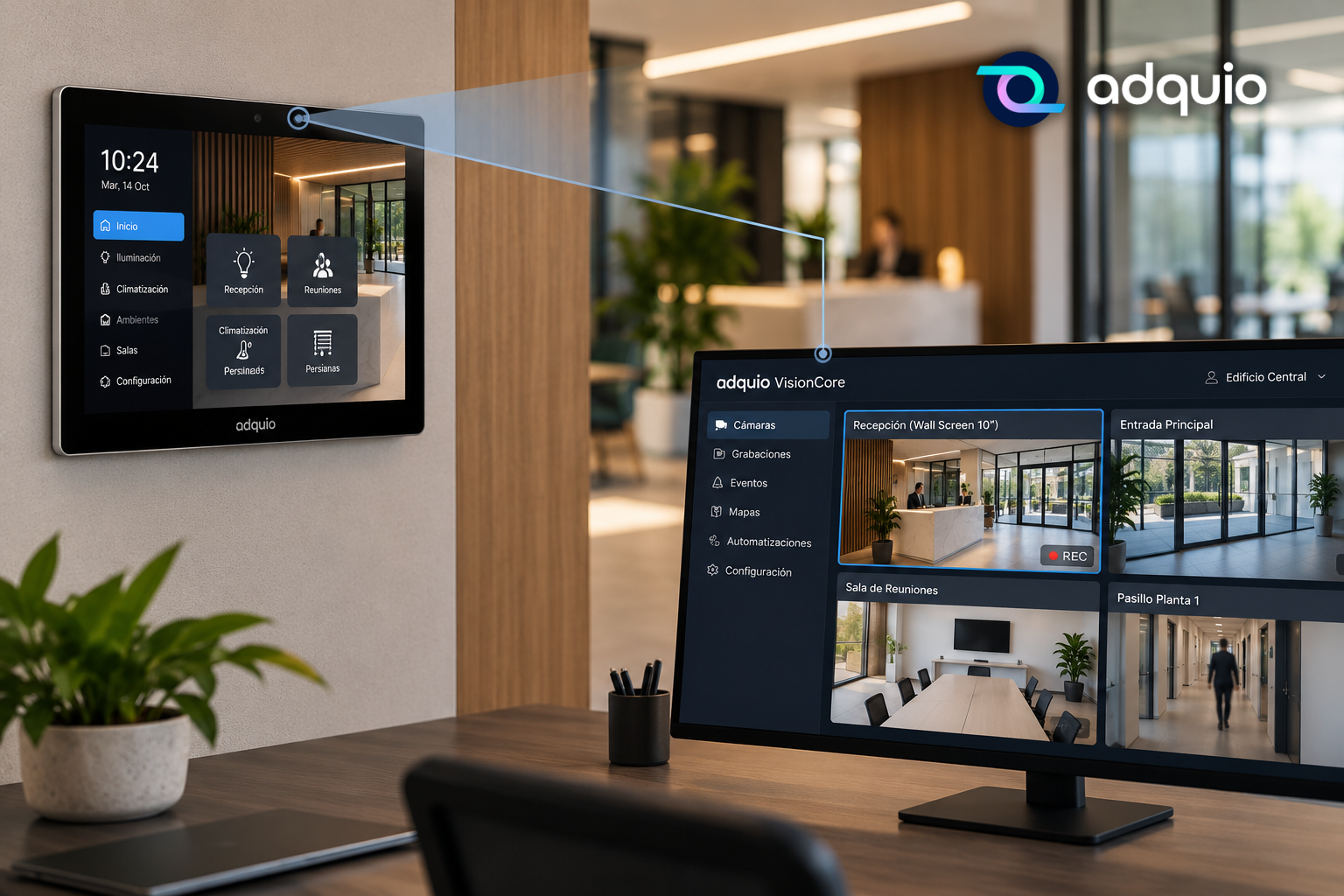
At Adquio, we have developed Adquio VisionCore, a video management platform designed to work within our automation and monitoring ecosystem.
VisionCore allows compatible video sources to be added, organised and accessed through a centralised interface.
Its capabilities include live viewing, camera organisation, access to recordings and permission management.
But one function is particularly interesting.
Adquio VisionCore can link video events to variables in Adquio controllers.
This changes how we can use a camera installation.
Once an event becomes a variable, it can be used in our automations.
Imagine VisionCore receiving a motion event.
That event changes a variable in the Adquio controller.
The controller can use it to activate a scene, generate an alarm or start another authorised action.
This connects two worlds that have traditionally operated independently: video surveillance and automation.
Do I need special cameras to use VisionCore?
Not necessarily.
VisionCore uses technologies and protocols common in IP video systems, such as RTSP and ONVIF, alongside other compatible sources.
RTSP provides access to video streams from many devices.
ONVIF provides standardised mechanisms for discovering cameras, accessing certain functions and exchanging compatible information.
This makes it easier to work with equipment from different manufacturers.
However, there is an important distinction.
Being able to view a camera’s video through RTSP or ONVIF does not mean all its analytics functions and events are compatible.
It is therefore worth checking which functions each camera offers and how it communicates events.
In many projects, an existing camera may be entirely suitable for viewing.
For particular automations, its events may need configuring or additional analytics functions may be required.
Compatibility must be checked for each installation.
What can we automate with video events?
There are many possibilities, provided the operations are technically supported and appropriate for their intended use.
Smart lighting
A camera can generate an event that activates a lighting scene.
For example, at entrances, in corridors or in service areas.
The logic must include the timing, priorities and conditions needed to avoid unnecessary switching or turning lights off while people are still present.
HVAC
In some applications, a video event can provide supplementary information about activity in a room.
For example, it can be used alongside other sensors and schedules to decide when to switch from an energy-saving mode to a comfort mode.
But motion detection is not a reliable measurement of occupancy.
A person sitting still may not generate any events.
It is therefore preferable to combine this information with other sensors and avoid using it as the sole basis for important decisions.
Alarms and maintenance
Imagine a camera in a technical area stops communicating.
If VisionCore detects that condition and exposes it as an event, the monitoring system can indicate a fault.
Motion events in restricted areas can also be used where the installation and its legal conditions allow it.
Scenes and automations
A video event can participate in an automation involving different technologies.
For example, activating Casambi lighting, changing a KNX state or sending a notification to a monitoring platform.
This allows cameras to provide information to other systems without being connected directly to their equipment.
A complete example: a connected office building
Imagine a corporate building with several floors.
It has cameras at entrances and in selected common areas.
The lighting uses Casambi.
The blinds operate through KNX.
And HVAC is controlled through equipment integrated into Adquio.
Now we add VisionCore to manage the cameras and use compatible events.
At the entrance to a working area, a motion event can help activate the lighting intended for that time of day.
In a technical room, an abnormal event can generate an indication in the SCADA system.
In the car park, events can provide additional information for managing lighting scenes.
And from the maintenance workstation, authorised camera images can be consulted to better understand particular incidents.
The major advantage is that we are not creating a separate installation for every function.
We are using information from one system to improve how others operate.
This is one of the most important characteristics of a truly connected building.
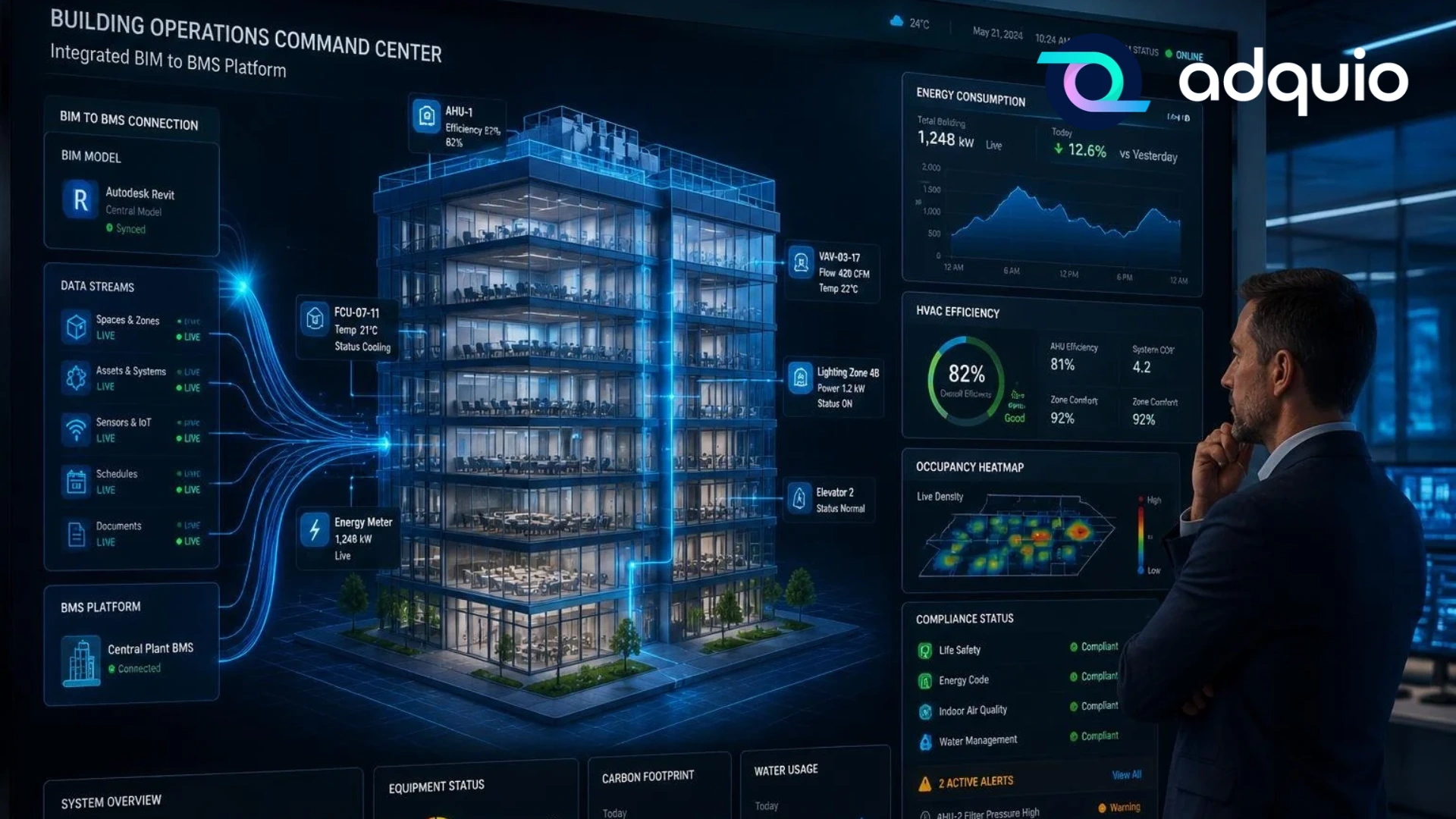
Adquio SCADA: view cameras and control the building through one interface
Receiving video events is one thing.
Having an interface for monitoring the building and consulting images is another.
With Adquio SCADA, information from technical installations can be combined with visual monitoring elements.
For example, an operator can have a building floor plan showing temperatures, lighting, equipment states and alarms.
When an event associated with a camera occurs, the system can update a variable or indicate the corresponding condition.
Compatible viewers also make it possible to incorporate live video into the monitoring experience.
This is especially useful for maintenance staff.
Imagine an alarm appearing in a technical area.
The operator can consult installation data and, if authorised, view the corresponding camera.
This provides more context before deciding whether a site visit is needed.
Data tells us what is happening. Images can help us understand it.
Adquio screens can also participate in the video ecosystem
There is another particularly interesting possibility within Adquio.
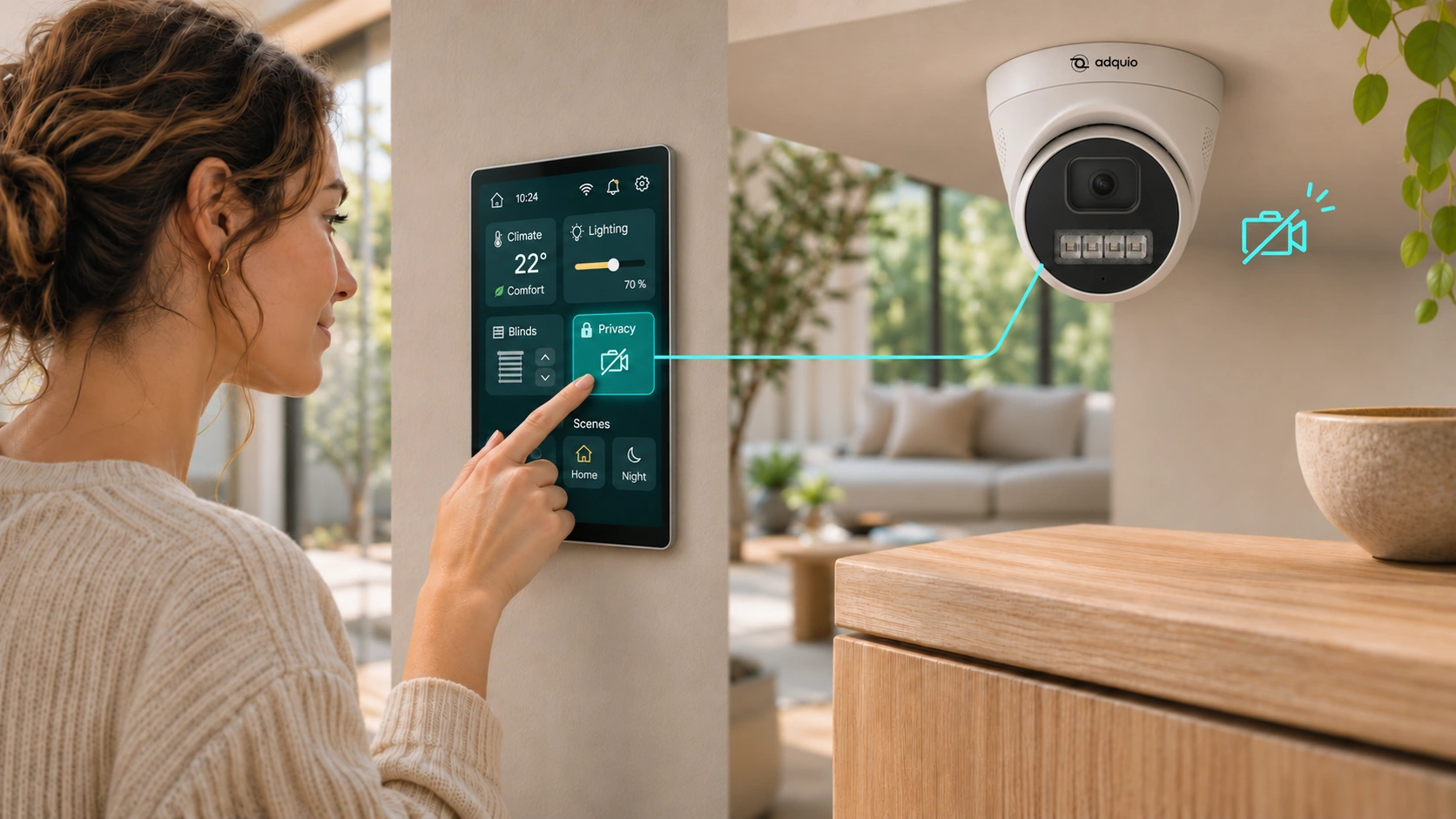
Certain Adquio screens have an integrated camera and can be used as video sources where the device and its configuration support it.
This means a screen used to control lighting or HVAC can also provide a video view to VisionCore.
For example, in an installation with control screens located in authorised spaces, some of those cameras could provide additional visual monitoring points.
This does not mean screen cameras should be used indiscriminately.
Their use must serve a legitimate, known purpose compatible with people’s privacy.
But it demonstrates something important about Adquio’s integration philosophy:
One device can provide several building functions when its capabilities are used appropriately.
Does this mean all sensors can be replaced with cameras?
No. Nor would that be desirable.
A camera can provide highly valuable information, but it is not always the best tool for detecting presence, occupancy or environmental conditions.
A conventional presence sensor may be simpler, less expensive, more reliable and less intrusive for certain applications.
Cameras also need suitable visibility and can be affected by lighting changes, objects obscuring the scene or irrelevant movement.
Furthermore, using a camera for an automation task does not mean it must record continuously.
Each project should choose the most appropriate technology.
The aim is not to put cameras where sensors used to be. It is to use camera information responsibly when it provides real value.
What about privacy?
This is one of the most important questions.
Images of people may constitute personal data, and their processing is subject to data protection law.
In Europe, the General Data Protection Regulation and applicable national legislation must be considered.
This means a camera installation must serve legitimate, defined purposes.
It must also respect principles such as proportionality, data minimisation and access control.
A camera should not be installed to detect movement if the same objective can be achieved with a less intrusive conventional sensor.
If existing cameras are used, the new processing of their images or events must be checked for compatibility with the authorised purposes.
In some cases, it may be preferable to process video locally and transmit only the necessary event.
For example, reporting that movement has been detected without sending the full image to the controller.
But remember that processing video to generate events may also constitute personal data processing, even when images are not stored.
Privacy must be part of the design from the beginning.
A smart building does not need to know who every person is to respond to many of their needs.
Can a camera trigger any automation?
Technically, events can be used in many control logics.
But that does not make every action appropriate.
It would not be advisable to use simple motion detection as the sole condition for opening a security door.
Nor should a camera alone be relied on to stop critical systems, change safety conditions or execute hazardous operations.
Video events can produce false positives and false negatives.
Automations must therefore be designed with appropriate priorities, checks, delays and safety mechanisms.
In some cases, video can provide supplementary information.
In others, it can participate directly in low-risk actions such as activating a lighting scene.
A building’s intelligence is not about reacting automatically to everything. It is about knowing when and how to respond.
A new opportunity for installers and integrators
Video event integration also opens up interesting possibilities for professionals.
Imagine an integrator already managing a building’s lighting, HVAC and automation.
If they can use particular events from existing cameras, they gain a new source of information.
This allows them to develop additional functions without always having to install new devices.
They can also offer more comprehensive monitoring services.
For example, incorporating video into SCADA interfaces, linking alarms with cameras or designing event-based automations.
And when a building already has compatible cameras, part of the necessary infrastructure may already be installed.
A traditional surveillance solution can therefore bring new possibilities to building management.
The real potential appears when video, automation and data are connected
A camera on its own can show images.
A surveillance system can organise cameras and recordings.
Analytics software can detect particular occurrences.
But connecting that information to the building’s controllers and management systems creates additional possibilities.
An event can become a variable.
A variable can activate an automation.
That automation can change the lighting or generate an alarm.
And the result can be viewed in a SCADA system or recorded for analysis.
With Adquio VisionCore and Adquio controllers, we can build that connection between video and automation.
The ecosystem also integrates technologies such as Casambi, KNX, Modbus and BACnet, creating solutions adapted to different buildings.
The idea is not for every device to do everything.
It is for each system’s useful information to be used wherever it adds real value.
Your cameras can do much more than show images
For years, cameras have been used to observe what happens in our buildings.
Today, particular video events can also provide information for automation.
Motion detection can help control lighting.
A technical event can generate an alarm.
And an authorised image can provide context for resolving an incident.
All through an architecture designed to combine visual information, automation and monitoring.
At Adquio, we believe smart buildings are built by connecting technologies.
That is why we develop solutions such as Adquio VisionCore, which allow information from video to become part of a wider management system.
Because the future of video surveillance is not only about better images.
It is also about using the information those images can provide responsibly.
A camera can see what happens. A smart building can use that information to respond.
What if your cameras could help manage your building better?
Discover the possibilities of Adquio and how to integrate video, sensors, lighting and automation into one ecosystem.
Your cameras already watch the building. Now their events can help it work better.
Connect video events to your building
Tell us which cameras and systems you want to integrate with Adquio VisionCore.