
ADQUIO BUILDING OS · PRODUCTS
Monitoring, analytics and control. The right tool for every role.
Bring together device status, operational controls and the data your team needs. Choose the combination of Supervisor, Analytics, Adquio SCADA and Adquio Cloud BMS that fits your project.

01
The Adquio platforms
Visit each product page to explore its features, connections and documentation.
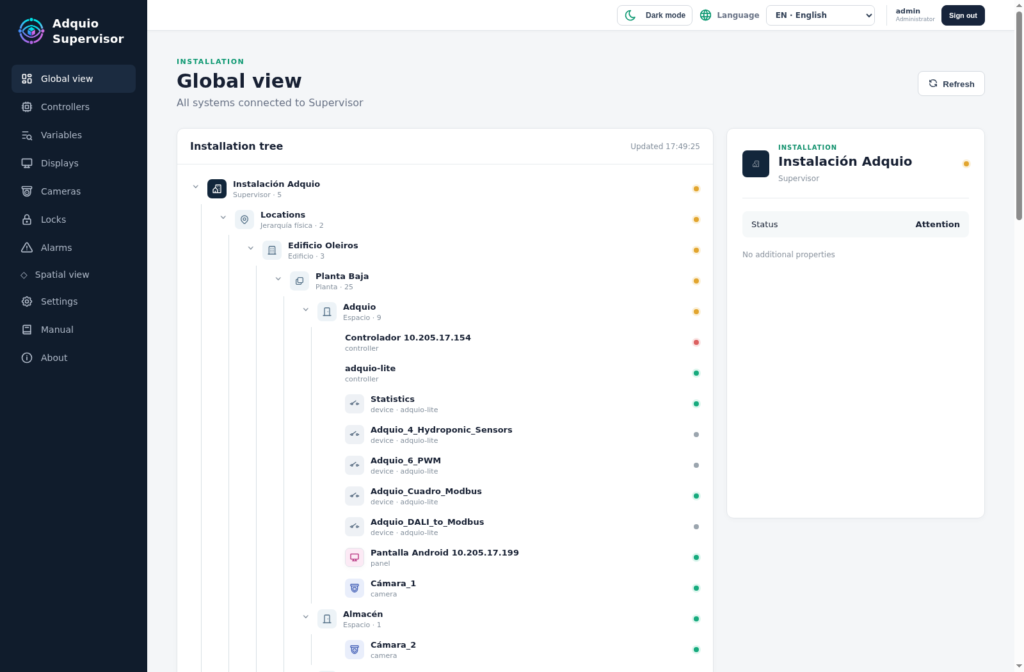
Monitoring
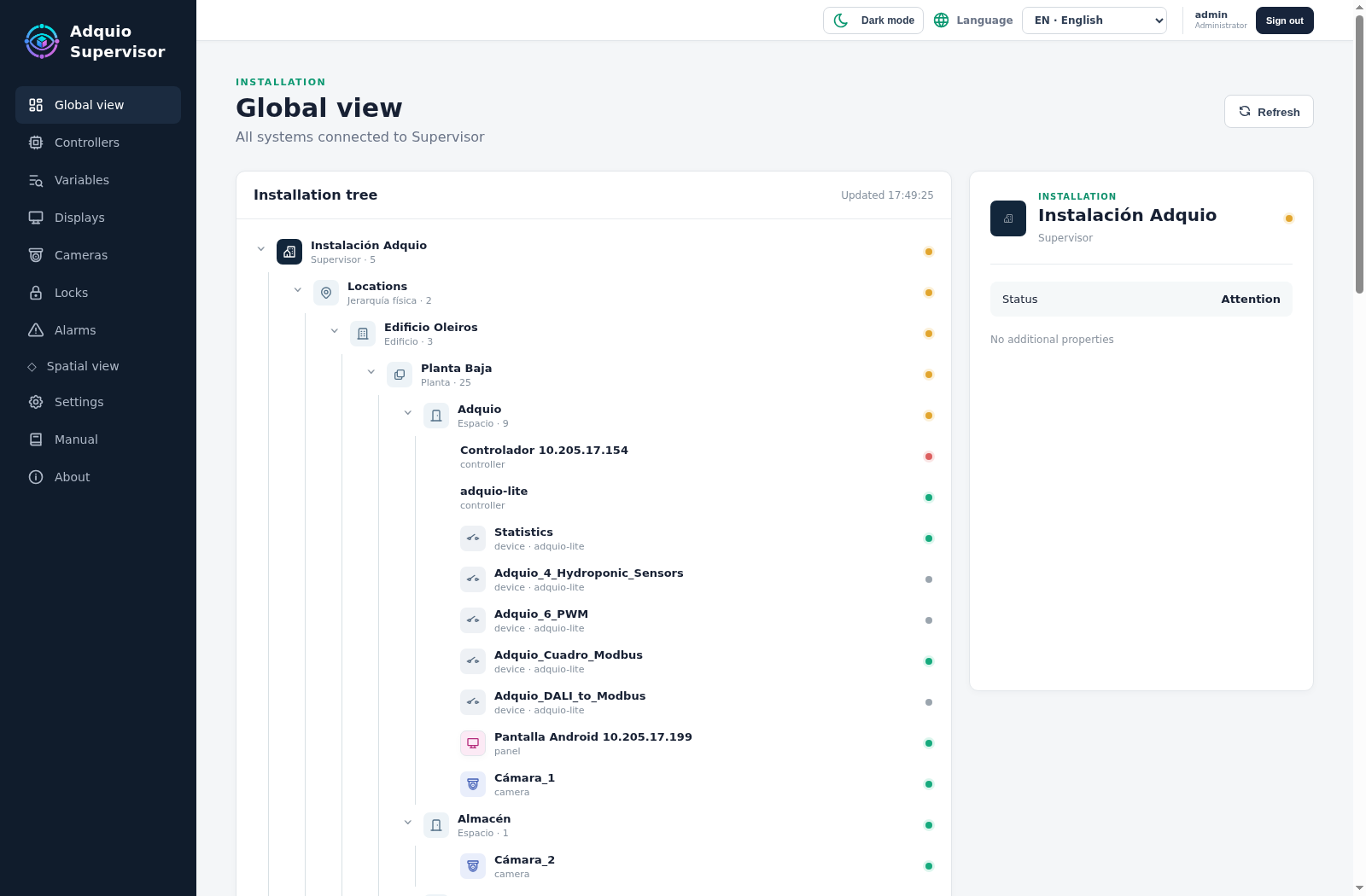
Monitor controllers, expansions, displays, cameras and locks; locate issues in the 3D digital twin.

Data
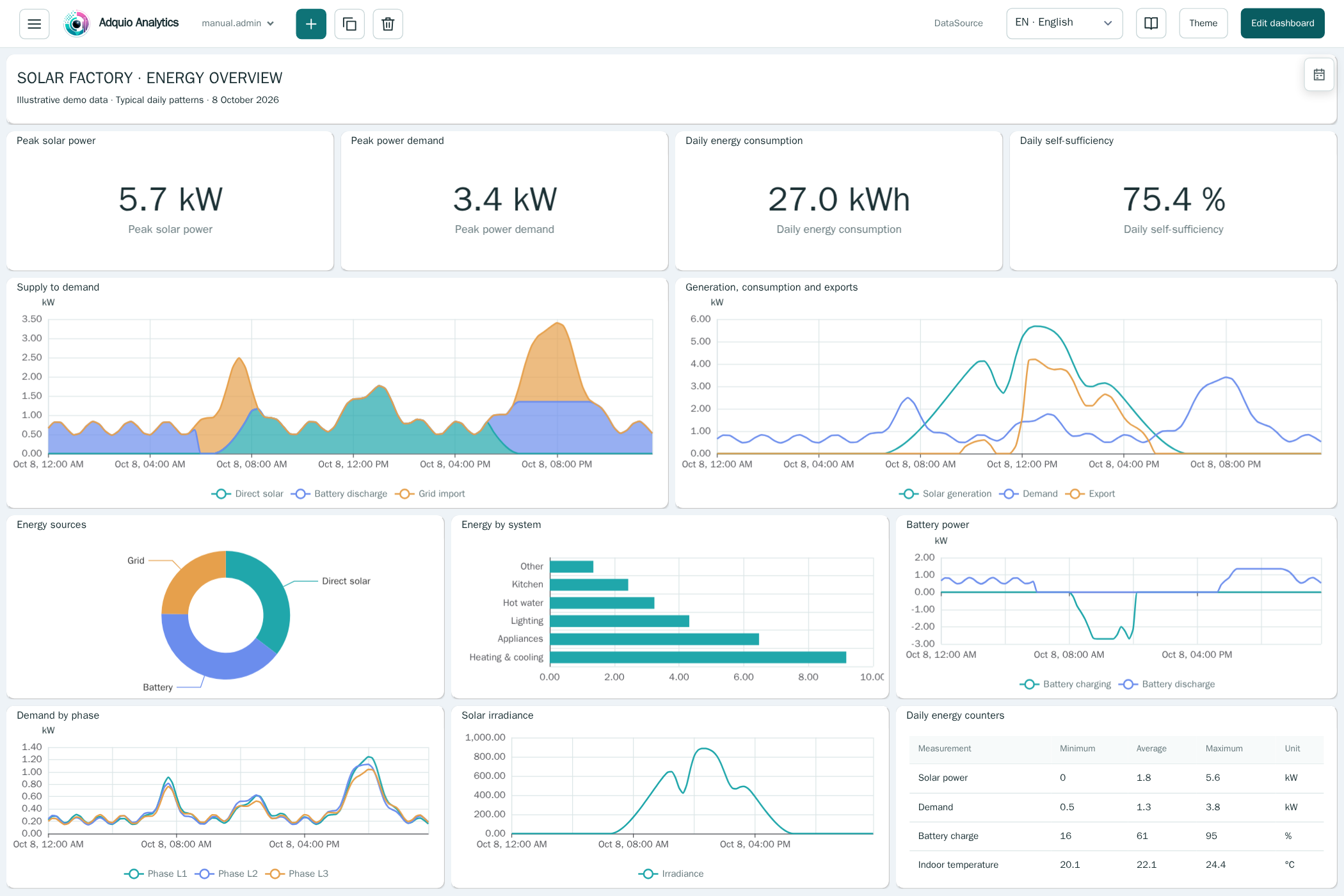
Custom dashboards to understand energy, comfort and operations. Developed entirely by Adquio.
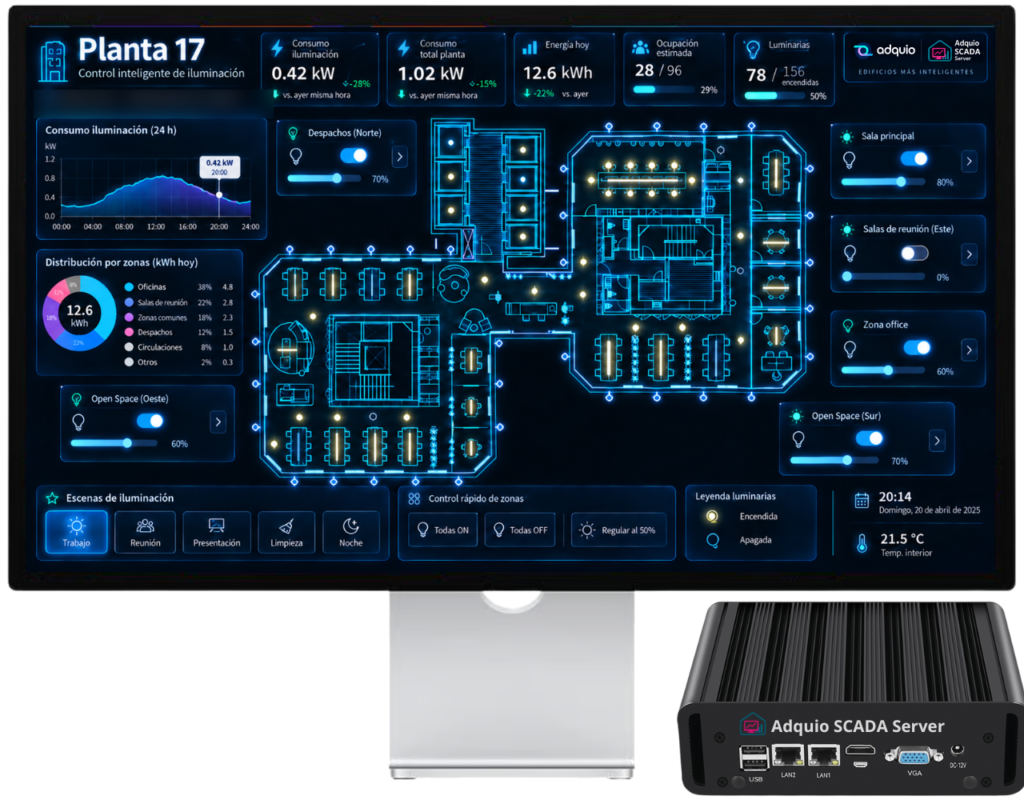
On-site control
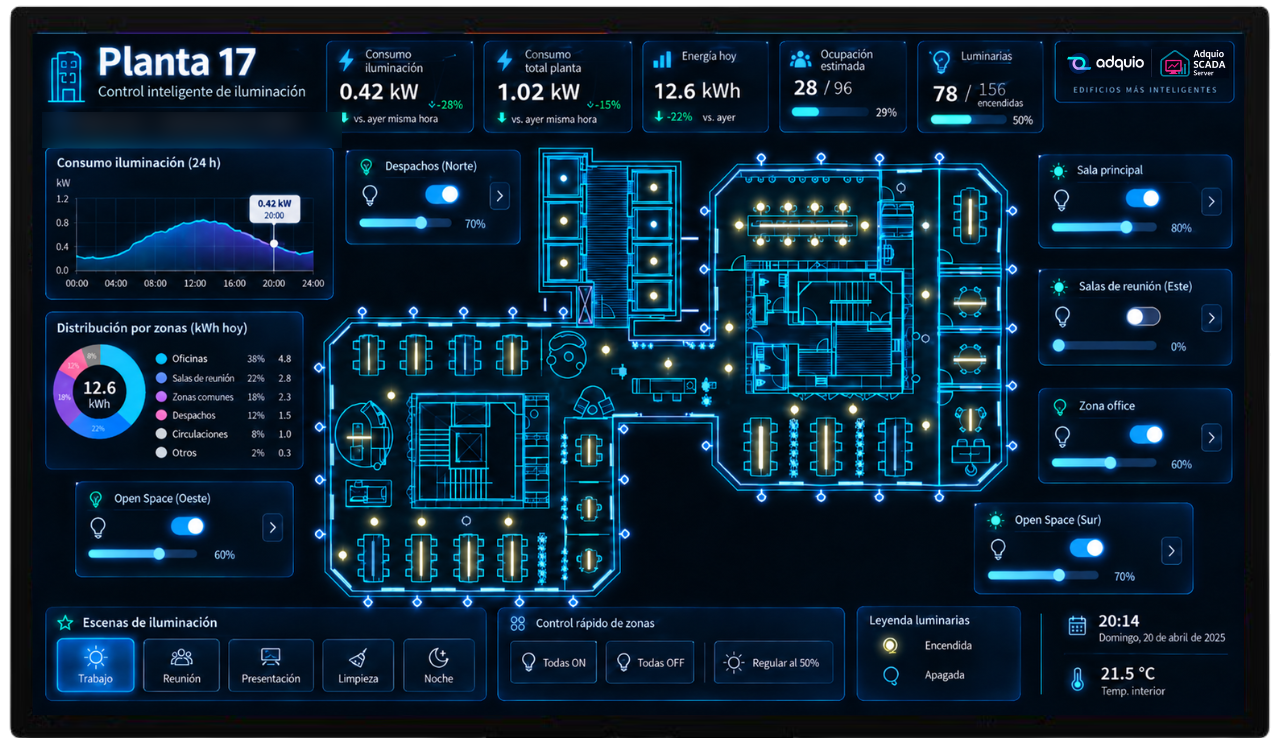
On-site graphical control with floor plans, controls, live status and simultaneous operation of integrated networks.
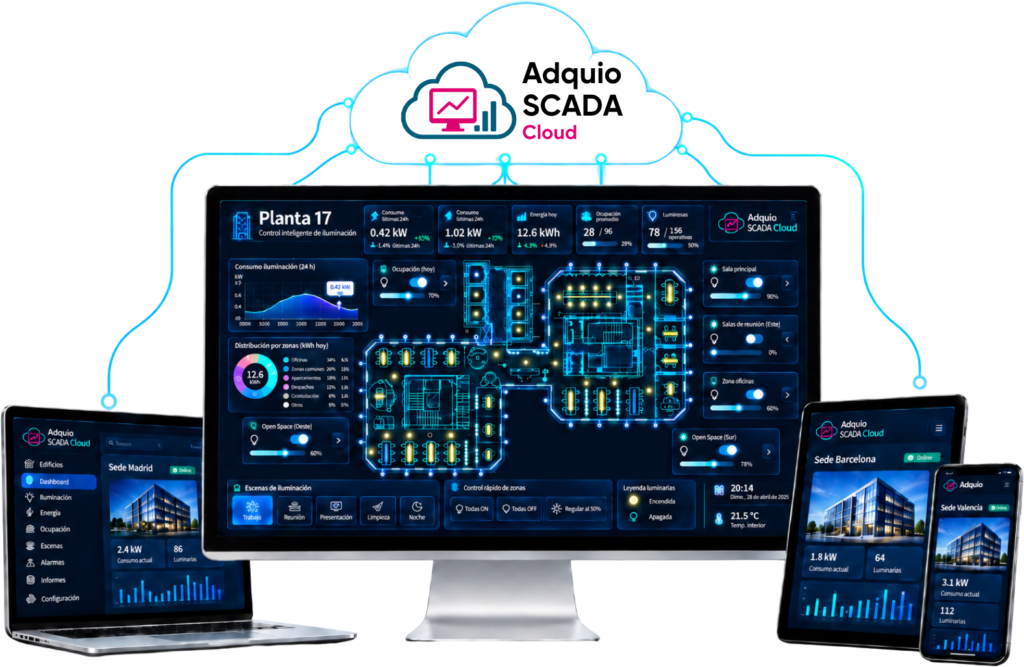
Cloud control
Graphical control through a hosted service, without maintaining your own SCADA server.
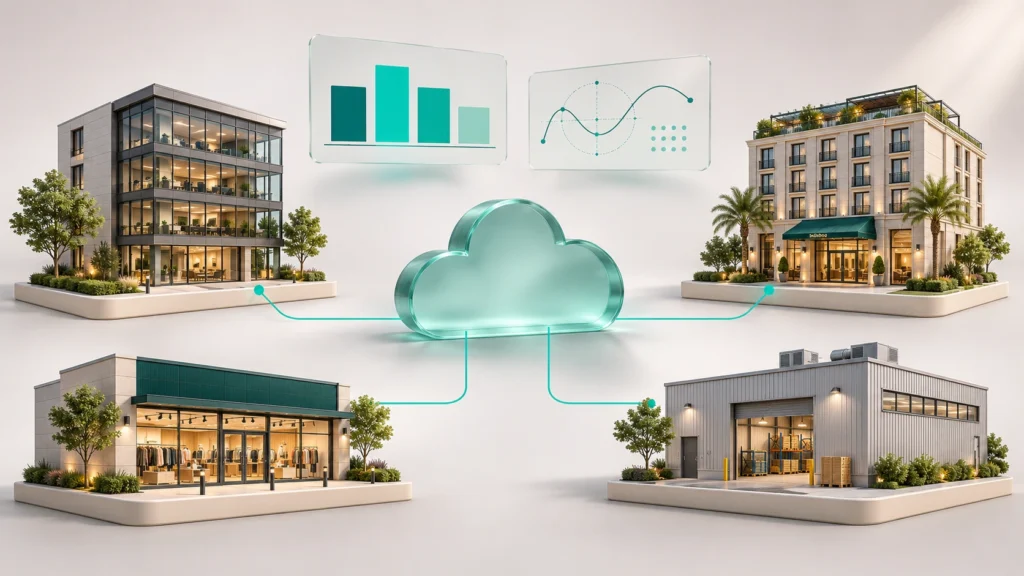
Multi-site
Manage multiple installations, historical data, alarms and advanced formulas, and compare indicators across sites.
02
Five tools. Complementary roles.
Distinguish device health, graphical control, dashboards and the management of multiple installations.
| Tool | Its speciality | When to choose it |
|---|---|---|
| Adquio Supervisor | Technical device monitoring and a 3D digital twin | Locate devices and issues. |
| Adquio Analytics | Dashboards and visual analytics | Understand variables and indicators for each user. |
| Adquio SCADA Server | On-site graphical operation | Control from floor plans, with a server on site. |
| Adquio SCADA Cloud | Graphical operation as a service | Operate without maintaining your own SCADA server. |
| Adquio Cloud BMS | Multi-site management and comparison | Centralise historical data, alarms and calculations across installations. |
03
Graphical control on site or in the cloud
Adquio SCADA Server and Adquio SCADA Cloud both provide graphical interfaces for operating an installation. Choose the deployment to suit your architecture and maintenance requirements.
On-site graphical control with floor plans, controls, live status and simultaneous operation of integrated networks.
Graphical control through a hosted service, without maintaining your own SCADA server.
04
Data to support decisions, beyond the display
Analytics specialises in custom dashboards. Cloud BMS brings installations together and supports advanced calculations, including scientific and thermodynamic formulas, and comparisons such as consumption per square metre.
Energy, comfort, equipment and incidents, with relevant variables and time periods.
Normalise floor areas, time periods and usage before comparing indicators across sites.
05
Compare the tools in more detail
A dedicated guide explains what each product provides and how to combine them.
Use the detailed explanation and summary table to guide your selection.
06
Explore the ecosystem
Connect this part of your project with the other layers of Adquio Building OS.
Explore related features and resources.
07
Resources to prepare your project
Detailed documentation remains available on the product pages. Restricted courses and manuals retain their access requirements.
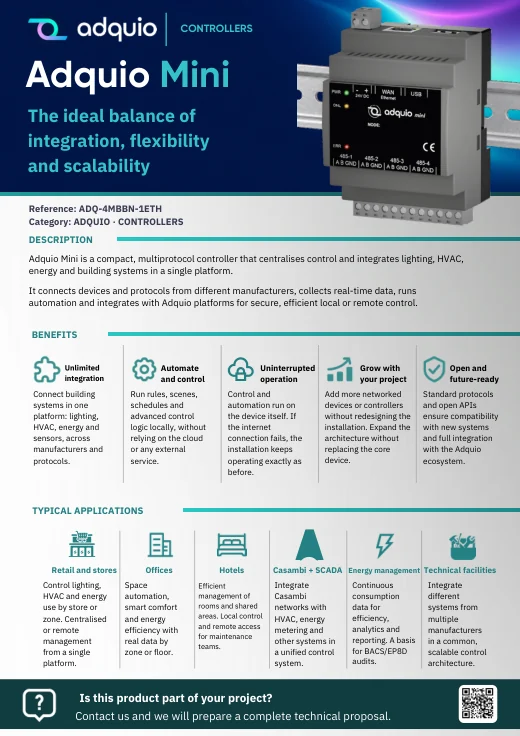
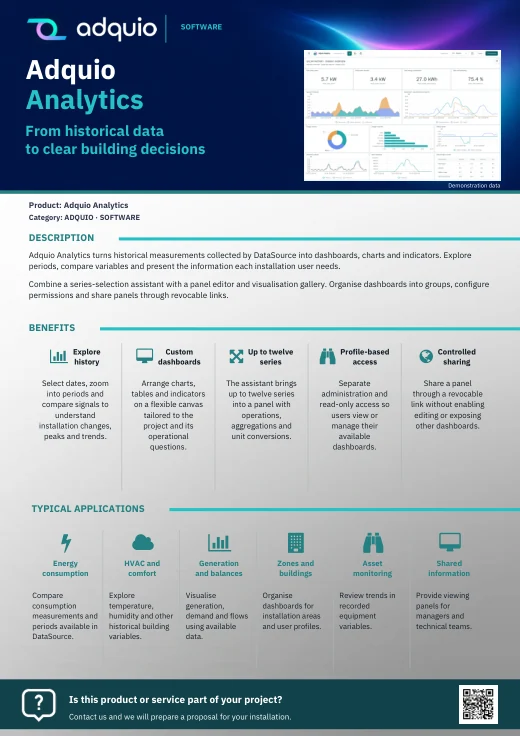
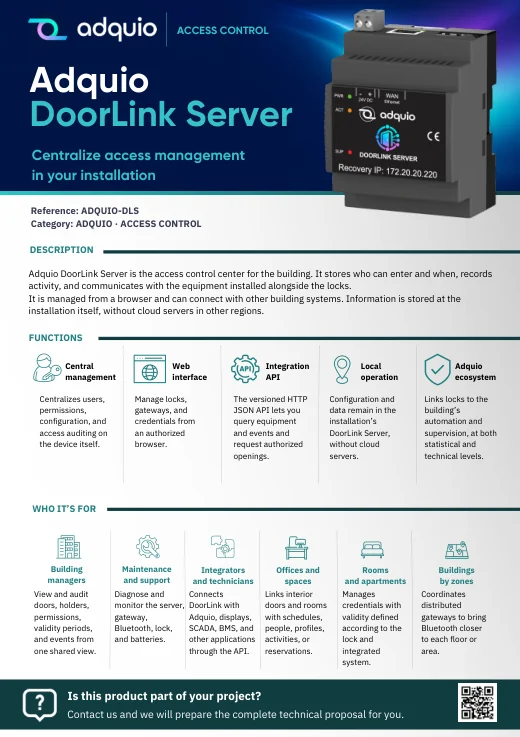
Product benefits, applications and sales information organised by product family.
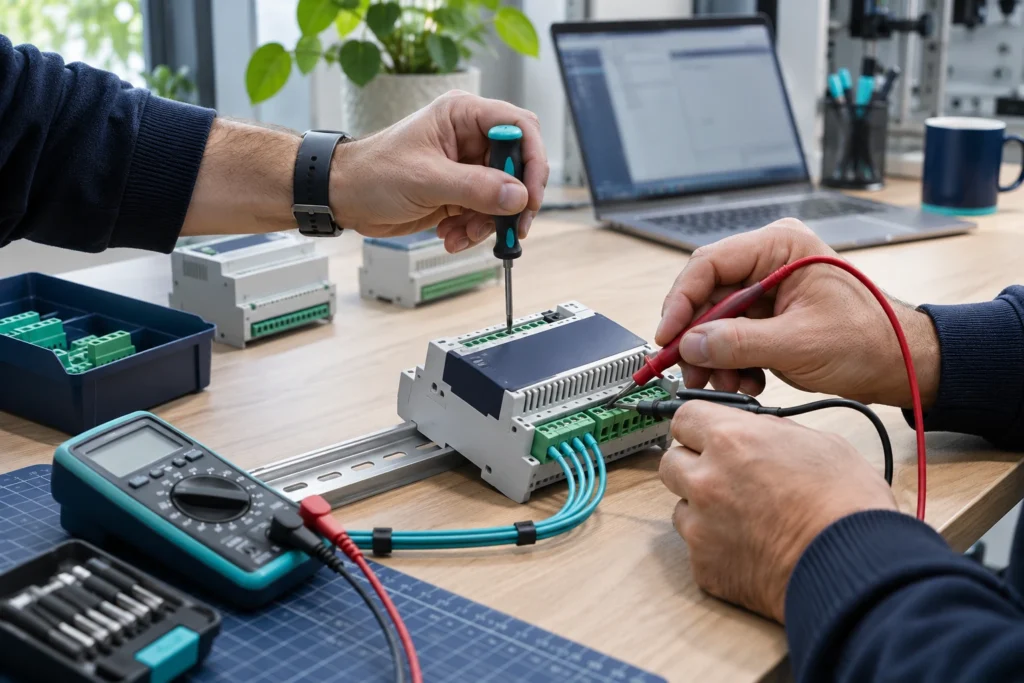

Product pages and further information
Monitoring and analytics · SCADA and BMS · Adquio Supervisor · Adquio Analytics · Adquio SCADA Server · Adquio SCADA Cloud · Adquio Cloud BMS
FROM CONCEPT TO INSTALLATION
Let’s discuss what your project needs.
Tell us what is already installed, what you want to connect and who will use it. We can help plan an Adquio architecture for your project.
← Adquio Building OS products: hardware, software and connectivity
