
Monitoring and analytics
Adquio Cloud BMS
Manage multiple installations from a shared platform. Compare data across buildings, prepare advanced calculations and bring supervision, historical data and reports together with Adquio Cloud BMS.
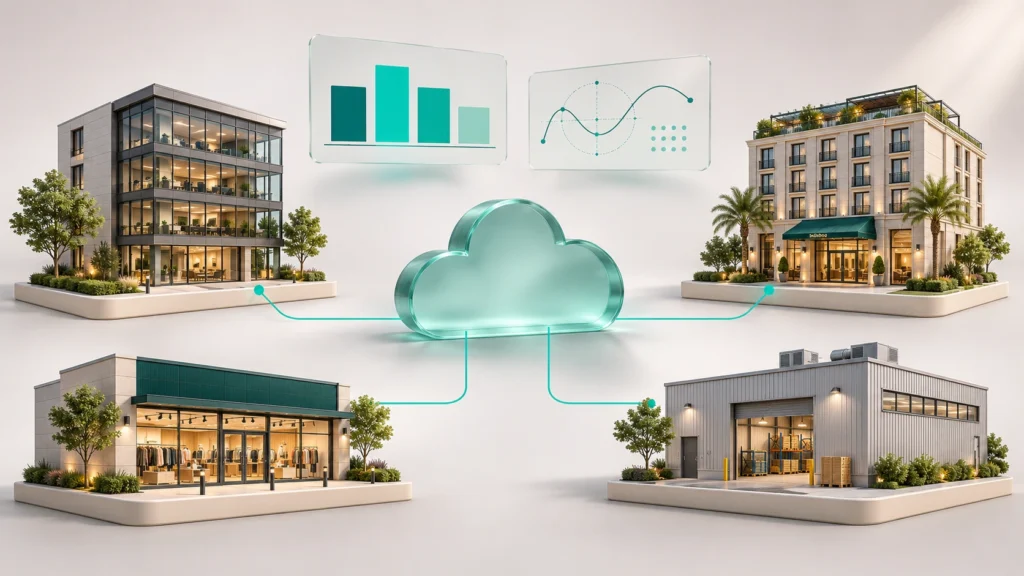
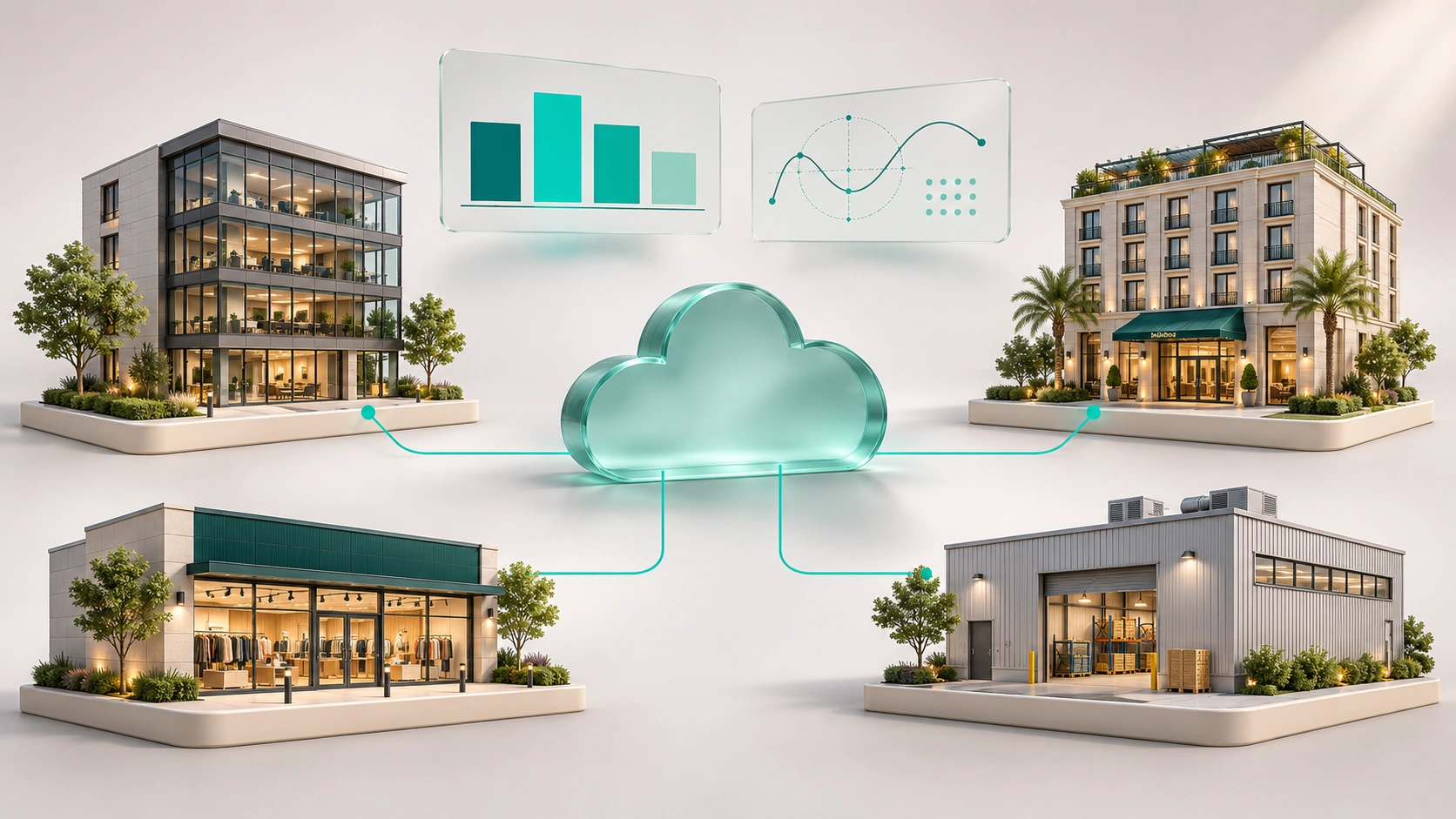
Manage the portfolio
One shared view for consulting and operating your buildings or sites.
Compare installations
Compare data from different sites using common criteria and indicators.
Calculate and understand
Advanced formulas for scientific and thermodynamic calculations and custom indicators.
Take action remotely
Check status and use remote control for integrated systems.
One platform for your organisation
Adquio Cloud BMS specialises in managing multiple installations. Keep a consistent way to view your sites and access the detail of each building, its variables and its systems.
Information in one place
Bring together HVAC, lighting, energy, occupancy, air-quality and other system data connected to Adquio.
From portfolio to detail
Review the overall status and explore an installation when you need to investigate or act.
A shared experience
Tailor views and functions to the people operating, maintaining or managing the organisation.
Compare installations on a consistent basis
Total consumption does not always provide a fair comparison between buildings of different sizes. Adquio Cloud BMS lets you compare data across installations and work with indicators suited to your analysis.
EXAMPLE OF A NORMALISED INDICATOR
Energy consumption per square metre
kWh/m² = Energy consumption (kWh) / Floor area (m²)
Use the same analysis period and a consistent definition of floor area. With consumption and area data available, you can compare sites of different sizes and identify differences worth investigating.
Choose what to compare
Consumption, conditions or indicators available across the installations you want to examine.
Set the reference
Use comparable periods, units and criteria across sites.
Understand the differences
Identify deviations and relate results to each installation’s characteristics and use.
Advanced formulas: from data to calculation
Not every indicator arrives already calculated by a device. Adquio Cloud BMS supports advanced formulas for scientific and thermodynamic calculations using the quantities available in the project.
Scientific calculations
Relate variables and apply the expressions required by your installation’s analysis model.
Thermodynamic analysis
Build calculations of thermal behaviour or performance when the necessary quantities are available.
Custom indicators
Define ratios such as consumption per unit of floor area, occupancy or production.
Formulas are defined according to the project objective, available variables and the units of each quantity. This keeps the analysis based on explicit criteria suited to each installation.
From current status to action
View real-time data and act remotely on integrated systems. SCADA-style screens bring plans, states and controls together to support day-to-day operation.
HVAC, lighting, energy and other systems can form part of an operating experience configured for the building and its users.

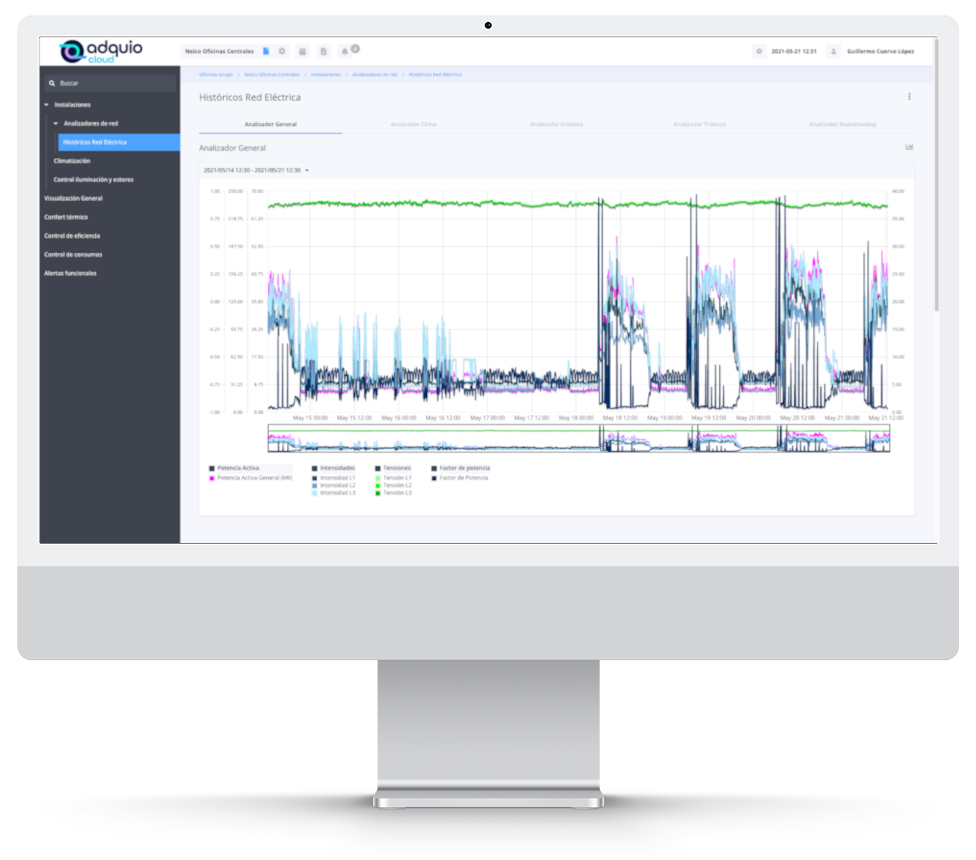
Historical data, reports and analysis in context
Review how variables change through charts and tables. Interactive and automatic reports help bring installation information into operational and management work.
Analysis and statistical quality-management tools help examine correlations, indices and operating conditions according to the project’s needs.
The right access for each person
Shared installation management needs a clear access structure. Combine encrypted communications and user permissions to organise your team’s responsibilities.
Encrypted connections
Encrypted communication between installations and servers, with HTTPS web access.
Roles and permissions
Give each user the functions they need to view and manage the platform.
Optional two-factor authentication
Add two-factor authentication when required by the project configuration.
A platform tailored to how you work
Configure the scope, screens and organisation of information to suit your buildings, the decisions you need to make and the people who will use it.
Management
A shared view of multiple sites and the indicators relevant to the organisation.
Operations and maintenance
Current data, alerts, historical information and remote control for daily work.
Energy management
Consumption comparisons and normalised indicators to study installation performance.
Technology backed by an expert team
The Adquio team can support you from design and integration through to management, maintenance and data analysis. Training and technical support help your team make use of the project’s functions.
Manage your installations with one shared view
Tell us which buildings you need to manage, what you want to compare and which calculations your project requires. We will help you define an Adquio Cloud BMS solution tailored to your organisation.
CENTRALISED MANAGEMENT · MULTIPLE INSTALLATIONS
Adquio Cloud BMS
All your installations.
One way to manage them.
Bring your buildings’ information, control and analysis together in a web platform. Compare installations, build indicators and use advanced formulas to understand what is happening and take informed action.
Supervisor, Analytics, SCADA or Adquio Cloud BMS: what do you need?
Each solution has its own speciality. Combine them to give each person the information and tools they need.
Adquio Supervisor
Equipment and incidents
Locate devices, check their status and access the available operations according to the integration and your permissions.
Adquio Analytics
Custom dashboards
Bring charts, indicators and historical data together in dashboards tailored to each project and user profile. Developed in-house by Adquio.
Adquio SCADA
Visualisation and control
Operate the installation through plans, controls and custom interfaces. Available as Server and Cloud.
Adquio Cloud BMS
Managing multiple installations
Centralise information and operation across multiple buildings or sites from a shared platform.
The solution on this page
Adquio Cloud BMS and SCADA Cloud are different products: the former specialises in managing multiple installations; the latter is the cloud-hosted version of SCADA.
Frequently asked questions
Is it designed for multiple installations?
Yes. Centralised management of multiple installations is a core speciality, with access to the portfolio and the detail of each site.
Can I compare consumption across buildings?
Yes. Define comparable periods and criteria and use indicators such as kWh/m² when consumption and floor-area data are available.
Does it support custom calculations?
Yes. Advanced formulas support scientific and thermodynamic calculations and indicators based on the project’s variables and model.
Is it the same as SCADA Cloud?
No. Adquio Cloud BMS focuses on managing installations and analysing them together. Adquio SCADA Cloud is the cloud-hosted SCADA solution.
Related articles

How to integrate Casambi into a BMS: when lighting becomes part of the whole building
Connect Casambi lighting with HVAC, energy and building management. Discover how Adquio brings multiple networks together and makes better use of sensors and…
Read article ↗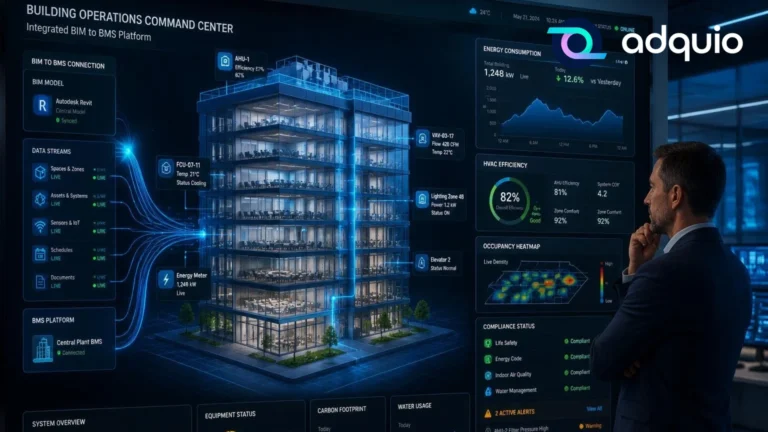
What is SCADA and how is it used in buildings? Discover how to see and control everything happening in your building
A simple guide to understanding how SCADA lets you visualise and control lighting, HVAC, energy and other installations from a single screen.
Read article ↗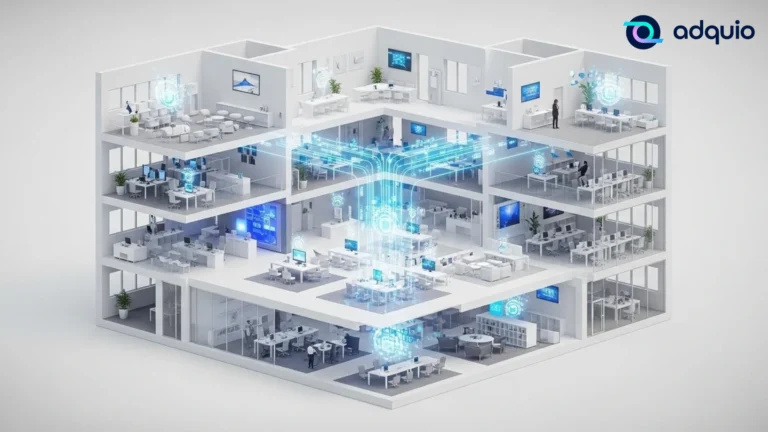
What is a BMS, and when does a building need one? A guide anyone can understand
Understand what a BMS is, which systems it can coordinate and when a building needs centralised management to improve comfort, efficiency and maintenance.
Read article ↗Connect your project with the Adquio ecosystem.
Plan your integration with our engineering team and find the right solution for your installation.
