
SOFTWARE FOR ADQUIO TOUCHSCREENS
Adquio ScreenCore
A touchscreen that wakes when needed and a camera that can also provide video.
Adquio ScreenCore adds new capabilities to compatible Adquio touchscreens. Set up presence activation, RTSP video streaming or both features at the same time.
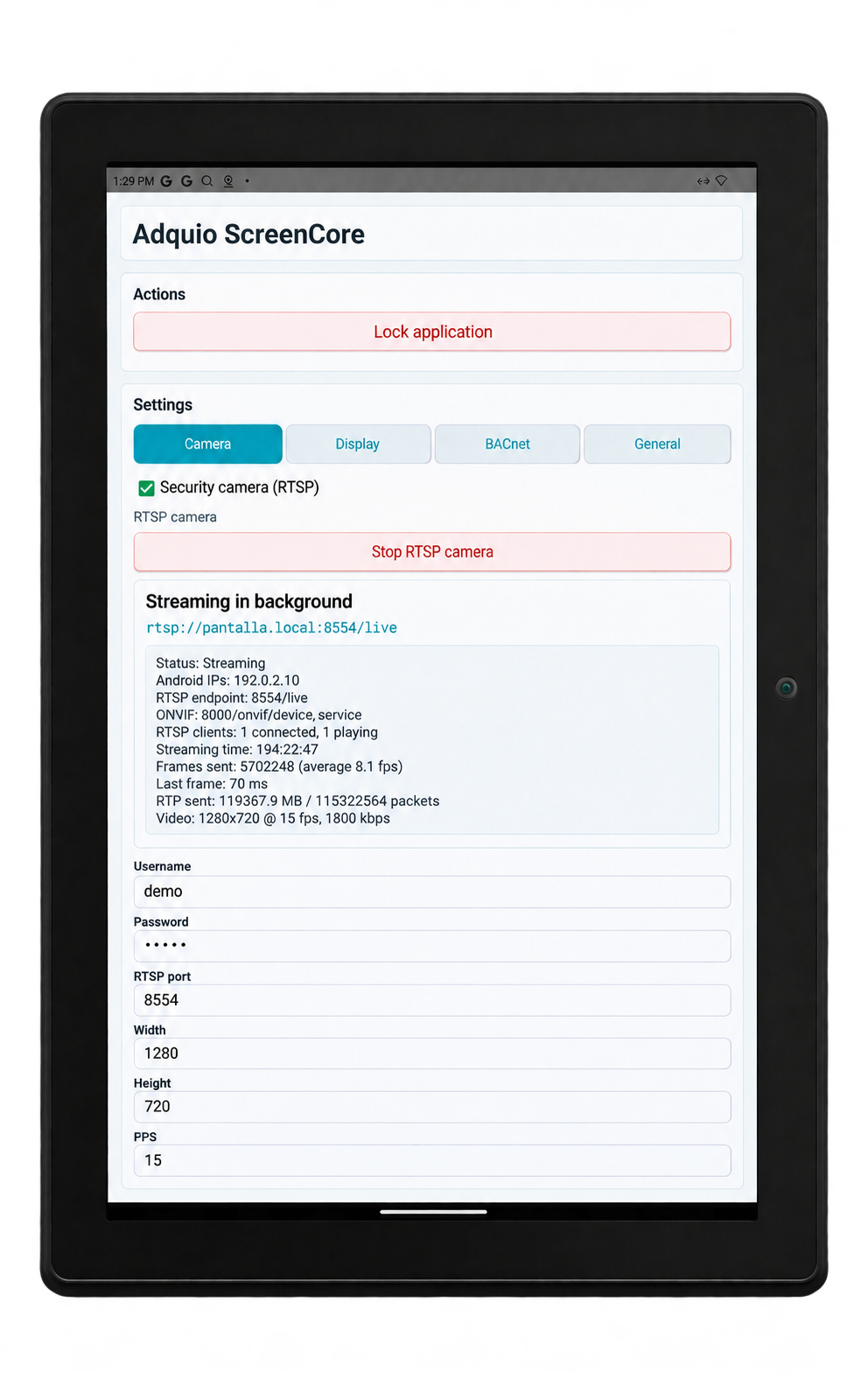
Adquio Wall Screen 10″ in portrait · RTSP camera settings.
Click the image to enlarge it.
01
Two features, one camera
The same built-in camera can detect someone in front of the touchscreen and stream RTSP video in the background at the same time. The control interface remains available for everyday use.
ENERGY SAVINGS
Presence activation
The built-in camera detects someone in front and wakes the touchscreen. After a period without anyone present, the display switches off. Reducing screen-on time saves energy and helps extend the life of the display.
VIDEO INTEGRATION
Background RTSP video
Use the camera on a compatible touchscreen as an RTSP video source for Adquio VisionCore while the touchscreen continues displaying its controls.
02
From RTSP video to Adquio VisionCore
The touchscreen supplies images over the network. Centralised viewing, recordings, permissions and analysis functions are managed in VisionCore according to the project configuration.
01
Android touchscreen with an accessible camera
02
Adquio ScreenCore streams RTSP video
03
VisionCore organises and displays the source
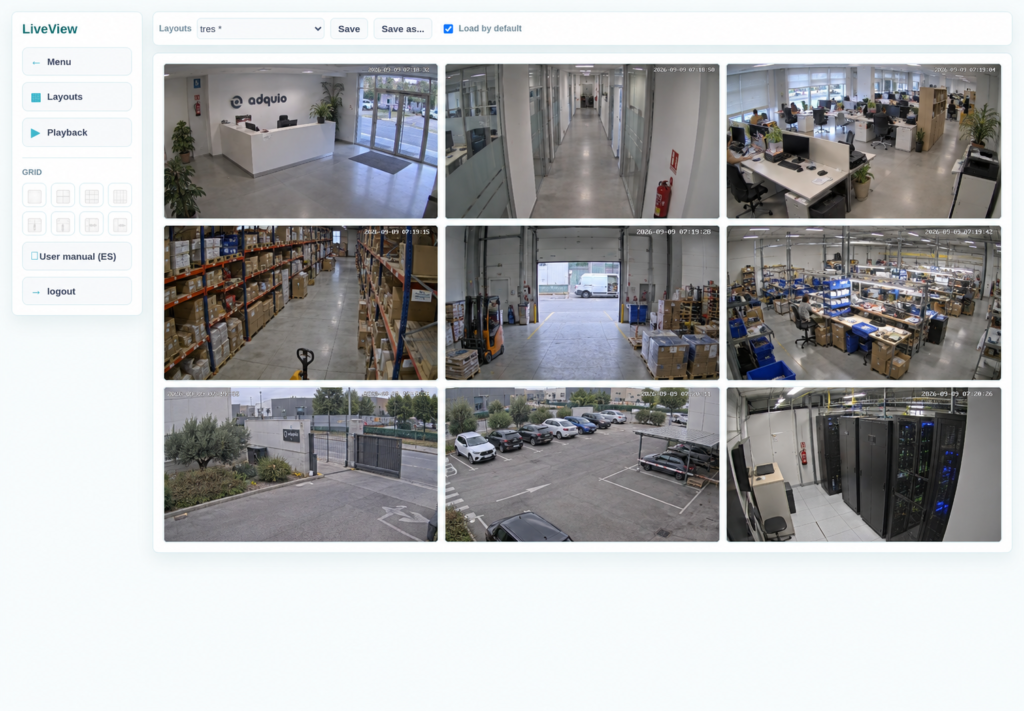
Adquio VisionCore can show multiple video sources, including streams provided by ScreenCore.
03
Compatible touchscreens with a camera
Select your model and check that its hardware and software version supports camera access with ScreenCore.
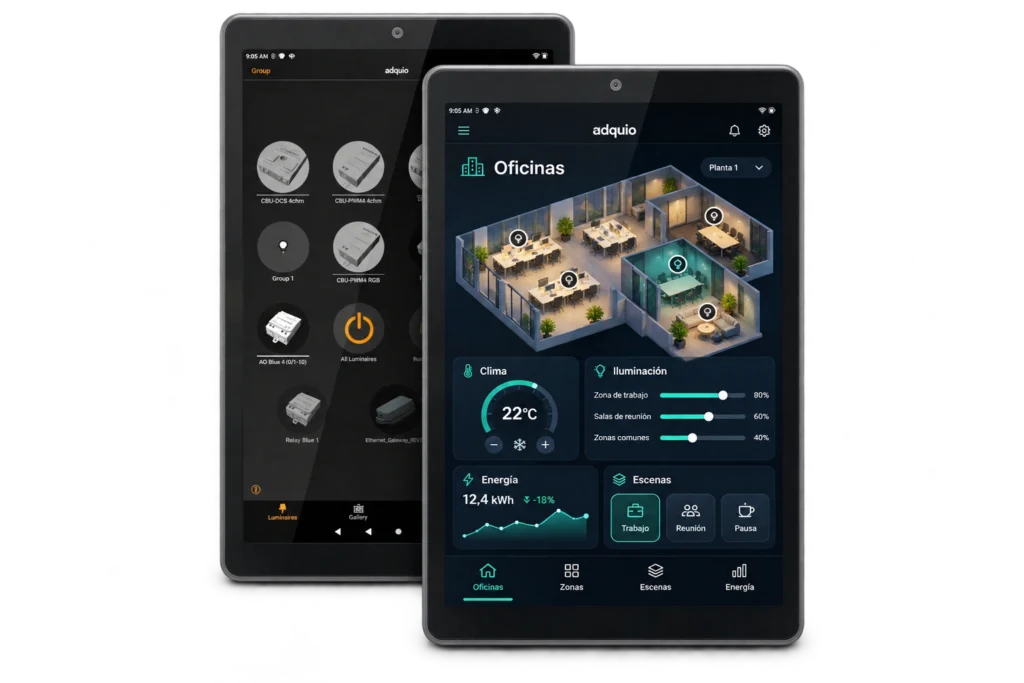
COMPATIBLE CAMERA-EQUIPPED VERSION
See the ScreenCore features and technical specifications for this model.
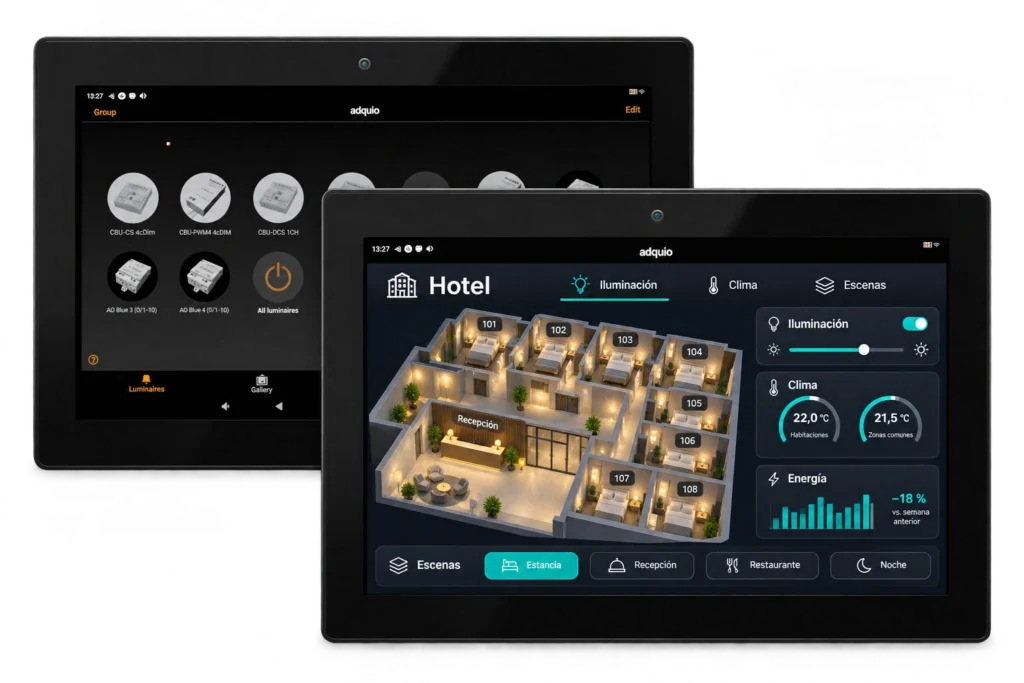
COMPATIBLE CAMERA-EQUIPPED VERSION
See the ScreenCore features and technical specifications for this model.
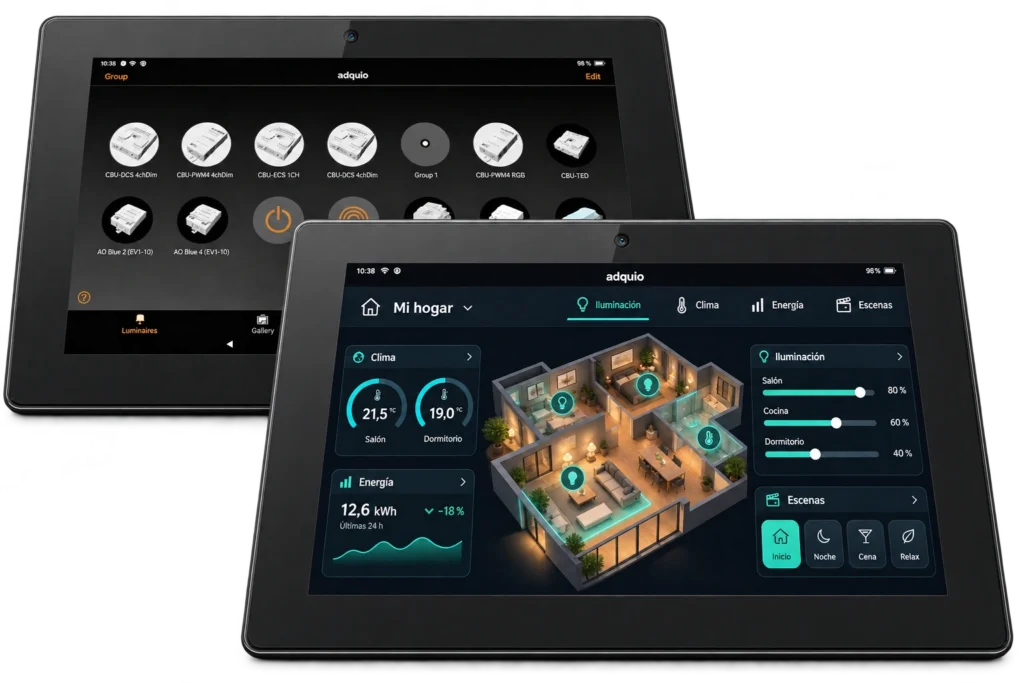
COMPATIBLE CAMERA-EQUIPPED VERSION
See the ScreenCore features and technical specifications for this model.
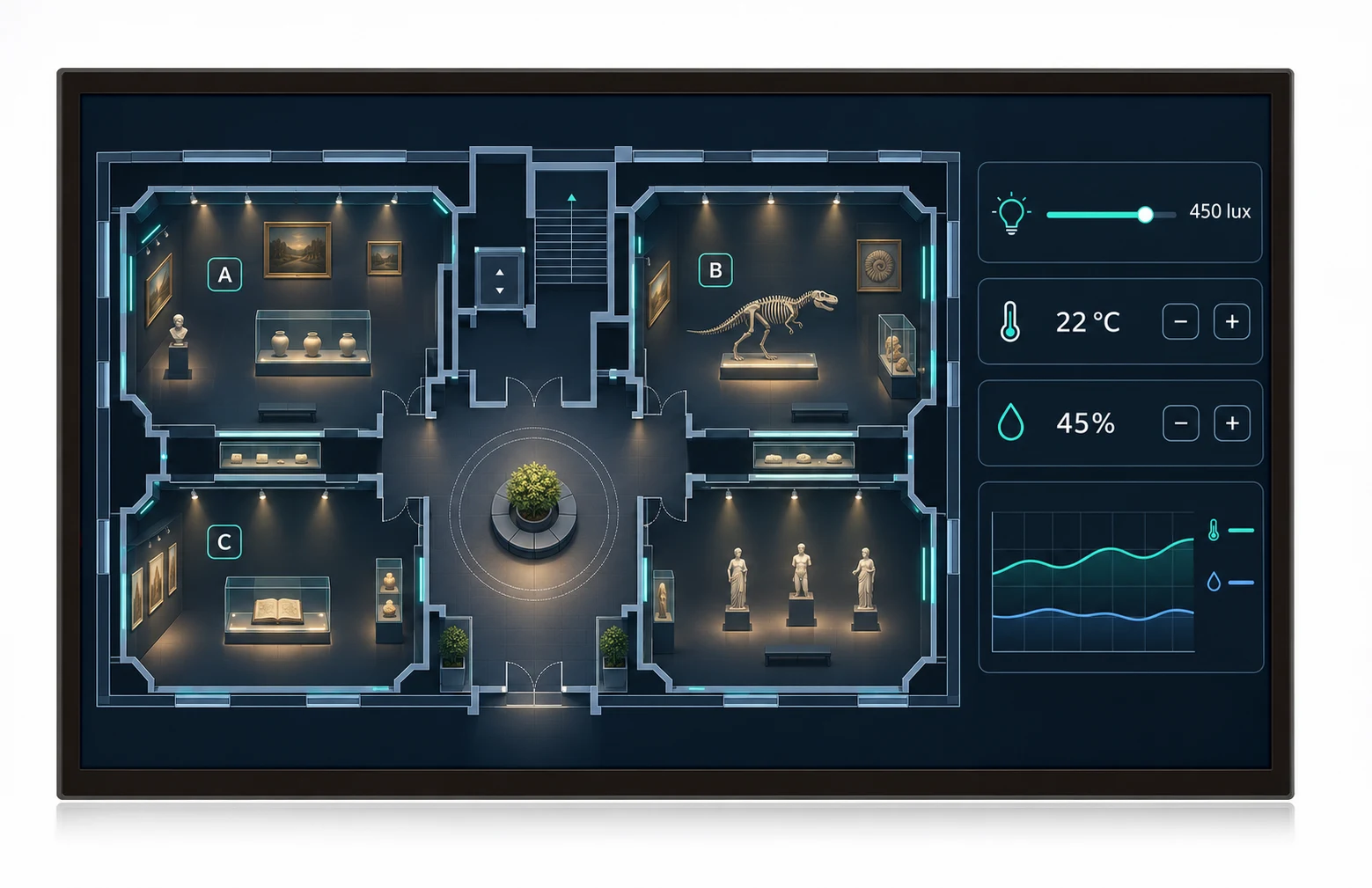
COMPATIBLE CAMERA-EQUIPPED VERSION
See the ScreenCore features and technical specifications for this model.
04
Plan integration for your installation
Check the touchscreen version. If you plan to stream RTSP video, also review the network connection and access permissions.
You need a compatible Android touchscreen, an accessible camera and the application installed and configured for that device.
Plan connectivity between the touchscreen and VisionCore, together with the server and storage needed for viewing, recording and analysis.
Define who can view the source and when it should be enabled in VisionCore. Privacy functions can be requested from the controller and its interfaces.
Privacy functions govern the use of the camera in VisionCore. The controller can also request photos and show the result on a control touchscreen, SCADA or BMS interface. Learn how these actions are managed.
05
Make the most of your touchscreens
Tell us which model you have and which features you want to use. We’ll help you check compatibility and set up ScreenCore.
