
GATEWAYS · ADQUIO BUILDING OS
Connect protocols. Expand your installation.
Integrate KNX and Matter, share data through BACnet/IP and collect measurements from your LoRa sensors. A range of dedicated gateways to connect systems and add new functions to the same control environment.
Choose according to the systems you want to connect and the information you need to exchange.
FOUR GATEWAYS · FOUR FUNCTIONS

KNX/IP
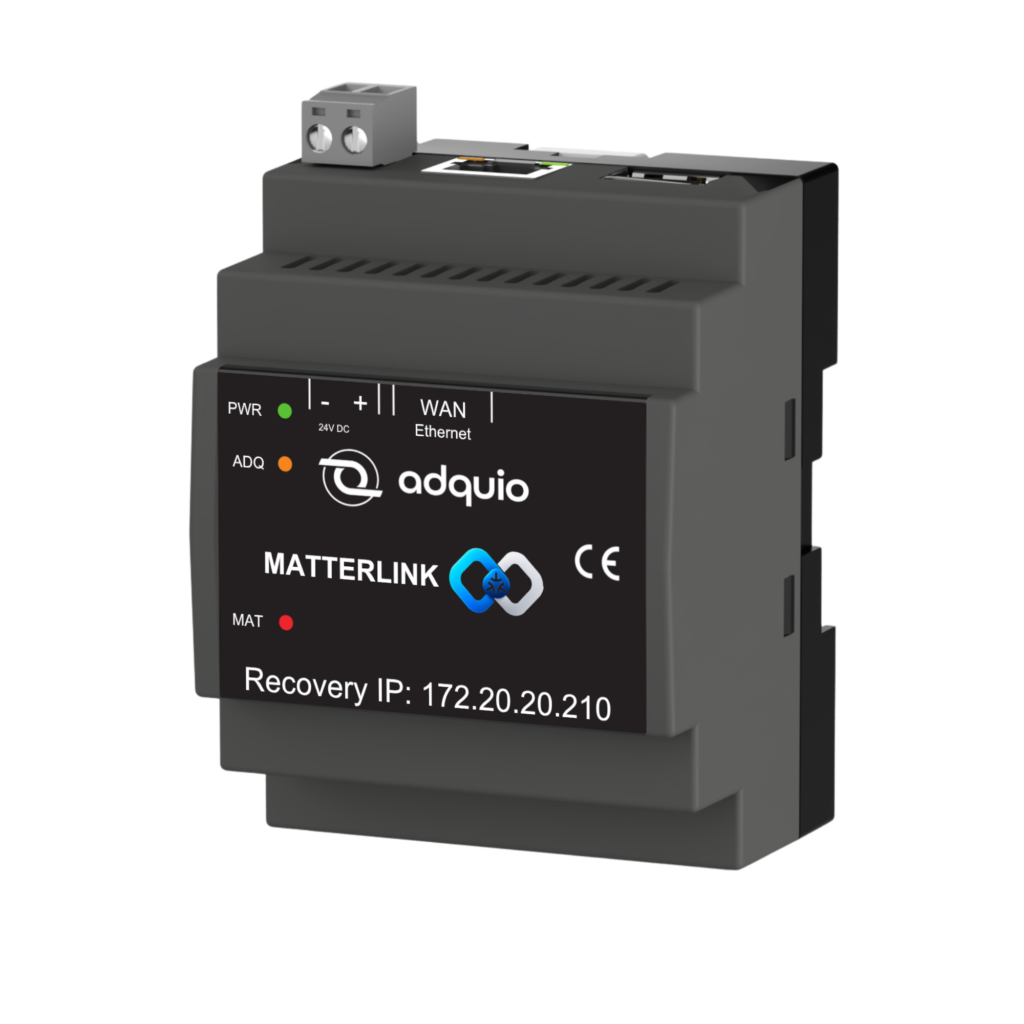
Matter
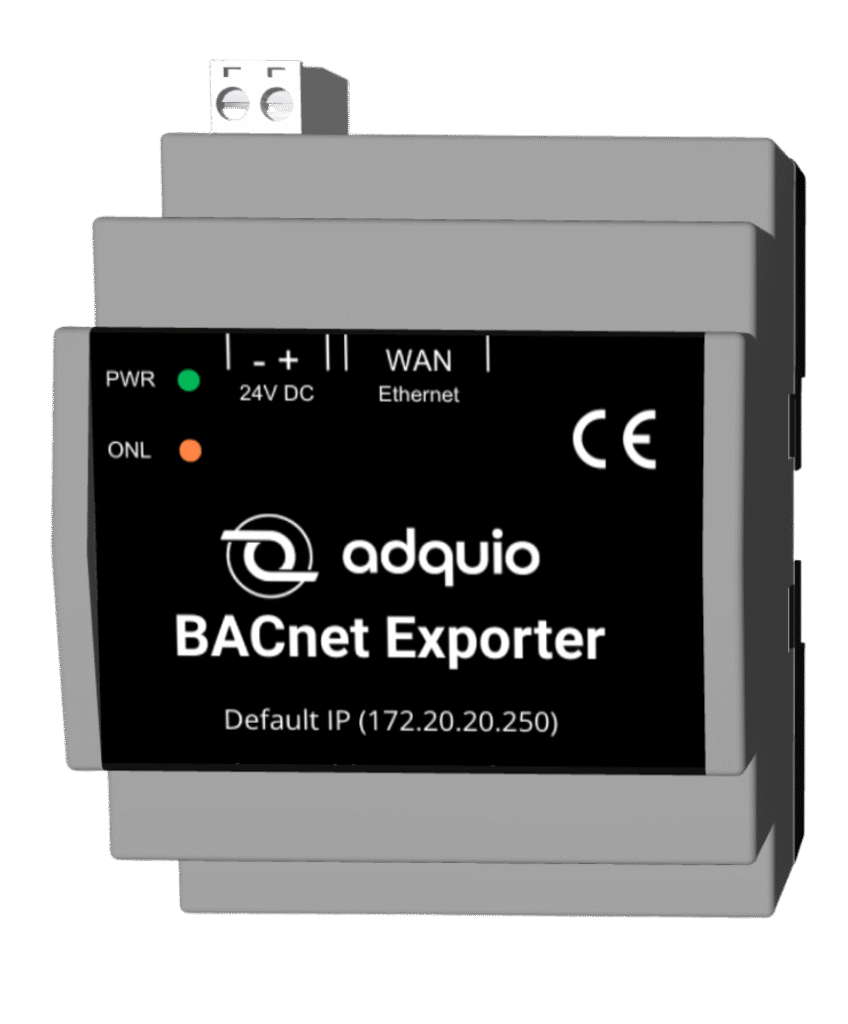
BACnet/IP

LoRa → Modbus
ADQUIO BUILDING OS
Connected control, data and interfaces.
Build on what you have
Integrate installed systems and add new connections to the architecture.
Define what you exchange
Choose mappings, functions and variables for each integration.
Take data further
Use the information in control, supervision, interfaces and dashboards.
The right gateway for each integration
Each product handles a different connection. Choose the gateway by its protocol, the direction of the exchange and the functions your project needs.
NEW!
KNX/IP · Bidirectional mappings
Adquio KNX Gateway
Integrate a KNX installation with Adquio through a KNX/IP interface or router. Map group addresses and data types to Adquio variables and choose the direction of each mapping.
Access through a KNX/IP interface or router
When to choose it: To build on an existing KNX installation and coordinate its states and commands with the rest of the building.
NEW!
Matter · Incorporate and publish
Adquio MatterLink
Bring compatible Matter devices into Adquio and publish selected functions from your installation to Matter ecosystems. Onboarding starts in the mobile app, while the web interface lets you manage the integration.
Onboarding in the app · Management on the web
When to choose it: To add Matter devices or bring functions already integrated in Adquio to a compatible Matter ecosystem.
BACnet/IP · Data publication
Adquio BACnet Exporter
Select variables from Adquio controllers and expose them for reading by a BMS or another BACnet/IP system. The web interface lets you choose which information to share.
Variable selection · Ethernet connection
When to choose it: To integrate Adquio data, including data from consolidated Casambi networks, into external BACnet supervision.
LoRa · Measurements to Modbus RTU
Adquio LoRa Sensors Gateway
Receive measurements from up to 30 compatible Adquio wireless sensors and communicate them to a Modbus RTU master. Bring temperature, humidity, CO₂ and other measurements into the control system.
Adquio LoRa sensors · Modbus RTU output
When to choose it: To bring measurements from Adquio LoRa sensors into the installation’s control and supervision.
Compare by function, not just the protocol name
Check what sits at each end of the integration and what the gateway needs to do. Available functions depend on the equipment and project configuration.
| Gateway | What it connects | Data exchange | What to plan for | Main use |
|---|---|---|---|---|
| Adquio KNX Gateway | KNX installation ↔ Adquio variables | KNX → Adquio, Adquio → KNX or both, per mapping | Accessible KNX/IP interface or router; defined group addresses and DPTs | Integrate KNX control with the ecosystem’s logic and interfaces. |
| Adquio MatterLink | Matter devices ↔ Adquio; Adquio functions → Matter | Reading and writing according to the device; selective publication through the Matter bridge | Accessible Adquio controller, mobile app and suitable Matter connectivity | Bring in devices and present selected functions to compatible Matter ecosystems. |
| Adquio BACnet Exporter | Adquio controller variables → BACnet/IP systems | Publication of variables for reading by external systems | Ethernet network, accessible controller and selection of variables to expose | Bring Adquio information into a BMS or external BACnet supervision. |
| Adquio LoRa Sensors Gateway | Adquio LoRa wireless sensors → Modbus RTU master | Wireless measurement reception and reading by the controller | Compatible Adquio LoRa sensors and a Modbus RTU master with RS-485 | Add wireless measurement to the control and supervision system. |
KNX access takes place over IP. The installation needs a KNX/IP interface or router. For Matter, check each device’s capabilities and the publication types supported by the Matter bridge. In BACnet Exporter, choose the variables to make available to the external system. For LoRa, use compatible Adquio sensors and bring their readings to the Modbus RTU master.
How information flows in each case
Four paths to understand where each gateway fits within Adquio Building OS.
01 · KNX/IP
From group addresses to variables
Map group addresses and DPTs to devices and variables. Configure reading, writing or bidirectional synchronisation for each mapping.
02 · MATTER
Bring in devices and publish functions
Bring in the device’s compatible capabilities. To publish to Matter, the bridge represents selected on/off, temperature, humidity and occupancy functions.
03 · BACNET/IP
Expose information to external supervision
Select the data the external system needs. The gateway exposes it through BACnet/IP so that system can read it.
04 · LORA / MODBUS RTU
Bring wireless measurement into control
The gateway receives measurements from compatible sensors. The controller reads them through RS-485 and Modbus RTU for use in its logic, interfaces and platforms.
From connection to everyday use
Integration examples that bring protocols and functions together within the same installation.
A KNX push-button, a Casambi response
Use a KNX command as an input to Adquio logic to operate Casambi devices, groups or scenes.
Matter switches to control Casambi
Bring in a compatible Matter switch and link its variables to the actions the Adquio system should perform on Casambi.
Data from several networks in the project’s BMS
Bring your Casambi network variables together in Adquio and select those to expose through BACnet/IP to the external supervision system.
LoRa measurements for installation control
Collect measurements from Adquio wireless sensors and use them in the controller for climate logic, visualisation, historical data and alarms.
Configure, check and maintain each integration
KNX Gateway, MatterLink and BACnet Exporter include web tools. LoRa Sensors Gateway sends its measurements to the controller through Modbus RTU. Click the images to enlarge them.
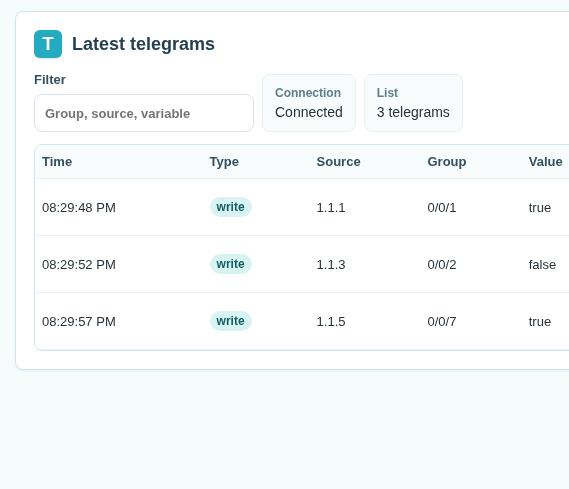
Observe and map in KNX
View telegrams and values to identify the group addresses you need to map to Adquio.

Review the Matter–Adquio relationship
Analyse compatible capabilities and prepare Adquio variables. Onboarding starts in the mobile app.

Select which data to publish
Choose devices and variables through the BACnet Exporter web interface and prepare the information the external system will see.

Prepare LoRa’s Modbus connection
Connect the gateway to the RS-485 bus and configure its address and parameters according to the datasheet so the controller can read the measurements.
Prepare the integration before installation
Define the equipment, connectivity, functions and data you need to exchange. Product pages and their resources help you plan the project.
Product information and functions
Review the connections, capabilities and documentation of the gateway that fits your integration.
Commercial brochures
Explore benefits, applications and integration possibilities in the Adquio commercial brochure library.
MatterLink app
Start device onboarding from your phone. Download the app available for Android.
Complete the design with controllers, screens and interfaces, Adquio Supervisor, Adquio SCADA Server, Adquio SCADA Cloud, Adquio Cloud BMS and Adquio Analytics.
LET’S CONNECT YOUR NEXT PROJECT
Which systems do you need to bring together?
Tell us what you have installed and which functions you want to add. We will help you choose the gateways and plan their integration into Adquio Building OS.
