
CONTROLLERS · ADQUIO BUILDING OS
Control that connects your entire installation.
Collect data, connect systems and run your project’s logic with a single family of programmable controllers. From an individual control panel to a distributed architecture, choose the format that best fits your installation.
Field hardware and virtual control, within one ecosystem.
LOCAL CONTROL · DATA · AUTOMATION
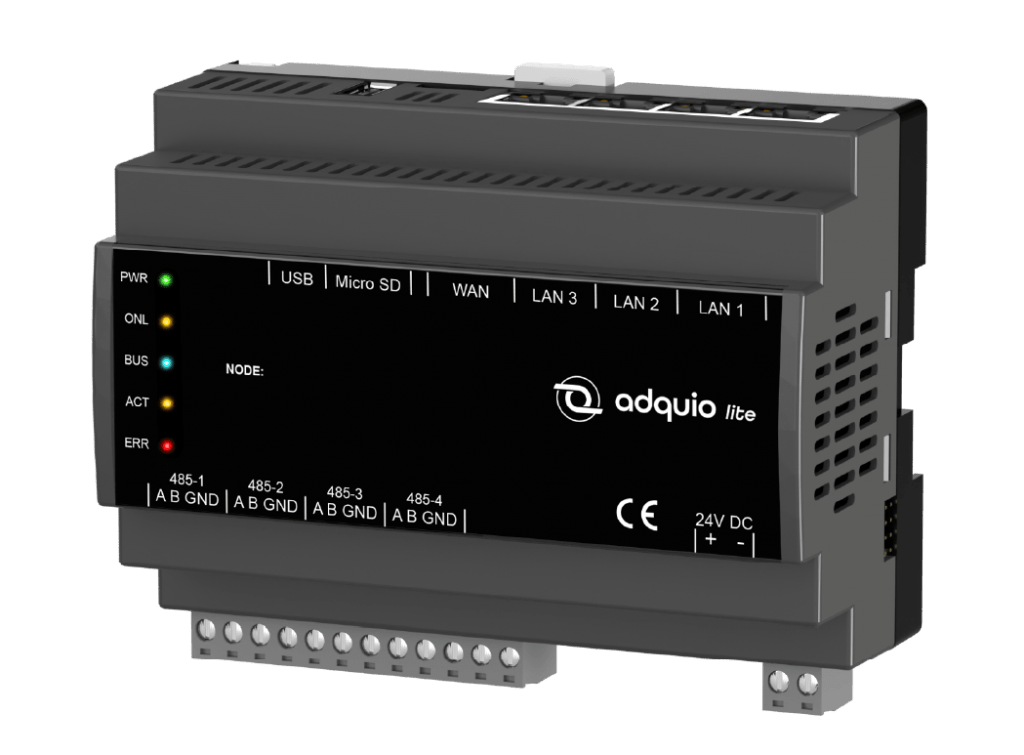
Adquio Lite
Where devices, protocols and decisions come together.
Connect
Bring devices and protocols together in a common architecture.
Program
Define control logic through a web interface.
Collect data
Turn signals and states into operational information.
Grow in stages
Combine controllers and expansions to suit the project.
Five ways to bring Adquio to your project
The control software is the common foundation. The format, connections and resources vary to suit the work each installation needs to perform.
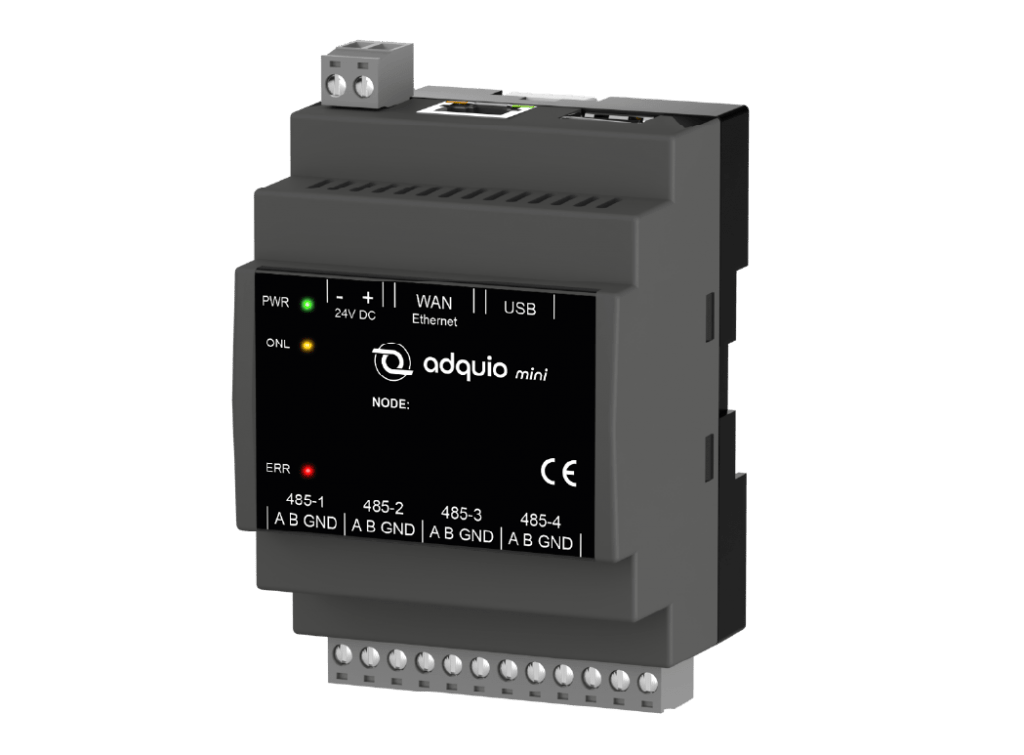
Compact integration
Adquio Mini
A DIN-rail controller for collecting field data, connecting devices and distributing control across zones.
4 RS-485 ports · Ethernet
When to choose it: For small and medium-sized installations, or as a node in an architecture with several Adquio controllers.
More connectivity in the control panel
Adquio Lite
Connect field buses and organise the local network with an expandable controller and integrated firewall.
4 RS-485 · 3 LAN + 1 WAN
When to choose it: For control panels that need to combine several buses and network connections with project-specific expansions.
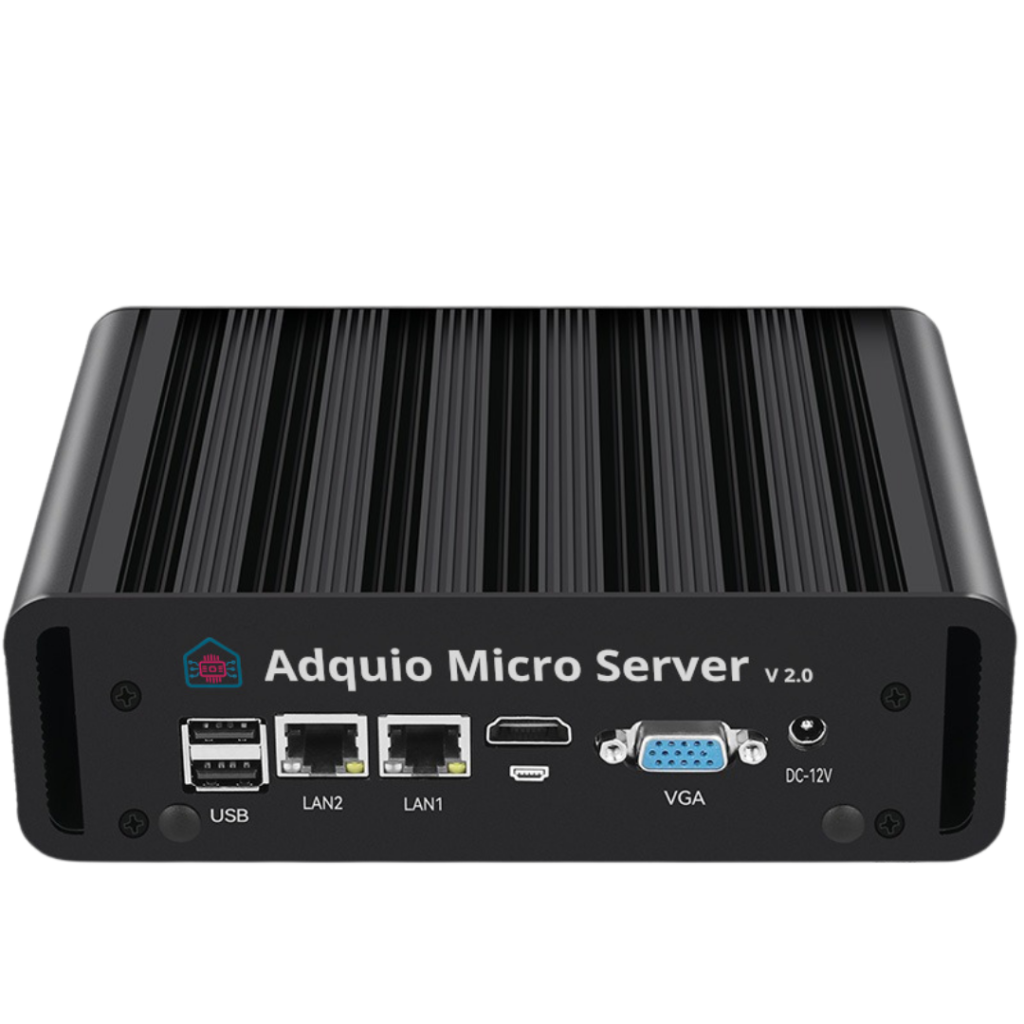
More resources in a compact format
Adquio Micro Server 2.0
The Adquio control environment in a compact device with more capacity to integrate the installation.
2 RS-485 · LAN and WAN Ethernet
When to choose it: For projects that need more resources without moving to a large-format server.

Large-scale control
Adquio Server
Centralise variables and communications across large installations and coordinate distributed controllers.
Ethernet protocols · Project-sized resources
When to choose it: For infrastructure with many devices and data volumes that require project-specific sizing.

Your virtual controller
Adquio Link
Run Adquio logic in the cloud, integrate online services and centralise data from several controllers.
Cloud software · No dedicated local hardware
When to choose it: For network-accessible data sources and projects that send data to Adquio Cloud BMS, Adquio SCADA or Analytics.
Choose for the installation, not just its size
Review the number of devices and variables you need to integrate, the available buses, the update frequency and how the project will grow. This comparison provides guidance; final sizing is based on actual requirements.
| Model | Focus | Connectivity / deployment | A good starting point when… |
|---|---|---|---|
| Adquio Mini | Compact integration | 4 RS-485 ports · Ethernet | For small and medium-sized installations, or as a node in an architecture with several Adquio controllers. |
| Adquio Lite | More connectivity in the control panel | 4 RS-485 · 3 LAN + 1 WAN | For control panels that need to combine several buses and network connections with project-specific expansions. |
| Adquio Micro Server 2.0 | More resources in a compact format | 2 RS-485 · LAN and WAN Ethernet | For projects that need more resources without moving to a large-format server. |
| Adquio Server | Large-scale control | Ethernet protocols · Project-sized resources | For infrastructure with many devices and data volumes that require project-specific sizing. |
| Adquio Link | Your virtual controller | Cloud software · No dedicated local hardware | For network-accessible data sources and projects that send data to Adquio Cloud BMS, Adquio SCADA or Analytics. |
Physical connections depend on the model. Integrations require compatible devices and the appropriate configuration.
One approach to programming, integration and growth
The range shares a common approach: connect field devices, execute the logic and make data available to the interfaces that need it.
JavaScript logic
Program rules, scenes, schedules and event responses through Adquio’s web environment.
Local or remote programming
Access the controller’s interface. With Adquio Nexus, connect a person to a remote device to manage it.
Distributed control
Share variables between controllers and distribute integration across control panels, floors or zones. Adquio Bridge connects two remote devices.
Inputs and outputs to suit your project
Add the expansions and modules your control panel requires, and the probes that provide the measurements your project needs.
Data ready for operation
Send variables to screens, Adquio SCADA, Adquio Cloud BMS and Adquio Analytics for use in day-to-day operation.
Hardware and software with clear roles
Adquio Micro Server is a hardware device. Adquio SCADA Server is the supervision software that can run on hardware sized for that task.
From sensor to screen, with the controller at the centre
An architecture can start in one zone and extend across several buildings. Each layer has a role and connects with the others.
01 · FIELD

Measure and communicate
Probes, devices and signals from the installation. Bus devices are integrated using their parameters and variables.
02 · CONTROL
Collect, decide and act
The controller executes the logic. Expansions add inputs and outputs when the project needs them.
03 · INFORMATION

Visualise and operate
Screens and platforms turn those variables into controls, trends, alarms and dashboards.
Connect existing systems and open up new possibilities
Compatibility is built around the right controller, the available interfaces and, where needed, a dedicated gateway.
Modbus and BACnet
Bus and IP integration
Models with RS-485 connect compatible Modbus RTU and BACnet MS/TP devices. Network interfaces enable IP systems to be integrated according to the project configuration.
Casambi
All networks, one system
Consolidate Casambi networks and control them through Adquio interfaces. Combine their automation with manual control and reactivate automation whenever you need it.
KNX
A dedicated gateway
With Adquio KNX Gateway, connect your KNX installation to the Adquio ecosystem. The gateway is an additional component, rather than a KNX port built into the controller.
Matter
Another way to extend integration
Add Adquio MatterLink to integrate Matter devices. For example, use Matter switches to control Casambi devices, groups or scenes.
You can also integrate software through Adquio.API, extend the design with MQTT and DALI integrations according to the devices available, and explore other connections in the open protocols.
Control and energy in the same architecture
Integration goes beyond switching devices on or off. It can also help you understand how energy is used in the installation.

ADQUIO POWERTRACE FOR CASAMBI
Put lighting data to new use
Get virtual energy metering by luminaire, group or zone without adding a physical meter to every circuit. Bring that information into your control interfaces and dashboards.
The controller is the beginning. The ecosystem extends its reach.
Choose the platform for the job you want to do: technical supervision, dashboards, operation or managing multiple installations.
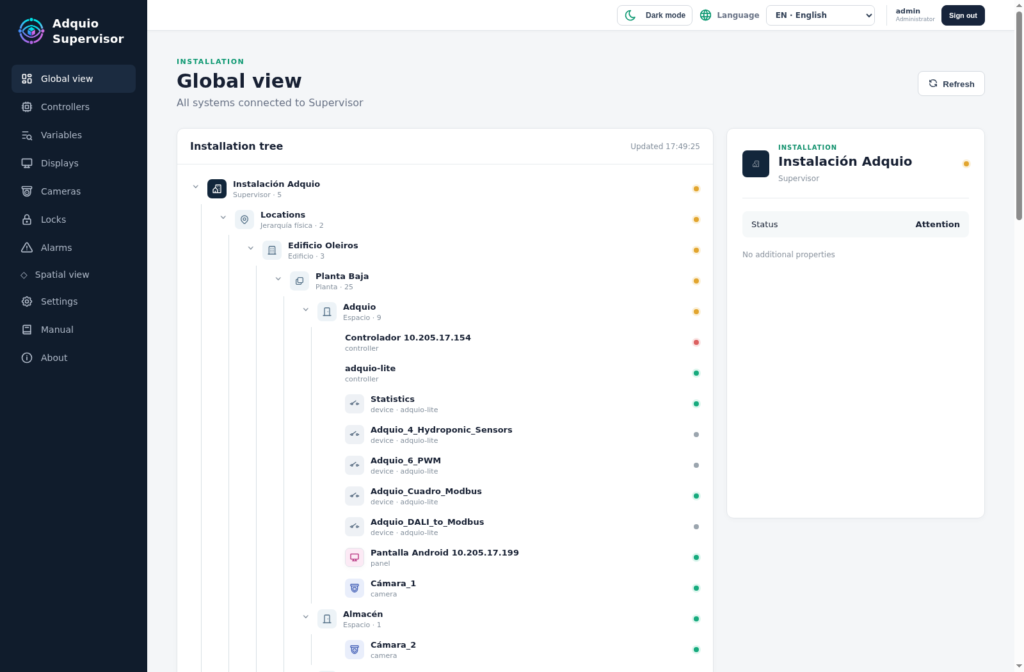
Adquio Supervisor
Supervise the technical status of devices across the ecosystem and access them from a centralised view.
Adquio Analytics
Build dashboards to analyse trends, compare data and track installation indicators.

Adquio SCADA
Operate through control interfaces. Choose Adquio SCADA Server or Adquio SCADA Cloud to suit the deployment.
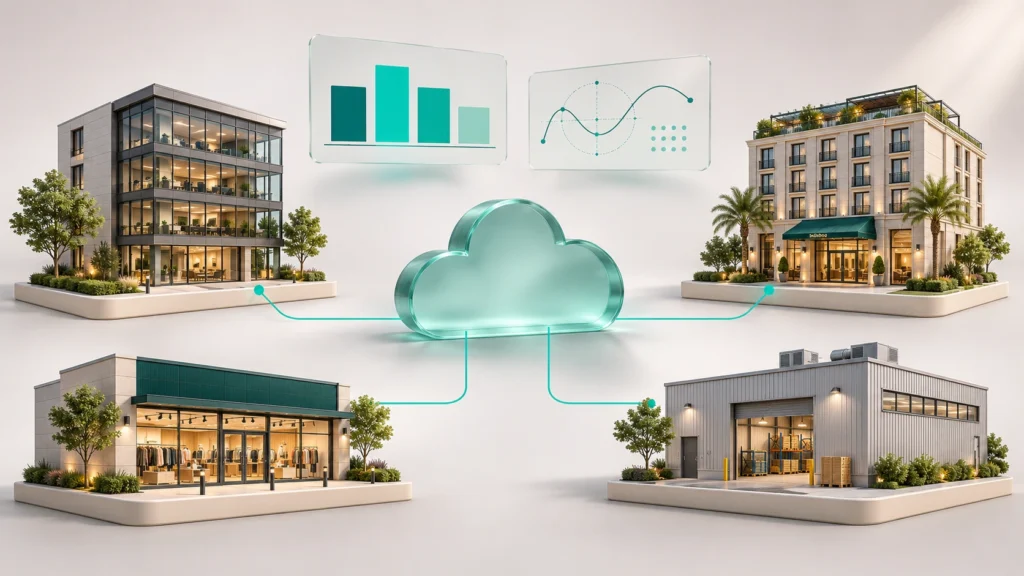
Adquio Cloud BMS
Manage multiple installations, compare data across sites and use advanced formulas for your calculations.
Documentation for design and commissioning
See each model’s product page for its connections and specifications. Complete your project with commercial brochures, datasheets and training.
LET’S DESIGN YOUR STARTING POINT
Your installation has its own requirements. So does your controller.
Tell us which devices you need to connect, which signals you will control and how you want to use the data. We will help you choose the right model and architecture.
