
ADQUIO BUILDING OS · PRODUCTS
Software and connectivity for every building task.
Access remote equipment, connect applications, adapt spaces and make use of your data. Find the right tool for the task.
CHOOSE BY THE TASK YOU NEED TO DO
01
Access and communicate
02
Integrate and control
03
Build interfaces and automate
04
Analyse and monitor
01
Remote access and communication
Access a site, connect two devices or work remotely with the Casambi app.
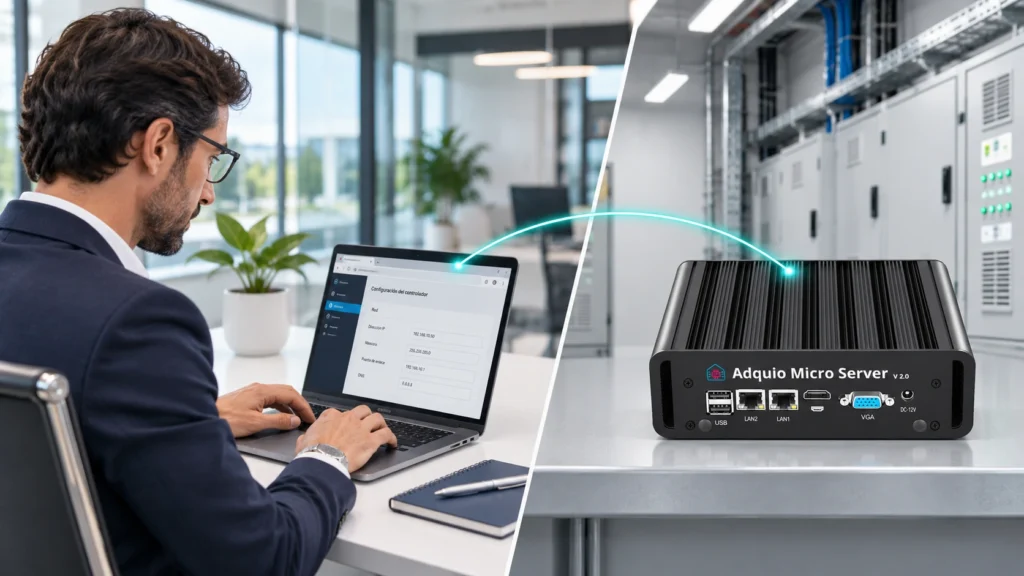
Person → device
Connect authorised users to a remote device interface for operation and technical support.
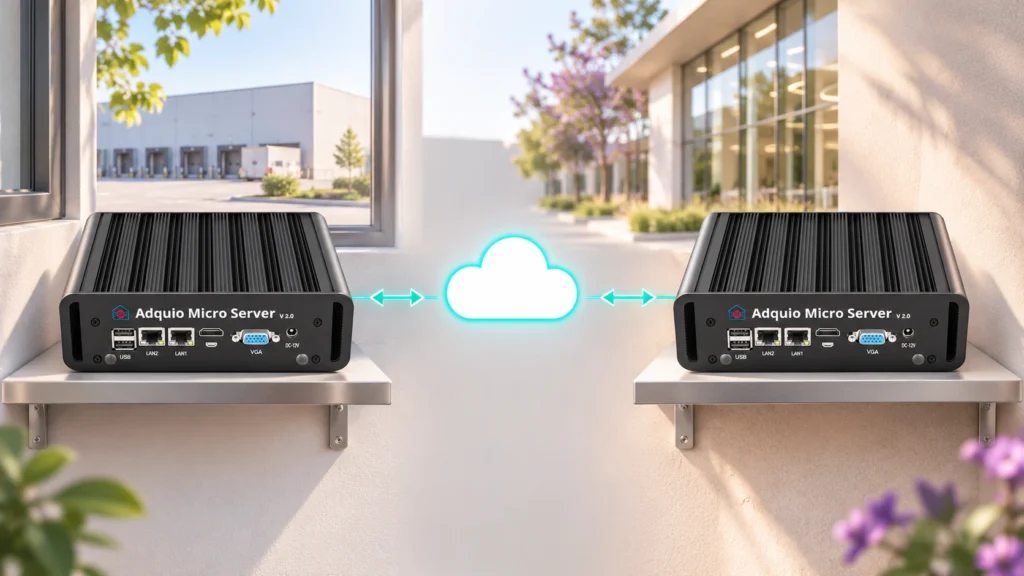
Device ↔ device
Link two devices through a remote connection, such as a controller and a server in the project.
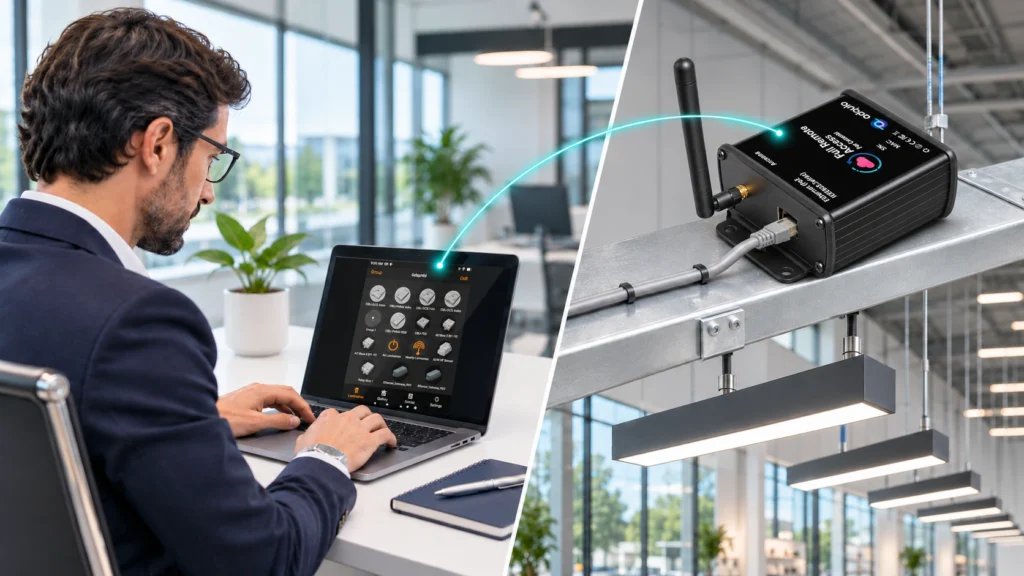
Casambi app
Remote access to the Casambi app for configuring and maintaining compatible networks without travelling to the site.
02
Integration and control
Connect external software to the installation or centralise data and automation with a virtual controller.
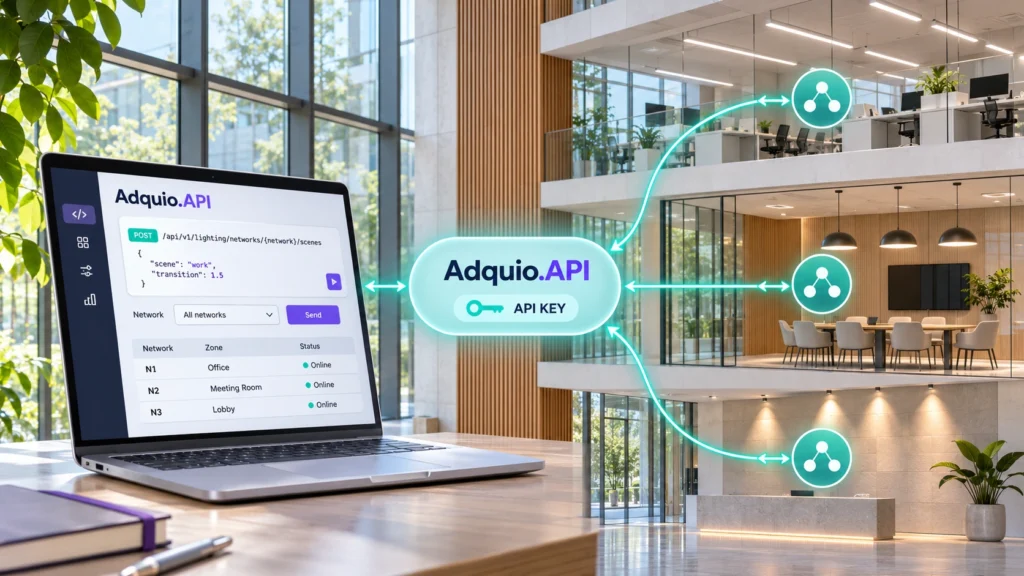
Integration
Integrate data and actions with external software. For Casambi, one API key provides access to all the networks in the same installation.
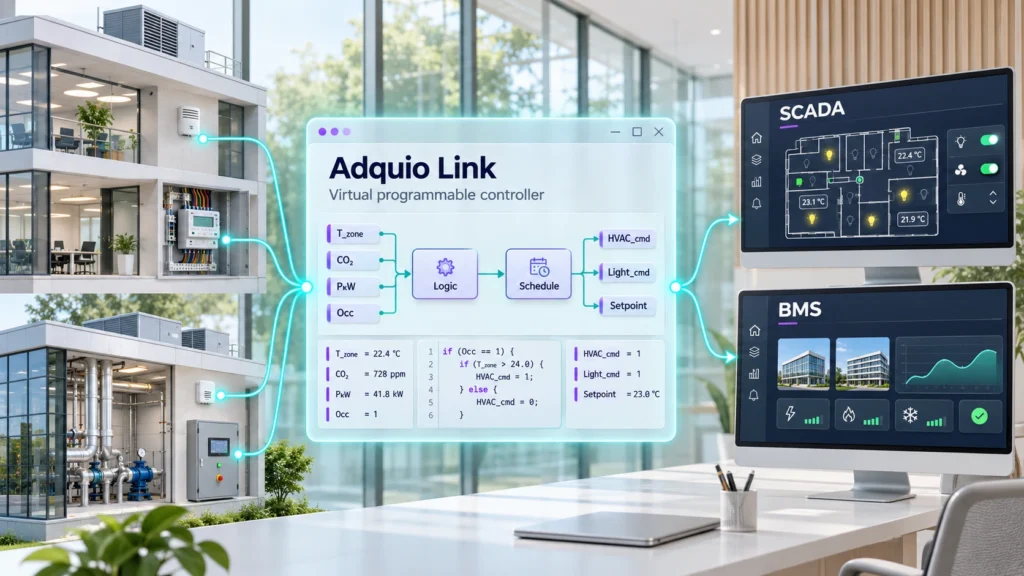
Virtual control
A virtual programmable controller for data sources accessible over a network, and for consolidating data from several controllers into Adquio platforms.
03
Interfaces and applications
Build control interfaces, adapt scenes to your spaces and use a compatible touchscreen’s camera as a video source.
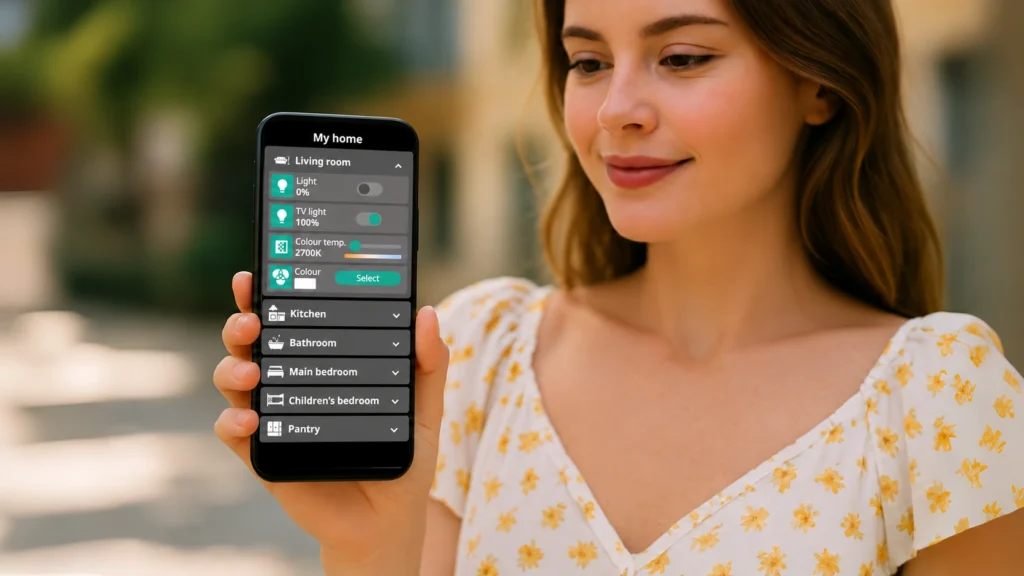
Interfaces
Build web and mobile interfaces without code, using controls, schedules and charts connected to Adquio.API.
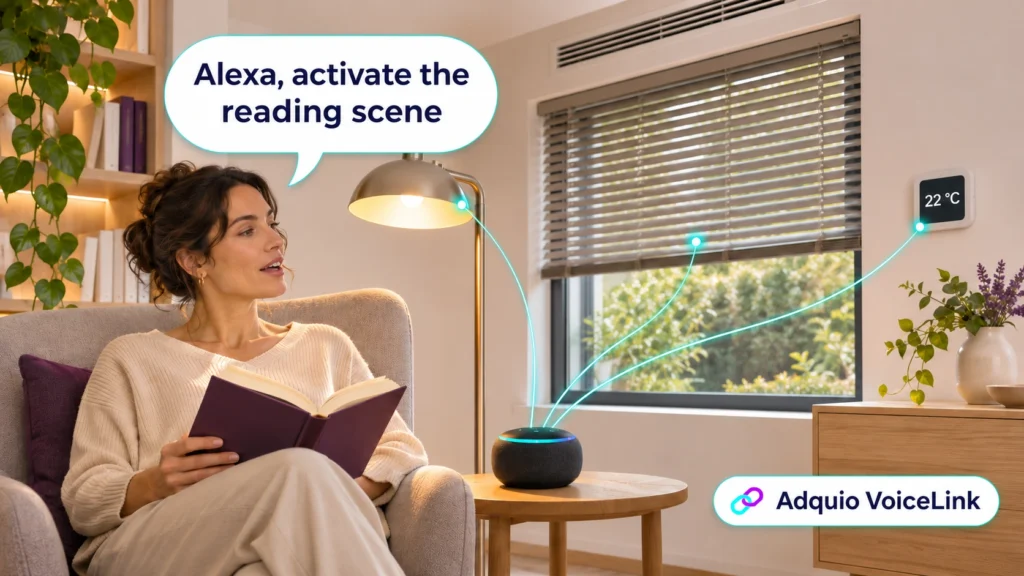
Voice
Use voice commands for the lighting, climate, blinds and scene functions managed by Adquio.
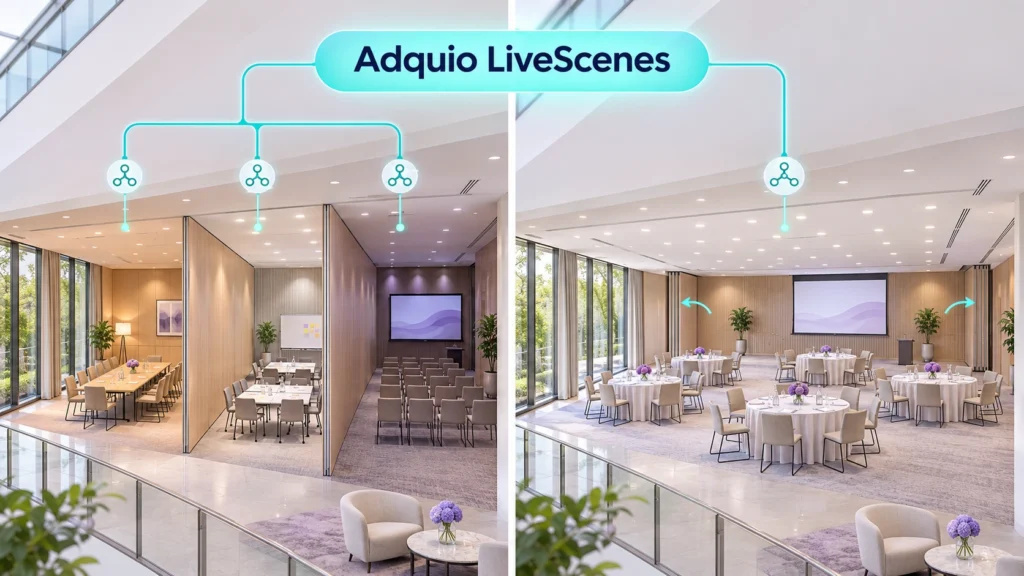
Automation
Adapt Casambi scenes to movable partition positions: separate spaces with independent scenes, or one combined room with coordinated lighting.
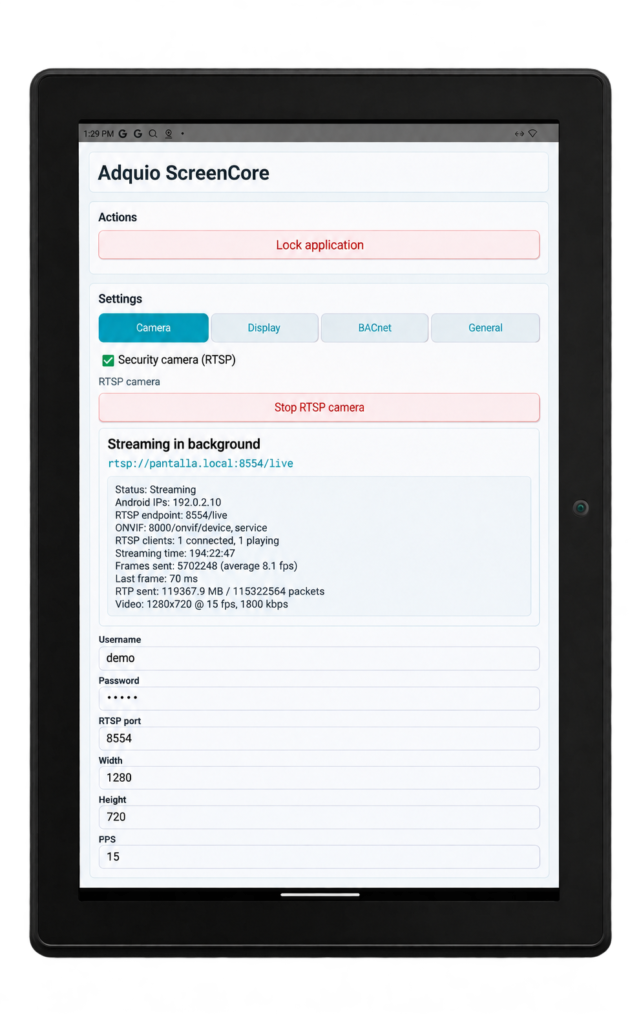
VIDEO FROM THE TOUCHSCREEN
Use the camera of a compatible Android touchscreen as an RTSP source for VisionCore while keeping its usual control interface.
04
Data and monitoring
Estimate lighting energy, interpret data and check the health of your infrastructure. These distinct functions complement each other.

Energy
Estimate power and energy from lighting activity and the electrical characteristics of the luminaire drivers, without adding a meter to every light.
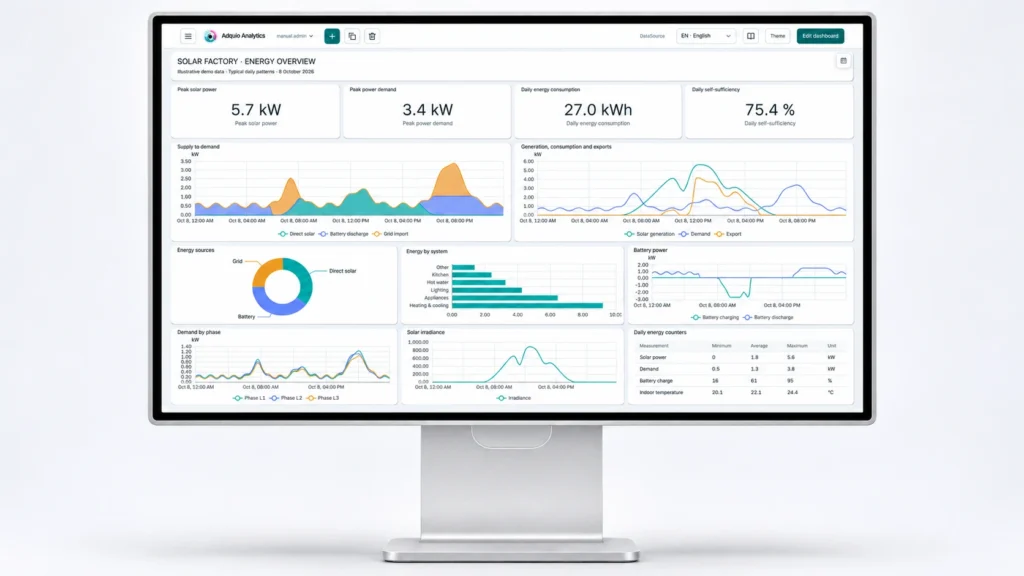
Data
Custom dashboards for interpreting energy, comfort and operational data. Developed entirely by Adquio.
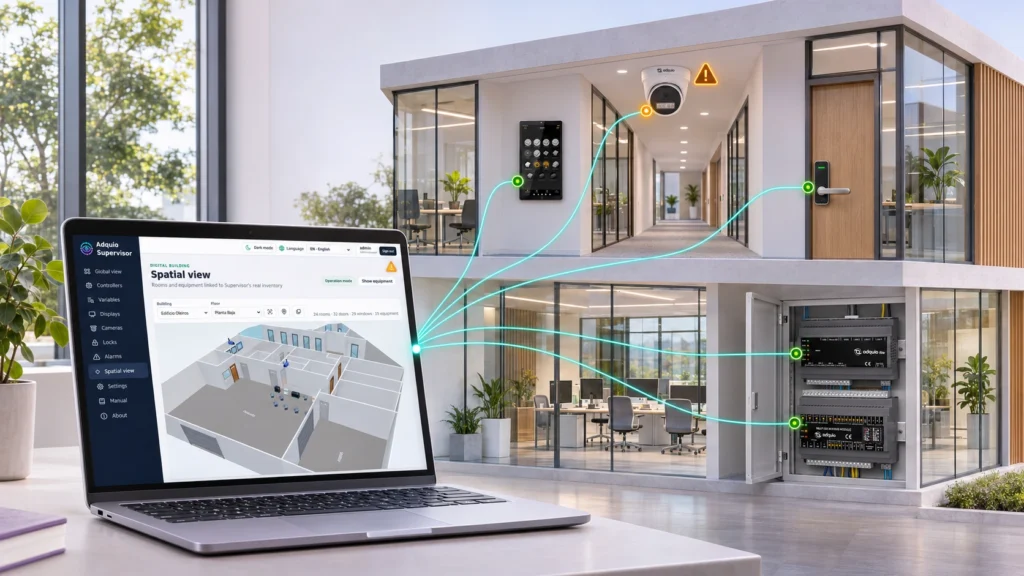
Monitoring
Monitor controllers, expansion modules, touchscreens, cameras and locks. Locate alerts and access available device interfaces from one organised view.
Need to visualise and control an installation or manage several buildings? Explore the SCADA and BMS platforms.
05
Resources to prepare your project
Detailed documentation is available on each product page. Restricted courses and manuals retain their access requirements.
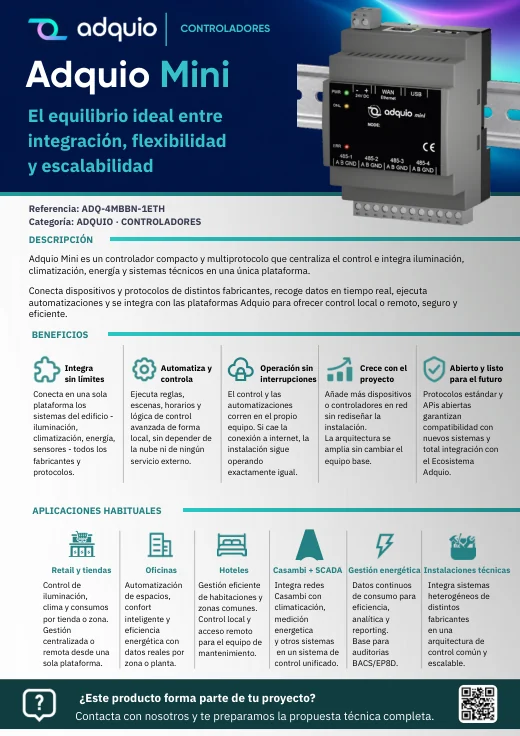
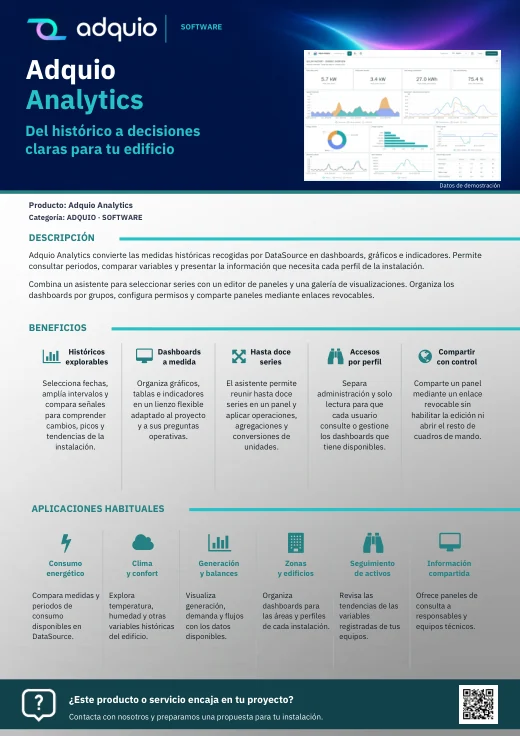
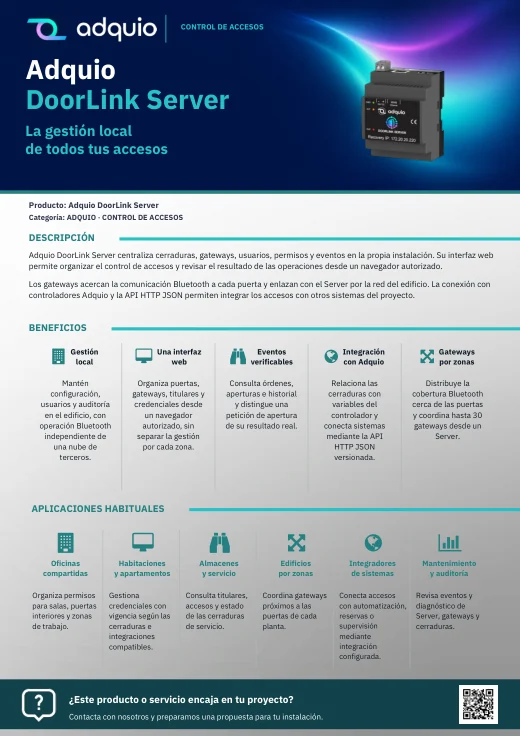
Benefits, applications and commercial documentation organised by product family.
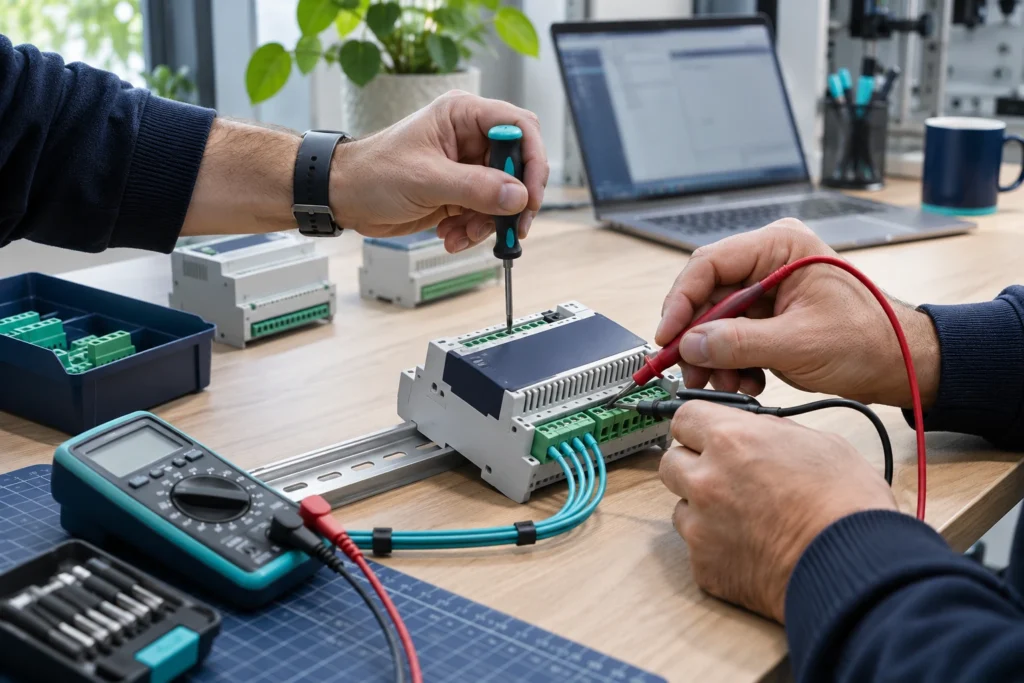

FROM CONCEPT TO INSTALLATION
Let’s talk about what your project needs.
Tell us what is installed, what you want to connect and who will use it. We will help you define an Adquio architecture suited to your project.
← Adquio Building OS products: hardware, software and connectivity
