
RESOURCES · ADQUIO BUILDING OS
The right resource for every stage of your project.
Browse brochures and datasheets, access training and find manuals, tools and articles to design, integrate and operate Adquio installations.
Existing materials, organised to help you find what you need.
DOCUMENTATION FOR YOUR PROJECT
RESOURCE LIBRARY
What do you need to explore?
Choose the type of material. Each link takes you to the existing library, course or tool, where you will find the available information and downloads.
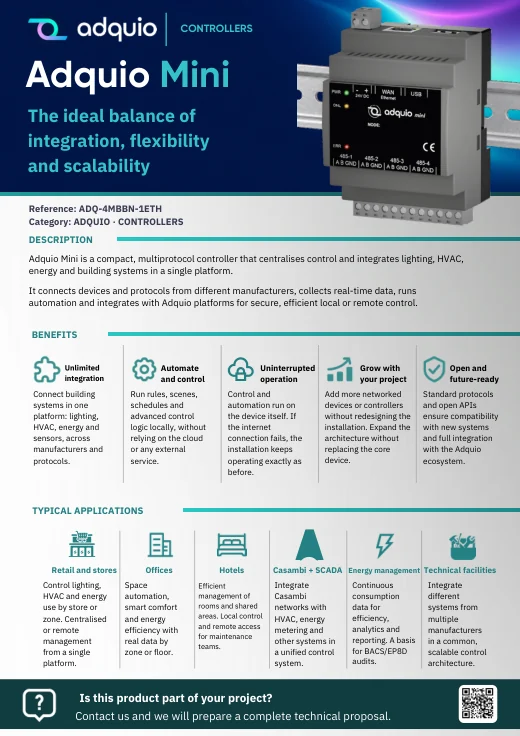
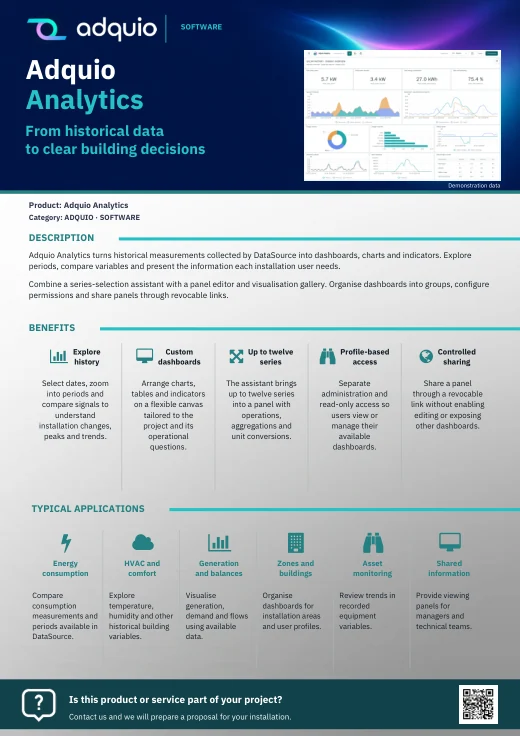
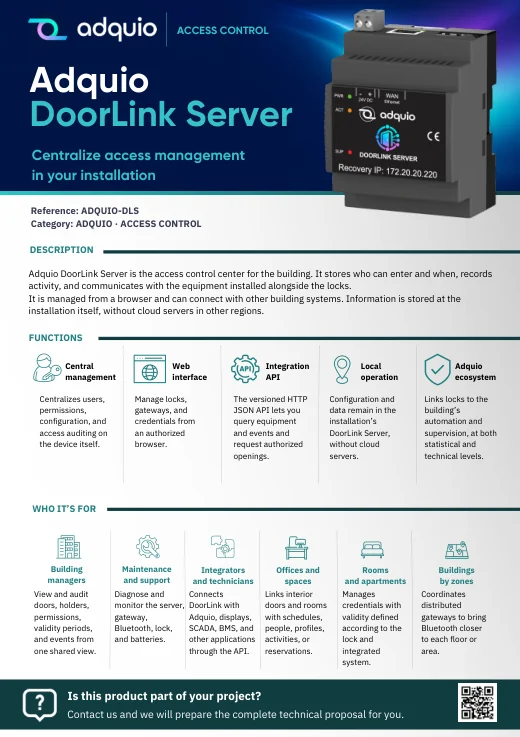
Benefits, applications and an introduction to our products and services. A library organised by category, with a complete ZIP download.
PDF brochures
Specifications, connections and technical documentation for the equipment.
Technical documentation
Manuals for controllers, Adquio SCADA, Adquio Cloud BMS and interface creation.
Manuals
Courses and learning materials, subject to the access conditions of each course.
Courses and videos
Guides and JSON files for integrating equipment and preparing its variables in Adquio.
Configuration and JSON
Tools for preparing data and simplifying integration and commissioning tasks.
Web tools
Practical explanations of products, protocols, data and building operations.
Blog
Published projects describing their challenge, solution and integration experience.
Real projects
GETTING STARTED
Three resources to help you take the next step.
A library to present the solutions, a comparison to help you choose a platform and a tool to prepare an integration.
Commercial brochures
Commercial brochure library
Explore materials by category, download the brochure you need or save the complete English collection.
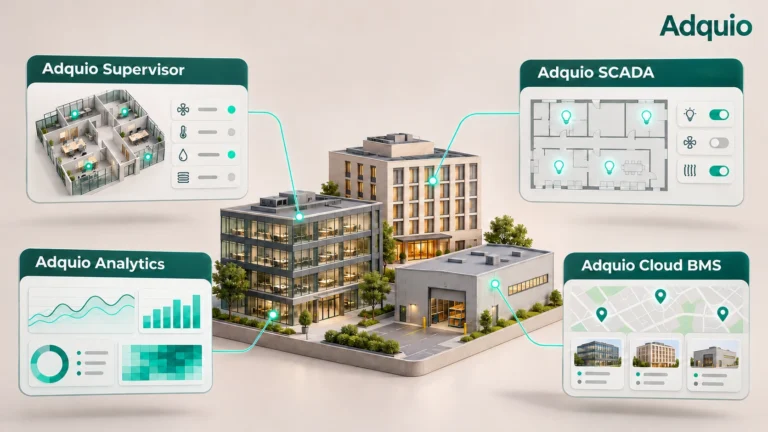
Platform comparison
Supervisor, Analytics, SCADA and Adquio Cloud BMS: what each solution offers and how to combine them
Discover the roles of Supervisor, Analytics, Adquio SCADA and Adquio Cloud BMS, and how they can complement each other.
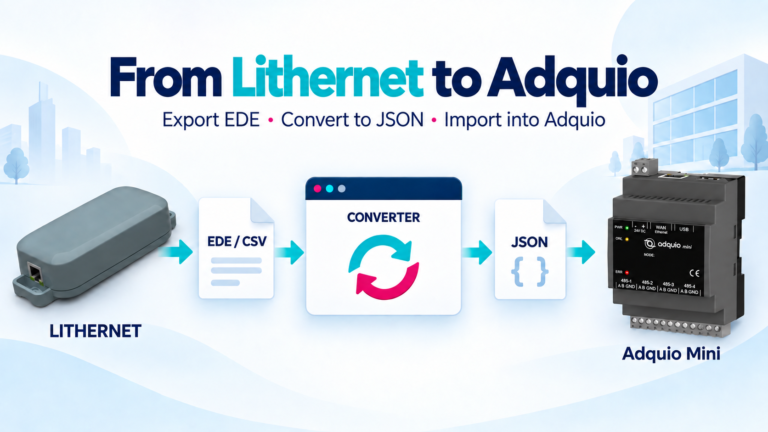
Integration tool
Lithernet EDE to Adquio JSON converter
Convert the EDE/CSV downloaded from Lithernet into JSON for Adquio. Upload the file, review the data and download the result.
TECHNICAL REFERENCE
Manuals for working with the ecosystem.
Access documentation through its reference pages. Some manuals and courses require you to sign in; each link retains its existing access conditions.
Adquio reference manual
Explore the operation and configuration of the control environment.
Adquio SCADA Server and Cloud manual
Documentation to understand visualisation and control with Adquio SCADA.
Adquio Cloud BMS manual
A reference for working with the facility management platform.
Creating HMIs with Adquio Screen
A manual for designing control interfaces for Adquio screens.
Prefer learning through a course? Explore the technical training or access the Casambi integration course with Adquio.
RECOMMENDED READING
Published content to explore further.
A selection of articles and projects to help you understand Adquio’s capabilities and plan new integrations.

Protocols and integration
The protocols connecting Adquio Building OS
A guide to the protocols, gateways and layers of the Adquio ecosystem.
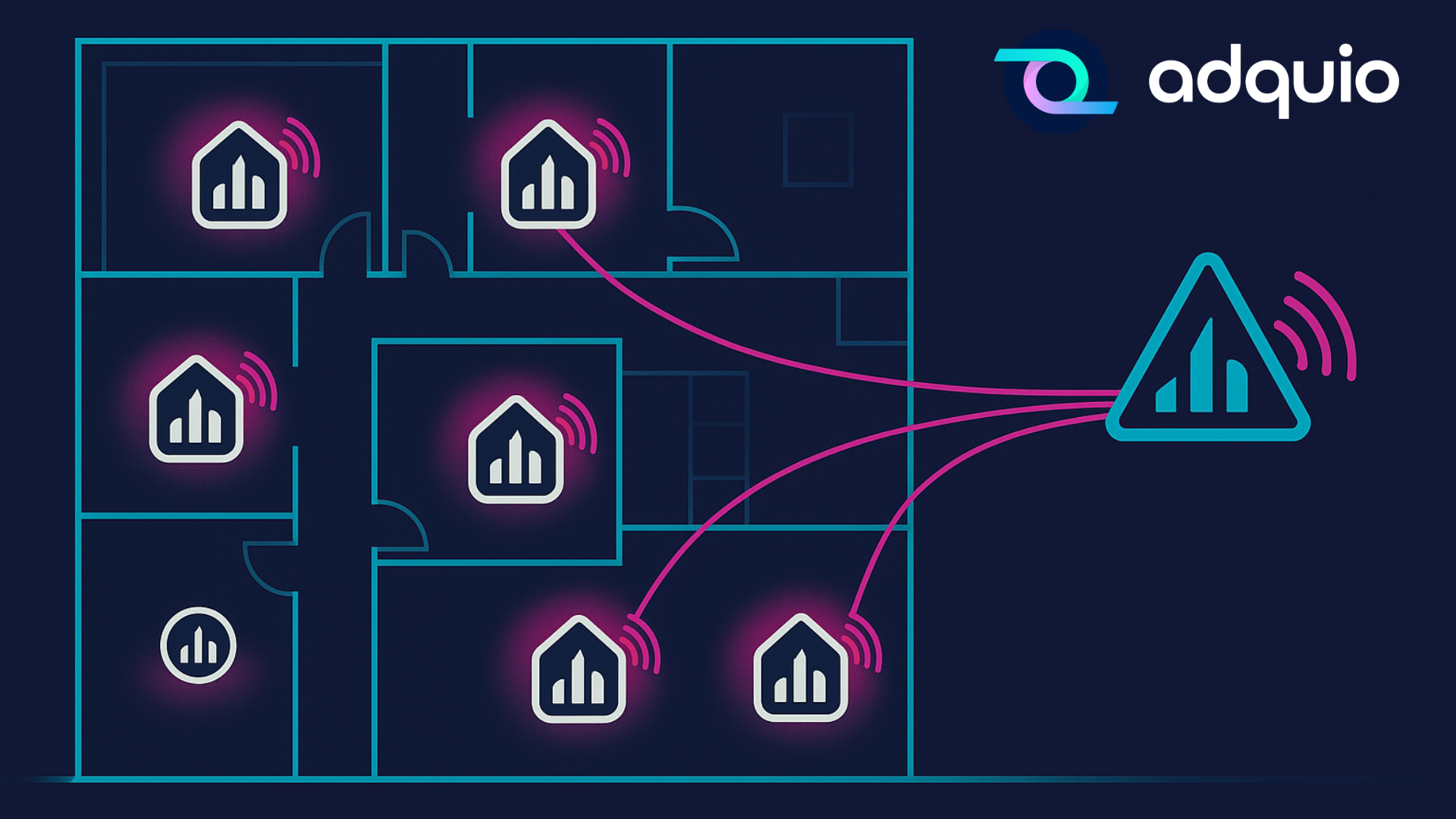
Energy measurement
When zoned metering is no longer a luxury: PowerTrace makes it possible
How PowerTrace provides zoned consumption information for Casambi lighting.
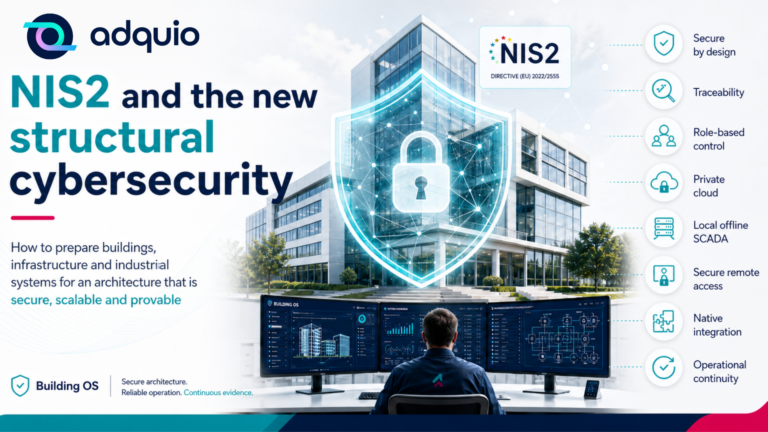
Cybersecurity
NIS2: the new European regulation redefining cybersecurity in building management
An introduction to NIS2 and its relationship with connected building management.
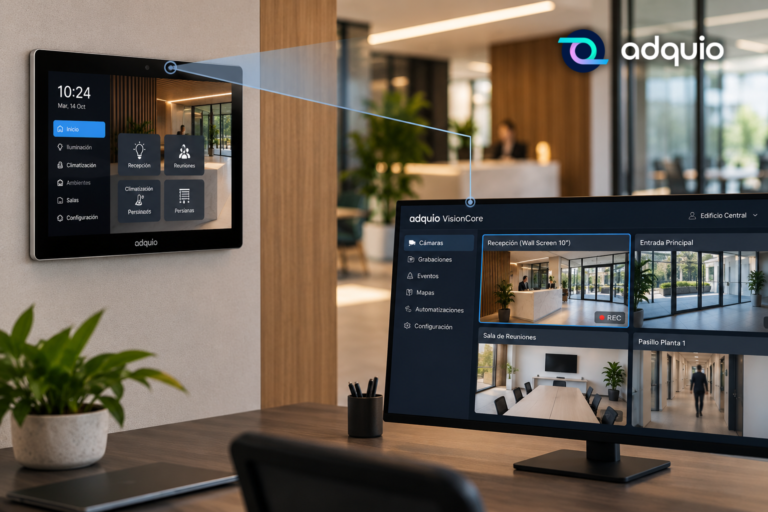
Video and interfaces
Your Adquio screen has eyes. Discover everything it can do with VisionCore.
How compatible screens can provide video to Adquio VisionCore.

Monitoring and maintenance
Your building, one click away: access your devices with Adquio Supervisor
From equipment status to access to its available interfaces and functions.

Success story
From LED to data: how to measure and manage a smart parking lot
Lighting, monitoring and energy data in a three-level car park.
WHEN YOU NEED SUPPORT
Need guidance for your project?
Resources help you move forward. If you need to resolve a technical question or define an integration, contact the team or explore the support options.
