
NEW · ADQUIO SOFTWARE
Adquio RTSP Camera
Your touchscreen controls the building. Its camera can provide video too.
Use the integrated camera of a compatible Android touchscreen as an RTSP video source for Adquio VisionCore, while the touchscreen continues displaying its usual control interface.
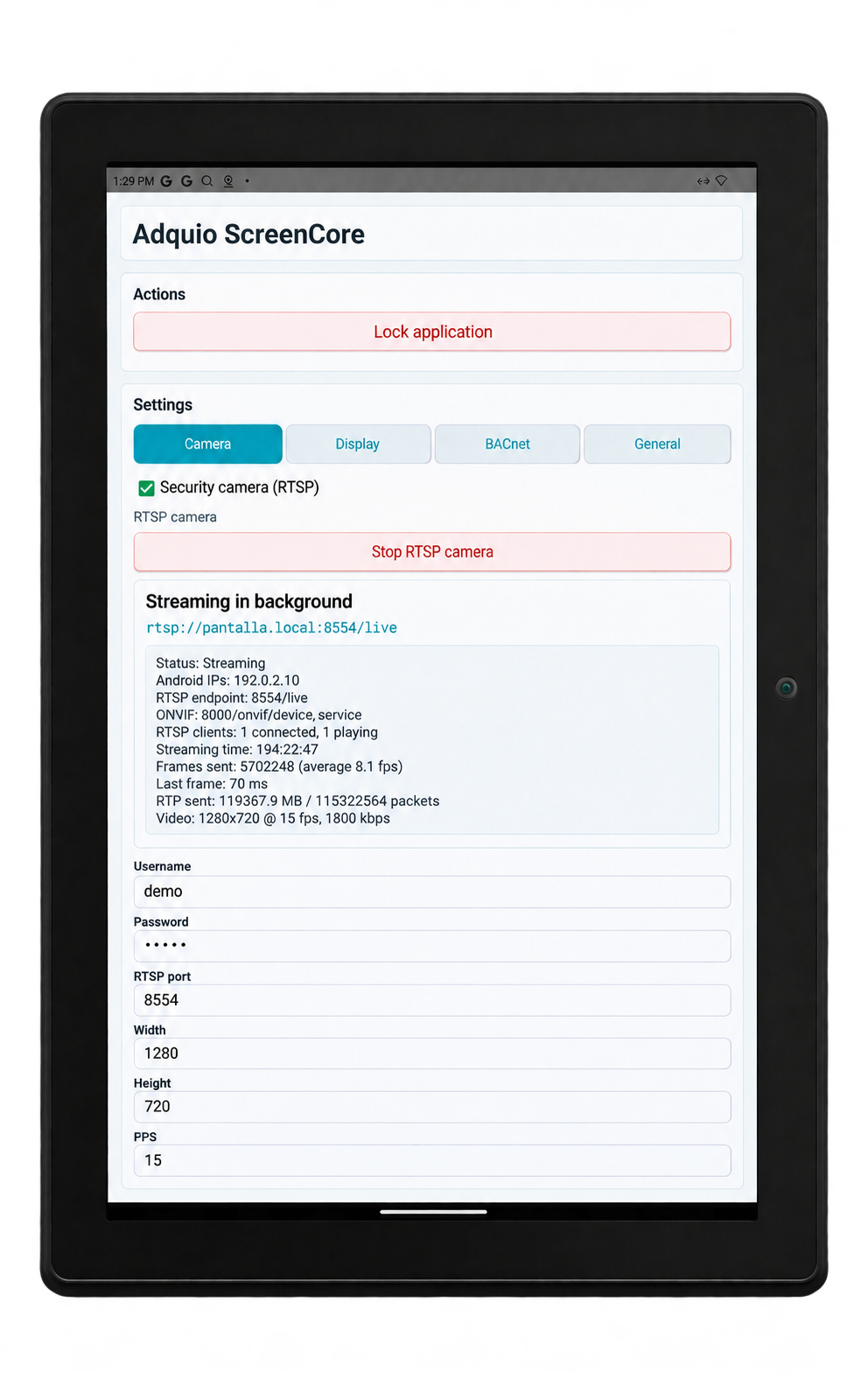
Adquio Wall Screen 10″ in portrait · RTSP camera settings.
Click the image to enlarge it.
01
Two functions in one device
Adquio RTSP Camera provides the video source. VisionCore brings it together with the installation’s other cameras.
SIMULTANEOUS USE
The application can stream from the device’s accessible camera while the touchscreen continues running other control applications.
VIDEO INTEGRATION
Add the compatible stream to the video platform to view it alongside IP cameras and organise layouts for each monitoring workstation.
SHARED HARDWARE
Add a viewing point from a camera-equipped touchscreen when the device and its location suit the area you need to monitor.
02
From the touchscreen to building monitoring
The touchscreen supplies images over the network. Centralised viewing, recordings, permissions and analysis functions are managed in VisionCore according to the project configuration.
01
Android touchscreen with an accessible camera
02
Adquio RTSP Camera streams video
03
VisionCore organises and displays the source
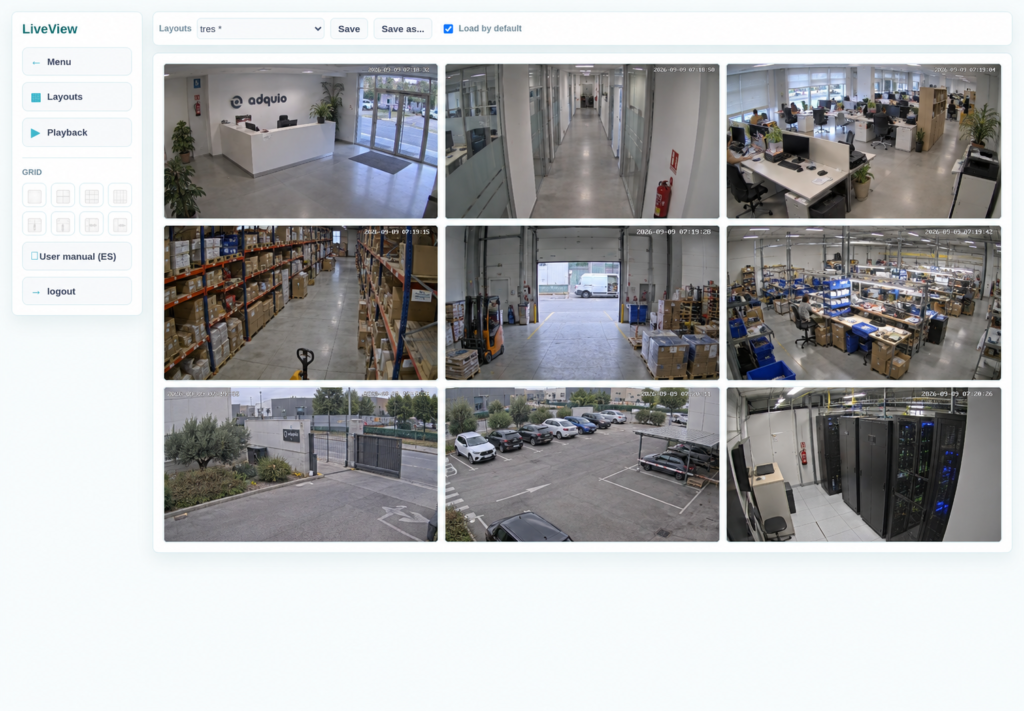
Actual Adquio VisionCore interface. RTSP Camera provides a video source for this platform.
03
Get more value from camera-equipped touchscreens
This function can be used on compatible models and versions in the range. Having Android alone does not guarantee that a touchscreen has a camera or that the application can access it.
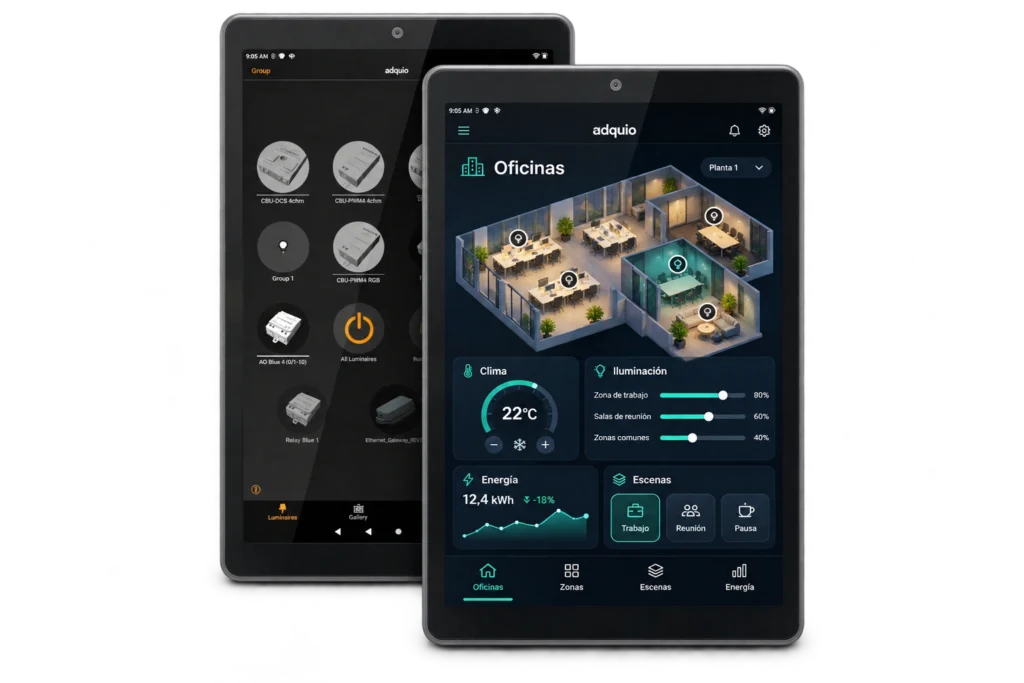
COMPATIBLE CAMERA-EQUIPPED VERSION
Check the camera-equipped version and confirm that Android allows the application to use the camera while the control interface is running.
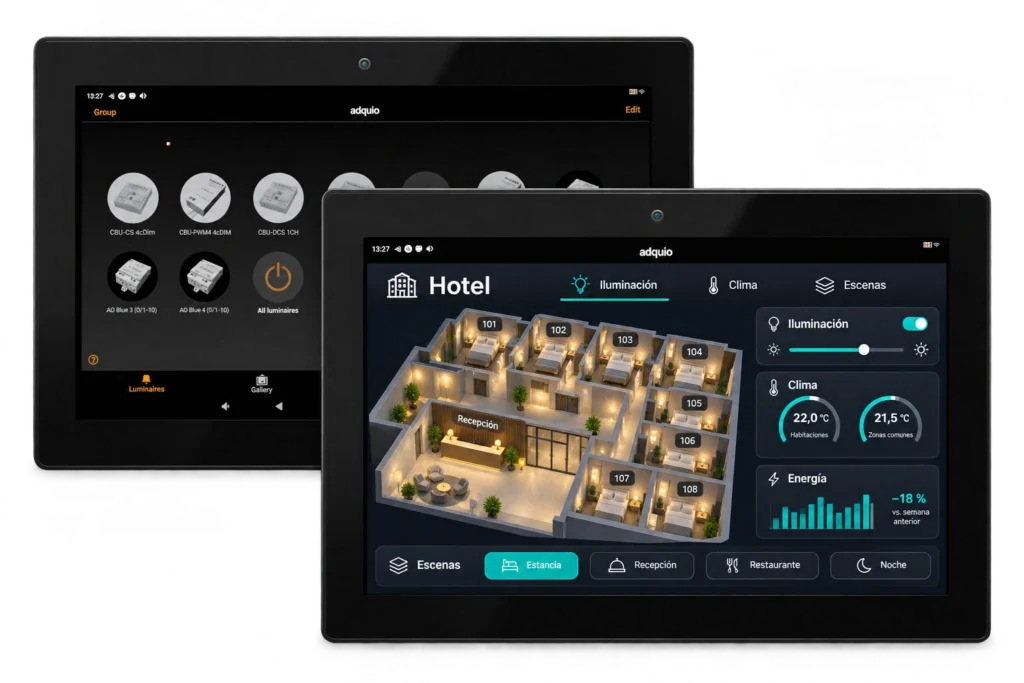
COMPATIBLE CAMERA-EQUIPPED VERSION
Check the camera-equipped version and confirm that Android allows the application to use the camera while the control interface is running.
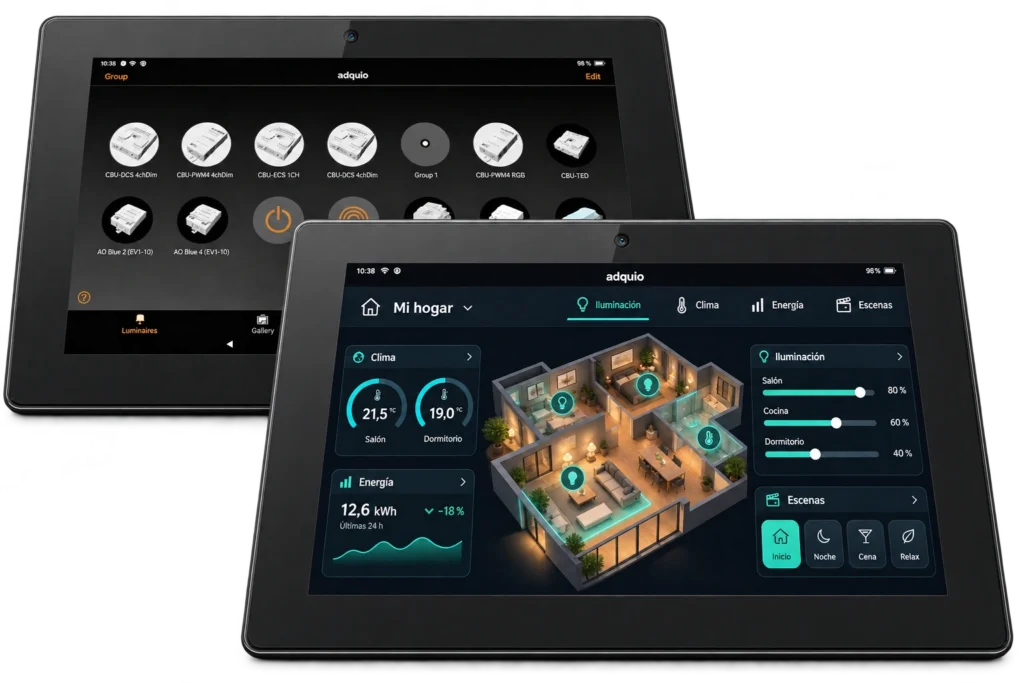
COMPATIBLE CAMERA-EQUIPPED VERSION
Check the camera-equipped version and confirm that Android allows the application to use the camera while the control interface is running.
04
Plan integration for your installation
Check the device, network and intended use before adding its camera to your monitoring system.
You need a compatible Android touchscreen, an accessible camera and the application installed and configured for that device.
Plan connectivity between the touchscreen and VisionCore, together with the server and storage needed for viewing, recording and analysis.
Define who can view the source and when it should be enabled in VisionCore. Privacy functions can be requested from the controller and its interfaces.
Privacy functions govern the use of the camera in VisionCore. The controller can also request photos and show the result on a control touchscreen, SCADA or BMS interface. Learn how these actions are managed.
05
Make the most of your touchscreens
Tell us which model you have installed and which area you want to monitor. We will help you check compatibility and plan integration with VisionCore.
