
ADQUIO BUILDING OS · SECTORS
Car parks that respond to use. One control system for every network.
Automate lighting based on presence, take manual control when needed, and bring maps, energy and faults from every level into one system.
01
How it works: from the sensor to the decision
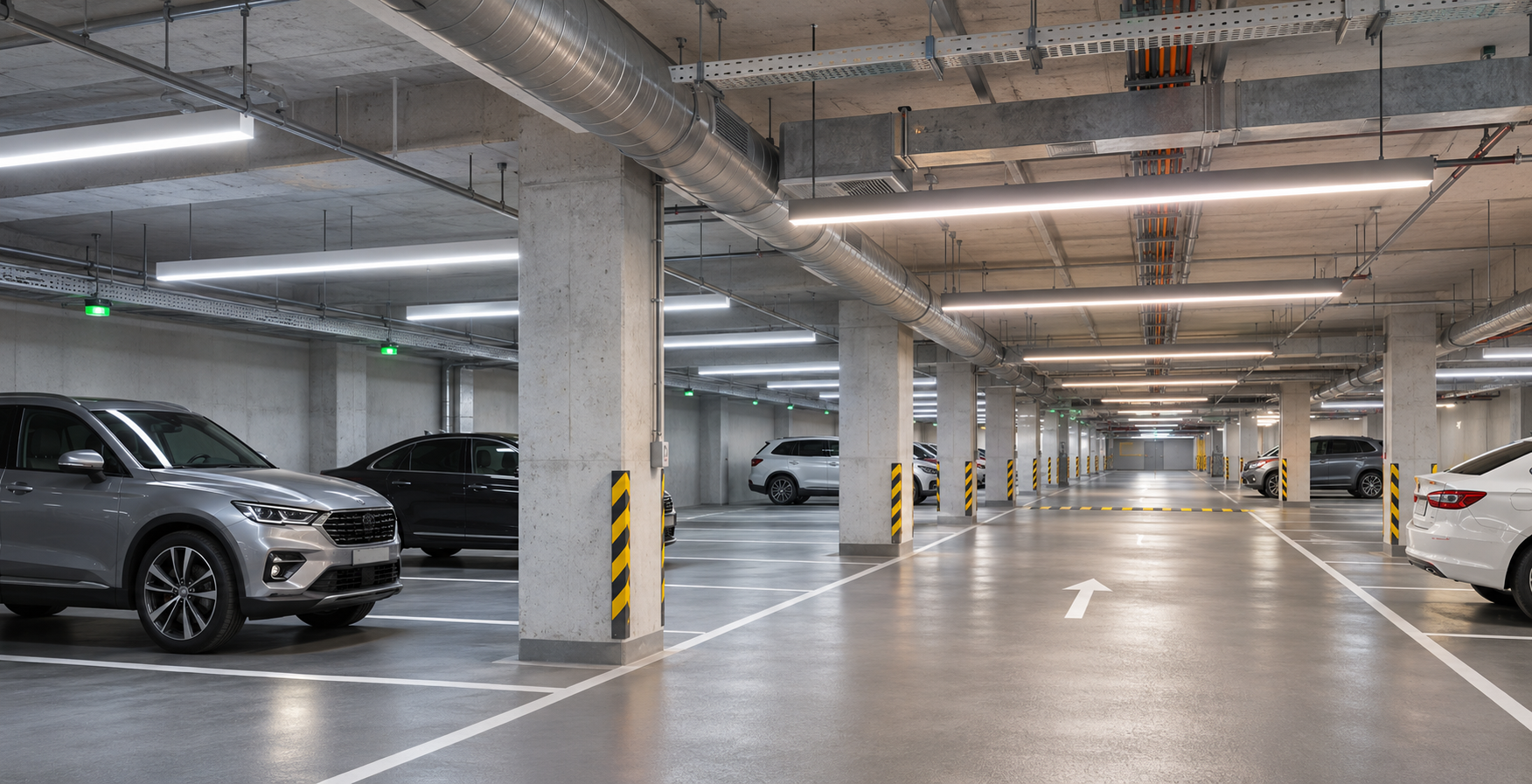
The aim is simple: light each area according to its use, retain manual control when needed, and understand what is happening before sending maintenance staff.
The sensors and luminaires in Casambi provide presence, levels, available status and schedules, organised by level and area.
The Lithernet gateway connects Casambi to the Adquio controller. These variables enable coordination of logic, commands and other compatible installations.
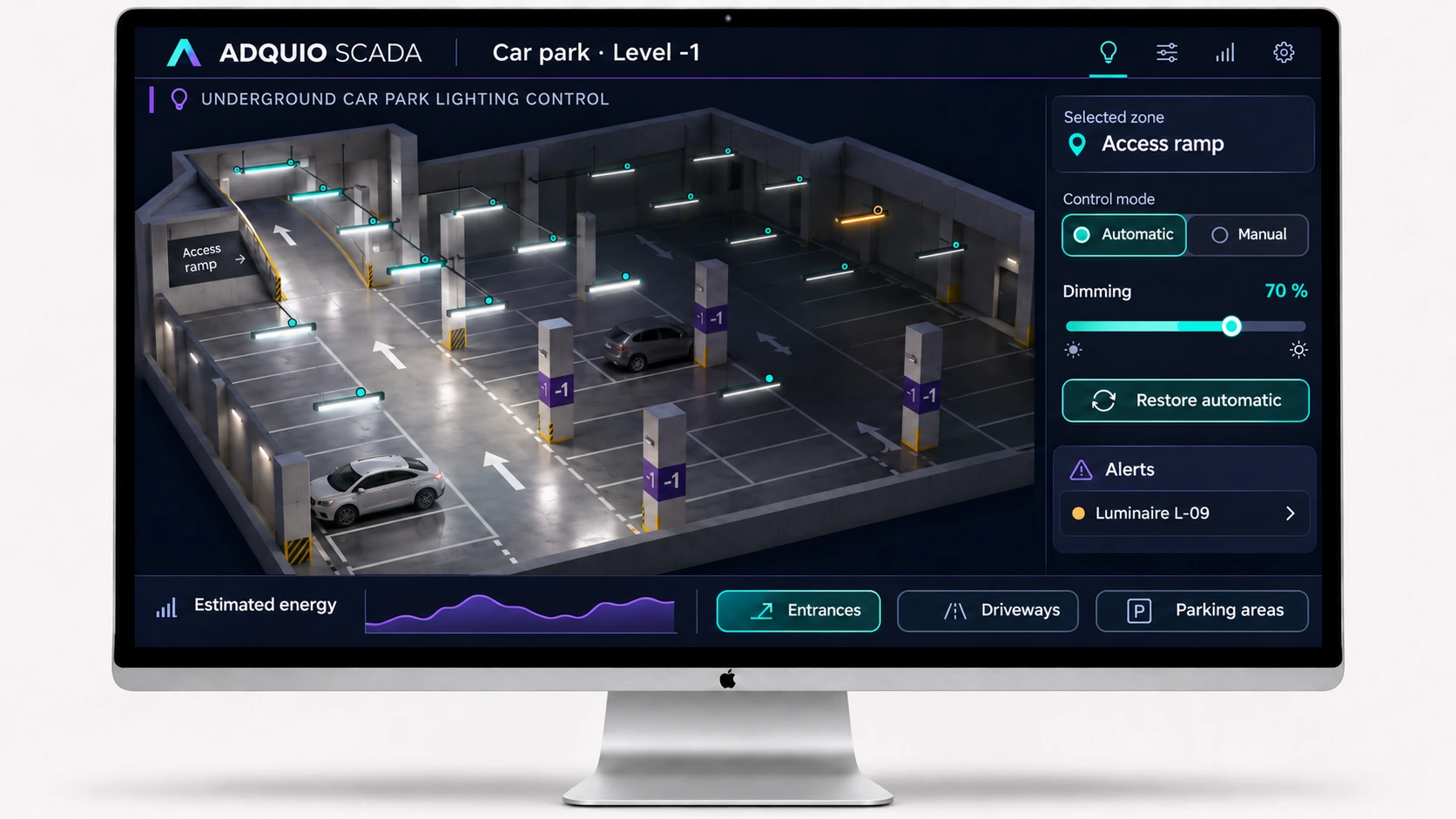
Adquio SCADA brings maps and controls together. PowerTrace provides energy estimates, and Analytics helps interpret the data.
Automation responds within the installation; monitoring shows status and lets operators send commands. Define control priorities and how automatic mode is restored.
02
Automatic when needed. Manual when you decide.
An efficient installation must also be easy to operate. Presence-based control and manual intervention need to work together under clear rules.
Automation based on presence and schedules
Casambi adapts the lighting on ramps, driveways and parking areas using sensors, groups and scenes. Standby and active levels are configured to maintain the visibility needed in each area.
Manual intervention alongside automation
From Adquio SCADA Server, a touchscreen or compatible controls, staff can operate an area for cleaning, inspection or an incident, using the control priorities defined for the project.
Restore automatic mode when you decide
After the intervention, an authorised command restores automation. The interface can display the applied mode so the team can distinguish an area under manual override from one responding to its sensors.
03
Connected lighting, technical systems and monitoring
Start with the main requirement and expand integration using the equipment and data available in the car park. If you use DALI, Modbus, BACnet, KNX or MQTT, choose the appropriate gateways and components for your integration across protocols.
Every network in one view
Organise lighting by level, ramp and area. Operators work with spaces even when several Casambi networks are involved.
Ventilation and environmental data
Integrate values and status from compatible sensors or ventilation systems to view and coordinate them within the project, while retaining their required safety functions.
Equipment and auxiliary systems
Integrate pumps, electrical panels, meters and other equipment through their protocols and the required inputs and outputs. Make use of infrastructure that can communicate.
Video that adds context
Adquio VisionCore lets authorised users view images and use compatible events as variables for alerts or automation.
Faults with a location
Adquio Supervisor helps locate equipment, check its status and guide diagnosis before a visit.
Support without travelling for every adjustment
For remote access to the local SCADA Server or controller, use Adquio Nexus. With SCADA Cloud , access is directly through the web.
04
Know where energy is used. Check what improves.
Relate schedules and activity to energy use. The difference between automating and improving is being able to compare the results.
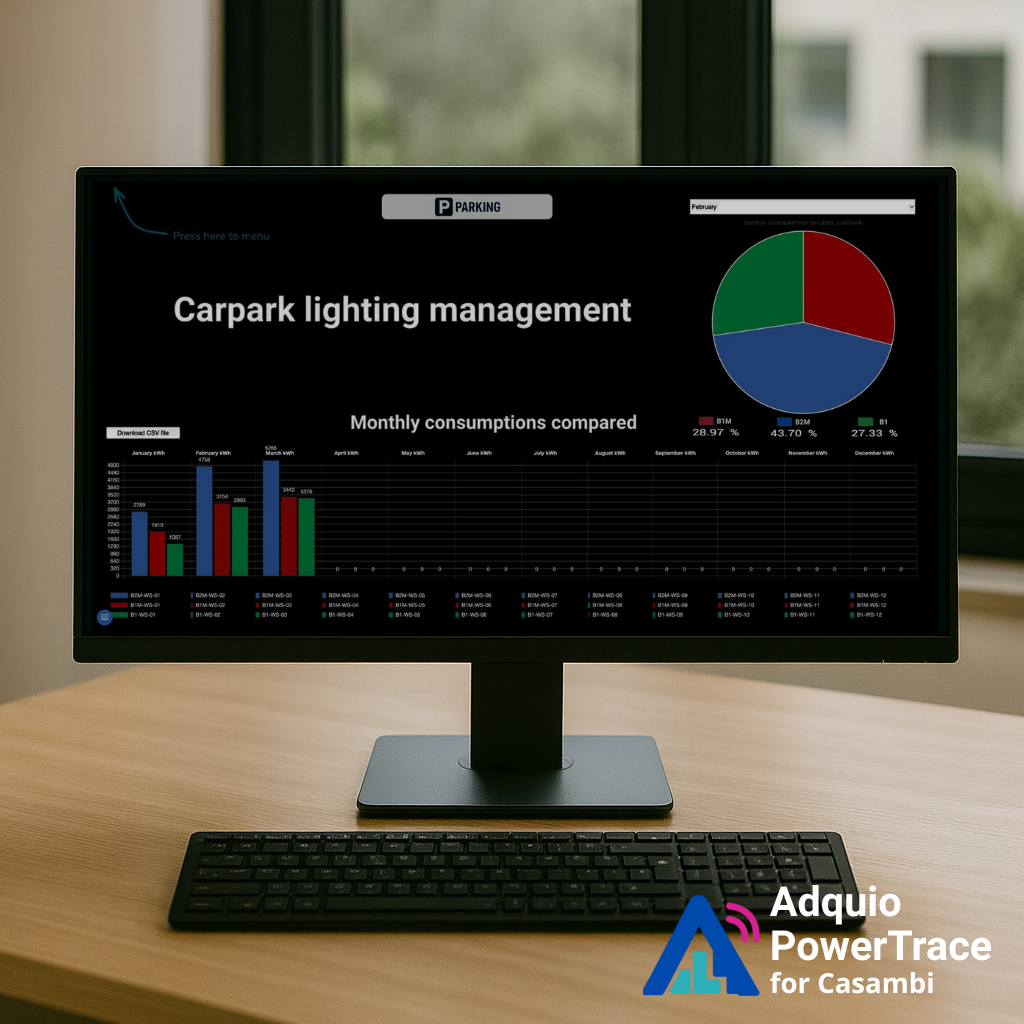
PowerTrace calculates lighting energy
Adquio PowerTrace for Casambi uses dimming events and the configured electrical profiles of the drivers to calculate power and energy. Information can be grouped by luminaire, group, level and car park, without fitting a meter at every light point.
Analytics turns data into dashboards
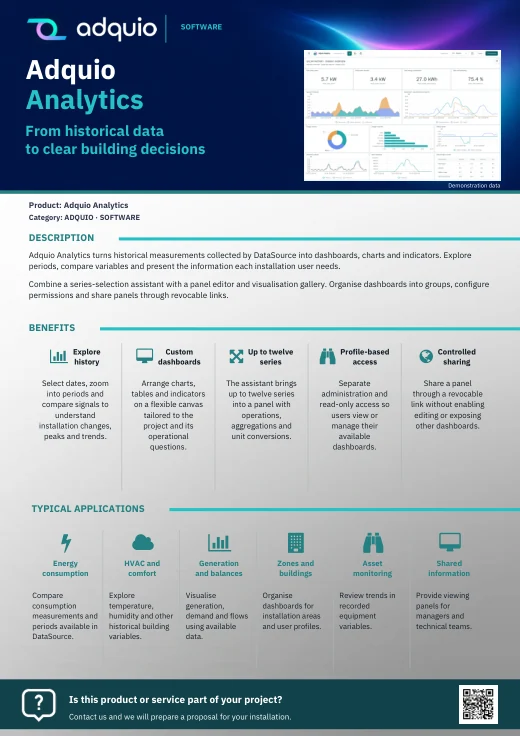
With Adquio Analytics you can create charts and indicators from the available data, compare periods and review how operation changes after an adjustment.
If the project includes physical meters, their measurements can also be integrated. Keep measured and calculated values distinct.
Calculated consumption, estimated cost and power to help identify differences.
Daily, weekly, monthly and annual comparisons; operation outside scheduled hours.
Review a comparable baseline and check the effect of adjustments.
Estimation and measurement serve different purposes. Calculation accuracy depends on the profiles and available data. Validate a sample against measurements when the project requires it.
Managing several car parks? Adquio SCADA Cloud brings installations together and lets you compare their operation. Define consistent indicators and periods to make comparisons useful.
05
A real project: several networks, shared control
This architecture has already been applied in car parks. These published references explain both operation and energy monitoring.

In a three-level car park beneath a shopping centre in Singapore, the published solution combines Casambi sensors and networks with Adquio Micro Server, Adquio SCADA Server and Adquio Nexus.
The system combines automatic and manual control, luminaire maps by level and area, fault identification and energy monitoring. These are details of the documented project, rather than a hypothetical proposal.

06
Start with one area. Validate and expand.
A pilot lets you check performance in the actual installation before extending it to other levels. Our engineering team can help define the integration, indicators and tests.
1 · Define levels, areas and priorities
Review plans, pedestrian and vehicle flows, lighting levels and existing equipment. Identify networks, protocols and operational objectives.
2 · Configure and validate a pilot
Prepare groups, scenes and sensors; place luminaires in SCADA. Test manual control, restoring automatic mode, alerts and energy profiles in a trial area.
3 · Expand, document and support
Extend the solution, train the team and document priorities, permissions and communications. Review indicators and maintenance using operational data.
07
Each tool has a role
Choose the layers you need. The solution can combine operation, energy, monitoring and remote services without installing every tool from day one.
| Tool | What it brings to the car park |
|---|---|
| Adquio SCADA Server / Adquio SCADA Cloud | View maps, check status and operate the installation. Server runs locally; Cloud is accessed through its web page. |
| Adquio PowerTrace for Casambi | Calculate lighting power and energy from its activity and the electrical profile of the drivers. |
| Adquio Analytics | Build dashboards, analyse historical data and compare indicators. |
| Adquio Supervisor | Monitor equipment status and locate faults in the infrastructure. |
| Adquio VisionCore | Manage video, recordings and compatible events, with authorised access. |
| Adquio Nexus | Provide remote technician access to work with the controller or local SCADA Server. |
| Adquio SCADA Cloud | Bring multiple car parks and installations together and compare their operation. |
08
Continue exploring the ecosystem
Connect this part of the project to the other layers of Adquio Building OS.
Extend the design with related features and resources.
Extend the design with related features and resources.
Extend the design with related features and resources.
09
Resources to prepare your project
Detailed documentation remains available on the product pages. Courses and manuals with restricted access retain their access conditions.
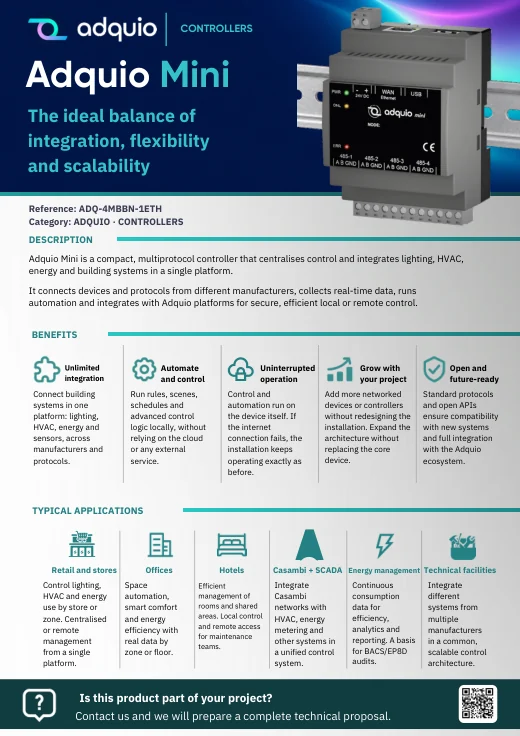
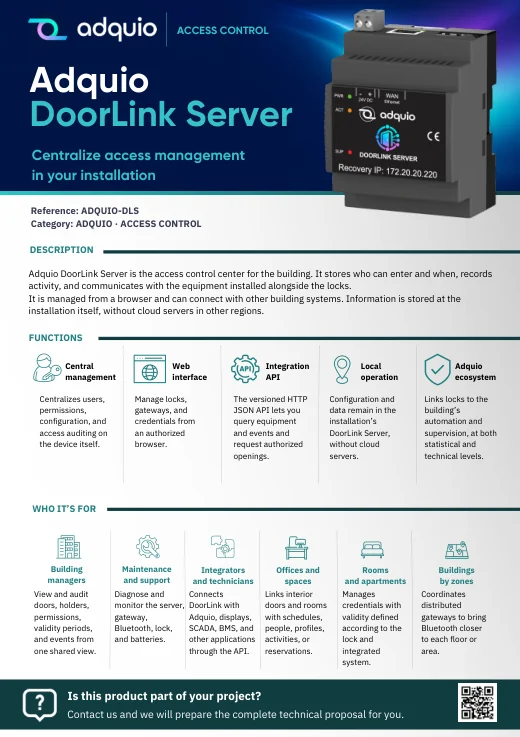
Benefits, applications and sales documentation organised by product family.

Product pages and further references
FROM CONCEPT TO INSTALLATION
Let’s discuss what your project needs.
Tell us how many levels and networks you need to manage, which systems are installed and what you want to improve. We can help define a pilot and the right control architecture.
