
Local control and cloud services, with clear responsibilities.
ADQUIO BUILDING OS · TECHNOLOGY
Local control and cloud services, with clear responsibilities.
Keep logic close to the equipment and add the remote layer your project needs: graphical operation, multi-site management, connectivity or software integration.
01
How it fits into the architecture
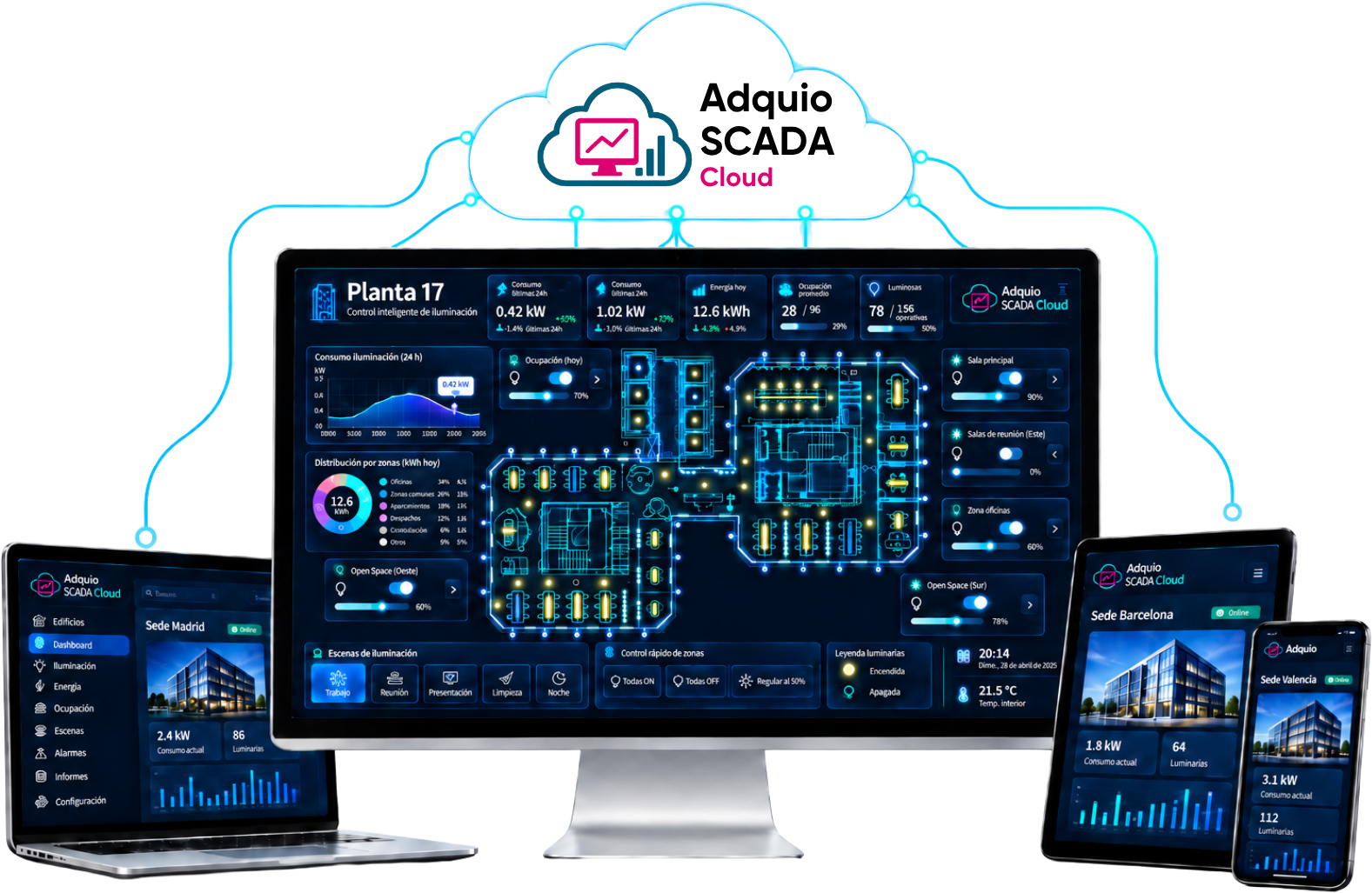
Graphical control hosted as a service, without maintaining your own SCADA server.
Centralise data and alarms and compare indicators across sites.
Work with network-accessible sources and centralise multiple controllers to send data to Cloud BMS, SCADA or Analytics.
Nexus connects a person to remote equipment; Bridge enables communication between two devices.
Use Adquio.API to integrate actions and data with authorised applications.
Review networks, DNS, time synchronisation, updates and required services according to the deployment.
02
The information path
Connections are defined by the equipment, interfaces and available functions; each layer has a responsibility.
01
Local control of the installation
02
Connectivity and authorised services
03
SCADA Cloud / Cloud BMS / Link / API
04
Remote users and applications
03
Design with the integrator, validate with the user
Identify devices, versions, protocols, power supplies and network restrictions.
Define who can view information, who can act and what should happen when an incident occurs.
04
Related products and services
Open each product page to explore its functions, connections and documentation.
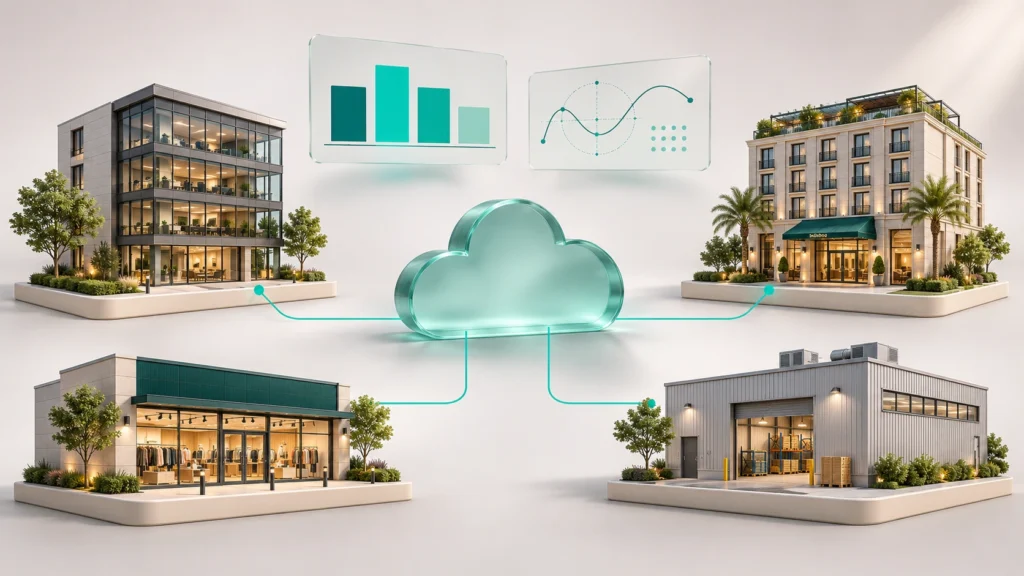
Multiple sites
Manage multiple installations, historical data, alarms, advanced formulas and comparisons of indicators across sites.
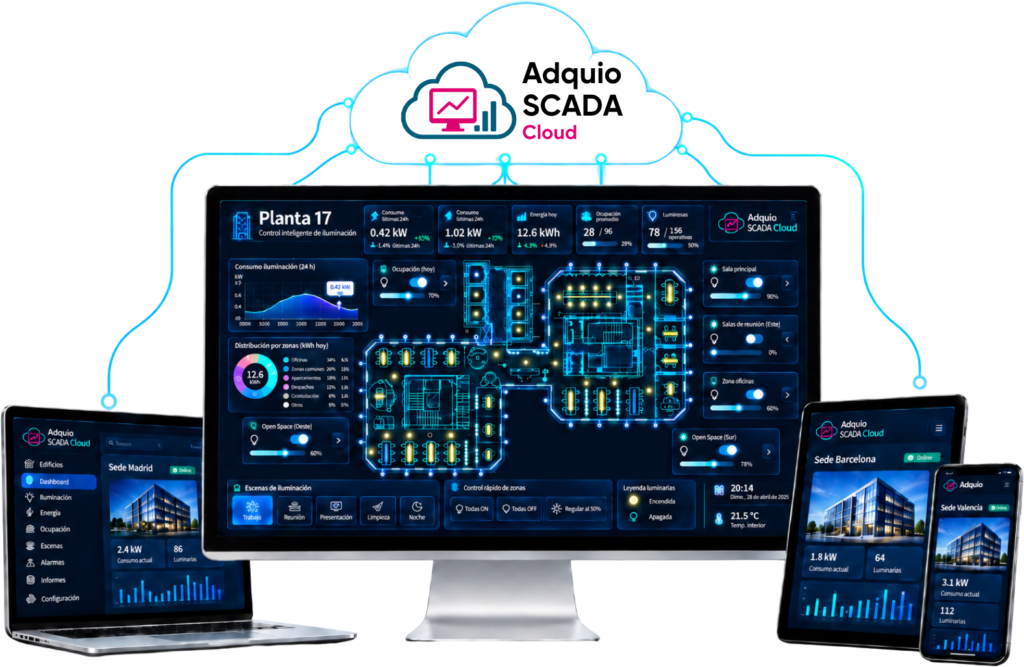
Cloud control
Graphical control of the installation through a hosted service, without maintaining your own SCADA server.
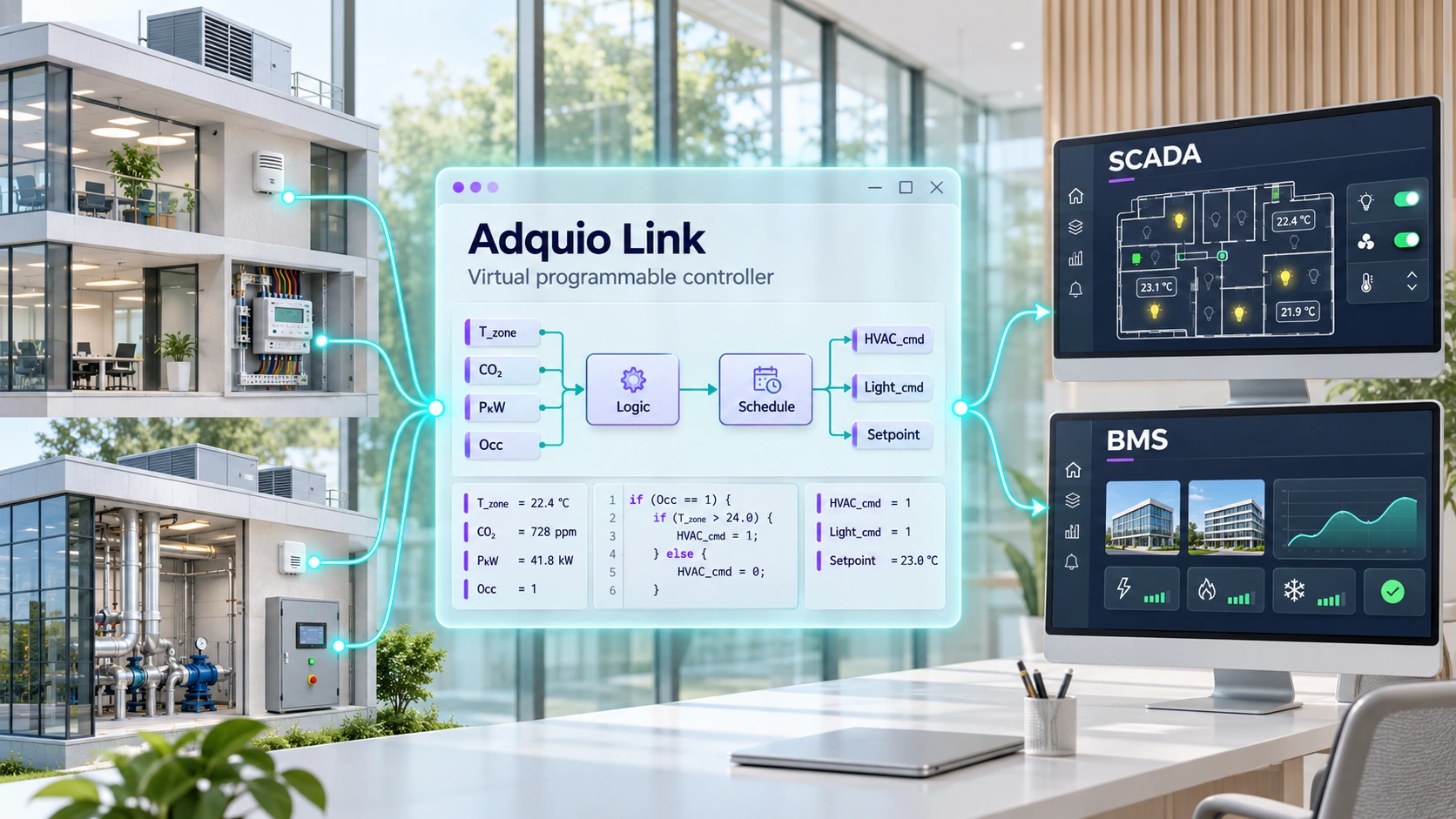
Virtual control
Centralise information from cloud services and physical controllers in the cloud through secure tunnels and direct socket connections.
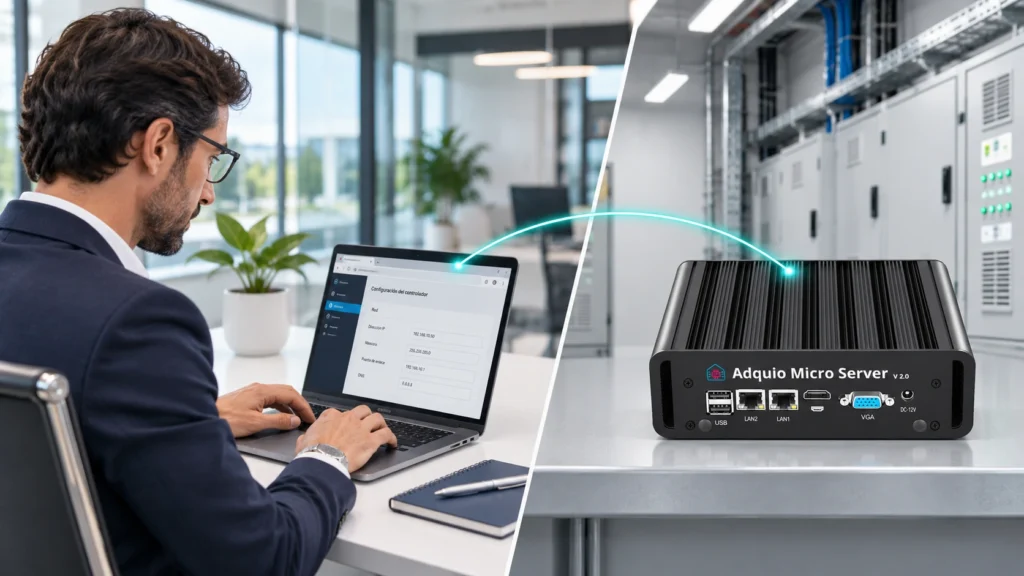
Person → device
Access Adquio products with web interfaces remotely and with authorisation. Adquio Nexus is free for customers of Adquio systems.
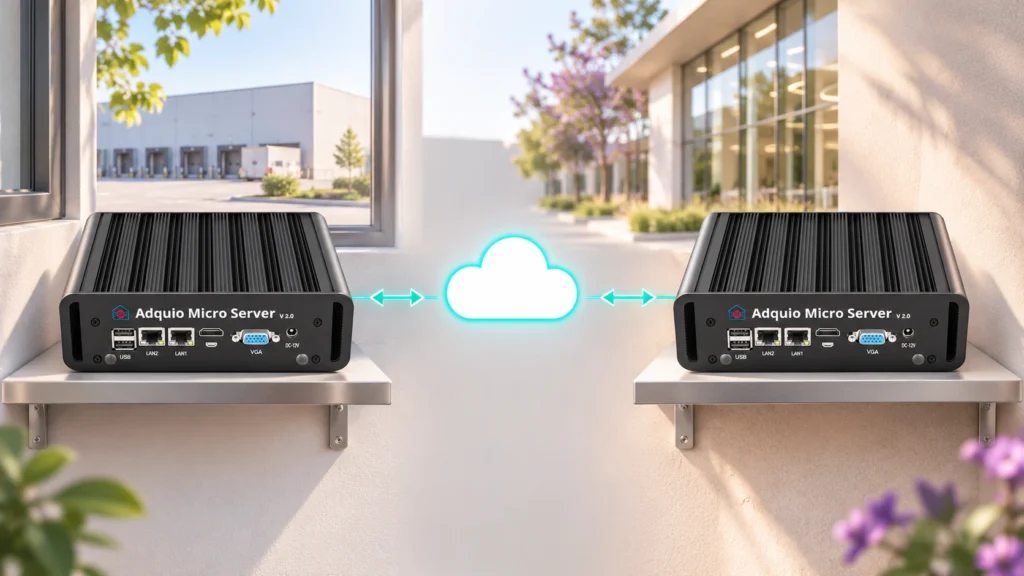
Device ↔ device
Connect two devices remotely, such as a controller and a project server.
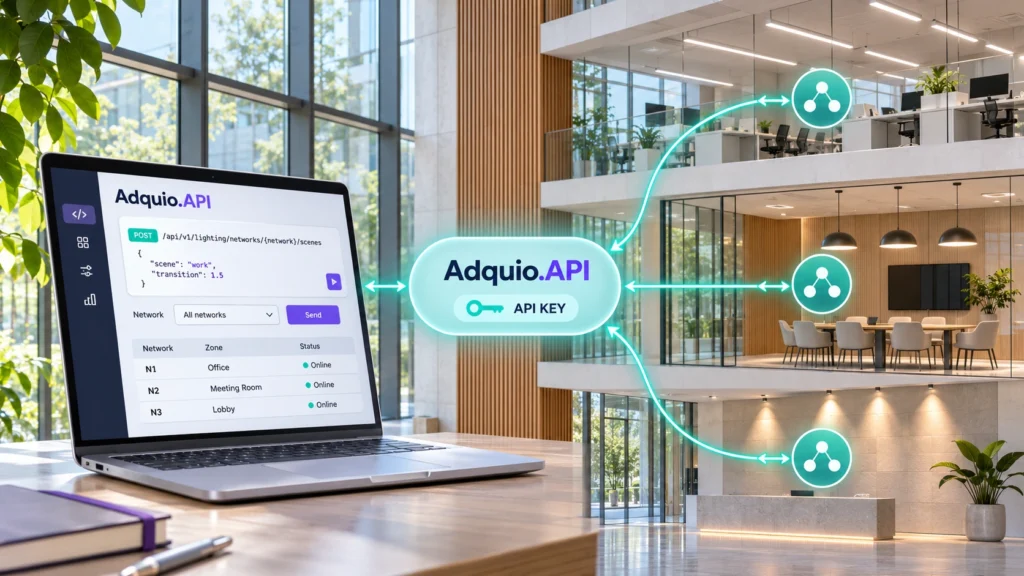
Integration
Integrate data and actions with external software. For Casambi, one API key provides access to the networks of a single installation.
05
Explore the ecosystem
Connect this part of the project with the other layers of Adquio Building OS.
Expand the design with its related functions and resources.
Expand the design with its related functions and resources.
Expand the design with its related functions and resources.
06
Resources to prepare your project
Detailed documentation remains available on the product pages. Restricted courses and manuals retain their access conditions.
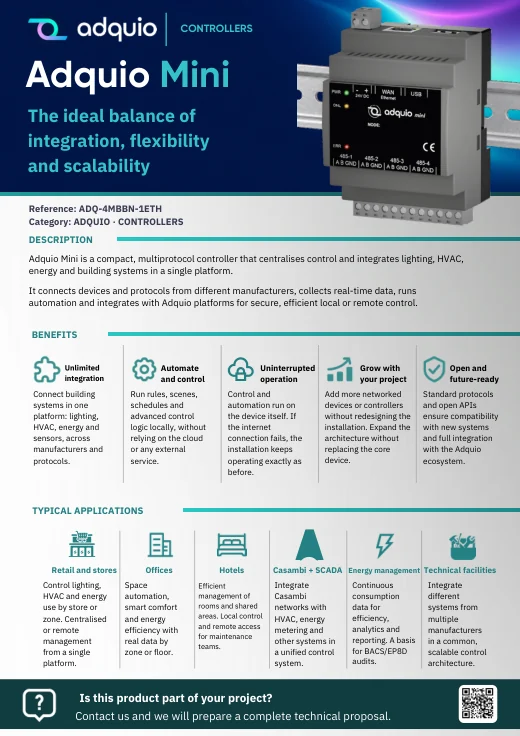
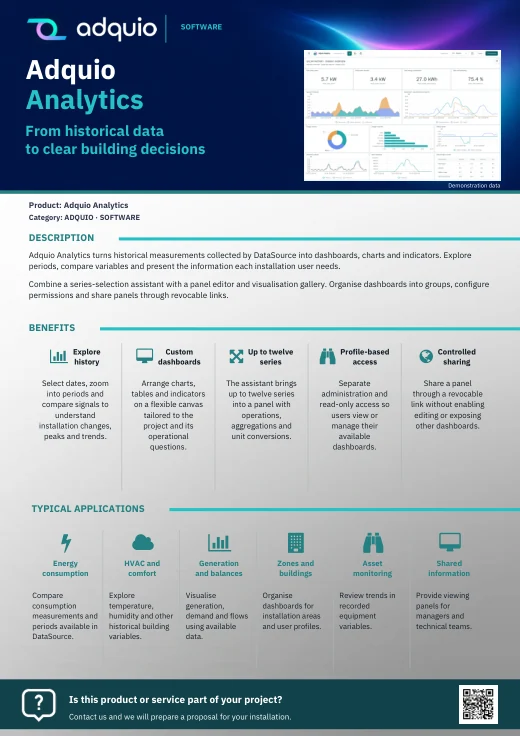
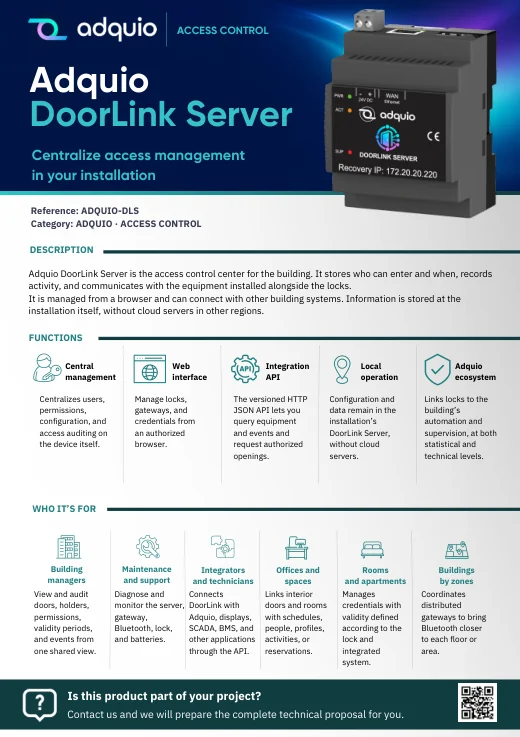
Benefits, applications and commercial documentation organised by product family.
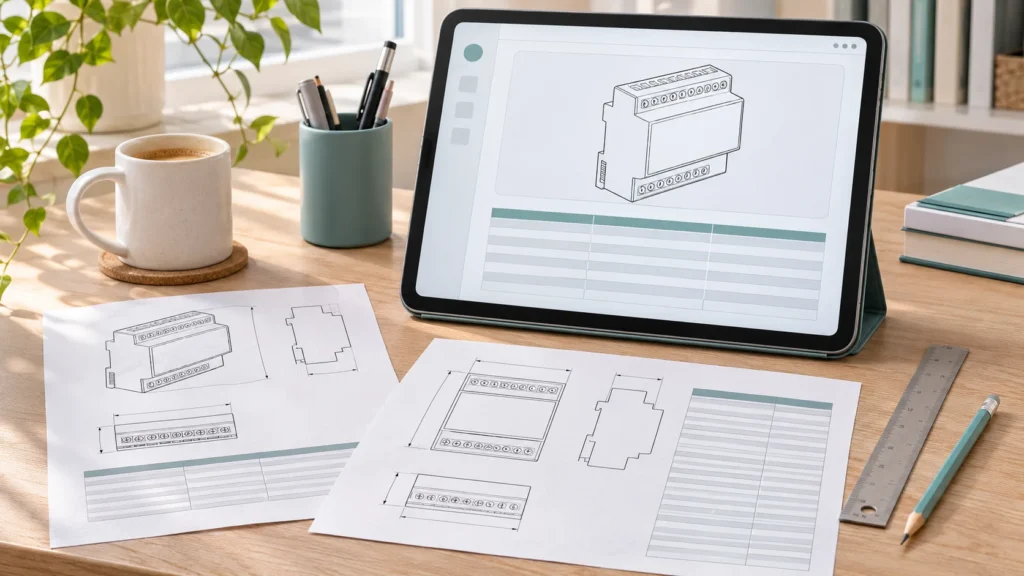

Product pages and further references
Adquio Cloud BMS · Adquio SCADA Cloud · Adquio Nexus · Adquio Bridge · Adquio Link
FROM IDEA TO INSTALLATION
Let’s discuss what your project needs.
Tell us what is installed, what you want to connect and who needs to use it. We will help you design an Adquio architecture suited to your project.
← Adquio Building OS technology: architecture, control and integration
