
Video and automation
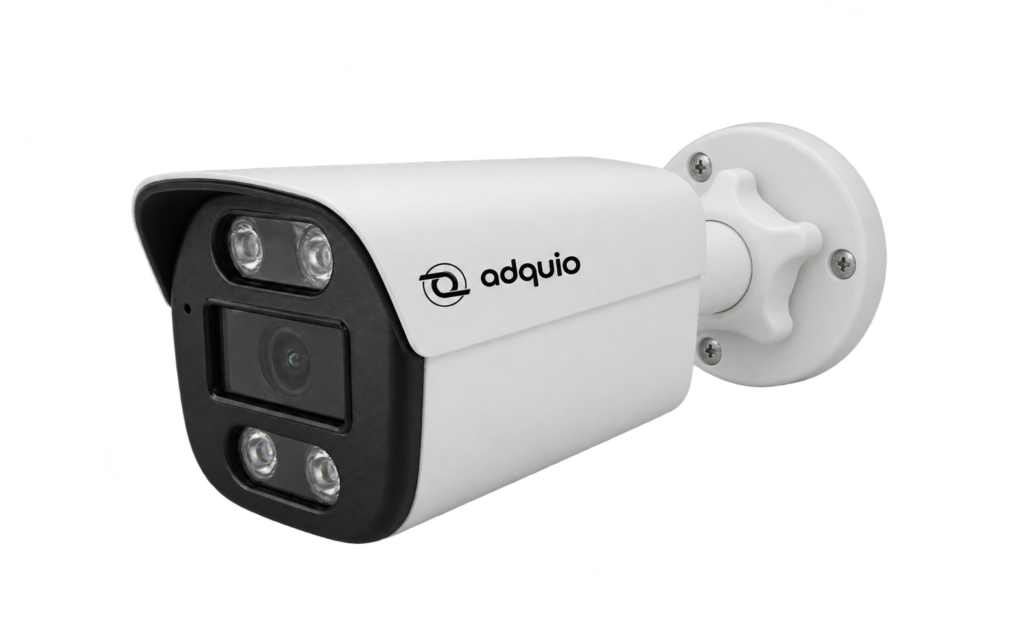
Adquio OutDoorCam
Outdoor video monitoring, ready for demanding spaces.
A compact outdoor IP camera with 5 MP video output and dual-light night vision. Its IP66 housing is designed for exposed installations.
Video that helps you understand what is happening
See the details
Main stream up to 5 MP (2880 × 1624), H.265/H.264 compression and a 3.6 mm fixed lens.
Watch outdoors, day and night
IP66 housing, intelligent dual light and infrared reach up to 20 m.
Flexible integration
Connect through ONVIF or RTSP and view the video from a modern web browser or mobile device.
Where it fits
Choose the camera according to the location, the field of view and the lighting conditions.
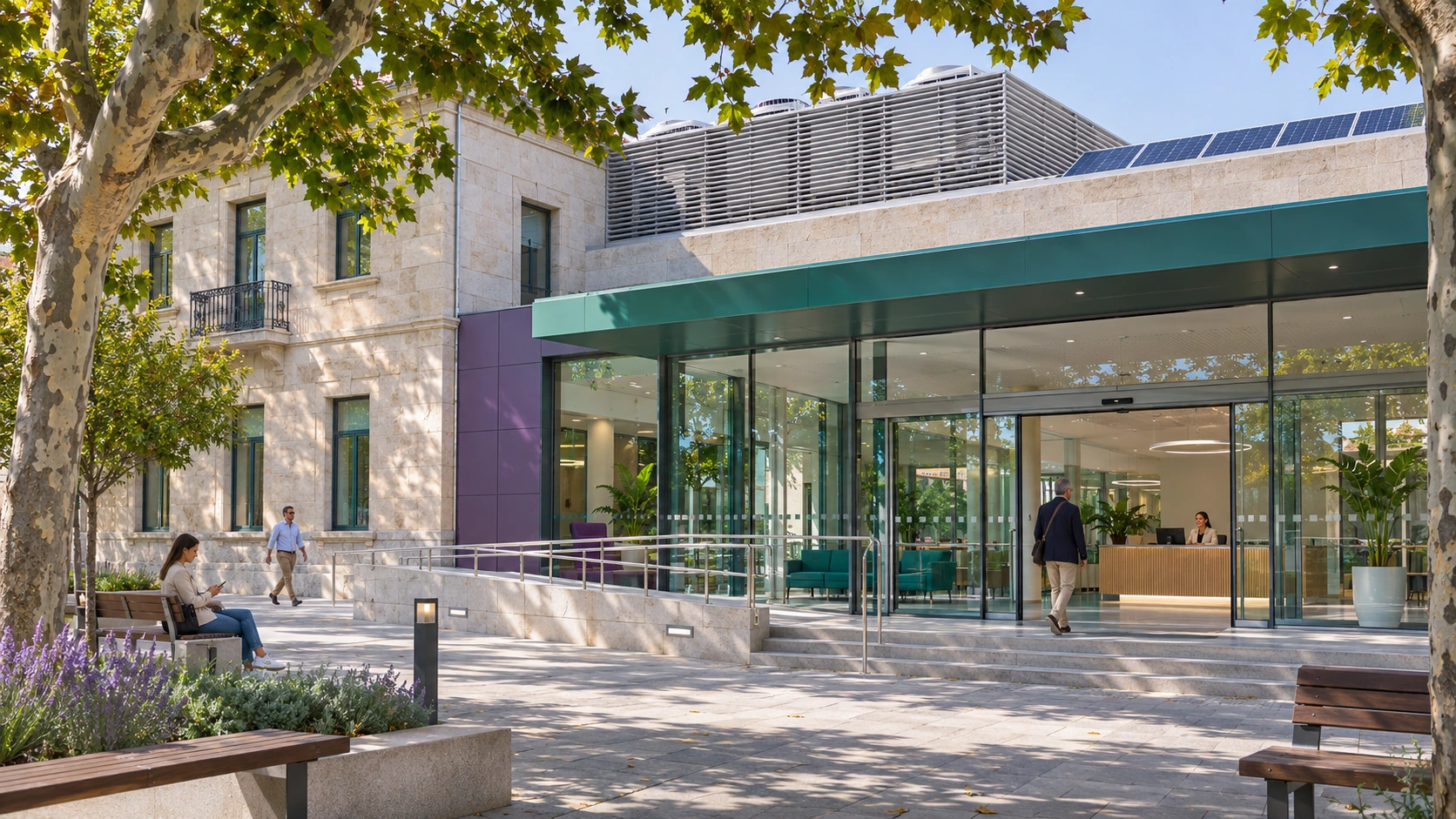
Building entrances
See activity at entrances and review recordings.
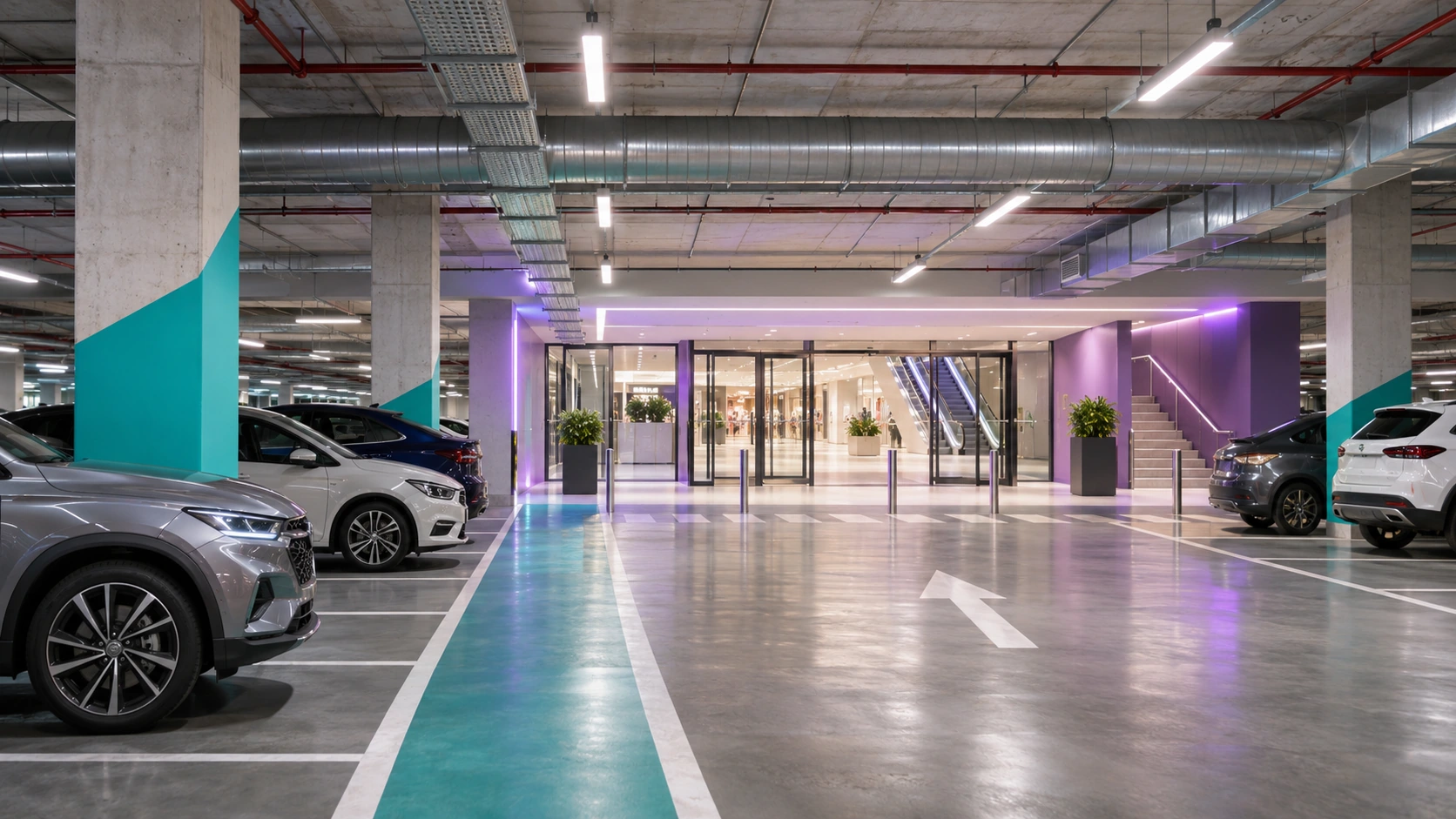
Car parks
Supervise vehicle movement with day and night video.
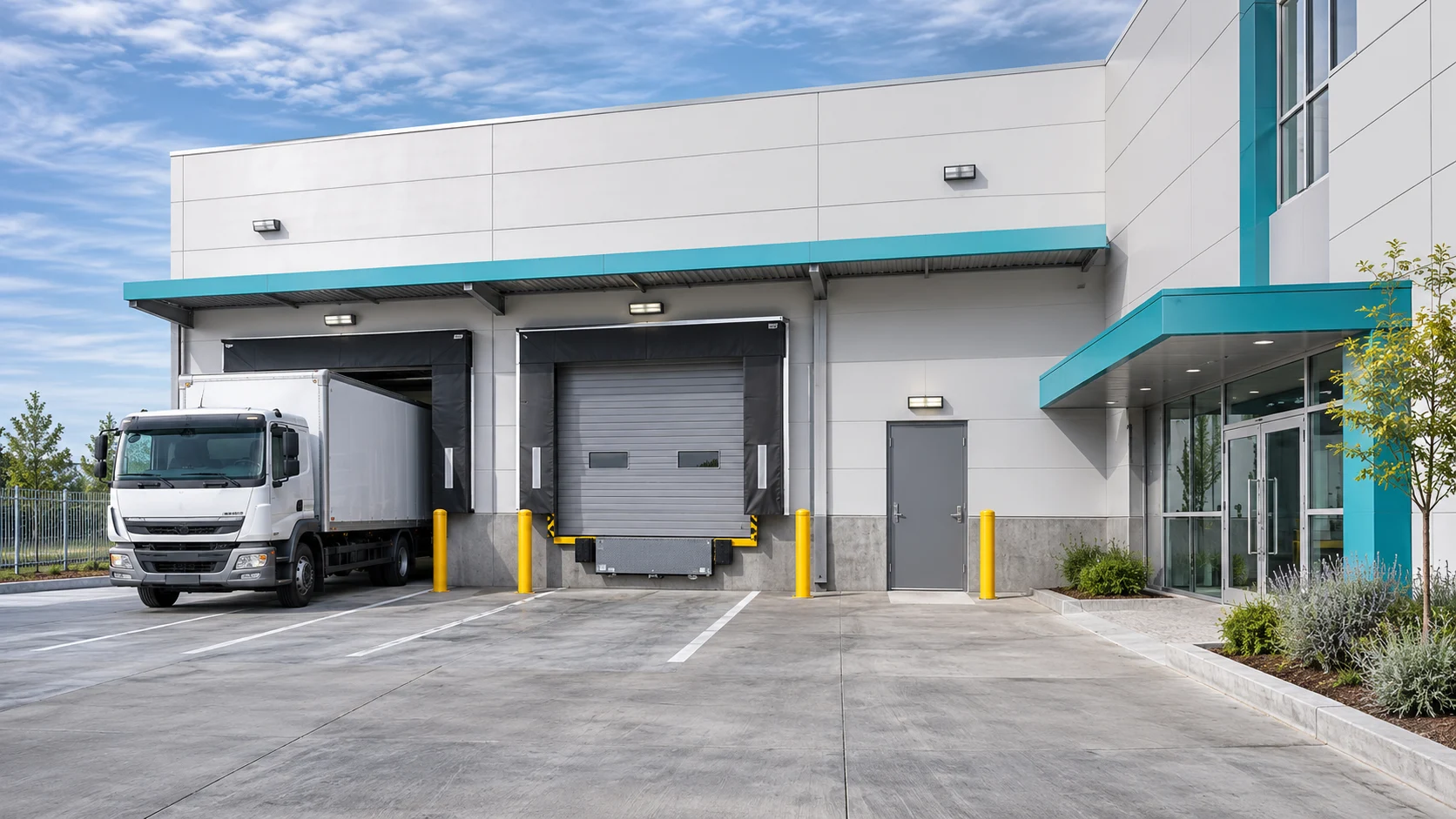
Loading and service areas
Add visibility to outdoor operating areas.

Outdoor perimeter
Maintain a live view of the outdoor perimeter and its recordings.
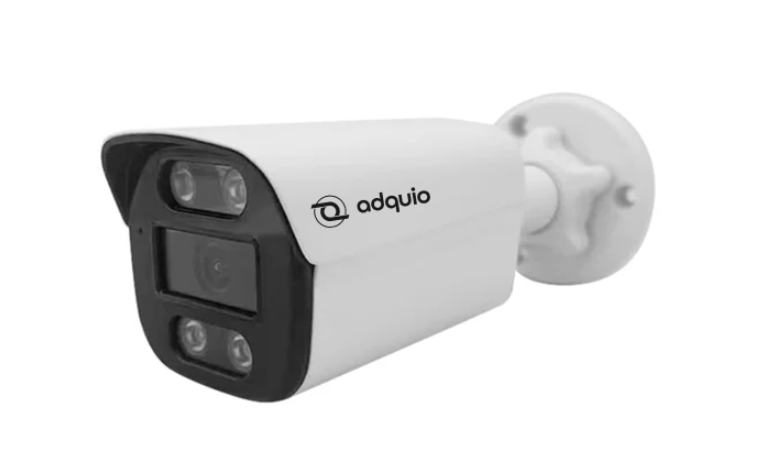
Camera
Compact outdoor IP camera
Main video stream
2880 × 1624 (5 MP), 2560 × 1440 (4 MP), 2304 × 1296 (3 MP), 1920 × 1080, 1280 × 720
Secondary stream
800 × 448, 640 × 360, 352 × 288
Compression
H.265 / H.264
Lens
Fixed 3.6 mm, F1.6
Night vision
Intelligent dual light; 4 LEDs; infrared range up to 20 m
Image adjustment
DWDR, BLC, mirror, privacy mask and configurable OSD
Connectivity
ONVIF, RTSP, HTTP, TCP/IP, IPv4, UDP, NTP, DHCP, DNS, P2P, CGI
Protection
IP66 housing, anti-cut bracket
Power
PoE over Ethernet (IEEE 802.3af/at) or 12 V DC ±10% (450 mA at 12 V)
Operating conditions
−10 °C to +50 °C; maximum relative humidity 95%
Part of the Adquio video ecosystem
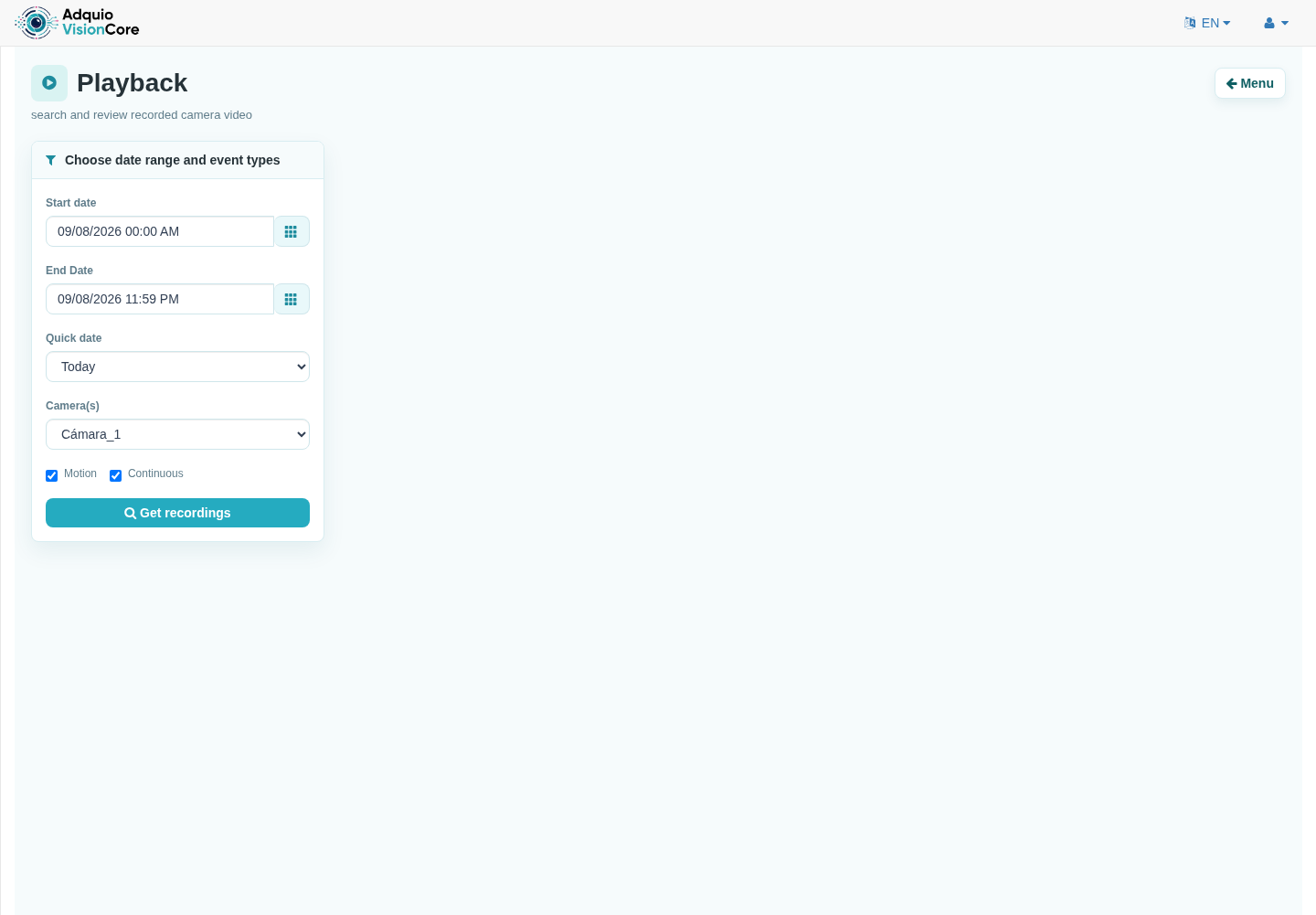
Adquio VisionCore centralises live video and recordings. Combine the camera with the platform to give operators a common place to supervise the installation.
01 · Connect
Use standard IP video protocols such as ONVIF and RTSP to bring the camera into your video deployment.
02 · Supervise
Organize live views and browse recordings from Adquio VisionCore.
03 · Organise
Adapt camera views and recording schedules to the needs of each installation.
Privacy and photographs from your control system
With Adquio VisionCore and an Adquio controller, make these functions available on a control screen, SCADA or BMS and show confirmation of the result.
Privacy when you need it
Enable or disable the camera in VisionCore from a scene or a control button. When disabled, VisionCore stops capture and recording and blocks new photographs. Earlier recordings remain available.
A photograph associated with an event
Request a photograph from the controller or a control screen. VisionCore saves the image and reports the result. The camera must be enabled to capture a photograph.
Let us design your video project
Tell us where you need visibility and what areas you want to supervise. We will help you select the camera and the right VisionCore setup.
