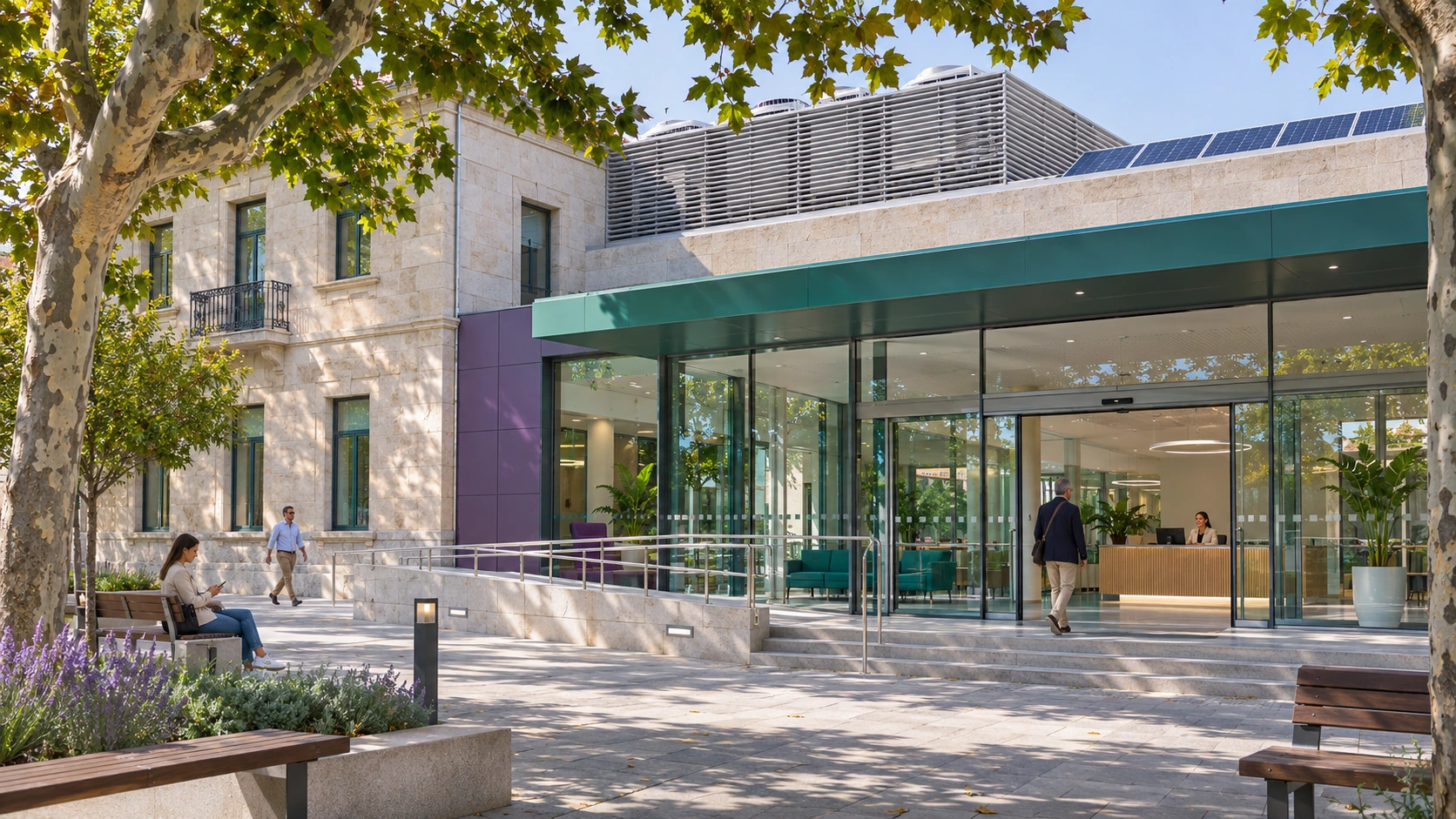
Administration and public services
Coordinate opening, public service hours, meetings and cleaning. Adapt lighting and HVAC by zone, with straightforward staff controls and maintenance supervision.

ADQUIO BUILDING OS · SECTORS
Connect lighting, HVAC, energy and maintenance. Make the most of existing equipment and coordinate anything from one building to a network of administrative, educational, healthcare, sports and cultural facilities.
01
Adquio Building OS brings technologies and data together without requiring a complete replacement. Define what each team needs to manage and which functions should remain on site.
03
SCADA, Supervisor, Analytics and Cloud BMS provide complementary functions.
04
Controls, information and permissions tailored to operations, maintenance and management.
In larger installations, distribute control across buildings, floors or equipment and synchronise the controllers through a tree architecture with a central Adquio Server. Adquio Micro Server can provide an intermediate level where required by system sizing.
02
Each space has its own schedules, environmental conditions and responsibilities. Integration should reflect these differences, both in publicly owned buildings and in facilities open to the public.
Coordinate opening, public service hours, meetings and cleaning. Adapt lighting and HVAC by zone, with straightforward staff controls and maintenance supervision.

Classrooms, auditoriums, libraries, museums and religious buildings have different occupancy patterns and uses. Relate schedules, comfort and lighting scenes to each space’s needs.
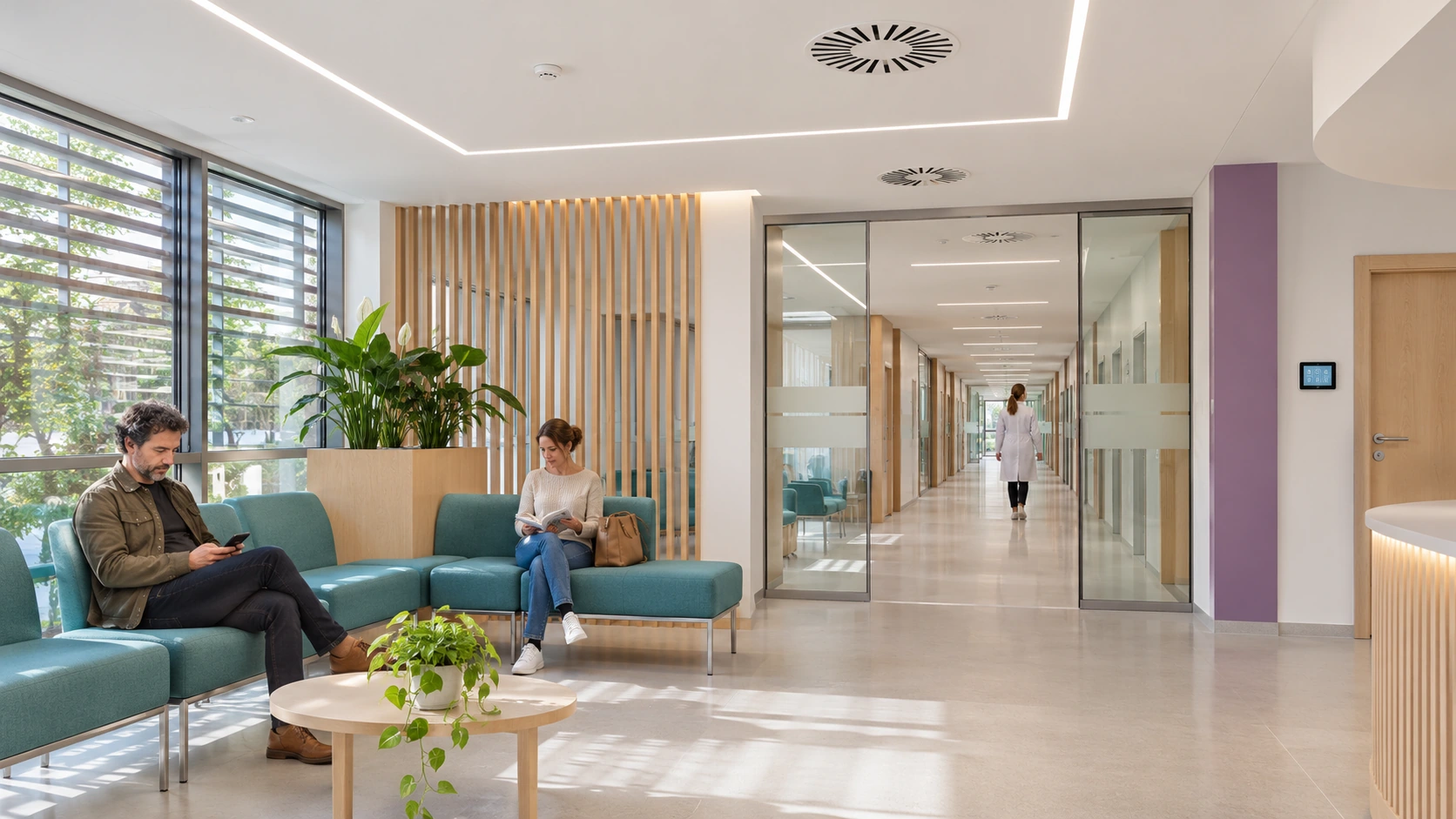
Monitor lighting, HVAC, environmental conditions and consumption in integrated areas. Distinguish areas used around the clock and each user’s scope of access.
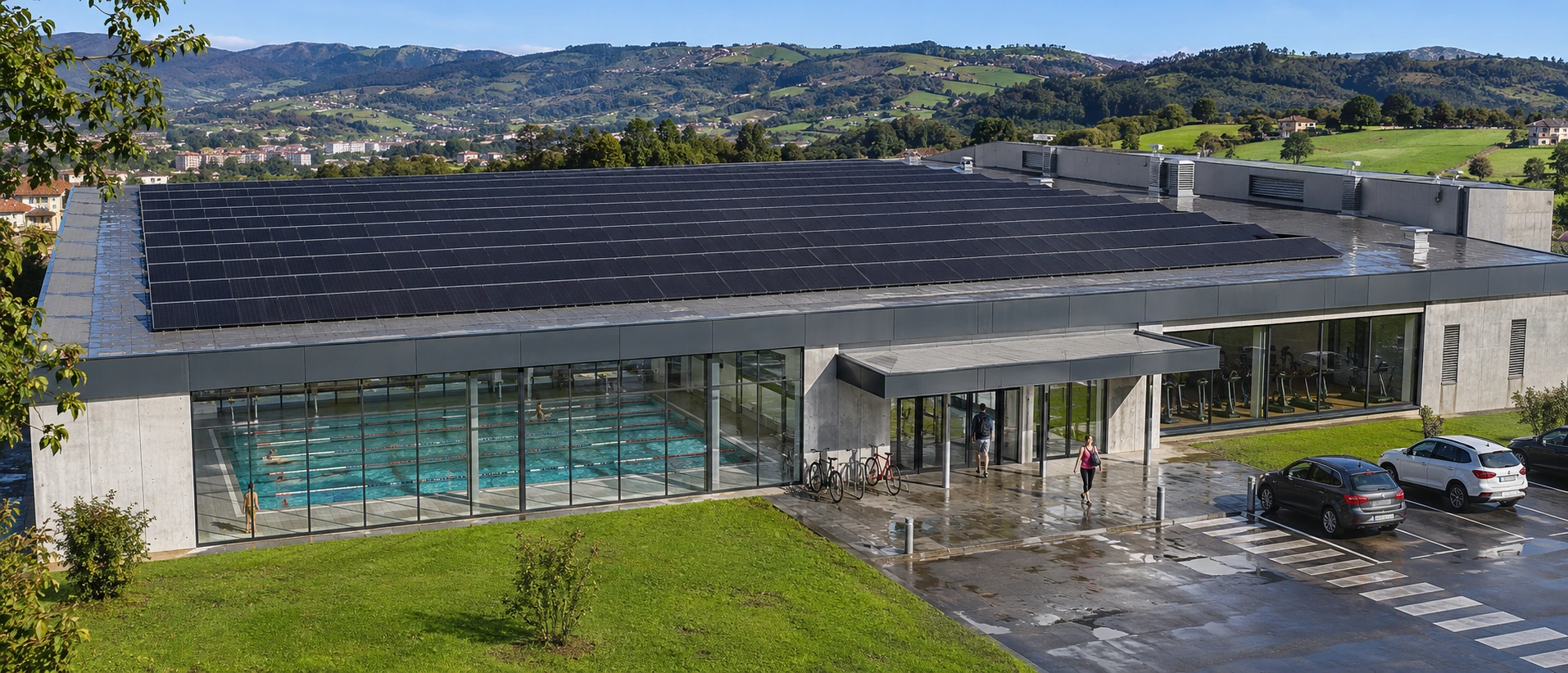
Relate usage schedules to lighting, ventilation and thermal equipment. Analyse consumption in swimming pools, changing rooms and sports areas where the necessary metering is available.
Outdoor areas matter too: connect the dedicated solutions for car parks and Casambi street lighting where they form part of the project.
03
Integrate the data and commands actually supported by the equipment. Retain each system’s own regulation, protection and specific functions.
Combine schedules, presence-based operation and scenes in Casambi networks, DALI through compatible gateways, and other circuits. Allow manual operation from Adquio screens and define the return to automatic mode.
Coordinate chillers, boilers, heat pumps, pumping circuits, valves and air handling units. View statuses and setpoints, and incorporate temperature, humidity or CO₂ through wired and wireless probes.
Use available measurements to review conditions in classrooms, rooms and shared areas. Presence, occupancy and people-counting data require suitable sensors and integration for each purpose.
Bring together electricity meters, photovoltaic generation, generators and other compatible equipment. Add the Adquio expansion modules required for analogue or digital signals.
With Adquio DoorLink, manage compatible locks and credentials. Adquio VisionCore provides live feeds, recordings and compatible events; the controller can manage privacy and request photographs.
Locate controllers, expansion modules, screens, cameras and locks in Adquio Supervisor. View their statuses and alerts and access available interfaces to begin diagnosis.
04
Improvement starts with a reliable baseline. Define what is measured, over which period and under what operating conditions before comparing results.
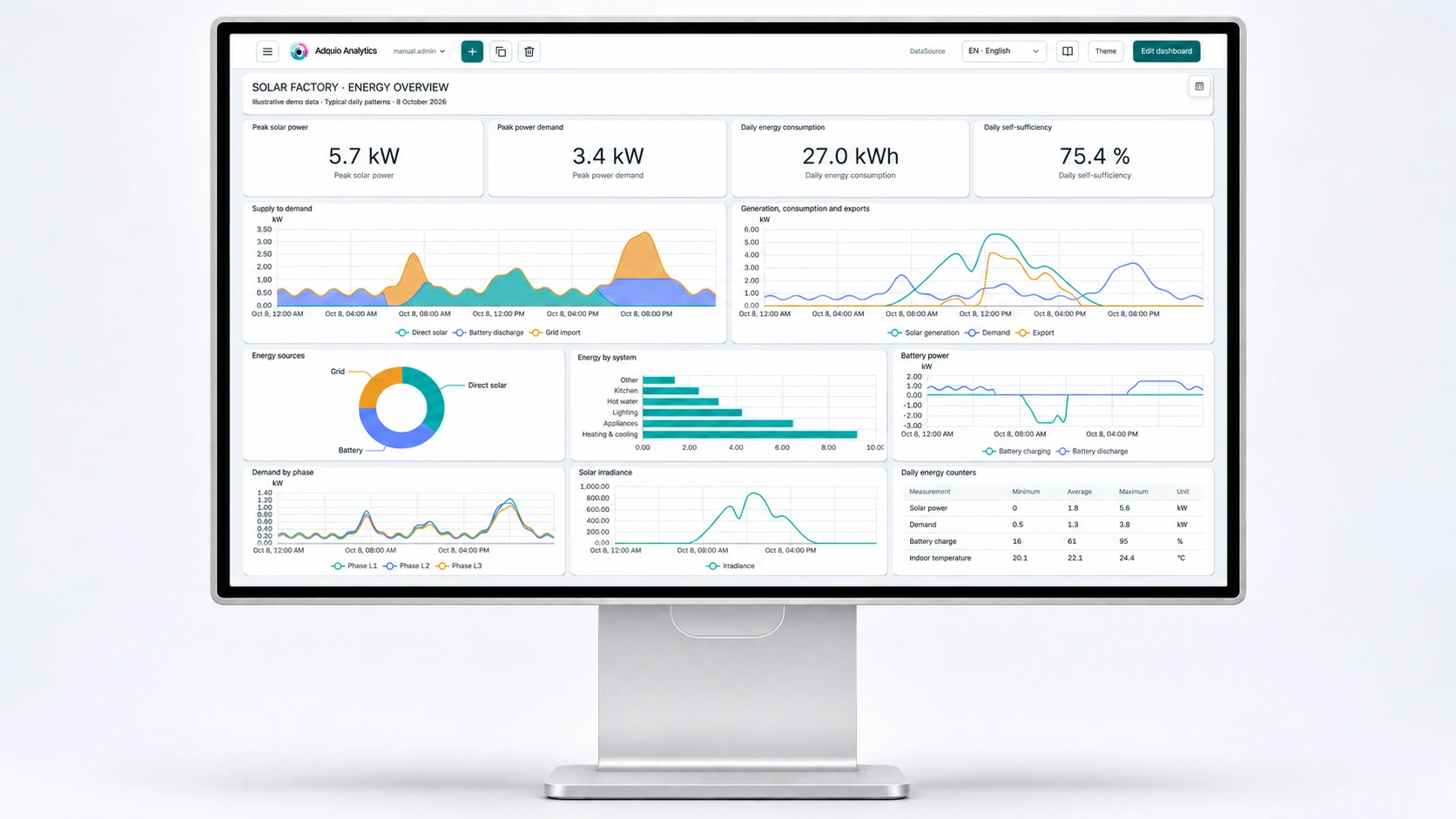
Organise historical data, charts and indicators by building, floor or service. Review overnight consumption, equipment running outside scheduled hours and temperature trends alongside energy data.
Use indicators such as kWh/m² and consumption per opening period. Take floor area, activity, schedules and environmental conditions into account when interpreting differences.
Integrate meters when measured energy is required. For Casambi, Adquio PowerTrace calculates power and energy from activity and configured electrical profiles; present these results as estimates.
Document the initial situation, the adjustment made and its subsequent performance. The reporting and auditing solution helps organise information; the availability of data does not, on its own, demonstrate compliance with a requirement.
05
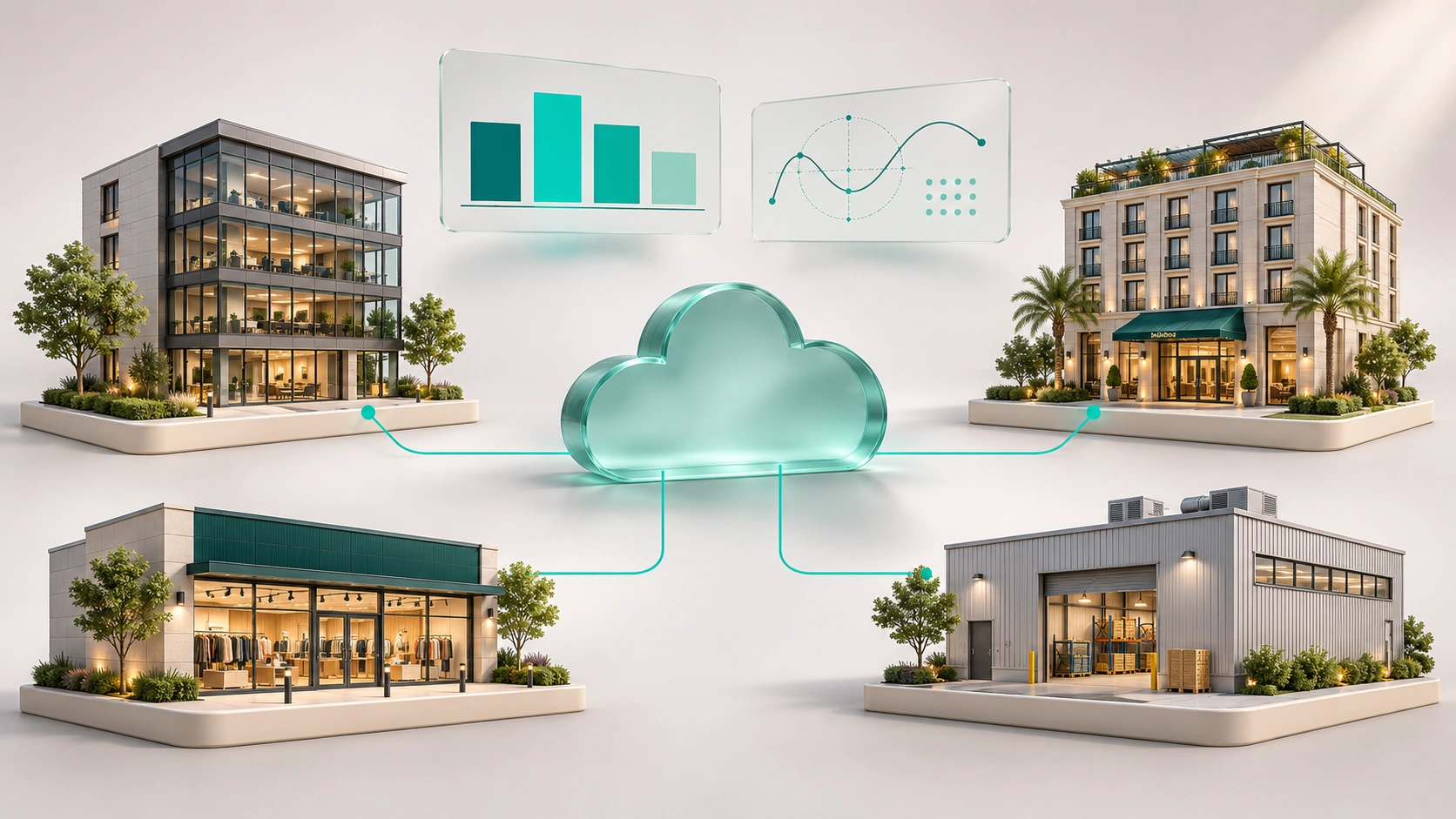
One team may need to look after buildings with different uses and technologies. A shared overview should enable comparisons while retaining the detail of each installation.
Bring together information from different facilities, organise access to it and compare consistent indicators. Identify which building needs a review and access the data that explains its behaviour.
Advanced formulas enable scientific and thermodynamic calculations based on available variables. Define formulas, units and validation criteria for the project.
Design the functions that should run on the installation’s controllers and servers. Cloud services and remote access require connectivity; local operation depends on its own network, power supply and equipment.
06
Operations, maintenance and management need different information. These platforms complement one another; select those that meet the project’s objectives.
| Tool | Speciality | What it provides |
|---|---|---|
| Adquio SCADA Server | Local operation | Web interfaces, floor plans, statuses, commands and trends running on site. |
| Adquio SCADA Cloud | Cloud-based operation | Visual supervision and control accessed through an authorised web page. |
| Adquio Supervisor | Technical infrastructure | Device organisation, locations, statuses, alerts and access to available interfaces. |
| Adquio Analytics | Dashboards | Historical data, charts and indicators to understand how data evolves. |
| Adquio Cloud BMS | Multibuilding management | Information from multiple sites, data comparison and advanced formulas. |
The Adquio Server that coordinates controllers is a control layer separate from Adquio SCADA Server, the visualisation and operations platform.
07
Review existing equipment before selecting the architecture. Multiprotocol integration allows information to be shared using the appropriate components.
Connect Modbus, BACnet, MQTT and other available interfaces. Adquio KNX Gateway requires a KNX/IP interface or router; Adquio MatterLink integrates compatible Matter functions.
Adquio BACnet Exporter exposes variables for reading by a BACnet/IP BMS. Adquio.API enables integration with your own software through authorised data access.
Adquio Nexus connects a person to an authorised remote device; Adquio Bridge connects devices across networks. Adquio Full Remote Access for Casambi facilitates supported tasks in the installation’s Casambi app.
Bring authorised functions to screens, SCADA or BMS platforms. Integrated access control and Adquio RTSP Camera extend the capabilities of compatible doors and screens; define users, permissions and video purposes.
08
An installed project and a training activity demonstrate different contributions. Consult the sources to understand the equipment and functions actually described.
The published project covers heating and HVAC automation: a chiller, air handling units, a boiler and pumping circuits, with Adquio controllers, local screens and remote management through Adquio Cloud BMS. Explore the case study ↗
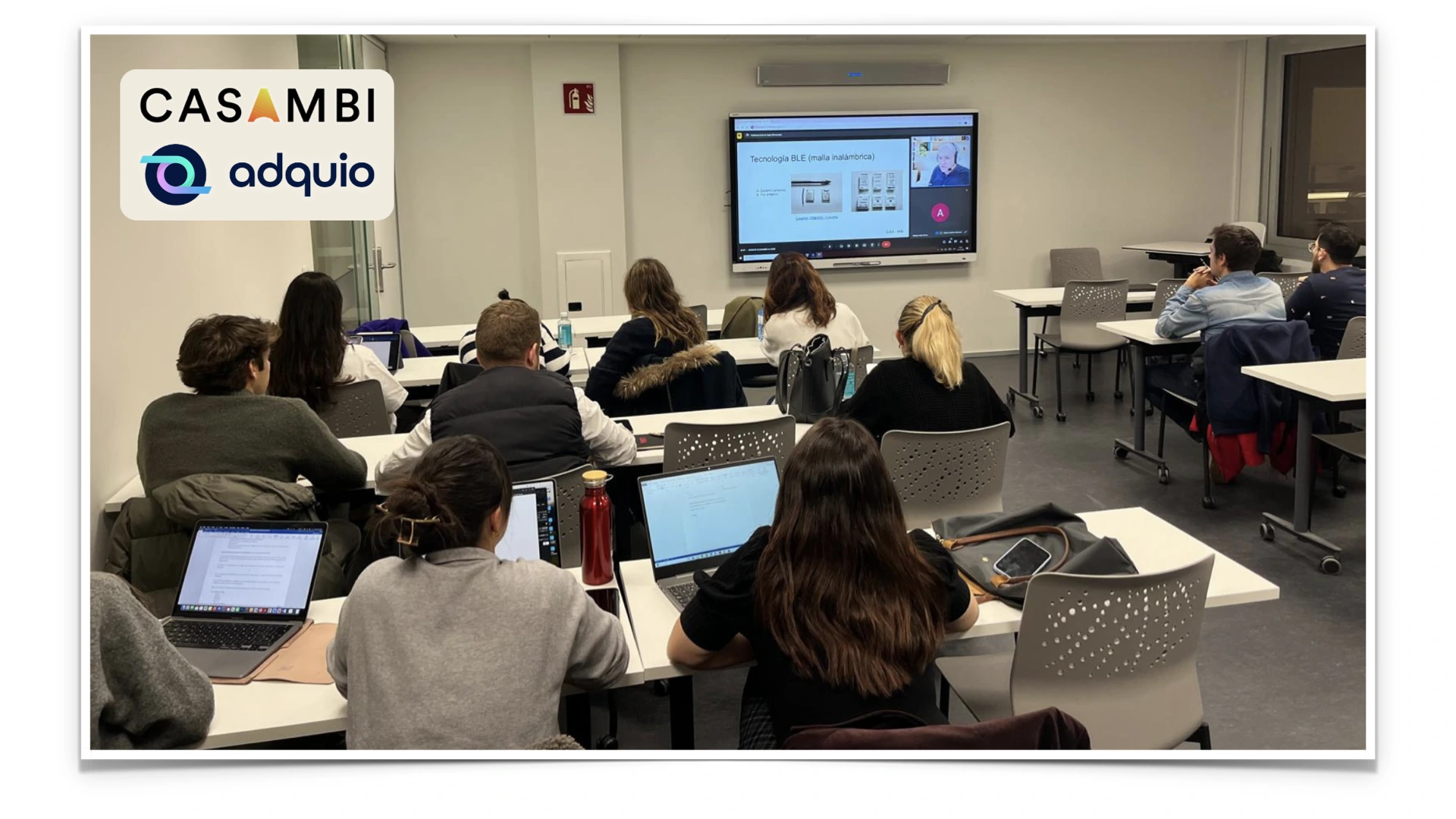
The masterclass brought together professionals and students to explain Casambi lighting, multiple-network management and integration with other systems. This reference documents training and knowledge sharing, rather than an installed campus control system. Read about the published activity ↗
09
Start with an operational objective and a pilot installation. Expand once the integration, use and resulting information have been validated.
Identify equipment, protocols, zones, responsibilities and available data. Select the pilot and indicators with the engineering team.
Configure variables, schedules, scenes and permissions. Check responses, alerts, manual operation and return to automatic mode under real conditions.
Document the installation and prepare staff through Adquio training. Review historical data, results and expansion requirements.
Not necessarily. First, check which devices can communicate data and accept commands, which need gateways and which functions should remain in their original systems.
Yes, where compatible interfaces and the required variables are available. Define the data exchange, permissions and which system has priority over each function.
The user and access structure should be configured according to each platform’s capabilities and the responsibilities of operations, maintenance and management.
Use an initial baseline, suitable metering and comparable periods. Review the requirements applicable to the building separately; installing a platform does not guarantee a savings percentage or compliance.
08
Detailed documentation remains available on the product pages. Restricted courses and manuals retain their access conditions.
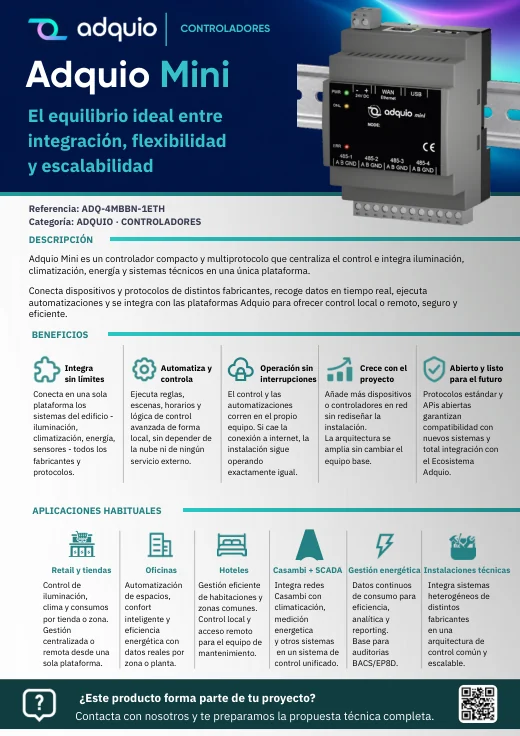
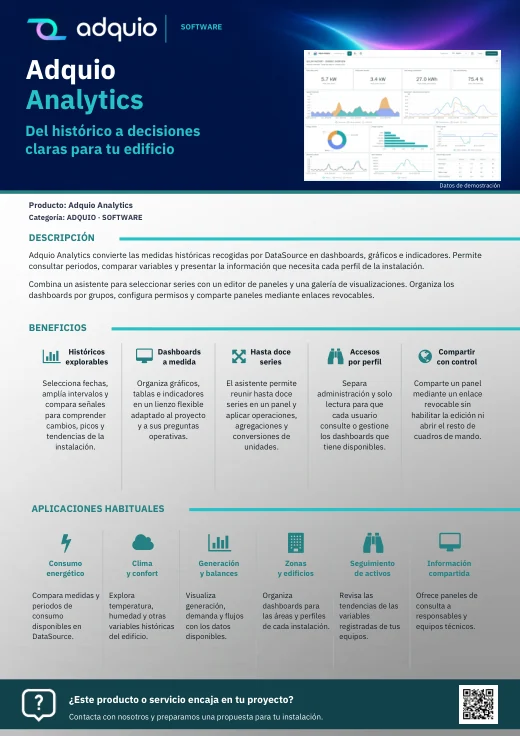
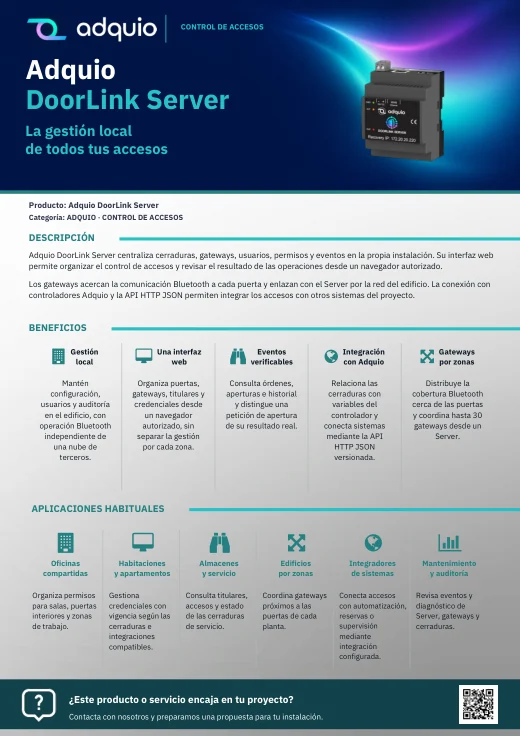
Benefits, applications and commercial documentation organised by product family.
Access technical datasheets, configurations and support resources.

Product pages and references for further information
FROM CONCEPT TO INSTALLATION
Tell us what you have installed, what you want to connect and who needs to use it. We can help plan an Adquio architecture tailored to your project.
