
ADQUIO BUILDING OS · SECTORS
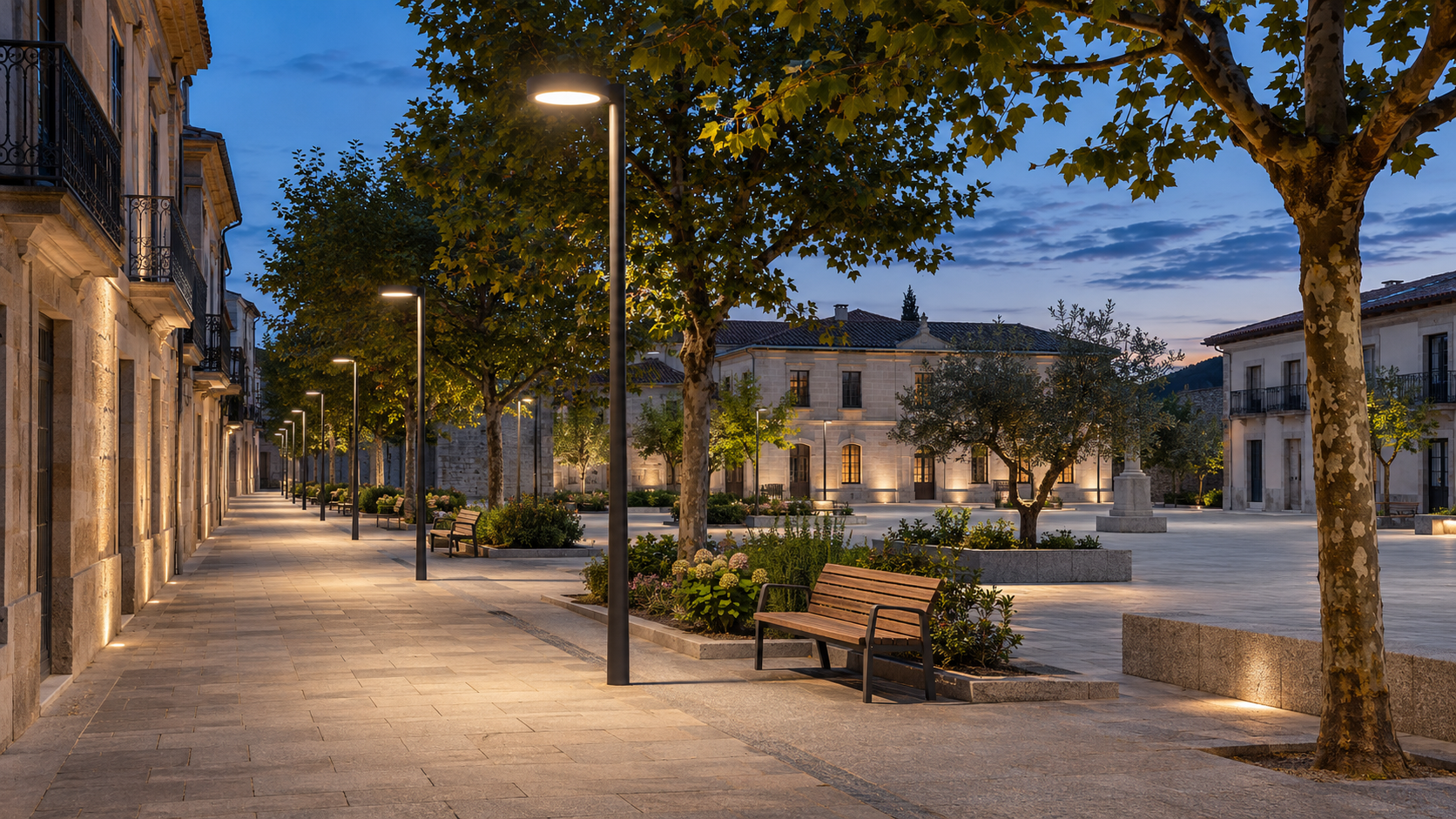
Street lighting. Every network under control.
Install Adquio CityPanel near your Casambi luminaires and connect each cabinet to the Internet by cable or 4G. Manage the lighting through Adquio SCADA Cloud or your local server using Adquio Bridge.
01 · THE PROCESS AT A GLANCE
All your streets. One control system.
Connect the luminaires in each area to CityPanel and manage every street from one system, in the cloud or on your own premises.
In each area: luminaires and CityPanel
Main street
Installed nearby, powered and added to its Casambi network.
Residential area
Installed nearby, powered and added to its Casambi network.
Each CityPanel exchanges data and commands through its connection
Internet by cable or 4G
Choose one of these two destinations to manage all areas
One control system for every street
Adquio SCADA Cloud
CityPanel data reaches the cloud platform, where you can view the lighting and send commands.
Adquio SCADA Server + Adquio Bridge
Bridge connects the CityPanel cabinets to your local server over the Internet. The control system runs on your premises.
The arrows show two-way communication: data is received and control commands are sent back.
02
Phase one: install CityPanel and connect the luminaires
The starting point is the same whether you choose the cloud or prefer to keep the control system on your own premises.
1 · Install and power CityPanel
Install the Adquio CityPanel control cabinet near one of the luminaires you want to control and connect its power supply.
2 · Add it to the Casambi network
Add CityPanel to the Casambi network of the luminaires you will manage. The cabinet can then exchange data and commands with that network.
3 · Connect it to the Internet
Use a wired connection if a network point is available nearby. Otherwise, use the 4G modem built into CityPanel, with its SIM and data service.
03
Phase two: choose where to manage the lighting
Once the CityPanel cabinets are installed, added to Casambi and connected to the Internet, you can choose between these two architectures.
OPTION A · CLOUD CONTROL
Adquio SCADA Cloud
Each CityPanel’s Internet connection sends data to the Adquio SCADA Cloud platform. From there, you can view the luminaires, check their status and send control commands.
The control system is hosted in the cloud. You do not need to install a local SCADA server.
OPTION B · CONTROL ON YOUR SERVER
Adquio SCADA Server + Adquio Bridge
If you prefer to keep the control system local, install Adquio SCADA Server on your own premises. Adquio Bridge connects each CityPanel to that server over the Internet, delivering data from the different Casambi networks.
The control system stays on your local server. Bridge provides the Internet communication link between the distributed CityPanel cabinets and that server.
A local server does not mean the cabinets are wired directly to it
CityPanel cabinets can be distributed across different streets and connect to the Internet by cable or 4G. Adquio Bridge delivers their data to the local server. This communication between the cabinets and the server therefore also requires an Internet connection.
04
What you can do from the control system
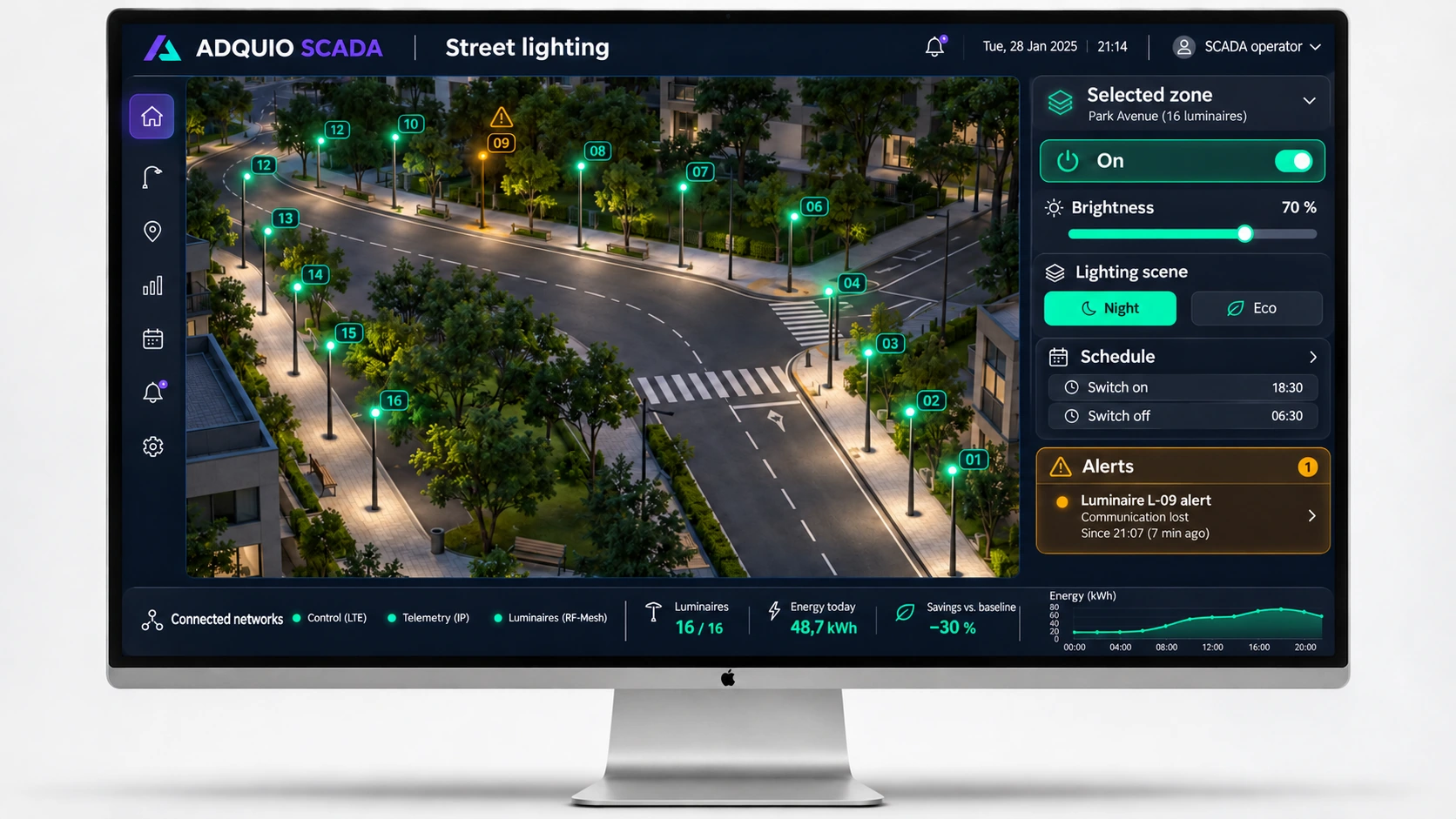
Bring several networks together; control levels, schedules and status from a shared view.
Place luminaires on the map using their Casambi identifiers and check their status and any faults.
If you choose Adquio SCADA Server, use Adquio Nexus to access the local server remotely. With Adquio SCADA Cloud, go directly to its web page and sign in with your credentials: Nexus is not required.
05
Get the installation ready for operation
Associate each CityPanel with its Casambi network and place the luminaires, with their identifiers, on the street map.
Check that luminaire status is received and that the luminaires respond to on, off and dimming commands. Configure scenes, schedules, permissions and alerts.
Train the team responsible and document the networks, cabinets and chosen management option. Then review operation and adjust the configuration when necessary.
06
Tools for this sector
Open each product page to explore its features, connections and documentation.
Local control
Graphical control within the installation, with maps, controls, status and simultaneous operation of the integrated networks.
Cloud control
Graphical control through a hosted service, without maintaining your own SCADA server.
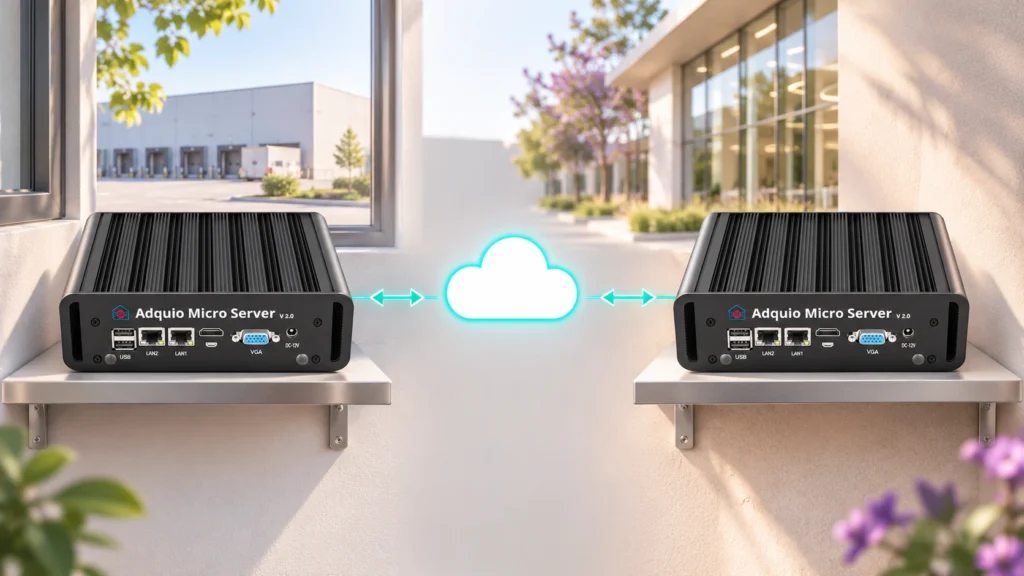
Device ↔ device
Connects two devices remotely, for example a controller and a project server.
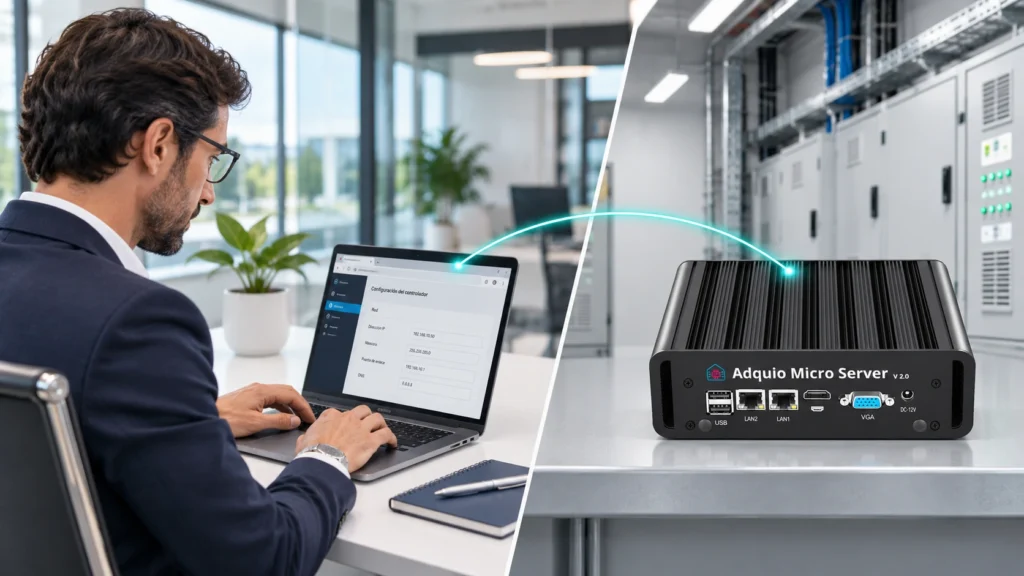
Person → device
Access Adquio SCADA Server remotely when the system is installed locally. Adquio SCADA Cloud does not require Nexus: access it directly through its web page using your credentials.

Energy
Calculates power and energy from lighting activity and the electrical profile of the drivers, without adding a meter to every luminaire.
07
Related articles and examples
Explore published references to learn more about the applications and how they work.

Published article / example
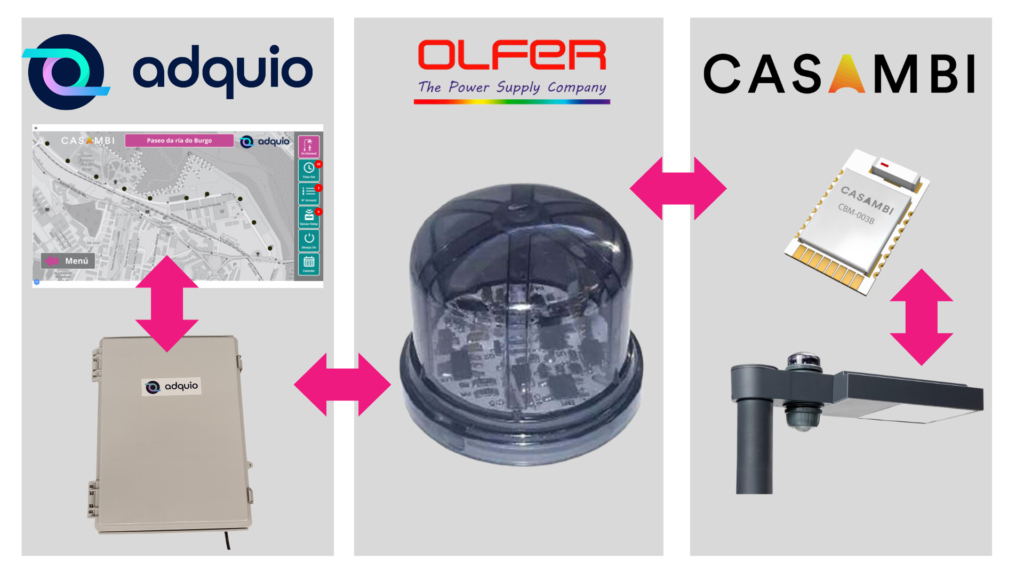
Discover how lighting on demand responds to presence, how CityPanel connects each area and how Adquio SCADA brings maps, status and controls together.
Published article / example
Explore Adquio CityPanel: installation, enclosure, PoE components, wired or 4G connectivity, and cloud or local-server management.
08
Continue exploring the ecosystem
Connect this part of the project to the other layers of Adquio Building OS.
Extend the design with related features and resources.
Extend the design with related features and resources.
Extend the design with related features and resources.
09
Resources to prepare your project
Detailed documentation remains available on the product pages. Courses and manuals with restricted access retain their access conditions.
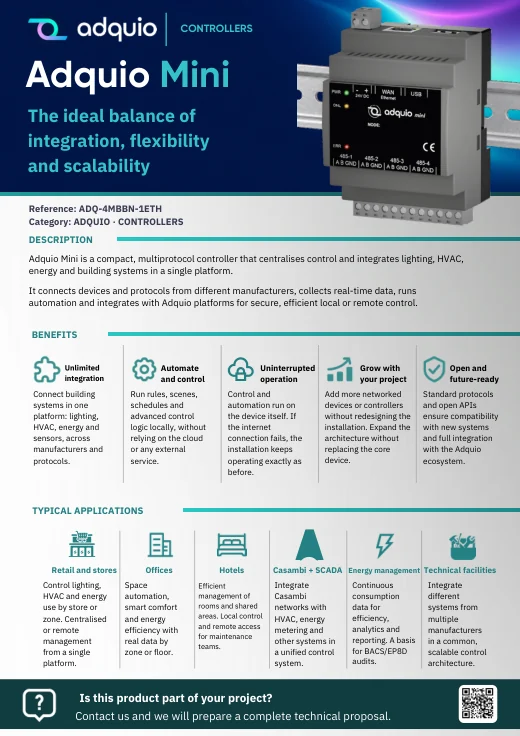
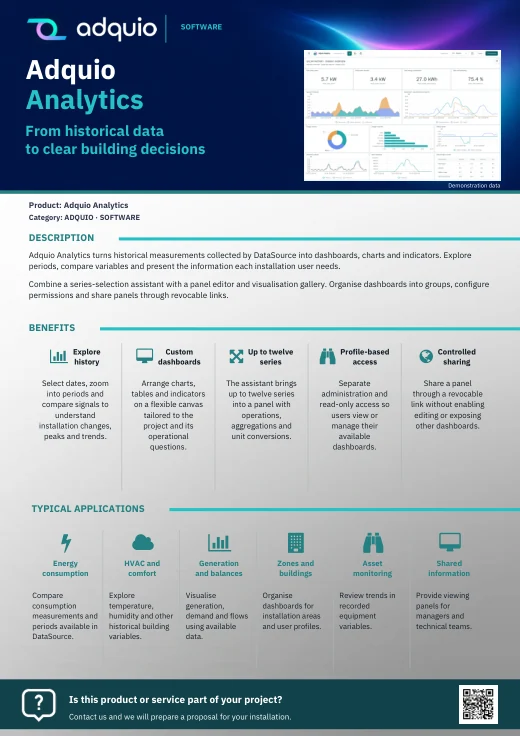
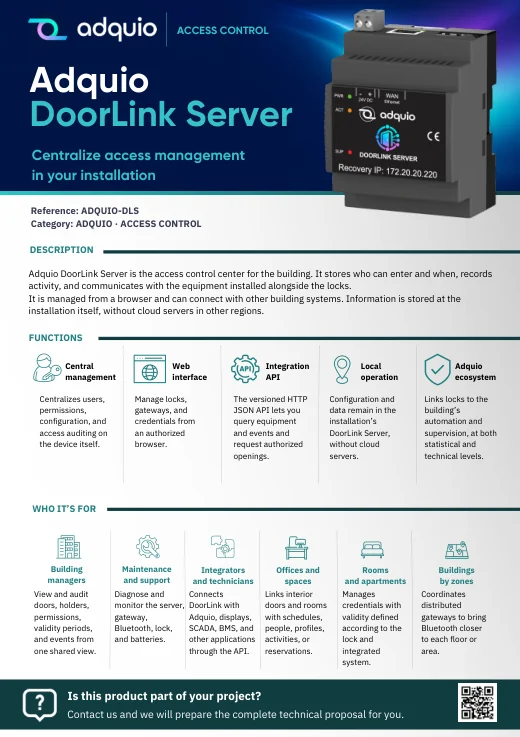
Benefits, applications and sales documentation organised by product family.

Product pages and further references
Adquio control for Casambi street lighting · Adquio: automation and control for public spaces · Adquio x Casambi
FROM CONCEPT TO INSTALLATION
Let’s discuss what your project needs.
Tell us what is installed, what you want to connect and who needs to use it. We can help you plan an Adquio architecture suited to your project.
