
Sales floor and fitting rooms
Combine lighting scenes, temperature and available presence signals. Give staff authorised adjustments through control screens or the Adquio ConfortRoom open thermostat.

ADQUIO BUILDING OS · SECTORS
Coordinate lighting, HVAC, energy and maintenance at each retail location. Connect your stores with Adquio Cloud BMS and compare activity across the chain while retaining local control.
01
Adquio Building OS connects store installations with operational and analytical tools. The design can grow from a few stores to a network of locations, making use of the equipment you already have.
02
The Adquio controllers execute the configured rules for each store.
03
Adquio Cloud BMS brings installations together and enables comparisons between their indicators.
Configured local automation can continue without Internet access while power, equipment and the local network remain operational. Cloud platforms and remote access require connectivity. Define what must continue working in each situation.
02
Sales floors, window displays and service areas do not necessarily follow the same schedule. Integrate their systems while respecting the needs of each zone.
Combine lighting scenes, temperature and available presence signals. Give staff authorised adjustments through control screens or the Adquio ConfortRoom open thermostat.

Schedule opening, trading, campaigns, cleaning and closing. Coordinate lighting levels and scenes in Casambi, DALI or on/off circuits using compatible components.
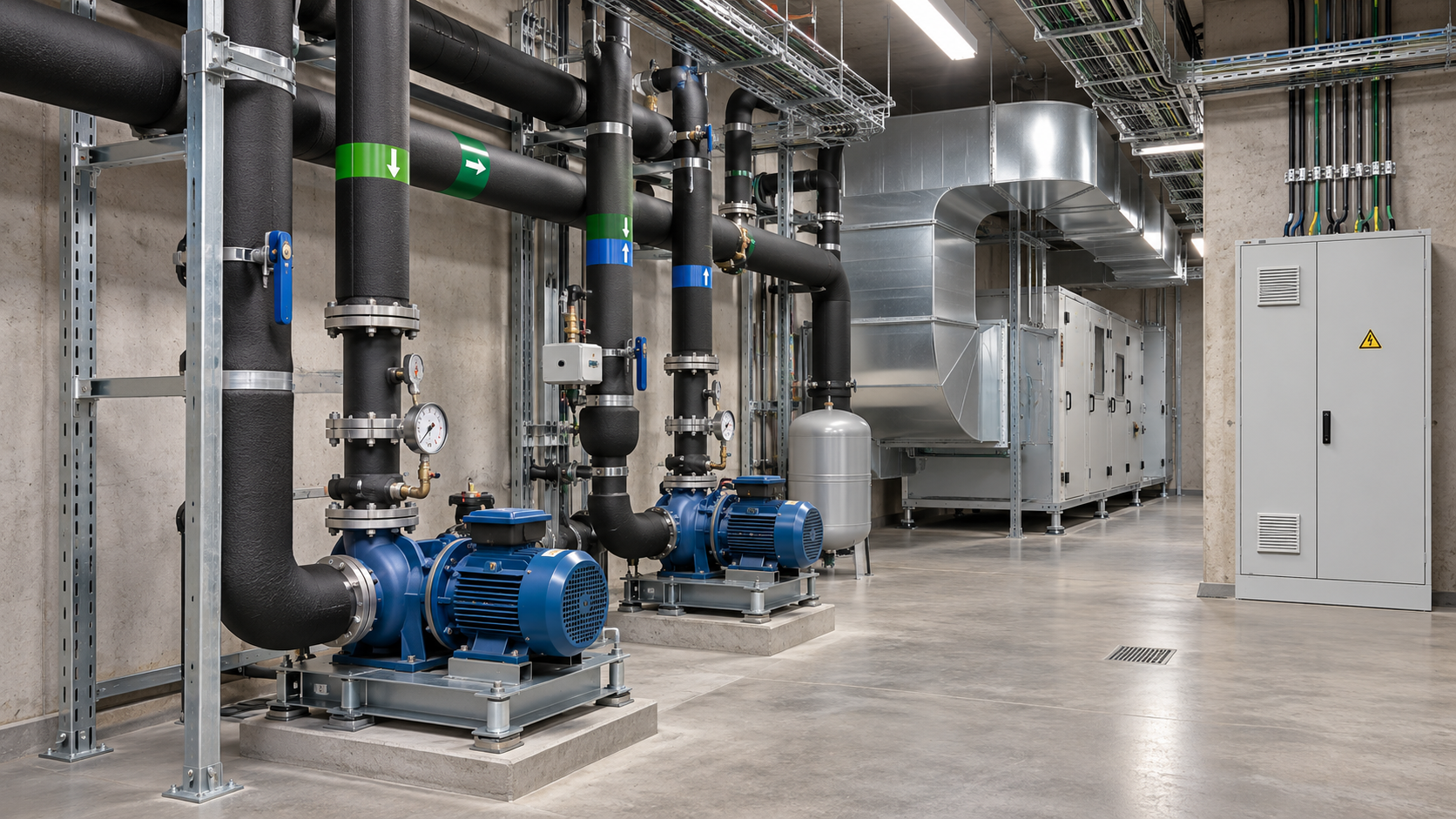
Apply separate schedules to support areas. Check HVAC equipment, pumps and electrical panels, with alerts based on available variables and separate maintenance permissions.
03
Coordinate lighting and HVAC with actual store schedules, including cleaning, restocking, public holidays and exceptions.

Integrate Casambi, DALI and on/off signals through suitable gateways. Retain automation and allow authorised manual adjustments; define their priority and how to restore automatic operation.
Relate setpoints and schedules to compatible fan coils, air handling units, rooftop units, chillers, heat pumps and distribution circuits. Distinguish room control from the heating and cooling production that supplies it.
The Adquio sensors provide the measurements supported by each model, such as temperature, humidity or CO₂. Add people-count information where a compatible system provides it; presence, people counts and air quality are distinct types of data.
Combines integrated temperature sensing, HVAC and other zone controls in a configurable interface. Add lighting, blinds and scenes according to the integrated functions.
Place the screen where staff need to act and sensors where readings are representative. A customised interface can bring together all integrated systems in that zone.
Validate responses in the actual store: check what happens when a setpoint changes, a scene activates, a scheduled period ends or communication is lost. The screen should show the confirmed state where that information is available.
04
Consumption needs context: floor area, opening hours, activity, outdoor conditions and installed equipment. Energy efficiency starts with useful measurements.

Integrate available meters and analysers through Adquio controllers. Where metering is available, distinguish the whole store from services such as HVAC. Identify activity outside planned hours.
Prepare kWh/m², energy per opening hour and other indicators supported by sufficient data. Compare equivalent periods and consider differences between stores before attributing a deviation.
Adquio PowerTrace for Casambi calculates power and energy from luminaire activity and configured electrical profiles. This is an estimate: it does not replace certified metering where a project requires it.
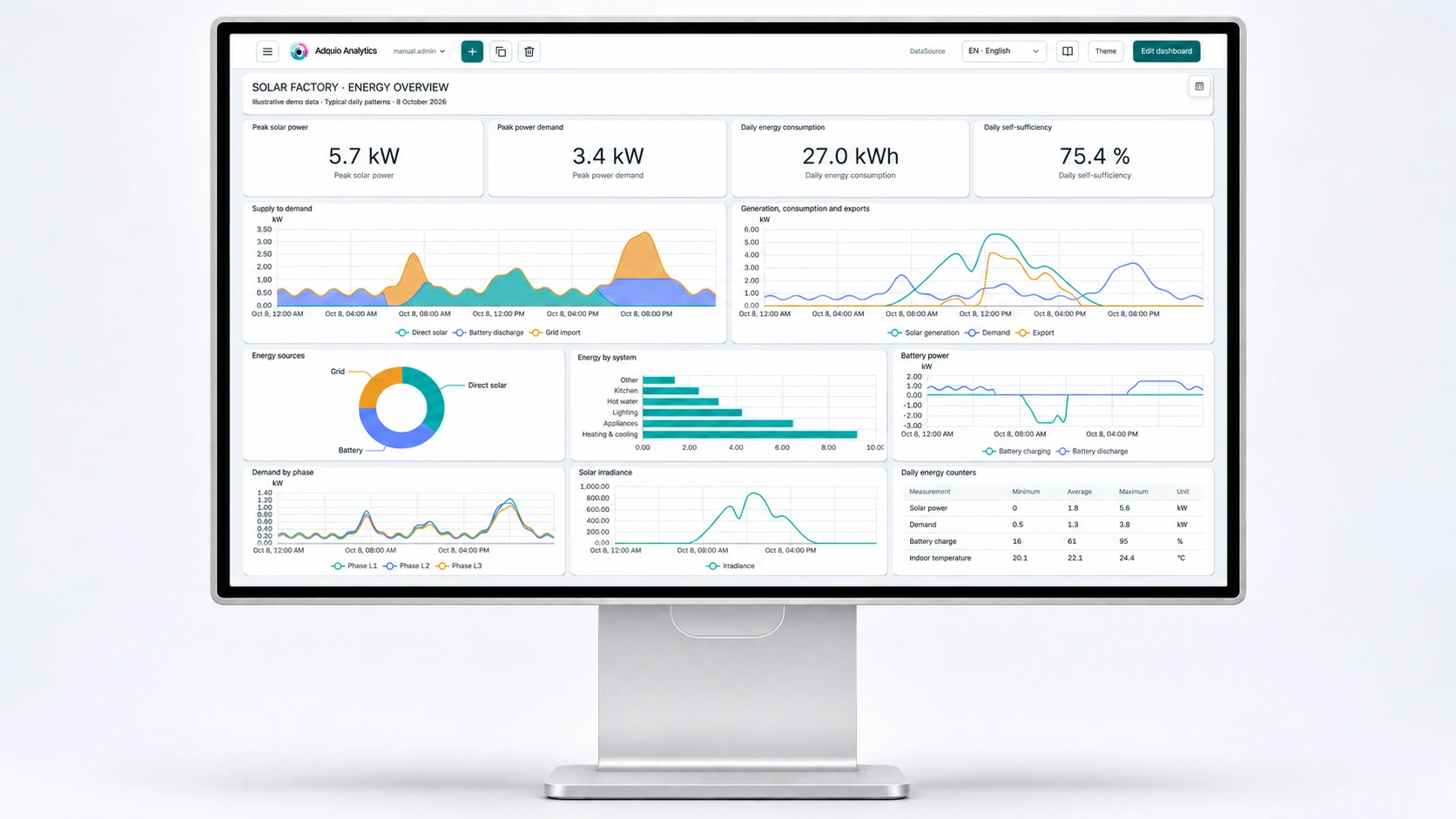
Prepare energy, environmental and operational charts using available variables. The platform is developed entirely by Adquio and can present information tailored to maintenance, store managers or senior management.
Use historical data to review schedules and strategies, and check results after a change. Do not attribute savings to the system without measuring them under comparable conditions.
05
With Adquio Cloud BMS you can bring different stores together on a shared platform. The multi-site architecture is sized to suit the organisation and its needs.
Structure locations by country, city, shopping centre, brand or franchise. Define who can view information and send commands within each scope; prevent general actions from affecting unintended locations.
Reuse units, variable names and indicators. Retain store-specific schedules and setpoints, with local holidays and operational needs; document exceptions.
Bring together available historical data and alarms. Use the advanced formulas in Adquio Cloud BMS for scientific and thermodynamic calculations and normalised indicators when the required data is available.
A shared rule does not mean imposing the same setting on every store. Confirm equipment, permissions and conditions before distributing changes. Also check their receipt and outcome at the affected locations.
06
The platforms complement each other. Select those needed to operate each store, provide technical support and manage multiple locations.
| Tool | Speciality | Retail application |
|---|---|---|
| Adquio SCADA Server | Local operation | Floor plans, controls, states and trends from a server within the installation. |
| Adquio SCADA Cloud | Cloud-based visual control | Web interfaces for authorised supervision and control of integrated installations. |
| Adquio Cloud BMS | Management of multiple installations | Store organisation, data comparisons, historical data and advanced calculations. |
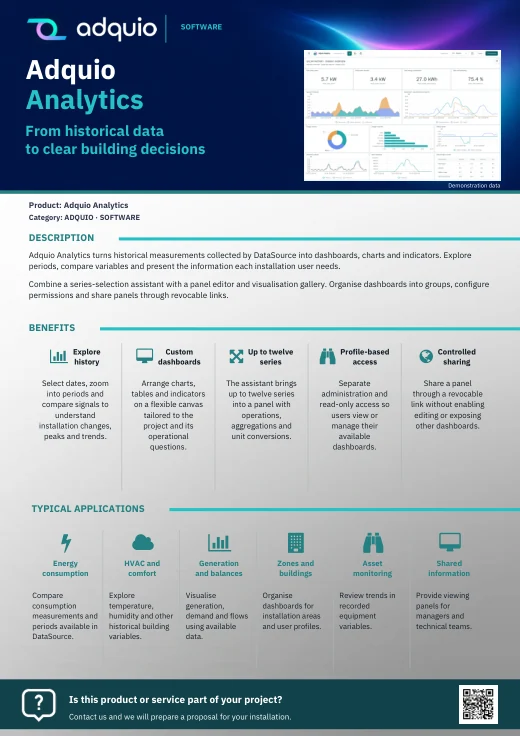
| Adquio Analytics | Dashboards | Charts and indicators to understand energy, comfort and operation. |
| Adquio Supervisor | Technical infrastructure | States of controllers, expansion modules, screens, cameras and locks; alerts and access to their interfaces. |
The controllers execute local rules. Adquio Server can synchronise controllers in a tree architecture; Adquio Micro Server can provide an intermediate layer. These functions differ from Adquio SCADA Server, the visualisation and control platform.
07
Remote management facilitates diagnosis and support for distributed stores. It does not replace physical repairs or checks that require on-site attendance.
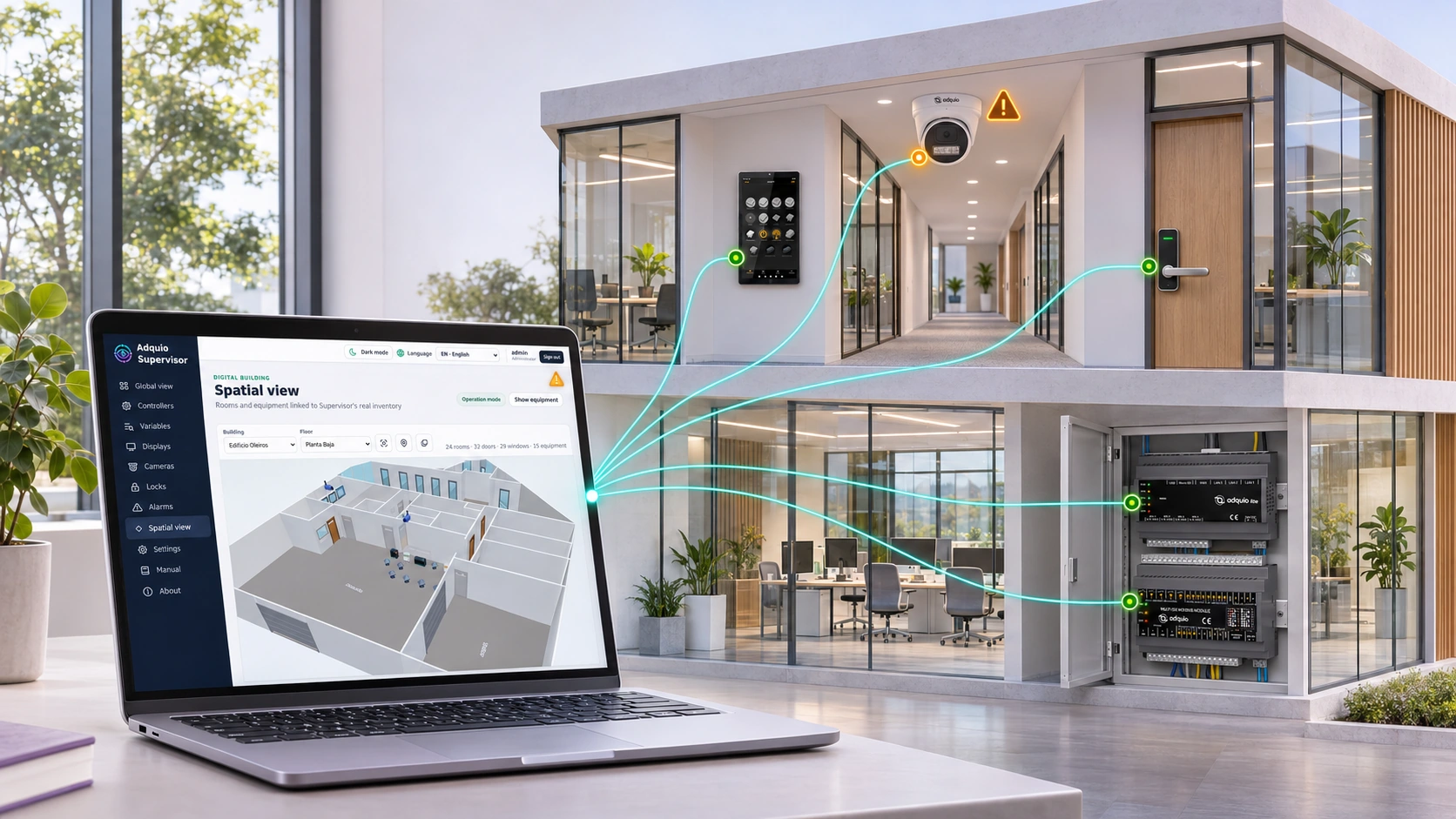
Organise controllers, expansion modules, screens, cameras and locks by store and zone. Check states, alerts and available interfaces to guide diagnosis.
Provide authorised remote access to controllers and Adquio SCADA Server. Cloud-hosted platforms are accessed through their authorised web interfaces.
Connect equipment on different networks when the architecture needs to exchange data, for example with a central control server hosted on your own infrastructure.
Carry out supported configuration and support tasks in the installation’s Casambi app, through authorised access.
Manage compatible locks and credentials for storage, offices or service areas from a local server. Define permissions and schedules according to each person’s responsibilities.
View compatible cameras, recordings and events. The controller can enable or disable cameras for privacy and request photographs. Bring these functions to screens, SCADA or BMS with confirmation of the result.
08
Multiprotocol integration can relate lighting, HVAC, energy and data from other systems according to the available interfaces.
Integrate wireless lighting, DALI buses and physical signals through the appropriate gateways or expansion modules. If layouts change through movable partitions, consider Adquio LiveScenes to adapt scenes to the resulting spaces.
Adquio KNX Gateway uses a KNX/IP interface or router. Connect other protocols through compatible components. Adquio BACnet Exporter can publish variables for reading by an existing BACnet/IP BMS.
Adquio.API provides authorised access to variables. Adquio APP Builder can build customised interfaces. Assess connections to other applications according to their data, permissions and interfaces; this does not imply a preconfigured universal integration.
09
The published project started with 12 stores in Panama and expanded across Colombia, Ecuador, Peru, Paraguay and Panama. Its documented scope shows how to grow in phases while retaining a common view.
The documented installation uses Adquio Lite in each store, Adquio Cloud BMS for central management and a 17″ screen in the documented solution. It brings together electrical and HVAC data, schedules, alarms and information for consumption processing and billing.
The structure organises data by franchise, shopping centre, city and country. The published screenshots show HVAC parameters, temperature trends and analyser power readings.
No verified savings percentage is provided here. Consult the article to understand the installation’s scope and tools.

Reference setpoints and variables available in the published installation. View the project context ↗

Historical trends help review the behaviour of integrated zones and equipment. View the project context ↗
10
Choose a representative store before expanding to other locations. Check local operation as well as access and comparisons from head office.
Identify equipment, protocols, meters, sensors, locations and responsibilities with the engineering service. Choose pilot objectives and acceptance criteria.
Configure schedules, variables, scenes, permissions and alarms. Check manual controls, the return to automatic operation, communication loss and responses from the actual equipment.
Prepare the team with Adquio training. Document settings and exceptions, review indicators and expand in phases to stores that meet the requirements.
Not necessarily. Review which devices can communicate and which variables and commands they provide. You can retain existing equipment, add gateways and begin with priority functions.
No. Share identification criteria, units and permissions while retaining local schedules and needs. Comparisons should account for differences between stores.
Local rules can continue running if the controller, equipment and local network remain operational. Cloud functions and external access require connectivity. Define the dependencies of each function during design.
No. People counting requires a system that provides that information. Presence, CO₂ and the number of people represent different measurements and should not be used interchangeably without specific validation.
11
Extend the project to suit your operational, energy and support needs.
Coordinate the store’s different installations and define operational scopes.
Organise measurements and indicators before deciding where to act.
Prepare diagnosis and authorised access to reduce interventions that do not require travel.
12
Detailed documentation remains available on the product pages. Restricted courses and manuals retain their access conditions.
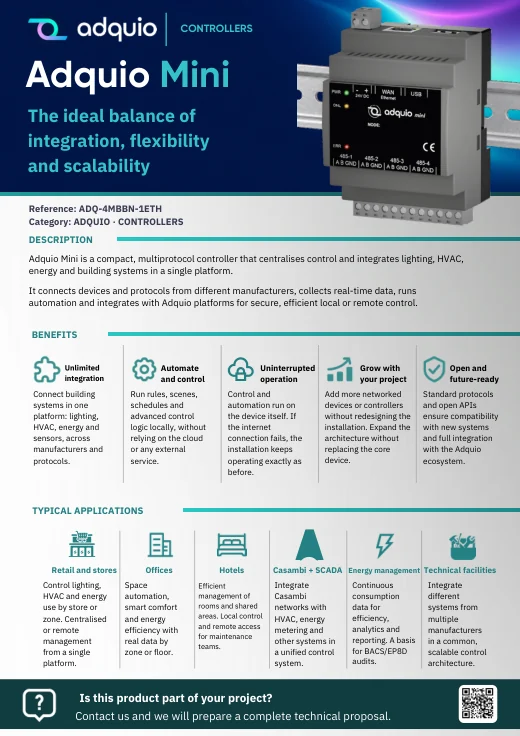
Benefits, applications and commercial documentation organised by product family.
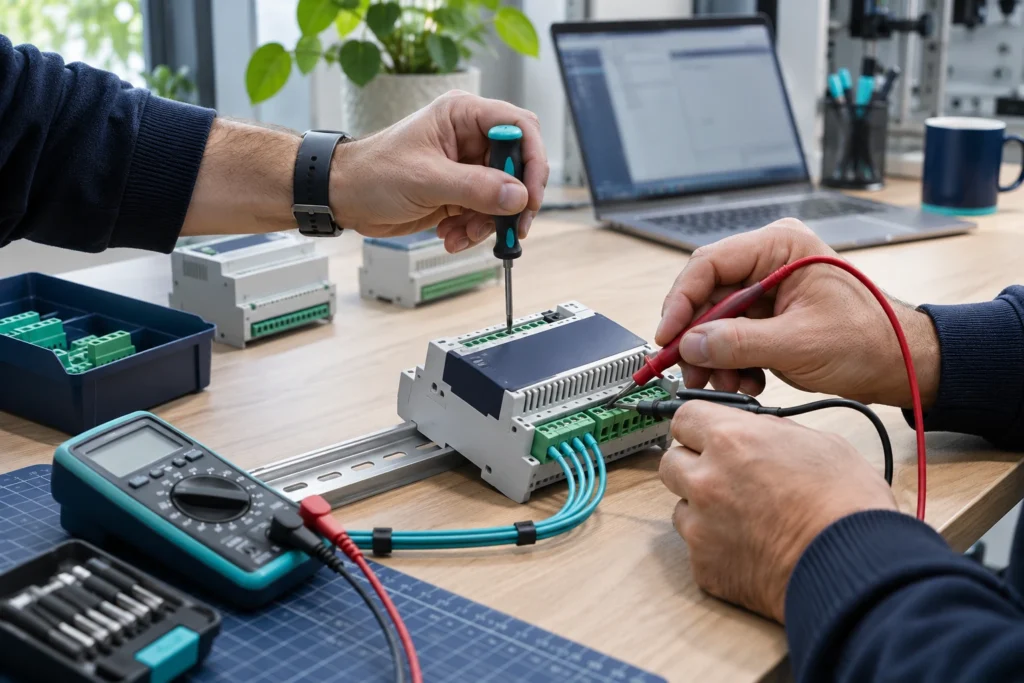
Access technical datasheets, configurations and support resources.

Product pages and references for further information
FROM CONCEPT TO INSTALLATION
Tell us how many stores you manage, which equipment is installed and what you need to address at each store and at head office. We can help define a pilot and an architecture that can grow with your chain.
