
Protocols and signals that connect the building.
ADQUIO BUILDING OS · TECHNOLOGY
Protocols and signals that connect the building.
Each technology needs the right interface and a clearly defined scope. Distinguish controller protocols, dedicated gateways and integration services.
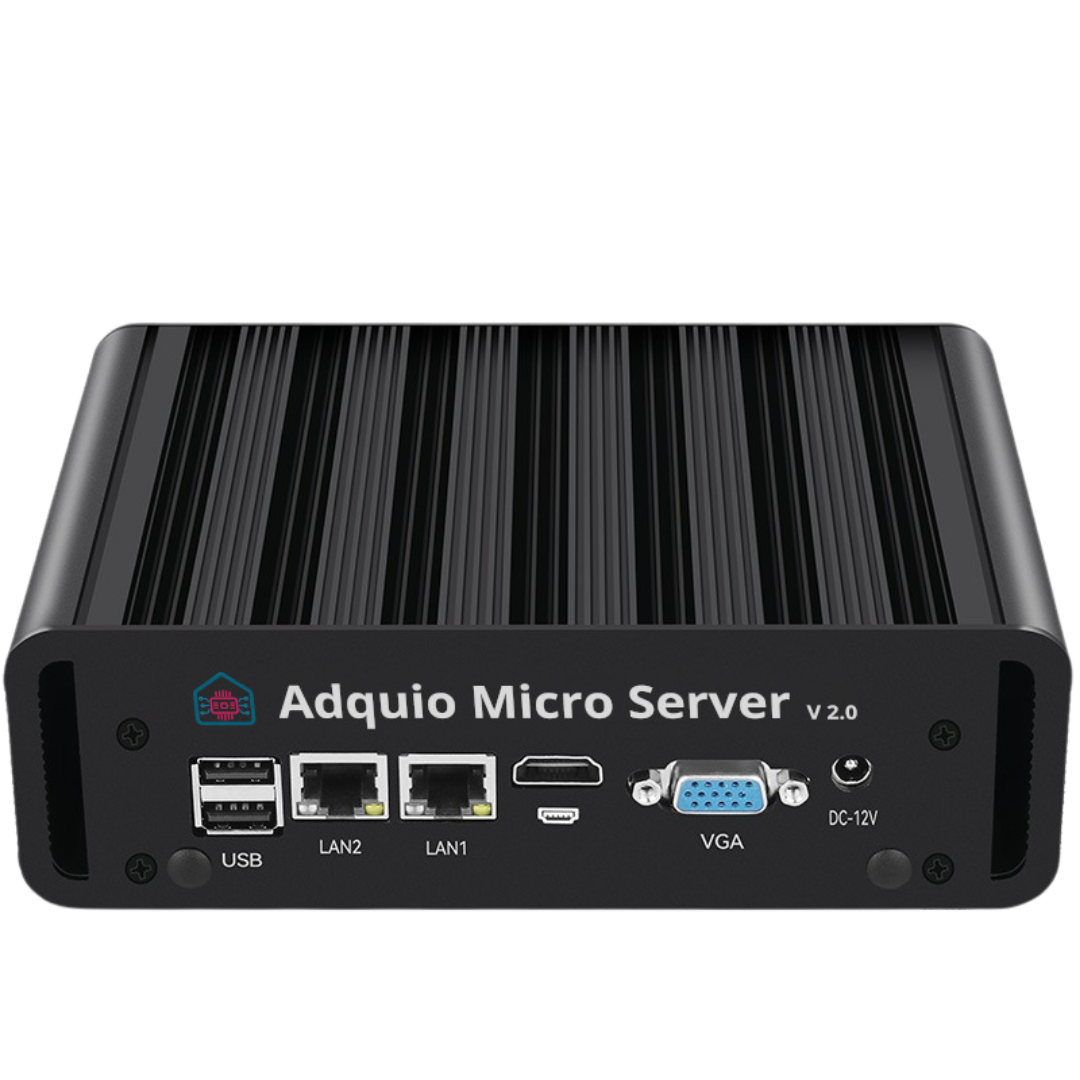
01
How it fits into the architecture

RTU uses RS-485; TCP uses the IP network. Check registers, addresses, parameters and each device’s role.

The available interface depends on the controller. Exporter publishes selected variables for access from external BACnet/IP systems.


Integrate lighting networks through the support and interfaces of the selected hardware.


 REST API
Integrate messages, data and actions with platforms and software through the available interfaces.

The receiver delivers compatible readings over Modbus RTU. It is not a universal LoRaWAN gateway.
 RTSP

ONVIF/RTSP provide video to VisionCore; DoorLink uses Bluetooth gateways for compatible locks.
02
The information path
Connections are defined by the equipment, interfaces and available functions; each layer has a responsibility.
01
Device technology
02
Compatible interface, controller or gateway
03
Adquio variables and logic
04
Platforms and user interfaces
03
Design with the integrator, validate with the user
Identify devices, versions, protocols, power supplies and network restrictions.
Define who can view information, who can act and what should happen when an incident occurs.
04
Related products and services
Open each product page to explore its functions, connections and documentation.

KNX/IP
Map KNX group addresses and data types to Adquio variables through a KNX/IP interface or router.
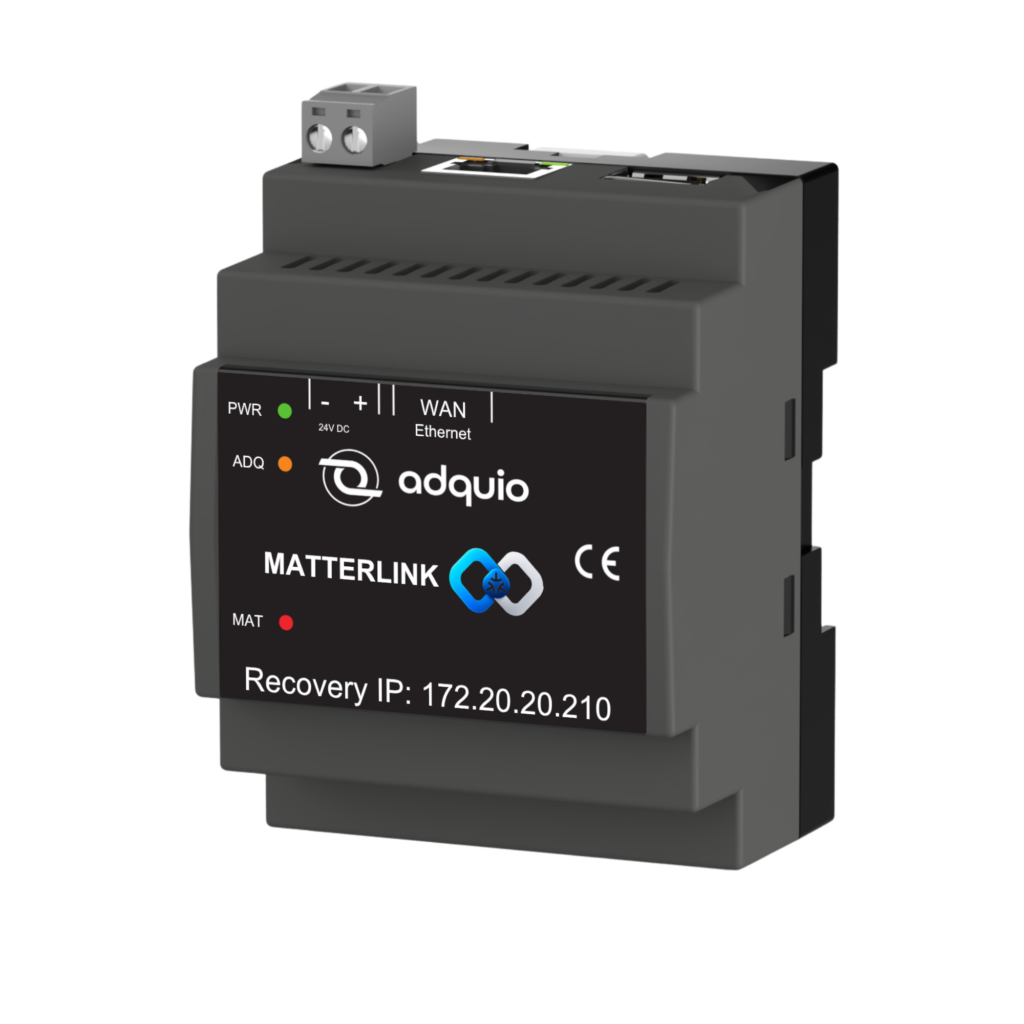
Matter
Add compatible Matter devices and publish selected Adquio functions through a Matter bridge.
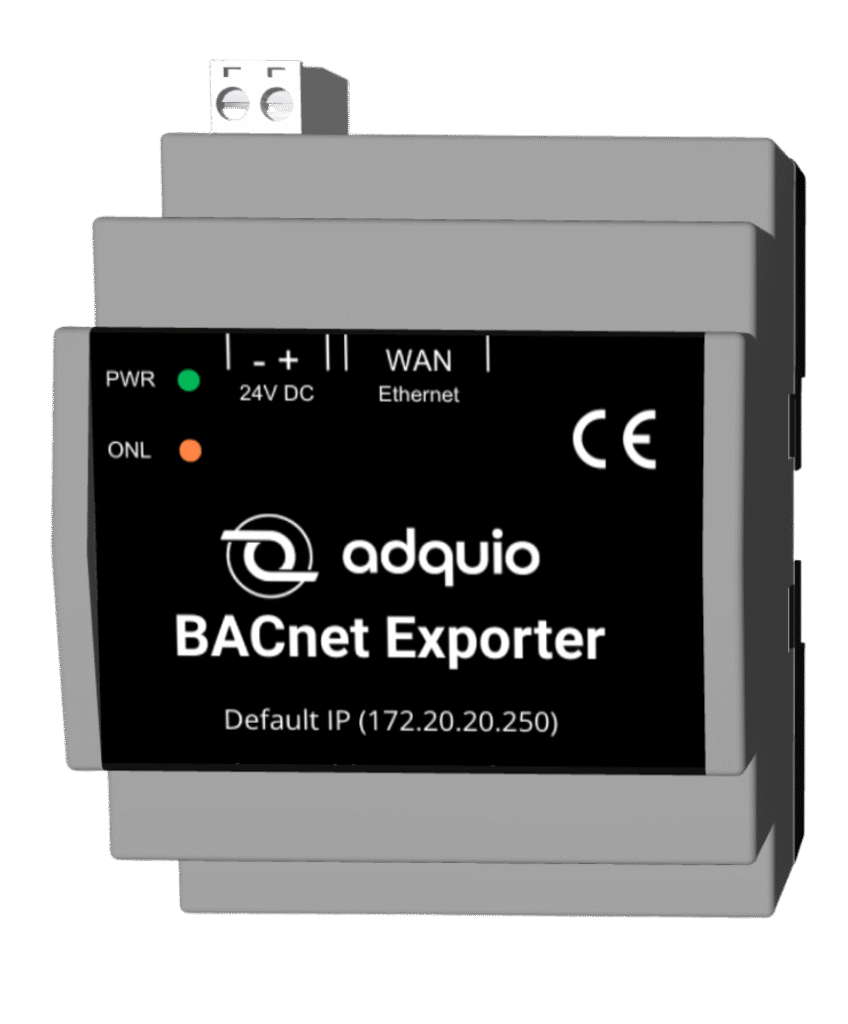
BACnet/IP
Expose a selection of Adquio variables, including consolidated Casambi networks, for access from an external BACnet/IP BMS.

LoRa → Modbus
Receive readings from up to 30 compatible Adquio LoRa sensors and deliver them over RS-485 / Modbus RTU.
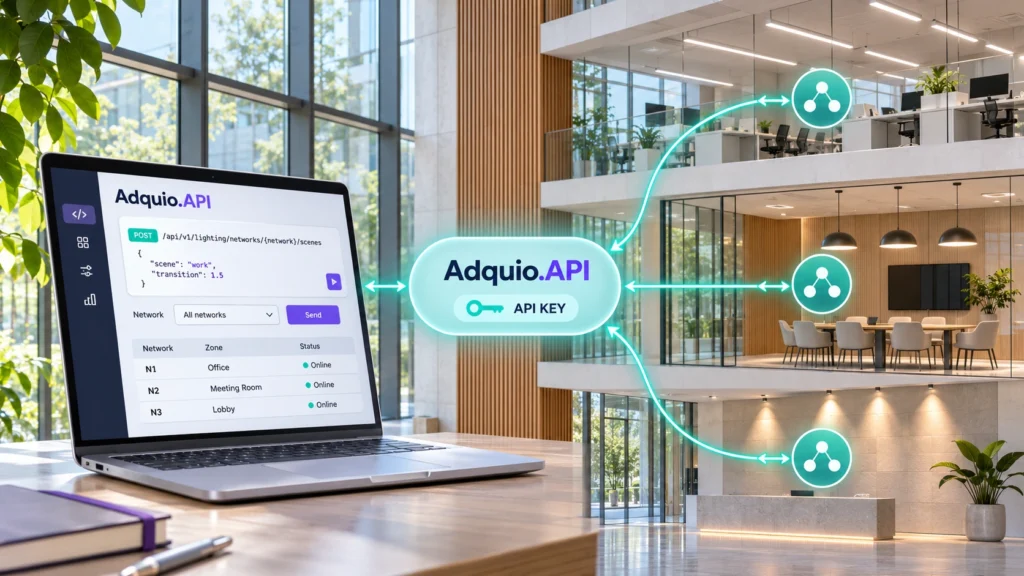
Integration
Integrate data and actions with external software. For Casambi, one API key provides access to the networks of a single installation.
05
Related projects and articles
Explore published references to learn more about the applications and how they work.
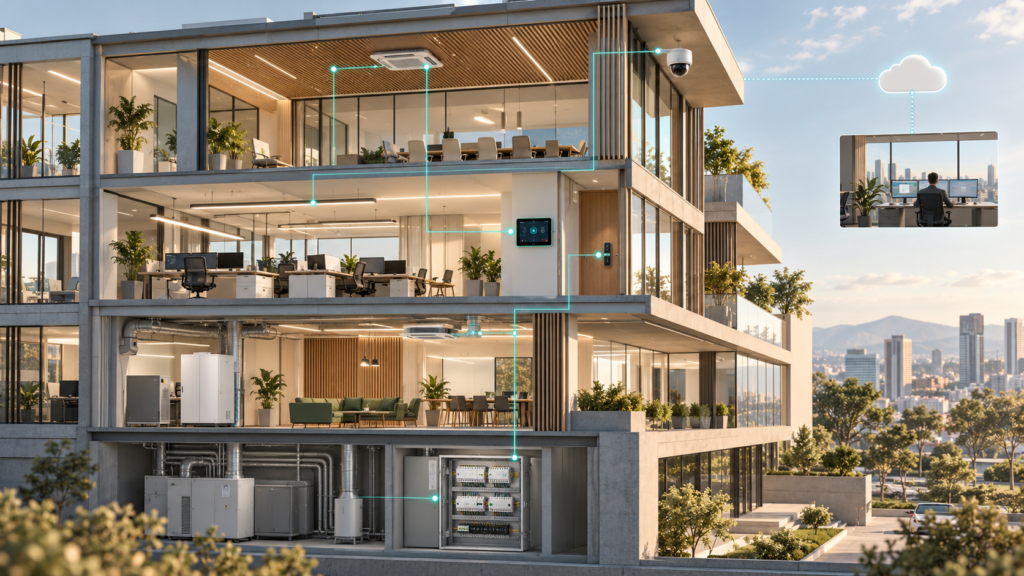
Published article / project
From field buses to building supervision and remote access: discover what each protocol connects and how the Adquio ecosystem works.
06
Explore the ecosystem
Connect this part of the project with the other layers of Adquio Building OS.
Expand the design with its related functions and resources.
Expand the design with its related functions and resources.
Expand the design with its related functions and resources.
07
Resources to prepare your project
Detailed documentation remains available on the product pages. Restricted courses and manuals retain their access conditions.
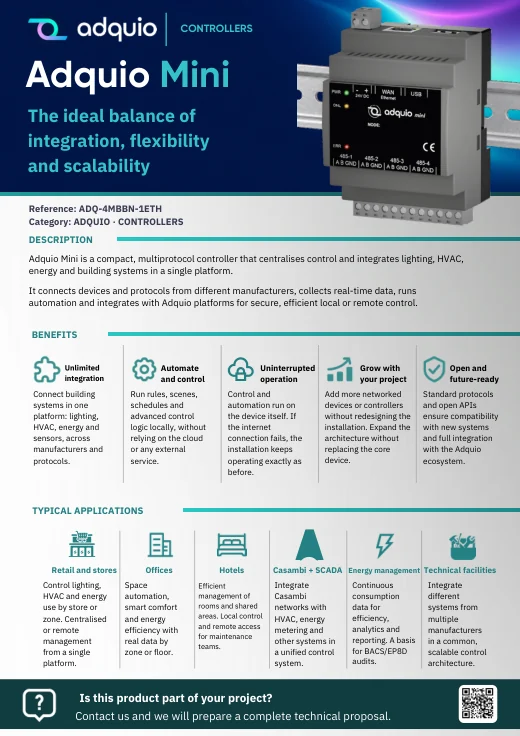
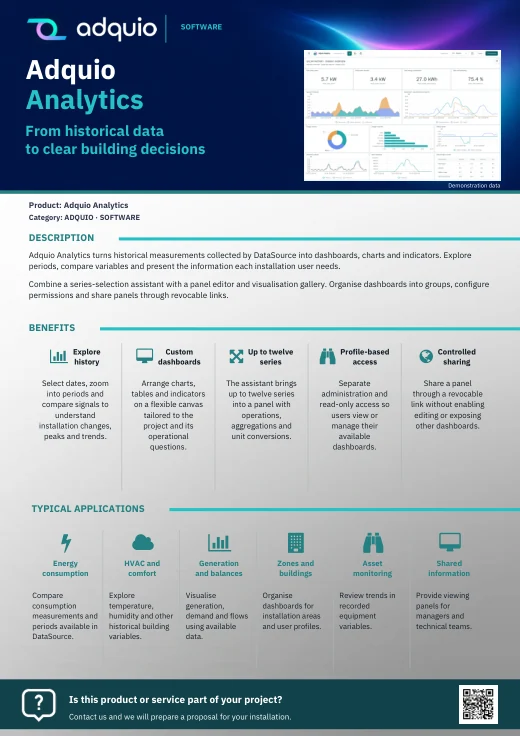
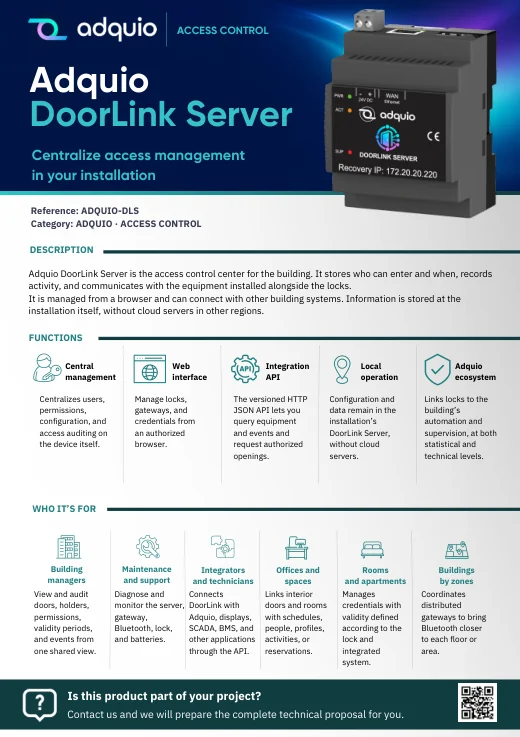
Benefits, applications and commercial documentation organised by product family.
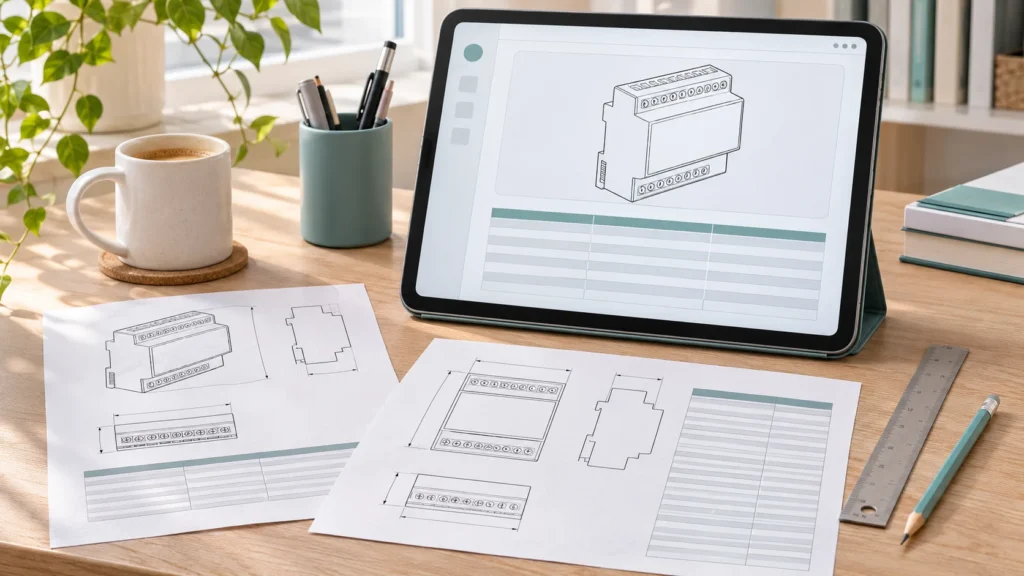

Product pages and further references
FROM IDEA TO INSTALLATION
Let’s discuss what your project needs.
Tell us what is installed, what you want to connect and who needs to use it. We will help you design an Adquio architecture suited to your project.
← Adquio Building OS technology: architecture, control and integration
