
Remote access with boundaries, permissions and context.
ADQUIO BUILDING OS · TECHNOLOGY
Remote access with boundaries, permissions and context.
Connectivity is part of the security architecture: define who can access which equipment, for what operation and through which service.
CONNECTIONS WITH A CLEAR PURPOSE
01
Authorised user or device
02
Project services and permissions
03
Remote connection to the destination
04
Operation and monitoring
01
How it fits into the architecture
Nexus provides authorised remote access to equipment. Organise accounts and the scope of support.
Bridge connects remote technical endpoints according to the architecture and network rules.
Use named accounts, privileges suited to the task and additional authentication where the service provides it.
Coordinate segmentation, domains, ports, time synchronisation and updates with IT. Avoid unnecessary access points.
Locate equipment and incidents and use the maintenance access available in Supervisor.
02
The information path
Connections are defined by the equipment, interfaces and available functions; each layer has a responsibility.
01
Authorised user or device
02
Project services and permissions
03
Remote connection to the destination
04
Operation and monitoring
03
Technical security and regulations
Review authentication, encryption and maintenance mechanisms for deployed services with the IT team. Address NIS2 through design and management: compliance depends on the organisation, scope and measures implemented.
Coordinate network services with the administrator and verify the requirements of the installed version.
Read the article and define responsibilities, access and maintenance according to the project.
For doors and locks, see the DoorLink solution; physical access serves a different purpose from remote access.
04
Related products and services
Open each product page to explore its functions, connections and documentation.
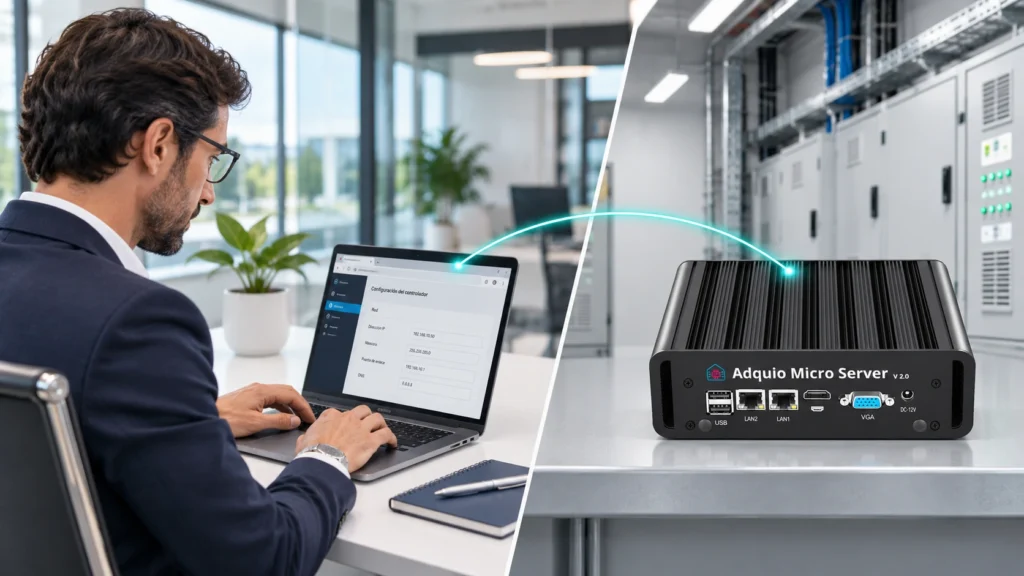
Person → device
Access Adquio products with web interfaces remotely and with authorisation. Adquio Nexus is free for customers of Adquio systems.
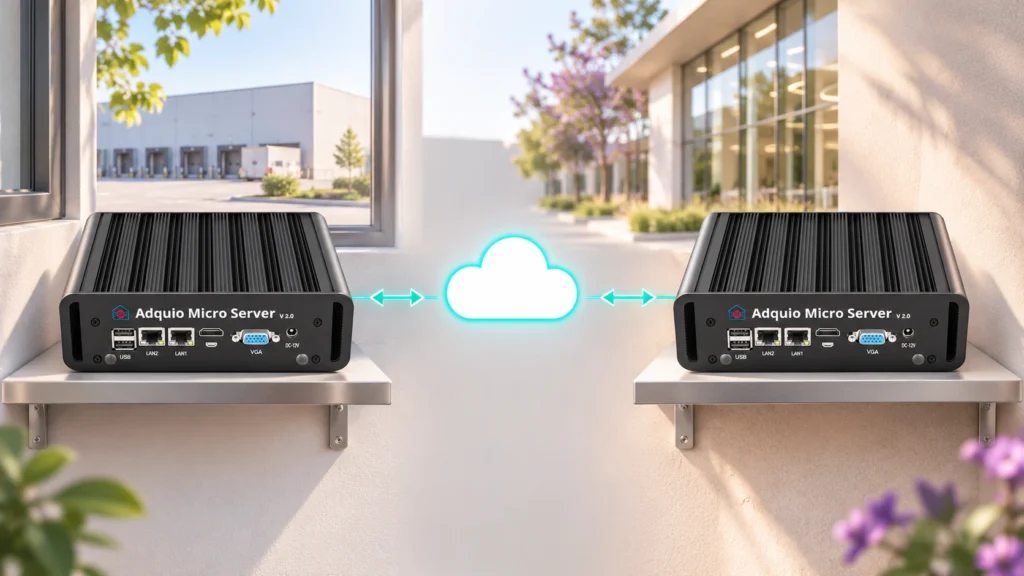
Device ↔ device
Connect two devices remotely, such as a controller and a project server.
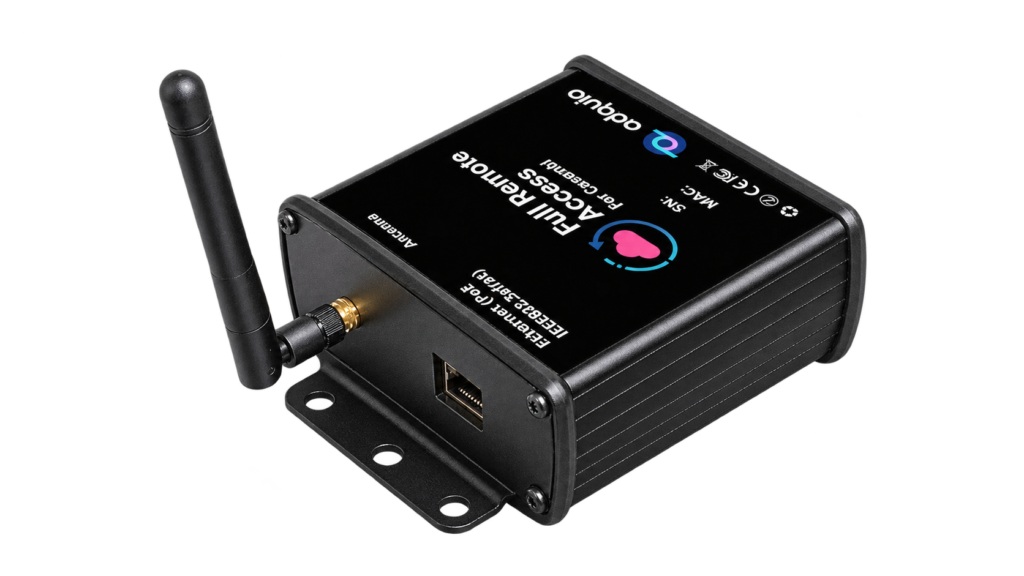
Casambi app
Remote access to the Casambi app to configure and maintain compatible networks without travelling to the installation.
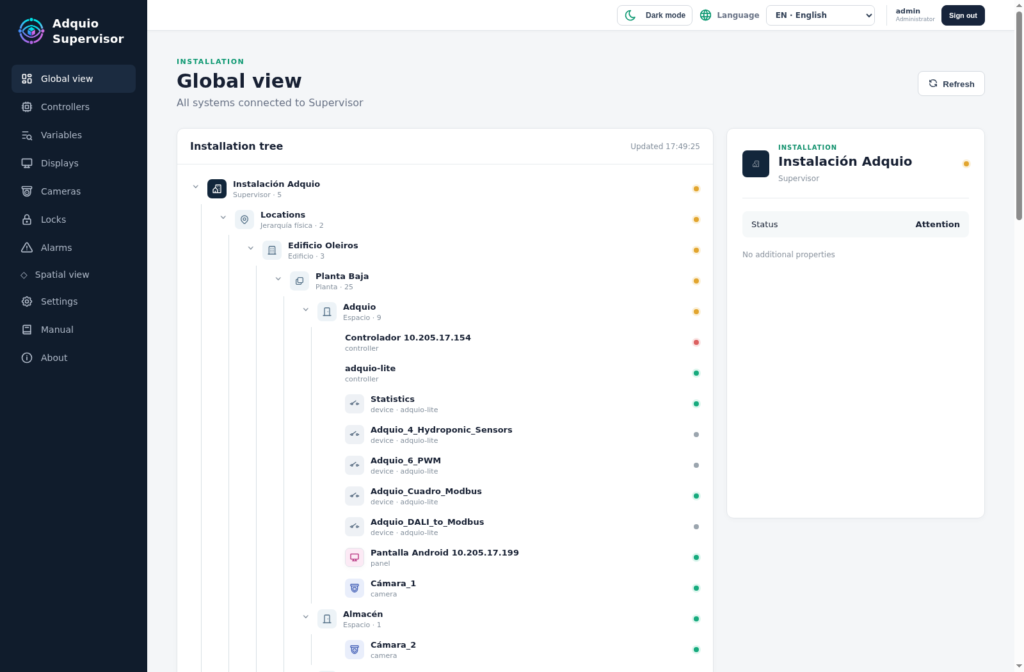
Supervision
Monitor controllers, expansions, screens, cameras and locks; locate incidents in the 3D digital twin.
05
Related projects and articles
Explore published references to learn more about the applications and how they work.
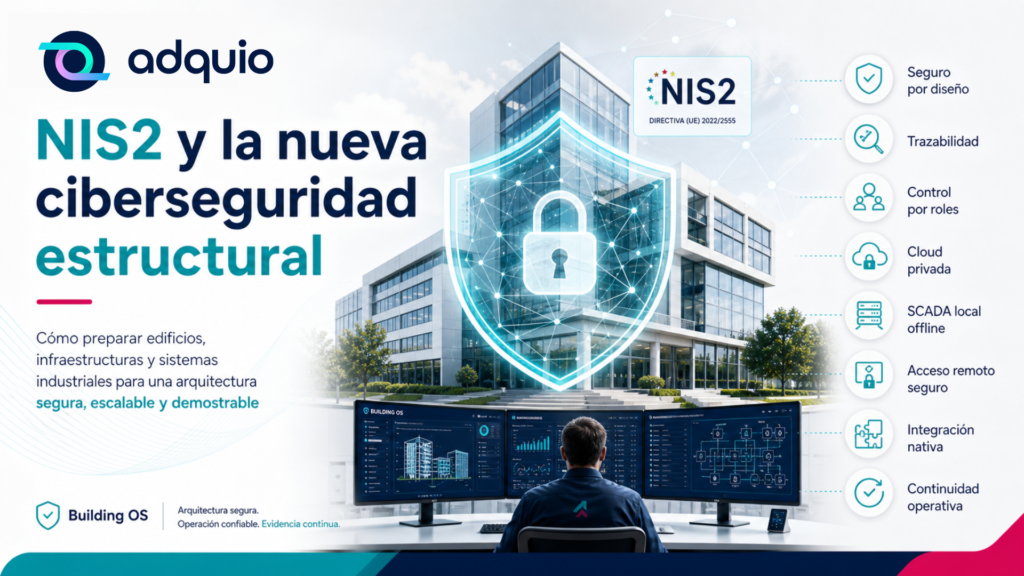
Published article / project
For years, cybersecurity in buildings, infrastructure and industrial systems was often treated as secondary. The European NIS2 Directive changes that, introducing obligations for organisations within its scope. These include managing cybersecurity risks, reporting incidents promptly and overseeing their […]
06
Explore the ecosystem
Connect this part of the project with the other layers of Adquio Building OS.
Expand the design with its related functions and resources.
Expand the design with its related functions and resources.
Expand the design with its related functions and resources.
07
Resources to prepare your project
Detailed documentation remains available on the product pages. Restricted courses and manuals retain their access conditions.
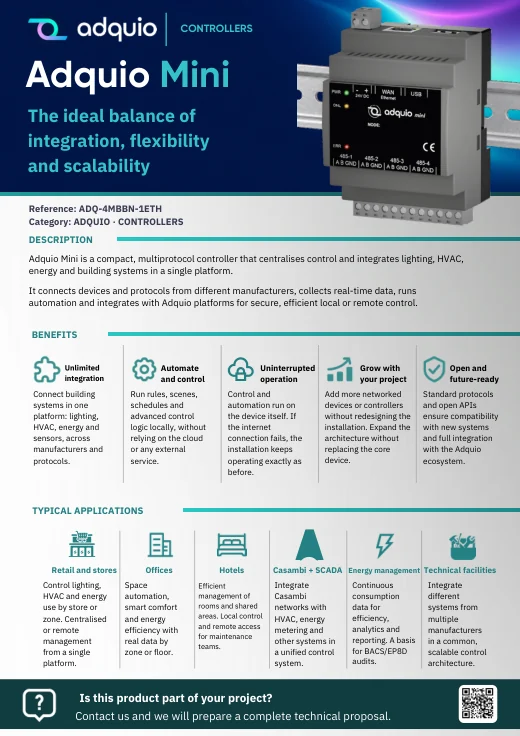
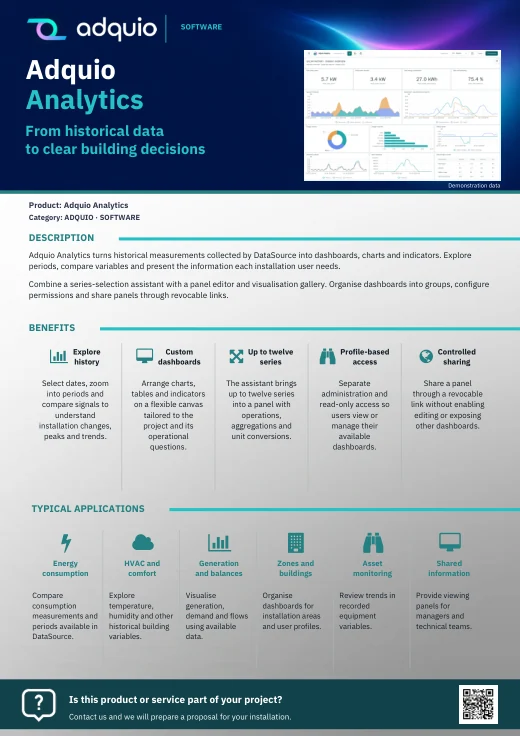
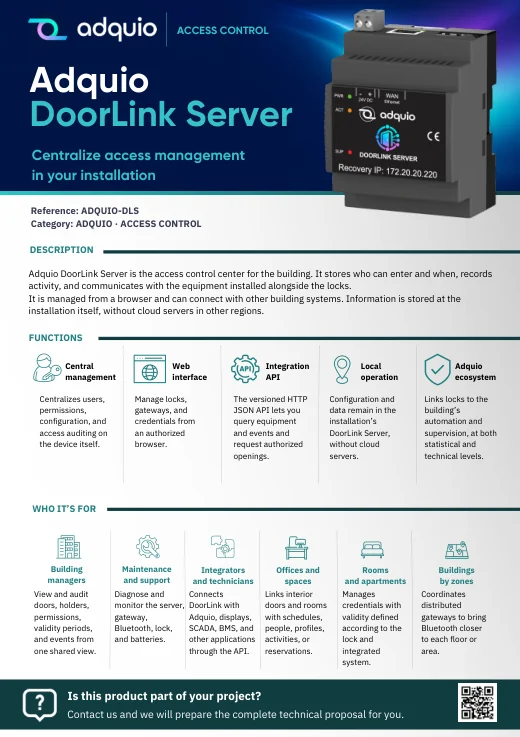
Benefits, applications and commercial documentation organised by product family.

Product pages and further references
Security in Adquio and Adquio Cloud BMS connections · Adquio connection requirements · Adquio Nexus · Adquio Bridge · Adquio Full Remote Access for Casambi
FROM IDEA TO INSTALLATION
Let’s discuss what your project needs.
Tell us what is installed, what you want to connect and who needs to use it. We will help you design an Adquio architecture suited to your project.
← Adquio Building OS technology: architecture, control and integration
