
Access control integrated with the rest of the building.
ADQUIO BUILDING OS · SOLUTIONS
Access control integrated with the rest of the building.
Doors become part of the wider system: connect users, permissions and lock states with supervision and automation.
01
What this solution delivers
Functions for designing a specific integration with clearly defined responsibilities and data.
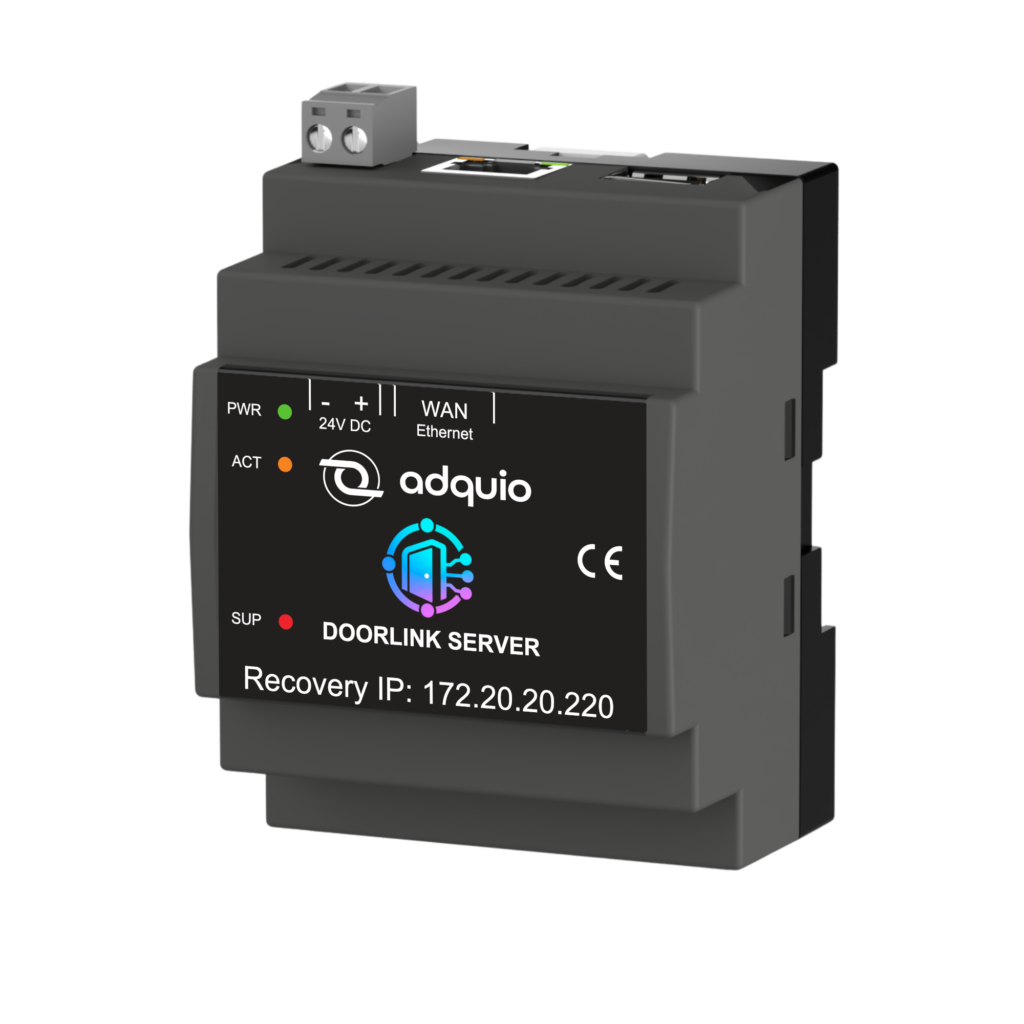
DoorLink Server keeps configuration, users, permissions and events within the installation.
Position gateways close to the doors and verify Bluetooth coverage and the local network.
Manage PINs, IC cards, validity periods and passage mode according to the lock’s capabilities.
Match requests with results; distinguish physical events, remote unlocking and unknown data.
Check battery, signal, connectivity and last communication using compatible tools.
Use commands and states to design lighting logic or notifications, with appropriate permissions and checks.
02
How the process works
Validate every step against the installation’s devices, interfaces and permissions.
01
User, schedule or logic
02
DoorLink Server and controller
03
Zone gateway
04
Lock and confirmation
03
From requirements to commissioning
Specify the equipment, users, variables, actions and results that must be verifiable.
Test communications, permissions, alarms and behaviour when connectivity is lost.
Prepare interfaces, documentation and training so that the team can operate and maintain the solution.
04
Products involved
Open each product page to explore its functions, connections and documentation.
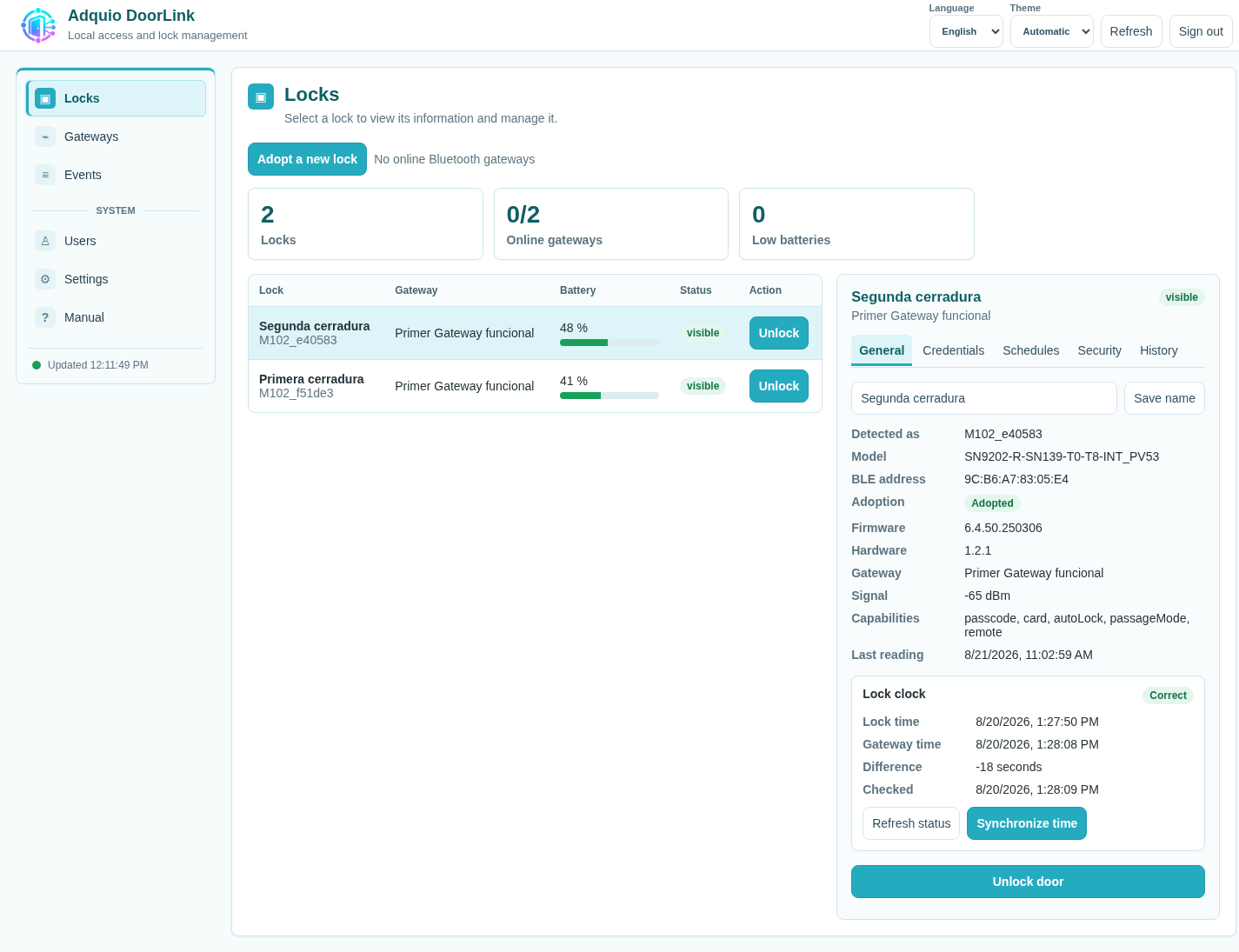
Access control
Manage doors, users, credentials, permissions and schedules from the installation’s DoorLink Server.
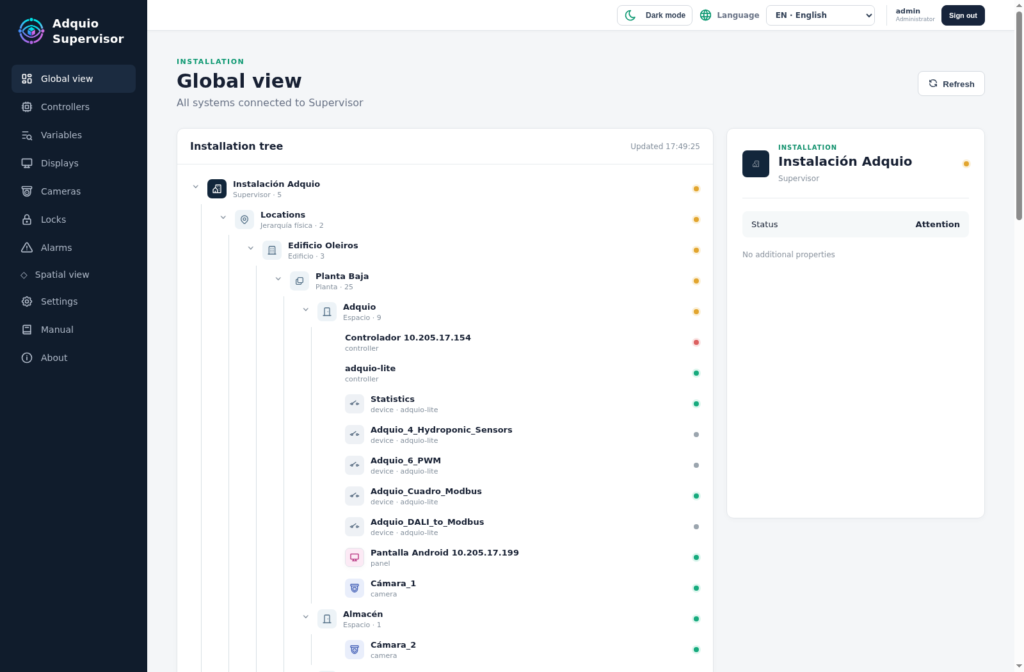
Supervision
Monitor controllers, expansions, screens, cameras and locks; locate incidents in the 3D digital twin.
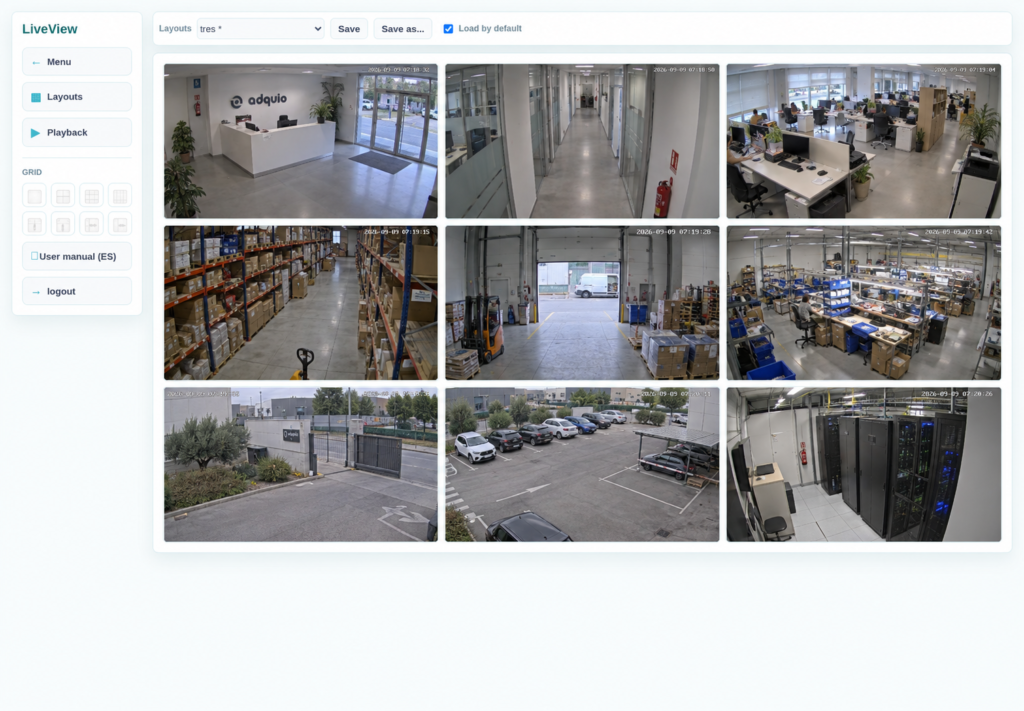
Video
Live video, mosaics, recordings, permissions and events linked to your controllers’ variables.
05
Related projects and articles
Explore published references to learn more about the applications and how they work.

Published article / project
A privacy button on the screen and photographs requested by the controller: discover how Adquio integrates VisionCore cameras into the installation’s scenes and automation.
06
Explore the ecosystem
Connect this part of the project with the other layers of Adquio Building OS.
Expand the design with its related functions and resources.
Expand the design with its related functions and resources.
Expand the design with its related functions and resources.
07
Resources to prepare your project
Detailed documentation remains available on the product pages. Restricted courses and manuals retain their access conditions.
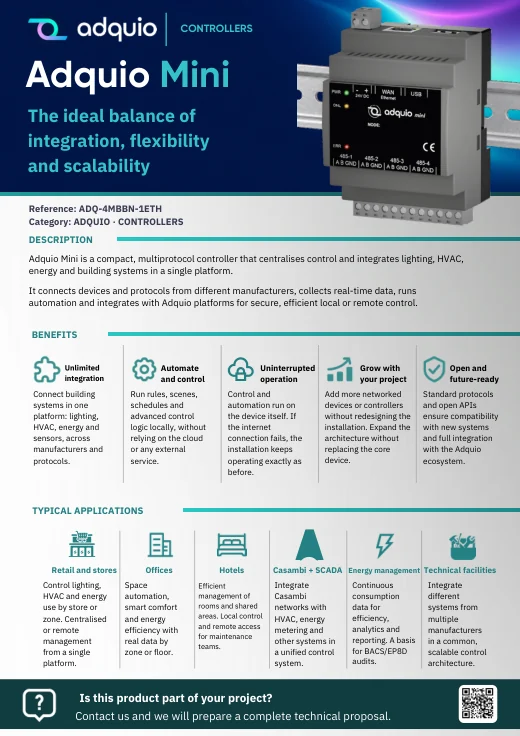
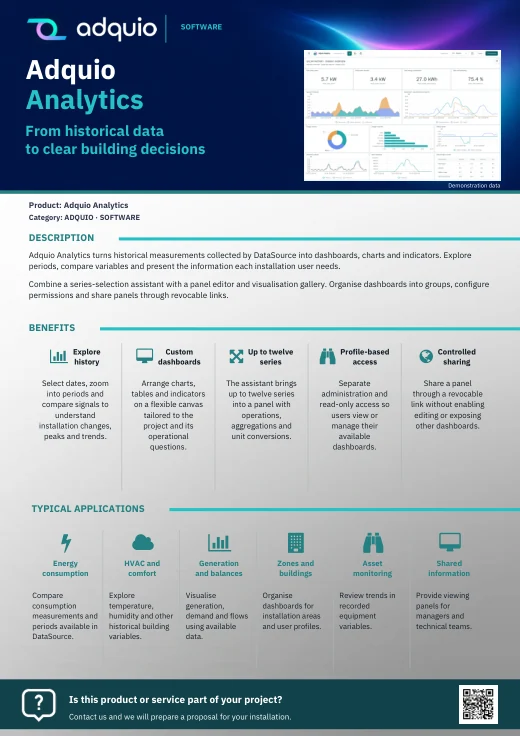
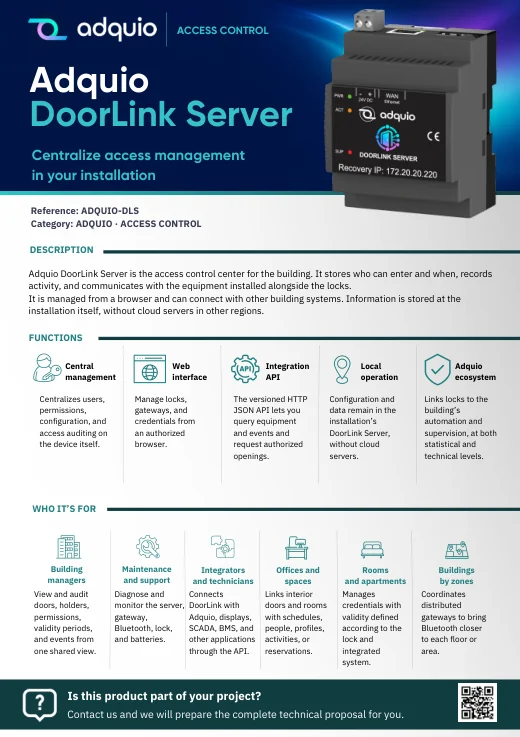
Benefits, applications and commercial documentation organised by product family.
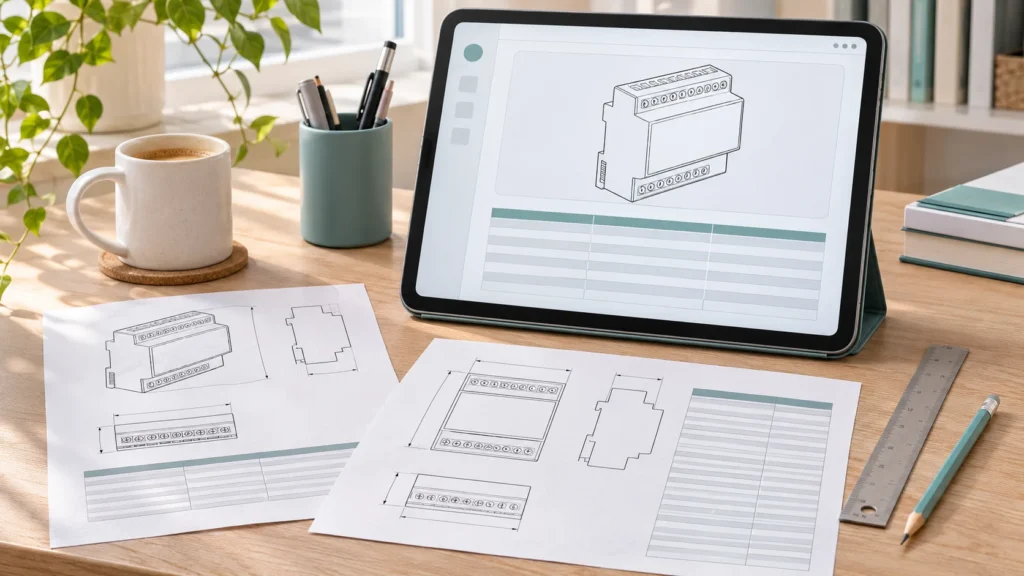

Product pages and further references
FROM IDEA TO INSTALLATION
Let’s discuss what your project needs.
Tell us what is installed, what you want to connect and who needs to use it. We will help you design an Adquio architecture suited to your project.
← Adquio Building OS solutions: efficiency, operation and integration
