
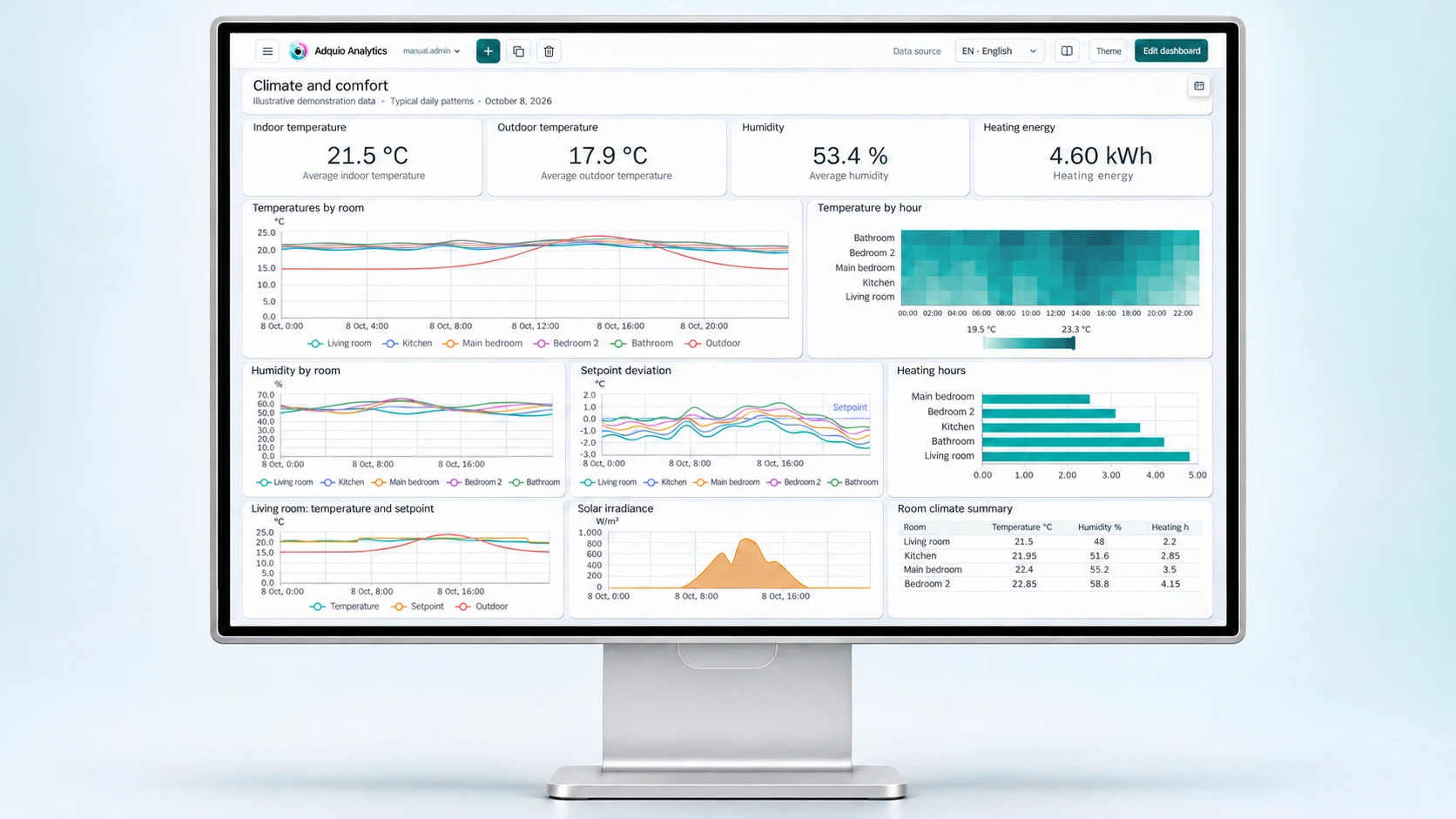
From technical data to a useful dashboard.
ADQUIO BUILDING OS · TECHNOLOGY
From technical data to a useful dashboard.
Define variables, units, periods and indicators so that building information supports everyday operation and external systems.
01
How it fits into the architecture
Distinguish current states, measurements, accumulated energy and events before displaying them.
Analytics lets you tailor visualisation to energy, comfort, maintenance and different user profiles.
Align periods, units, floor area and usage conditions when interpreting differences.
Adquio.API connects available functions and data with authorised external applications.
Share individual panels through revocable links and use them in compatible screen or SCADA WebViews.
Prepare data and visualisations that can be explained and reviewed, without treating a dashboard as certification.
02
The information path
Connections are defined by the equipment, interfaces and available functions; each layer has a responsibility.
01
Available variables and events
02
Recording and calculation criteria
03
Analytics / Cloud BMS / Adquio.API
04
Screen · SCADA · management · software
03
Design with the integrator, validate with the user
Identify devices, versions, protocols, power supplies and network restrictions.
Define who can view information, who can act and what should happen when an incident occurs.
04
Related products and services
Open each product page to explore its functions, connections and documentation.
Data
Custom dashboards for interpreting energy, comfort and operation. Developed in-house by Adquio.
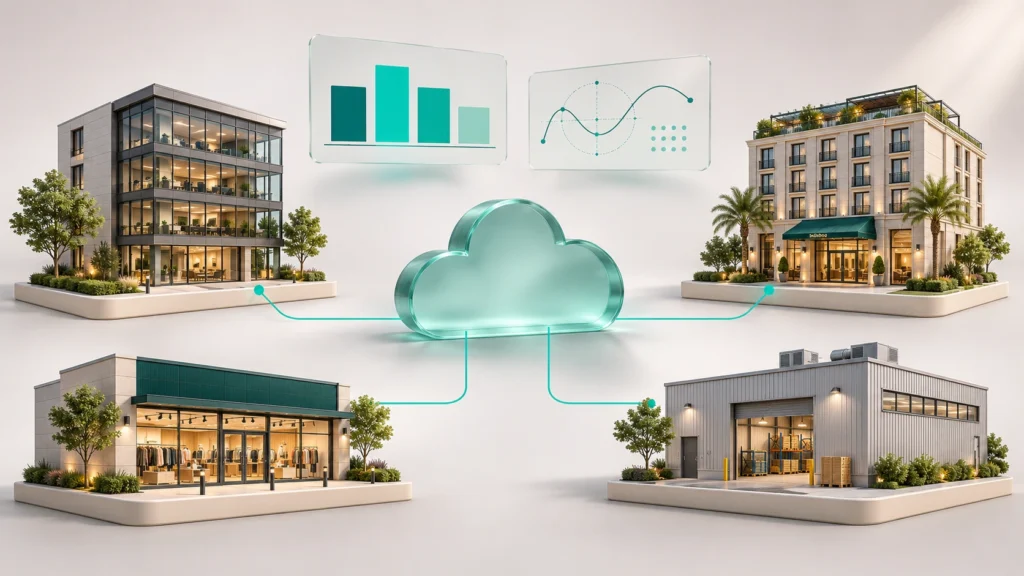
Multiple sites
Manage multiple installations, historical data, alarms, advanced formulas and comparisons of indicators across sites.
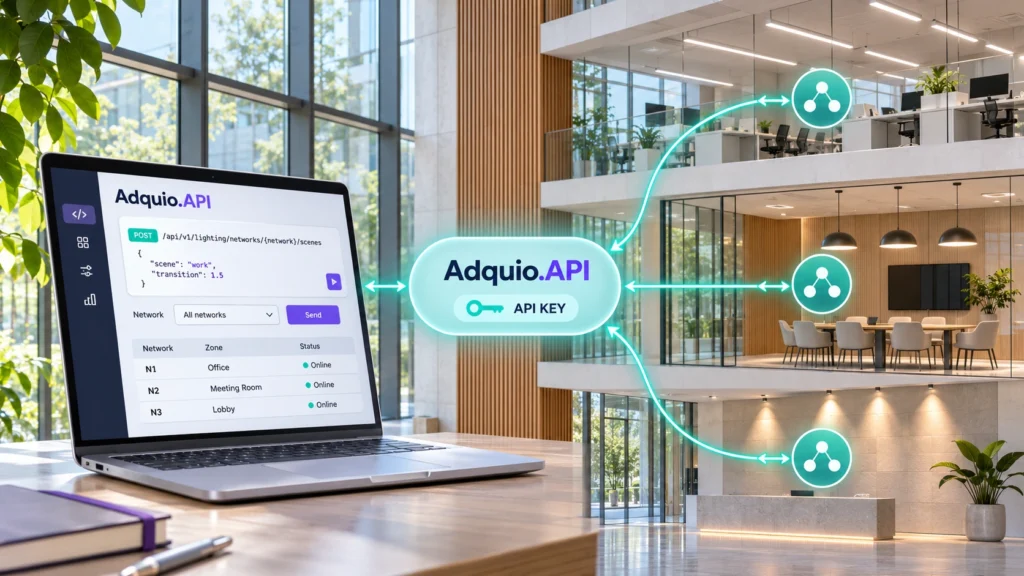
Integration
Integrate data and actions with external software. For Casambi, one API key provides access to the networks of a single installation.

Local control
Graphical control within the installation, with floor plans, controls, states and simultaneous operation of integrated networks.
05
Explore the ecosystem
Connect this part of the project with the other layers of Adquio Building OS.
Expand the design with its related functions and resources.
Expand the design with its related functions and resources.
Expand the design with its related functions and resources.
06
Resources to prepare your project
Detailed documentation remains available on the product pages. Restricted courses and manuals retain their access conditions.
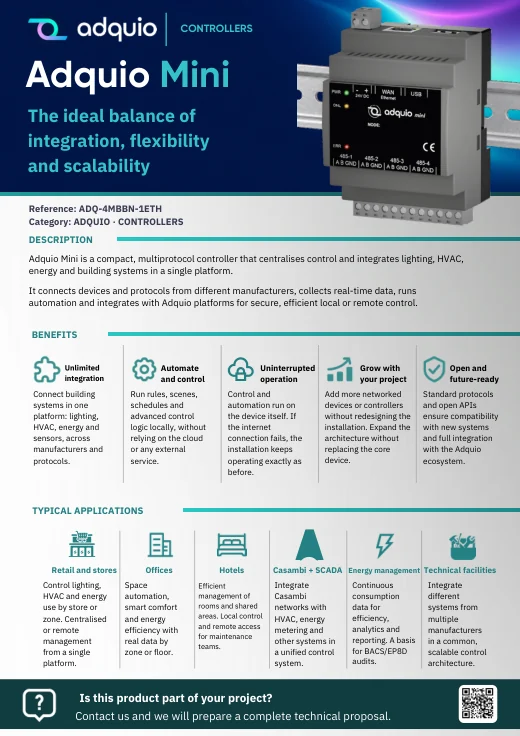
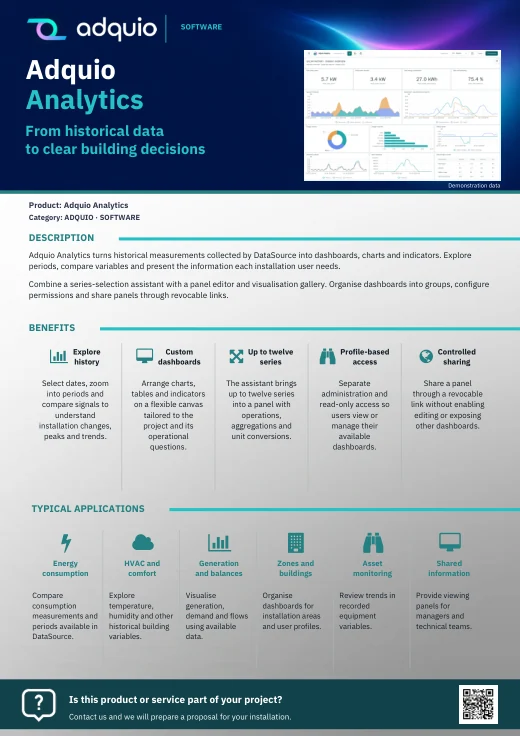
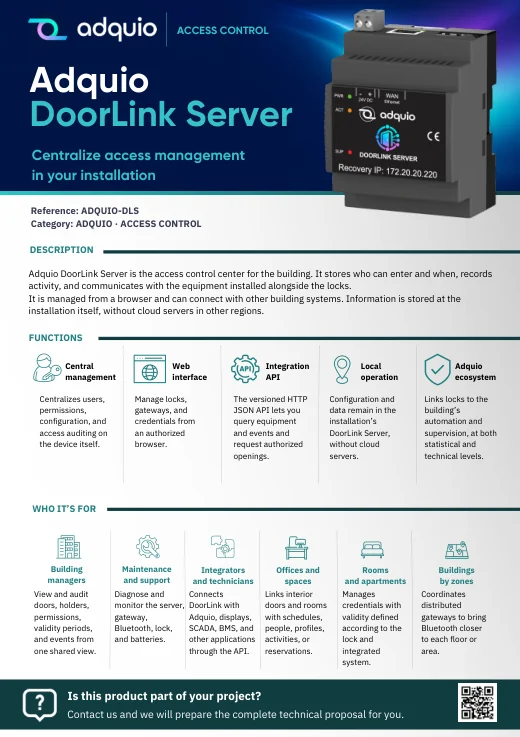
Benefits, applications and commercial documentation organised by product family.
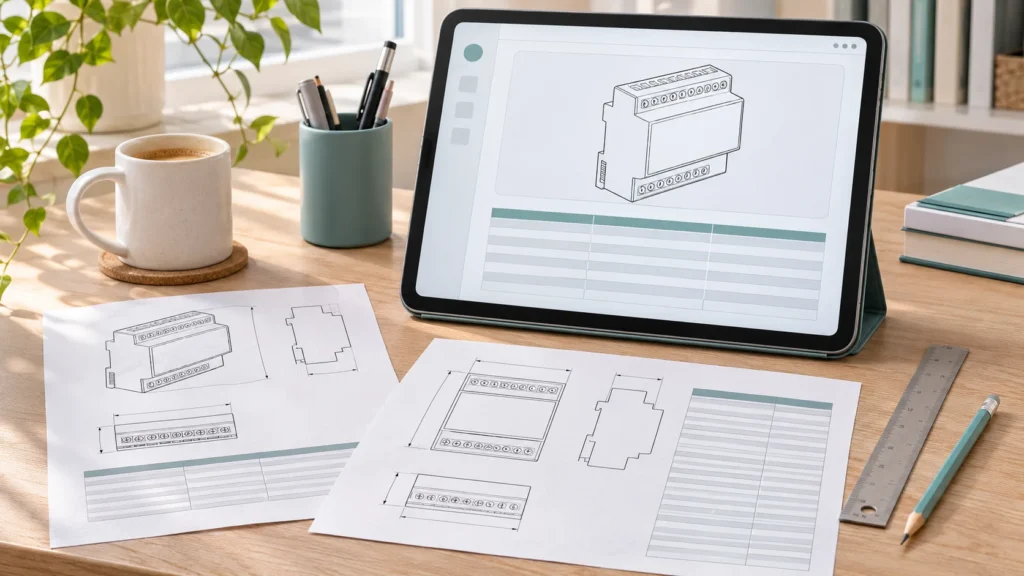

Product pages and further references
FROM IDEA TO INSTALLATION
Let’s discuss what your project needs.
Tell us what is installed, what you want to connect and who needs to use it. We will help you design an Adquio architecture suited to your project.
← Adquio Building OS technology: architecture, control and integration
