CASAMBI APP
Your app, always within reach.
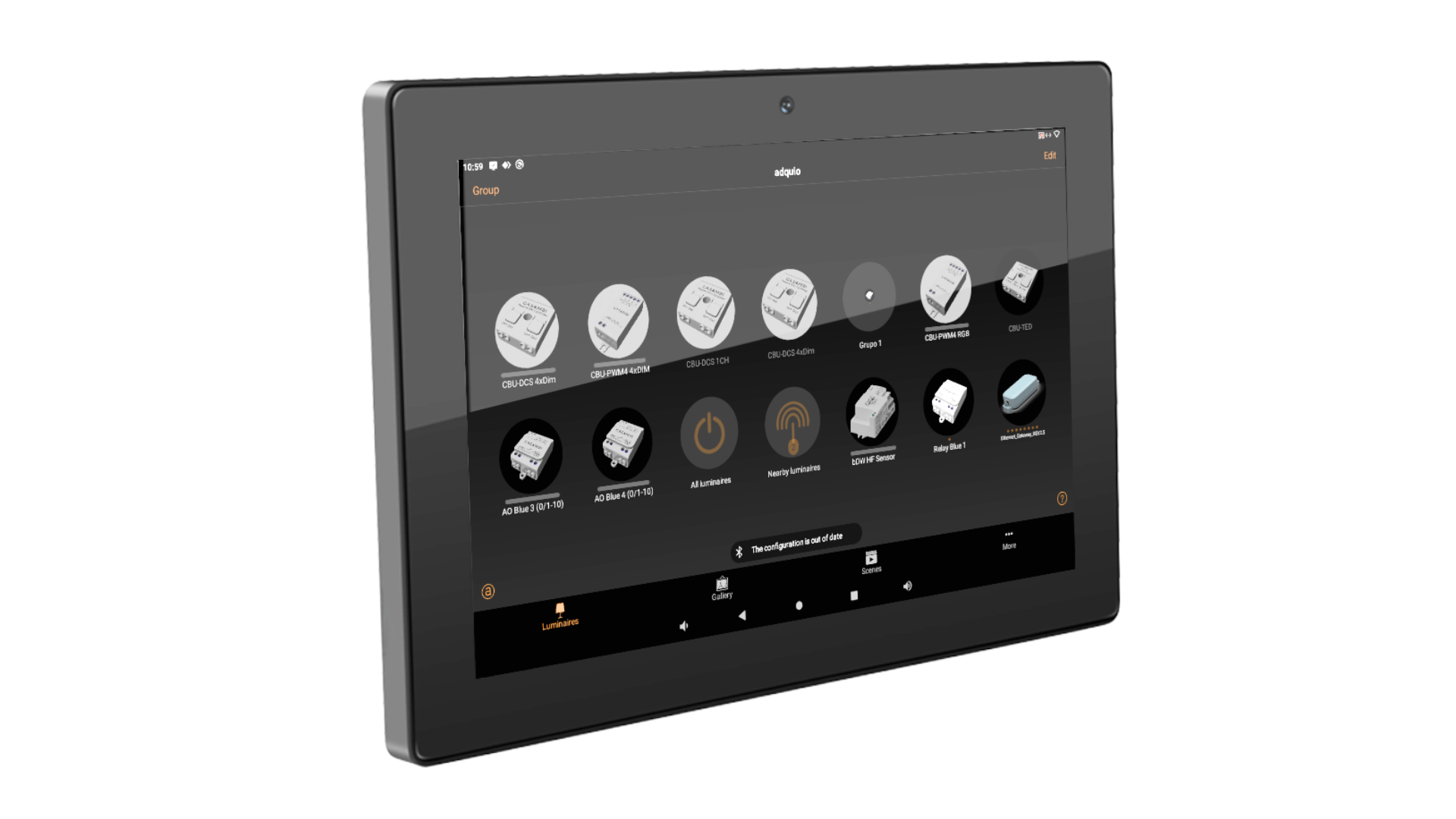
Control luminaires, groups and scenes through the Casambi interface on compatible models. A fixed screen makes everyday lighting control easier without relying on each user’s phone.

ADQUIO BUILDING OS · SOLUTIONS
Integrate Casambi networks, manual control and automation with Adquio’s data, supervision and connectivity tools.

01
Functions for designing a specific integration with clearly defined responsibilities and data.
Group an installation’s networks to operate devices, groups and scenes from Adquio.
Retain Casambi automation and add manual control from Adquio, with the option to reactivate automation.
Operate integrated networks from floor plans and views in Adquio SCADA Server or Cloud.
PowerTrace calculates power and energy from activity and the driver’s electrical profile.
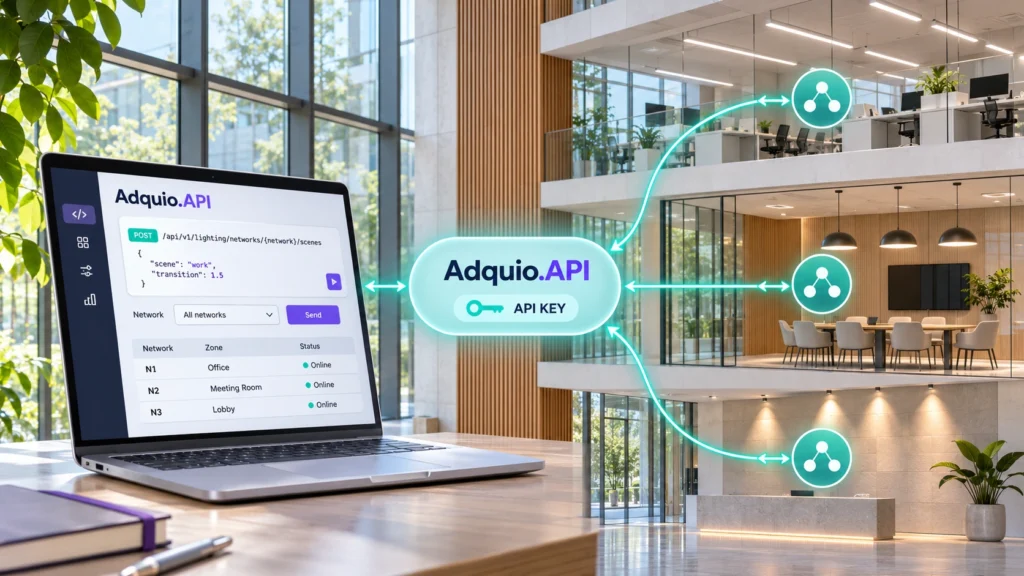
Adquio.API provides access to all your networks without a separate API key for each network.
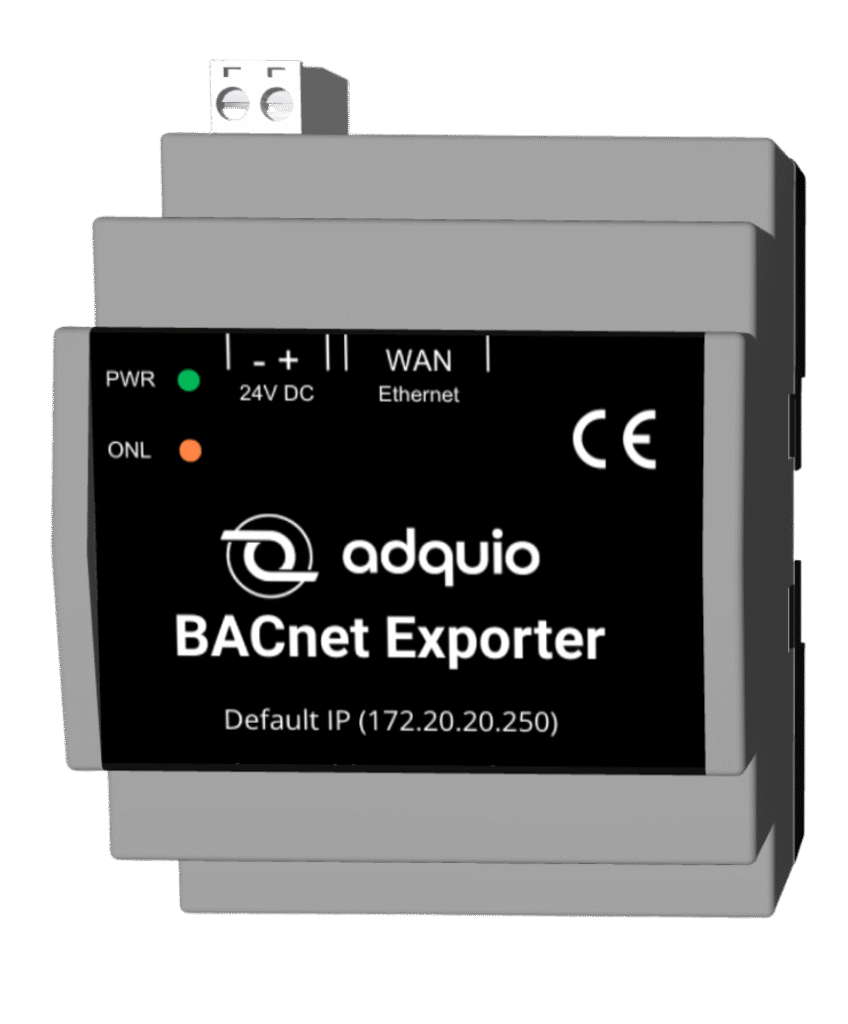
BACnet Exporter exposes selected variables from consolidated networks through BACnet/IP.
02
Validate every step against the installation’s devices, interfaces and permissions.
01
Casambi networks in the installation
02
Adquio controllers
03
SCADA · PowerTrace · API · Exporter
04
Operation, energy and integration
03
Specify the equipment, users, variables, actions and results that must be verifiable.
Test communications, permissions, alarms and behaviour when connectivity is lost.
Prepare interfaces, documentation and training so that the team can operate and maintain the solution.
CONTROL SCREENS FOR CASAMBI
Use the Casambi app on a compatible Adquio screen or a custom interface combining lighting with other building systems.
Control luminaires, groups and scenes through the Casambi interface on compatible models. A fixed screen makes everyday lighting control easier without relying on each user’s phone.
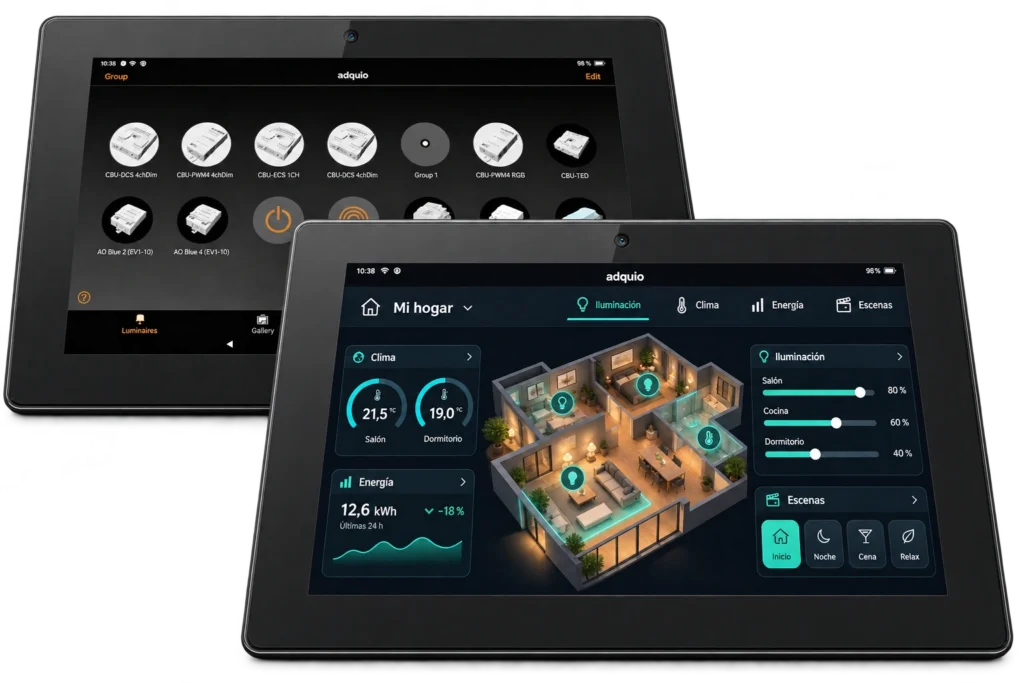
Bring several Casambi networks together on floor plans and controls tailored to each space. Add HVAC, blinds and other integrated systems, with manual control and a return to automation according to configured priorities.
Choose the model to suit the application, size and project functions. Casambi app compatibility depends on the screen; the 32″ model is intended for supervision and control interfaces.
04
Open each product page to explore its functions, connections and documentation.

Energy
Calculate power and energy from lighting activity and driver electrical profiles, without adding a meter to each luminaire.
Integration
Integrate data and actions with external software. For Casambi, one API key provides access to the networks of a single installation.
BACnet/IP
Expose a selection of Adquio variables, including consolidated Casambi networks, for access from an external BACnet/IP BMS.

Local control
Graphical control within the installation, with floor plans, controls, states and simultaneous operation of integrated networks.
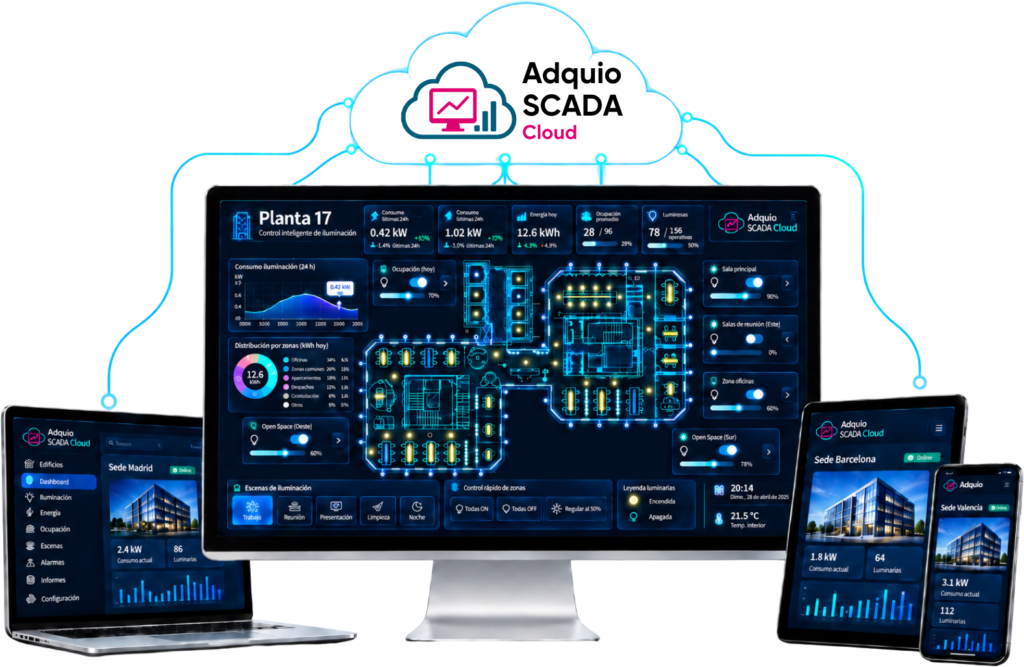
Cloud control
Graphical control of the installation through a hosted service, without maintaining your own SCADA server.
Automation
Dynamic Casambi and DALI scenes that adapt to how a space is used. Also integrate Matter devices, including those using Thread, through Adquio MatterLink.
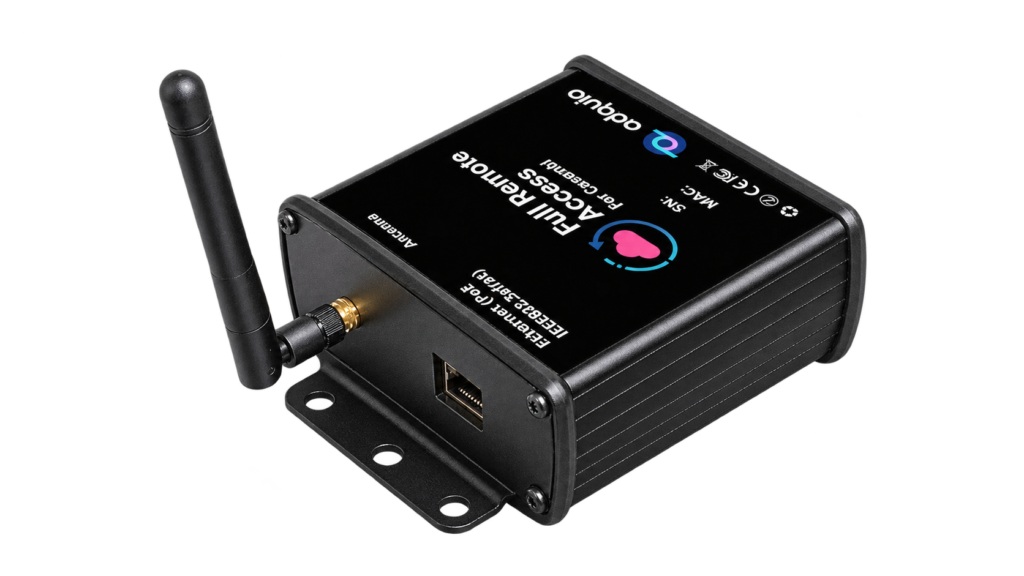
Casambi app
Remote access to the Casambi app to configure and maintain compatible networks without travelling to the installation.
05
Explore published references to learn more about the applications and how they work.
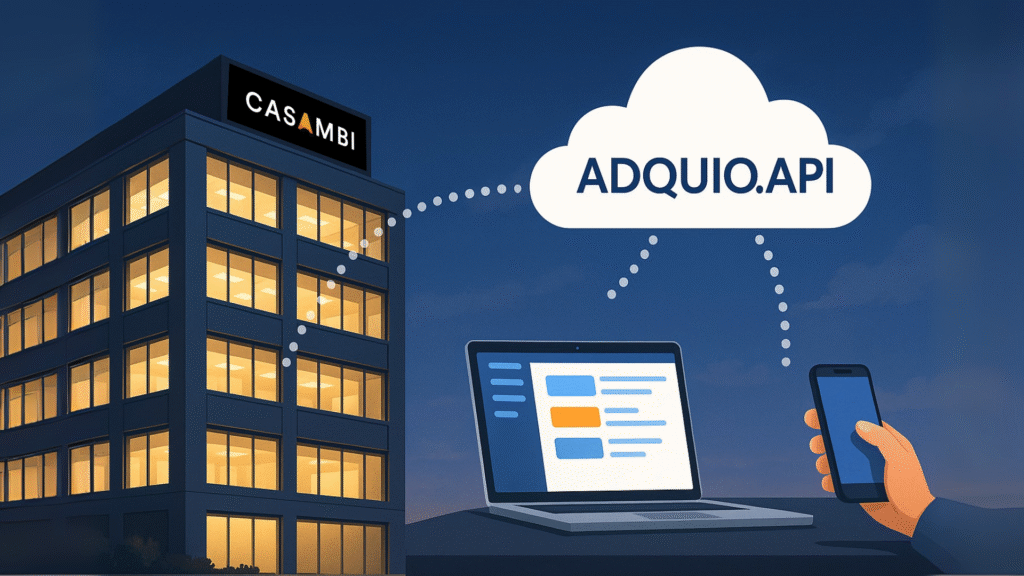
Published article / project
Connect, automate and control your smart Casambi lighting from anywhere in the world. Casambi lighting has transformed how we design, install and manage wireless control systems. Its flexibility, scalability and ease of integration have made it a preferred option for architects, designers and specialists […]

Published article / project
Modern lighting alone was not enough. This shopping centre wanted comprehensive control, efficiency and energy visibility across three parking levels. Casambi, Adquio SCADA and Adquio PowerTrace achieved together what no single technology could deliver. The challenge: efficiency, control and actionable data […]
06
Connect this part of the project with the other layers of Adquio Building OS.
Expand the design with its related functions and resources.
Expand the design with its related functions and resources.
Expand the design with its related functions and resources.
07
Detailed documentation remains available on the product pages. Restricted courses and manuals retain their access conditions.
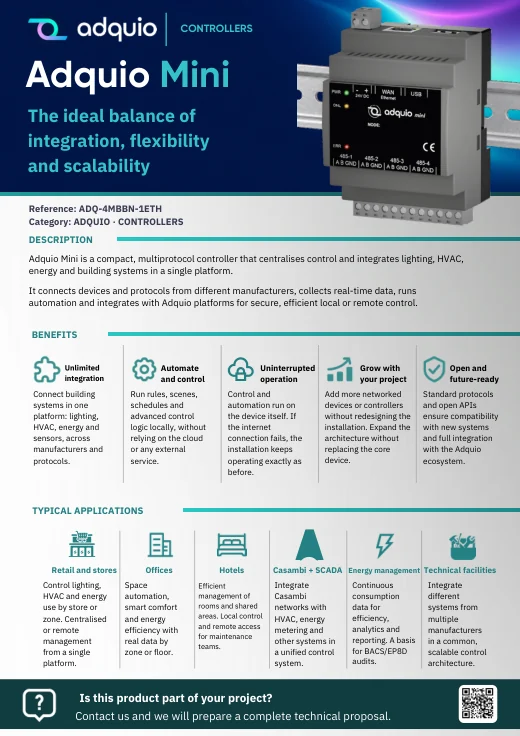
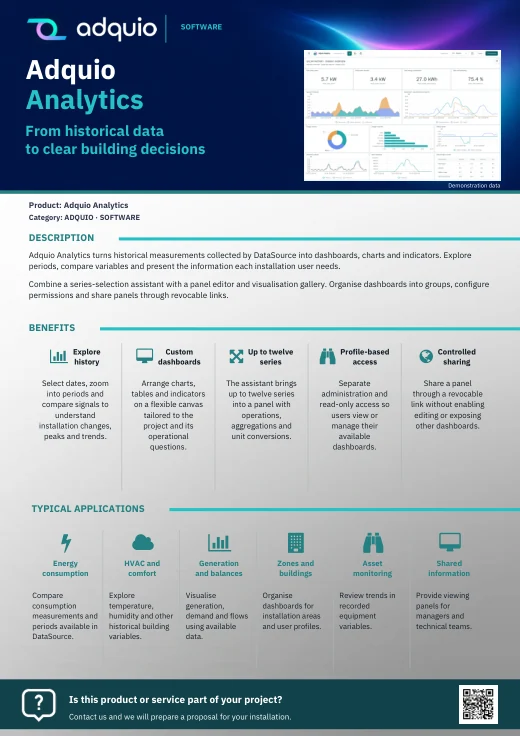
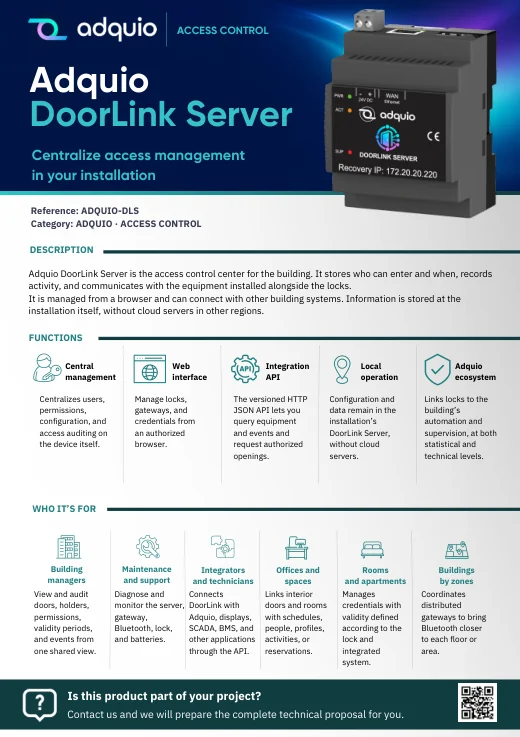
Benefits, applications and commercial documentation organised by product family.
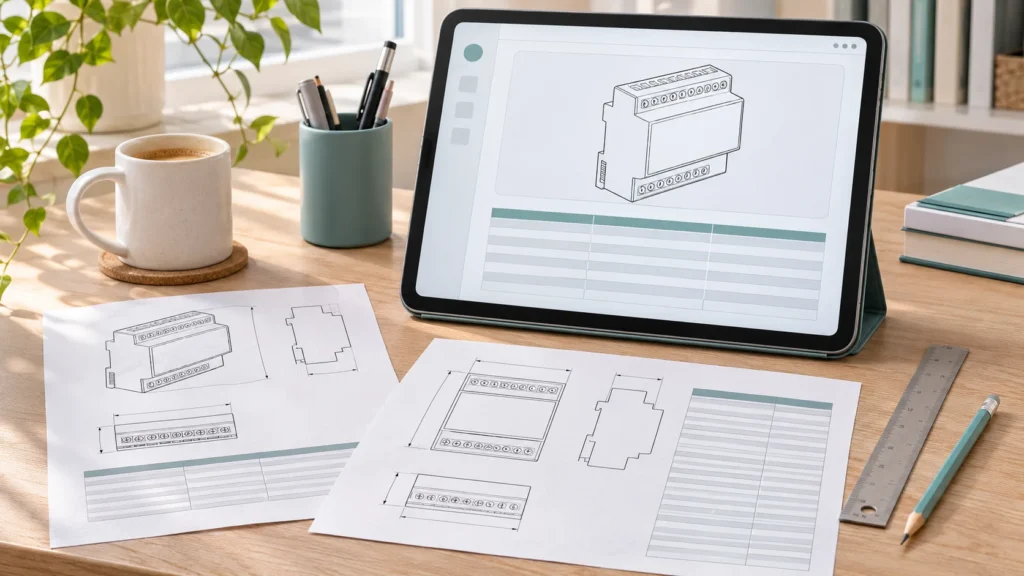

Product pages and further references
Adquio x Casambi · How Adquio helps with Casambi installations · Adquio x Casambi: multi-network management, control and energy · Adquio.API · Adquio PowerTrace for Casambi · Adquio BACnet Exporter
FROM IDEA TO INSTALLATION
Tell us what is installed, what you want to connect and who needs to use it. We will help you design an Adquio architecture suited to your project.
← Adquio Building OS solutions: efficiency, operation and integration
