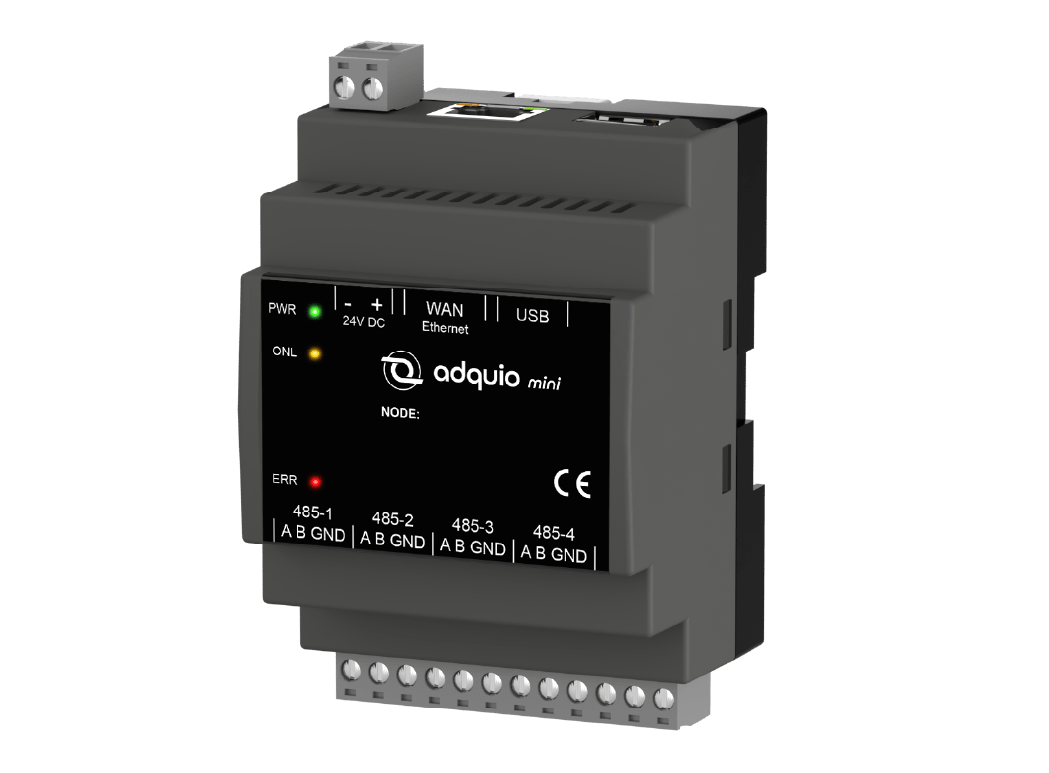
Adquio controllers
From the compact Adquio Lite to Micro Server and Adquio Server: integrate equipment, run automation and coordinate zones.

ADQUIO BUILDING OS · TECHNOLOGY
Adquio Building OS coordinates devices, variables, logic and interfaces. Local control and operational platforms are designed as layers that work together.

01
Sensors, inputs and outputs, luminaires, HVAC and equipment connect through compatible signals and interfaces.
The controller translates information, executes rules, scenes and calendar events, and preserves the project’s local context.
Screens, SCADA, Supervisor, Analytics and Cloud BMS serve different roles for users and technicians.
Nexus connects people to equipment; Bridge connects equipment; Adquio.API integrates external software.
The programming interface provides variables, debugging, events and calendar exceptions according to the controller’s functions.
Add field points, gateways, interfaces and services in phases, validating capacity and connectivity.
02
Connections are defined by the equipment, interfaces and available functions; each layer has a responsibility.
01
Field: lighting, HVAC, energy, access and video
02
Connectivity: signals, protocols and gateways
03
Control: variables, logic and scenes
04
Operation: screens, platforms and users
03
Plan processing, software, programming, local storage and caching, together with LAN connectivity, ports, interfaces, security, APIs and remote work. The specific configuration depends on the model and its software.
Organise logic, schedules and exceptions; use debugging tools to verify their behaviour.
Plan storage, networks and services according to the model, workload and continuity required.
Use the technical documentation and training, and check model-specific capabilities with support.
04
Identify devices, versions, protocols, power supplies and network restrictions.
Define who can view information, who can act and what should happen when an incident occurs.
05
Open each product page to explore its functions, connections and documentation.
From the compact Adquio Lite to Micro Server and Adquio Server: integrate equipment, run automation and coordinate zones.
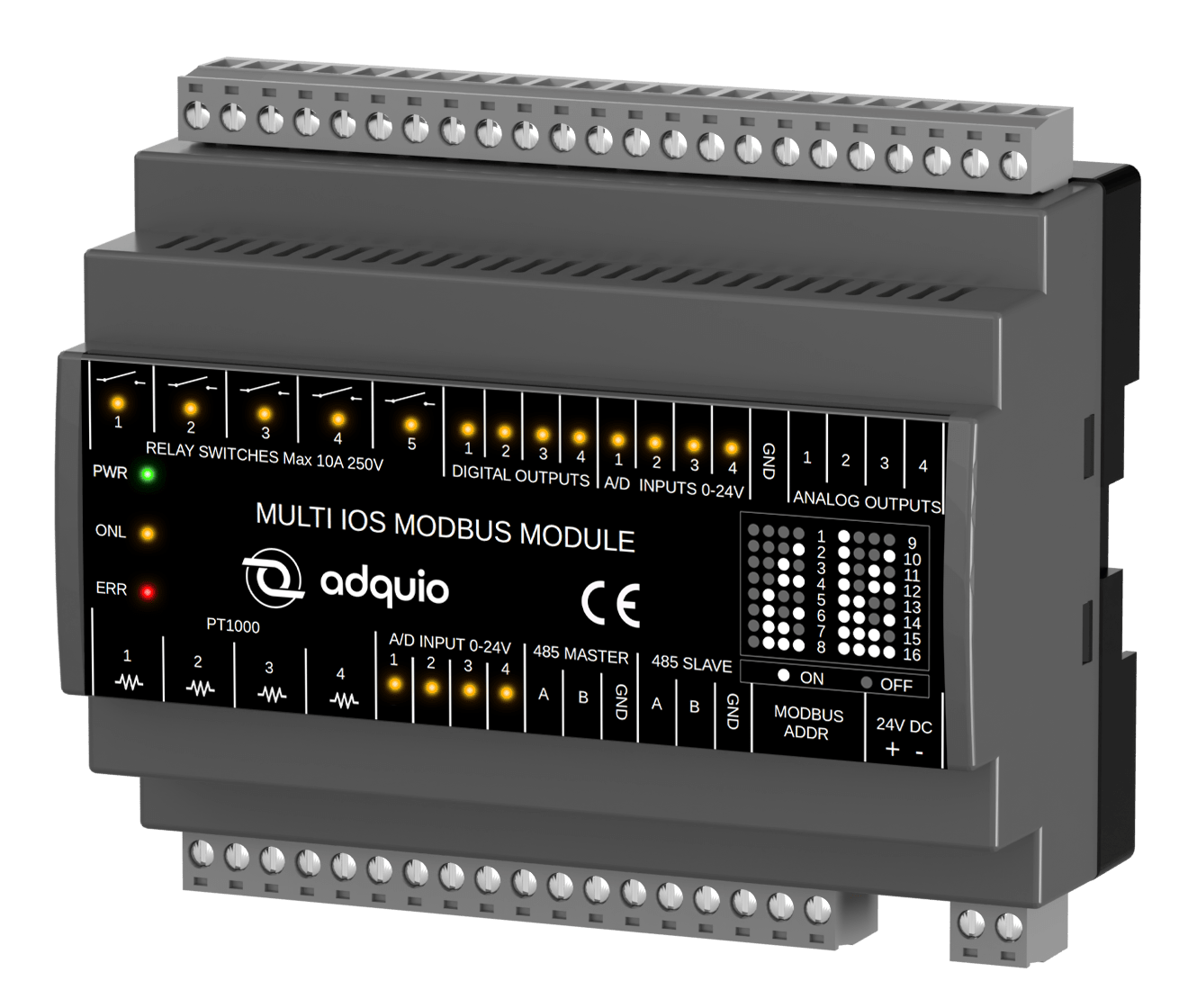
Expand inputs and outputs: analogue signals, relays, PT1000 and combined modules according to the project’s needs.
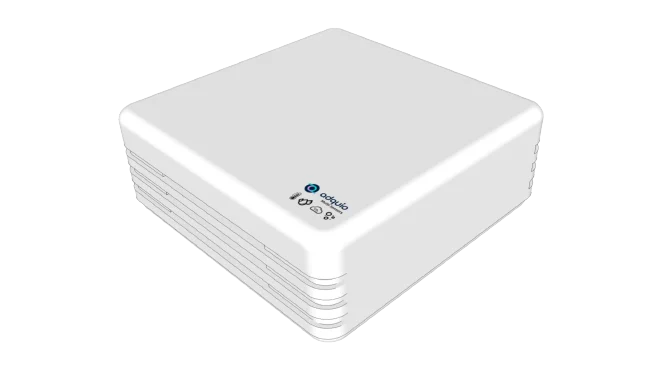
Obtain temperature, humidity, CO₂ and other environmental variables from compatible wired and wireless sensors.
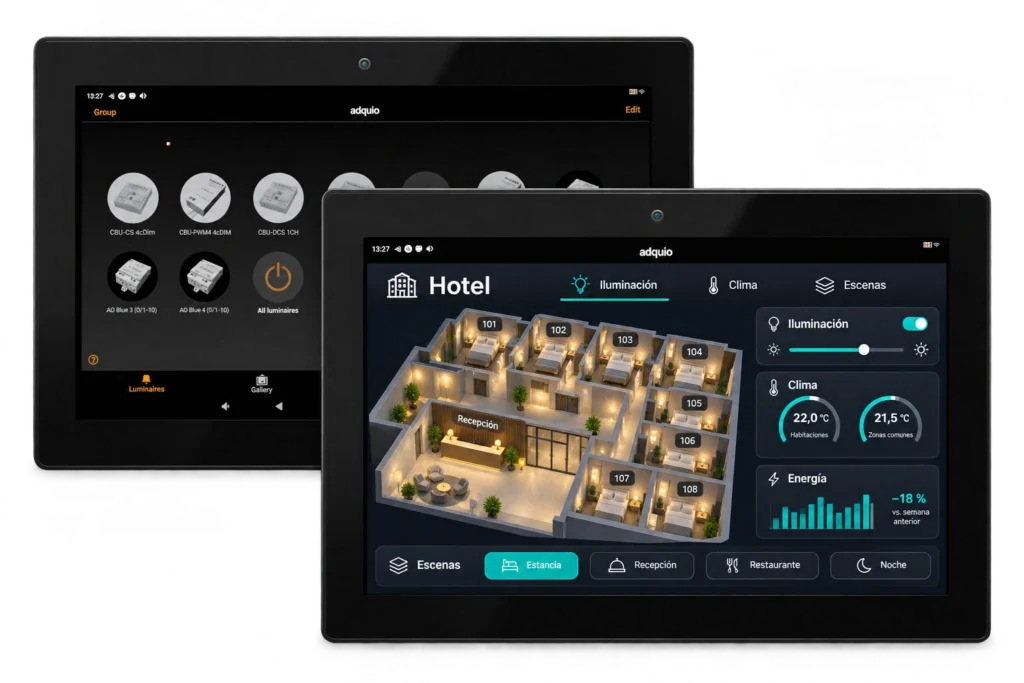
Use the Casambi app on compatible models or custom interfaces for lighting, HVAC and other functions.
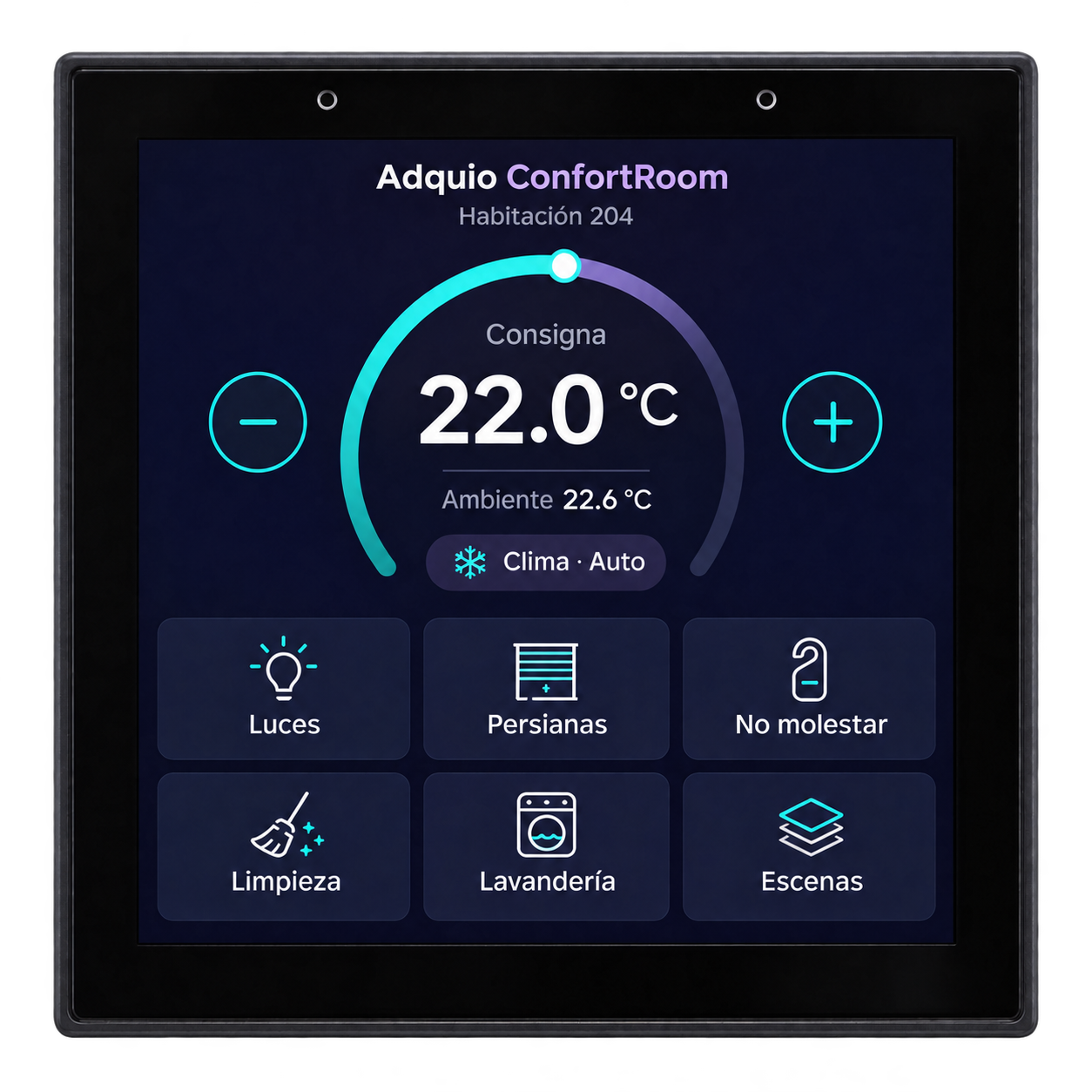
Control climate and room functions through an open touchscreen interface with an integrated temperature sensor.

Connect networks and protocols with the right components. Validate the equipment, data and available functions.
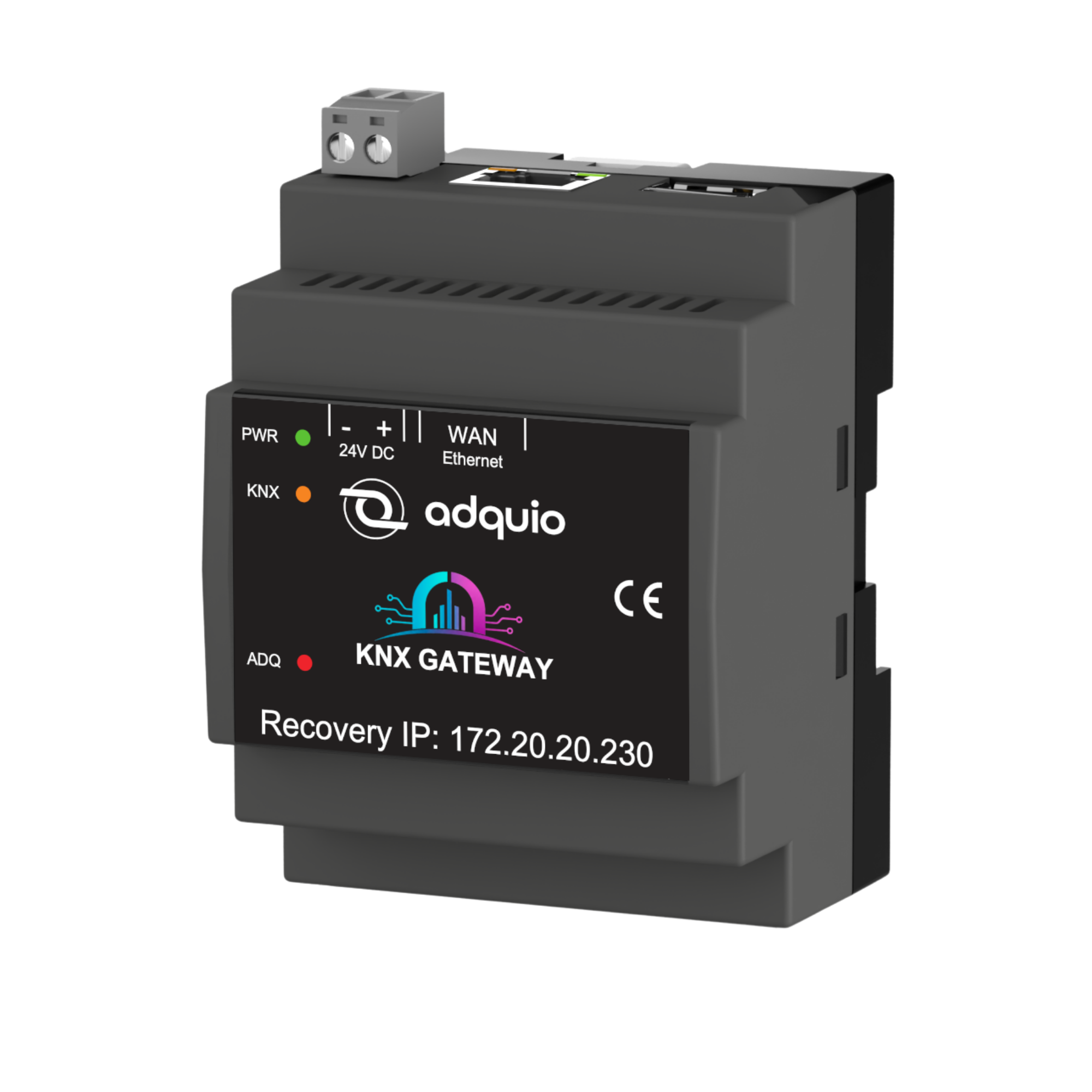
Map KNX group addresses to Adquio variables through a KNX/IP interface or router.
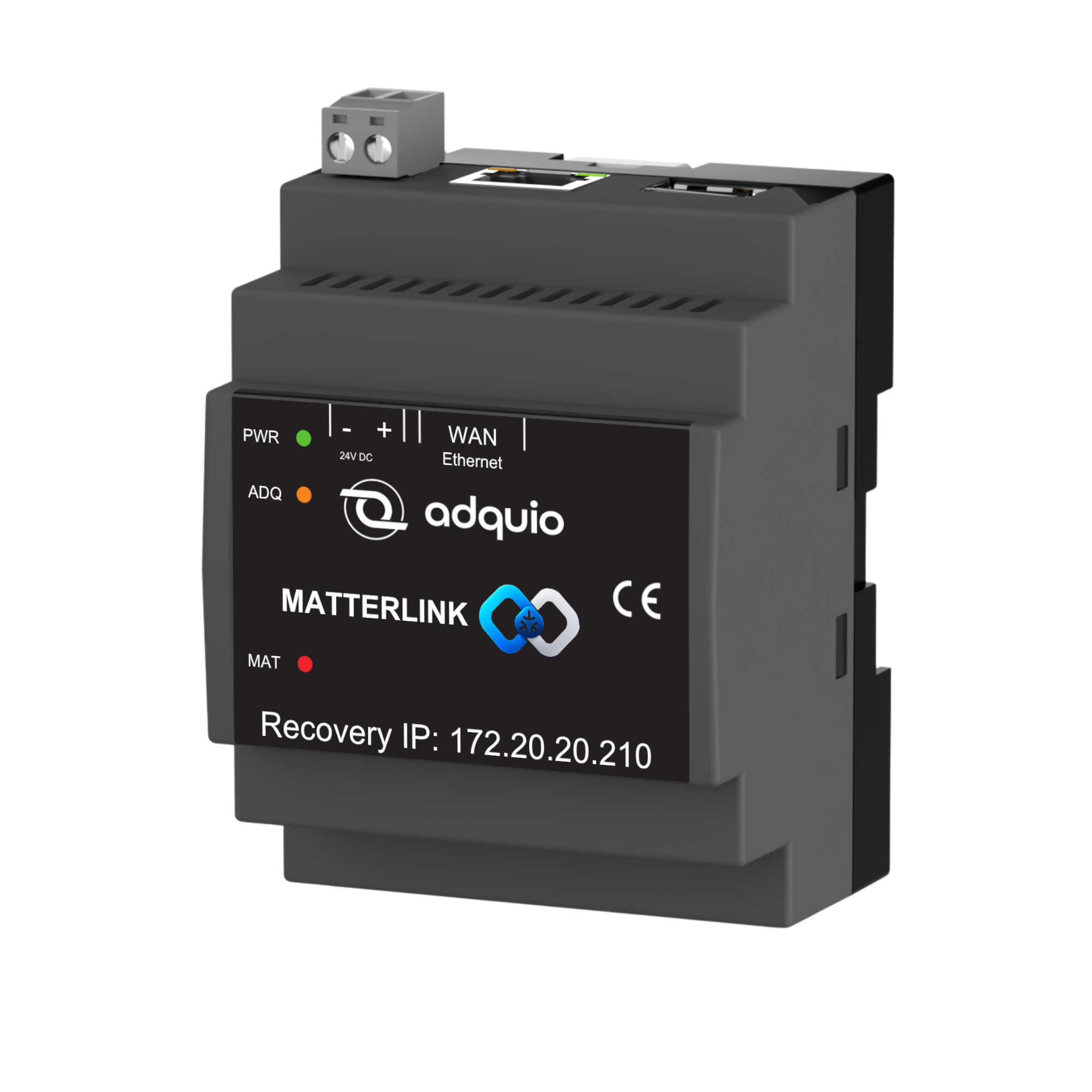
Integrate Matter devices, including those using Thread, with the necessary network components.
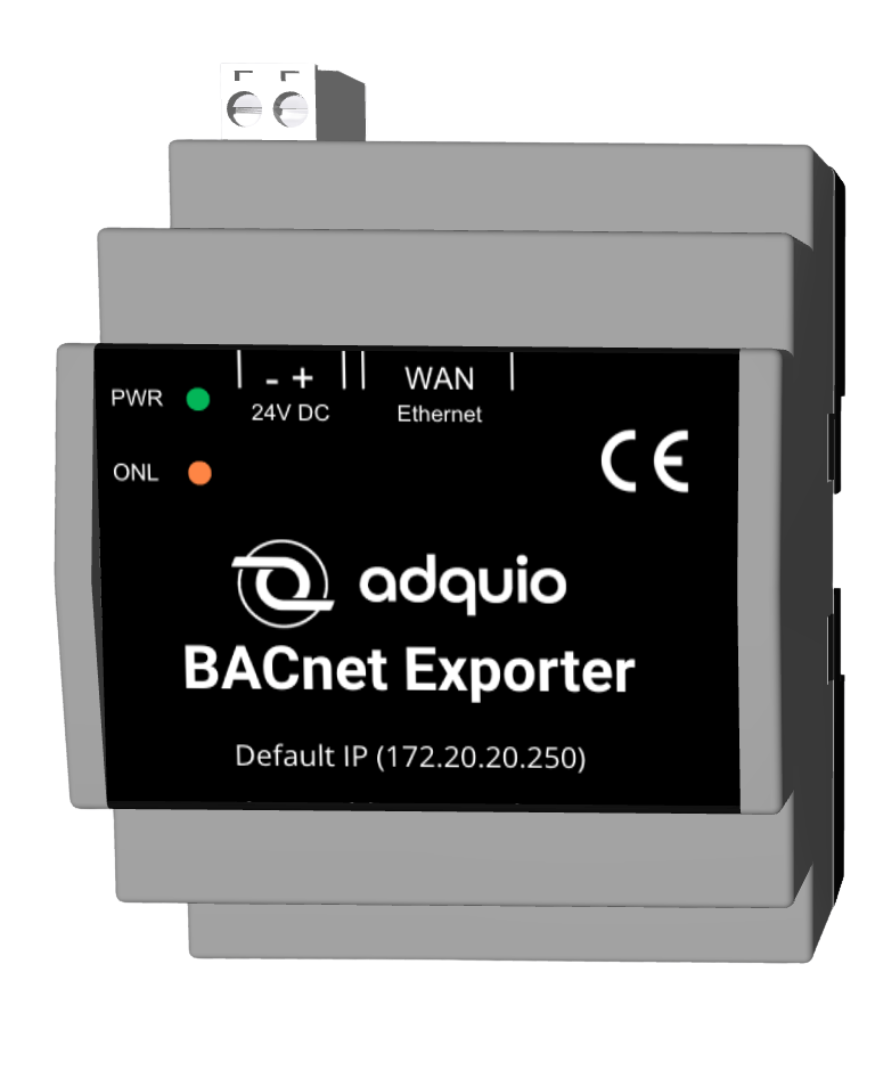
Share integrated variables with BACnet/IP systems, including consolidated Casambi networks.
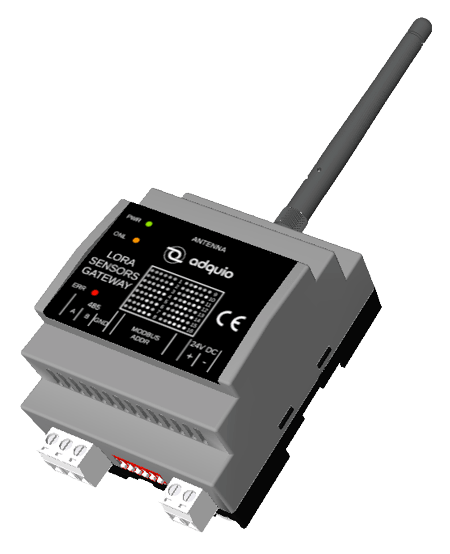
Collect readings from compatible LoRa sensors and make them available for building control.
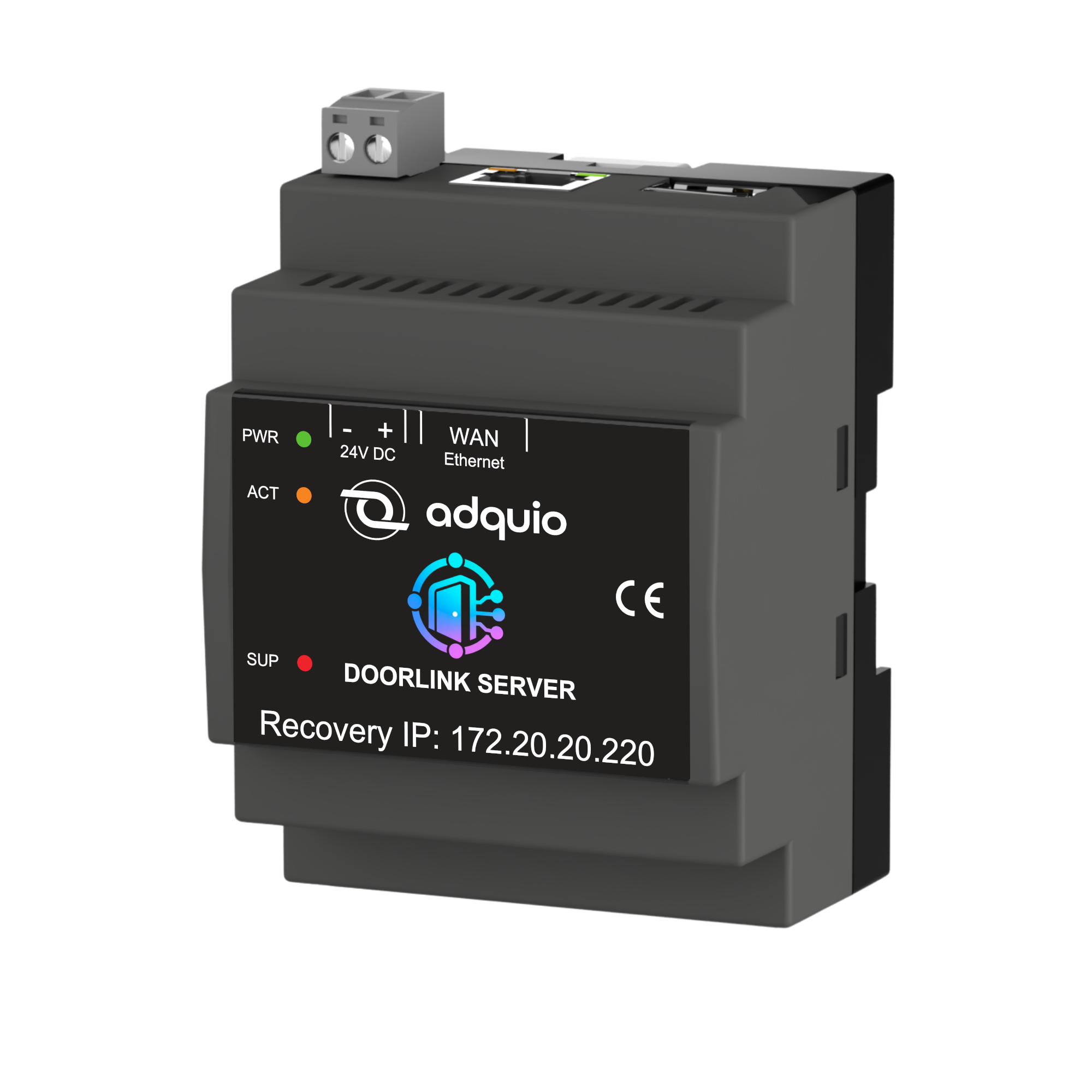
Manage compatible locks, credentials, schedules and access events locally.
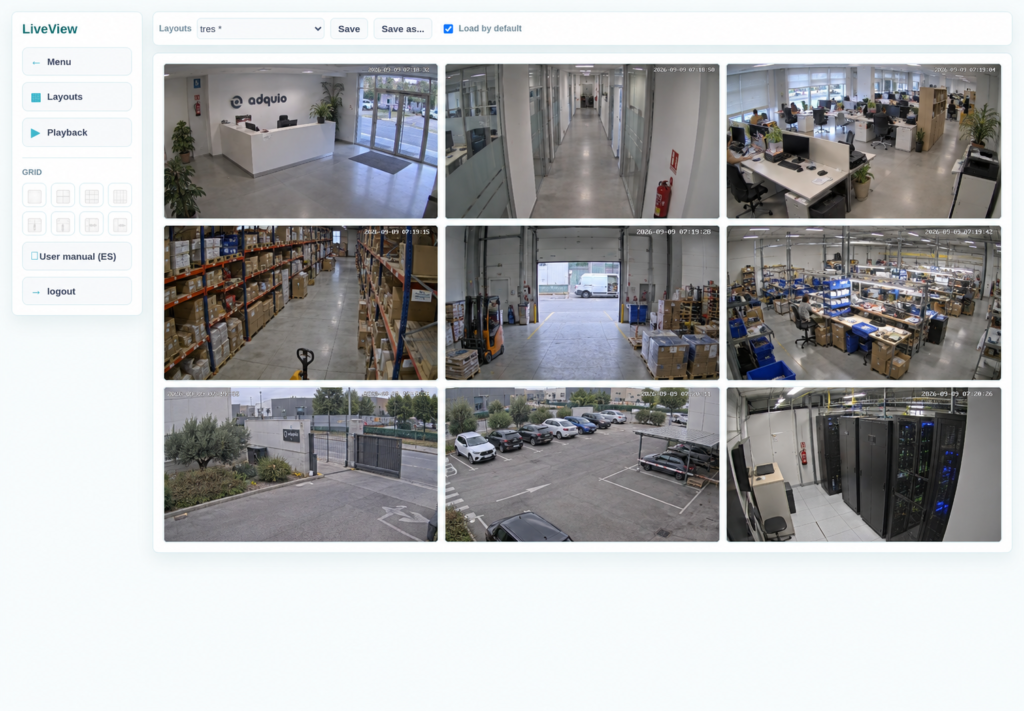
Organise compatible cameras, consult live views and recordings, and integrate events, privacy and photographs with controllers.
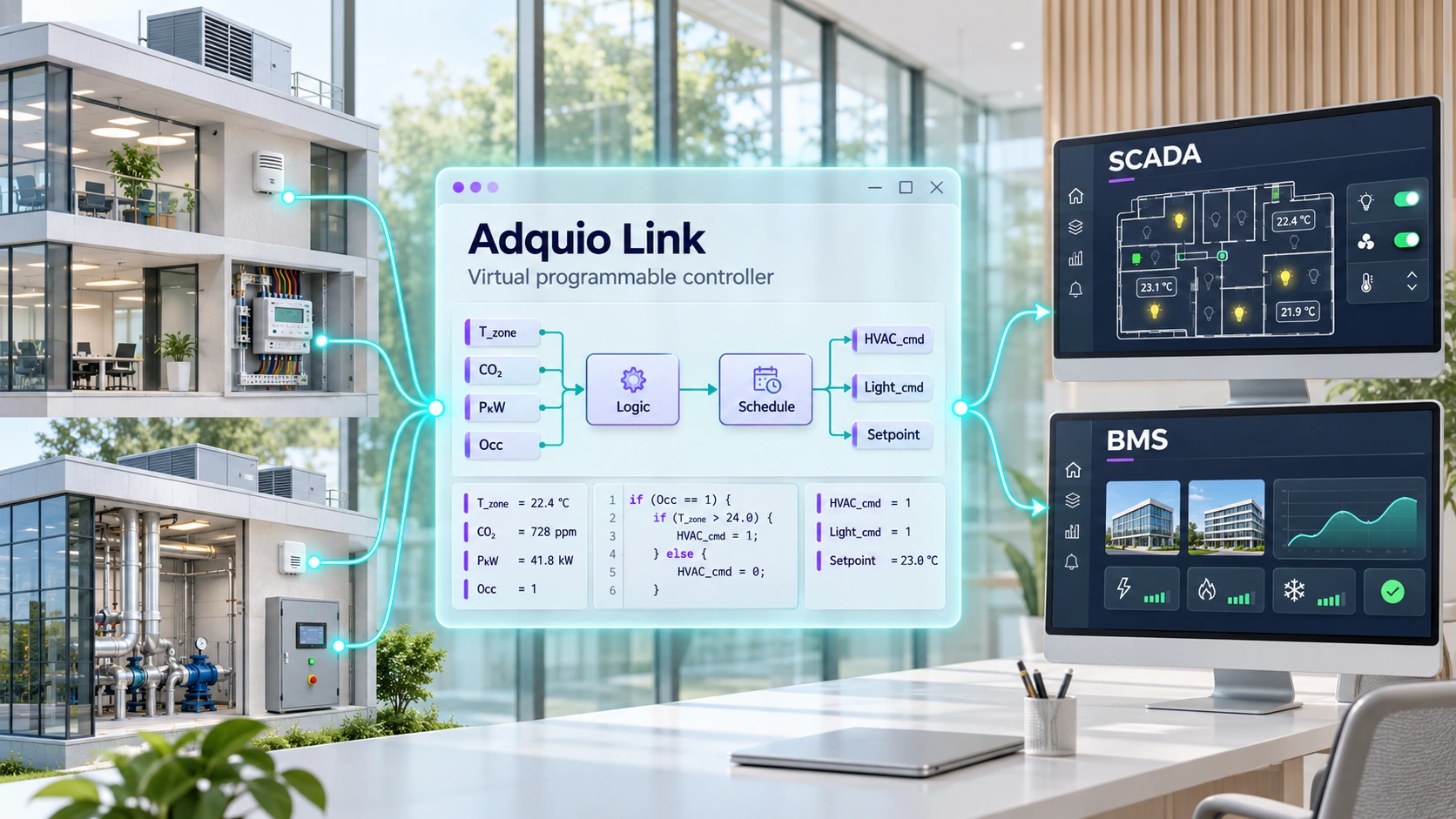
Centralise information from cloud services and physical controllers in the cloud through secure tunnels and direct socket connections.
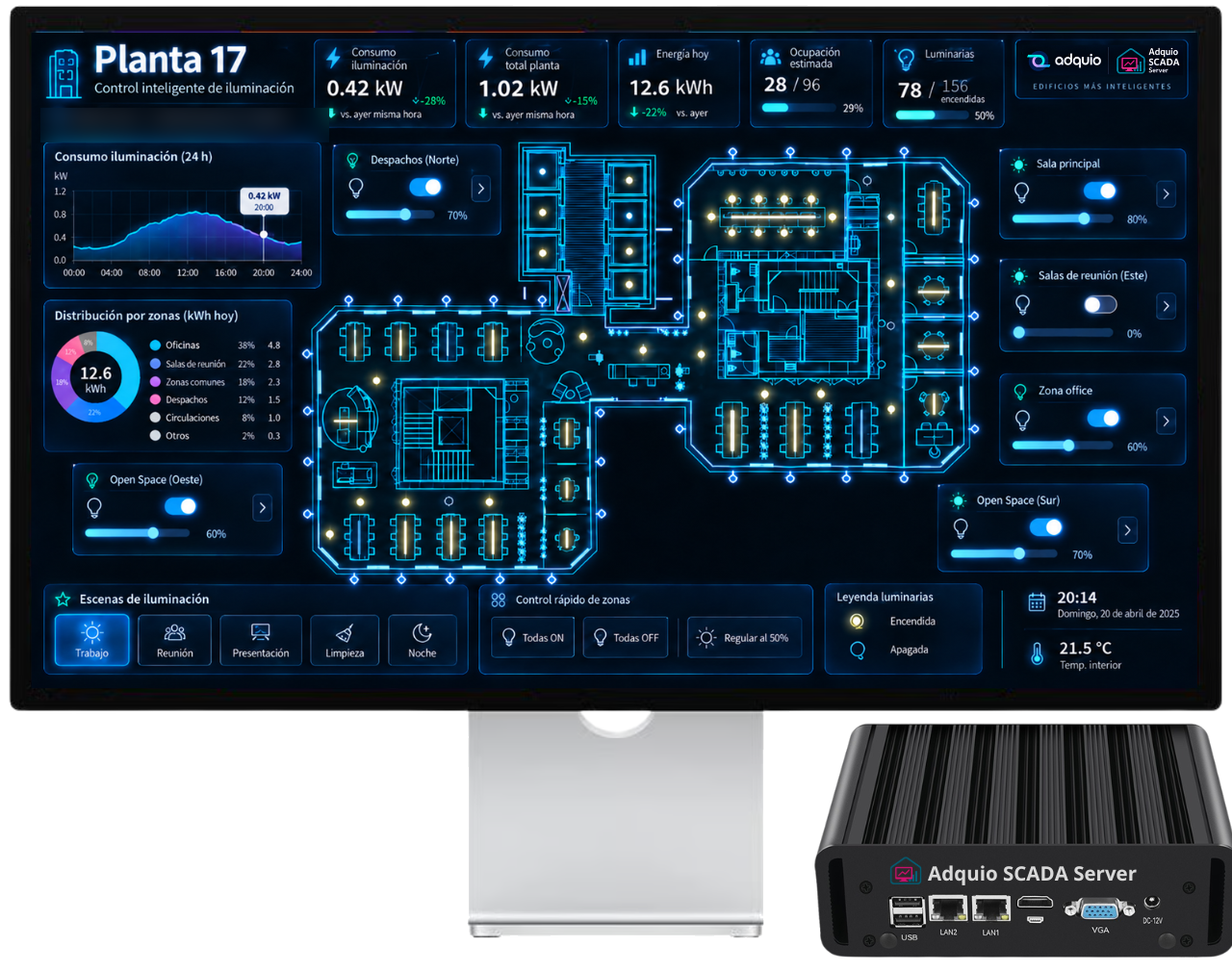
Supervise and control the installation from a local server using custom web interfaces, floor plans, states and alarms.
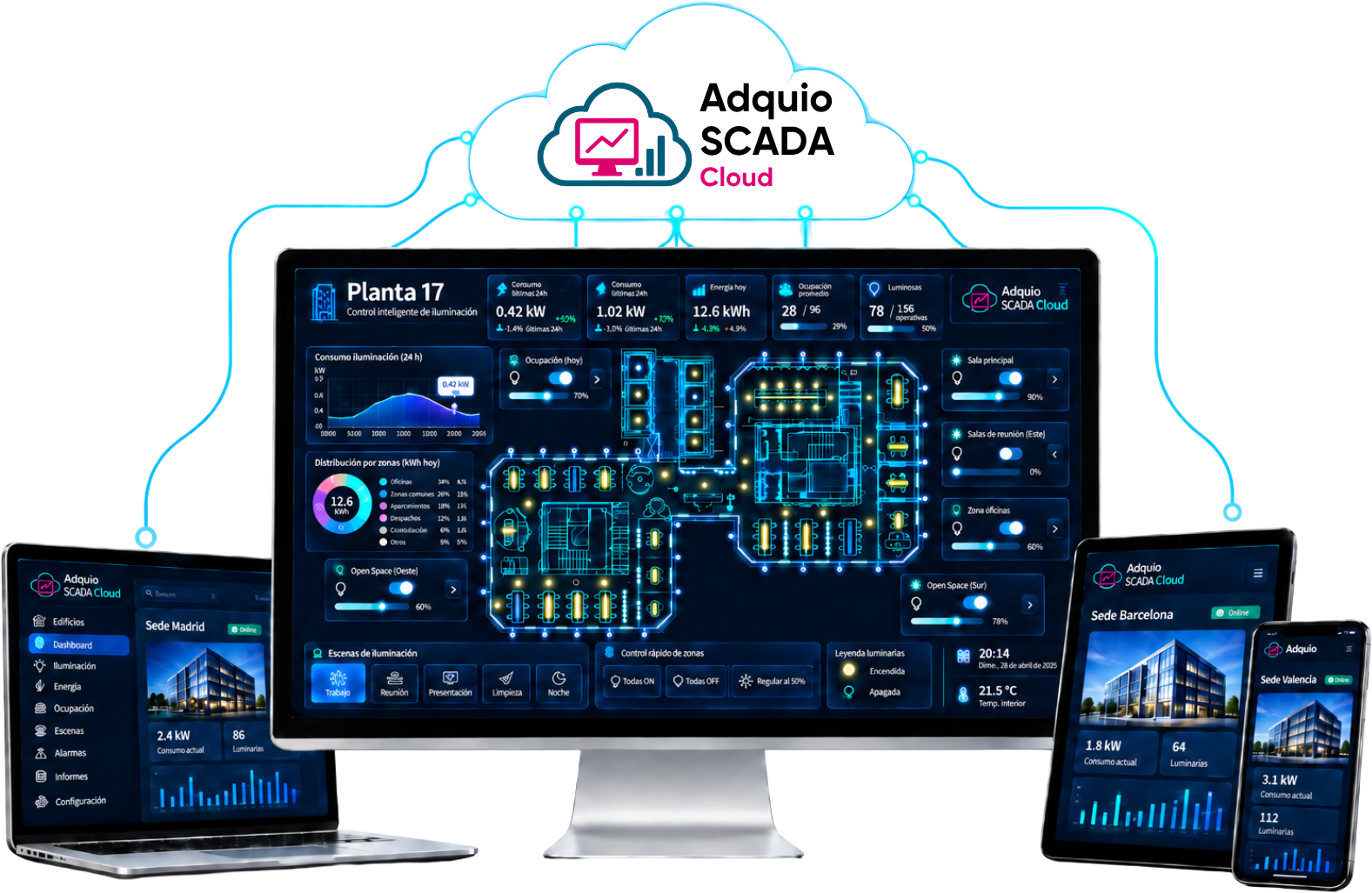
Access cloud-hosted supervision and control interfaces to operate authorised installations.
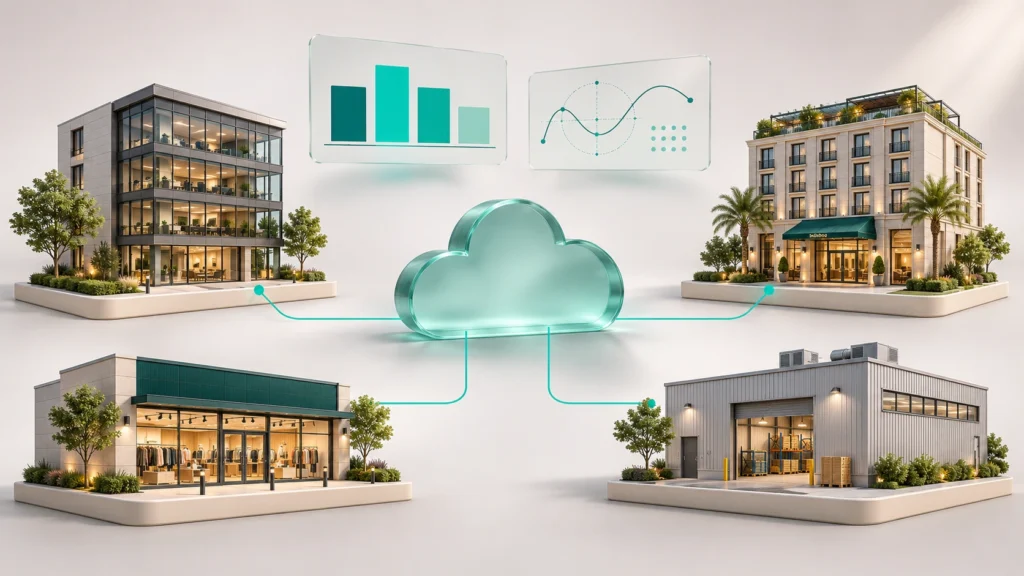
Centralise multiple buildings, consult historical data and alarms, and compare indicators across installations.
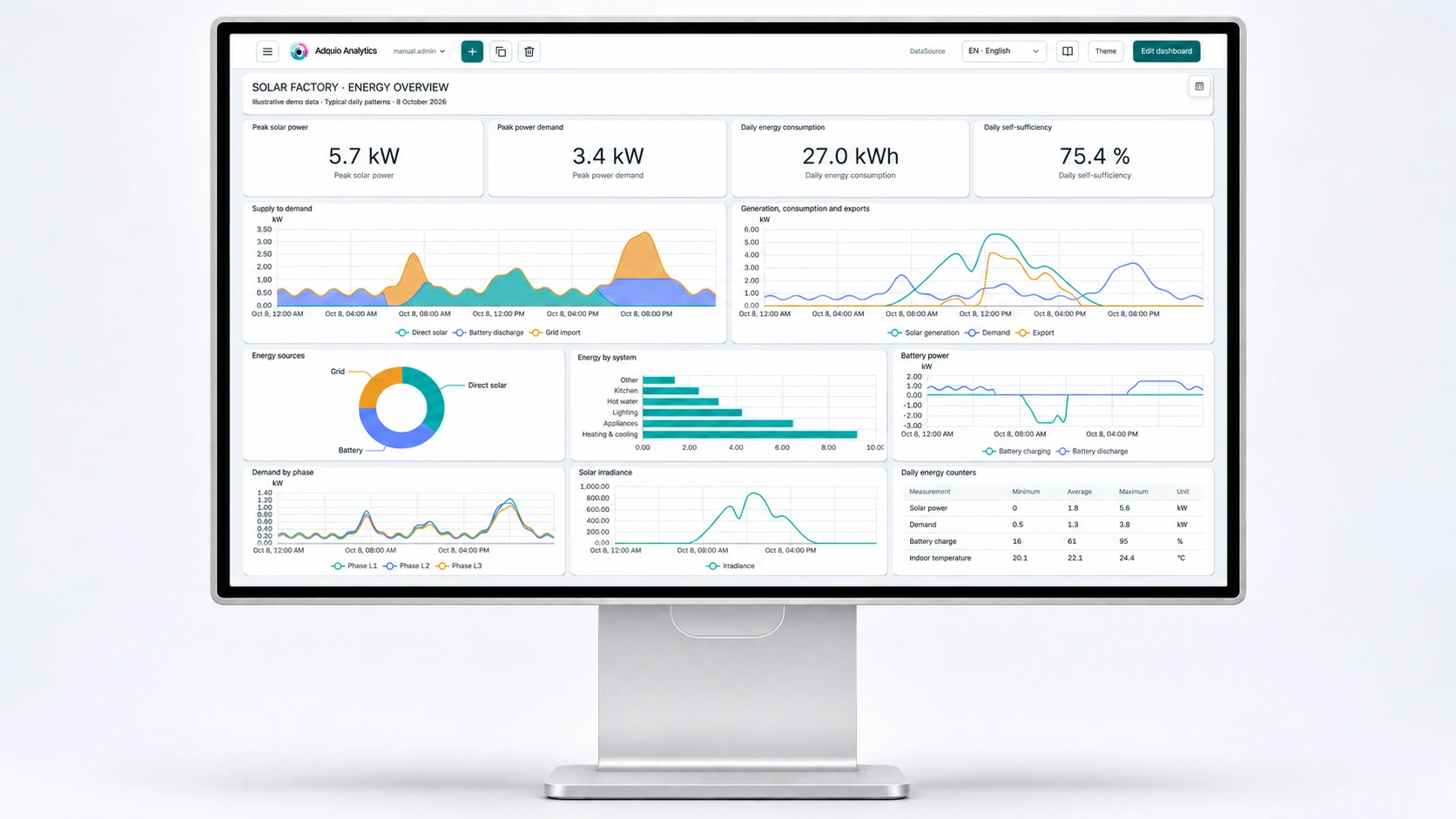
Interpret energy, comfort and operation through charts, indicators and custom dashboards on an in-house platform.
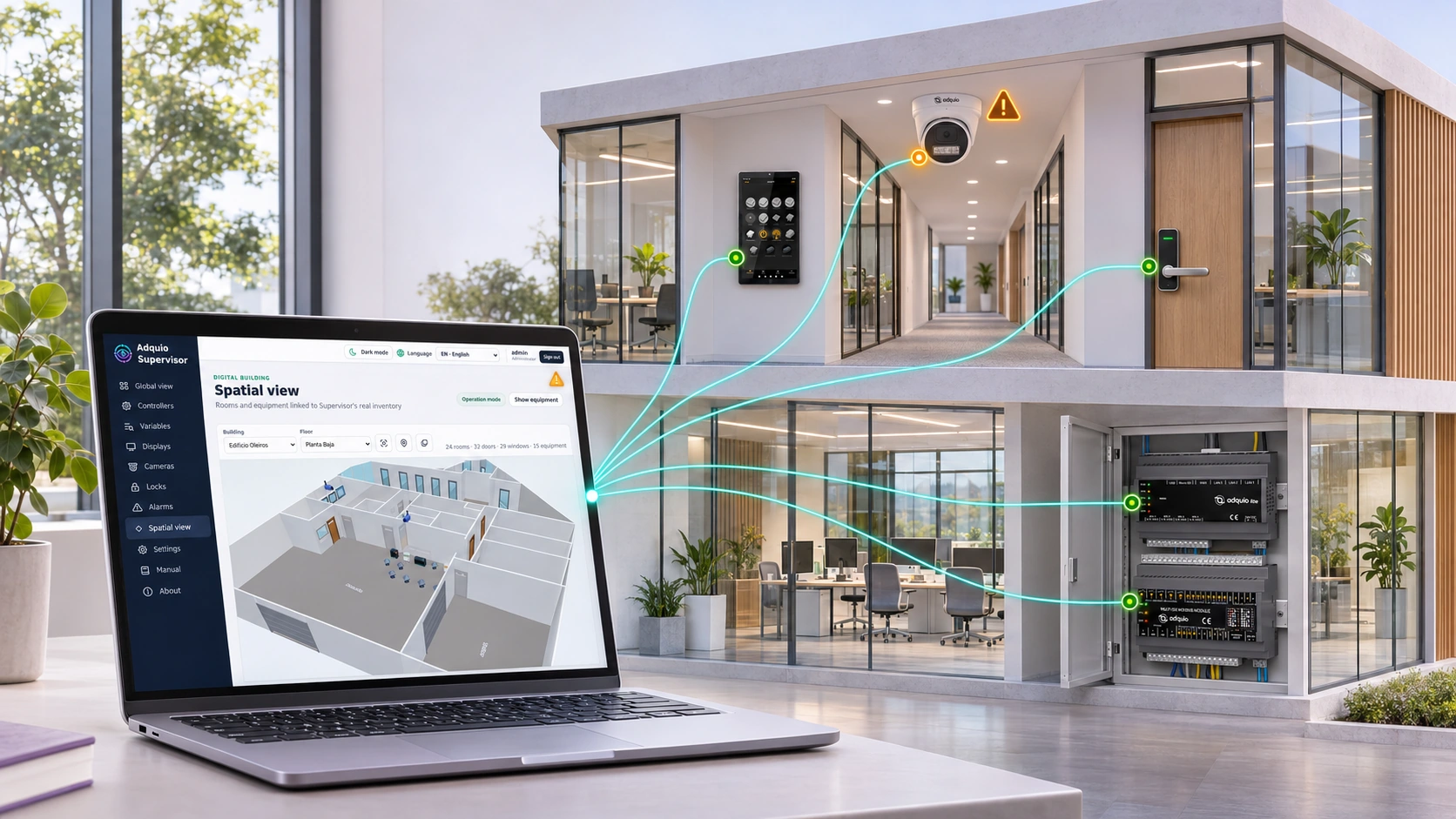
Monitor controllers, expansions, screens, cameras and locks; locate incidents within the building’s 3D digital representation.
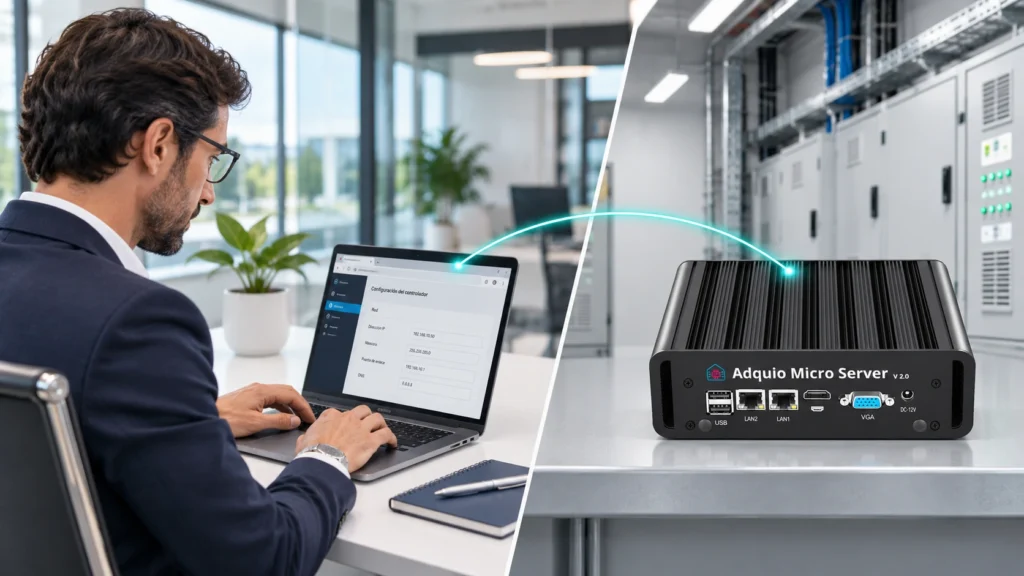
Authorised remote access for people to Adquio products with web interfaces. Free for customers of Adquio systems.
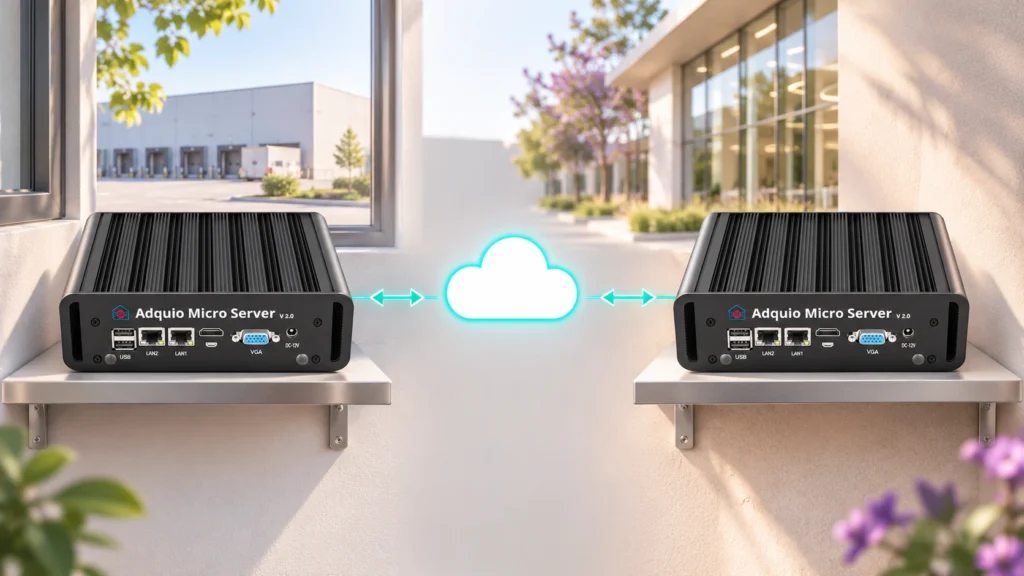
Connect devices and installations over the Internet through secure communications. Bridge links systems rather than users.
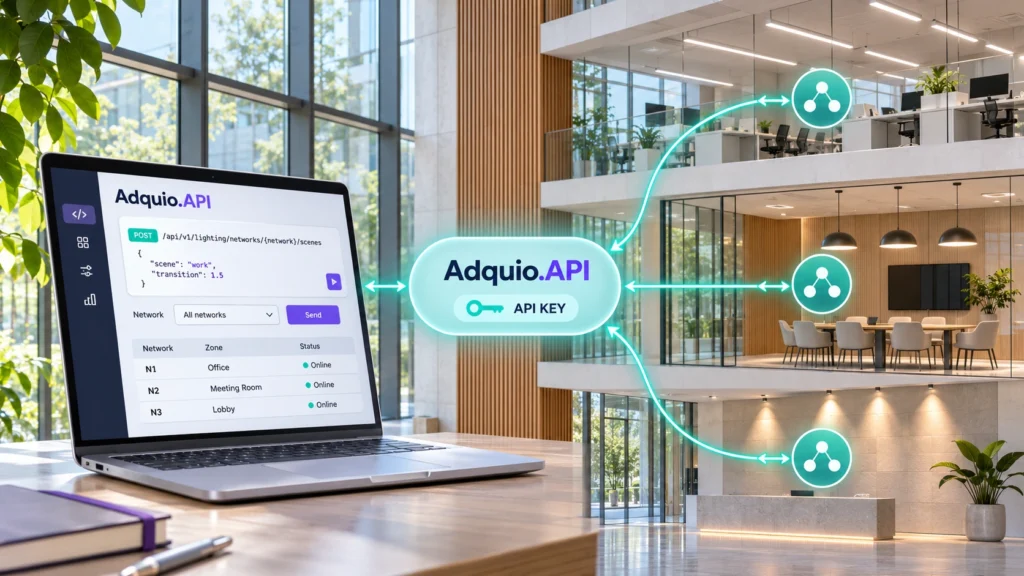
Exchange information and commands with external applications and Casambi networks through the available interfaces.
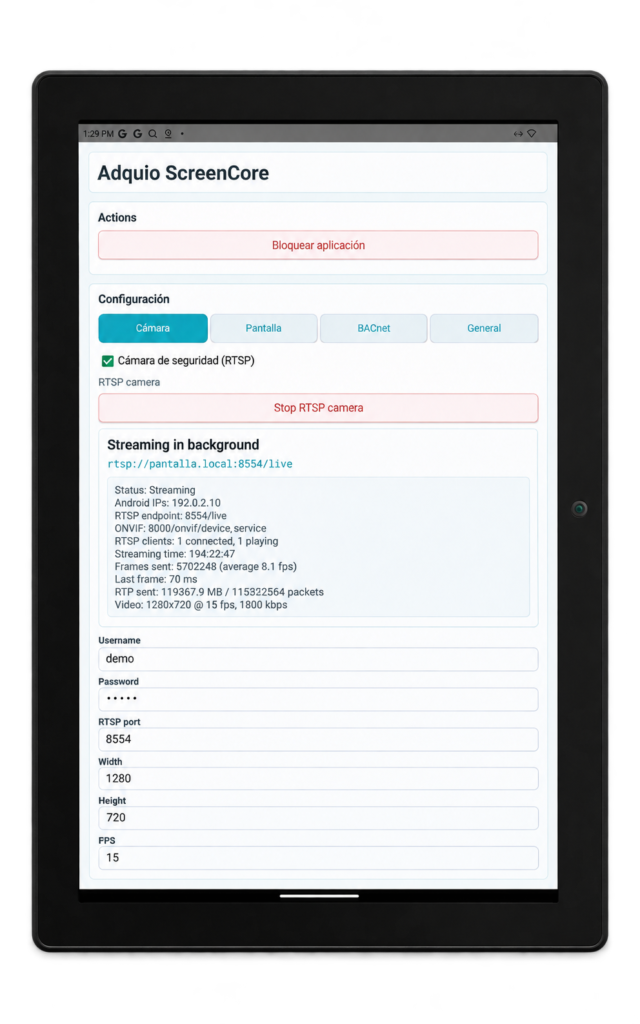
On compatible screens, use the camera as an RTSP source and activate the screen when a person is detected.
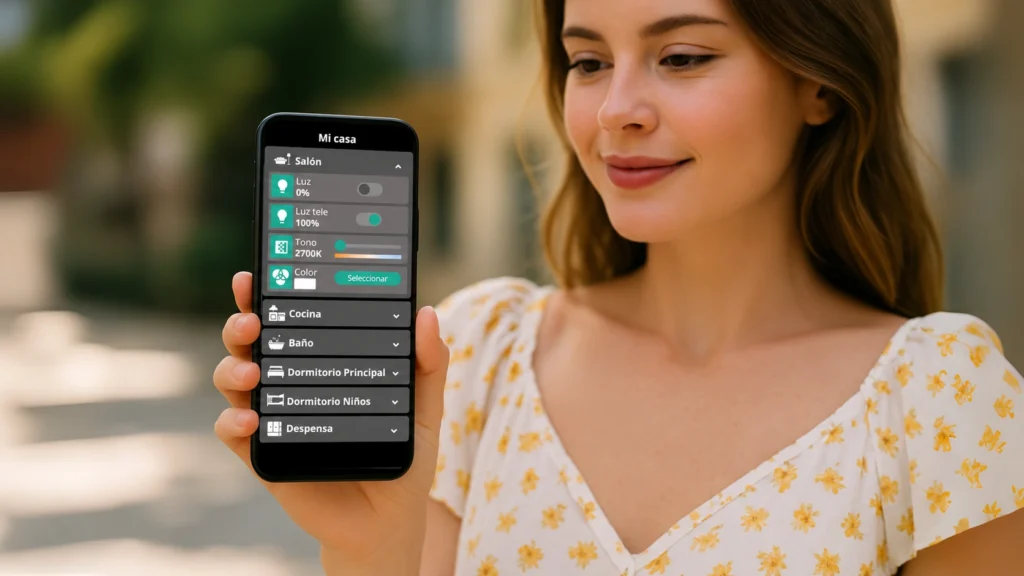
Create control interfaces tailored to the people, spaces and functions of each installation.
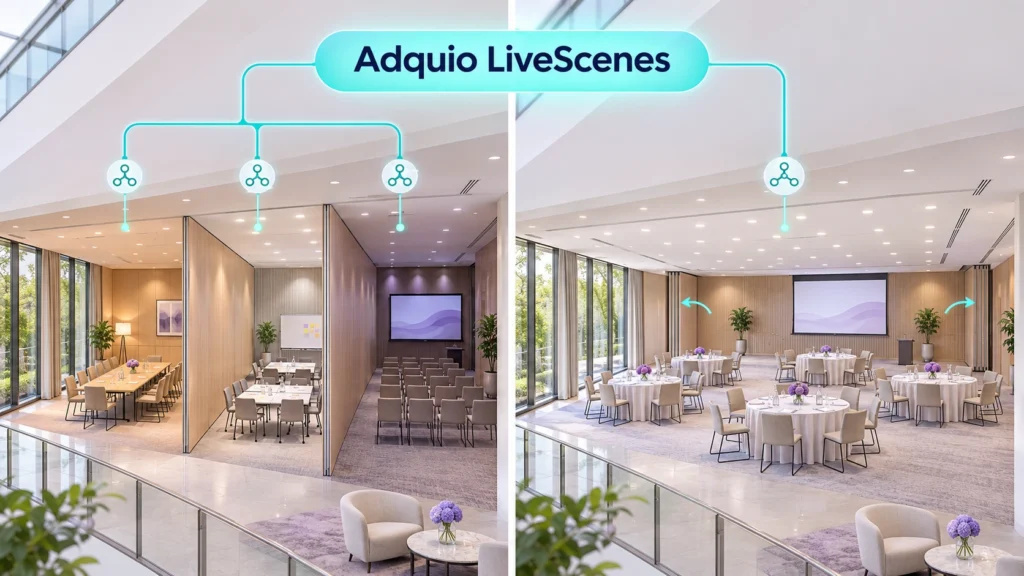
Adapt scenes to changing spaces and integrate Casambi, DALI and Matter/Thread devices through compatible components.
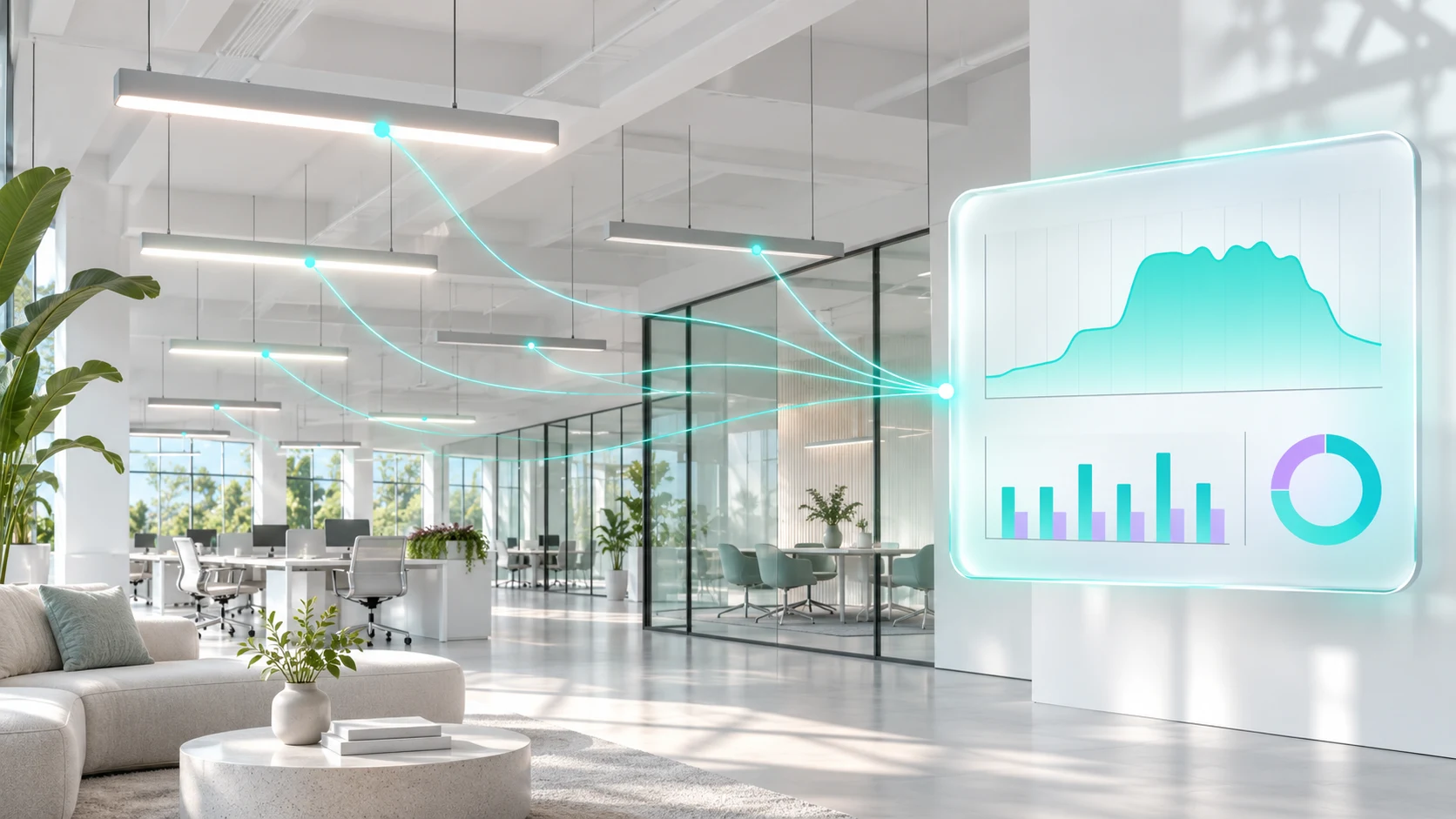
Turn Casambi lighting operation data into energy estimates by zone and period.

Use voice commands to request authorised actions for lighting, HVAC and other integrated functions.

Remotely access the installation’s Casambi app for configuration and maintenance.
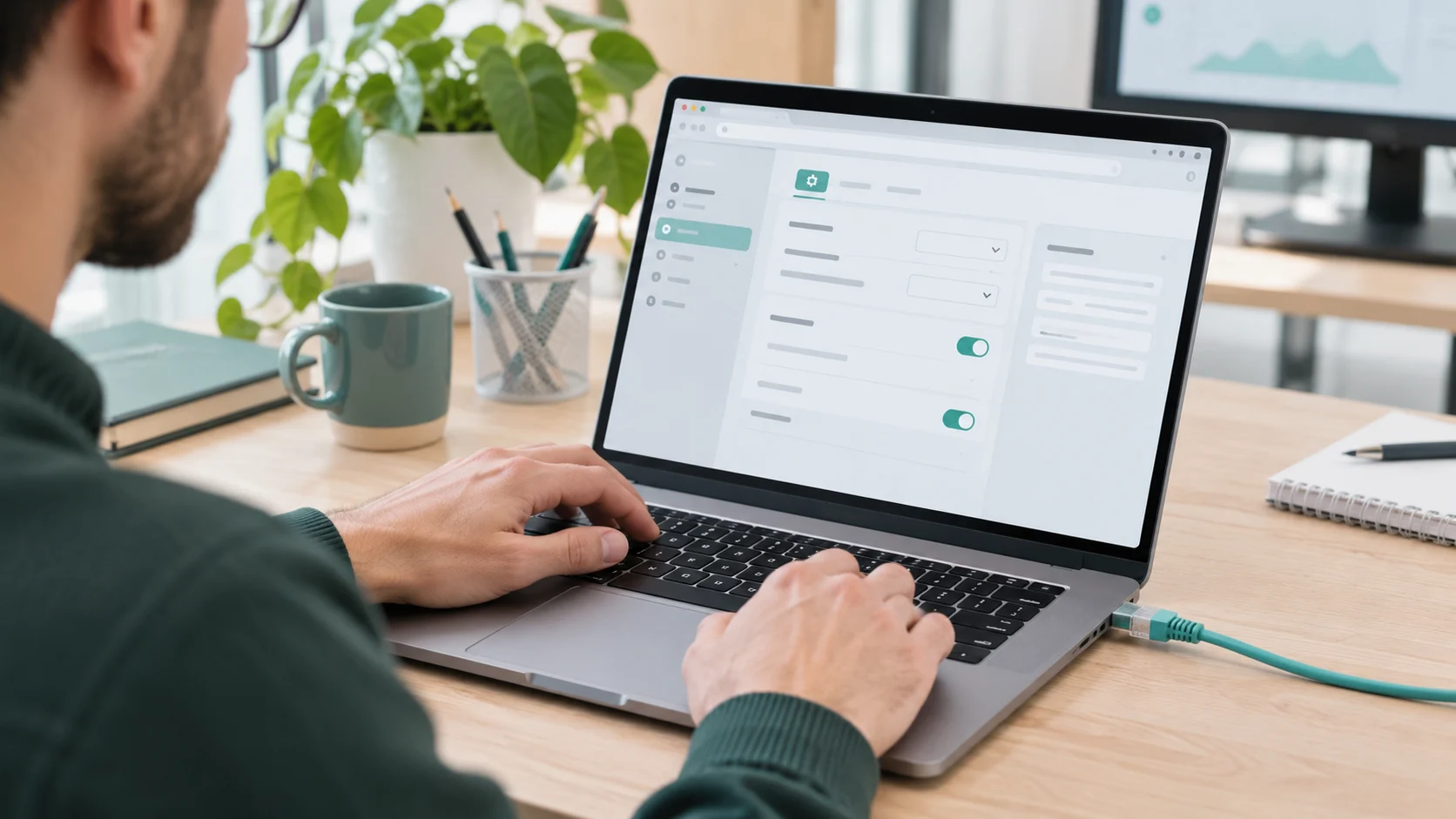
Define the architecture, integrations and interfaces with Adquio’s engineering service.

Prepare installers, integrators and operators with courses and documentation subject to their access conditions.

Consult technical resources, configurations and tools, or request assistance for your installation.
06
Connect this part of the project with the other layers of Adquio Building OS.
Expand the design with its related functions and resources.
Expand the design with its related functions and resources.
Expand the design with its related functions and resources.
07
Detailed documentation remains available on the product pages. Restricted courses and manuals retain their access conditions.
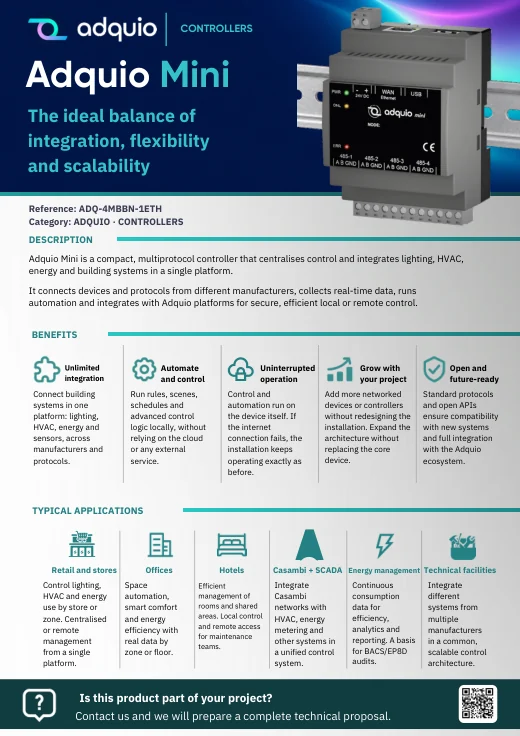
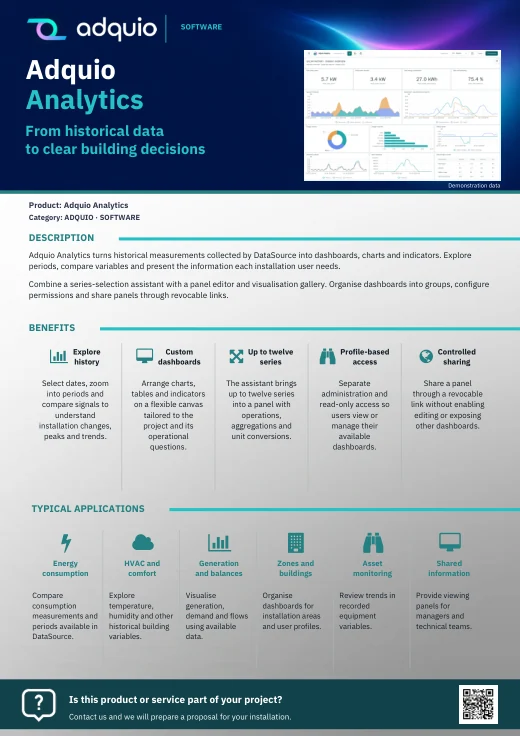
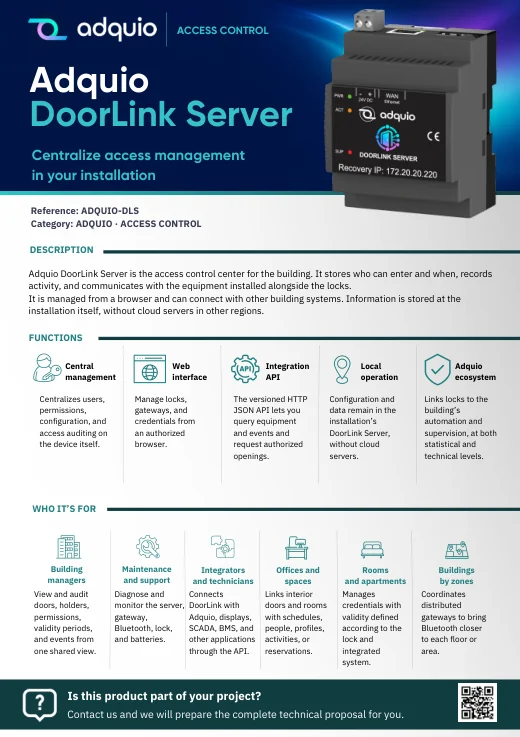
Benefits, applications and commercial documentation organised by product family.
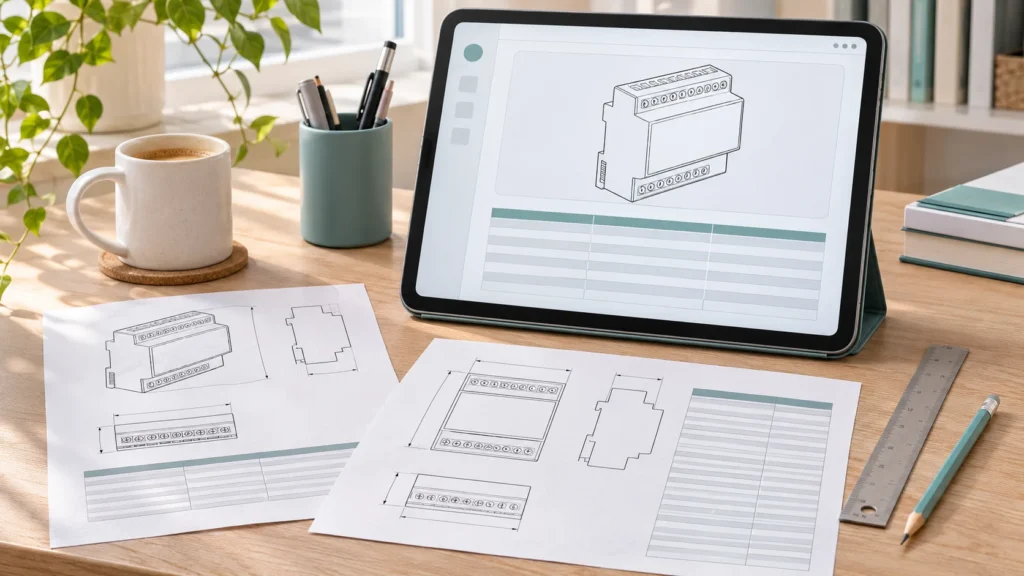

Product pages and further references
Adquio controllers · Adquio Building OS technology: architecture, control and integration
FROM IDEA TO INSTALLATION
Tell us what is installed, what you want to connect and who needs to use it. We will help you design an Adquio architecture suited to your project.
← Adquio Building OS technology: architecture, control and integration
