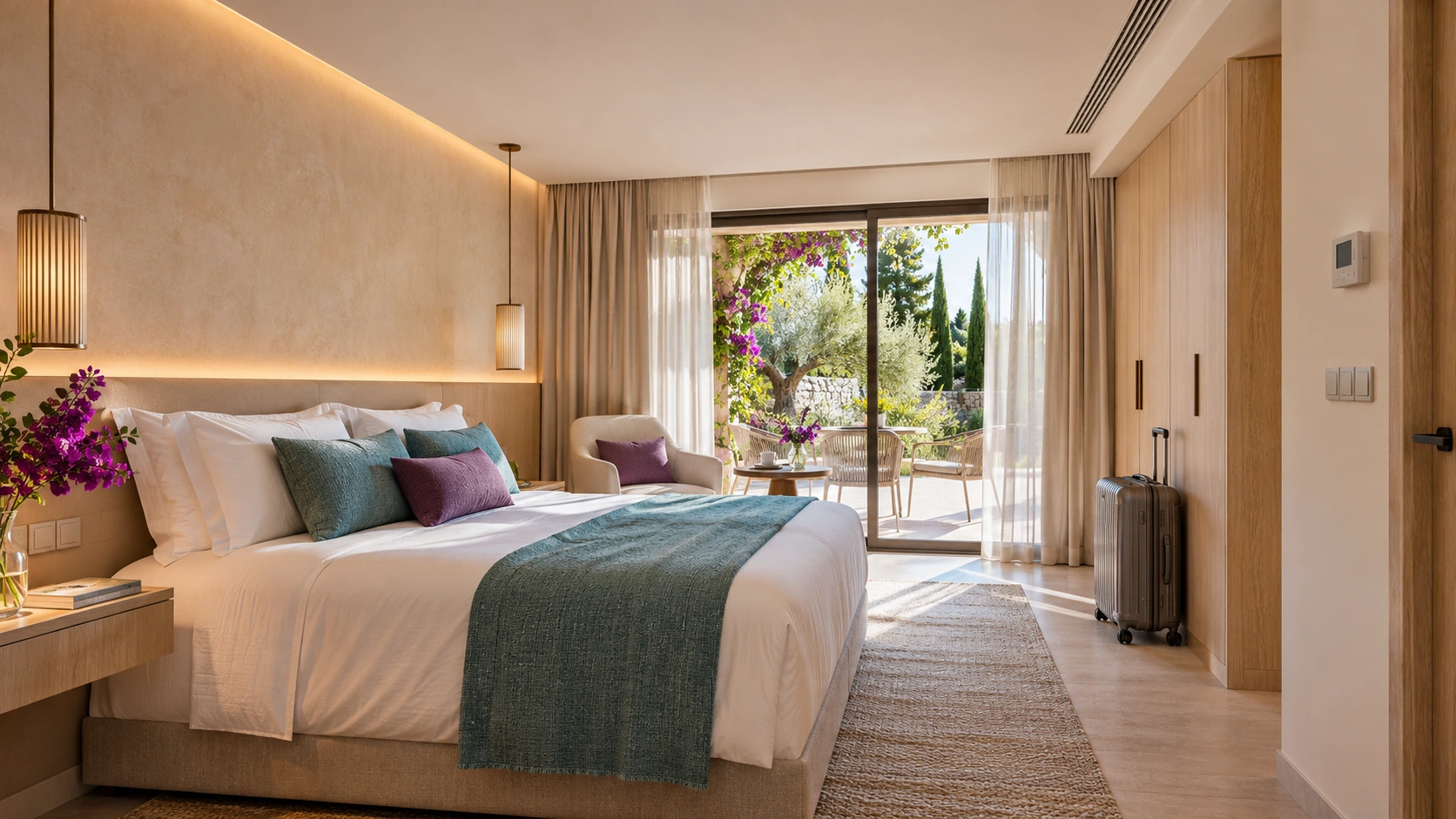
Guest rooms and suites
With Adquio ConfortRoom, bring together temperature, setpoint, lighting and services in an open 4″ thermostat. The Adquio screens offer other control interfaces to suit each room’s requirements.

ADQUIO BUILDING OS · SECTORS
Connect guest rooms, shared areas, event spaces and thermal production. Combine comfort, manual control, access and maintenance with management that can grow from one hotel to a chain.
01
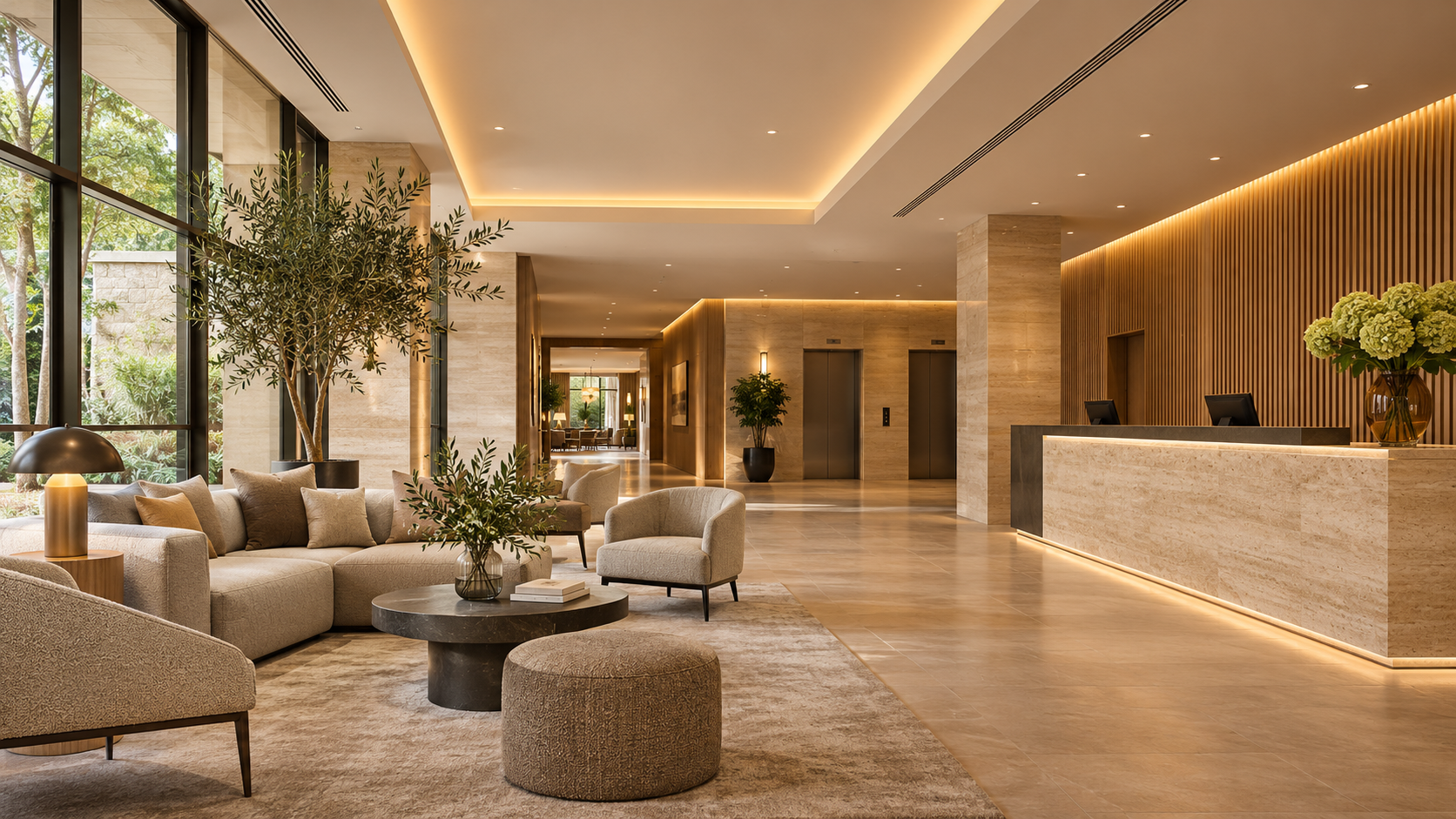
Adquio Building OS integrates existing technologies and new functions so reception, maintenance and management can work with the information they need, without passing the complexity on to guests.
The tree architecture synchronises controllers for floors, guest rooms, equipment and services with a central Adquio Server. Adquio Micro Server can provide an intermediate level for larger areas. Each platform retains its own functions and permissions.
02
Organise functions by guest room, floor, shared space and technical service. Scenes and priorities should reflect how each area is actually used.
With Adquio ConfortRoom, bring together temperature, setpoint, lighting and services in an open 4″ thermostat. The Adquio screens offer other control interfaces to suit each room’s requirements.
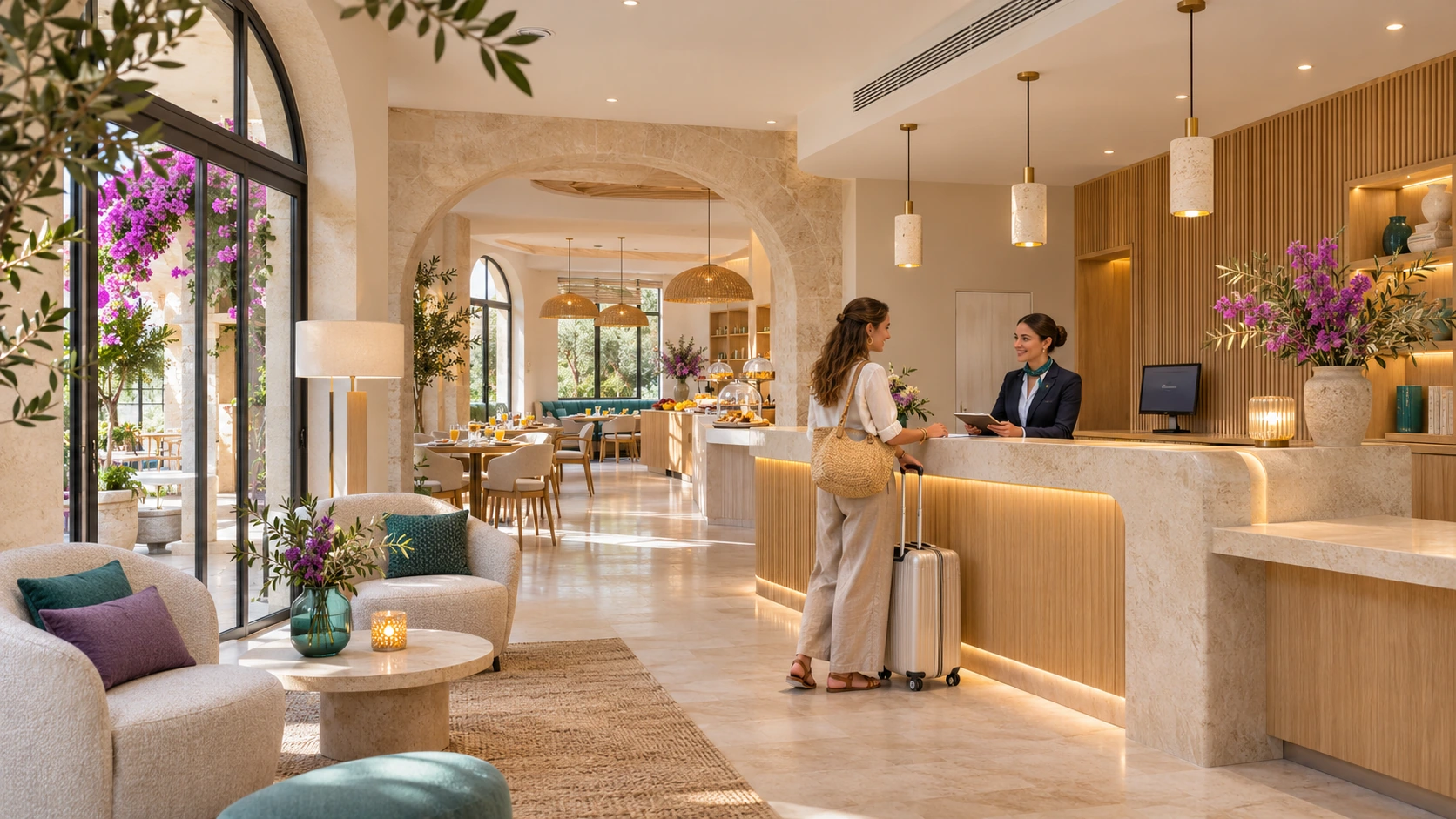
Prepare scenes for opening, breakfast, reception, service, night-time and cleaning. Coordinate schedules without requiring the whole hotel to use the same configuration.
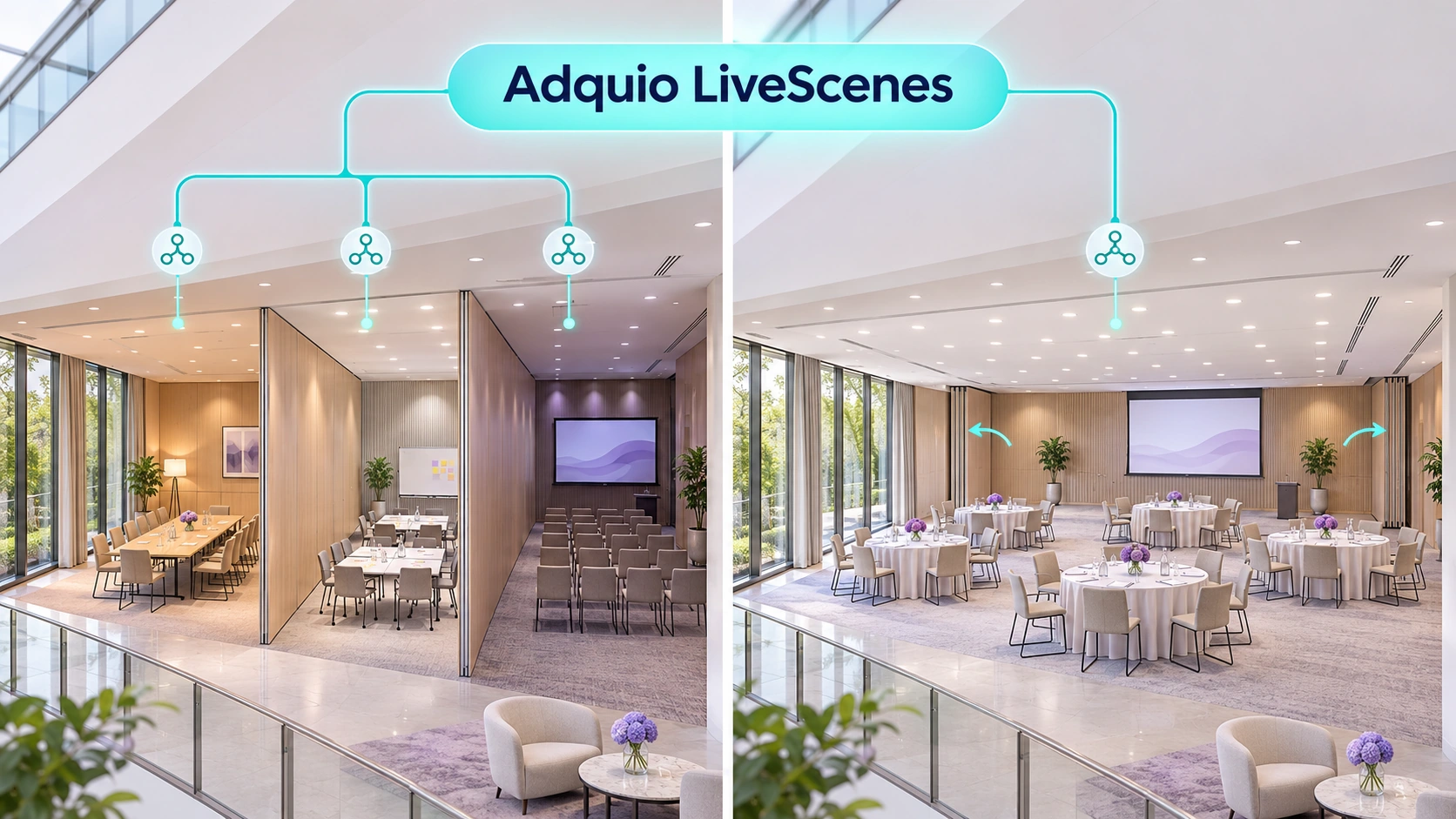
When movable walls change the layout, Adquio LiveScenes adapts Casambi scenes to the resulting spaces and configured rules.

Integrate chillers, boilers, heat pumps, distribution, domestic hot water and other compatible equipment. Include the pool, laundry or kitchen services required by the project.
03
The following states are an example of project logic. Combine information from sensors, doors, schedules and, where integrated, the property management system.
Prepare a welcome scene and the intended comfort settings when a valid command or condition is available. Define who can activate it and which parameters guests can adjust.
Retain manual lighting and HVAC controls alongside automation. Respect priorities and make it straightforward to return to automatic operation.
Apply delays and energy-saving strategies according to the available detection. A door contact or a brief lack of movement should not, on its own, be interpreted as an unoccupied room.
An authorised command can prepare the room for cleaning or its next occupants. Coordinate schedules and compatible credentials, distinguishing administrative check-out from physical presence.
Connection to a PMS or booking platform depends on its interfaces and the integration developed for the project. Adquio.API provides authorised access to variables; it does not imply a universal connector or booking synchronisation already included.
04
Thermal control goes beyond the thermostat. Relate production, distribution and demand using the data and commands supported by each device.
Coordinate chillers, boilers, heat pumps, circuits, valves and air handling units. View available statuses, setpoints, temperatures and alarms while retaining each machine’s own protective functions.
With wired or wireless probes, relate temperature, humidity, CO₂ or occupancy to schedules and operating conditions. Review comfort priorities and manual operation.
Integrate measurements from domestic hot water, recirculation, pools and auxiliary systems where compatible. Compare their operation with the hotel’s demand and activity.
Adquio Cloud BMS supports advanced formulas for scientific and thermodynamic calculations using available variables. Define suitable units, formulas and validation criteria for the installation.
05
The Casambi networks provide their scenes and automations. Adquio LiveScenes adapts them to a changing building, while screens and SCADA support manual operation.
Contacts or other compatible signals indicate which event rooms are separate or combined.
Relates the resulting spaces to the planned lighting rules.
Presentation, meeting, dinner and cleaning scenes act on the configured zones.
A hotel can have multiple Casambi networks. Connect them through their Lithernet gateways and bring their operation together in Adquio SCADA. Define priorities, manual intervention and reactivation of automatic mode. Read about the LiveScenes application for movable-wall event spaces ↗
06
Access information can contribute to hotel operations with defined permissions and purposes. Select compatible locks, cameras and functions for each zone.
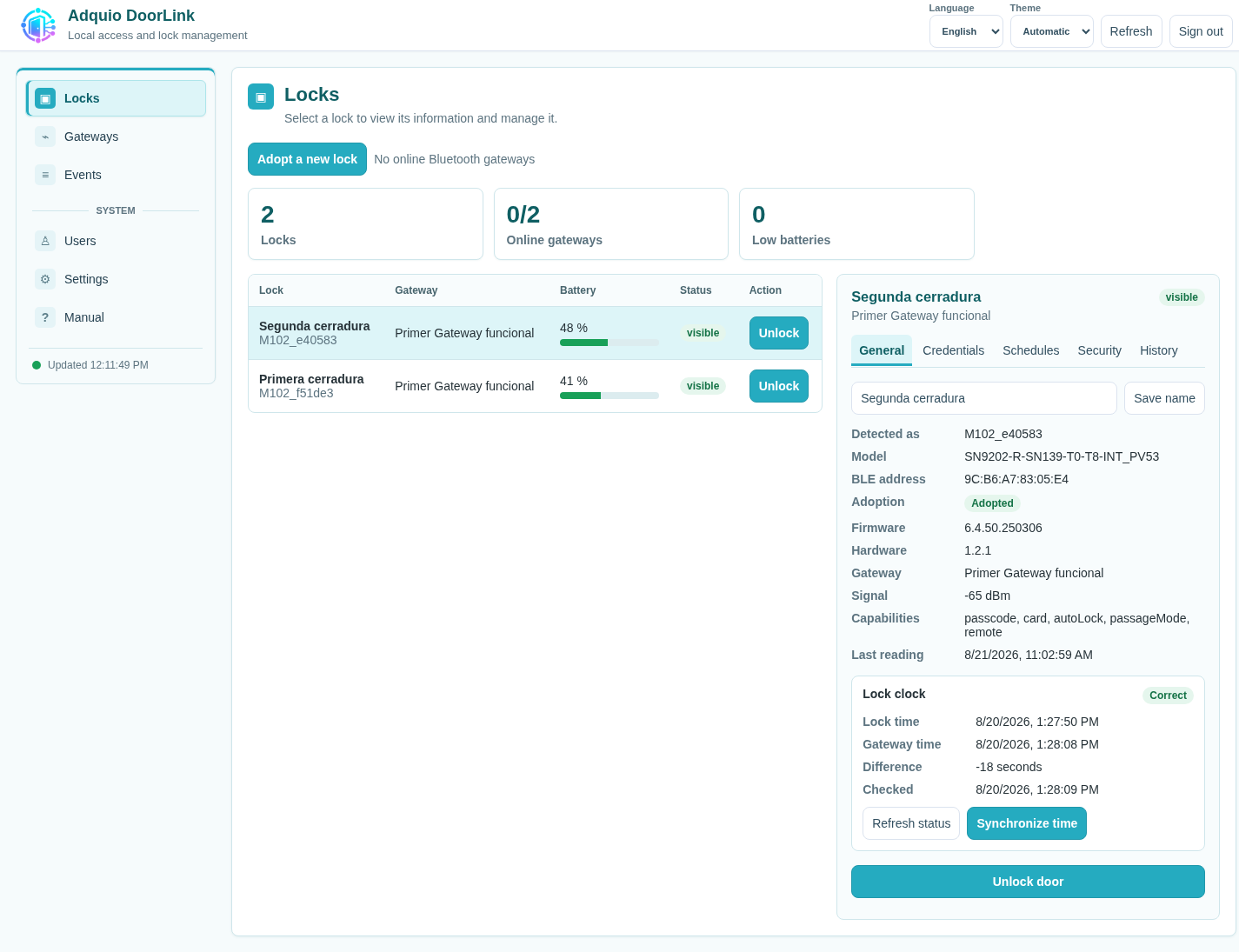
DoorLink Server and its gateways manage compatible locks, credential holders, PINs, cards and validity periods. A compatible Adquio Android screen can also act as a gateway for a nearby lock.
View authorised video from entrances, shared spaces and technical areas. Compatible events can become variables for alerts and automation. The controller can enable or disable cameras for privacy and request photographs with confirmation.
Bring authorised actions to screens, SCADA or BMS platforms and display the available result. Adquio RTSP Camera allows compatible screen cameras to be used in areas designated for that purpose.
The access integration is defined for each door and its function. Keep reception, maintenance and administration responsibilities distinct.
07
Relate energy, schedules and activity with Adquio Analytics. Dashboards allow services, trends and operating changes to be reviewed. A useful indicator requires suitable data and comparison criteria.

Compare HVAC, lighting, kitchen, laundry and other measured consumption. Review equipment running outside scheduled hours and differences between periods with comparable conditions.
With the necessary data, prepare indicators such as kWh/m² or consumption per occupied room. Define the scope of metering and account for occupancy, weather and services.
Integrate meters to obtain measured energy. Adquio PowerTrace calculates Casambi lighting power and energy from activity and electrical profiles; identify these results as estimates.
A chain can bring its sites together with Adquio Cloud BMS and compare hotels using consistent indicators. The approach to energy efficiency is evaluated against an initial baseline and the results of adjustments, rather than assuming a savings percentage from installing the platform.
08
Locate the device, check its status and decide what action is appropriate. A common interface helps organise work while retaining the specialist tools.
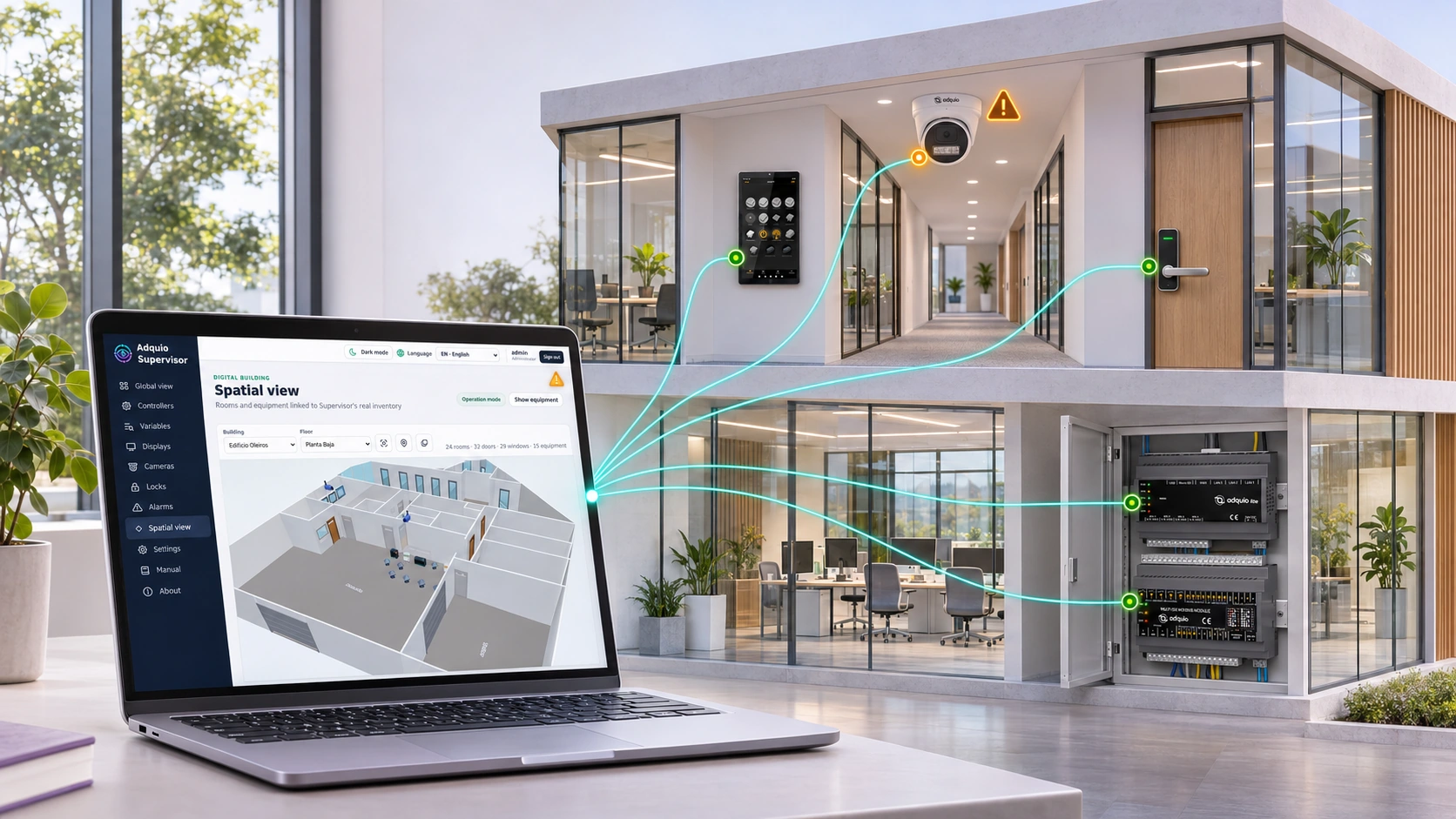
Organise controllers, expansion modules, screens, cameras and locks by building, floor or zone. View statuses and alerts, access available interfaces and exchange files with compatible screens.
Adquio Nexus allows a person to access authorised remote devices, including controllers and Adquio SCADA Server. Adquio Bridge connects equipment across networks where required by the architecture.
Adquio Full Remote Access for Casambi facilitates supported local configuration and maintenance tasks through the Casambi app installed on the hotel’s device. Remote diagnosis helps prepare interventions that do require an on-site visit.
09
Define what guests use, what reception needs and what maintenance and management should be able to view. Platforms complement one another and are selected for the project.
| Tool | Speciality | What it provides for the hotel |
|---|---|---|
| Adquio SCADA Server | Local operation | Floor plans, controls, statuses and trends within the installation. |
| Adquio SCADA Cloud | Cloud operation | Supervision and control through an authorised web page. |
| Adquio Supervisor | Technical infrastructure | Equipment locations, statuses, alerts and access to available interfaces. |
| Adquio Analytics | Dashboards | Charts, historical data and indicators to analyse operation. |
| Adquio Cloud BMS | Management of multiple hotels | Information from multiple sites, comparisons and advanced formulas. |
The Adquio Server that coordinates controllers is a control layer separate from Adquio SCADA Server. The Adquio screens and Adquio APP Builder bring user-adapted interfaces closer to the point of use.
10
Review Multiprotocol integration before replacing equipment. The architecture can combine systems from different generations and manufacturers.
Adquio KNX Gateway maps group addresses to Adquio variables through a KNX/IP interface or router. Use expansion modules for field signals and the gateways appropriate for the equipment.
Integrate multiple Casambi networks through Lithernet and DALI through compatible gateways. Adquio MatterLink incorporates compatible Matter functions according to the defined scope.
Adquio BACnet Exporter exposes variables for reading by a BACnet/IP BMS. Adquio.API facilitates authorised integrations with your own software or project services.
Find out more about KNX integration. Local functions are designed to run on the installation’s equipment; cloud services and remote access depend on connectivity.
11
Consult the published references to understand their scope. One project’s solutions do not mean all hotels need the same equipment.

The published case describes the automation of 23 rooms, suites and shared areas in Panama. It combines Adquio Mini, Adquio Lite, Modbus communication, presence detection and door contacts to manage lighting and HVAC. Explore the case study ↗
The application article explains how Adquio LiveScenes links movable walls, room configurations and Casambi scenes. It helps explain the operation and prepare rules for each project. Read the application explanation ↗
12
Validate a typical guest room, a floor or a technical service before extending the configuration. Define users, priorities, communications and retained data from the start.
Review equipment, networks, protocols, rooms and services with the engineering team. Agree on a pilot and operational objectives.
Test occupancy, schedules, scenes, compatible access functions, manual operation and return to automatic mode. Check responses and confirmations under the hotel’s actual conditions.
Prepare reception and maintenance staff through Adquio training. Document the solution, review indicators and expand in stages.
Not necessarily. First, review the devices, interfaces and available data. Integration can retain local functions while adding coordination, supervision and new interfaces.
No. The locks, PMS functions and its interfaces must be checked. Integration with bookings and credentials is developed and validated for each project.
Yes. Define manual controls, limits, priorities and the return to automatic operation. The interface should clearly show what each user can adjust.
Adquio Cloud BMS is designed for multiple sites. Define the organisation of hotels, permissions, variables and consistent criteria you need to compare.
08
Detailed documentation remains available on the product pages. Restricted courses and manuals retain their access conditions.
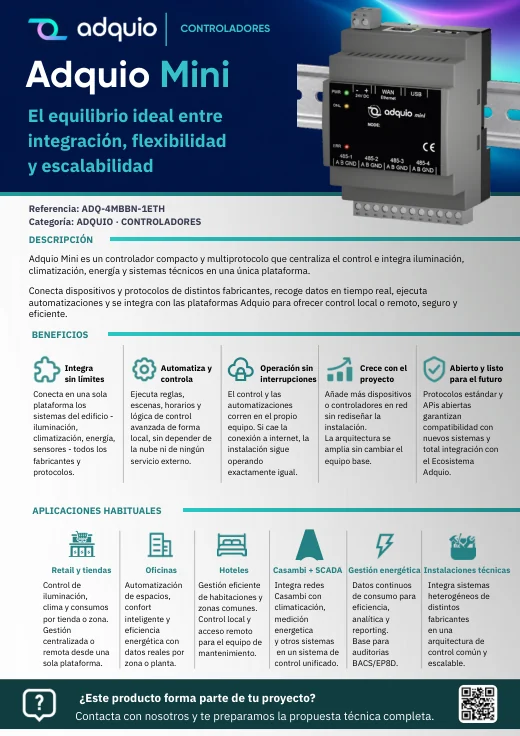
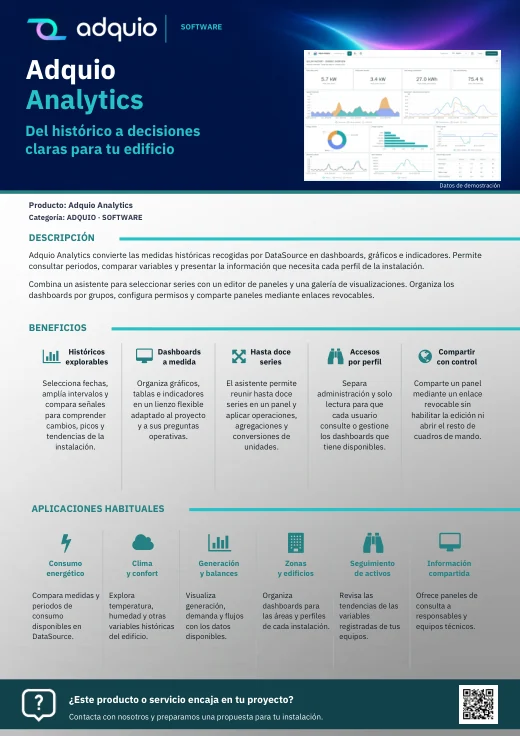
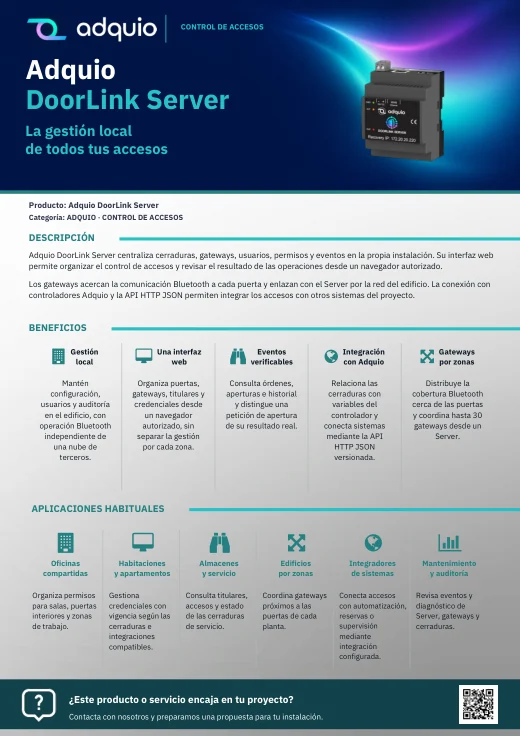
Benefits, applications and commercial documentation organised by product family.
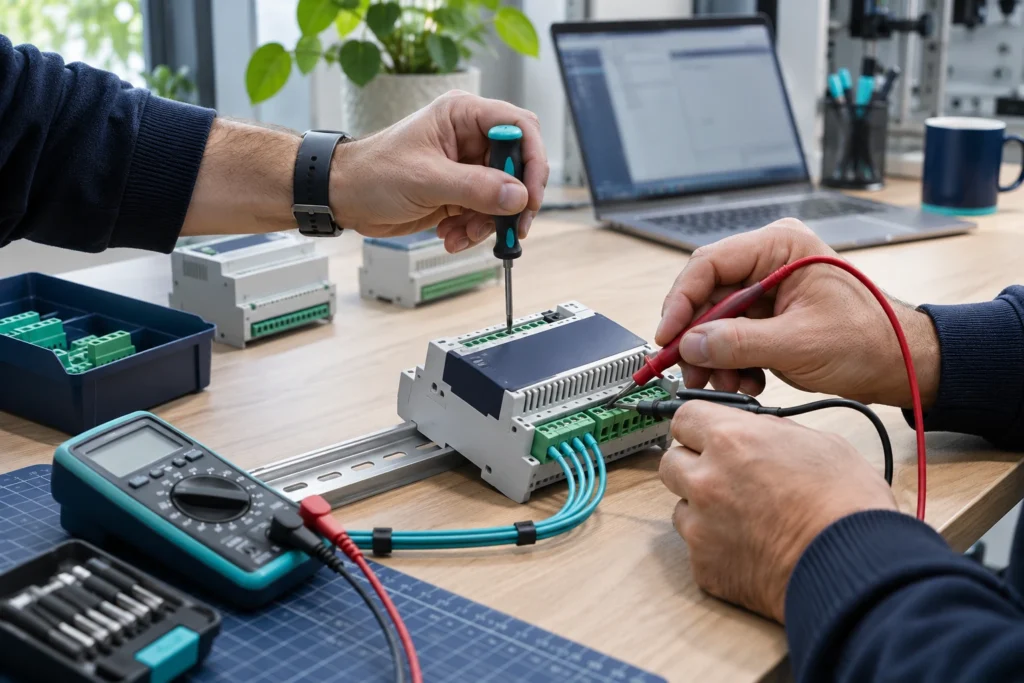
Access technical datasheets, configurations and support resources.

Product pages and references for further information
Adquio: Automation and Control for Smart Homes · Adquio DoorLink
FROM CONCEPT TO INSTALLATION
Tell us what type of hotel you manage, which systems are installed and who needs to operate them. We can help prepare a pilot room or zone and an architecture that can grow in stages.
