Continuous operation
Designed for 24/7 operation as a permanent control point in the installation.

ADQUIO BUILDING OS · SCREENS
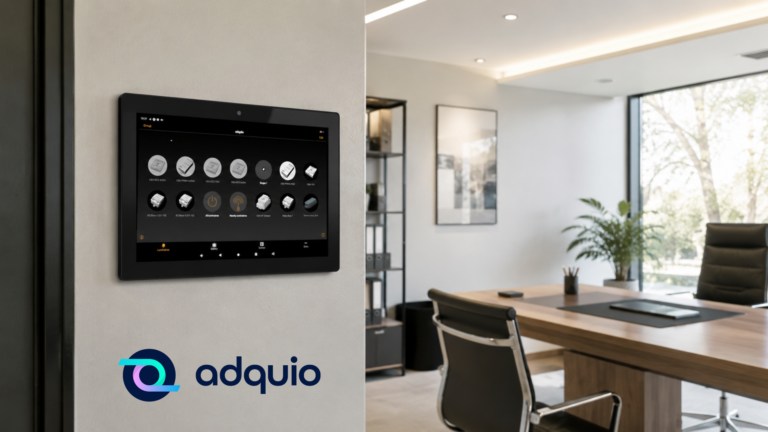
A recessed screen for Casambi and custom dashboards, with Ethernet PoE, Wi-Fi and a front camera. Room control integrated into a European or American wall box, projecting just 13 mm from the wall.
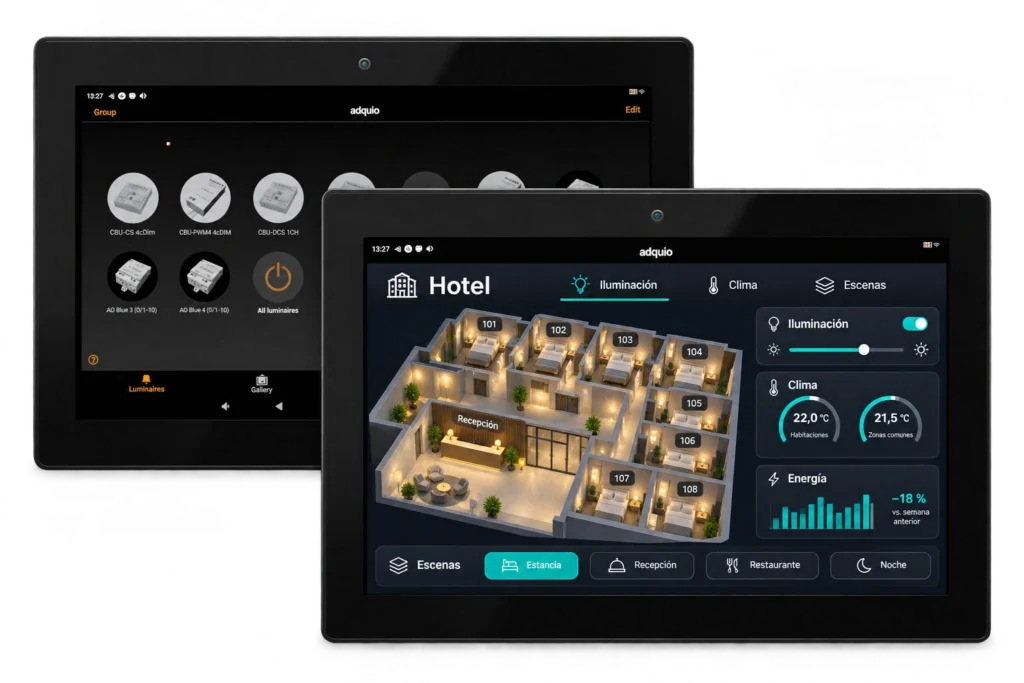
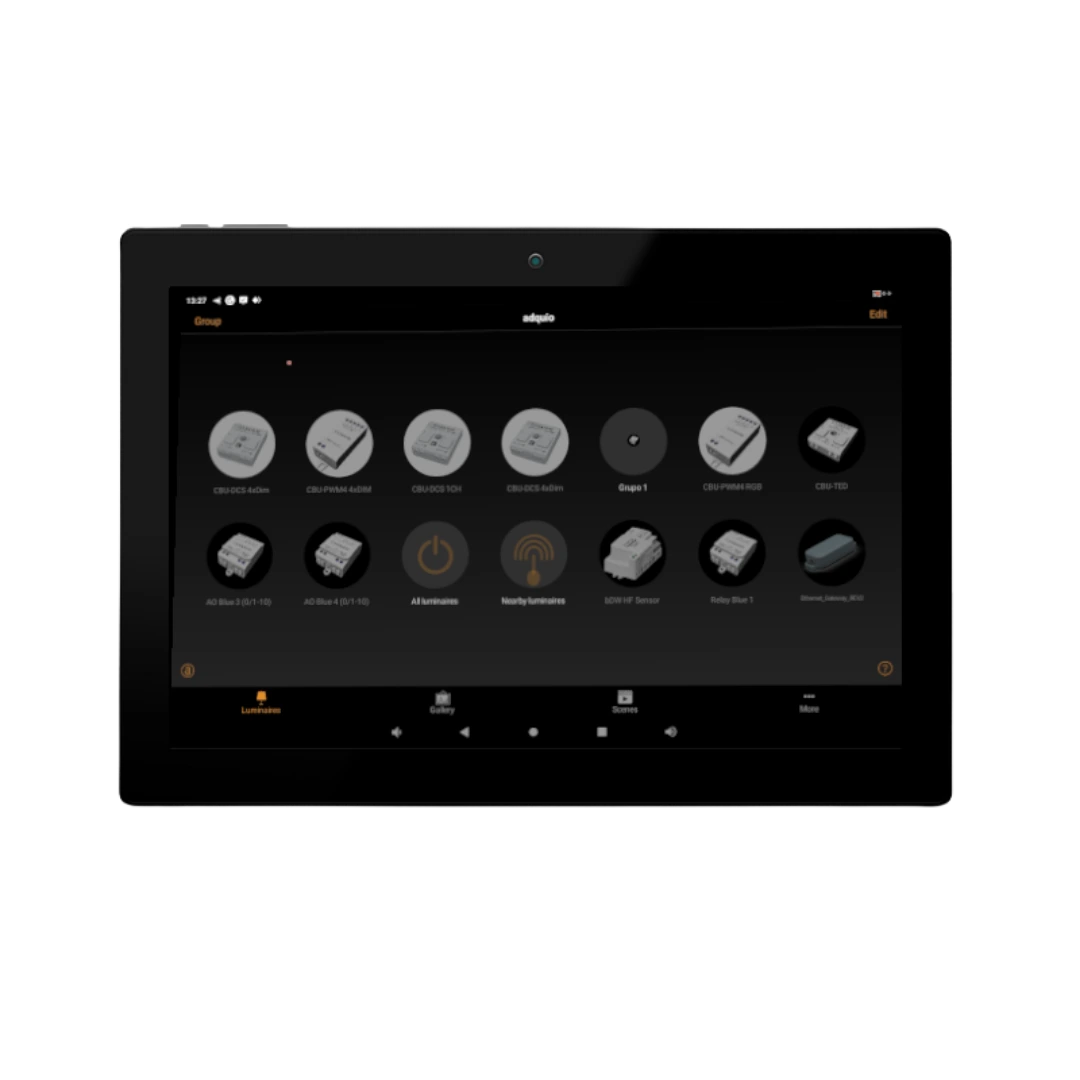
Install an everyday interface for lighting, HVAC, blinds and scenes. The Casambi app lets users operate lighting without relying on a phone; a custom dashboard brings together the controls each user needs.
With a custom HMI, the screen receives data from an Adquio controller and allows freely designed images, navigation and controls. Android 13 and Play Store provide access to compatible applications, including Alexa and Home Assistant.
With a compatible version of Adquio ScreenCore, the front camera detects a person and wakes the screen. After a period without anyone present, it switches off again. Fewer hours of screen use save energy and help extend panel life.
Designed for 24/7 operation as a permanent control point in the installation.
European or American wall boxes, portrait or landscape orientation and rear power connections without visible cables.
Two alternatives on the same device. Choose the user experience to suit the functions and the people using the space.
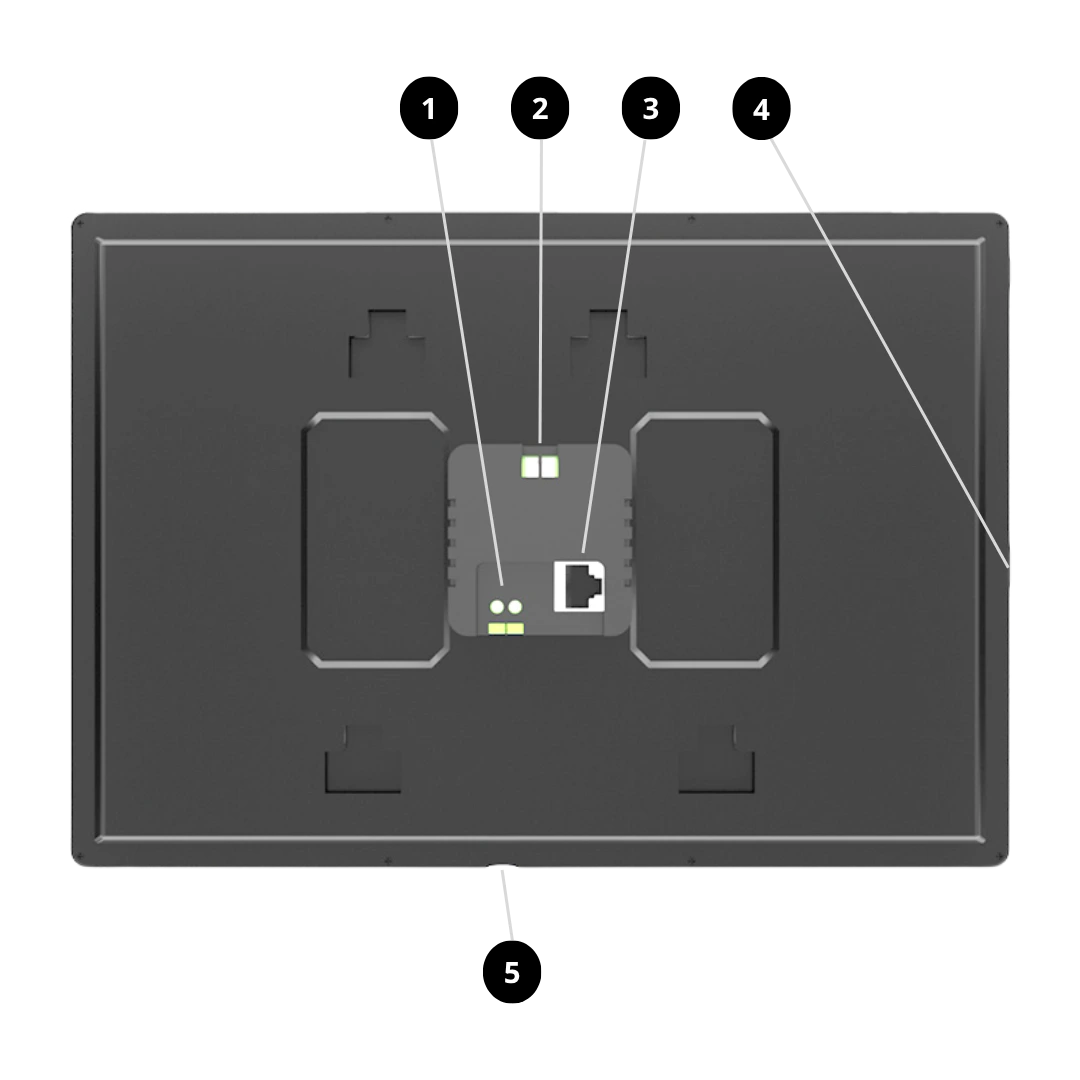
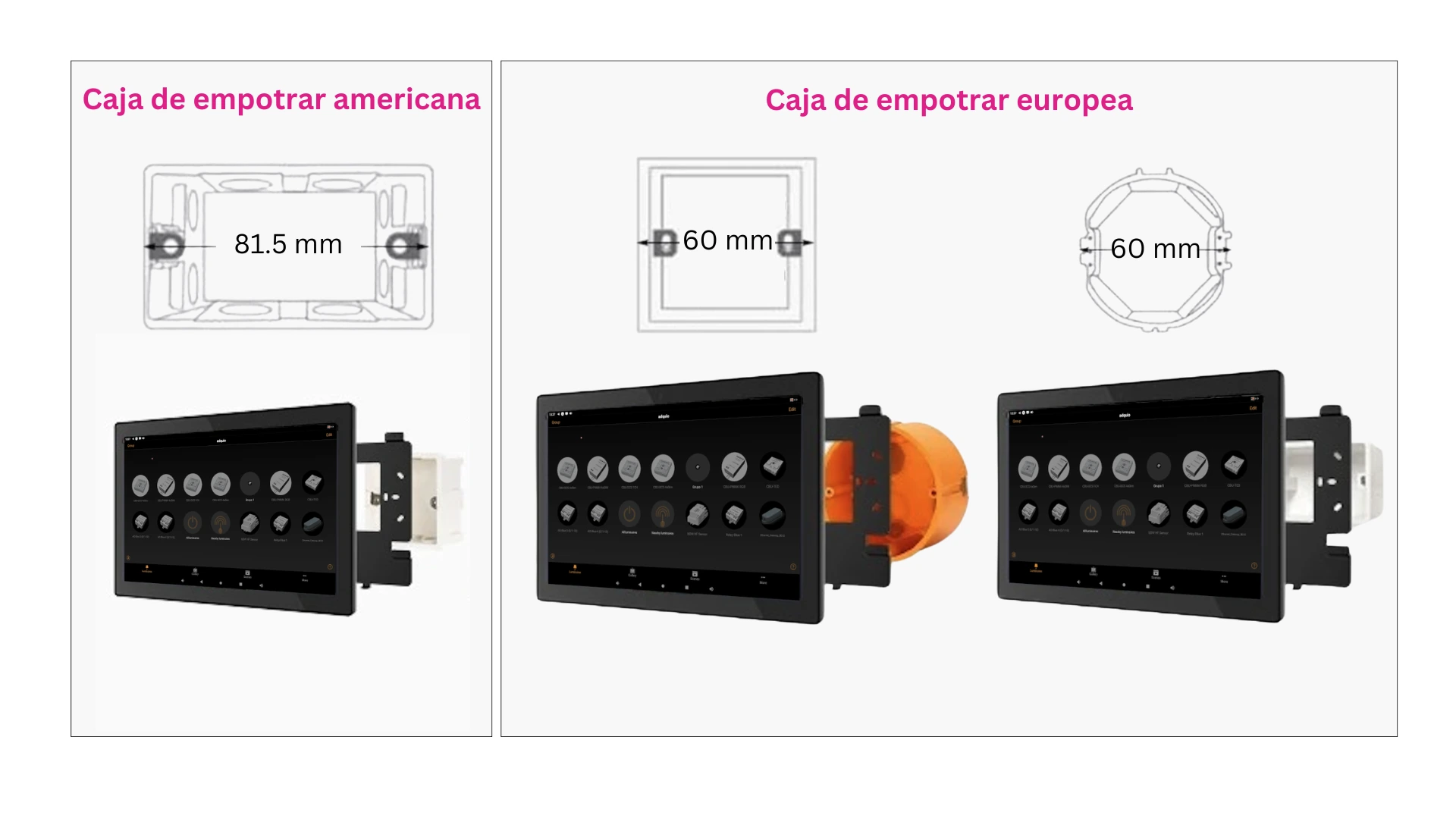
Secure the metal bracket to a box with 60 or 81.5 mm between horizontal screws. Choose 110–240 V AC power and Wi-Fi connectivity, or an Ethernet PoE connection carrying data and power over one cable.
With the cables connected, insert the screen and tighten the lower screw. Mount it in landscape or portrait orientation; the assembly projects just 13 mm, including the fixing system.
10.1″ · 1280 × 800 pixels · IPS · LED · glass · capacitive touch · 250 cd/m². Viewing angle: 85° in each direction.
RK3568 · ARM Cortex-A55 · 4 cores · 64-bit · 1992 MHz.
4 GB memory. 24 GB storage capacity, with 22 GB free.
Android 13 · Play Store · Casambi app preinstalled. Compatibility with Adquio HMI, Alexa and Home Assistant.
Ethernet RJ45 · 100 Mb/s · PoE IEEE 802.3 af/at · 48 V.
Wi-Fi B/G/N · 2.4 and 5 GHz · Bluetooth 5.2.
110–240 V AC without an external adapter, or PoE power. Maximum AC current: 1 A.
USB-C OTG for configuration and firmware. RS-485 is reserved for future use and is not offered as an available control function.
Landscape or portrait. European 60 mm or American 81.5 mm screw spacing. 13 mm projection. IP20. ABS UL-94-HB housing.
Operation: 0…40 °C in landscape mounting. Storage and transport: −40…70 °C. Maximum humidity: 95%, non-condensing.
Operation: above 800 hPa, below 2000 m. Storage: above 600 hPa, below 3500 m.
Reference ADQ-WSCR10/1ETH/1USBC/WIFI/BLE/CR. Black finish; white available for a minimum order of 100 units.
EN 62368-1:2014+A11:2017 · S22030203503001.
EN IEC 62311:2020 · S22030203502001.
ETSI EN 301 489-1 V2.2.3 (2019-11).
ETSI EN 301 489-17 V3.2.4 (2020-09).
EN 55032:2015+A11:2020.
EN 55035:2017+A11:2020.
EN IEC 61000-3-2:2019.
EN 61000-3-3:2013+A1:2019.
ETSI EN 300 328 V2.2.2 (2019-07).
IEC 62321-3-1:2013 · IEC 62321-4:2013+A1:2017 · IEC 62321-5:2013 · IEC 62321-6:2015 · IEC 62321-7-1:2015 · IEC 62321-7-2:2017 · IEC 62321-8:2017.
Conformity documentation available on request.
Combine control, information and compatible services without filling the screen with unnecessary functions. Configure access and permissions for your project.
Run the Casambi app and manage lighting, groups and scenes from the room itself.
Adapt images, navigation and controls to the variables of your Adquio controller.
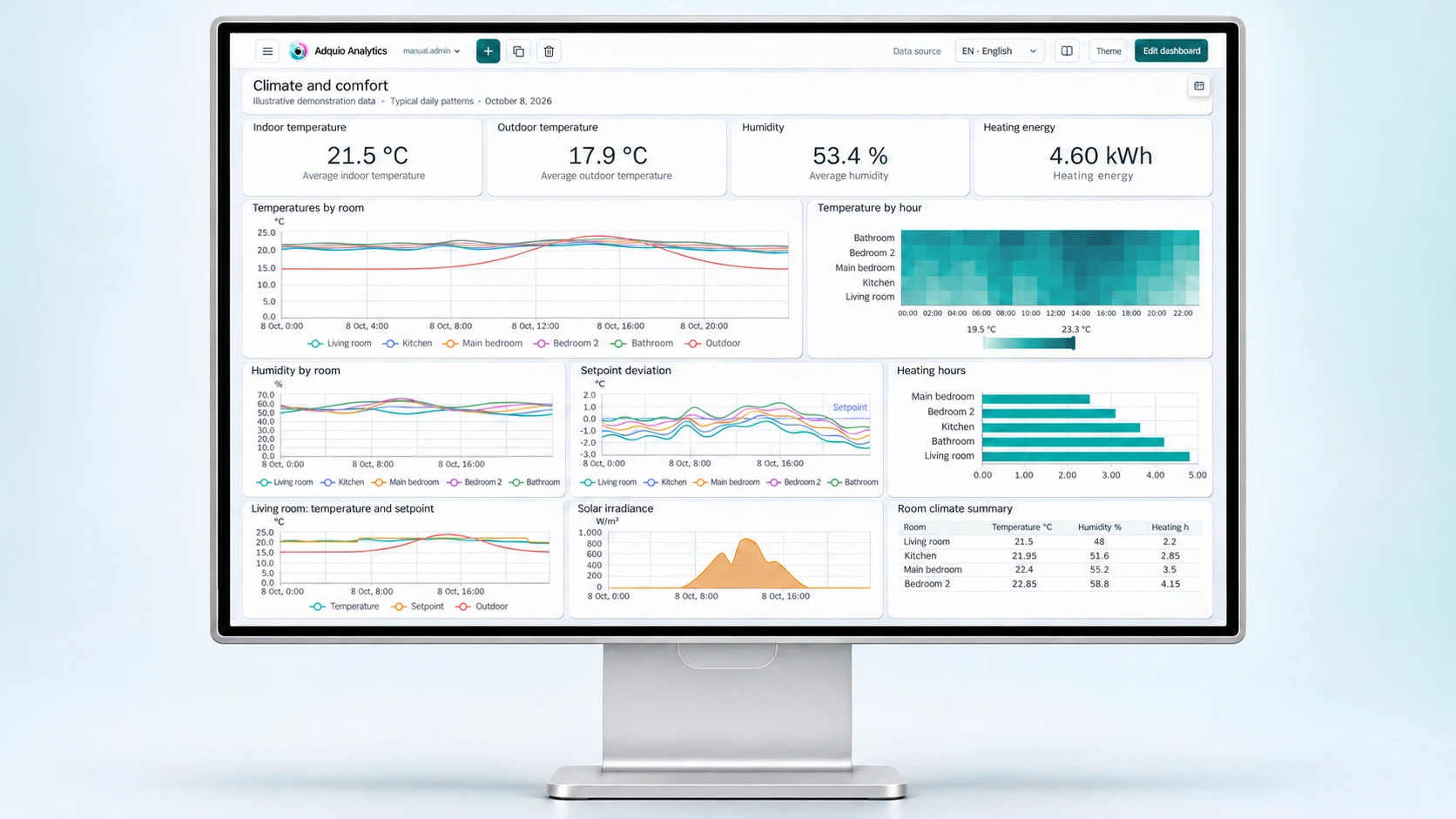
Show shared charts and dashboards through WebView in a compatible interface.
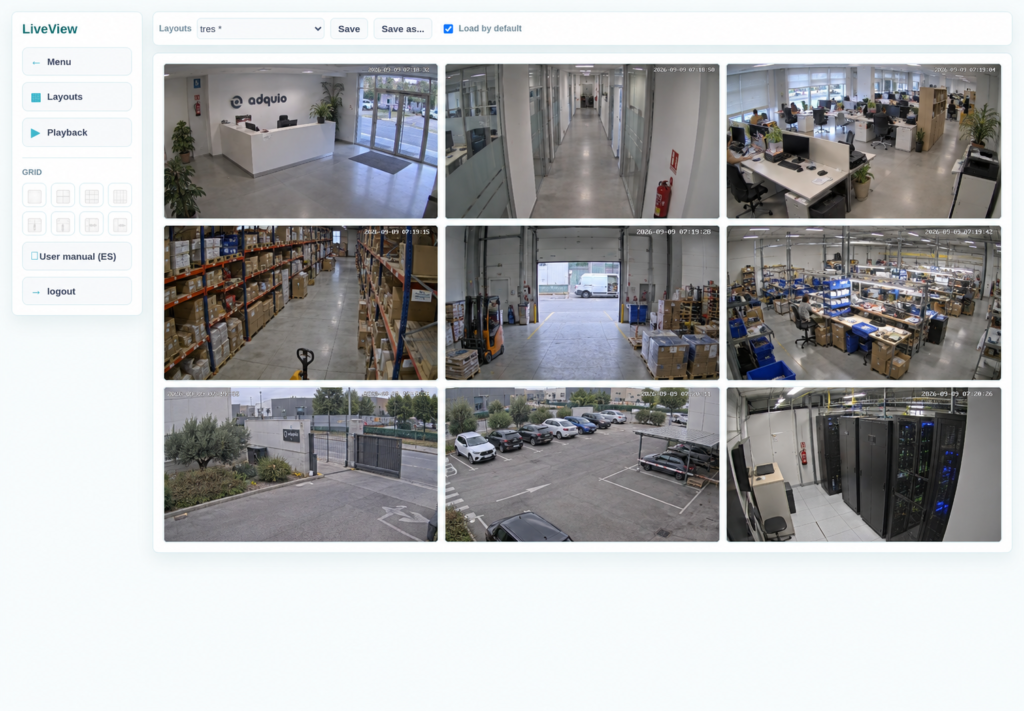
View live cameras through compatible viewers. With ScreenCore, the screen camera can also provide video to VisionCore with appropriate permissions and configuration.
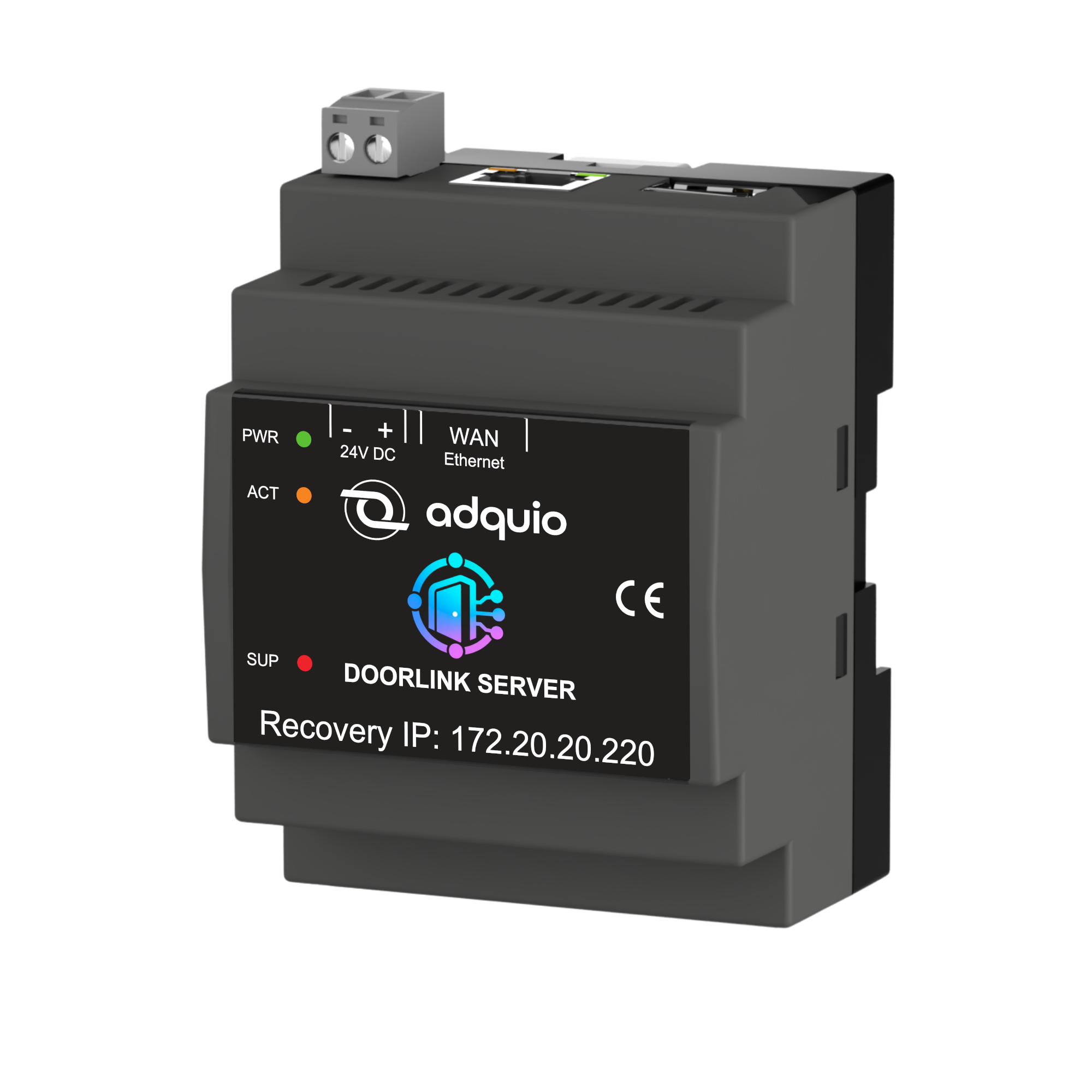
In a compatible Android configuration, the screen can act as a Bluetooth gateway for nearby locks. Check compatibility and coverage.
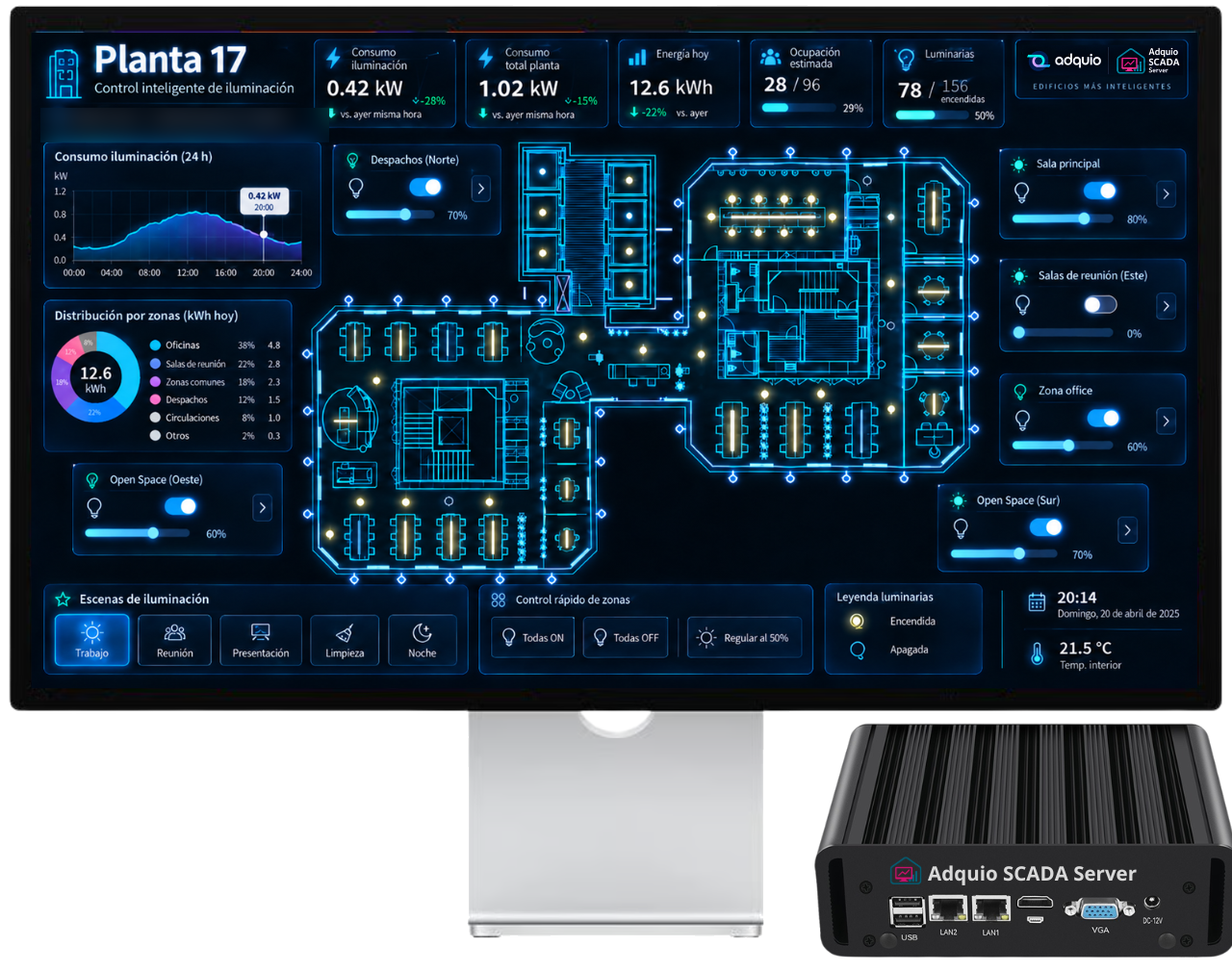
Access web-based monitoring and control interfaces adapted to this screen size.
The camera can be used to transmit video compatible with VisionCore and to wake the screen based on presence. These are functions of the Adquio ScreenCore software, with appropriate configuration and permissions.
Define the functions, mounting and integrations with our engineering service, or compare Adquio screens and interfaces.