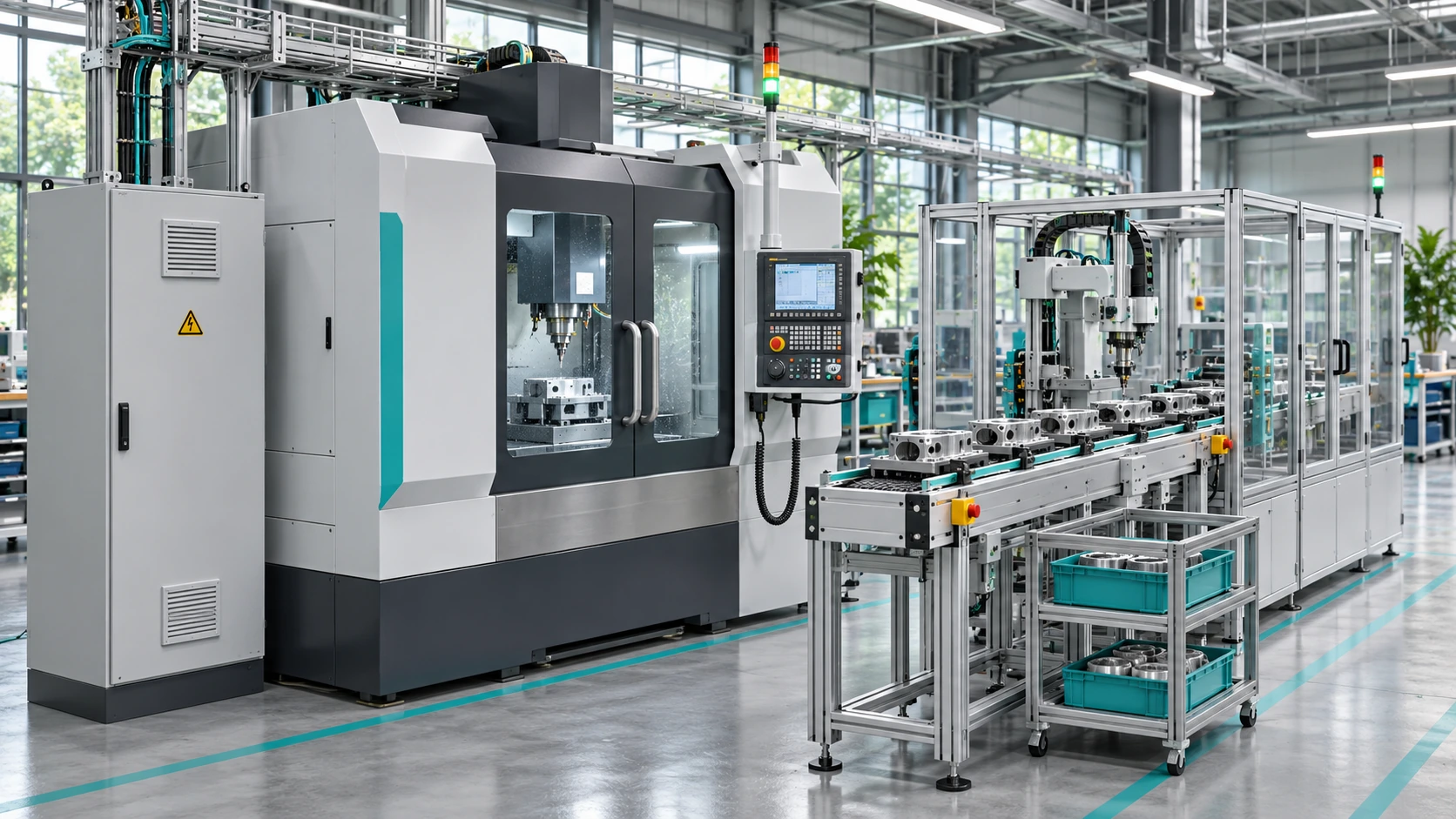
Machinery and process variables
View available running states, times, alarms and counters through compatible interfaces. Relate each variable to its machine and location.

ADQUIO BUILDING OS · SECTORS
Integrate machinery, lighting, thermal production and auxiliary services. Combine local control, screens, technical monitoring and data analysis so operations and maintenance teams share the same view.
01
Adquio Building OS connects technical systems and their data. Use the available interfaces and retain the dedicated functions of equipment already working in your plant.
01
Machines, sensors, meters and auxiliary services provide statuses and measurements.
03
Screens, Adquio SCADA and Supervisor present controls, devices and incidents.
04
Analytics and Cloud BMS support historical analysis and comparisons between facilities.
The tree architecture allows controllers for zones, machines and services to synchronise with a central Adquio Server. Adquio Micro Server can provide an intermediate level when the scale or distribution of equipment requires it.
02
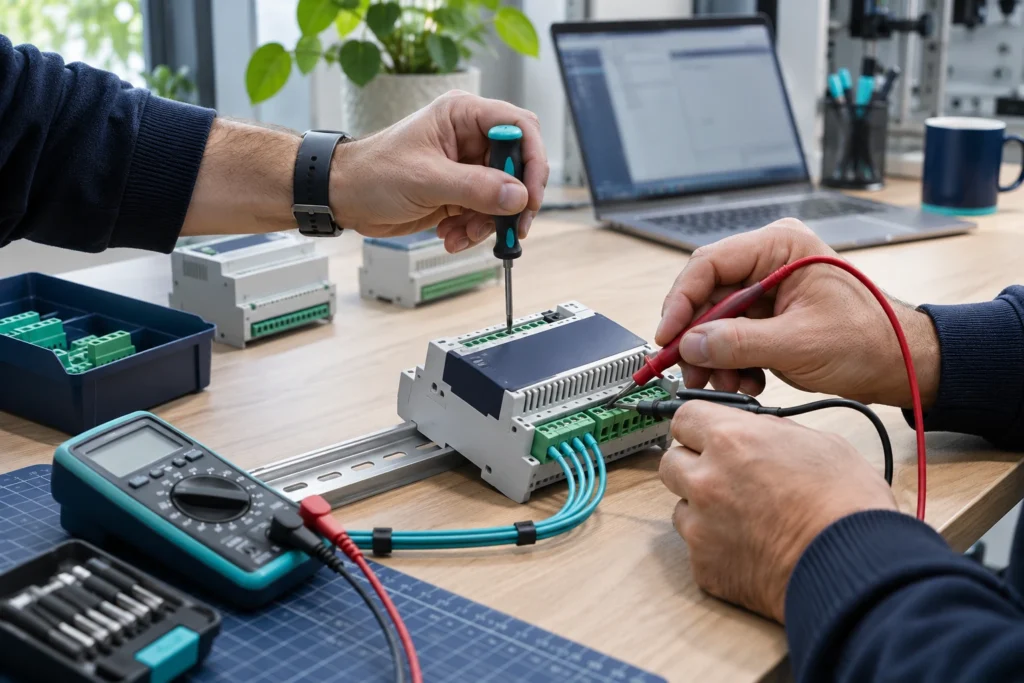
Organise integration around production, maintenance and facilities needs. The specific functions depend on the signals and commands available from each device. The images illustrate these applications.
View available running states, times, alarms and counters through compatible interfaces. Relate each variable to its machine and location.
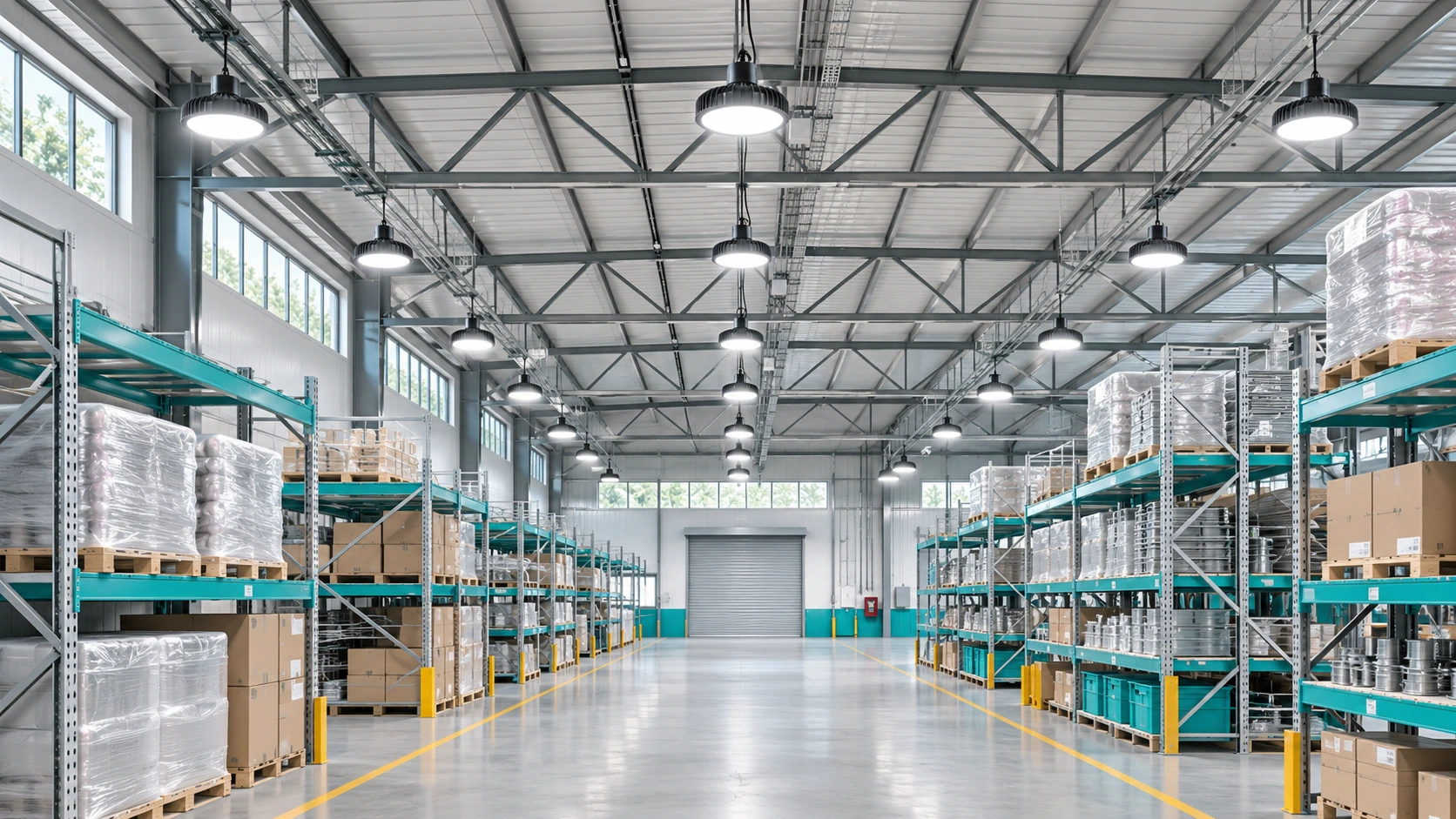
Combine schedules, presence, scenes and manual operation. Casambi can provide wireless control and multiple-network management; DALI and other systems connect through the appropriate gateways.
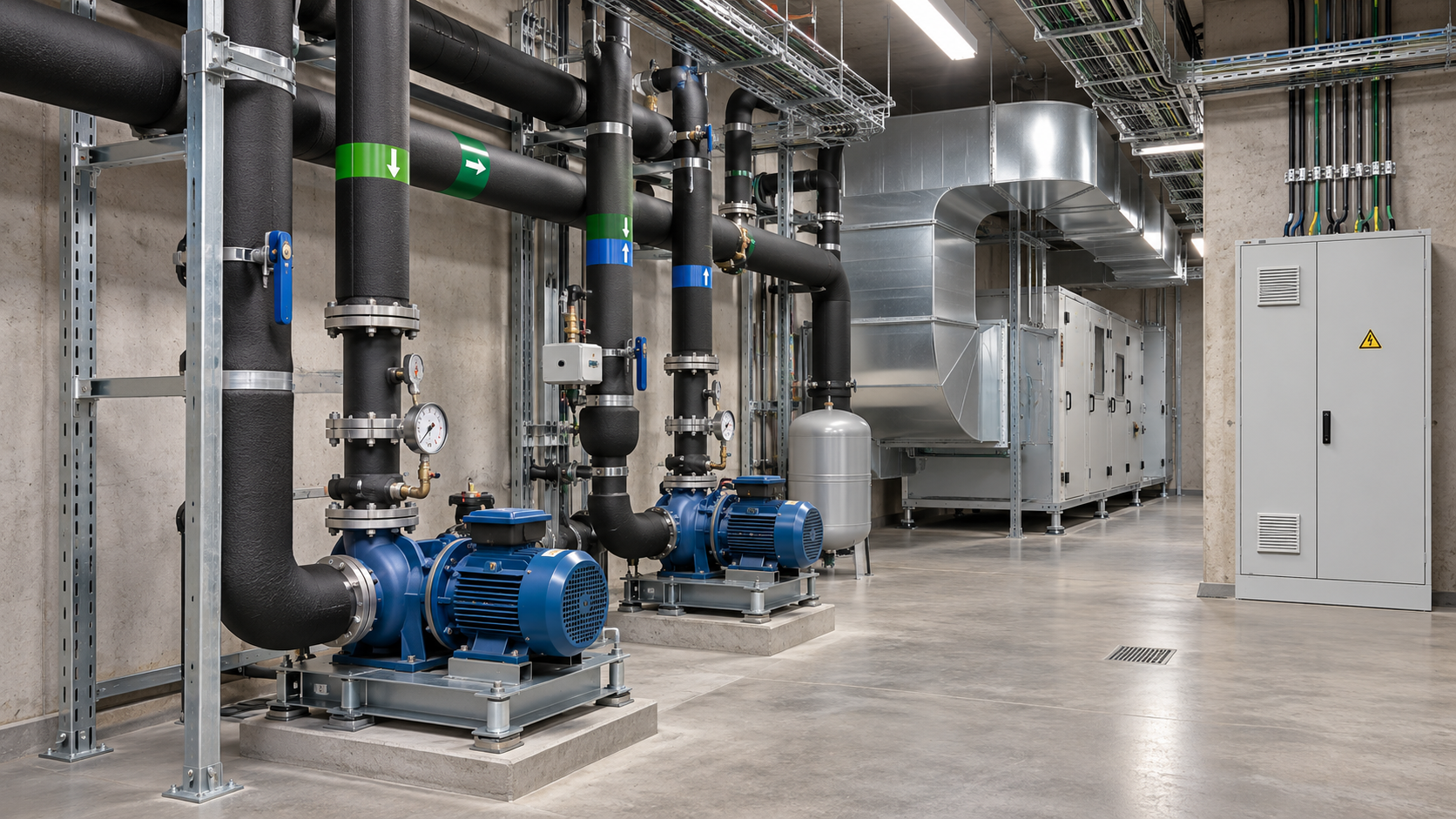
Integrate compatible chillers, boilers, heat pumps, air handling units, pumps and valves. Relate heating and cooling production to demand, temperatures and schedules.
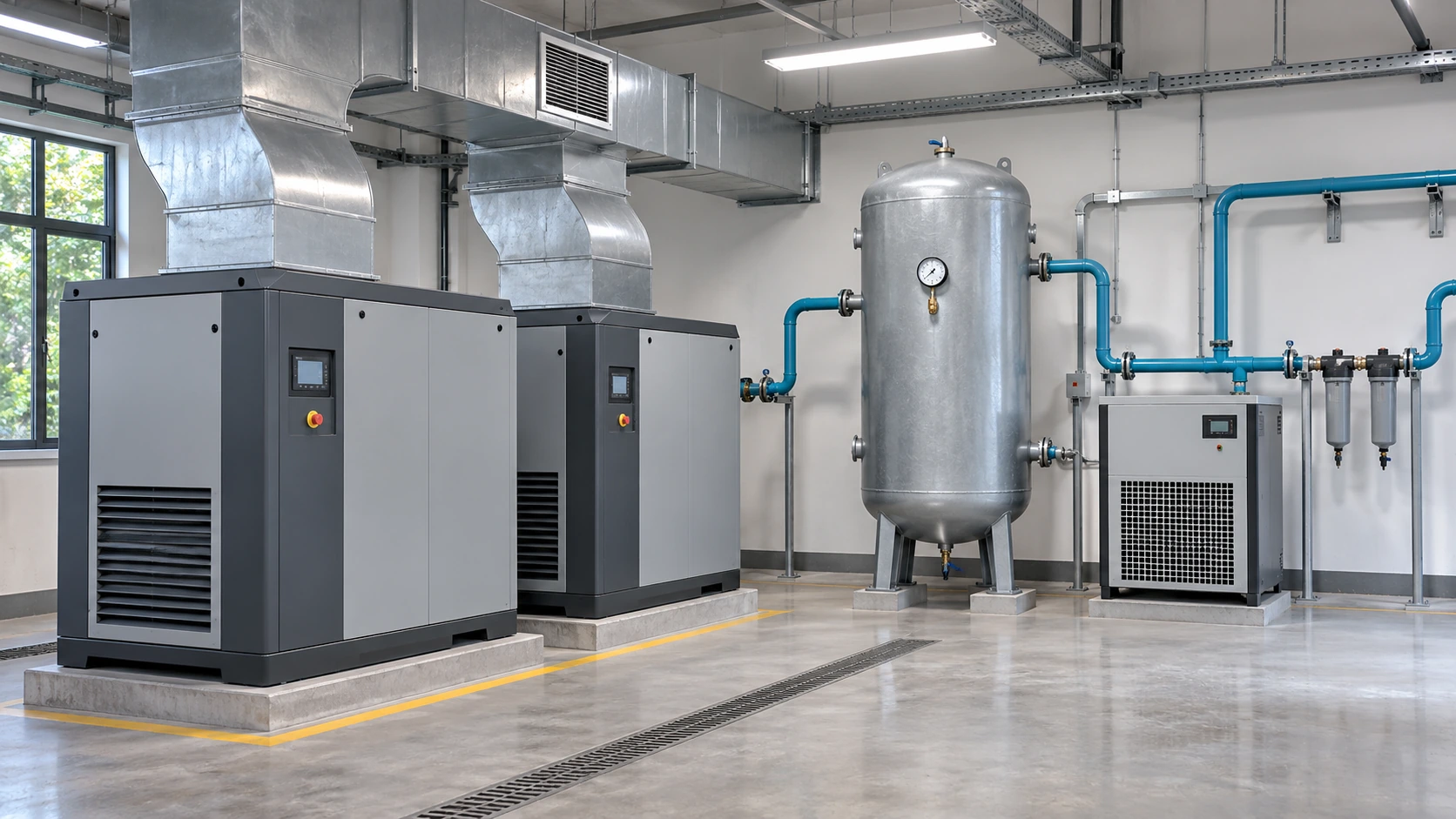
Bring together pressure readings and the status of compressors, fans, tanks and pumps. Analyse out-of-shift operation and configure alerts using the data actually available.
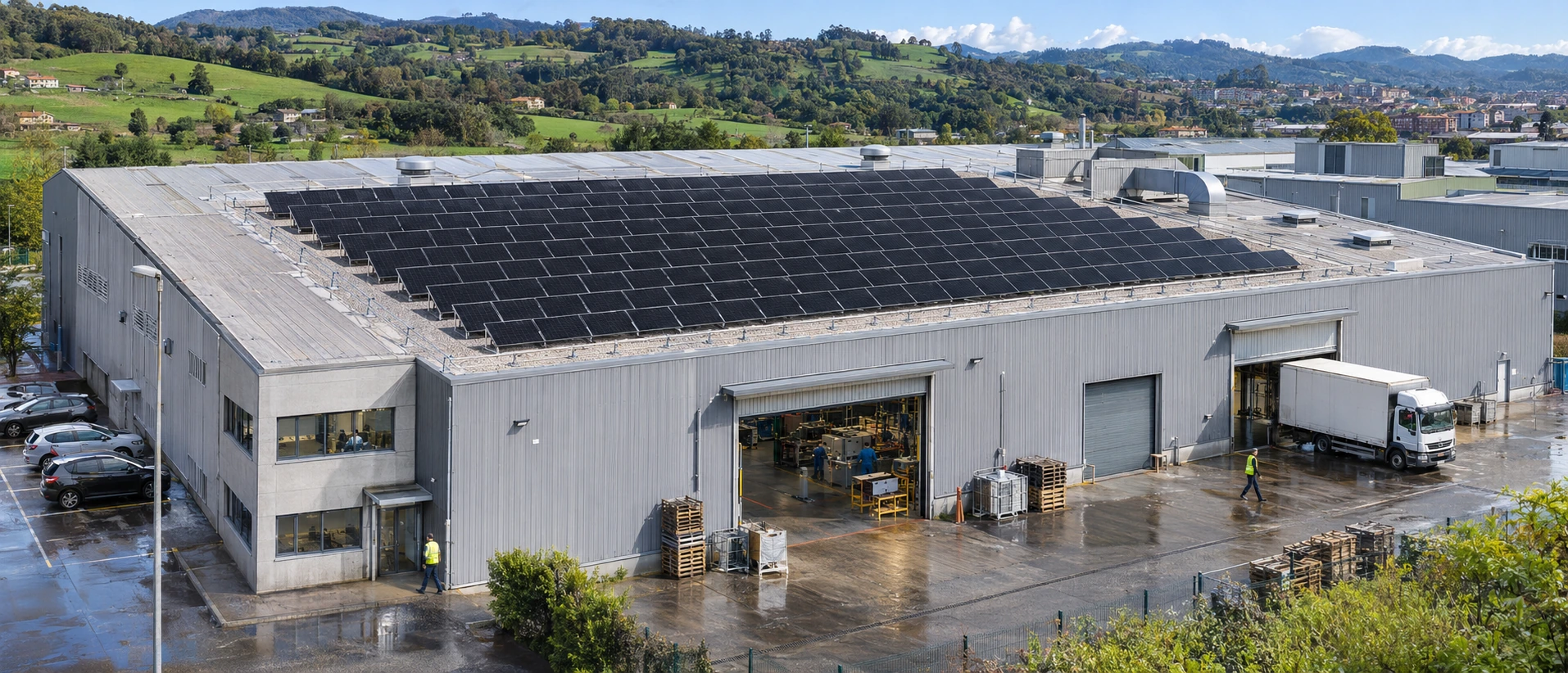
Integrate compatible meters, inverters and batteries. Compare generation, demand and grid exchange while distinguishing instantaneous power from accumulated energy.
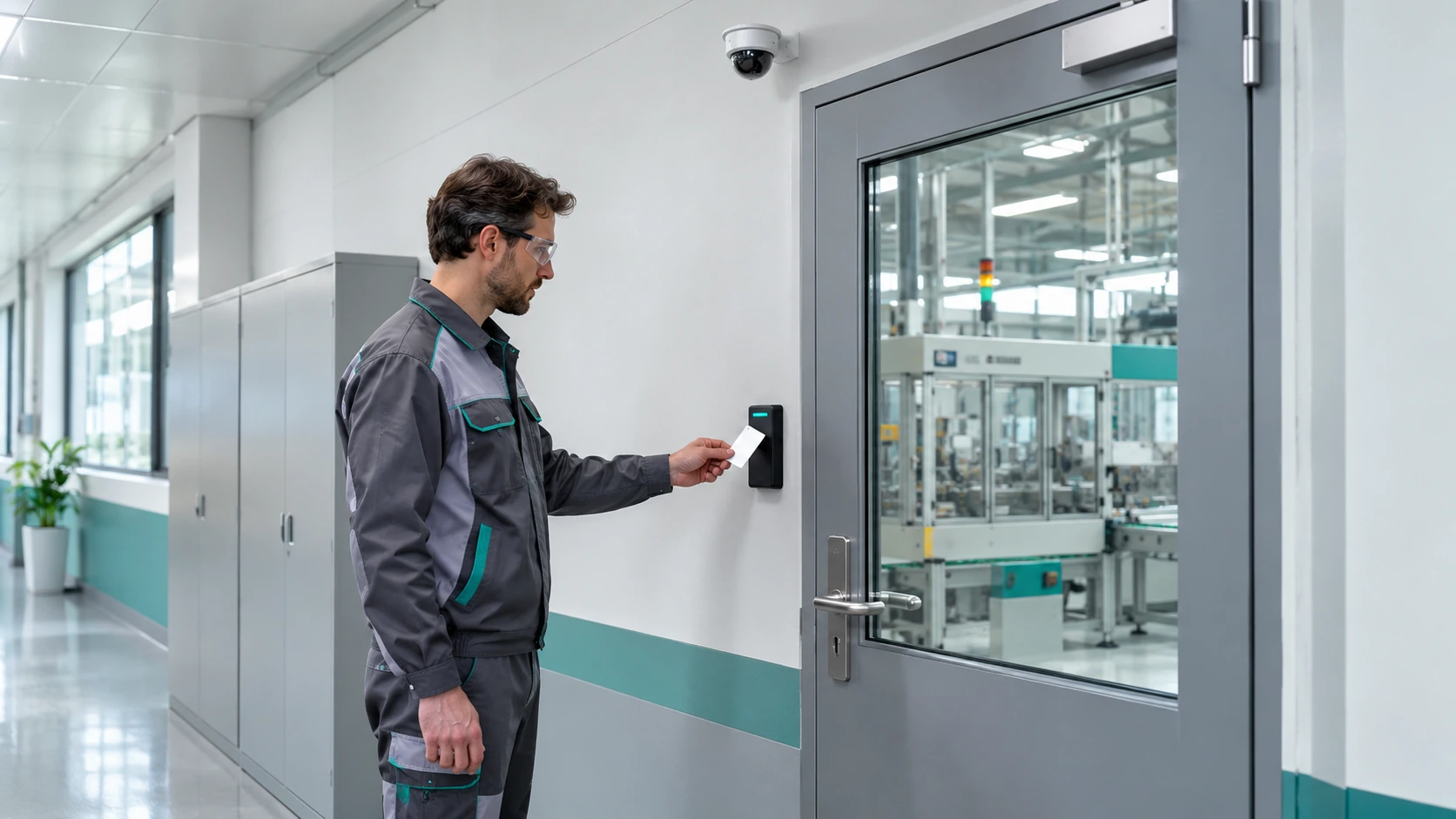
Integrate compatible locks with Adquio DoorLink and cameras with Adquio VisionCore. Relate events and video access to each zone’s permissions and defined purposes.
03
Distribute automation where it is needed and define which commands equipment can exchange. Central monitoring complements the installation’s own operation.
Select the controller according to signals, protocols and logic. The expansions and modules add compatible digital and analogue inputs and outputs, relays and PT1000 field connections.
Group equipment across a large area, production hall or set of services when sizing requires it. Synchronise the necessary variables with the central Server.
The Adquio screens and Adquio SCADA Server allow users to view statuses and send authorised commands. Define priorities between schedules, automation and manual control, and how automatic mode is restored.
Machine protections, interlocks and functional safety retain their dedicated engineering. The integration described does not replace the safety systems or certified controls required by each process.
04
Relate energy to shifts, activity, auxiliary services and production. Define indicators with consistent boundaries and units.

Prepare historical views, charts and dashboards for comparing periods. Review consumption during downtime, demand curves and services that remain active after a shift ends.
Use kWh per unit produced, kWh/m² or consumption per operating hour when the necessary data is available. Calculating performance or OEE requires suitable time, quantity and quality data; an electricity meter alone cannot provide these indicators.
Meters provide the quantities their devices measure. Adquio PowerTrace for Casambi can estimate power and energy for Casambi lighting from electrical profiles and activity; these calculations do not replace certified measurement.
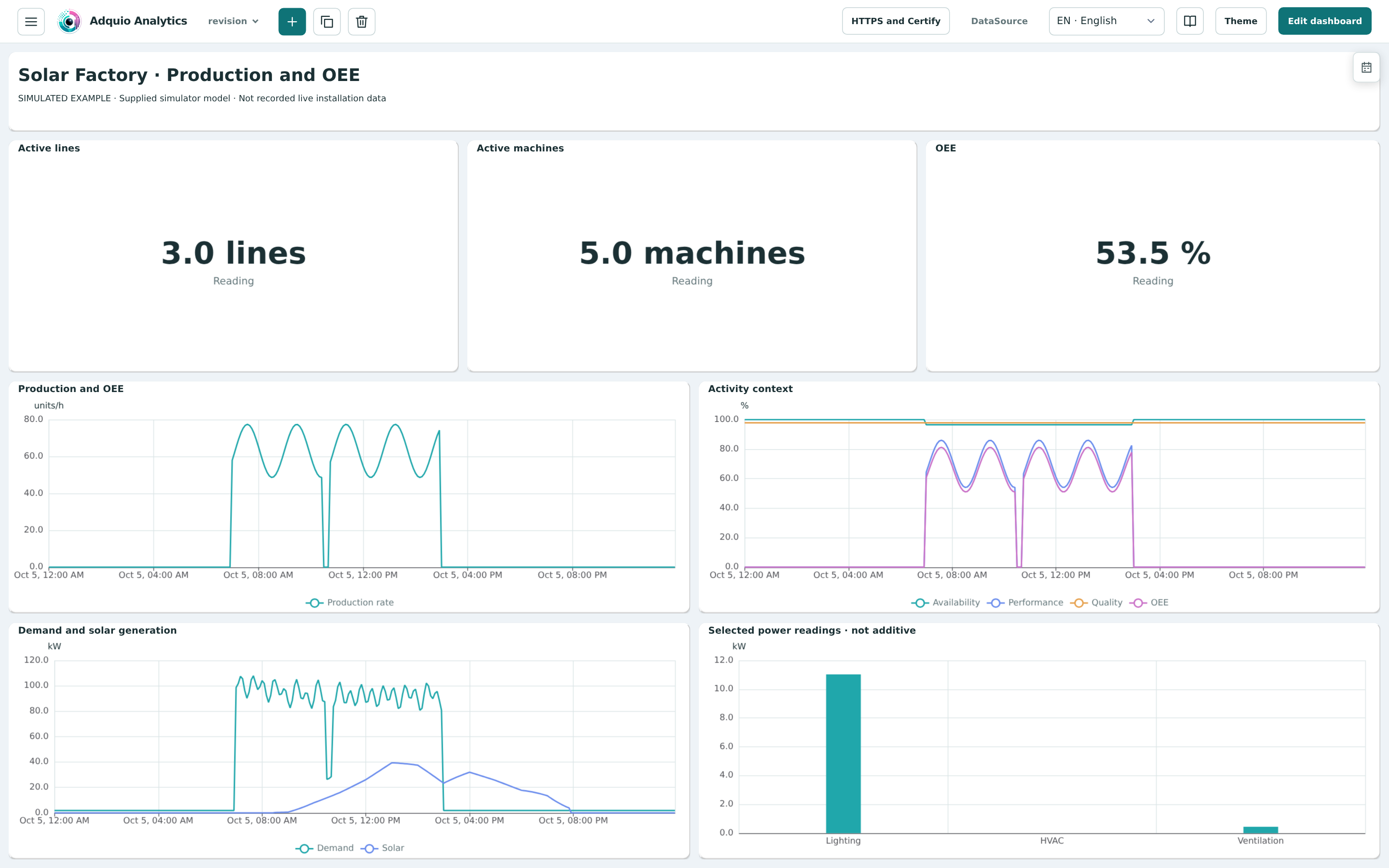
High demand may reflect more activity or a load running without producing. Compare variables before assigning a cause.
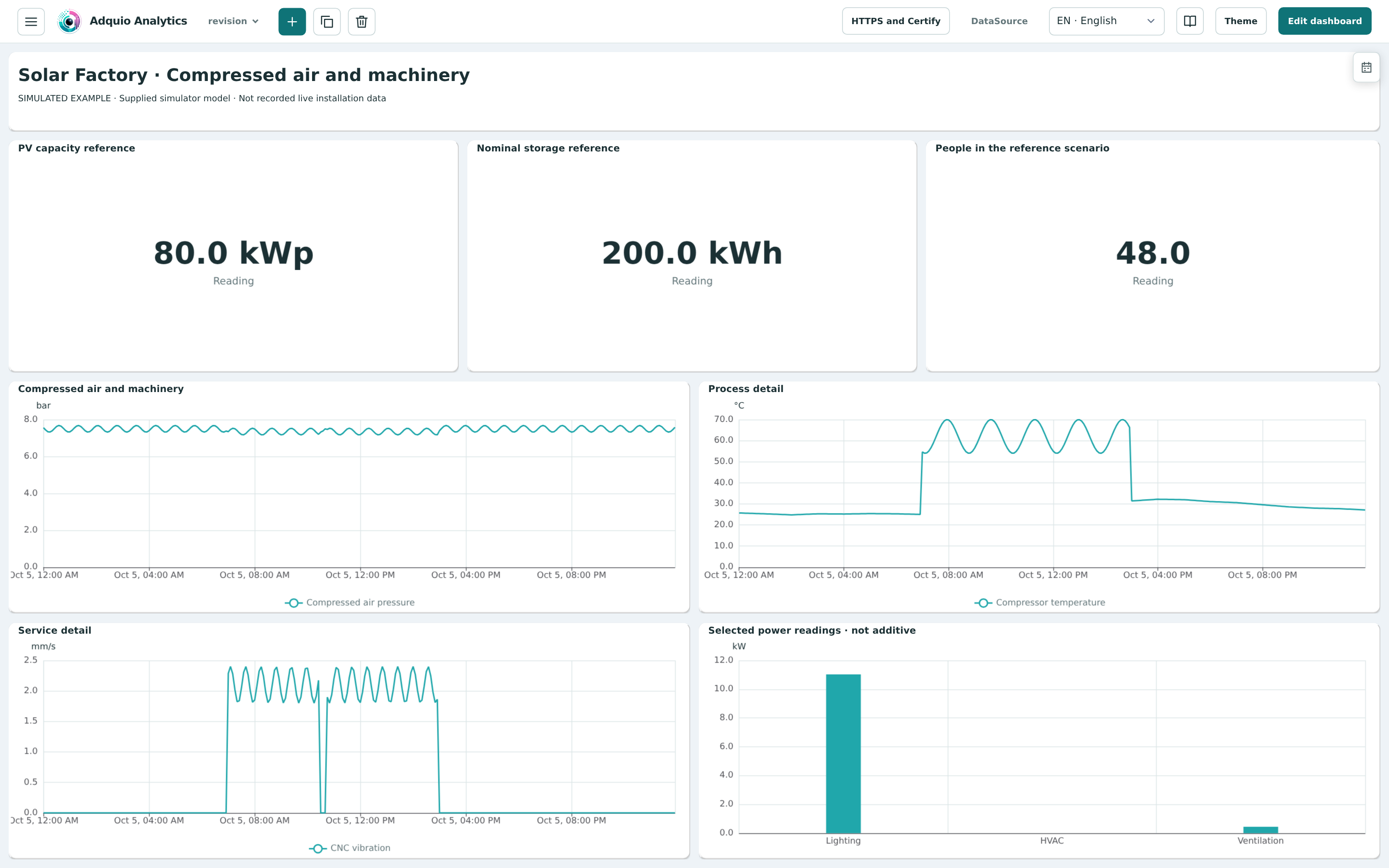
Compare schedules, pressure, states and consumption to guide a review of compressed air or extraction. Diagnosis requires checking measurements and inspecting equipment.
05
Operations, maintenance and management need different views. Combine platforms that add value without duplicating the same function at every workstation.
| Platform | Speciality | Contribution to the project |
|---|---|---|
| Adquio SCADA Server | Local operation | Web interfaces with floor plans, statuses, trends and commands within the installation. |
| Adquio SCADA Cloud | Cloud-based monitoring and control | Access integrated systems through an authorised web page. |
| Adquio Supervisor | Technical infrastructure | Equipment organisation and location, statuses, alerts and access to available interfaces. |
| Adquio Analytics | Dashboards | Historical views, charts and indicators for energy, production and operation. |
| Adquio Cloud BMS | Multiple facilities | Centralised management, comparisons between sites and advanced formulas for scientific and thermodynamic calculations. |
Adquio Server coordinates controllers. Adquio SCADA Server provides visualisation and control. These are different layers; an architecture can include both.
06
Technical monitoring helps determine what to review and whether a site visit is necessary. Organise access around authorised users and equipment.
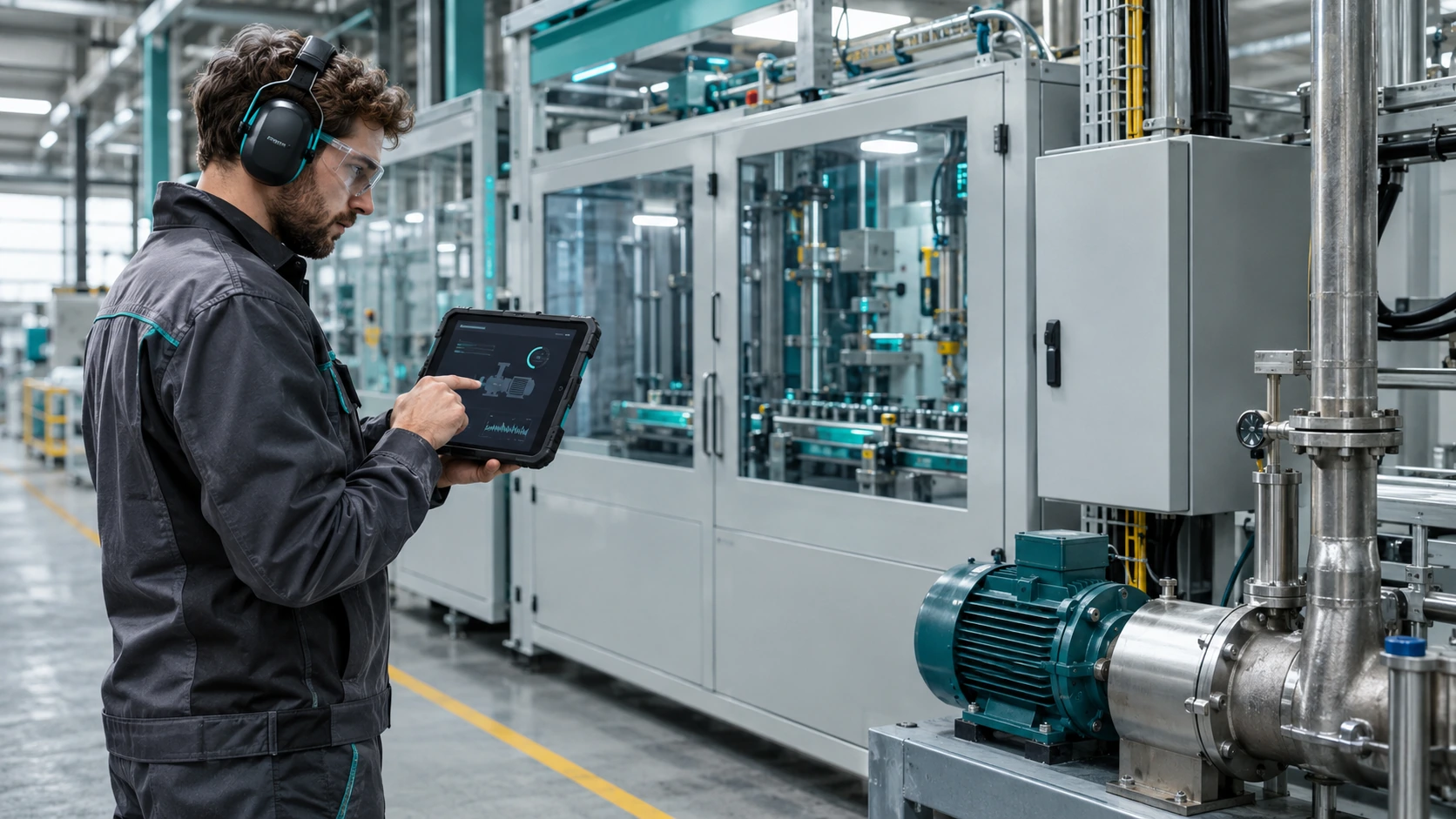
Organise devices by facility, production hall, zone or system. View statuses and alerts and locate equipment in its digital representation to begin diagnosis.
Provide authorised remote access to controllers and Adquio SCADA Server. Adquio SCADA Cloud is accessed through its web page and does not need Nexus for that access.
Connect equipment on different networks when the project requires that exchange. Define the variables, priorities and behaviour if connectivity is lost.
For supported tasks in the installation’s Casambi application, Adquio Full Remote Access for Casambi provides a dedicated option. Learn more about remote access to installations.
07
Start by identifying protocols, signals and permissions. A compatible interface does not guarantee that all equipment data is available.
Use Modbus, BACnet, MQTT and the interfaces supported by each device. Review Adquio’s native protocols, sensors and expansion modules to complete the instrumentation.
Adquio KNX Gateway uses a KNX/IP interface or router. Adquio MatterLink integrates supported Matter functions. Select the gateways according to the exchange required.
Adquio BACnet Exporter exposes variables for reading by a BACnet/IP BMS. Adquio.API provides authorised access to variables from custom software and other integrations.
VisionCore allows the controller to enable or disable cameras for privacy and request photographs. Bring these functions to screens, SCADA or BMS interfaces with confirmation of the result. The integrated access control solution must respect each door’s permissions and requirements.
08
Each reference offers different information: a completed project shows the implemented solution; a demonstration explains the possibilities of analysis.

The published project combines Adquio Mini, an Adquio Screen 10″ and Casambi to manage more than 250 luminaires. Each building’s image acts as its on/off control, with a general command from the company logo. Explore the case study ↗
The example brings together energy monitoring, production and OEE, compressed air and machinery. It explains how to relate variables; its demonstration data does not establish customer savings. Explore the explained dashboards ↗
09
A useful pilot validates integration and trains staff before expansion. Phased modernisation builds on what already works.
Identify machines, networks, signals, units, locations and responsibilities with the engineering service. Select a zone and an operational decision to improve.
Configure variables, historical data, alerts and permissions. Check communications, responses, manual and automatic priorities, and behaviour during failures.
Prepare the team with Adquio training. Document the solution, review the data and expand after validating its usefulness.
Not necessarily. First check their interfaces and available variables. Adquio can add integration, monitoring or analysis while retaining functions already performed by existing systems.
Local functions can continue while their logic, equipment, power supply and communications remain operational. Cloud services and remote access require connectivity. Define the dependencies of each function.
No. The indicator requires availability, performance and quality data, along with process rules and reference values. The dashboard is prepared using the variables provided by the installation.
Adquio Cloud BMS is designed for multiple facilities. Use comparable periods, units and boundaries, taking production, shifts and operating conditions into account.
08
Detailed documentation remains available on the product pages. Restricted courses and manuals retain their access conditions.
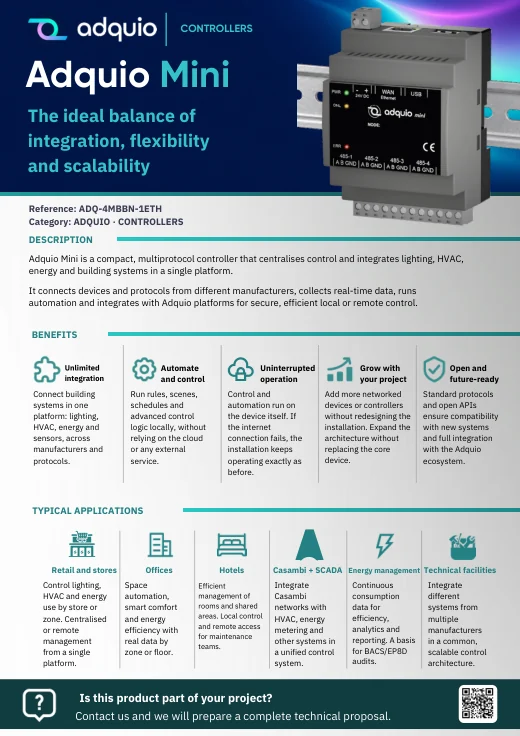
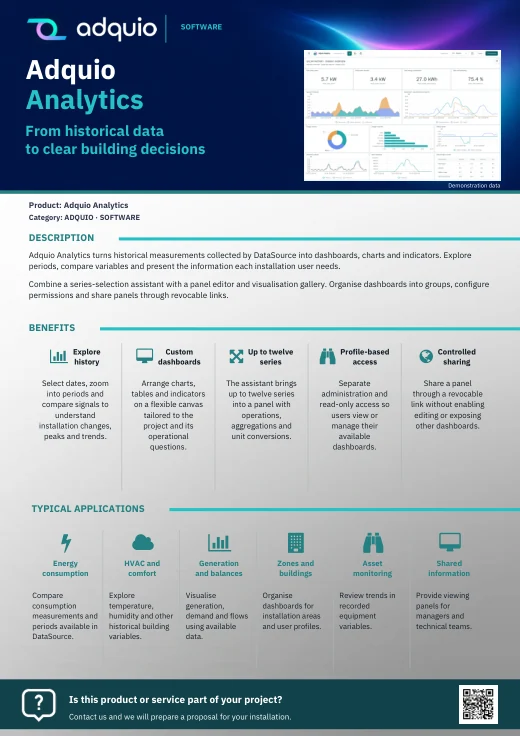
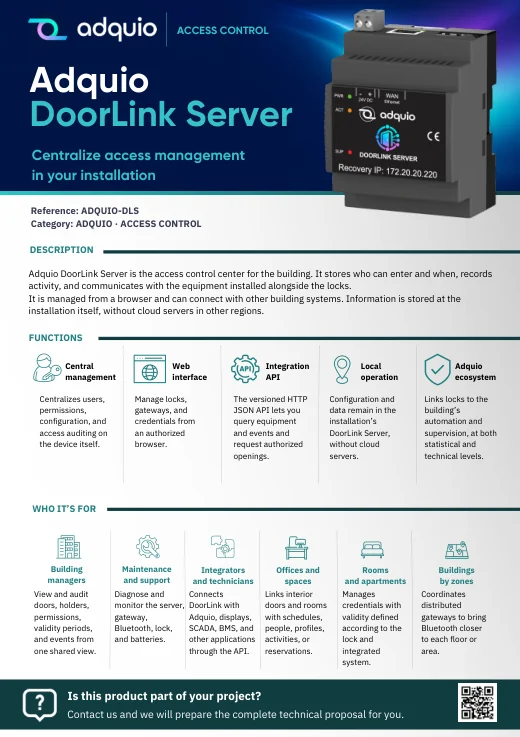
Benefits, applications and commercial documentation organised by product family.
Access technical datasheets, configurations and support resources.

Product pages and references for further information
FROM CONCEPT TO INSTALLATION
Tell us which equipment is installed, which services you want to integrate and what you need to understand or control. We can help define an architecture and pilot adapted to your plant.
