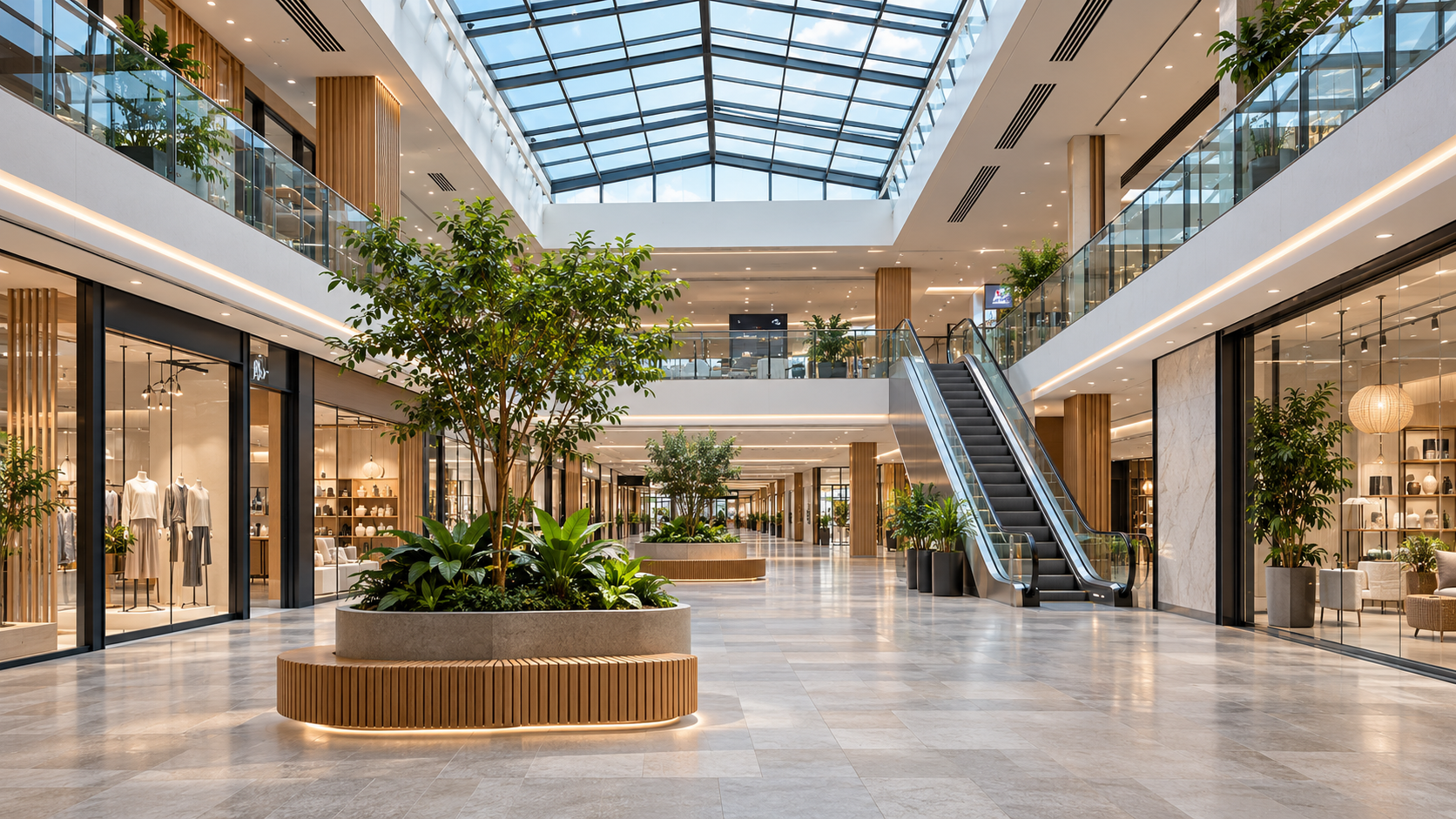
Coordinate rooftop heating and cooling production, comfort, lighting, energy and operational security with distributed controllers and a central Adquio Server.
From individual equipment controllers to a view of the whole centre
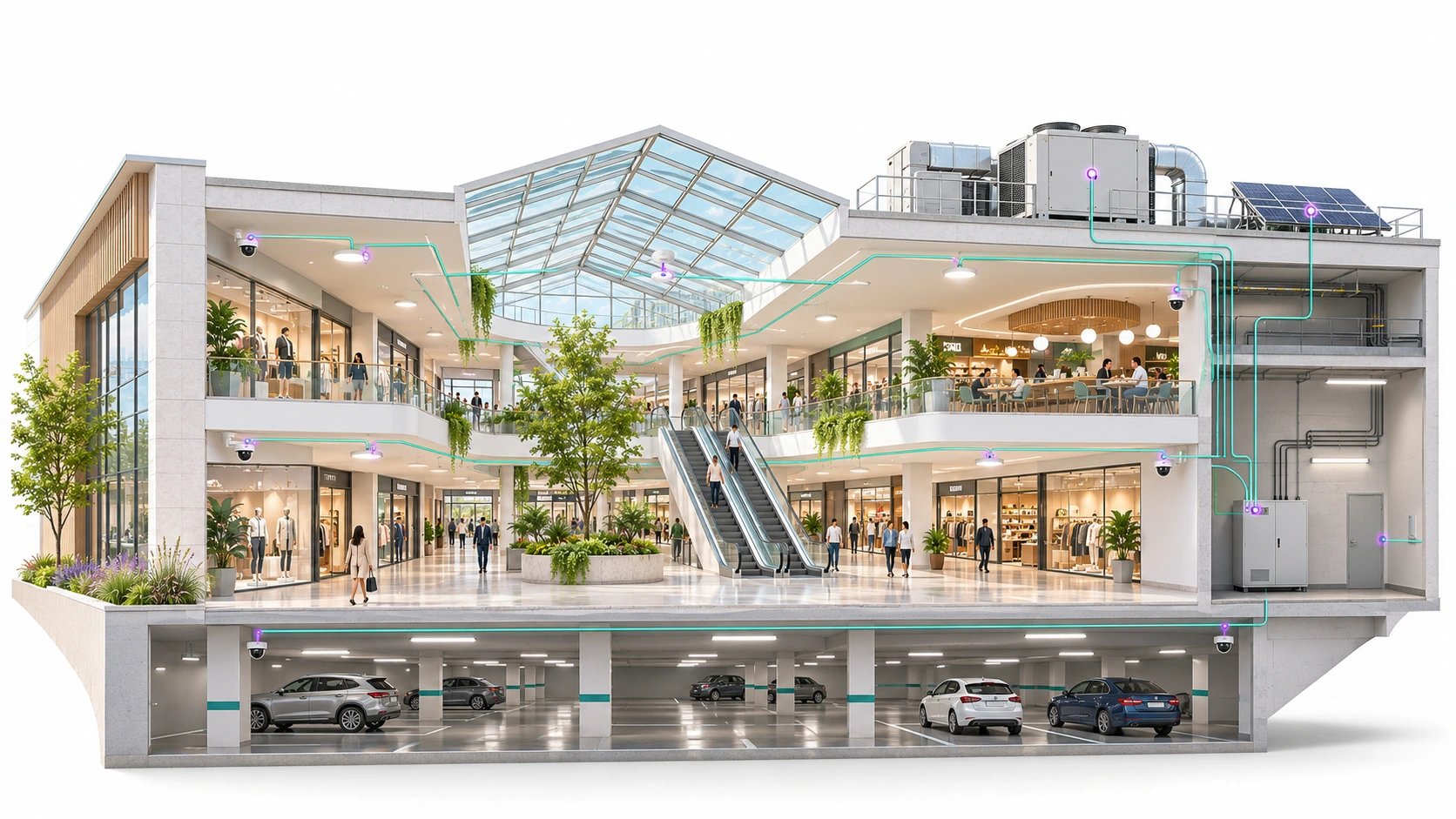
Adquio Building OS connects distributed operations with coordinated management. Its tree architecture synchronises zone and equipment controllers with a central Adquio Server, making that information available through the ecosystem’s interfaces and platforms.
1 · CONTROLLERS DISTRIBUTED ACROSS ZONES AND EQUIPMENT
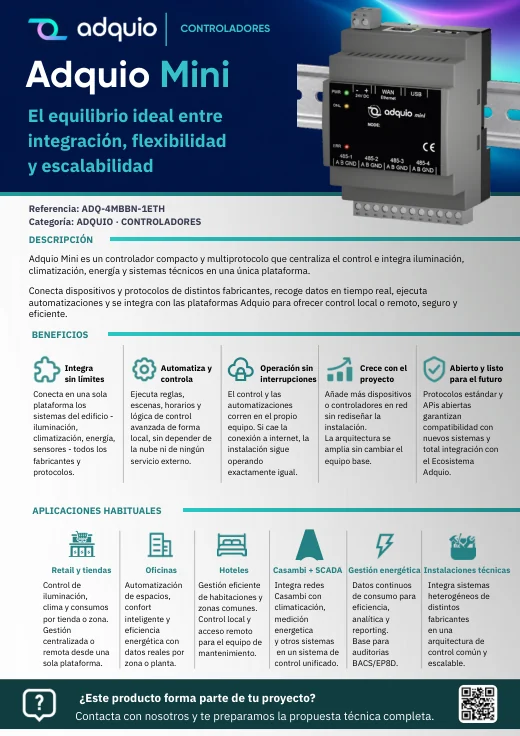
An intermediate controller for larger areas.Adquio Micro Server can fulfil this role within the tree. For example, in a large car park it can manage the area instead of Adquio Mini or Adquio Lite, depending on system sizing, and synchronise with the central Adquio Server.
The diagram shows integration relationships. Adquio Server coordinates the controllers; the platforms retain their own functions, services and permissions. The specific configuration is sized for each project.
02
Every zone has its own needs. All belong to the same building.
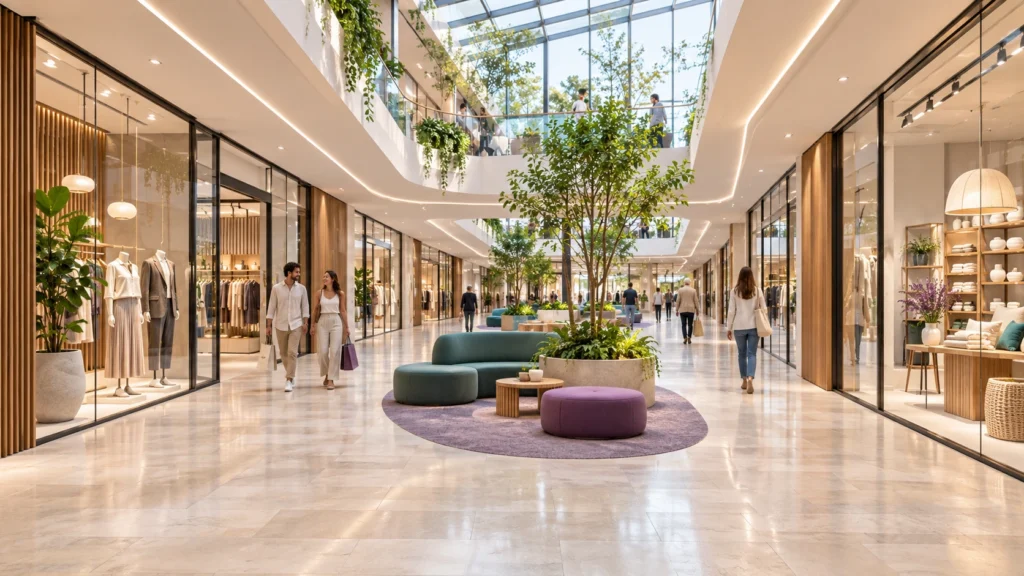
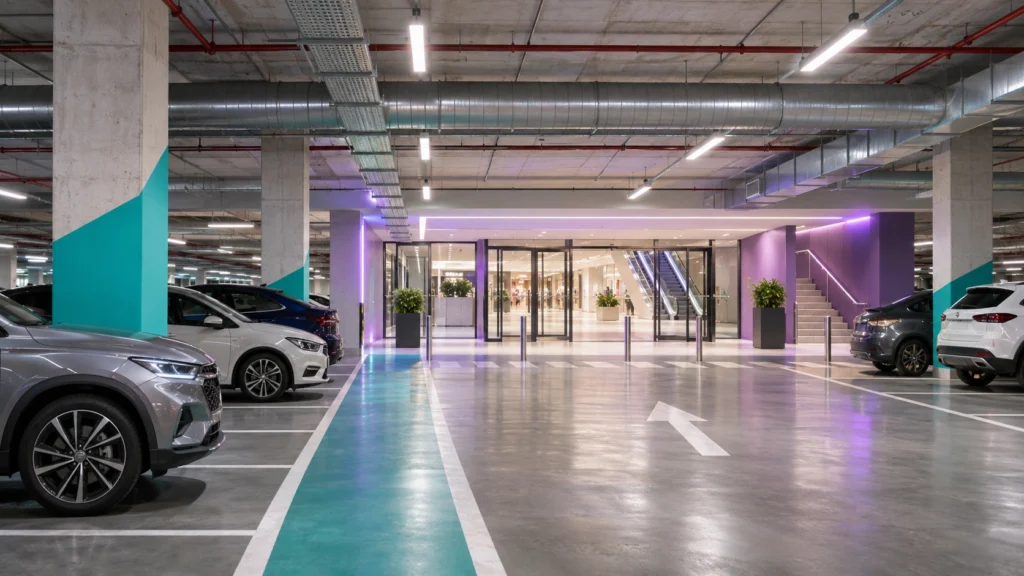
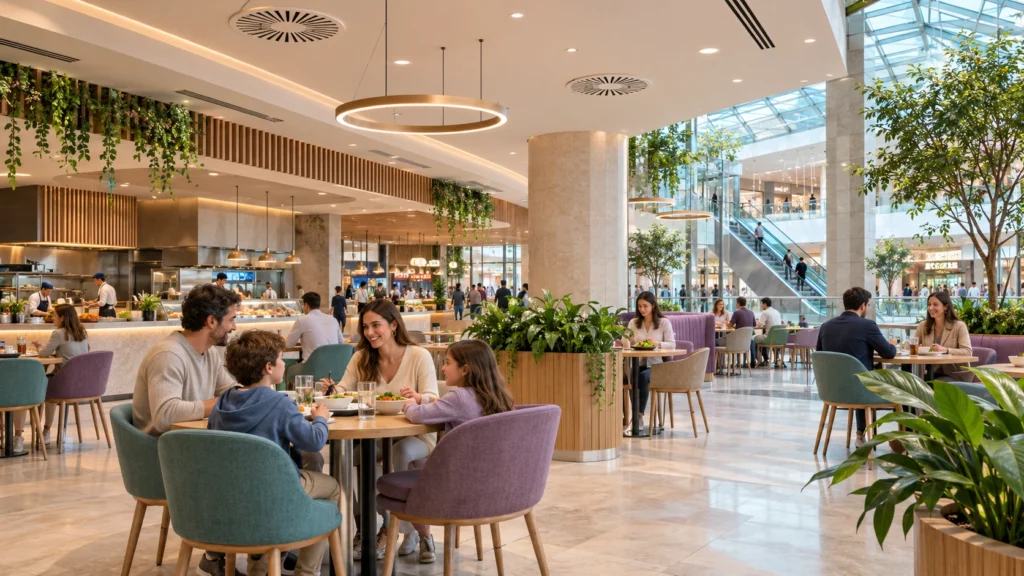
Galleries, retail units, food courts, car parks and plant rooms can share information and coordinate schedules while retaining each system’s responsibilities.
Conceptual illustration of system integration. Zones and connections are adapted to each centre.
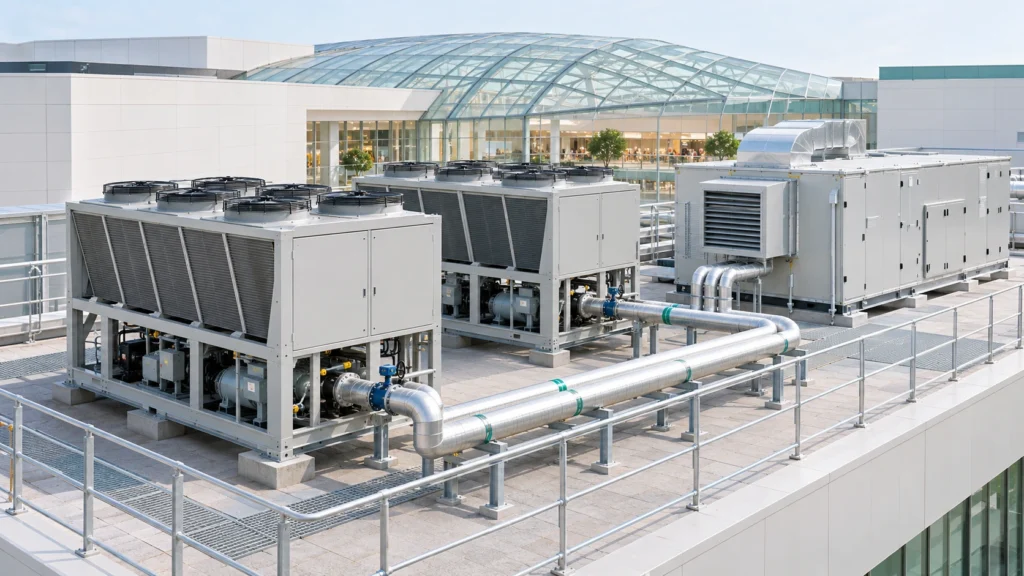
Manage heating and cooling production with chillers, heat pumps and rooftop units, according to their interfaces and control capabilities.
Car parks
Control multiple networks, presence-based operation, levels and statuses. Include energy monitoring and fault diagnosis. Explore the car park solution.
Food courts and comfort
Coordinate HVAC, ventilation and schedules with temperature, humidity, CO₂ or occupancy data where available.
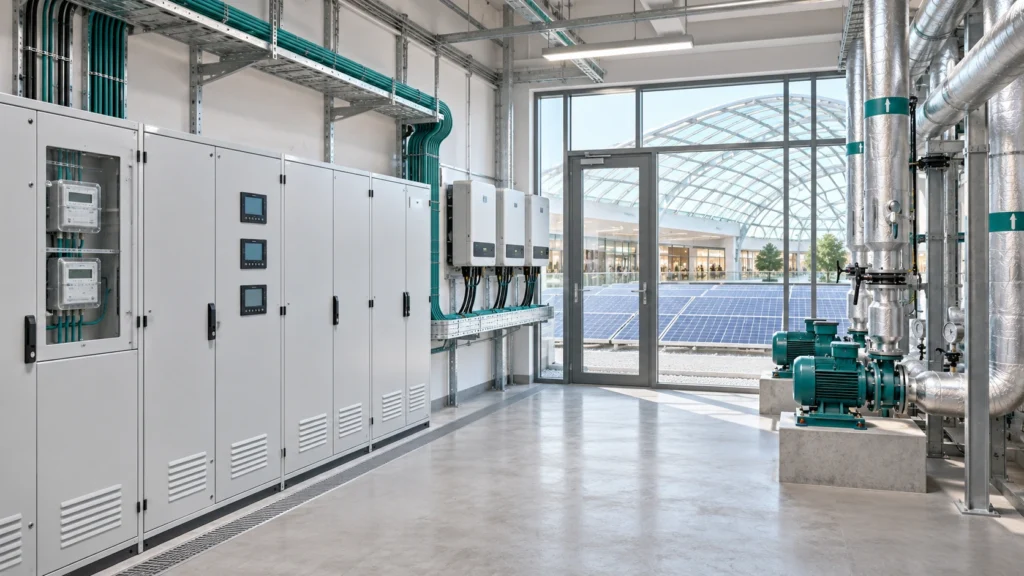
Integrate meters, pumps, electrical panels, photovoltaic generation and other compatible equipment; relate their operation to the centre’s demand.
03
From rooftop chillers to comfort in every retail unit
Management goes beyond a room thermostat: it includes thermal production, distribution and the spaces using that energy. The Adquio controllers for each machine or zone synchronise with the central Adquio Server to coordinate the whole system.
Rooftop production
Chillers and chilled water, heat pumps or rooftop units. Coordinate equipment enable commands, setpoints and statuses where supported by the integration.
↔
Distribution
Pumps, circuits, valves and air handling units. View available supply and return temperatures, flow rates and statuses.
↔
Spaces and demand
Relate terminal units, temperature, humidity, CO₂, schedules and available occupancy data to each zone’s actual demand.
Understand production and operation
View statuses, setpoints, available alarms, operating hours and electricity consumption for integrated equipment. Compare production and demand to review performance.
Coordinate schedules and requirements
Adapt start, stop, setpoint and sequencing strategies to the equipment and project. Retain each machine’s own regulation and protective functions.
Evaluate performance using data
Where flow, temperature and energy data are available, prepare thermal calculations and indicators. Adquio Cloud BMS supports advanced formulas for scientific and thermodynamic calculations defined for the project.
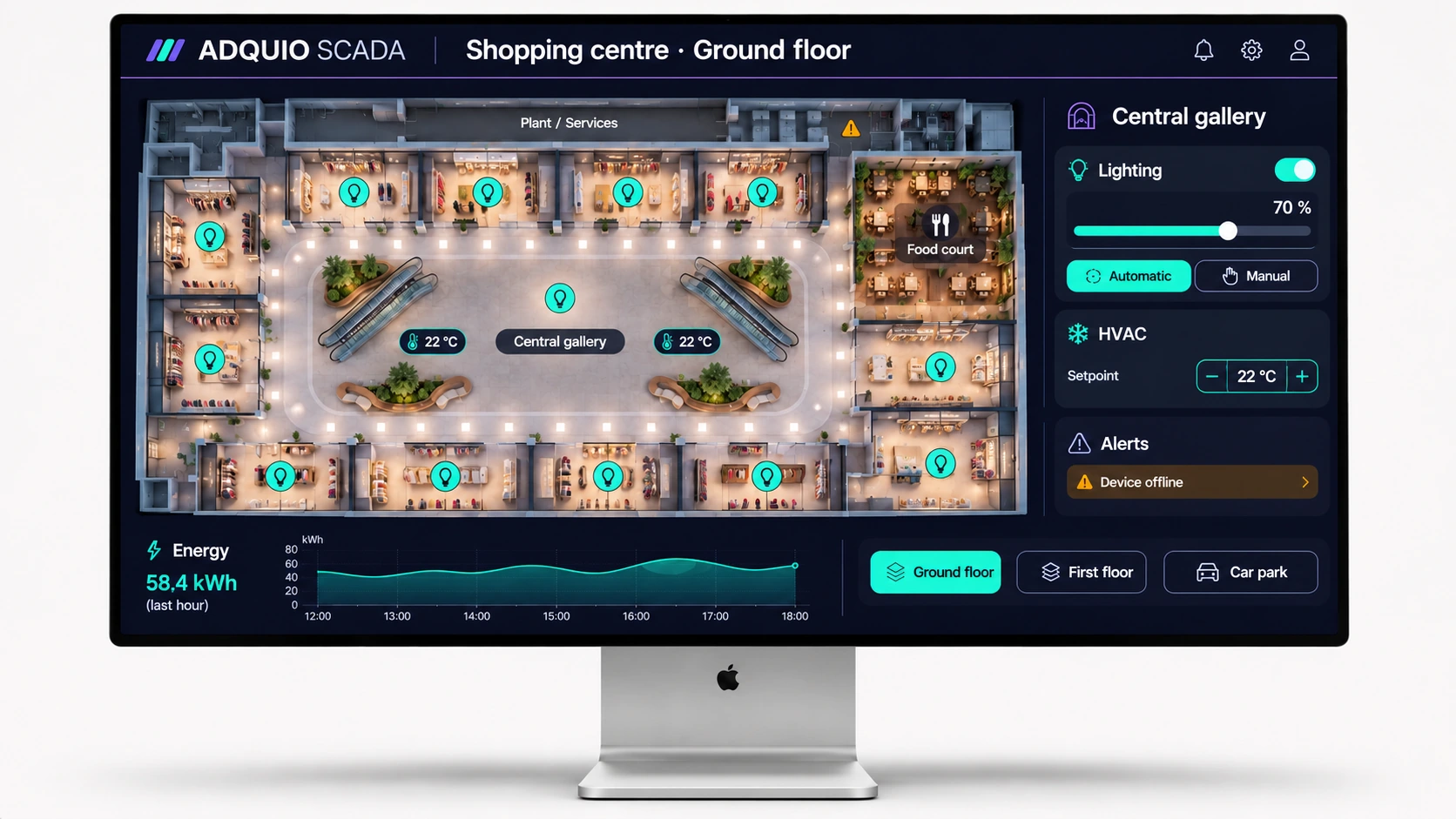
Automatic lighting. Manual control when you need it.
Prepare scenes for opening, daily operation, events and closing. Integrate Casambi, DALI through compatible gateways, or other technologies used in the project.
Illustrative shopping centre interface. Demonstration values; click to enlarge.
Multiple Casambi networks, coordinated operation
Connect the Casambi networks through their Lithernet gateways and organise control by floor, gallery, retail unit and shared area. Adquio SCADA allows integrated networks to be operated from the same interface.
Automation and manual operation working together
Casambi provides its automation; Adquio adds manual operation and the ability to restore automatic mode. Define priorities for cleaning, events and maintenance.
Screens and scenes that adapt to the centre
The Adquio screens bring controls to each team. With Adquio LiveScenes, Casambi scenes can adapt to the spaces created by moving partitions or movable walls.
05
From a chiller’s power demand to consumption per square metre
Information should serve both the people operating equipment and those analysing the performance of the centre or a portfolio of sites.
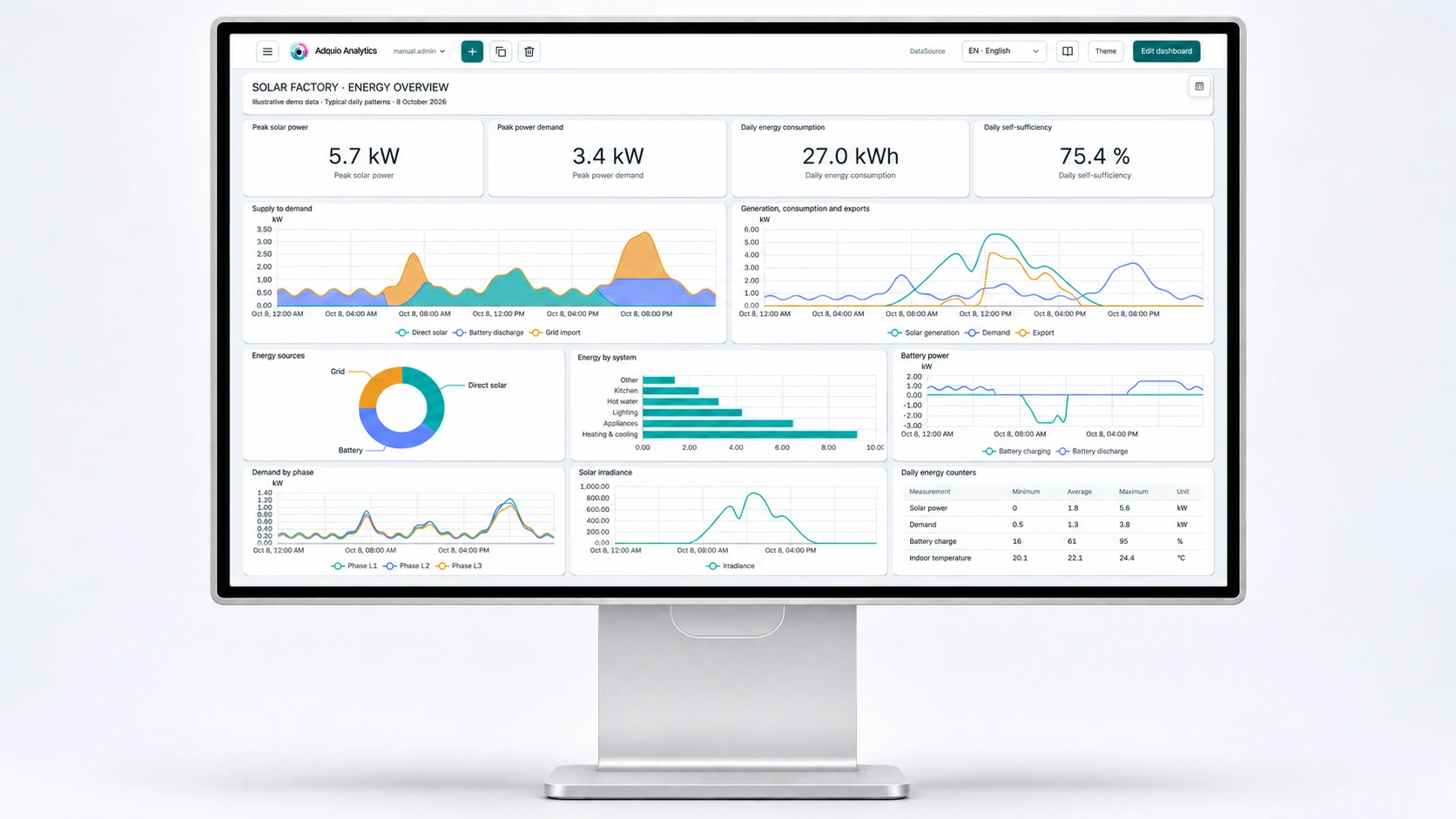
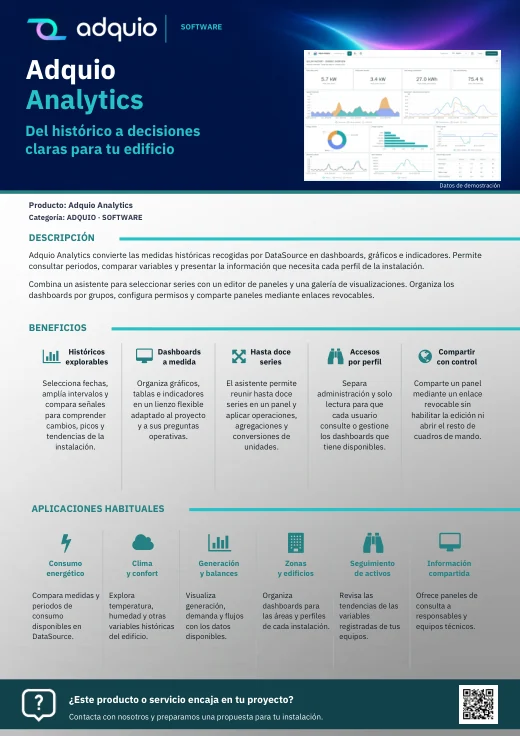
Example energy dashboard in Adquio Analytics. Click to enlarge.
Measure what is available and calculate what you need
Integrate meters and equipment data. For Casambi lighting, Adquio PowerTrace calculates power and energy from activity and configured electrical profiles; keep measurements and estimates clearly distinguished.
Dashboards to understand the centre
Adquio Analytics lets you create charts, historical views and indicators by zone, floor or site. Relate lighting, HVAC and activity to evaluate changes.
Multiple centres, comparable criteria
Adquio Cloud BMS focuses on managing multiple sites. Compare centres or stores using consistent indicators, such as consumption per square metre and period, taking schedules and operating conditions into account.
Site and zone
Available power, energy, operating hours and thermal data.
Indicators and costs
Period comparisons, kWh/m² and reports using the project’s criteria and tariffs.
Verifiable improvement
Compare equivalent periods and validate the effect of control strategies.
06
Doors and cameras also contribute to operations
Relate access and video information to the centre’s zones, with defined permissions and purposes. Explore the integrated access control solution.
Manage accessView videoCoordinate actions
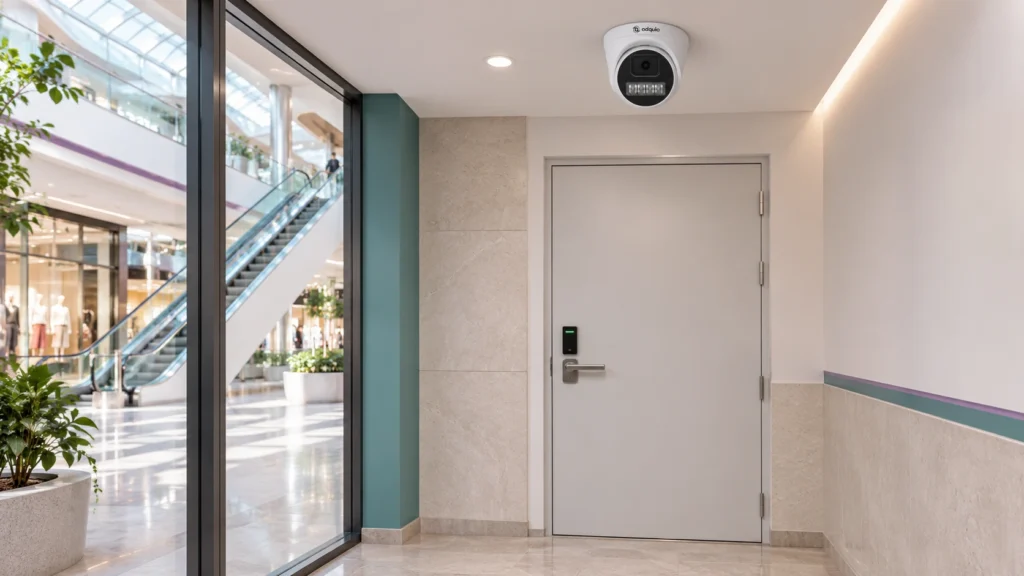
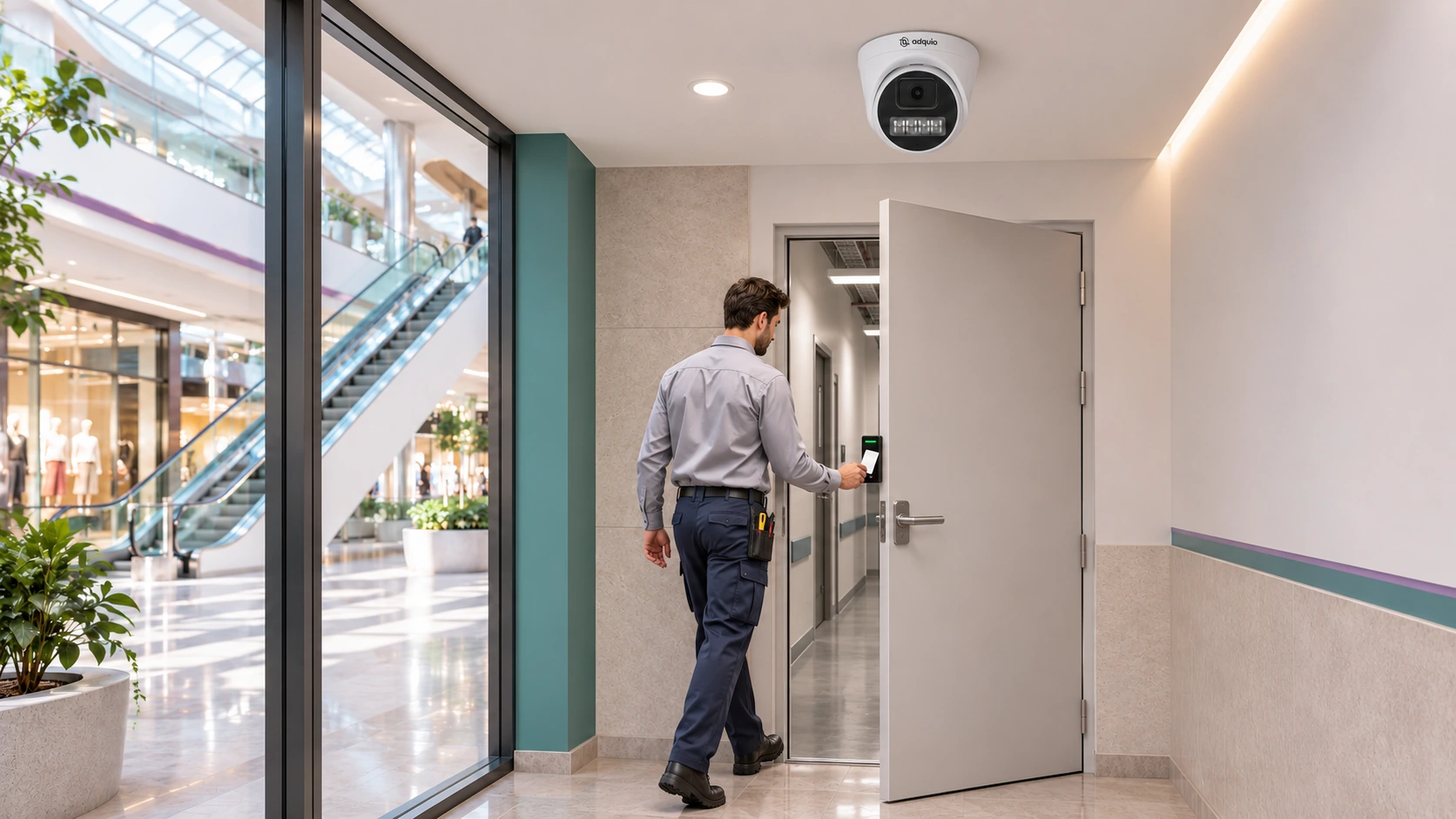
Illustrative scene: authorised access to a service area.
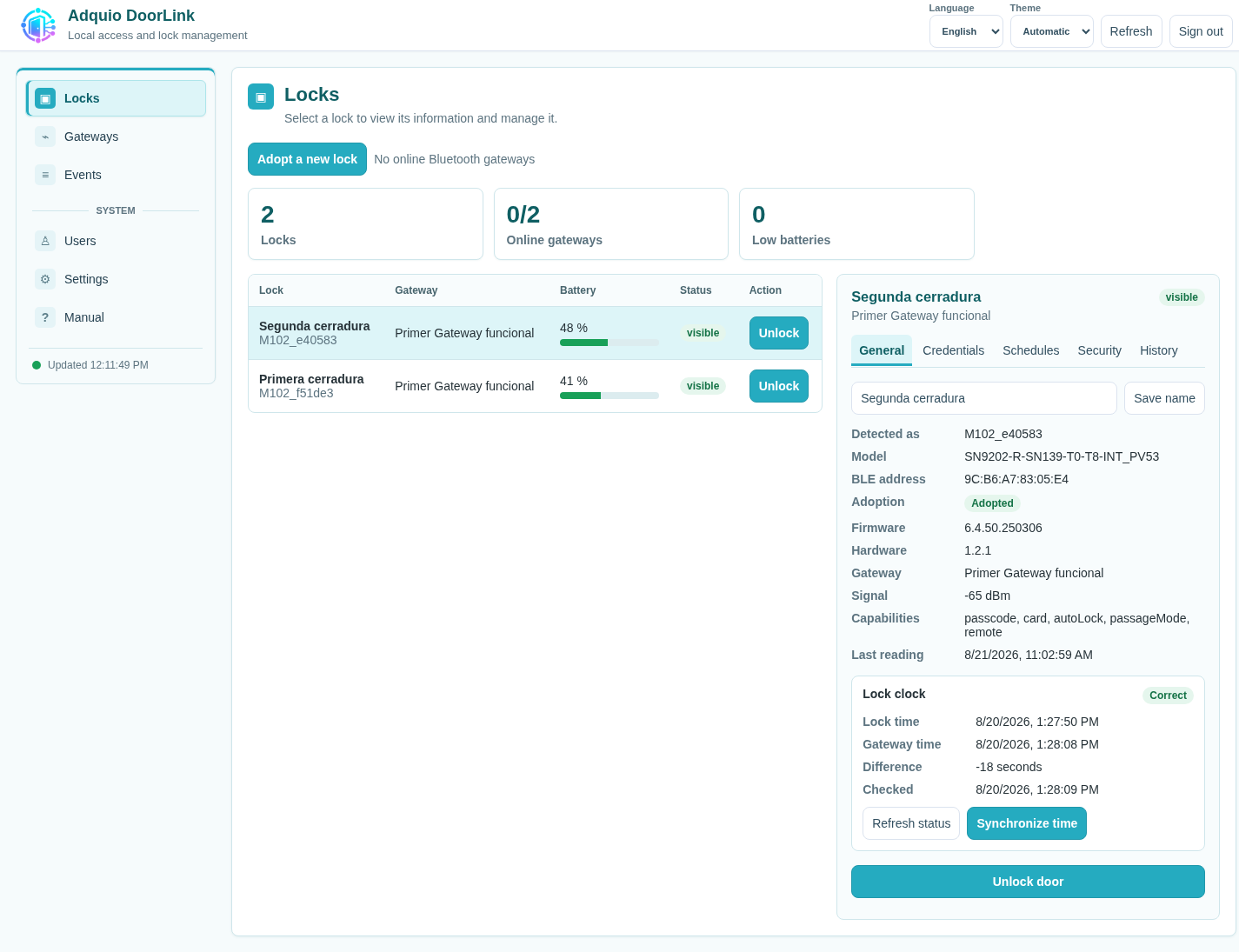
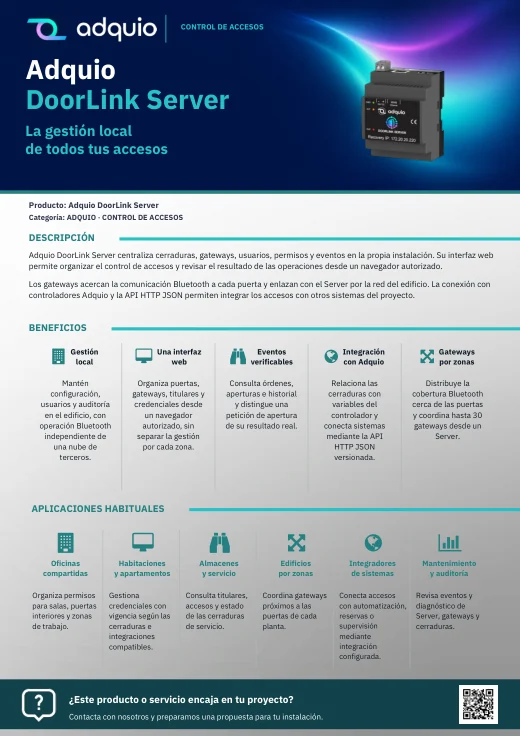
Manage compatible locks, PINs, cards, credential holders and schedules for storage rooms, offices and technical areas. DoorLink Server keeps management local, while its gateways bring Bluetooth communication closer to the doors.
A compatible Adquio Android screen can also act as a gateway for a nearby lock. Integrations are configured according to each door and its function.
Explore the management interface
Actual DoorLink screenshot. Click to enlarge. Capabilities depend on the compatible lock.
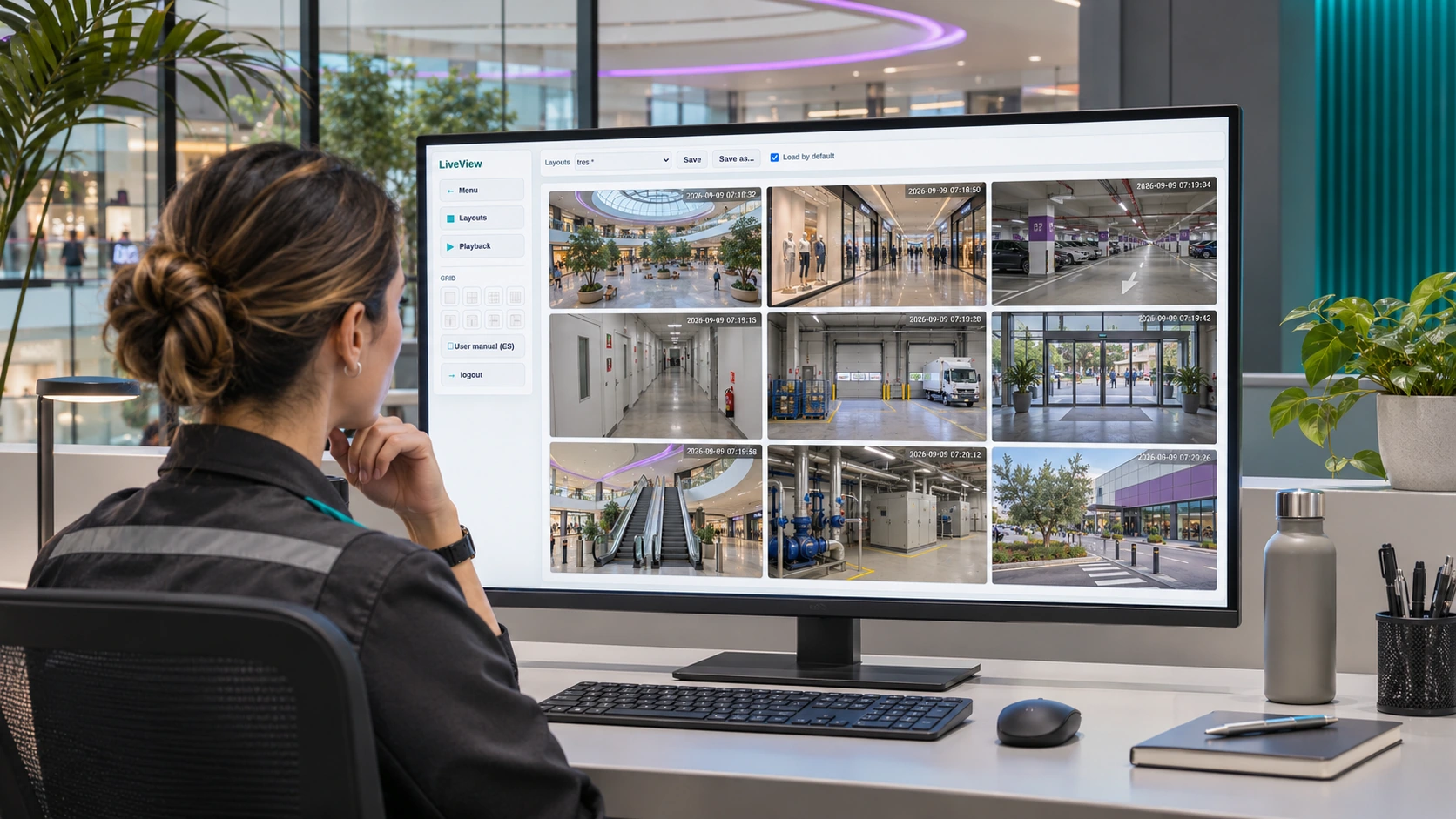
Illustrative scene: a video monitoring workstation for the centre.
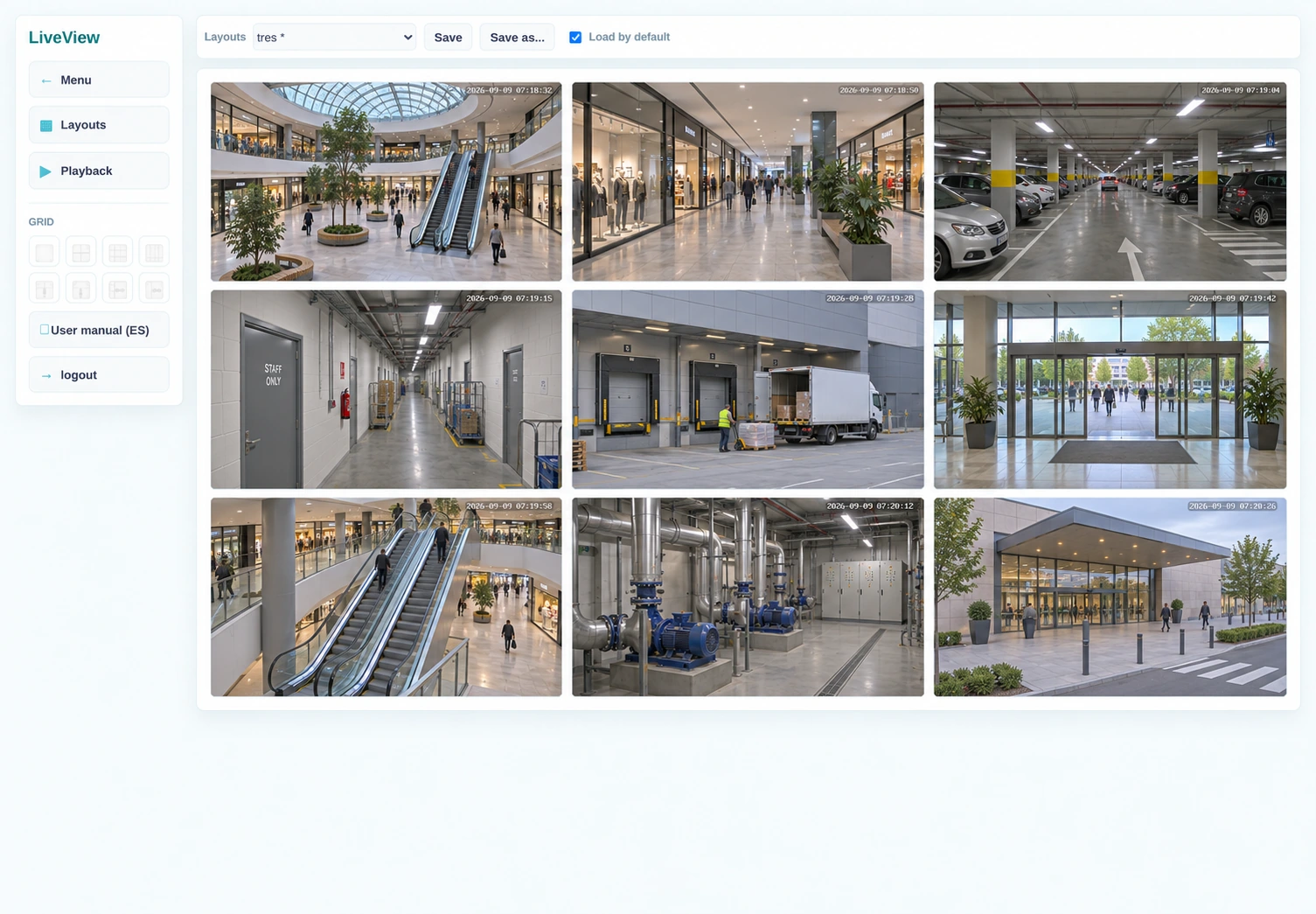
View live feeds, recordings and compatible events from entrances, galleries, car parks and technical areas. An event can become a controller variable for alerts or suitable automations.
The controller can enable or disable cameras for privacy and request photographs, with confirmation of the result. These functions can also be included in screens, SCADA or BMS.
View the centre’s zones
VisionCore interface adapted with illustrative shopping centre views. Click to enlarge.
AN EXAMPLE OF COORDINATION
Authorised access can prepare the zone
01DoorLink reports the event
An authorised credential generates a compatible access event for a service area.
02Adquio applies the logic
The controller checks the schedule, statuses and configured conditions.
03The lighting responds
The planned scene activates the zone’s lights using the defined priorities and timings.
Video adds context. An authorised operator can view the associated camera in VisionCore when reviewing an incident. Recording every access is not required for this coordination.
Integration example subject to available events, equipment compatibility, permissions and the logic configured for each project.
With Adquio RTSP Camera, a compatible screen’s camera can provide video to VisionCore while the screen retains its control function. Define its purpose, permissions and privacy state.
07
Maintenance with context, access and tools
Locate the fault, review the information and decide whether it can be resolved remotely or needs an on-site intervention.
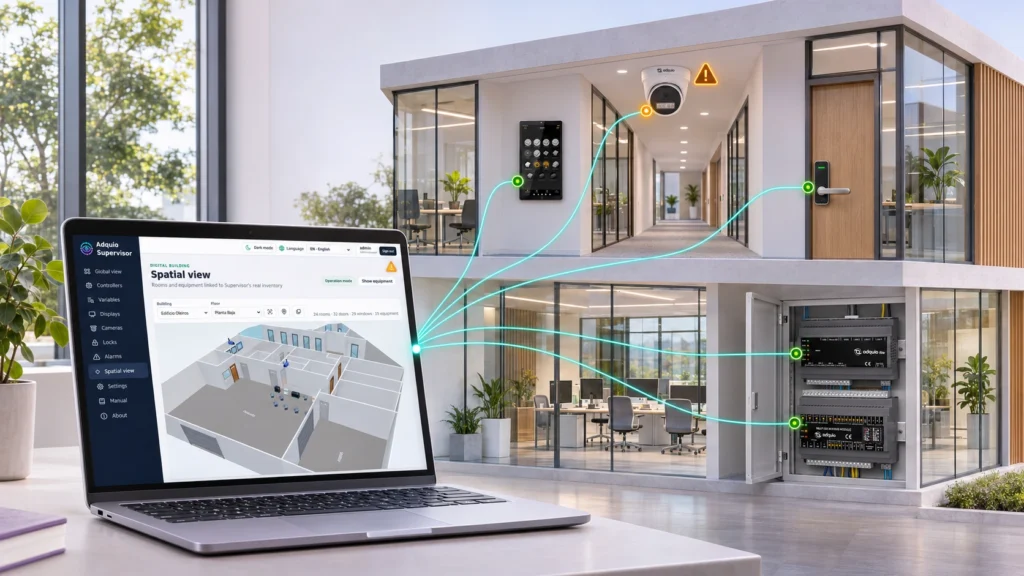
Illustrative view of technical supervision within the Adquio ecosystem.
The status of the whole infrastructure
Adquio Supervisor organises controllers, expansion modules, screens, cameras and locks. View statuses, alerts and locations; access available interfaces and exchange files with compatible screens.
Remote diagnosis and changes
Adquio Nexus connects a person to an authorised remote device, such as a controller or Adquio SCADA Server. Adquio Bridge connects devices on different networks when required by the project.
Access to the installation’s Casambi application
Adquio Full Remote Access for Casambi allows remote use of the Casambi app installed on the site’s device for supported local configuration and maintenance tasks.
08
Integrate the technologies already used in the centre
A shopping centre evolves through refurbishments and zone-by-zone changes. The architecture should make use of equipment that can communicate and add integrations as required.
Casambi, DALI and field signals
Connect Casambi networks through Lithernet. Integrate DALI with the appropriate gateway and use expansion modules for the required analogue or digital signals.
Bring measurements from compatible Adquio LoRa probes to the controller through Modbus RTU. See also the wired and wireless probes.
Protocols, APIs and existing BMS platforms
Exchange information using Modbus, BACnet, MQTT or compatible interfaces, with the appropriate components and functions. Define the data and commands required by each integration.
The same information can be used from a zone screen, an operational interface or a management application, with the appropriate permissions and functions.
Adquio VoiceLink for Alexa adds voice functions in compatible environments where included in the project.
Integration with your own software
Adquio.API provides authorised access to variables. For Casambi, consolidate the site’s networks under one API and one API key.
Virtual controller
Adquio Link can bring together data from network-accessible sources and multiple controllers for its logic and integration with management platforms.
Scenes and changing spaces
Adquio LiveScenes links movable wall positions with the Casambi scenes for the resulting spaces.
10
Central control, local operation or cloud services
The choice depends on how you want to operate the centre and which functions should remain on the local infrastructure. The tools complement one another.
Multisite management, data comparison and advanced formulas according to project objectives.
11
Real applications illustrating different parts of the solution
The following references document published projects. Their scope does not mean every centre needs the same combination of tools.
Image from the published case study. The following figures refer to the scope documented in that article.
Retail: connected stores across shopping centres
The published case study documents a network of stores managed with Adquio Cloud BMS, controllers Adquio Lite and a 17-inch screen for operation. The structure brings together franchises, shopping centres, cities and countries.
+100stores
5countries
28shopping centres
The project started with 12 stores and grew in stages. The reference covers electricity and HVAC control, schedules, alerts and energy information management.
Define the architecture and validate integrations in a pilot zone or installation before extending them across the site. Explore centralised management and strategies for energy efficiency.
1 · Inventory and control tree
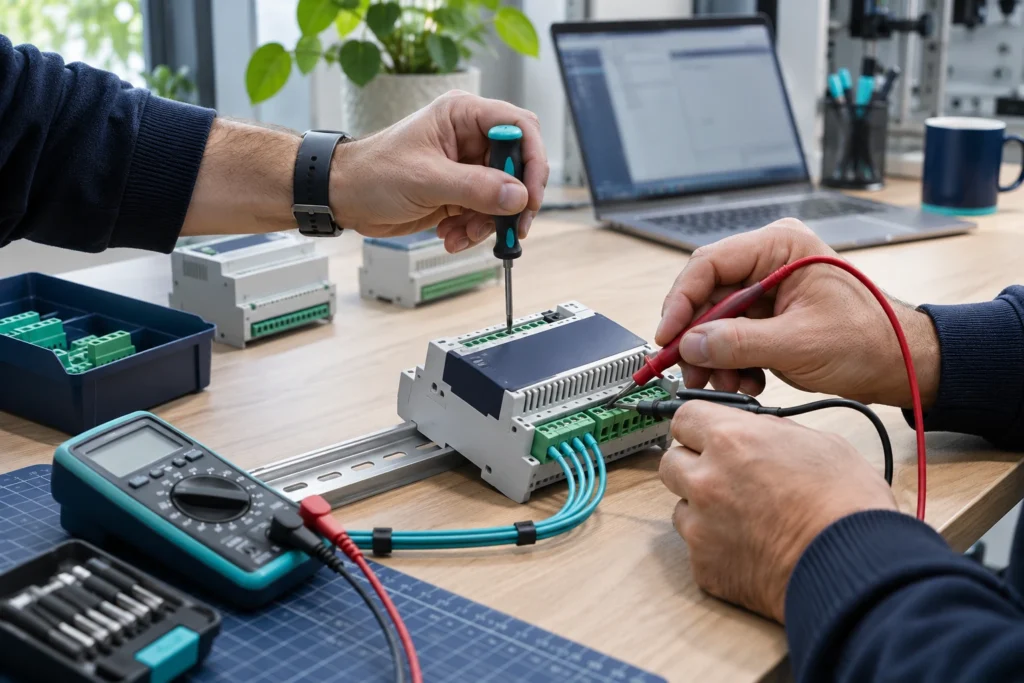
List the equipment, zones, networks, protocols and variables. Define which controllers synchronise with the central Adquio Server and which functions each device retains.
2 · Pilot and checks
Test thermal production, distribution, lighting, manual intervention and return to automatic mode. Validate communications, permissions, alerts, data and comparison criteria.
3 · Deployment and support
Extend the configuration, document the installation and train users. Review operation and indicators with the engineering team and project support.
Can an existing BMS be integrated?
Yes, where compatible interfaces and the required variables and functions are available. Define the exchange and priorities; BACnet Exporter can expose variables for reading by BACnet/IP systems.
Can each retail unit have its own scope?
Interfaces and platform access must be configured for authorised users. Define for each project what the centre, each operator and each maintenance manager can view or manage.
What happens if the Internet connection is lost?
Functions designed to run on local controllers, networks and servers can continue while their local dependencies remain operational. Cloud services and remote connections require connectivity.
Does everything need to be installed from the start?
You can start with one zone or function and expand later. Plan control capacity, synchronisation, networking and variable organisation to accommodate new systems.
13
Resources to prepare your project
Detailed documentation remains available on the product pages. Restricted courses and manuals retain their access conditions.
Tell us which equipment, zones and networks you have, how heating and cooling are produced and distributed, and who needs to operate the centre. We can help define the control tree and a phased deployment.